

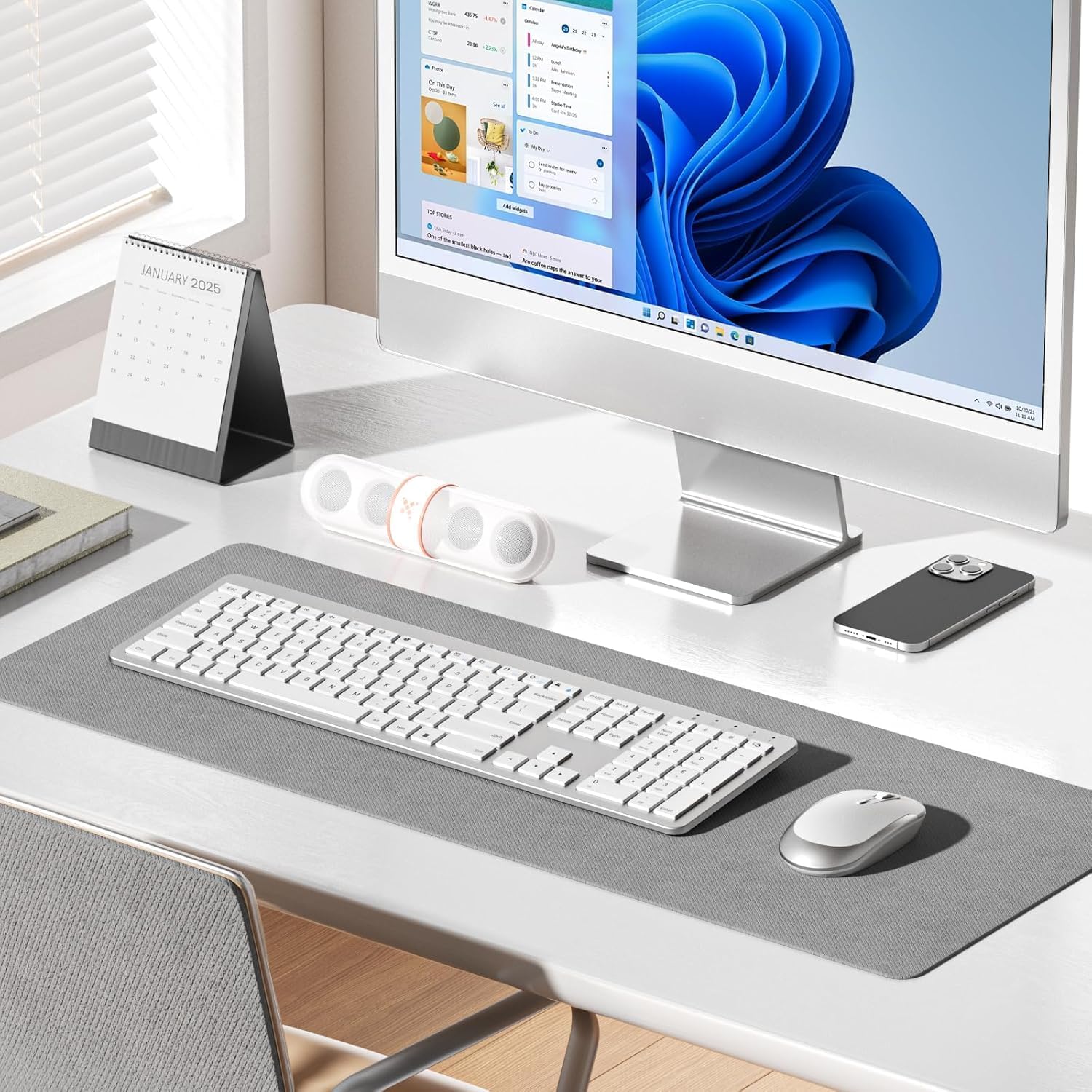
Seenda SK38-3 wireless keyboard set
Product description
A quiet, full-size wireless keyboard and mouse set can make everyday computing feel calmer and more comfortable. The seenda Wireless Keyboard and Mouse Rechargeable SK38-3 Ultra Slim Quiet USB keyboard and mouse is built for a straightforward desk setup, with a 2.4GHz connection and a practical charging workflow, so you can spend less time managing batteries and more time getting on with tasks. ✅
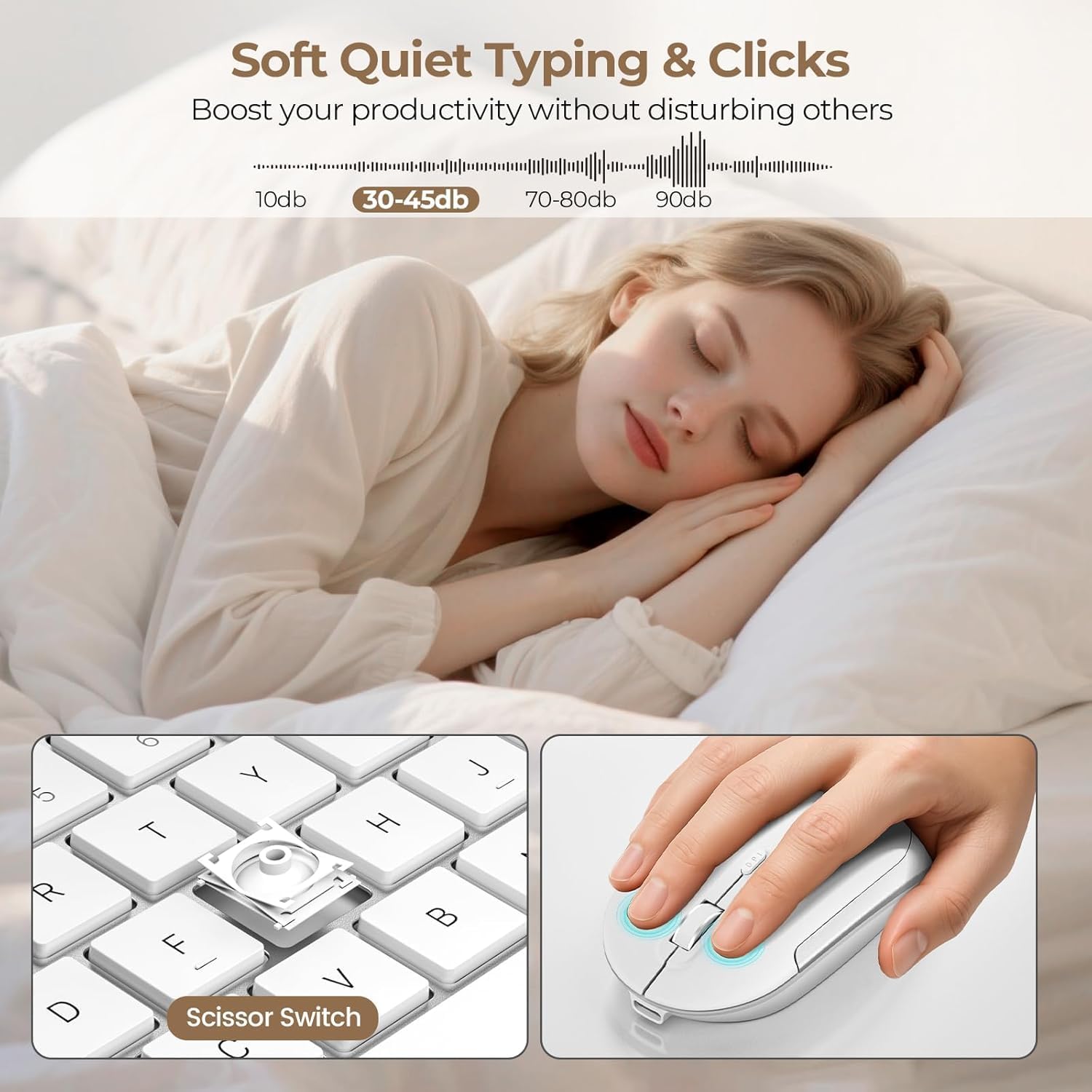
This set is useful if you want UK QWERTY layout, a number pad for day-to-day input, and a mouse with adjustable sensitivity. It also includes features aimed at reduced disturbance, including quiet key design and a silent mouse button, alongside an intelligent sleep mode that helps save power when you step away. 😊
Key points
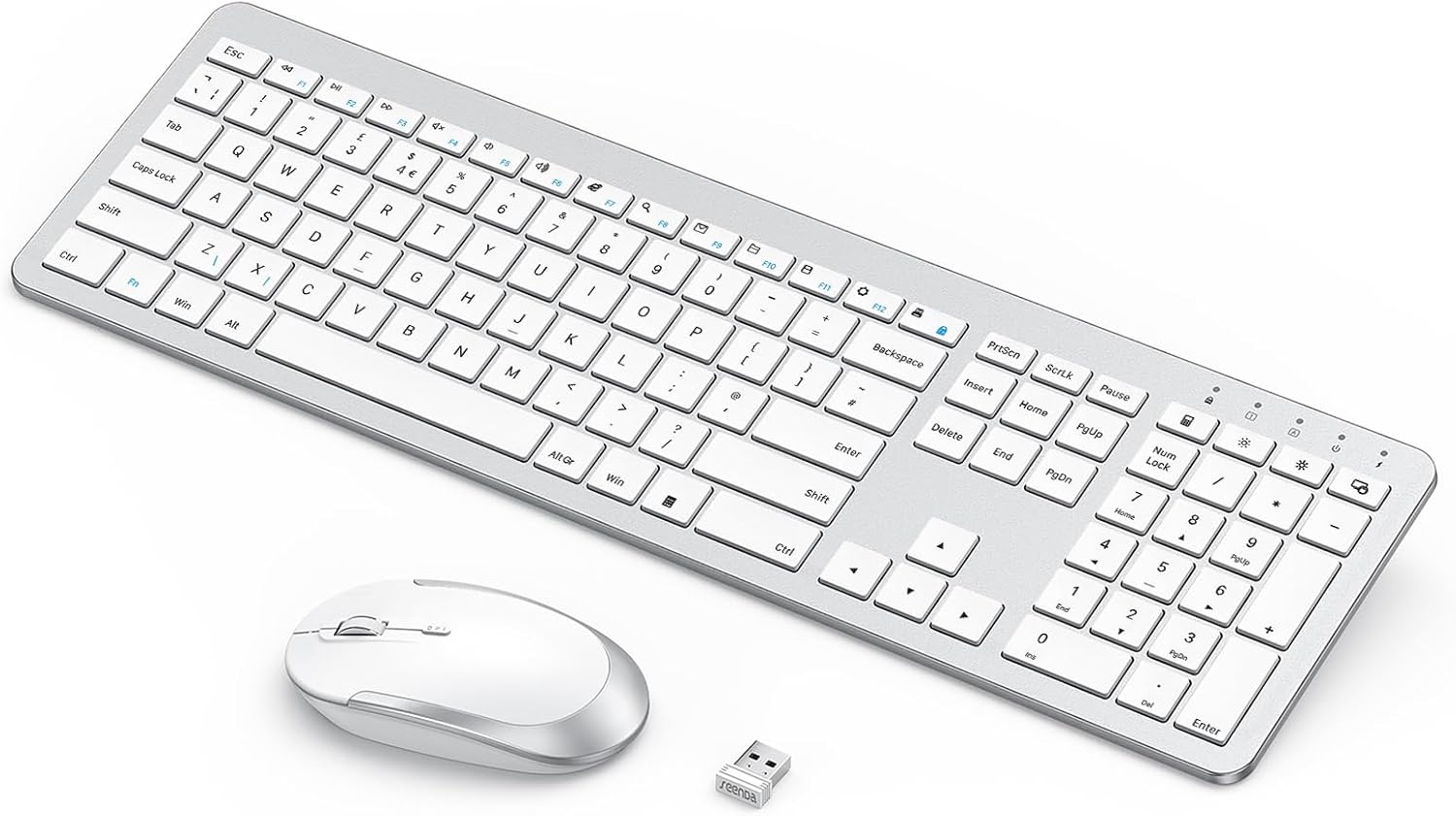
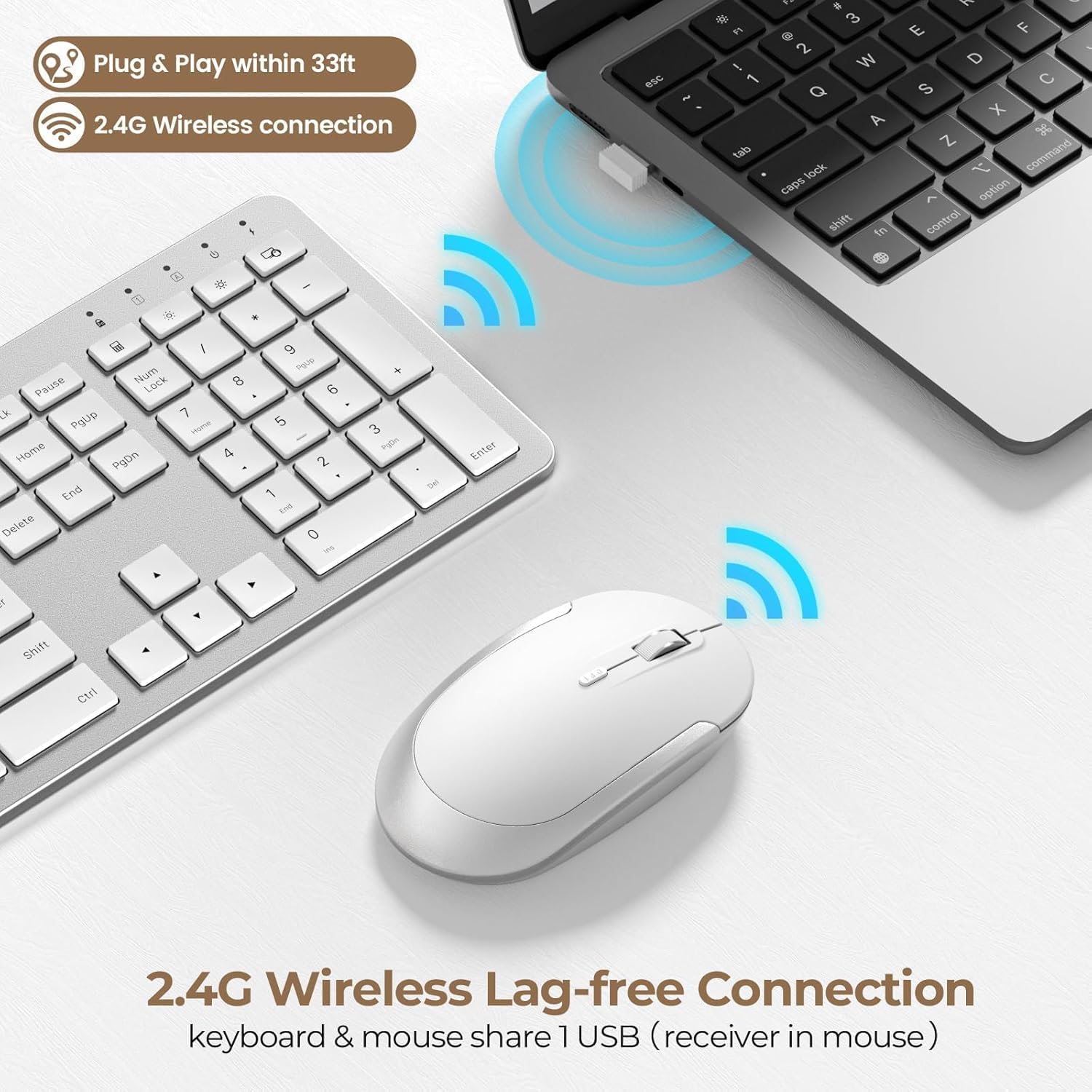
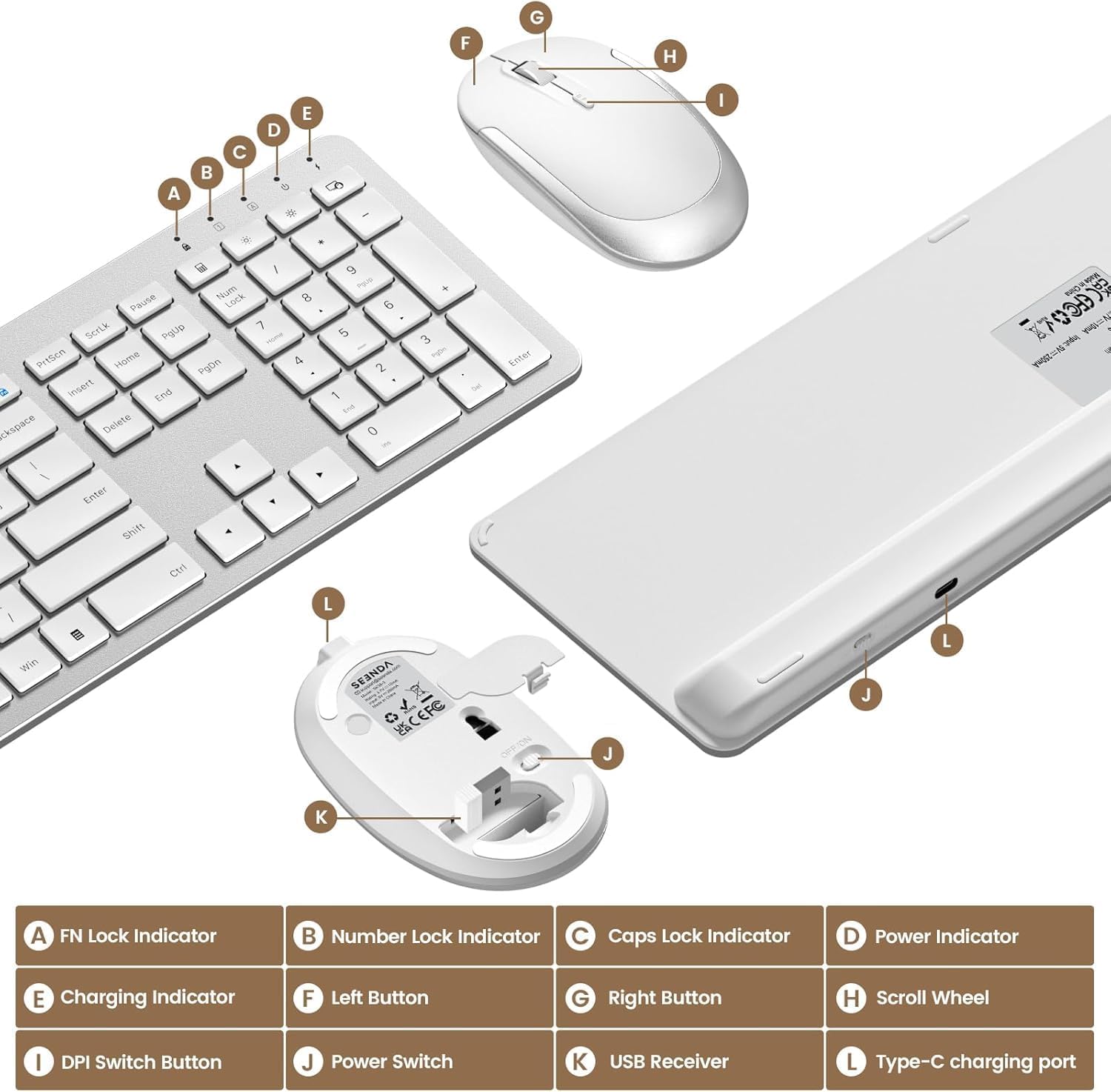
The SK38-3 set brings together a full-size keyboard with a number pad and a compact wireless mouse that includes three adjustable DPI levels. With the 2.4GHz wireless technology, you should be able to keep a reliable connection across a typical desk distance of up to 10 metres, without needing to constantly re-pair devices. The receiver is designed for plug and play use, and it is stored on the back of the mouse to keep things tidy when you travel or reorganise your workspace.
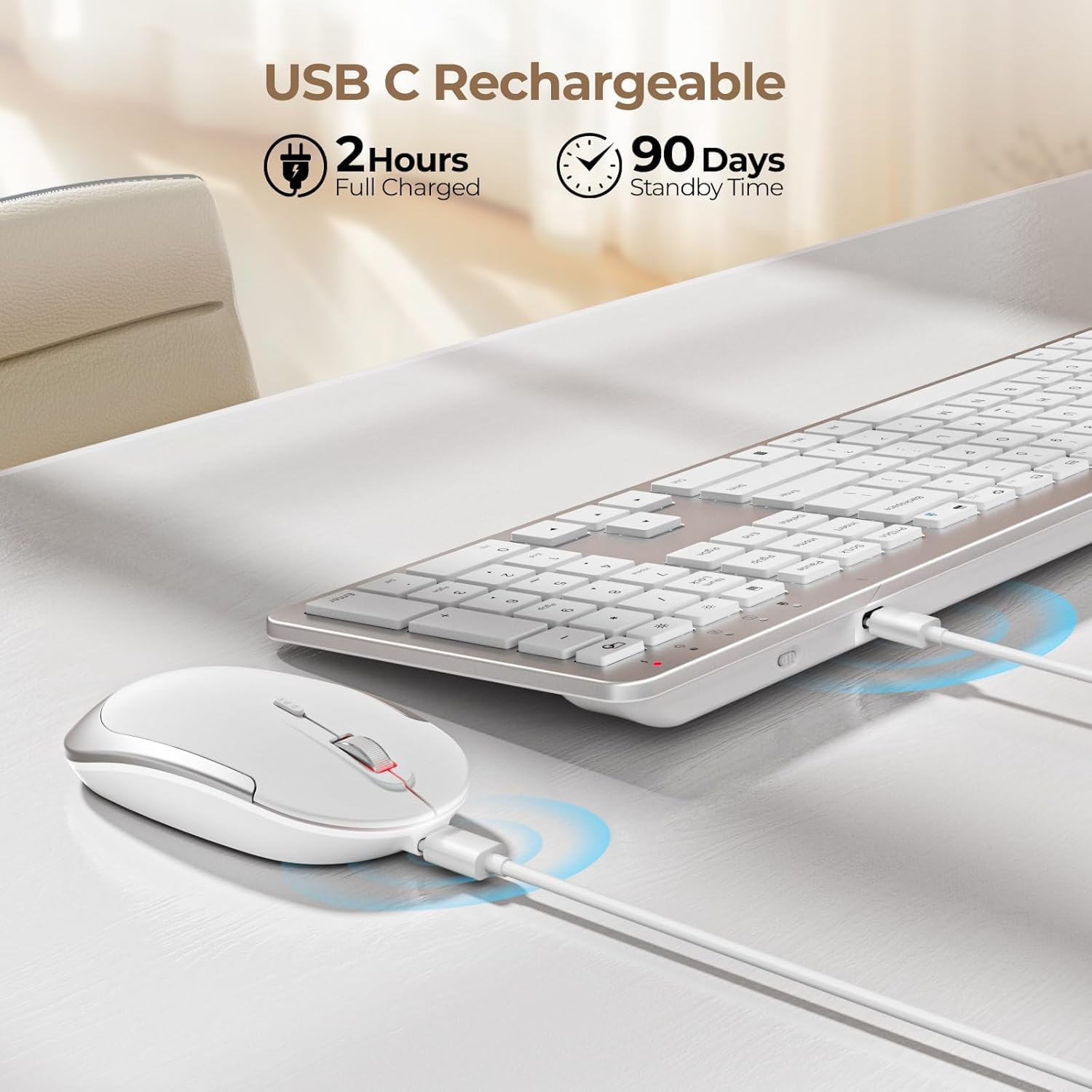
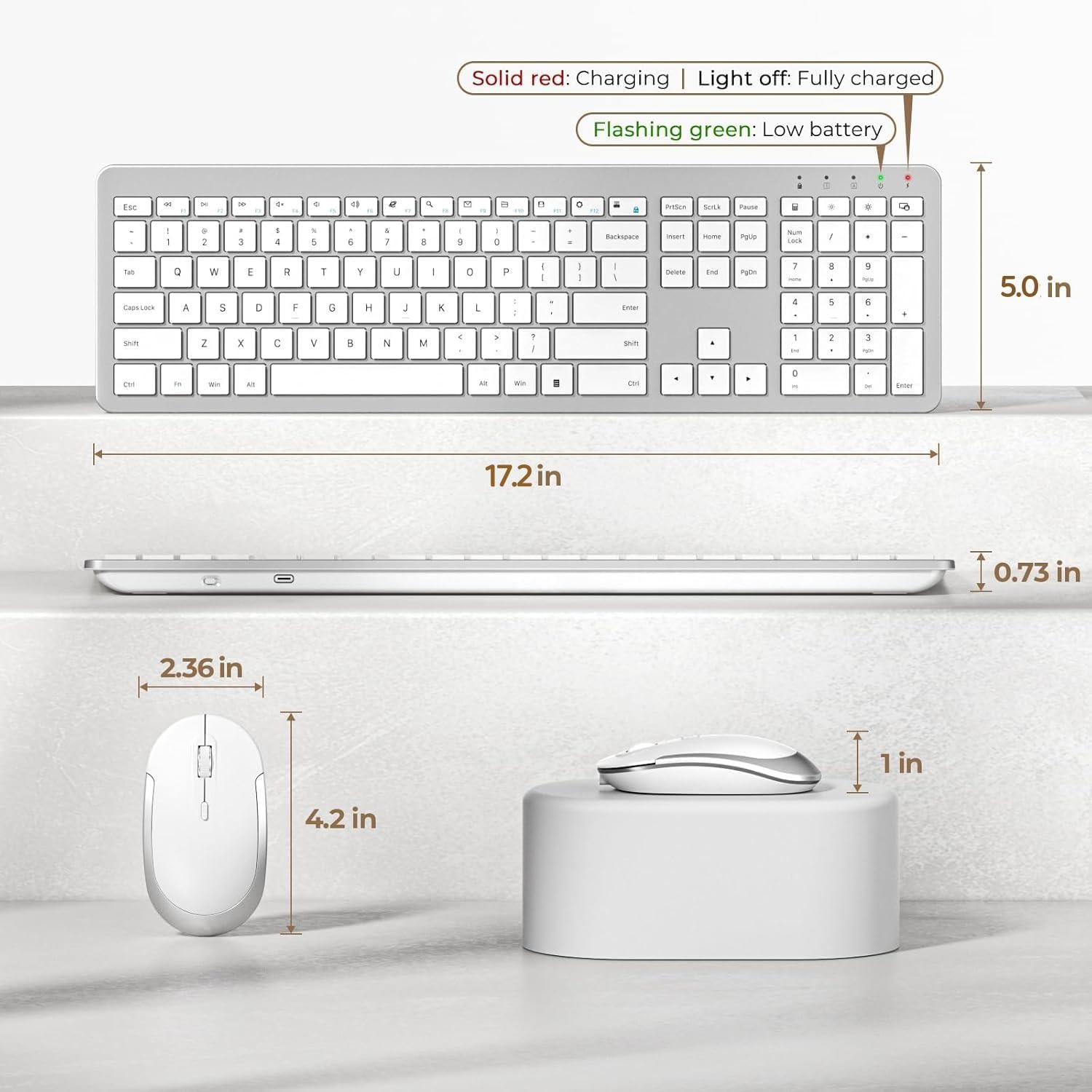
It also leans into rechargeable convenience. The keyboard and mouse set uses a built-in lithium-ion battery in the keyboard, which can be charged using the USB C charging cable supplied, rather than relying on disposable batteries. Charging takes about 2 hours, and the manufacturer states it lasts about 2 to 3 months, so it suits users who prefer a simple maintenance routine. 😌
For typing, the keyboard is described as ultra slim with low profile keys, and it uses a scissor switch construction to support quiet, soft typing. There is also an included silicone cover intended to help keep the keyboard clean and dust-free. If your day includes lots of spreadsheets, data entry, or general office work, having a number pad can be a genuine time saver and reduces the need to constantly switch input methods.
The mouse is designed to support everyday speed preferences. You get three DPI levels, 800, 1200, and 1600, which can help you move between precise cursor control and faster navigation depending on what you are doing. A silent button reduces noise by 98 percent, which can be helpful in shared spaces such as home offices, study rooms, or quiet work environments.
It’s also worth noting that compatibility is specified for Windows 2000, XP, Vista, Windows 7, Windows 8, Windows 10, and Windows 11, so the set is aligned with common Windows laptop and PC setups. If you run a different operating system, double check compatibility before buying.
Tech specs
Here are the technical details provided by the manufacturer for the seenda SK38-3 wireless keyboard and mouse set.
- Name: SK38-3 Ultra Slim Quiet USB Keyboard and Mouse Set
- Type: Wireless keyboard and mouse set
- Format: Full-size QWERTY UK layout with number pad
- Size: Ultra thin low profile keyboard design
- Display: Not specified
- Refresh rate: Not specified
-
Capacity: Built-in lithium-ion battery, charging via USB C cable
-
Technology: 2.4GHz wireless connection
- Range: Up to 10 metres
- Receiver: 1 USB receiver stored on the back of the mouse
- Charging time: About 2 hours
- Battery life: About 2 to 3 months
-
DPI levels: 800, 1200, 1600
-
Silent feature: Silent button reduces noise by 98 percent
- Typing feature: Scissor switch construction, low profile quiet keys
-
Power saving: ON and OFF switch, intelligent sleep mode
-
Compatibility: Windows 2000, XP, Vista, Windows 7, Windows 8, Windows 10, Windows 11
What’s included
The manufacturer states the set supports charging via a USB C charging cable supplied, and it is intended to be simple to set up using the single USB receiver. The receiver is stored on the back of the mouse, which can help prevent misplacing it when you pack the set away. There is also a silicone cover provided to help keep the keyboard cleaner and more protected against dust.
If you value a tidy desk setup, the included receiver storage and plug and play approach are practical details. Charging takes about 2 hours, and because the keyboard is rechargeable, you only need to keep the cable handy occasionally rather than buying replacement batteries over time. 😊
What matters most
It’s a good fit if you want a quiet, low profile full-size keyboard with a number pad, paired with a wireless mouse that offers adjustable DPI for day-to-day work. You’ll likely appreciate the rechargeable approach if you prefer a routine that involves charging instead of ongoing battery replacements. The 2.4GHz connection and up to 10 metres range can suit typical home office layouts where you are working at a desk and want stable wireless control.
It may not be a great match if you require a different keyboard layout than UK QWERTY, or if you use an operating system outside the specified Windows versions. You may also want to skip it if you specifically need features that are not mentioned, such as specific display specs or alternative connectivity methods. Worth considering if your priority is a straightforward wireless set with quiet typing, a silent mouse button, and rechargeable convenience for regular computing tasks.