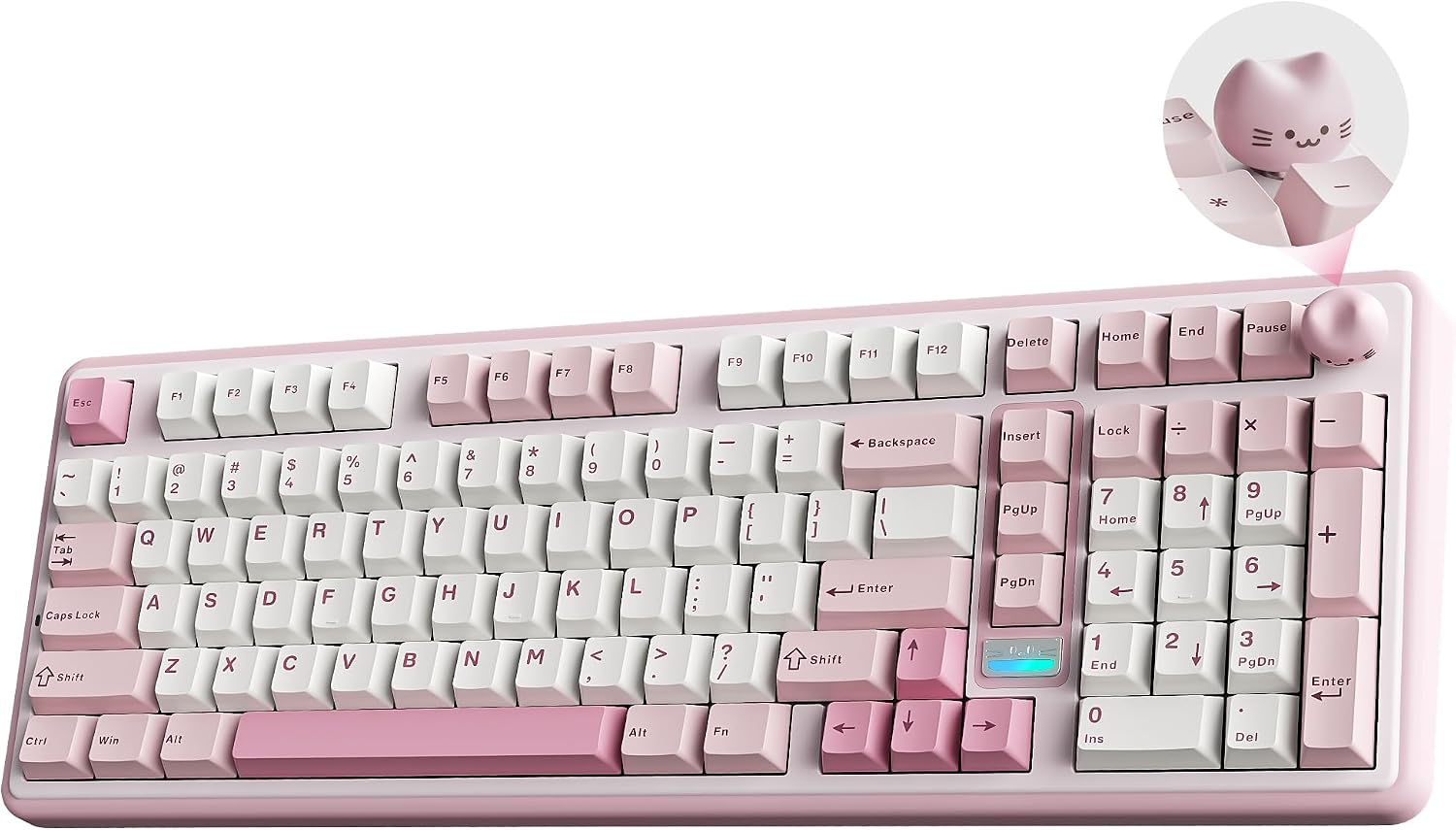
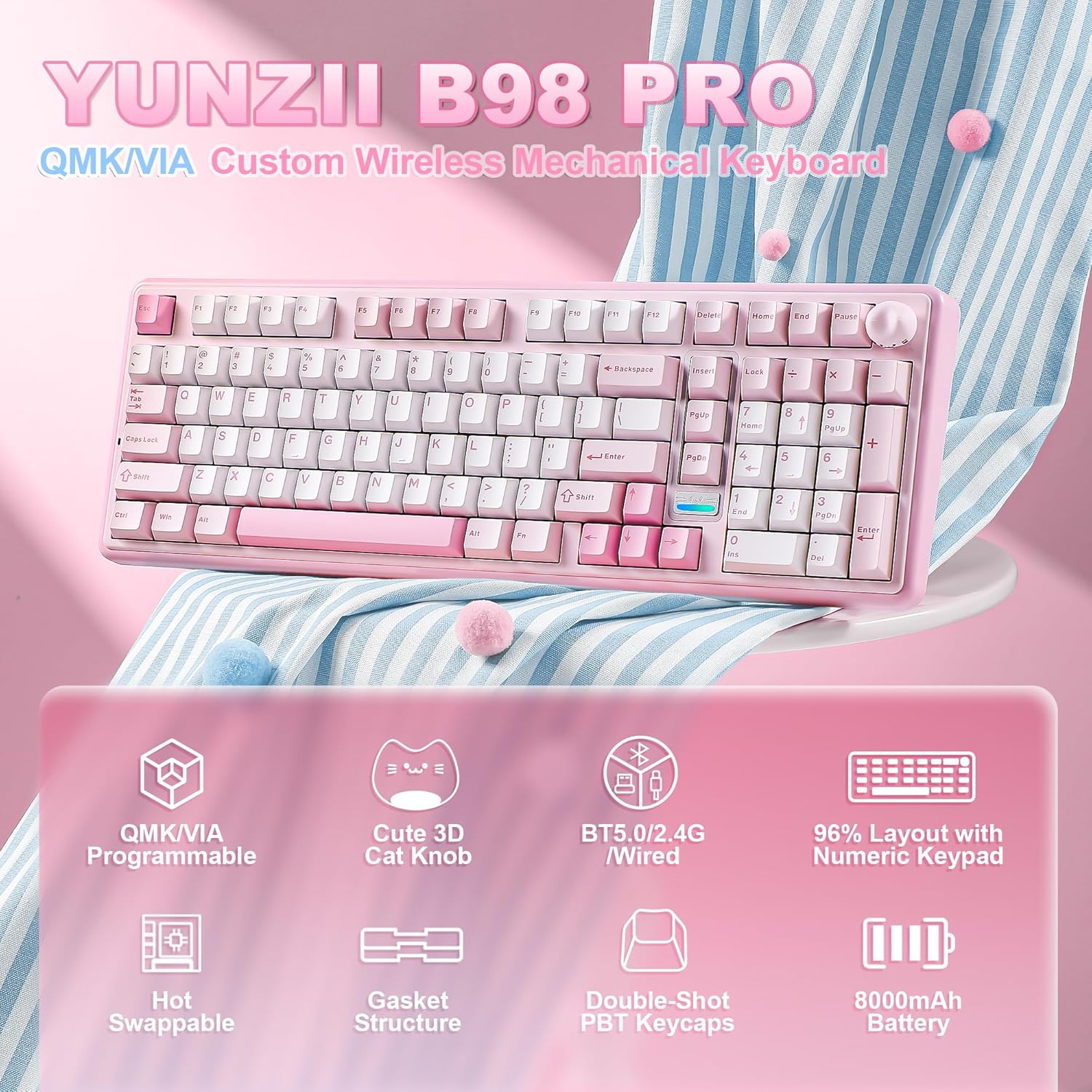
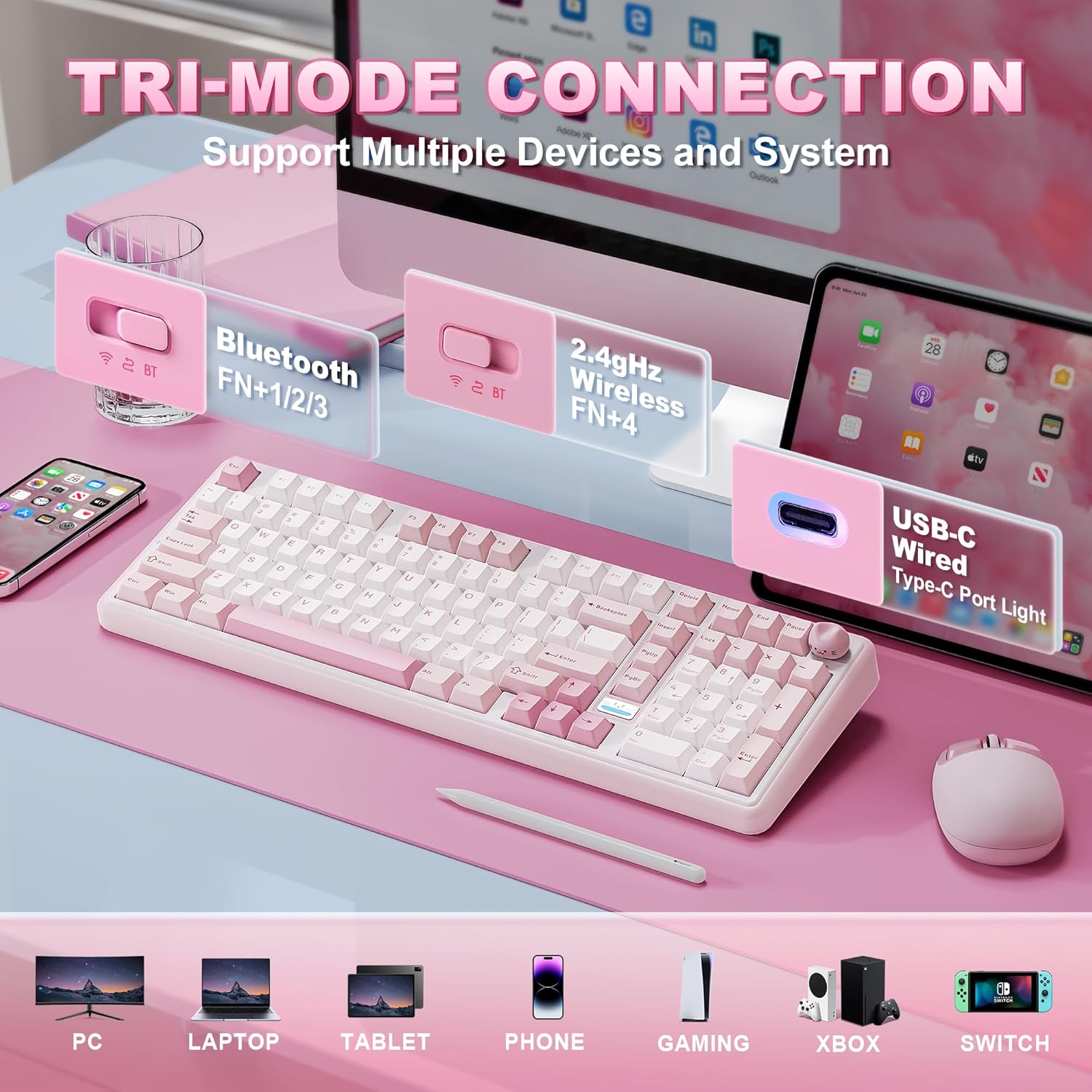
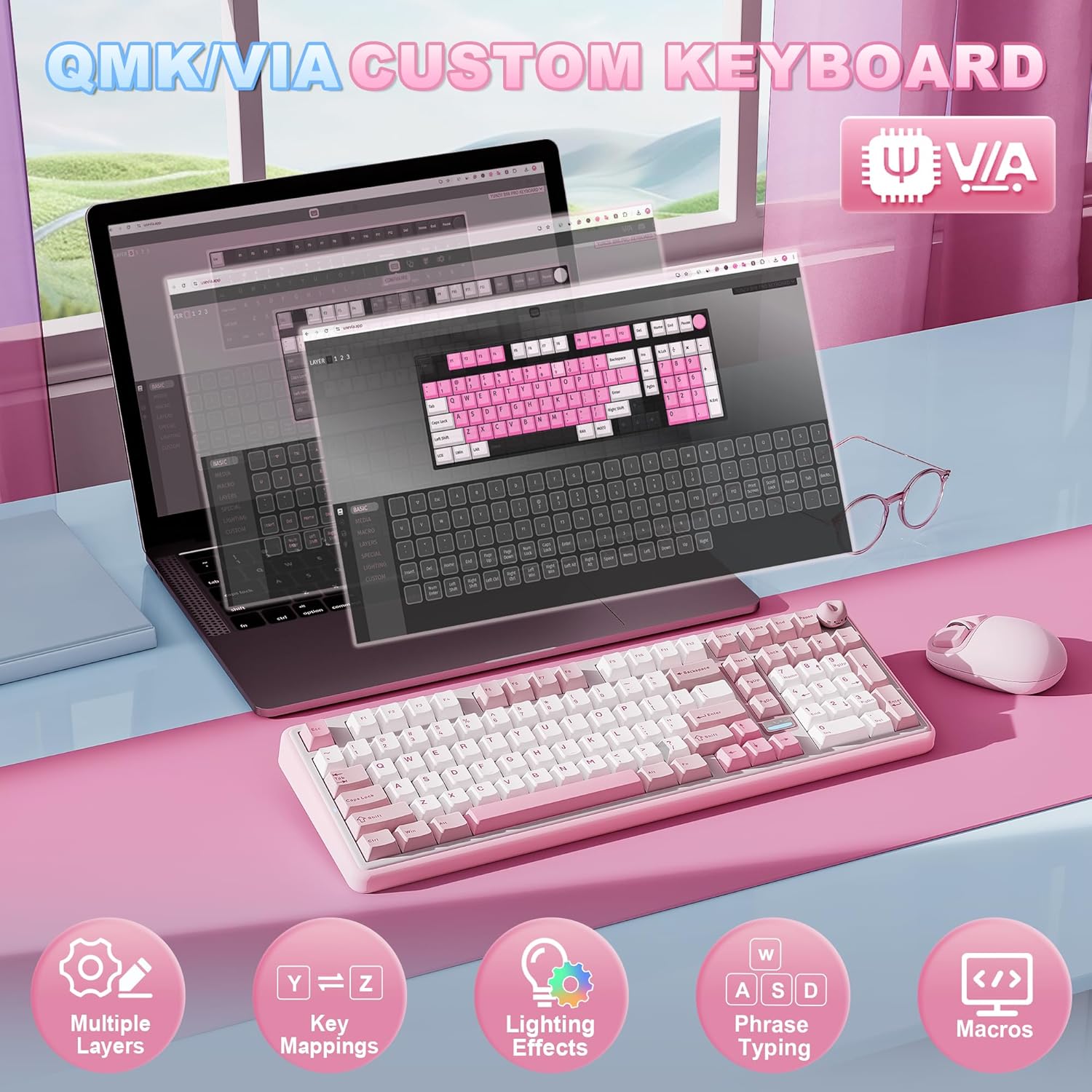
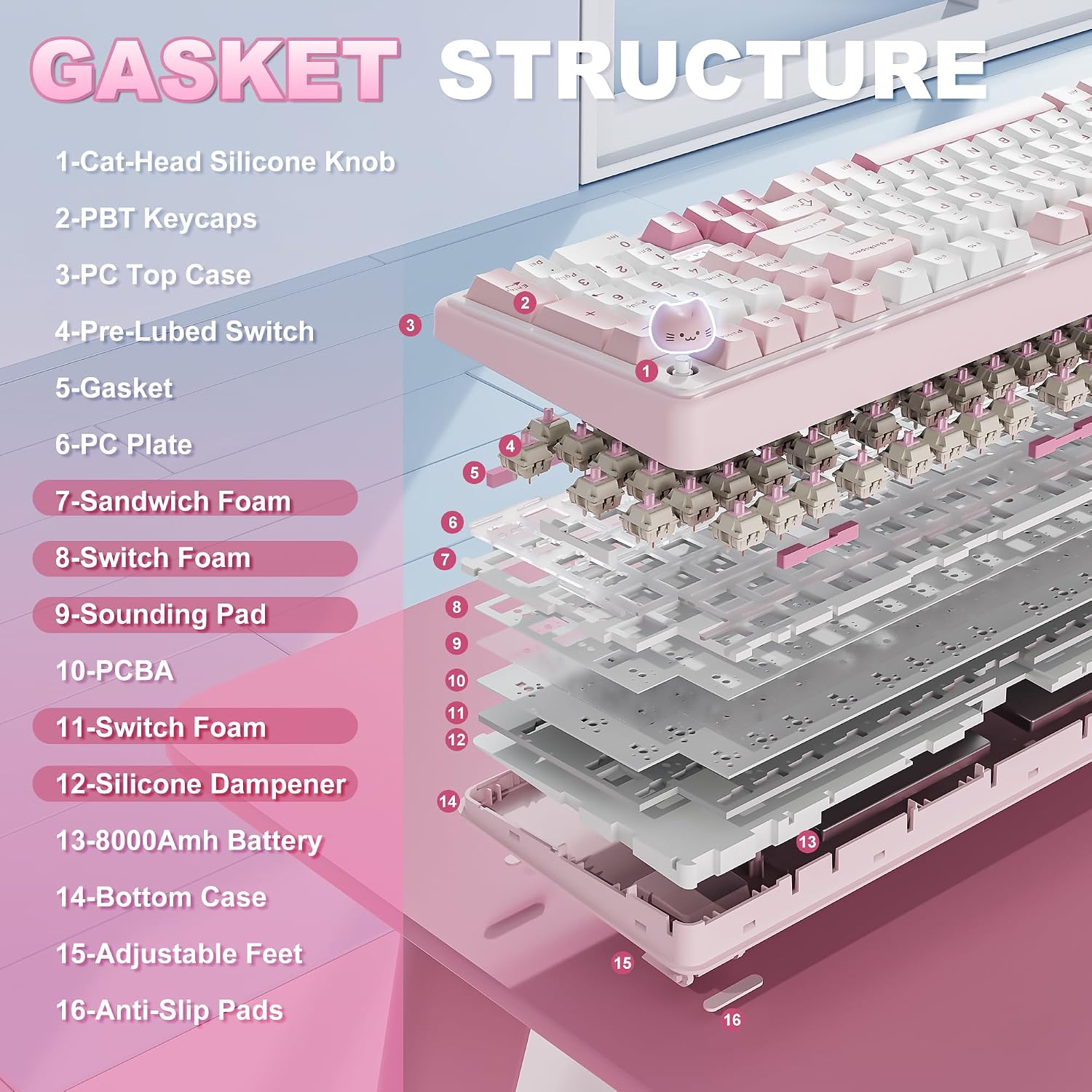
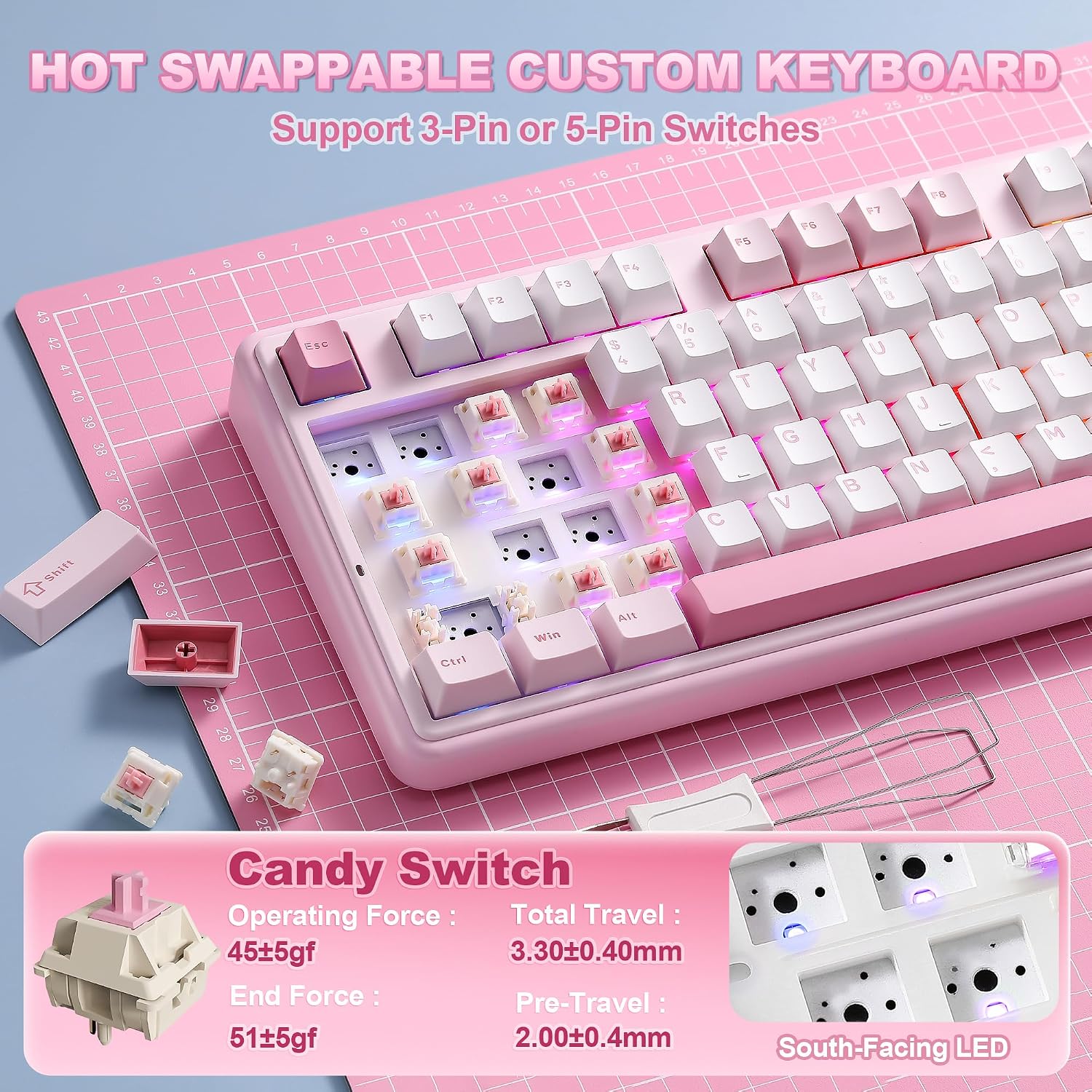
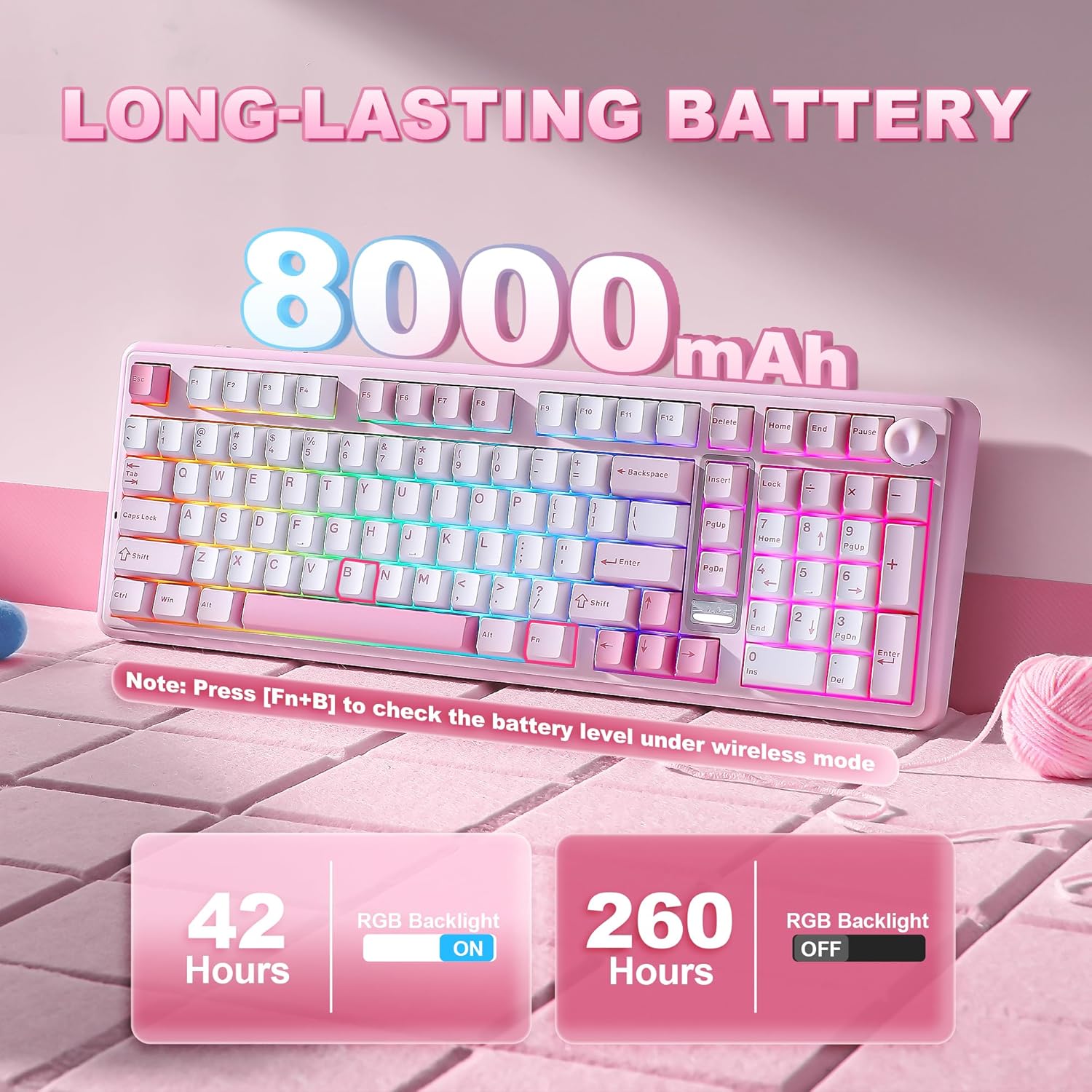
What it is and what it tries to solve\nThe YUNZII B98 PRO is a compact 96% layout wireless mechanical keyboard that adds a dedicated numeric keypad to a space-saving form. The standout feature is the two interchangeable knobs—a playful 3D cat knob or a round metal knob—that by default offer quick multimedia control and can be remapped through QMK/VIA for personalised shortcuts. If you value a keyboard that can function well for both work tasks and gaming, this model aims to bridge the two without sacrificing desk real estate.\n\n## How it feels and sounds\nThe keyboard uses a gasket mounting system with a five-layer filling structure, designed to dampen vibration and deliver a smoother, more premium typing experience. Pre-lubed switches and tuned stabilisers aim to reduce scratchiness and rattle, while the double-shot PBT keycaps should resist shine with regular use. Practically, you’ll notice a creamy, cushioned keystroke that’s less hollow than typical rigid builds. The typing sound is not silent, but it’s tempered by the multi-layer cushioning and the overall construction.\n\n## Connectivity and power life\nTri-mode connectivity (Bluetooth 5.0, 2.4GHz, USB-C) means you can pair with up to five devices across Windows, macOS, Android, and more. A sizeable 8000mAh internal battery supports long sessions away from a charger, which is helpful for long gaming marathons or extended workdays. If you rely on quick swaps between devices, the ability to switch profiles on the fly can reduce friction. Do note that actual battery life depends on usage patterns, keyboard backlight, and connection mode.\n\n## Customisation and firmware\nPowered by open-source QMK/VIA firmware, the B98 PRO supports key remaps, macros, and multi-layer layouts. You can create sophisticated shortcuts, save multiple profiles, and switch between them as needed. Practically, this makes it feasible to tailor the keyboard to different tasks or games—from rapid macro sequences for work tasks to loadouts for gaming—a real plus if you value flexibility.\n\n## Design and build quality\nThe keyboard’s aesthetic leans playful yet premium: pink candy-colourled exterior with the option of a cute cat knob or the understated metal knob. Ergonomics note: a dual-stage stand and Cherry-profile keycaps help maintain a comfortable angle for longer sessions. The unique knob mechanism is a practical feature for quick volume changes or personalised actions, but it may take a short acclimatisation period if you’re used to a standard layout.\n\n## Who it’s for\n- Gamers who want a compact keyboard without losing the numeric keypad for data entry or shortcuts.\n- Professionals seeking a versatile board that can switch between work and play with custom profiles.\n- Creators who benefit from programmable macros and RGB lighting to support visual cues and workflows.\nYou might find it less ideal if you prioritise a fully first-party hotkey row or if you want a purely plug-and-play experience with minimal setup.\n\n## What to check before buying\n- Ensure your preferred operating system supports VIA/QMK customisation in practice, and be prepared to invest a little time in set-up to unlock the full potential.\n- Consider how much you value the additional keycaps and whether you’ll actually use the numeric keypad in daily tasks.\n- If you travel or work on the move, verify how the tri-mode connectivity performs with your devices and the stability of the Bluetooth connection.\n\n## Practical use case example\nImagine coding during the day: you’ve got macros bound to common actions on one layer. At game night, you switch to a gaming profile with different key-mapping and a bold RGB show. The cat knob stays within reach for quick volume control without breaking typing flow.\n\n## A realistic comparison in practice\nFor a user weighing up space-saving layouts against full-size functionality, this board sits between a compact 75% and a traditional full-size with a numeric keypad. If you regularly rely on a numeric pad, the 96% layout is a sensible compromise, if you don’t, a shorter layout might save more desk space.\n\n## Should you buy it? (Purchase decision)\n- When it makes sense: you want a versatile wireless keyboard with a dedicated numeric pad, customisable macro capability, and a premium typing feel, especially if you appreciate tactile, “creamy” keystrokes and a playful aesthetic.\n- When you should reconsider: if you need plug-and-play simplicity with zero setup, or if battery life and key feel are less critical than raw portability.\n- Who benefits most: gamers and content creators who value multi-device use, customisable shortcuts, and a distinct look with a non-standard knob control.\n- Who might avoid it: users seeking a compact, purely lightweight travel keyboard or those who prioritise a monotone, understated design.\n\n## FAQ\n- Is the keyboard compatible across multiple systems? Yes, it supports Windows, Mac, and Android via tri-mode connectivity.\n- Can you swap switches easily? Yes, it’s hot-swappable with a base compatible with 3-pin and 5-pin switches.\n- Do you need to use VIA/QMK to use features? Customisation is available through VIA/QMK, but basic use does not require set-up beyond connecting the device.\n