

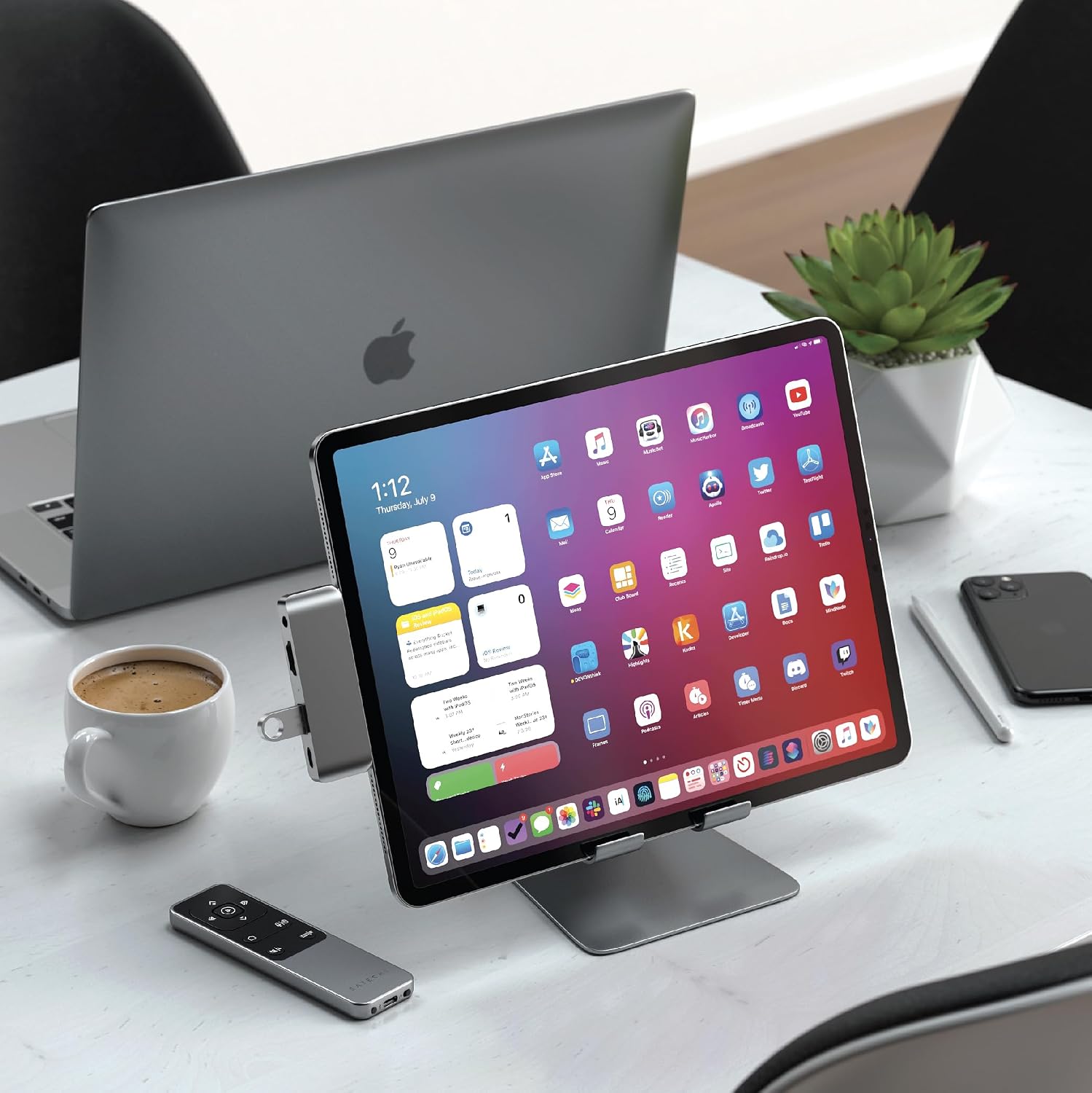
SATECHI R2 Bluetooth Multimedia Remote – Presentation & Multimedia Control for Mac and iPad
Product description
What it is and why it matters
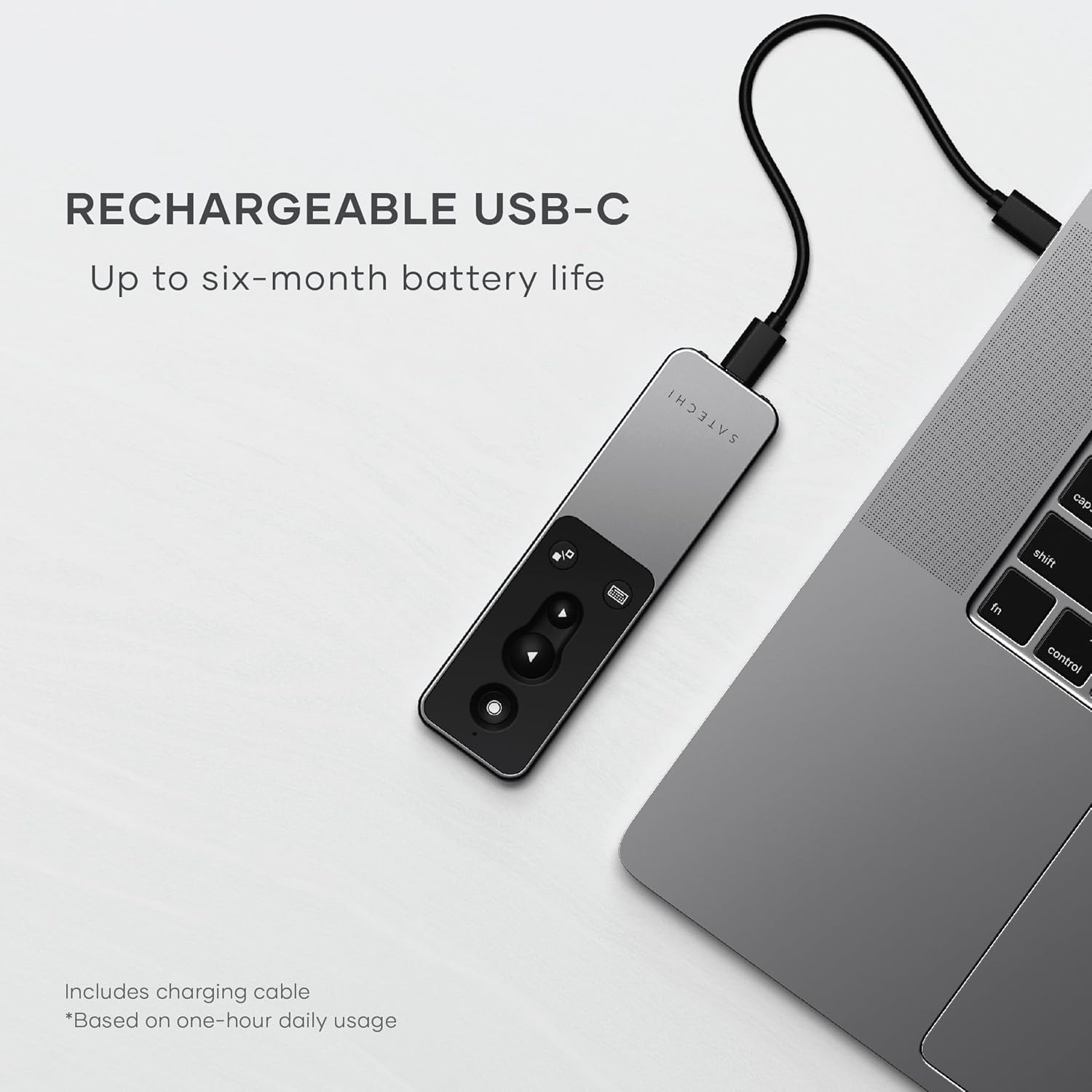
The SATECHI R2 is a rechargeable Bluetooth remote designed to simplify both multimedia control and presentations. It targets users who want a single, wireless device to manage playback, volume, Siri activation, and basic mouse functions from up to 10 metres away. On paper, its USB-C rechargeable design eliminates disposable batteries, which can be a practical touch for steady, long-term use with Apple devices.
How it works and what it does
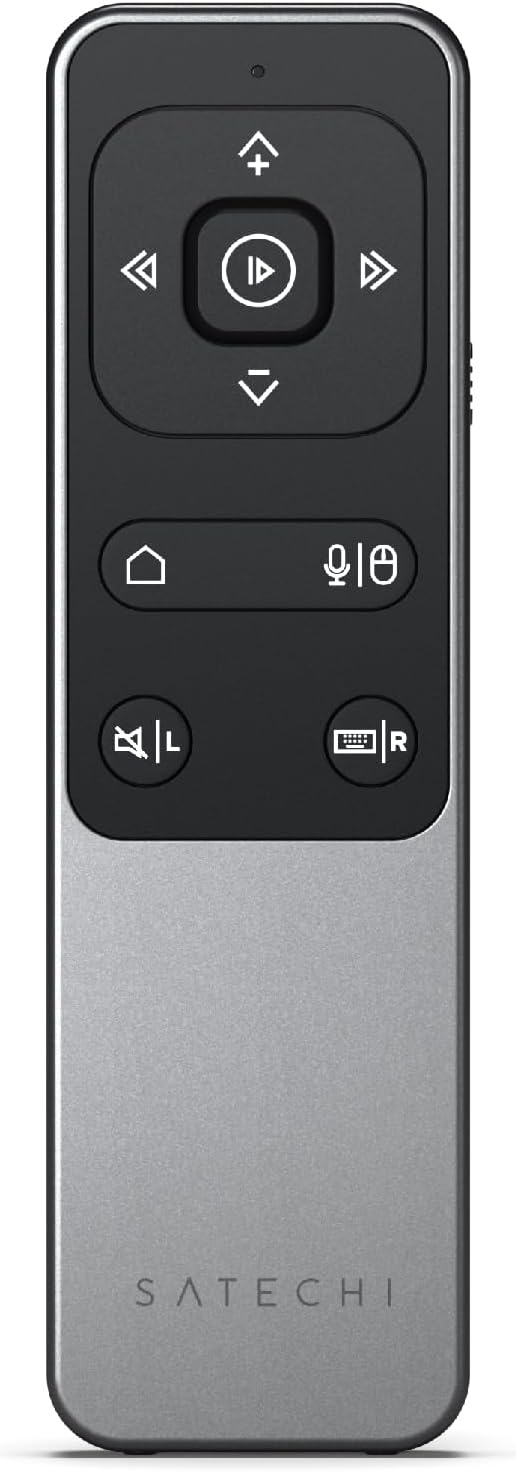
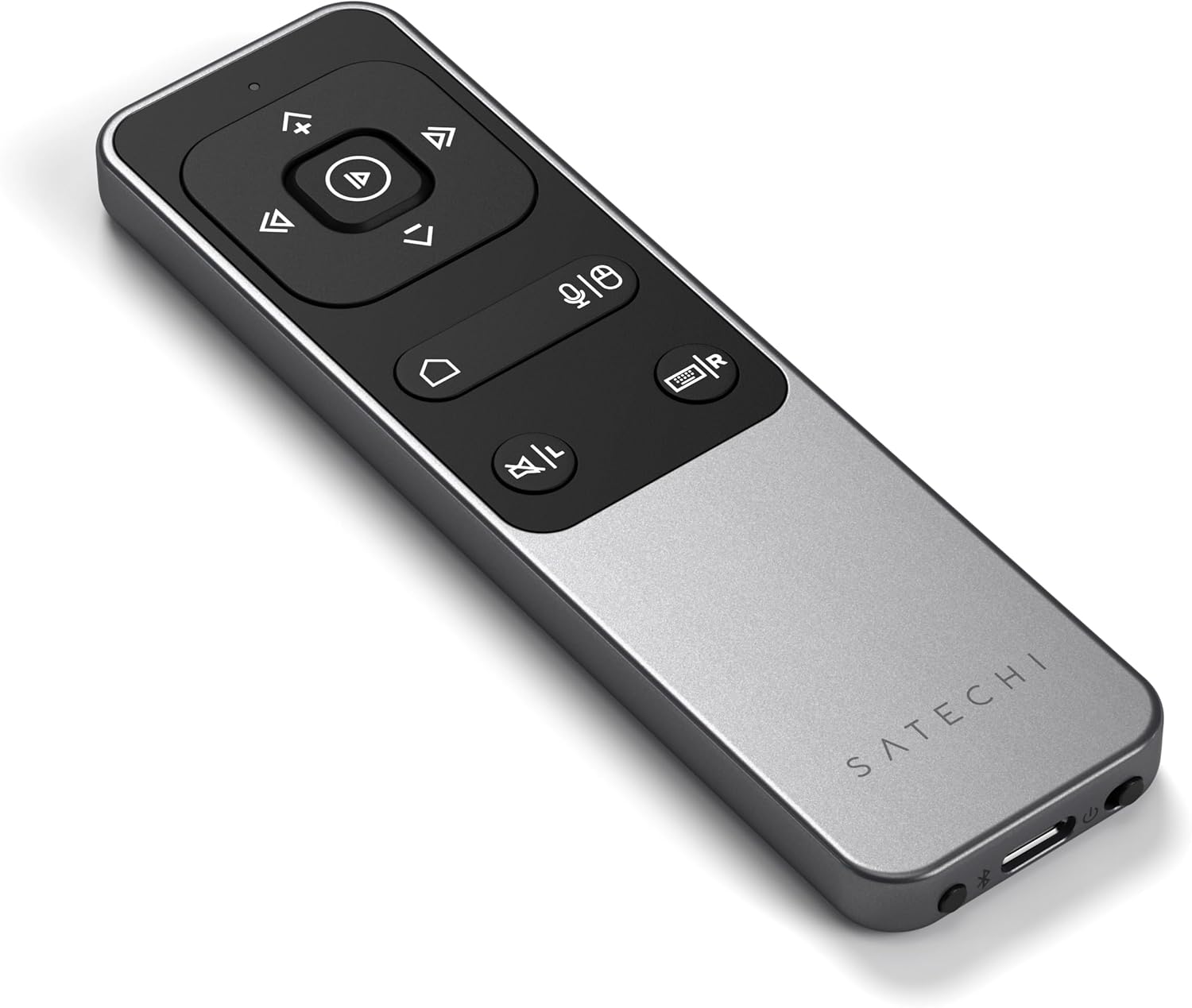
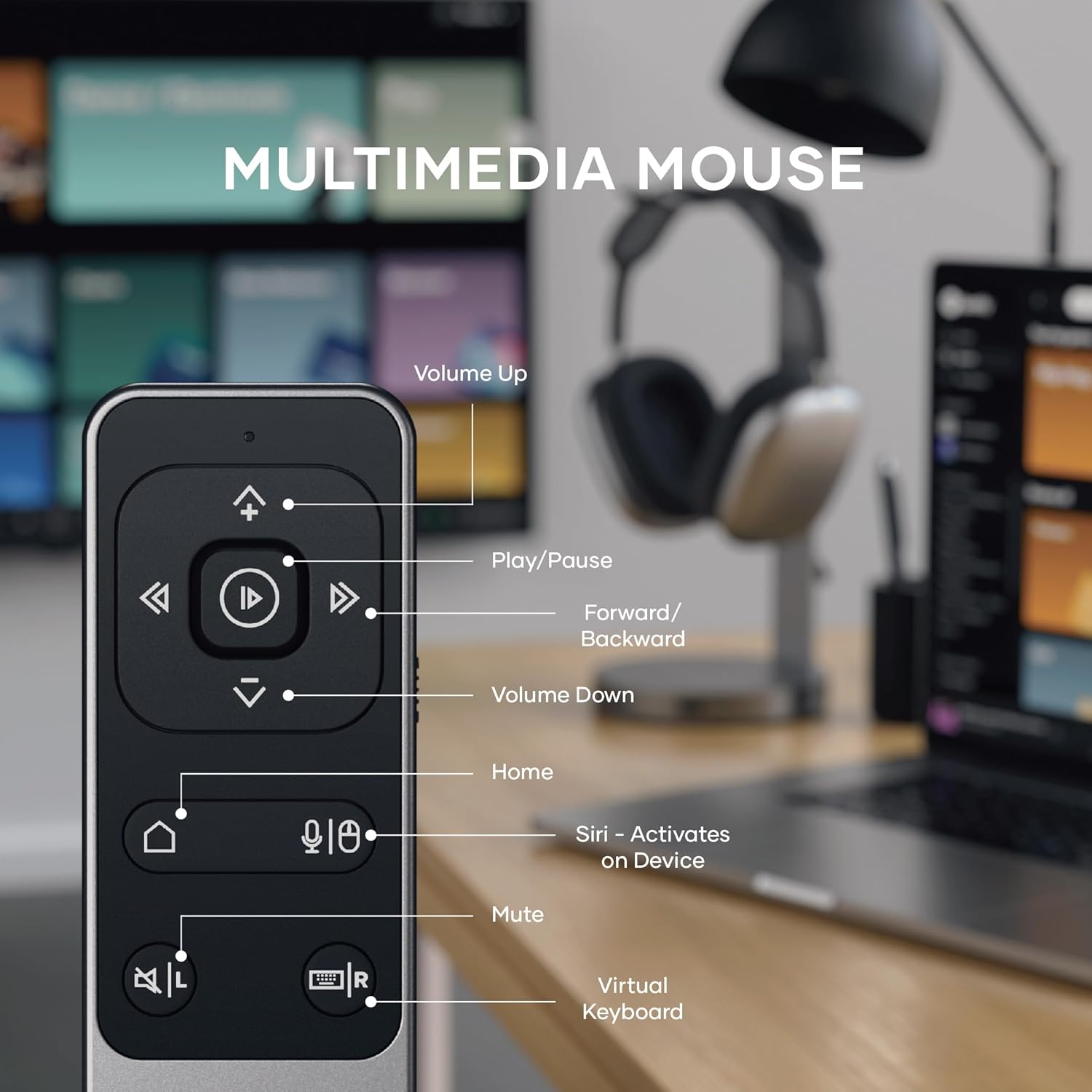
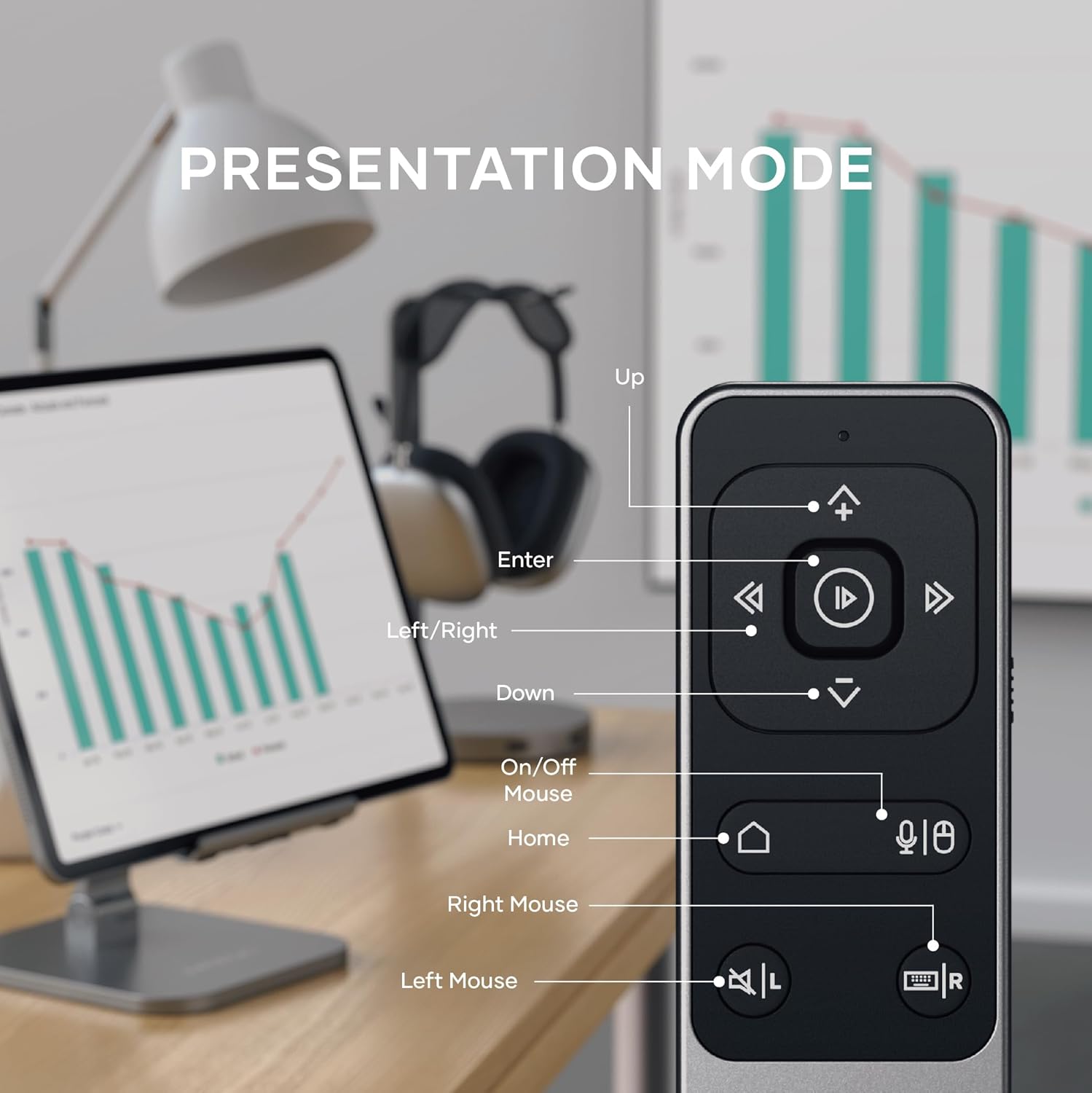
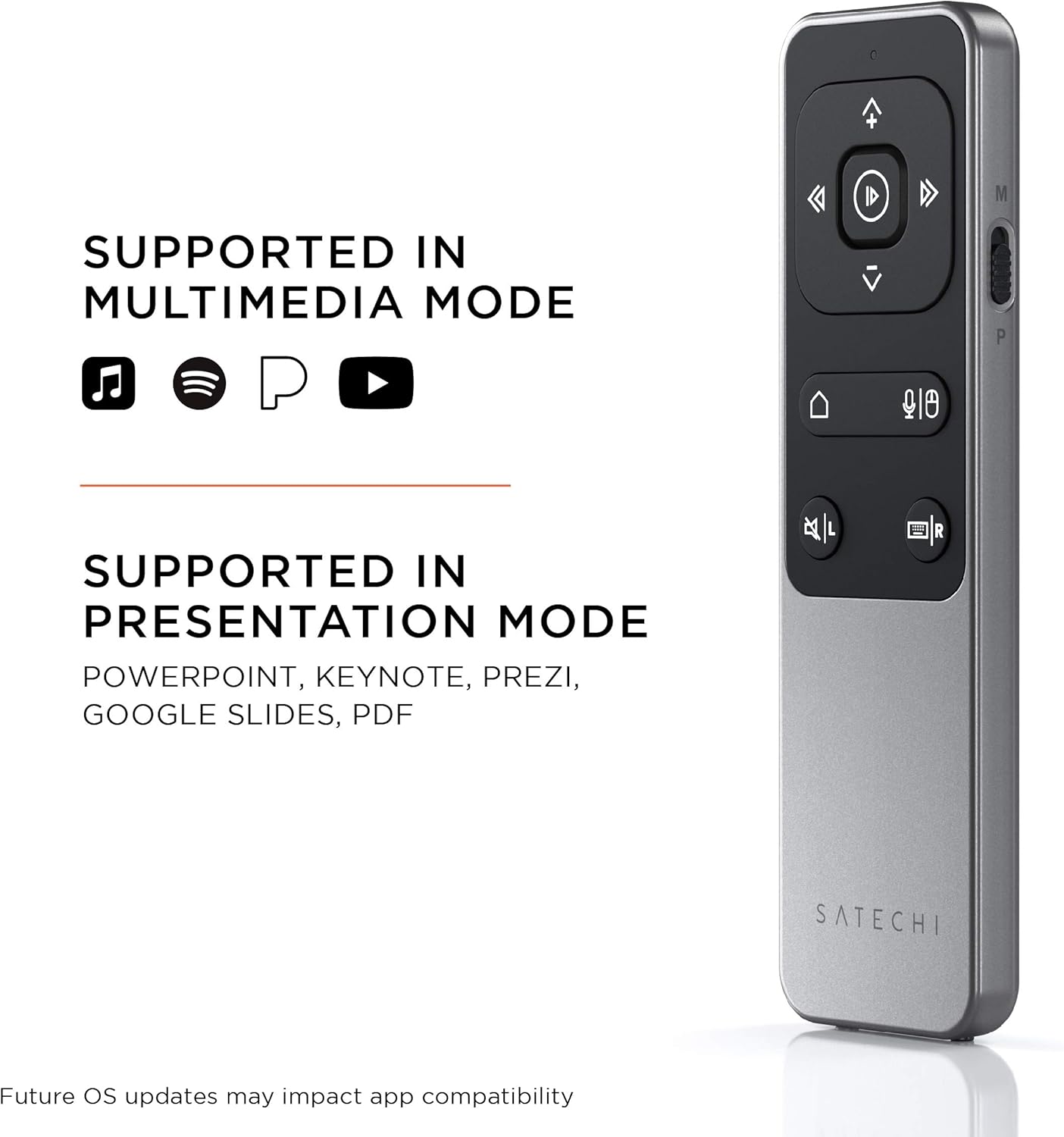
With dedicated Multimedia (M) mode, you can adjust volume, pause, play, or skip through content without touching your computer. In Presentation (P) mode, four‑way arrows and mouse functions help you navigate slides and engage your audience more confidently. The Bluetooth 5.0 connection promises a wireless experience across compatible devices, including MacBooks, iPads, and other Bluetooth-enabled gear from 2012 onward. Note the limitation: it’s not compatible with Windows 10/11 or Apple TV, and some apps (like YouTube) may not support certain controls.
Who it’s for
If you frequently switch between watching media and giving on‑screen presentations, and you want a compact, rechargeable remote, the R2 targets you. It can suit students, educators, freelancers, and professionals who work within a largely Apple ecosystem and value cable-free convenience. The reliance on Bluetooth means you’ll want to keep the paired device within range to avoid interruptions.
What stands out and what could be better
On the plus side, the absence of disposable batteries and the dual-mode design are practical for daily use. The inclusion of a charging cable and a basic user manual adds to its value. However, the model’s compatibility caveats are worth noting: Windows 10/11 and Apple TV aren’t supported, and some streaming apps may limit certain controls. If you rely heavily on Windows or Apple TV environments, this may feel restrictive. In practice, it’s a good fit for a primarily Apple workspace that values seamless wireless control.
Practical use cases
A common scenario: you’re giving a presentation and want to advance slides while also controlling a video on the side. The P mode’s directional inputs plus mouse functions can reduce timer stress and keep you focused on your talk. For casual media use, the M mode lets you adjust volume and playback without reaching for your keyboard or trackpad. It helps to know the distance cap (up to 10 metres) and to manage expectations in larger rooms where Bluetooth range can vary.
What to check before buying
- Confirm your devices are compatible (MacBook, iPad, iMac, etc. from 2012 onward) and that you won’t need Windows or Apple TV support.
- Consider whether the app ecosystem you use supports the remote’s multimedia and presentation controls, especially for streaming apps.
- Think about your typical meeting room or desk space, a 10 m range is great for many setups but can be insufficient in large conference halls.
- Verify you’re comfortable with USB‑C charging rather than disposable batteries, and that you’re prepared to use the included charging cable.
Technical overview
Tech specs
- Name: SATECHI R2 Bluetooth Multimedia Remote
- Type: Remote control
- Connectivity: Bluetooth 5.0
- Range: up to 32ft (10m)
- Power: USB-C rechargeable
- Compatibility: MacBook Air/Pro/Neo, Mini, iPad, iMac and more, Not compatible with Windows 10/11 or Apple TV
- In the box: USB-C charging cable and user manual
- Warranty: 2-year limited warranty against defects in materials and workmanship
Final verdict
Is it worth it? Worth considering if your workflow hinges on smooth wireless control within an Apple-centric setup and you value USB-C rechargeability over disposable batteries. It may not be the best option if you require Windows compatibility or Apple TV support, or if you need full app-wide control across all streaming services. For many Mac and iPad users, the R2 offers a neat, pragmatic balance of convenience and function for everyday use.
FAQ
- Will it work with my Windows PC? Not compatible with Windows 10/11.
- Can I use it with Apple TV? No, not compatible.
- How practical is it for presentations? The P mode adds directional and mouse functions to help navigate slides more confidently.