

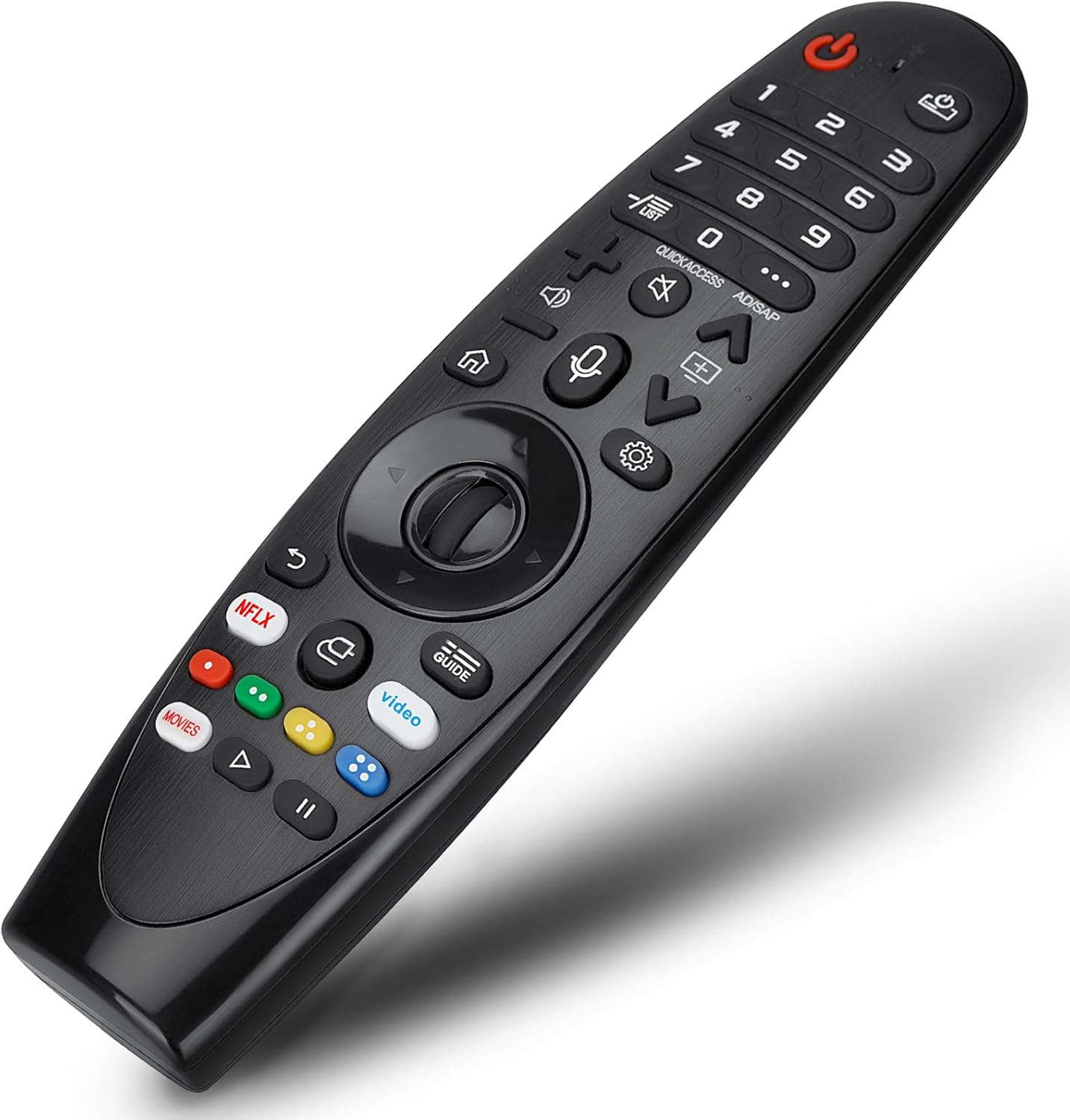
LG Voice Magic Remote AKB75855501 for 4K TVs
Product description
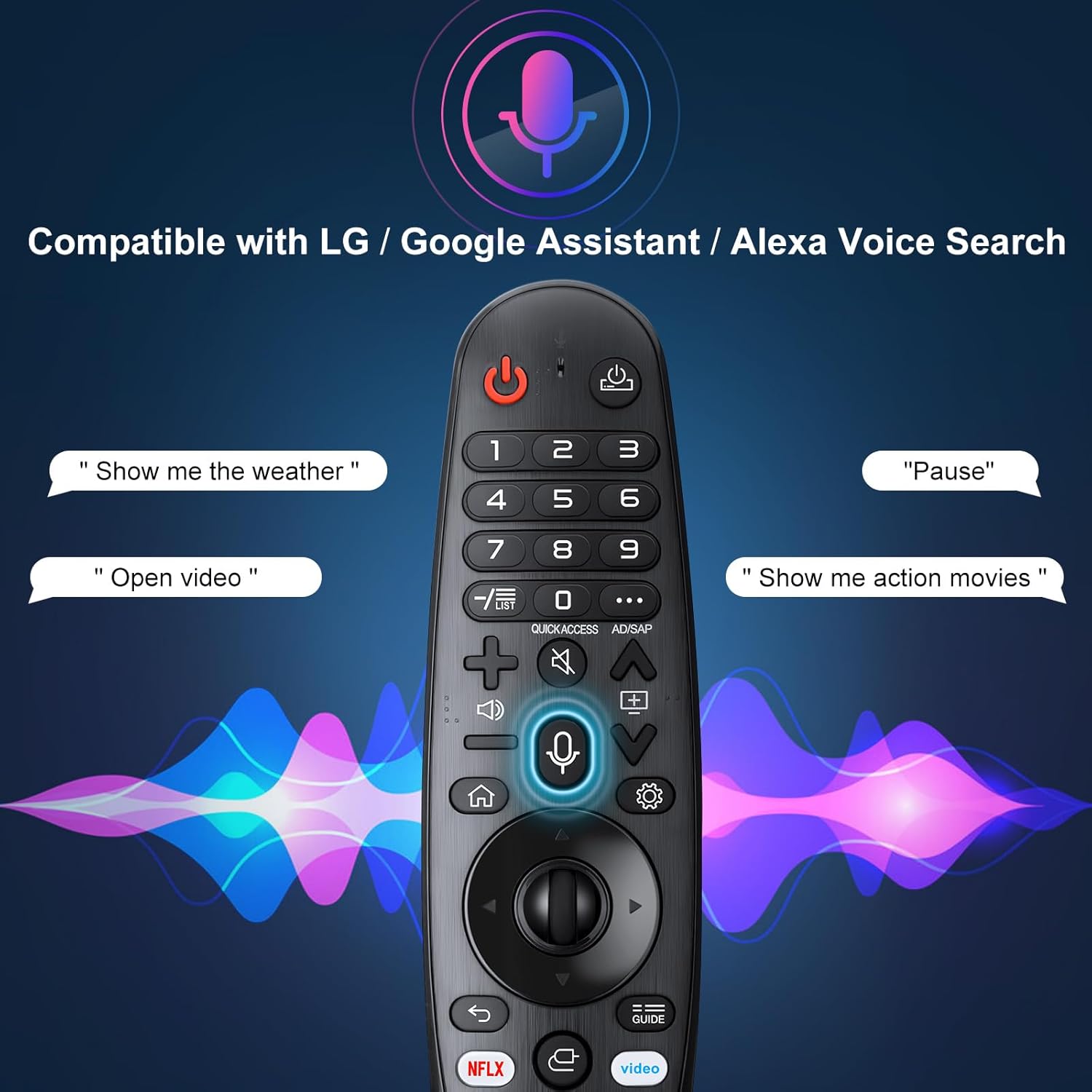
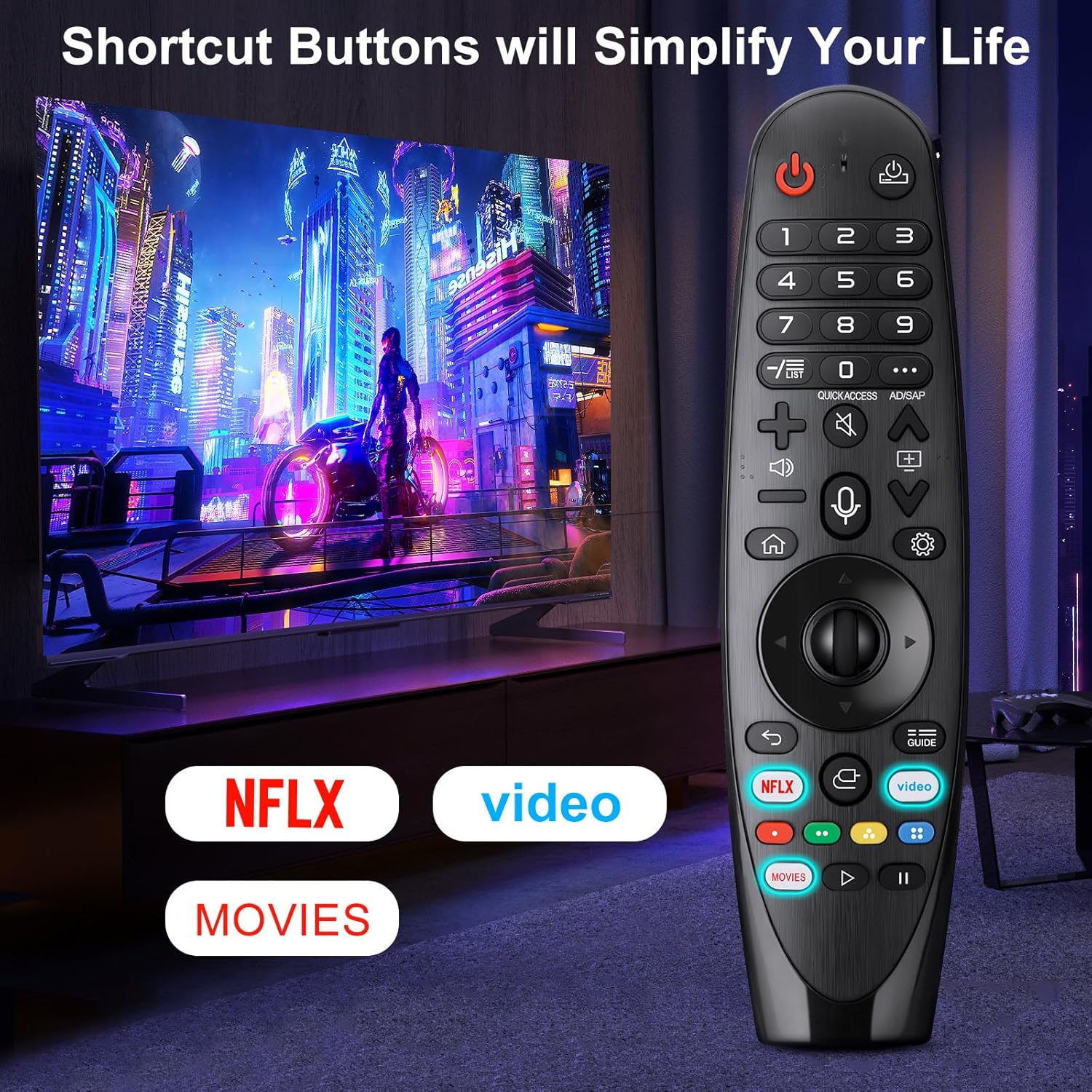
This EWO'S voice-enabled Magic Remote brings pointer-style navigation and voice control to compatible LG UHD, OLED, QNED and NanoCell 4K and 8K televisions, making menu navigation and app access quicker and more intuitive. It includes a mouse-like pointing function and a clickable wheel for selection, and it offers direct-access buttons for streaming apps such as Netflix and Prime Video to reach content fast.
Key Points
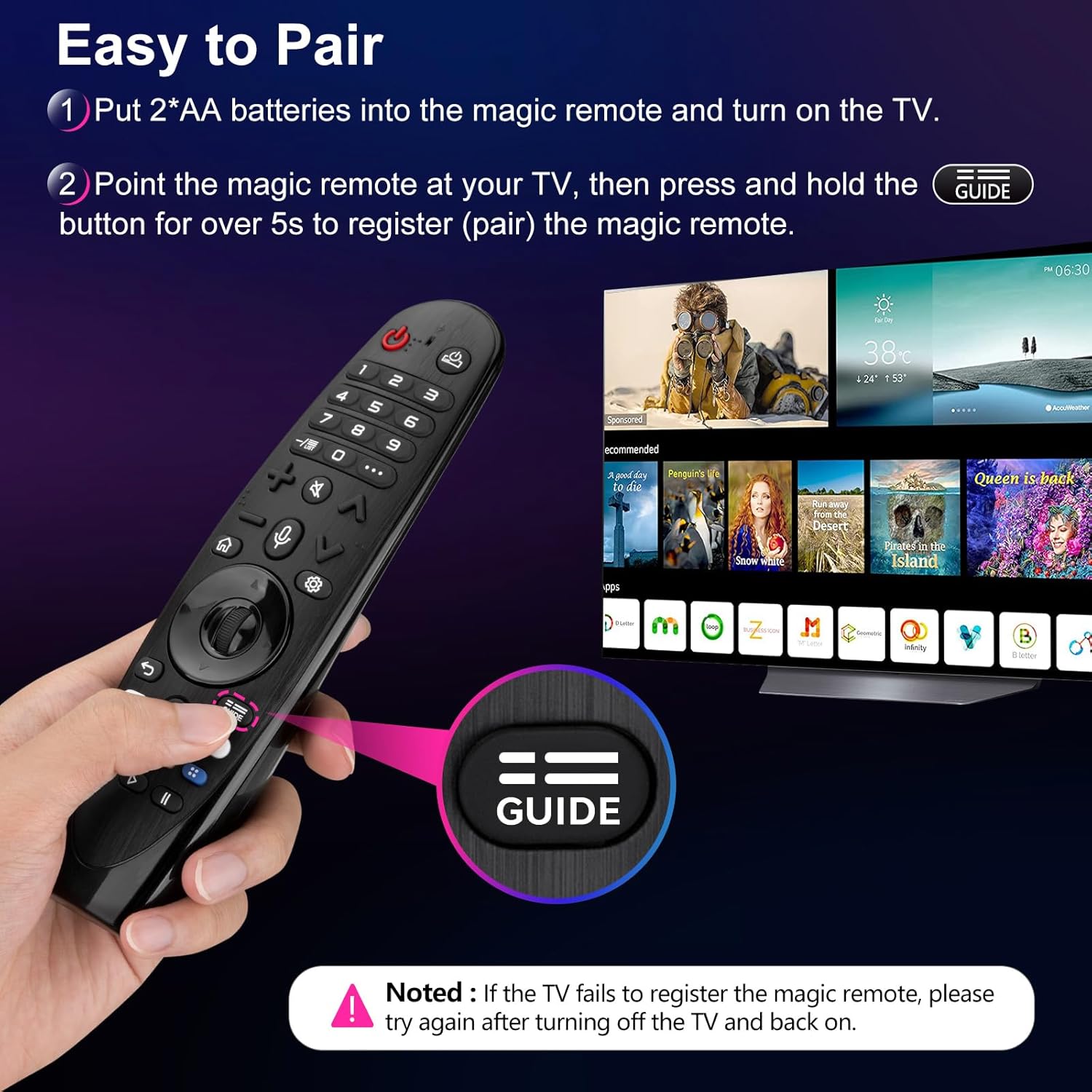
The remote pairs wirelessly with many LG TV series using a simple setup: insert batteries, turn the TV on, point the remote at the screen and press the wheel (OK). If the pointer stops responding, holding the GUIDE button for more than five seconds will deregister and re-pair the motion sensor automatically, which can help when using a replacement remote or moving it between TVs. Voice commands are supported through Google Assistant and Alexa, though a stable network connection is necessary for reliable voice recognition. Some TV models may require the pairing step each time a new remote is used.
Technical Specifications
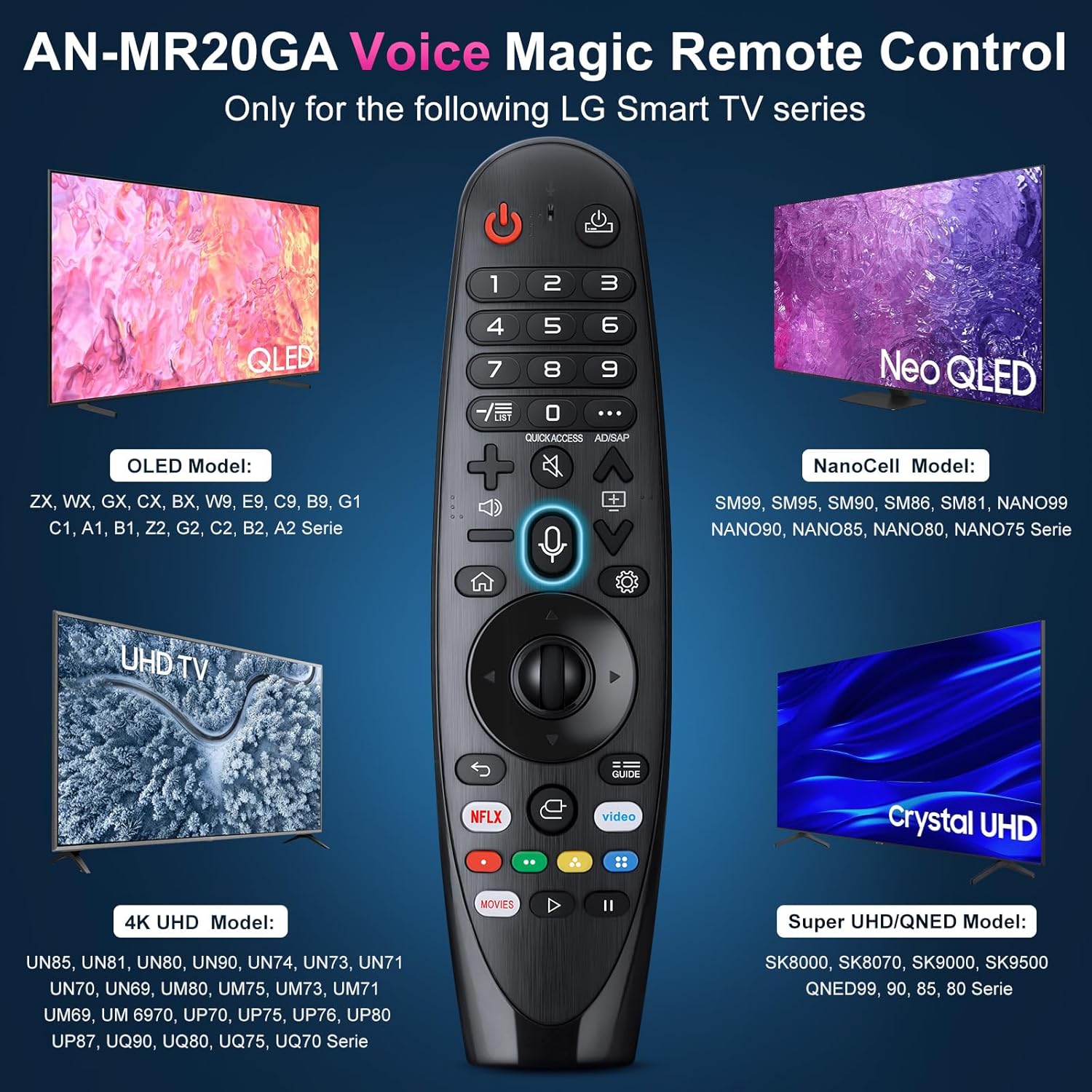
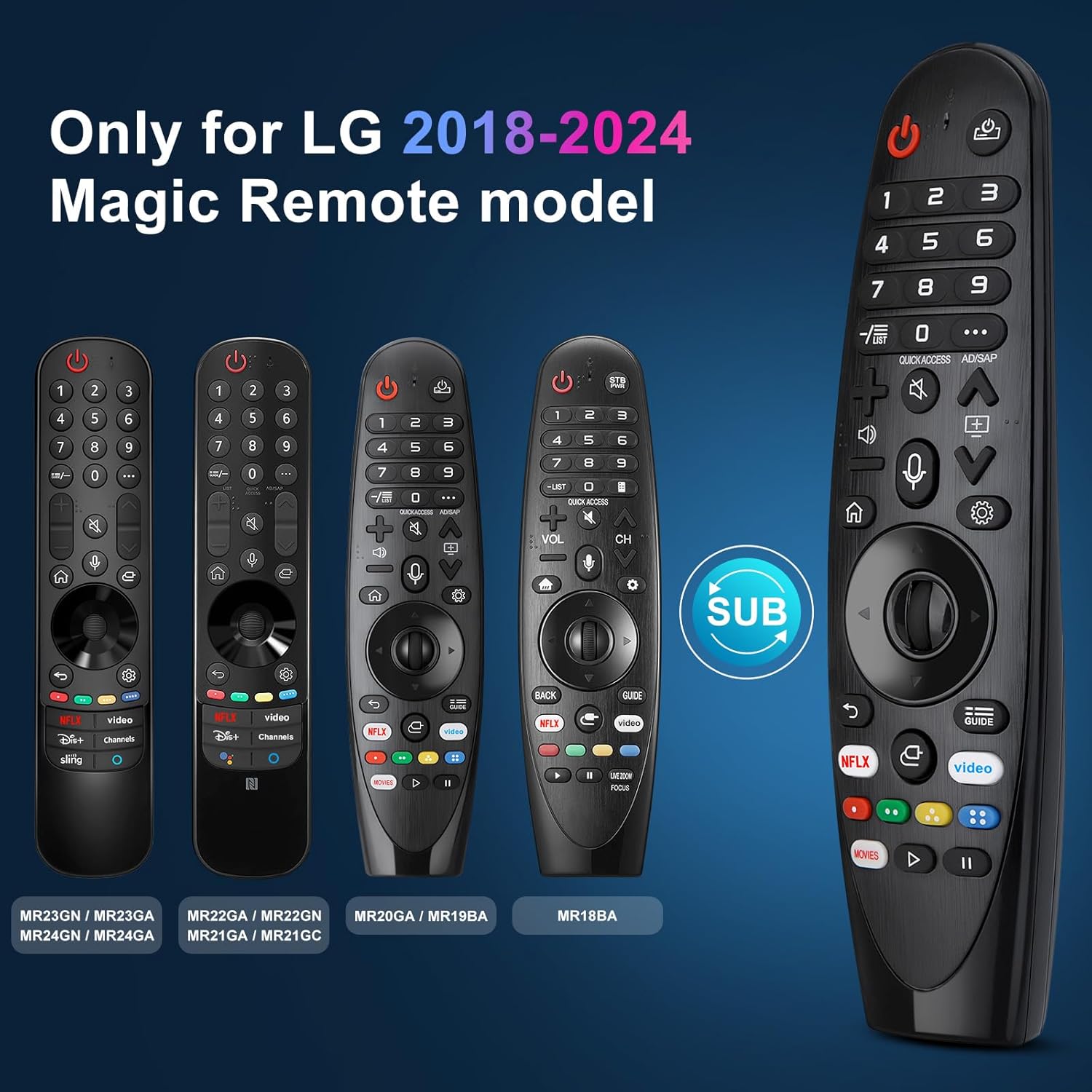
- Name: EWO'S Voice Magic Remote (replacement models AKB75855501 / AN-MR20GA / AN-MR19BA / AN-MR18BA)
- Compatibility: Select LG TV series including ZX, WX, GX, CX, BX, W9, E9, C9, B9 and multiple NANO and SM series models.
- Controls: Pointer function, clickable wheel (OK), app hotkeys for Netflix and Prime Video.
- Voice: Supports Google Assistant and Alexa, network connection required for voice features.
- Pairing method: Point-and-press wheel, GUIDE press for re-pairing when needed.
Benefits
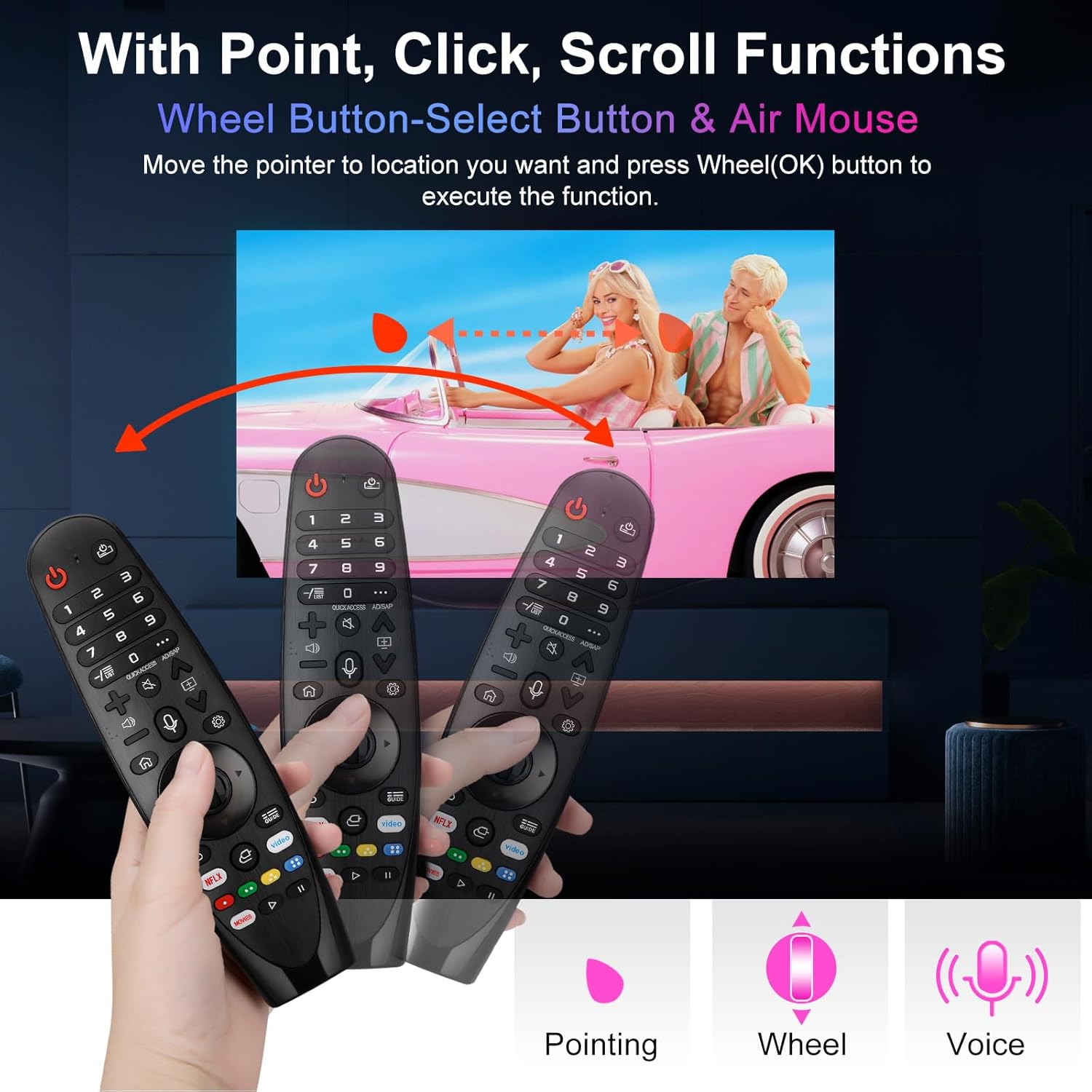
Using a pointer makes navigating menus and apps quicker than with standard button-only remotes, reducing time spent scrolling. The clickable wheel adds tactile control for selection and menu scrolling, which can feel more precise for browsing settings and lists. Voice support offers hands-free searching and control, and preset app buttons save steps when launching popular streaming services. Note that voice performance depends on the TV’s network setup and the manufacturer’s voice integration.
Usage Recommendations
For best results place fresh batteries in both the remote and ensure the TV is switched on before pairing. When the pointer seems unresponsive move closer to the TV and follow the re-pairing procedure described above. Keep the remote’s infrared window unobstructed for reliable line-of-sight commands and verify your Wi-Fi connection if voice commands fail. Consider that some advanced functions may be limited depending on the TV firmware version and the exact model series mentioned in the compatibility list.