

TCNOUMT Replacement Remote for Xpelair Fan Air Cooler XPA360CF / XPSS
Product description
What it is and what it’s for
The TCNOUMT replacement remote is designed as a straightforward stand-in for a lost or damaged original remote for certain Xpelair fan air coolers, specifically models referenced as XPA360CF and XPSS. On the page you’re reading, the focus is on practical replacement rather than flashy features. If you’re dealing with a non-functional or missing remote, this item promises to restore access to the same basic controls as the original unit, subject to button/model compatibility. On the page it’s presented as a practical solution for maintaining normal use without replacing the entire fixture.
How it behaves on the surface
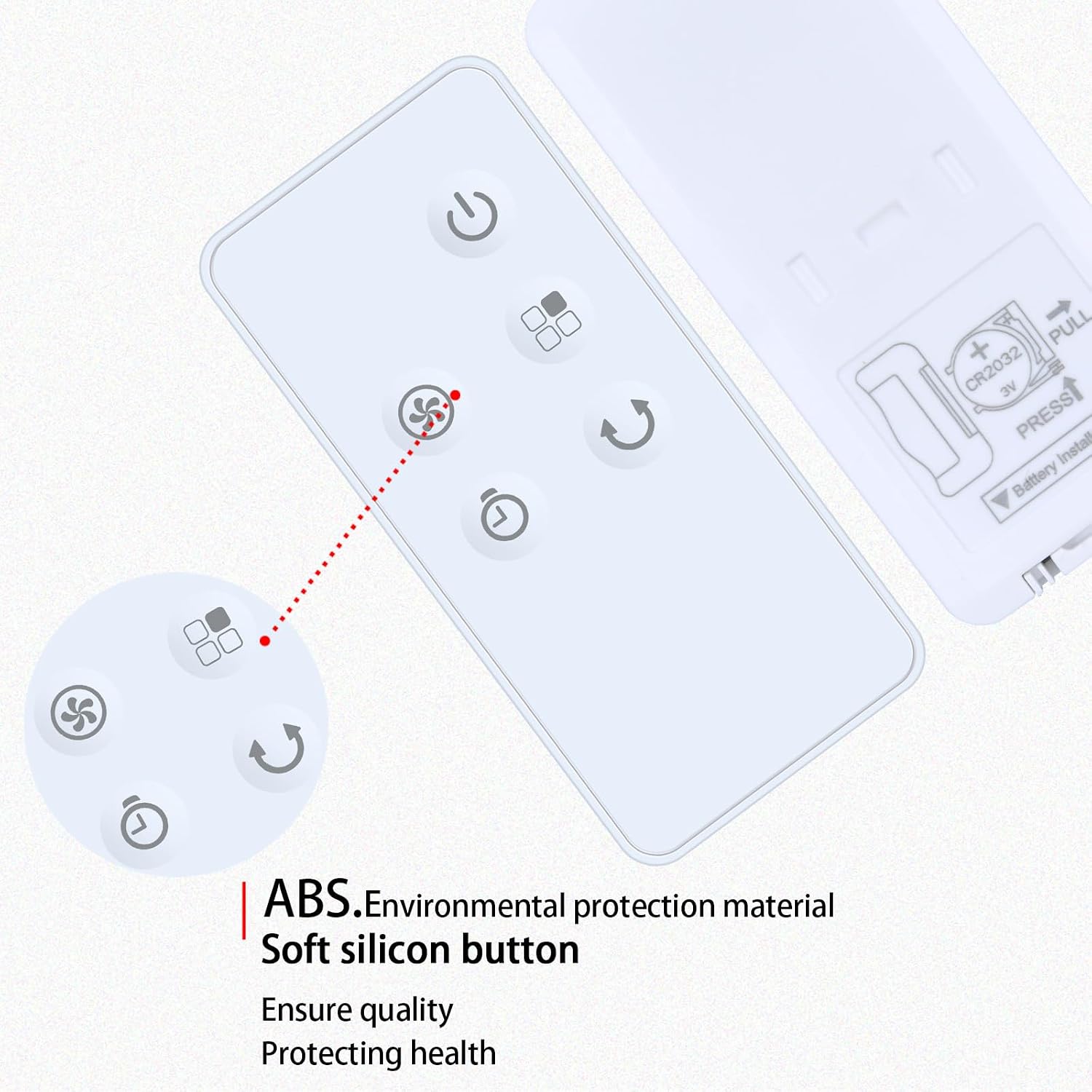
On paper, this replacement remote offers the same functions as your original, where available. The seller notes that depending on the button and model, some functions may not be present. This is a sensible caveat: remotes can differ in tiny ways between models, and certain advanced features may not map exactly from one version to another. The design is described as ergonomic and lightweight, with soft silicone buttons that should feel comfortable and predictable to press, which is a tangible plus for daily use.
Setup and compatibility notes
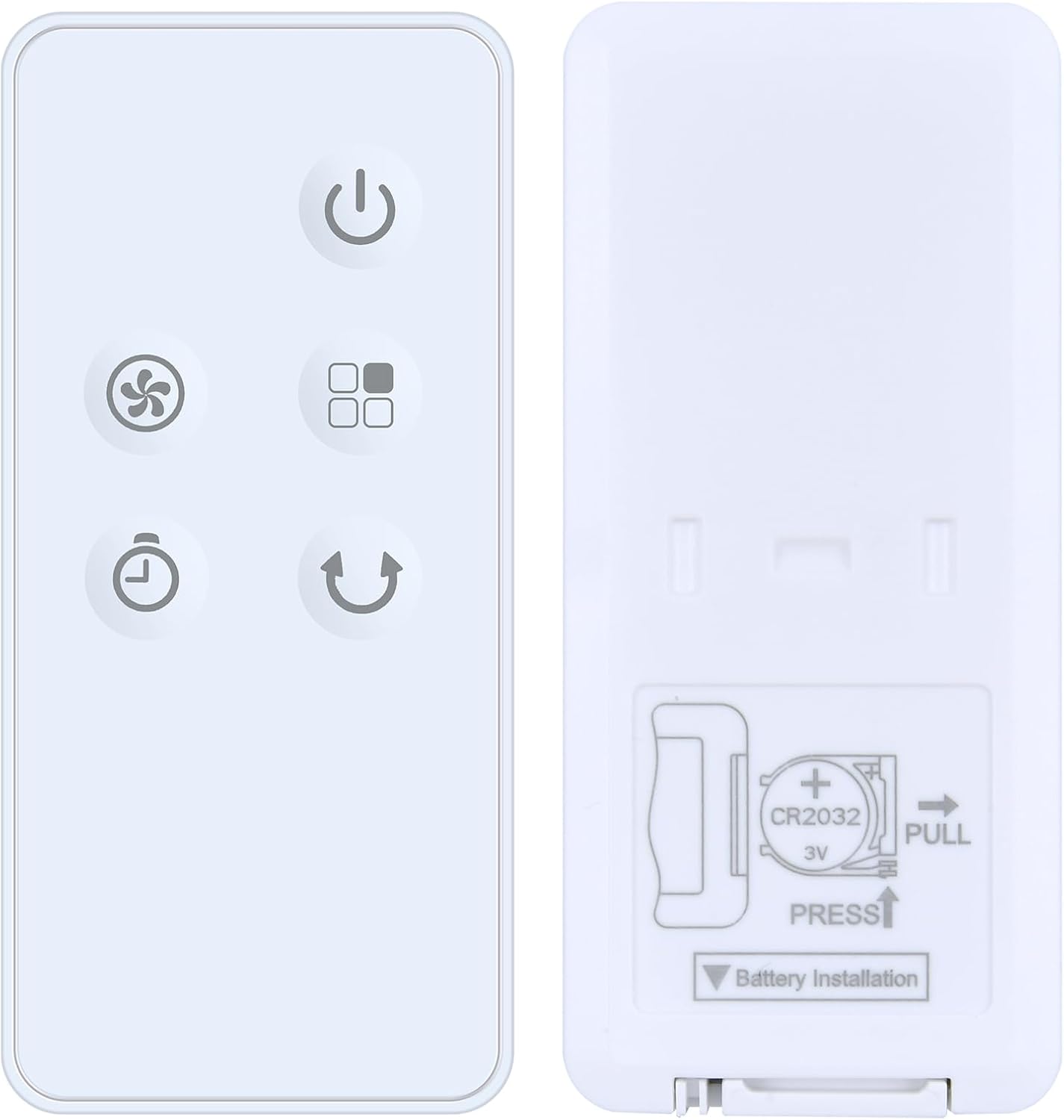
One of the clearer selling points is ease of setup: there’s no programming required. You simply insert CR2032 batteries (not included) and you should be ready to operate your device. Practically, this is a plus if you’ve ever wrestled with learning codes or pairing routines. However, there’s an important caveat: you should carefully compare the remote’s button symbols with the one you need to replace. The product listing advises checking the remote control image to ensure you’re matching the exact symbols and layout. If the symbols align, you can expect a plug‑and‑play experience that sidesteps the usual frustration of mismatched remotes.
Build and durability cues
Durability is highlighted by a sturdy plastic case and a battery compartment cover. The combination of a robust shell and easily replaceable batteries is sensible for a device that’s likely to be handled frequently in a living space or utility area. The soft silicone buttons are pitched as helping to minimise wear and improve tactile feedback, which can be a practical benefit over time.
What’s strong and what isn’t necessarily convincing
What stands out here is convenience: the no‑programming claim and the targeted compatibility with Xpelair XPA360CF/XPSS models. If you’ve ever had a remote that required endless pairing steps, this is appealing on a day‑to‑day basis. On the other hand, the caveat about function availability means you might find some controls missing depending on your exact model or button set. If you rely on a wider range of features or you’re unsure which version of the remote is needed, you may need to confirm compatibility more carefully than you would with a general universal remote.
Who it’s for
This replacement is most suitable for someone who values a quick fix to regain basic remote control for a compatible Xpelair cooler rather than seeking feature‑rich or universal‑fit remotes. It’s a practical option for households or offices where the remote is nibbled by pets, misplaced, or simply worn out, provided you’re comfortable with the potential limitation that not all functions may be present for every button/model pairing.
Who should think again
If you rely on advanced or non‑standard functions not common to the common Xpelair configurations, or if you’re uncertain which exact button layout you need, this replacement may not be the best fit. In those cases, a more thoroughly specified spare remote or a verified replacement from a retailer with explicit model mapping could be safer to avoid buying the wrong control layout.
When it makes sense to buy
- You need a quick, non‑frustrating fix for a damaged or missing remote and your model is one of the XPA360CF/XPSS types referenced.
- You prefer a straightforward setup without programming steps and you’re comfortable confirming symbol matches from the product image.
- You want a lightweight, ergonomic control with tactile silicone buttons for daily use.
Before you buy: quick checks
- Verify that the button symbols on the replacement remote match those on your original, this reduces the risk of missing functions.
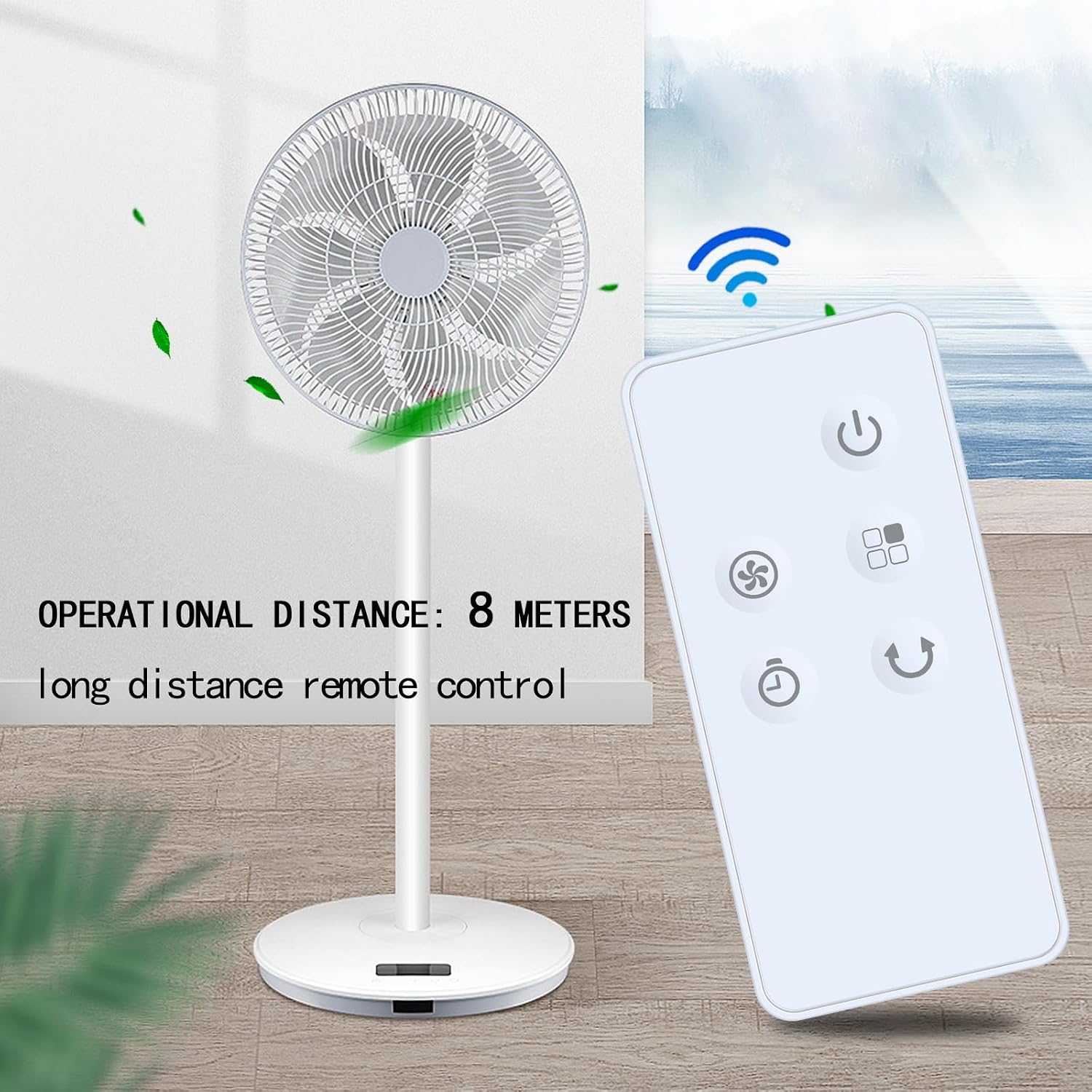
- Confirm that you’re dealing with a compatible Xpelair unit (XPA360CF or XPSS) as advertised, since not all functions may be available on every combination.
- Be aware that batteries are not included, so you’ll need CR2032 cells to get started.
Practical use scenario
Imagine you’re relaxing on the sofa and the room temperature isn’t right. With the replacement remote in hand, you can nudge the fan or cooler without getting up, provided the layout aligns with your device. If a button doesn’t seem to respond, it’s worth rechecking the battery orientation or the compatibility note since a mismatch could mean that particular function is simply not supported on this version.
Quick FAQ
- Do I need programming to use this remote? No—the listing states it requires no programming, insert CR2032 batteries and it should work with your device.
- Will all functions be available on this remote? Not necessarily. The description notes that some functions may not be available depending on the button and model.
- How can I be sure I’m buying the right remote for my unit? Carefully compare the remote’s button symbols with the ones on your original remote and check that the model names (XPA360CF or XPSS) match.
Is it worth it?
It’s worth considering if you want a practical, low‑hassle fix that restores basic control for a compatible Xpelair cooler. If you prioritise a guaranteed full feature set or need exact parity with a specific, non‑standard remote, you might want to validate compatibility further before purchasing.