

TCNOUMT Replacement Remote Control for Dreo OH521 Radiator Heater
Product description
What it is
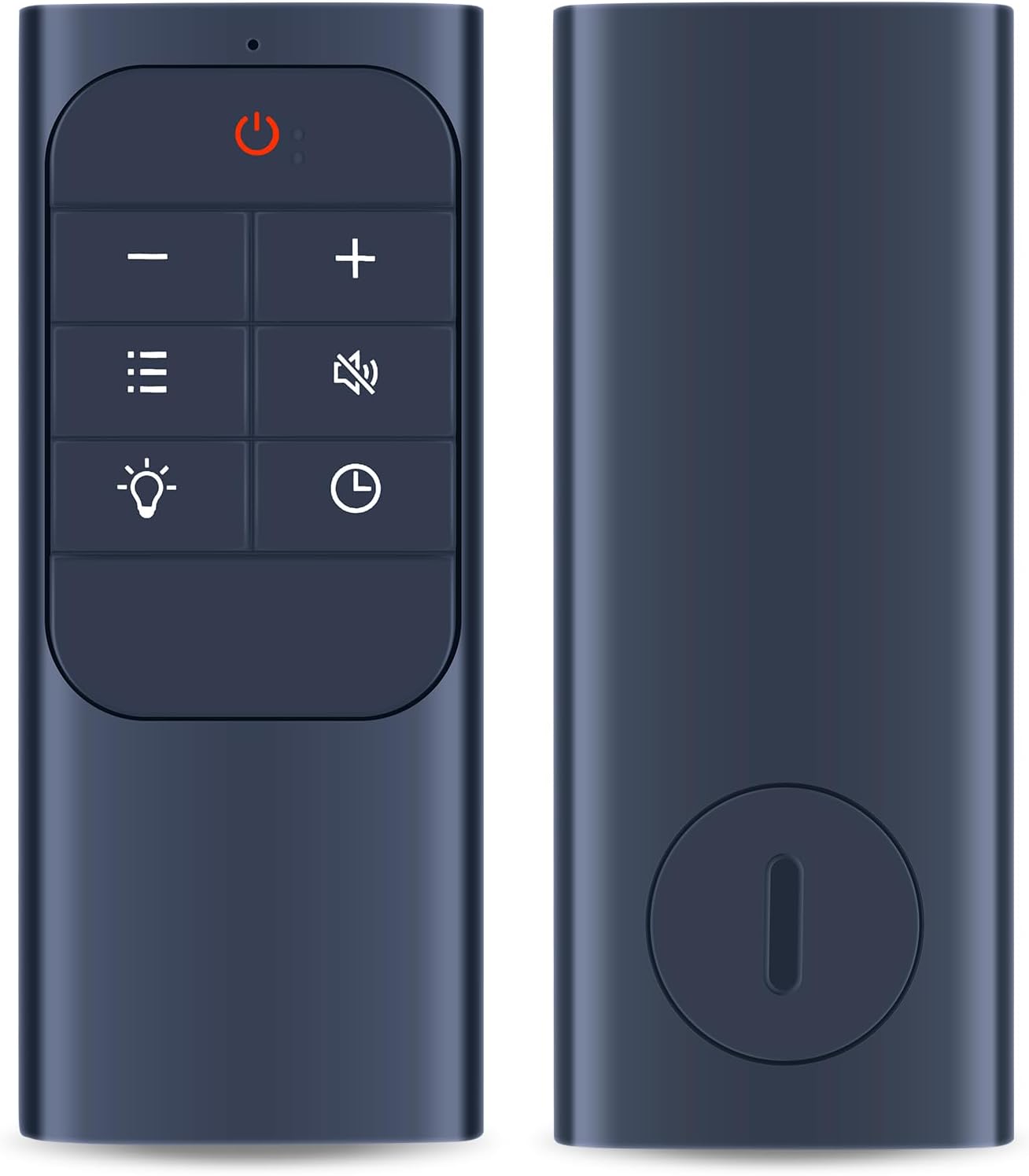
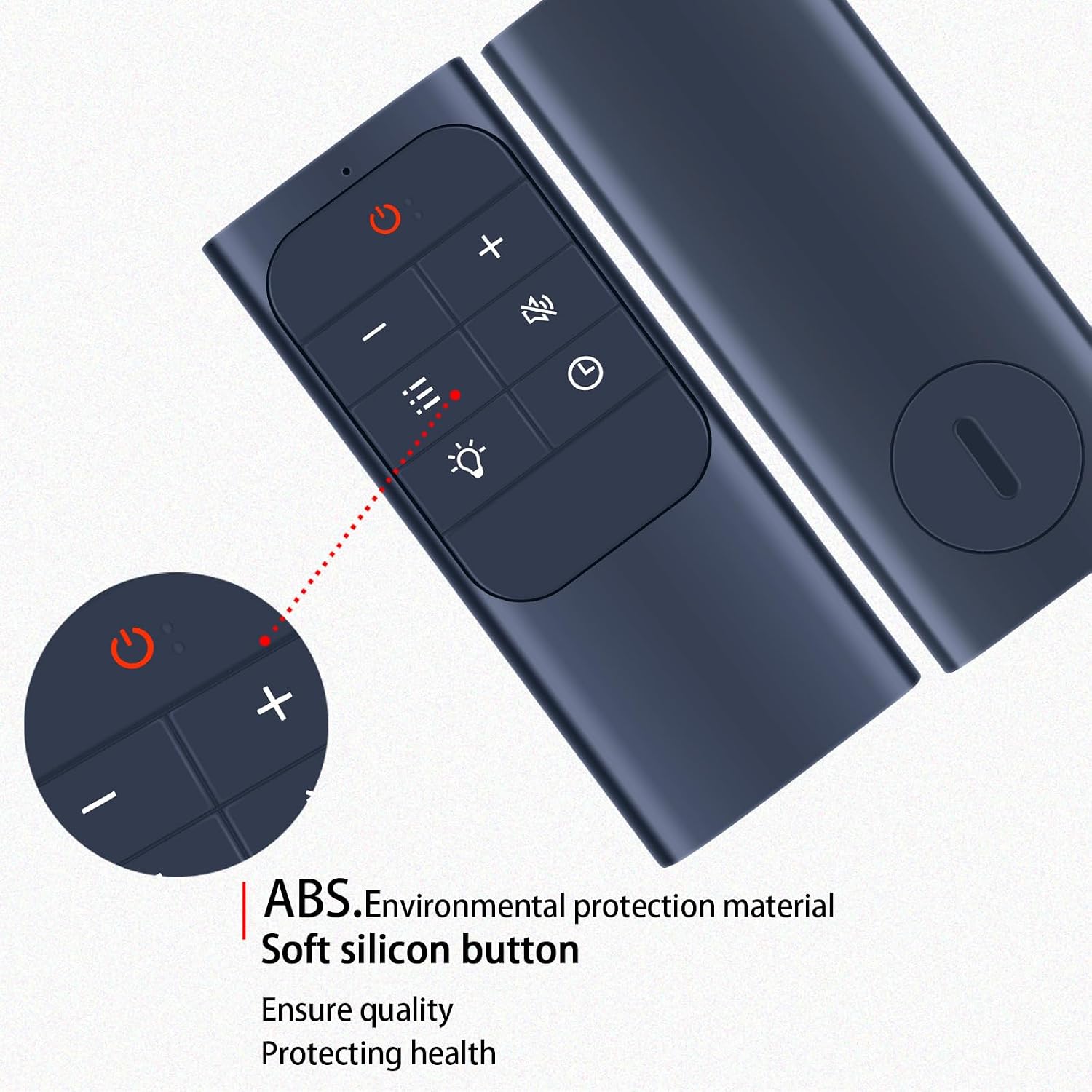
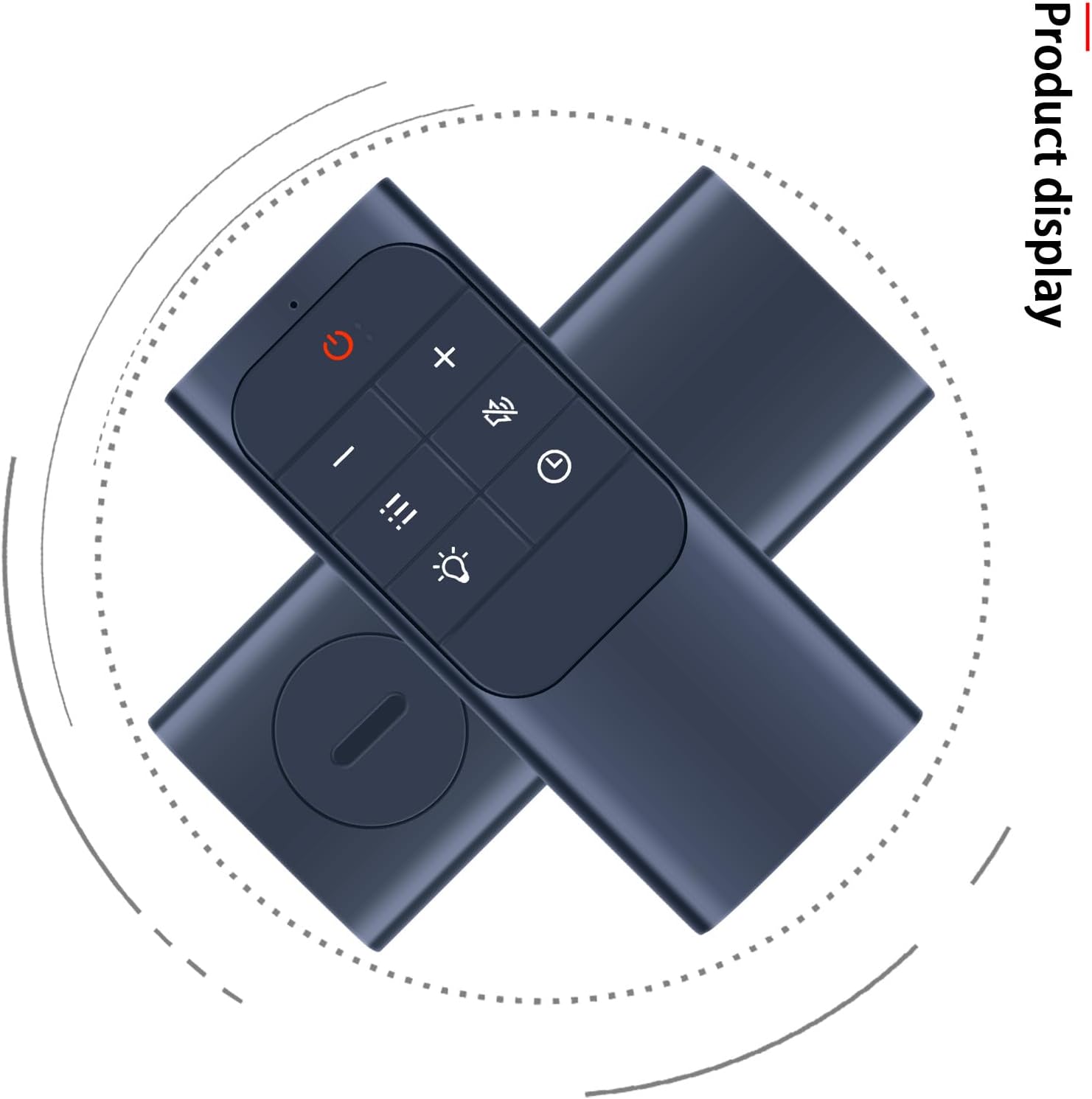
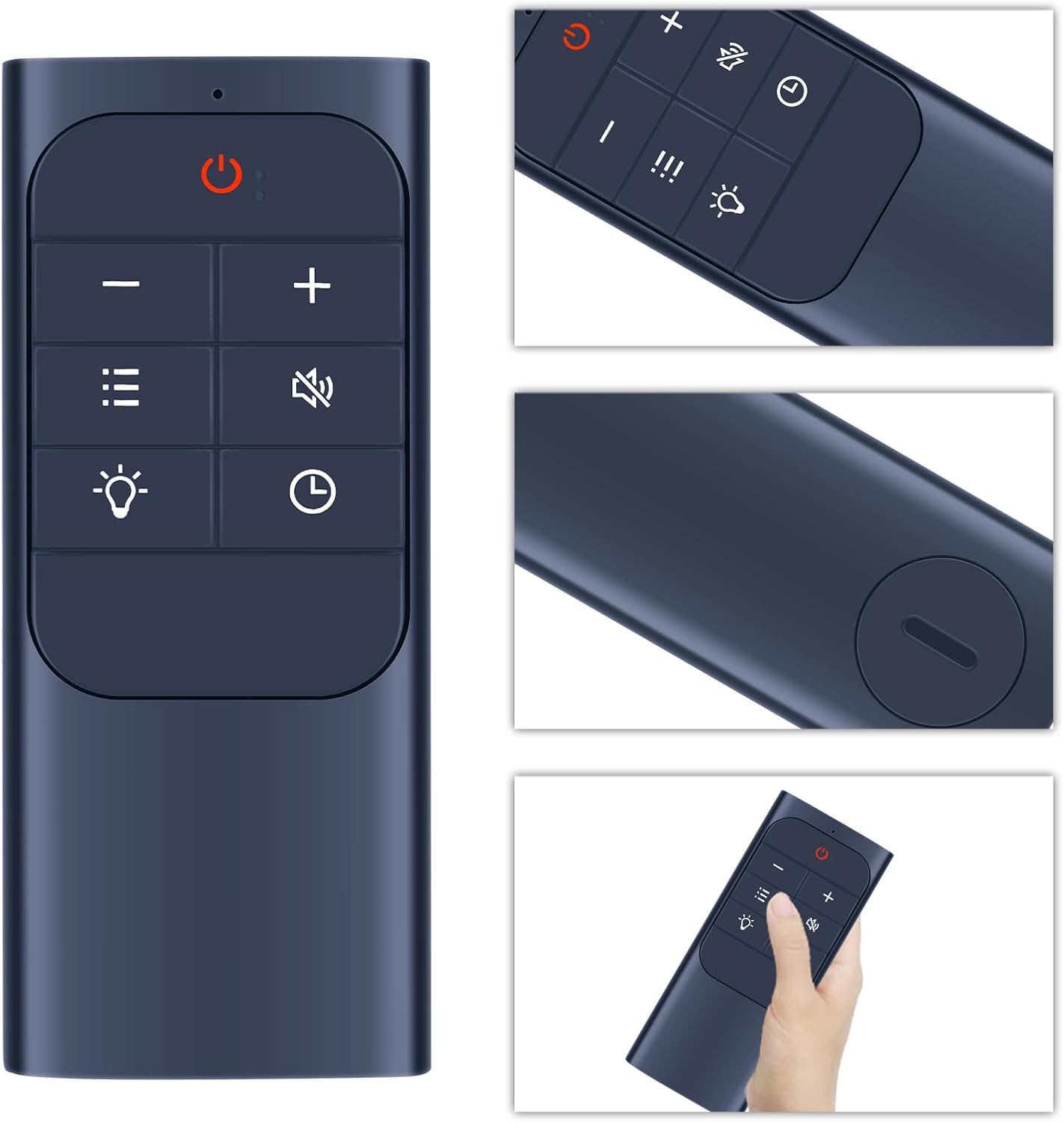
The TCNOUMT Replacement Remote is designed as a direct substitute for the original remote control used with Dreo radiator electric heaters, specifically the OH521 model. It aims to mirror the functions of the original unit and provide a practical option if your current remote is lost, damaged, or no longer responsive. On the surface, it shares the ergonomic, lightweight feel and soft silicone buttons described for its predecessor, which can make everyday use more comfortable, especially for households with children or older users.
What to know
On paper, this is a straightforward replacement that requires no programming. You simply insert fresh batteries and it should operate your device, provided the button symbols match what you have. This means that a quick visual check of the remote’s button layout is essential before purchase to avoid incompatibility. If in doubt, contacting the seller for confirmation is sensible.
Technical details
This replacement relies on a sturdy plastic shell and a dedicated battery compartment cover. The emphasis on soft silicone buttons suggests a tactile, quiet press, which may translate into a smoother daily use compared with harder-button alternatives. The description notes that some functions may not be available depending on the button and model, which implies that not every feature from the original remote is guaranteed on every replacement unit.
Pros
- Ready to use with no programming required, subject to compatibility.
- Ergonomic and lightweight with a comfortable grip for varied users.
- Robust construction with a protective case and battery cover.
- Soft buttons can improve daily interaction, reducing wear over time.
Cons / Limitations
- Compatibility hinges on matching the button layout precisely, mis-match could limit functionality.
- Some functions may not be present on all remotes, depending on the button model.
- Batteries are not included, so you’ll need to obtain them separately.
Usage tips
- Before purchasing, compare the symbol and layout of the buttons to your existing remote to ensure an exact match.
- After inserting batteries, test essential controls (power, heat settings, and any safety features) to confirm correct operation.
- If any buttons feel sticky or unresponsive, check the battery alignment and consider replacing the batteries with fresh ones.
Who it’s for
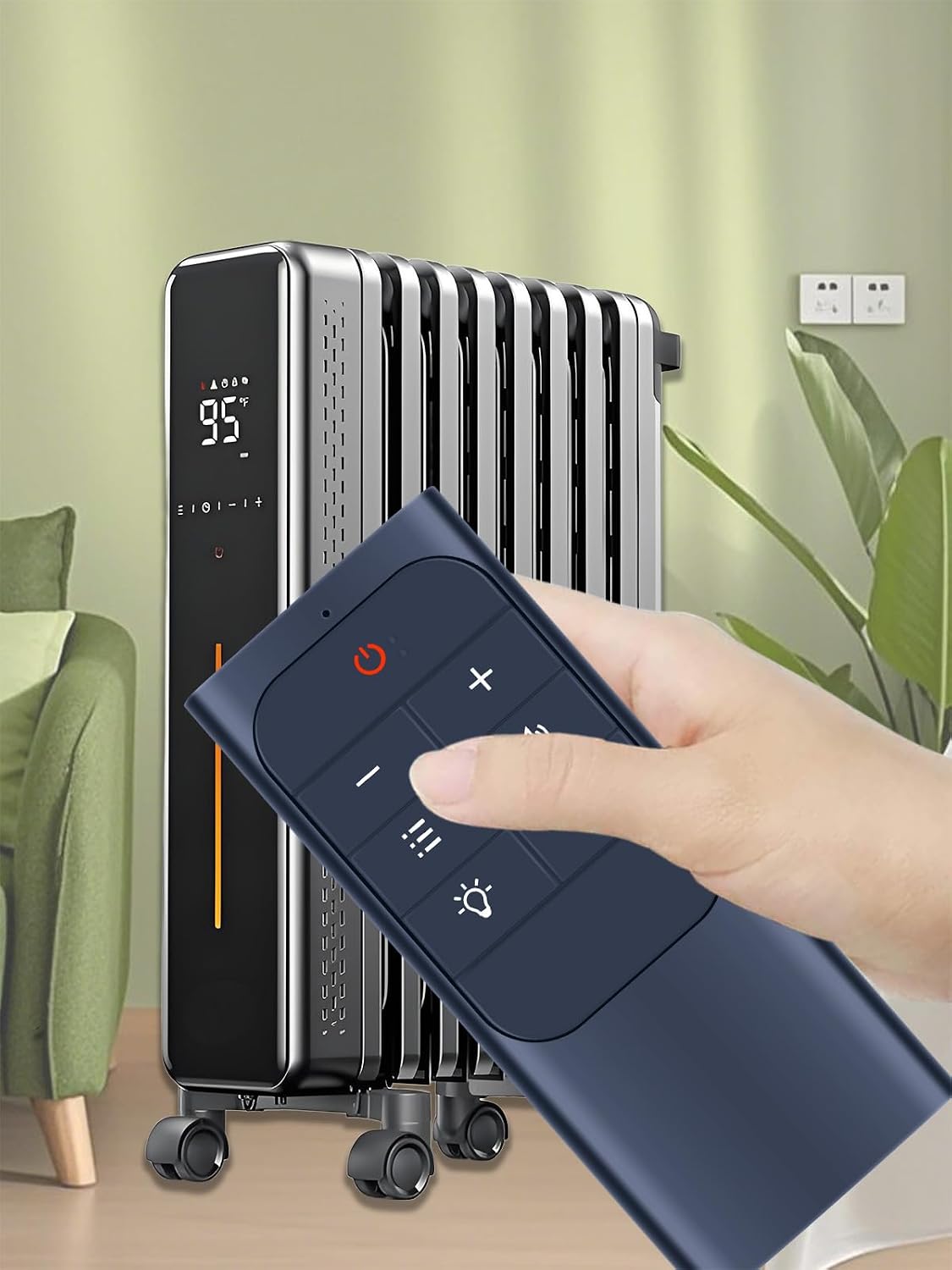
This replacement is ideal for households that use a Dreo OH521 radiator heater and need a practical, non-programming substitute for a lost or malfunctioning remote. It suits users seeking a straightforward, low-hassle option without dealing with complex programming.
When it makes sense to buy
- You have an OH521 model and the remote button layout matches closely with the listing.
- You want a simple, no-fuss replacement that doesn’t require pairing or setup.
- You’re prioritising cost-effective, pragmatic replacements over brand-new, feature-laden remotes.
When it might not be the best option
- If the button symbols or layout differ from your original remote, some functions may be missing.
- If you require every function of the original remote or advanced features, a direct manufacturer replacement or a model-specific option might be more reliable.
What to check before buying
- Carefully compare the button symbols and layout with your current remote image to ensure a precise match.
- Confirm that the OH521 is the exact model you own, as mismatches can affect compatibility.
- Verify that you’re comfortable purchasing batteries separately, since they are not included.
Practical usage snapshot
Imagine reaching for the heater on a chilly morning and realising the remote is missing. A nearby TCNOUMT replacement slips into service quickly, letting you adjust heat or power with the same button science you know, without the hassle of pairing or reconfiguring the unit.
FAQ
- Do I need to programme this remote? No, it requires no programming, just insert batteries.
- Will every function be available? Not necessarily, some features depend on the specific button model.
- Are batteries included? No, batteries are not included.
Final verdict
Final verdict: Worth considering if you have an OH521 and the button layout matches. It offers a practical, no-fuss replacement option with ergonomic design and straightforward use, but double‑check compatibility to avoid finding that some functions aren’t available.