

Logitech Spotlight Wireless Presentation Remote (Grey) – Dual Connectivity, 30m range
Product description
What it is and what it solves
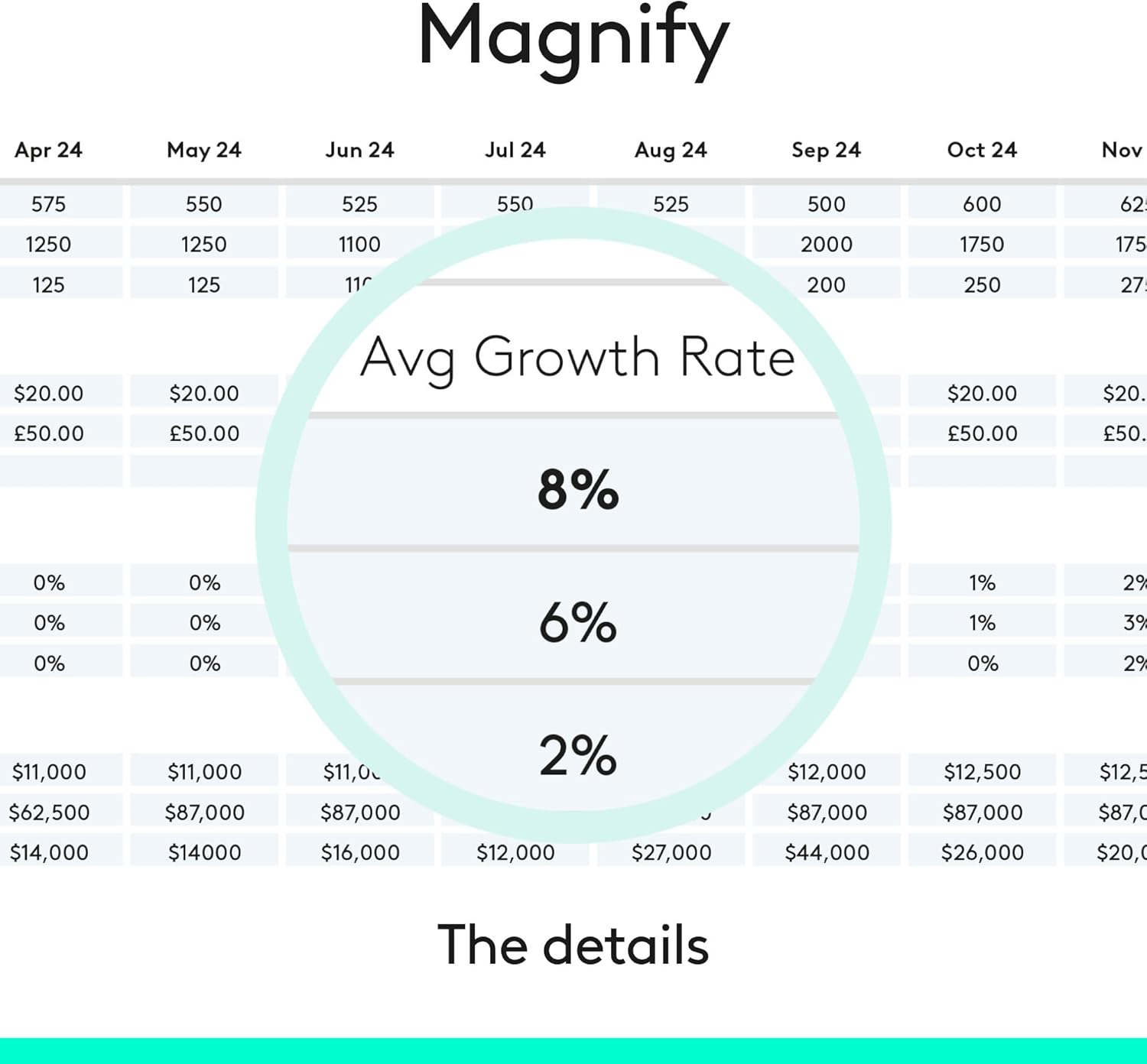
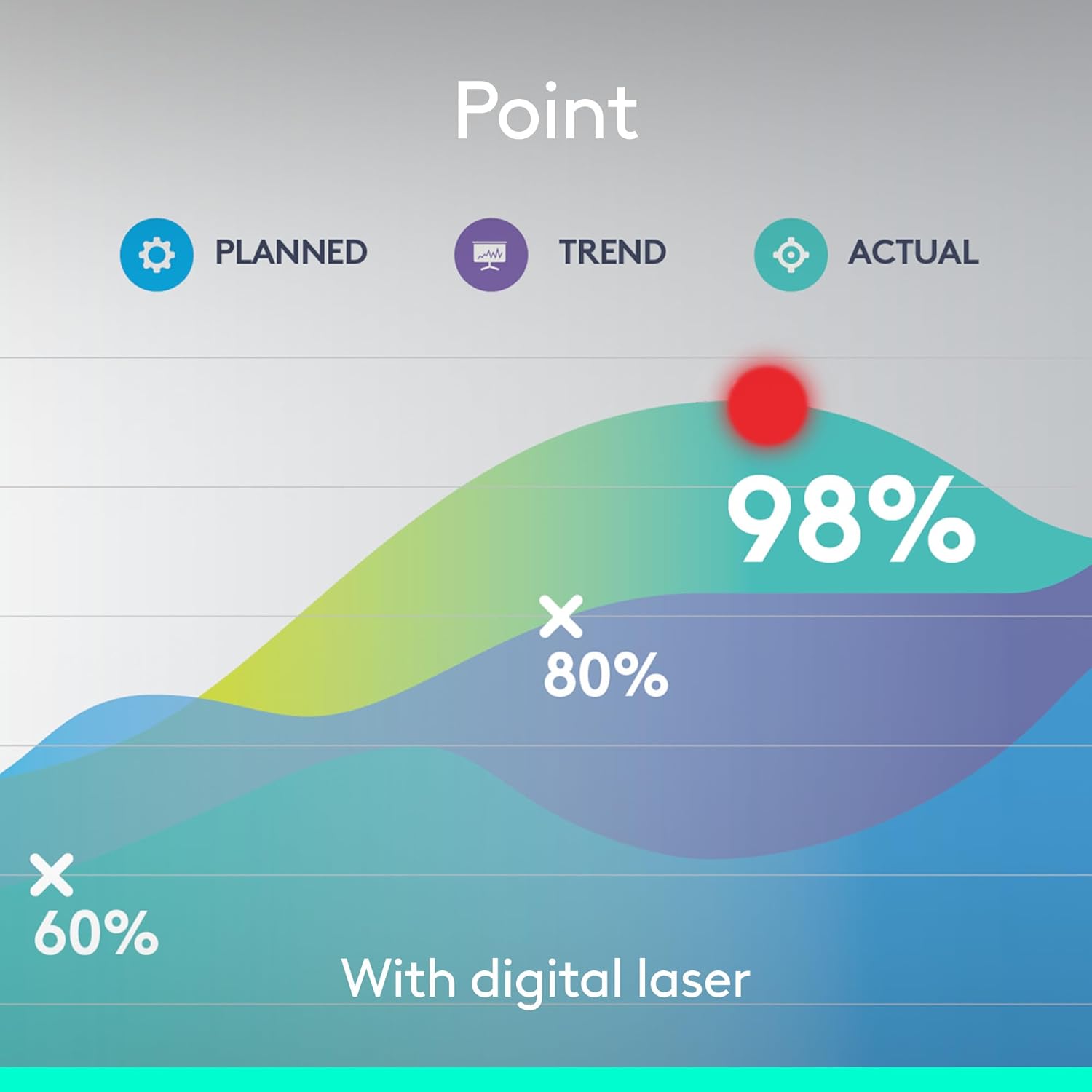
The Logitech Spotlight is a wireless presentation remote designed to help you control slides and highlight content with a precise digital laser pointer. It’s built for presenters who want to move freely, keep audiences engaged, and interact with on-screen content without being tethered to a laptop. On-site or via video conference, Spotlight aims to make your point clearer by letting you magnify and spotlight areas of the screen with pixel-precise accuracy.
How it works on your devices
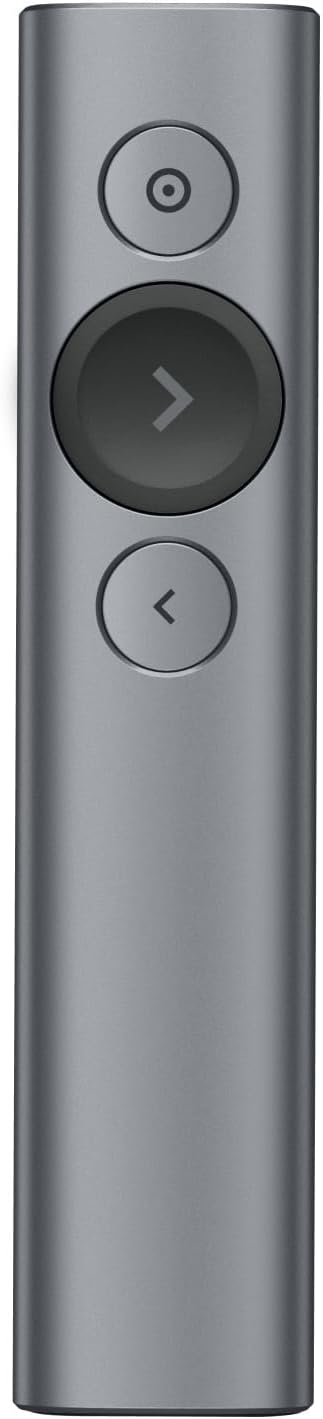
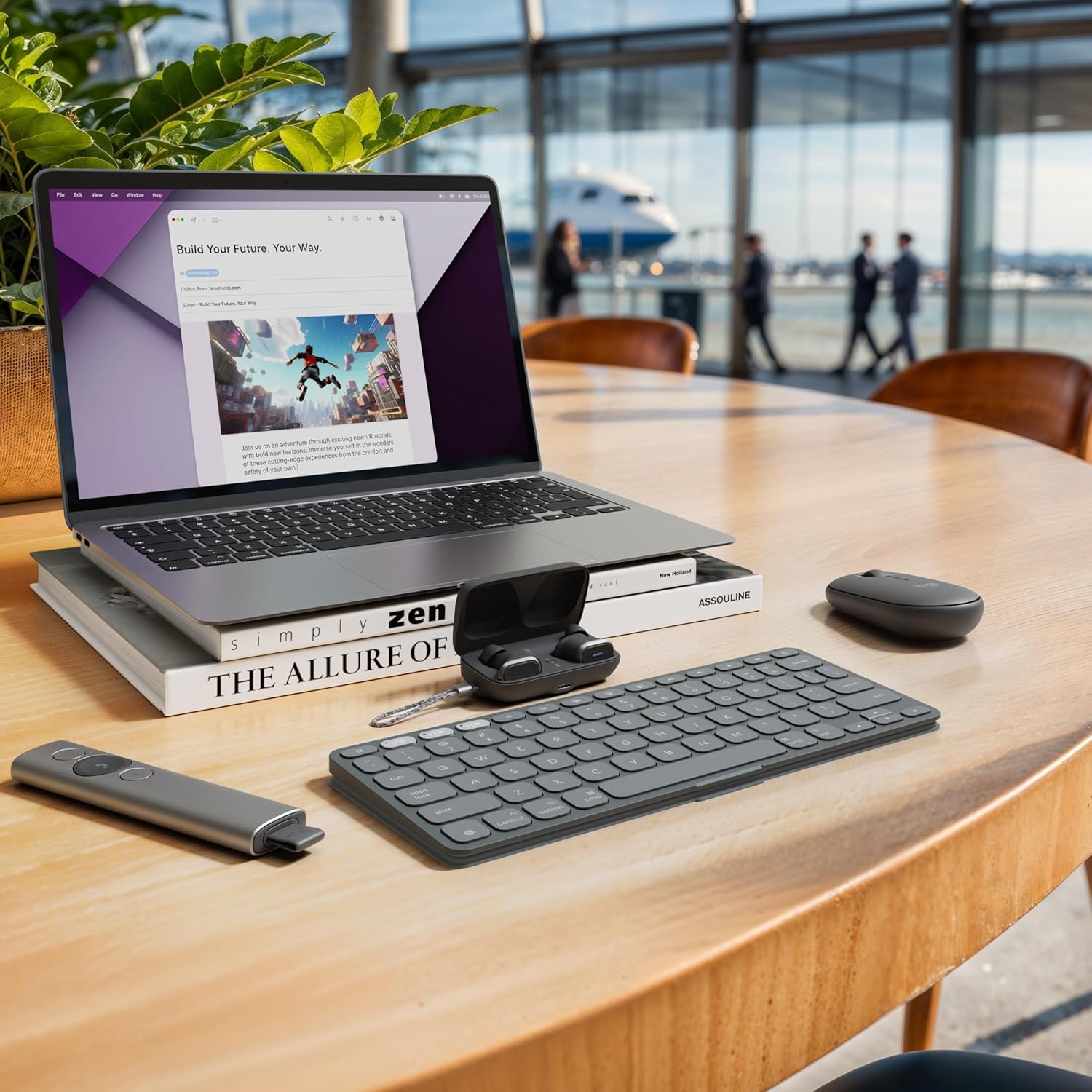
This device supports two connection methods: a USB receiver and Bluetooth, offering plug-and-play compatibility with Windows and Mac systems, plus broader mobile support for Android and iOS. In practice, that means you can switch between a staged presentation in a classroom or meeting room and a remote lecture or webinar without swapping gear. The pairing is straightforward, and once linked, you can navigate slides and trigger on-screen actions like videos or links, depending on the software you’re using (PowerPoint, Keynote, PDF, Google Slides, Prezi).
What you get and what to expect
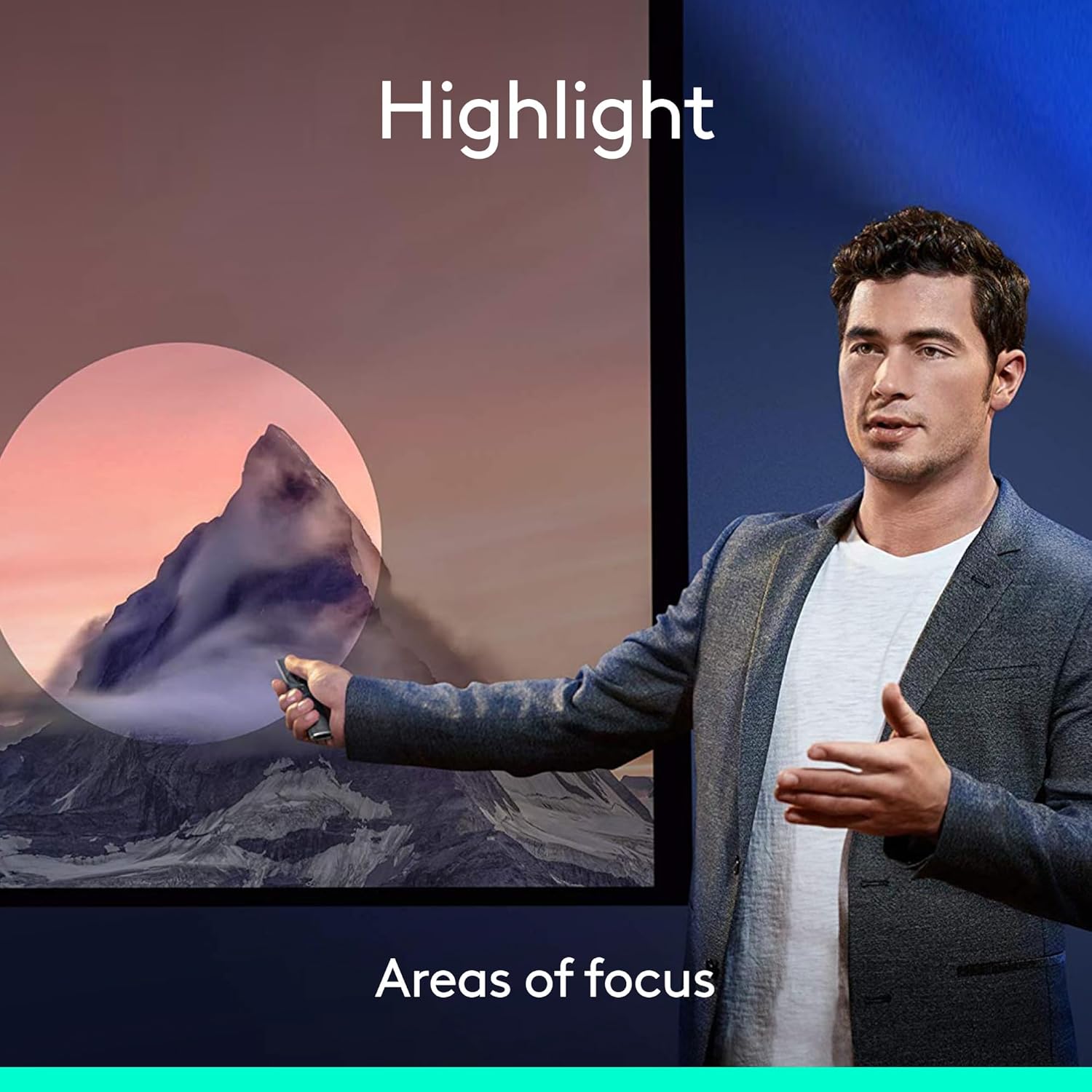
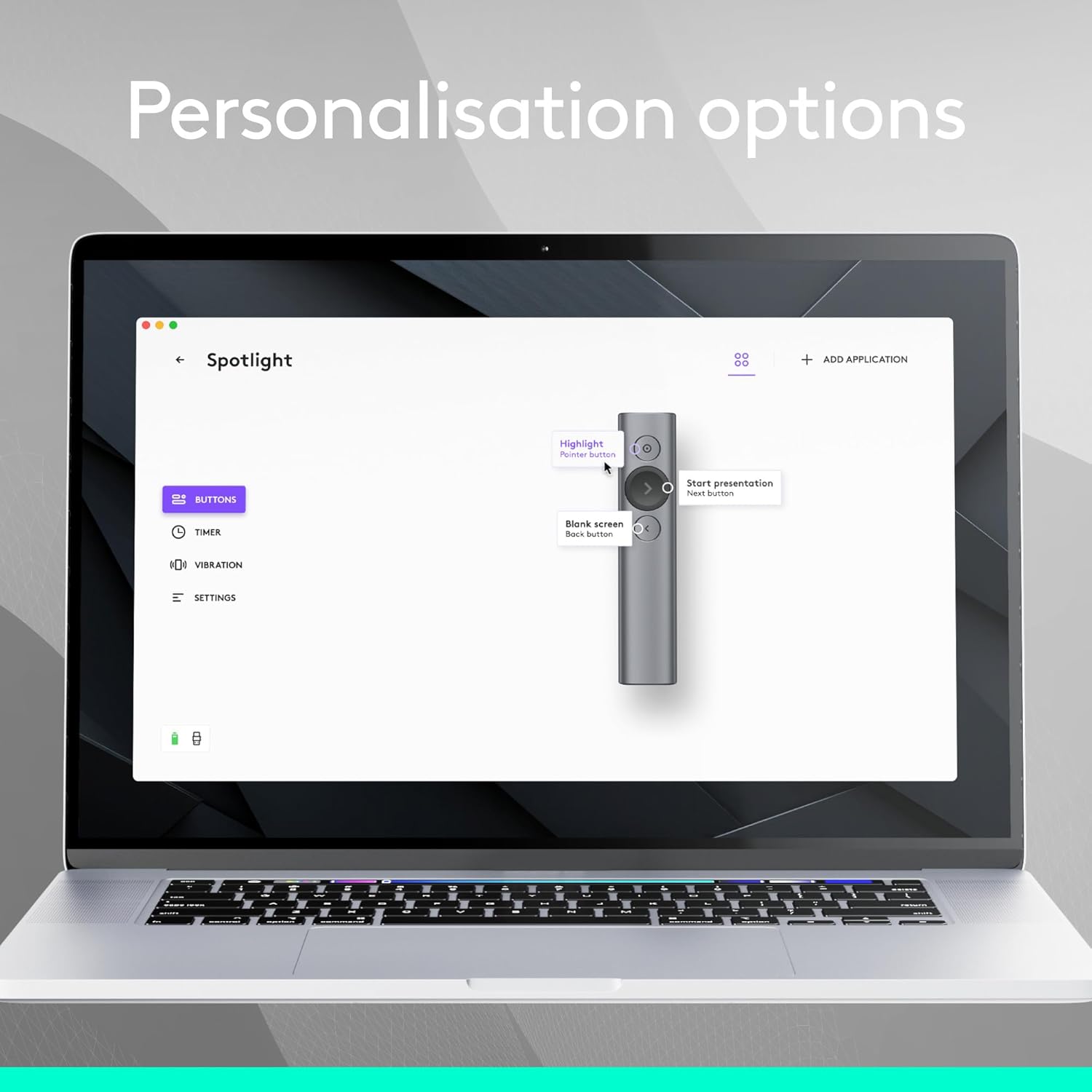
The Spotlight includes a digital laser pointer and cursor control that can interact with on-screen content, which is useful for guiding attention during live demos or video calls. It also features a timer function with vibration alerts to help manage speaking time and a visible countdown on screen. The practical upshot is better pacing in teaching or presenting, especially when you’re juggling multiple topics.
Strengths in everyday use
If you prioritise fluid movement, dual connectivity, and a non-intrusive pointer, Spotlight delivers. The 30‑meter range (subject to environment) means you can step away from the laptop for a more natural delivery and still control the presentation. The on-screen cursor feature can enhance interactive parts of a talk, such as opening links or navigating embedded media, which is handy for more dynamic sessions.
Limitations and what to watch out for
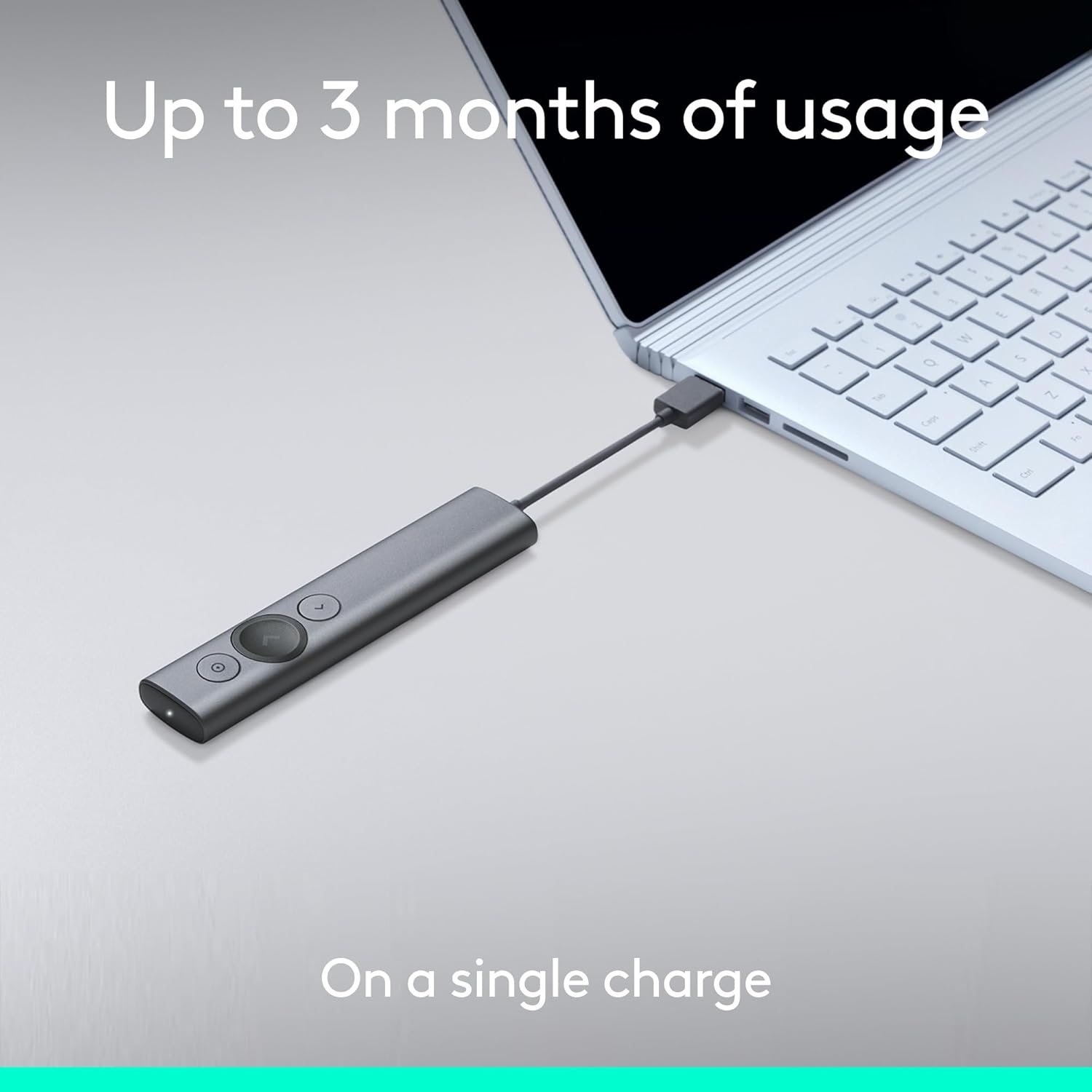
On paper it covers most common scenarios, but there are caveats. Distance and reliability can vary with walls, interference, and the host computer’s power settings. The exact battery life isn’t specified here, so if you intend long sessions, you may want to have spare charging options and be mindful of Bluetooth versus USB receiver performance in your environment. Not every software suite behaves identically with remote cursors or magnification, so it’s worth testing with your go-to tools before an important presentation.
Who it’s best for
This remote is well-suited for teachers, trainers, and professionals who present across Windows, Mac, and mobile devices and want a precise pointer plus a little interactivity beyond a standard clicker. It’s a solid option if you value a glass-clear pointer and the ability to manage time on the fly without clumsy cables.
Who it might not be the best fit
If you rarely need a timed cue, or you operate in environments with heavy wireless interference, you may experience more variance in range and responsiveness. For those who need ultra-simple slide advancement without extra features, a more basic remote could be sufficient and possibly lighter.
What to check before buying
- Ensure the intended host devices support USB or Bluetooth input as needed.
- Consider the typical room layout and potential interference that could affect the 30m range.
- If you rely heavily on on-screen interaction, verify that your presentation software supports the Spotlight’s cursor and magnification features in your workflow.
Practical use example
Imagine teaching a large lecture where you need to highlight a chart on screen while moving around the room. You can advance slides, trigger the pointer to zoom into a data point, and keep an eye on a timer without returning to the laptop. The dual connectivity means you can switch from a USB-connected classroom PC to a Bluetooth-connected personal device during a webinar without re-pairing.
Is it worth it? Final thoughts
Is it worth it? Worth considering if you want a versatile, non-wired option that supports both cursor-based interaction and a timed presentation flow. It may not be the lightest or simplest option, but it addresses a broad set of presentation scenarios in one device. If your setup prioritises minimal fuss and you value the ability to manage content visibly in real time, this remote is a practical choice.
Quick FAQ
- What platforms does it work with? Windows and Mac for sure, Android and iOS compatibility is supported for use with compatible apps and devices.
- Can I use it with both USB and Bluetooth at the same time? It supports dual connectivity, you can connect via USB receiver or Bluetooth as needed.
- Does it include a timer feature? Yes, it has a built-in timer with vibration alerts and an on-screen countdown.
- How reliable is the range? Up to 30m in optimal conditions, real-world performance depends on environment and interference.
- Can I use the cursor to interact with content? The on-screen cursor can interact with certain content and apps, subject to the software in use.