

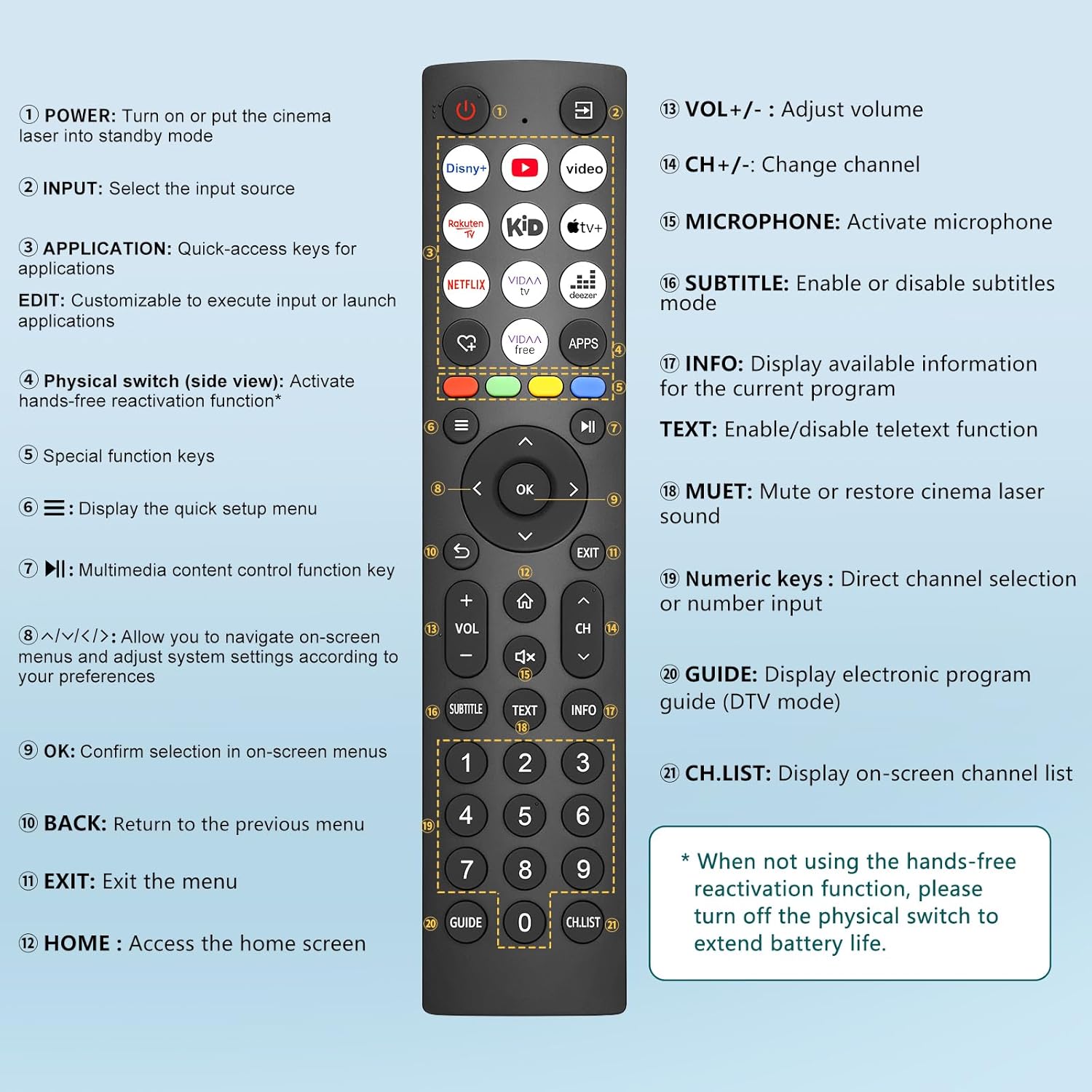
Universal Replacement Remote for Hisense Smart TVs with 10 Shortcut Keys (Excludes Roku)
Reviews
Price
Product description
What it is (and the problem it solves)
This universal replacement remote is built for everyday control of Hisense smart TVs when your original remote is missing, damaged, or just unreliable. On paper, it focuses on two practical things: simple compatibility across most Hisense remote models, and quick access to commonly used channels via 10 shortcut keys.
If you’re fed up with fumbling through menus or waiting for slow responses, this type of remote can genuinely make day-to-day viewing feel smoother. Still, it’s not a magic wand for every scenario—there are some clear exclusions to note.
Compatibility and the exclusions to check first
The key promise here is remote and TV compatibility, but it comes with specific caveats: - Compatible with all Hisense remote control models, with an exclusion for Roku remotes. - Compatible with all Hisense smart televisions, with an exclusion for Hisense Roku TVs.
That “excludes Roku” detail matters more than it sounds. If your Hisense TV is a Roku model, this remote may not be the right match, even if the rest of the compatibility wording looks reassuring. So before you buy, it’s worth confirming whether your TV is Roku-based.
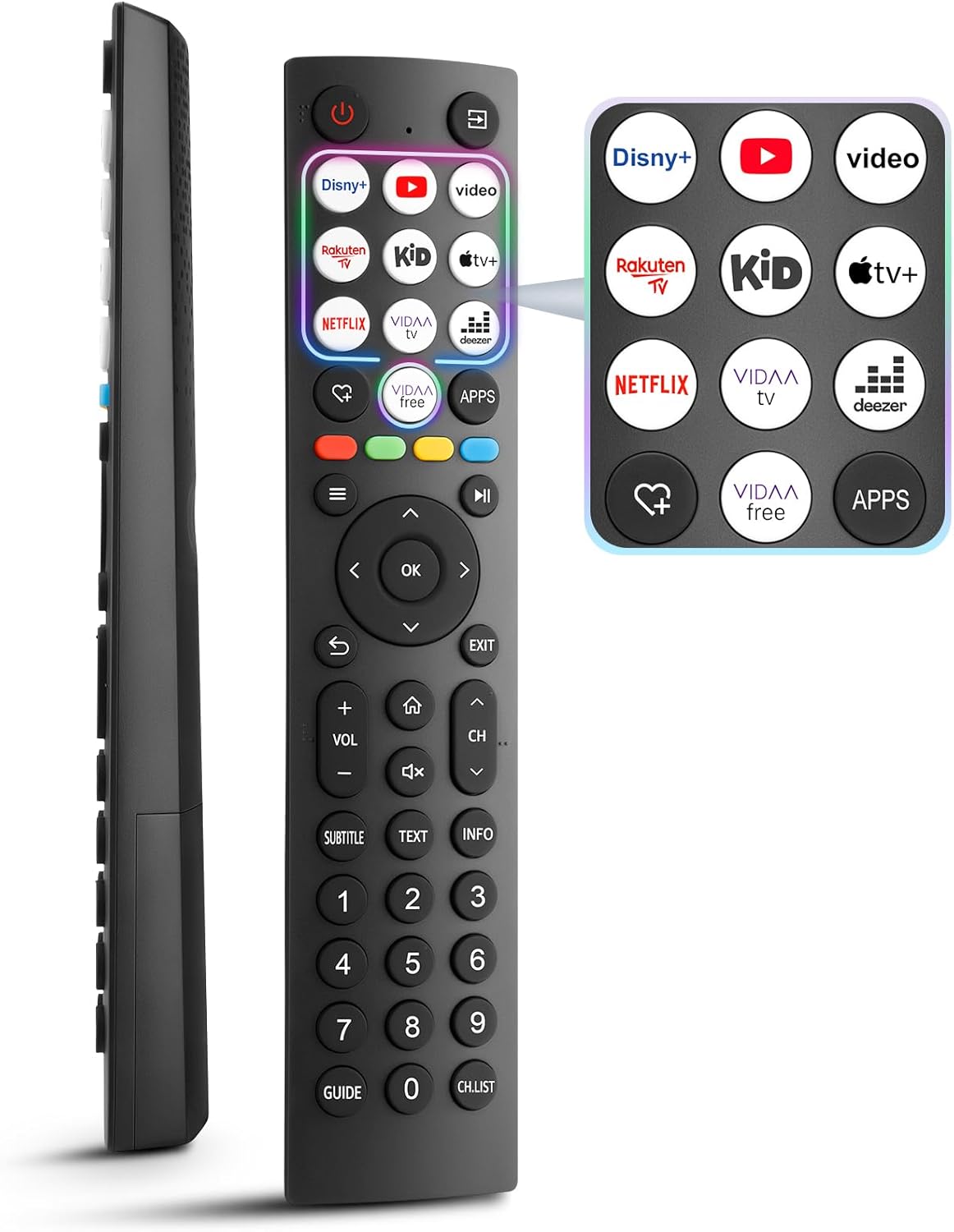
The shortcut keys: where you’ll actually feel the benefit
The headline feature is 10 hot-keys. In real use, hot-keys are the difference between “I found it eventually” and “I can do this in seconds”. Instead of navigating repeatedly—especially during normal viewing—you get single-click access for favourite programme channels.
One small limitation to keep in mind: the description doesn’t explain how those shortcut channels are set or whether they’re fixed. That means your experience may depend on how your TV responds to shortcut selection. If you want a fully configurable shortcut layout, double-check the details before committing.
Setup experience: no pairing, just batteries
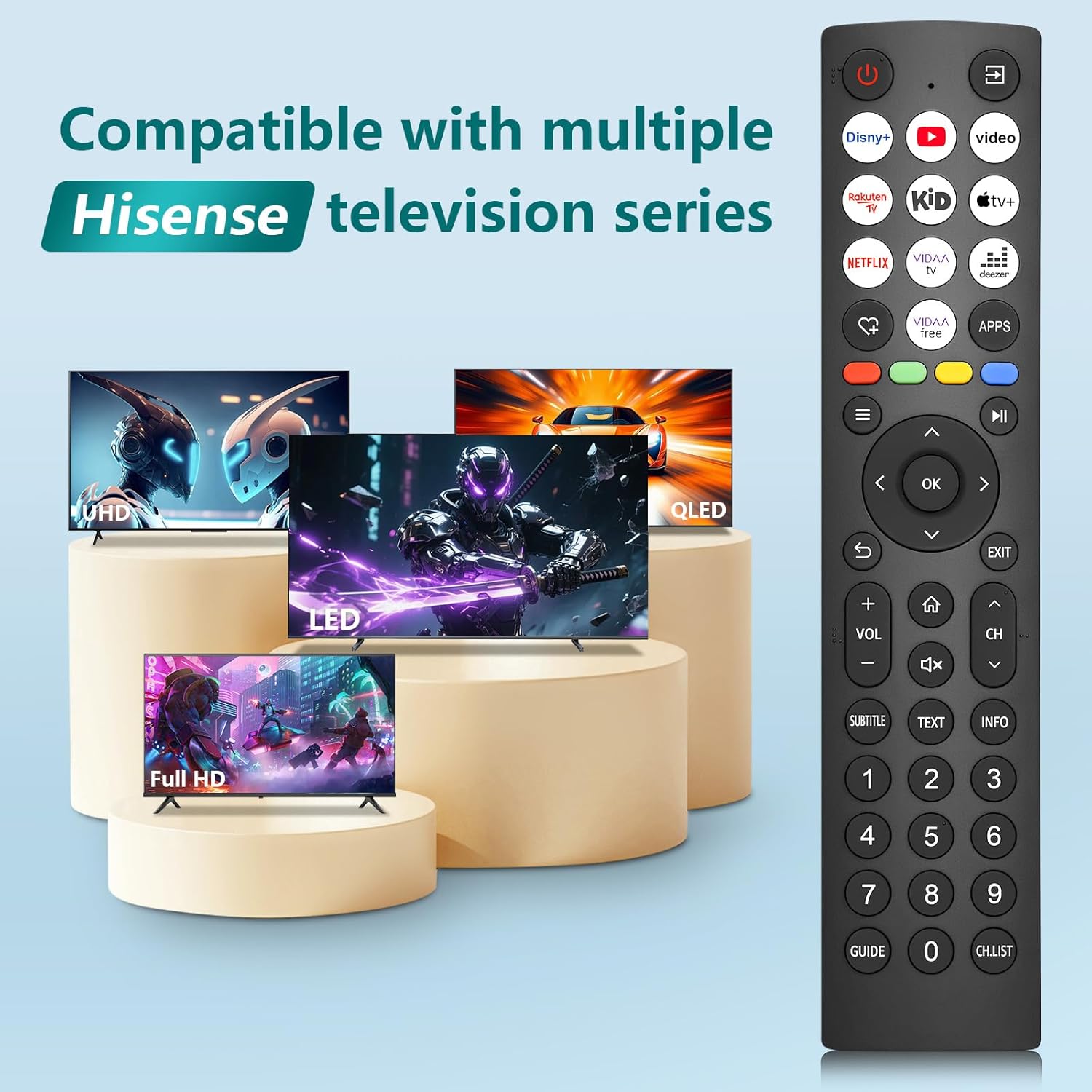
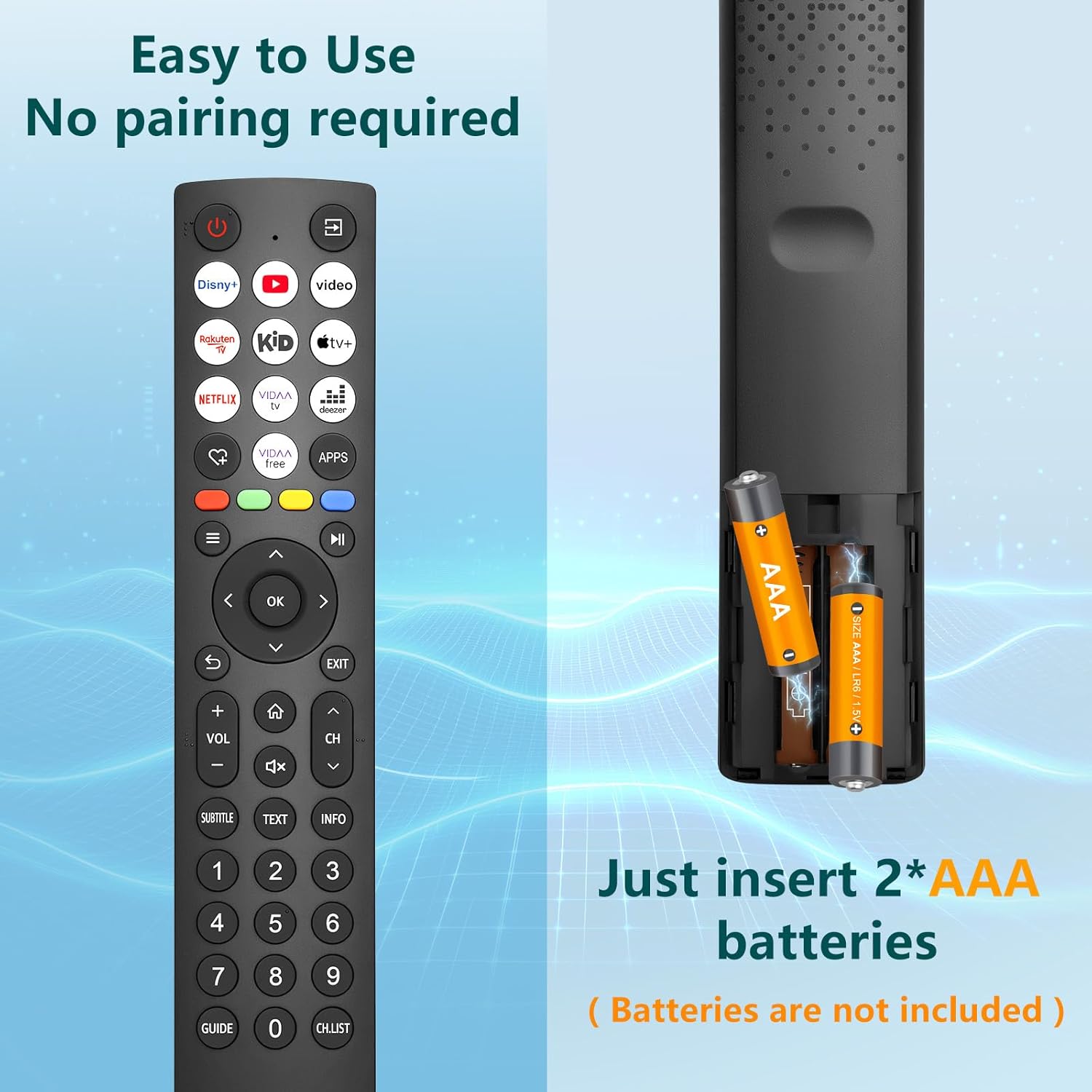
A big convenience angle is that it doesn’t require pairing. The remote is designed to start working as soon as you insert two AAA batteries (batteries not included).
For many people, this is exactly what they want in a replacement remote: less faff, fewer steps, and no hunting through TV settings. It’s particularly handy if you’re replacing a remote on the day you notice it’s gone—because you can get control back quickly.
Responsiveness and range (what the numbers suggest)
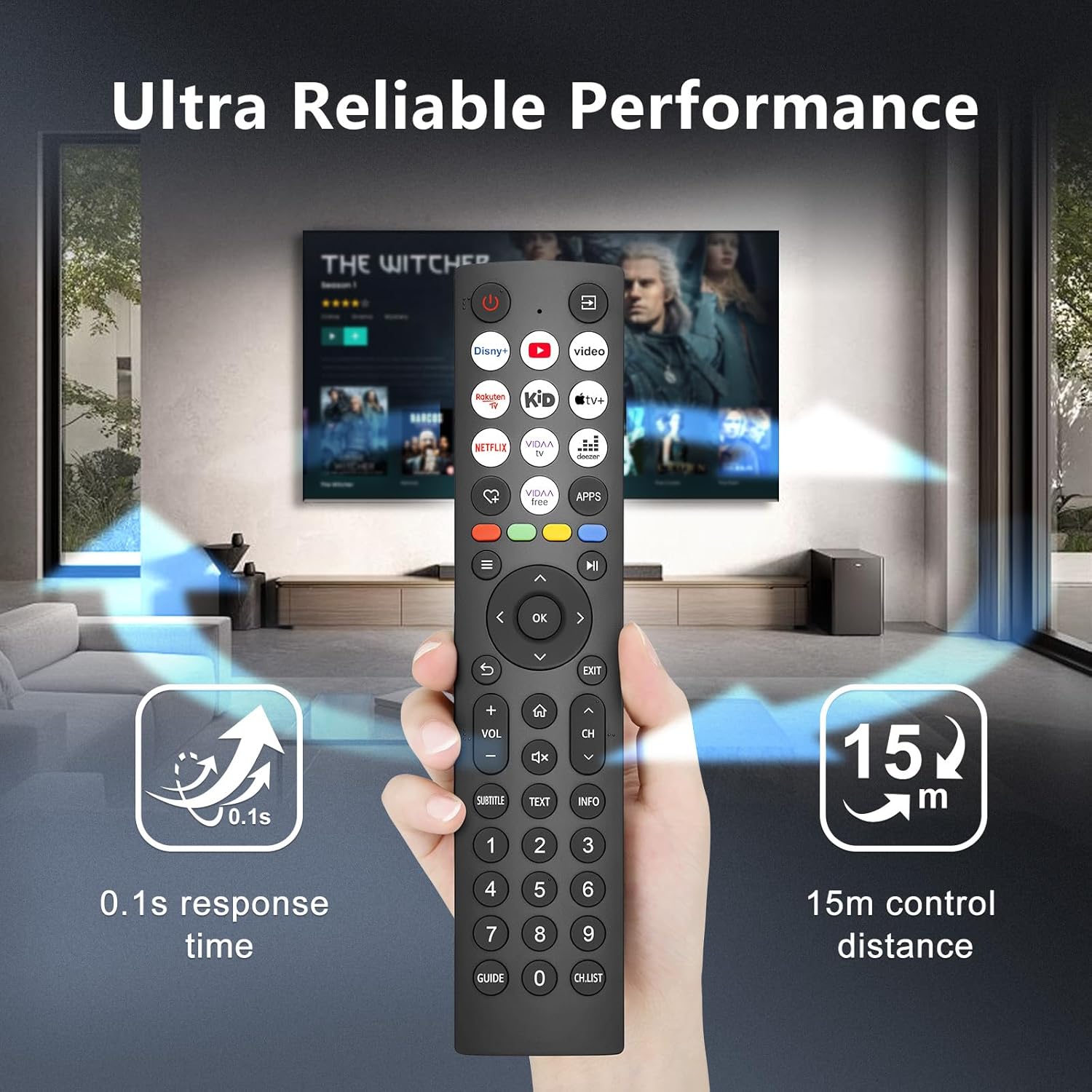
The description claims seamless control up to 15 metres and response times of just 0.1 seconds. While no replacement remote will feel identical to every original in every living room, those figures suggest it’s aimed at fast, reliable day-to-day operation rather than occasional “it works sometimes” use.
Where range can make or break a purchase is in typical UK homes: couch slightly away from the TV, a wall cabinet, or the kitchen view. If you tend to control from a few metres back, the stated 15-metre range is at least aligned with everyday viewing.
Build and daily reliability: what to expect, and what to be cautious about
The listing positions it as “exceptional quality”, but you’ll want to judge it based on how it’s intended to be used: a universal replacement for Hisense smart TVs.
Where this remote is likely to suit you: - You want a straightforward replacement that works without pairing. - You prefer single-click shortcut access to favourite channels. - You want control from a reasonable distance across a normal room.
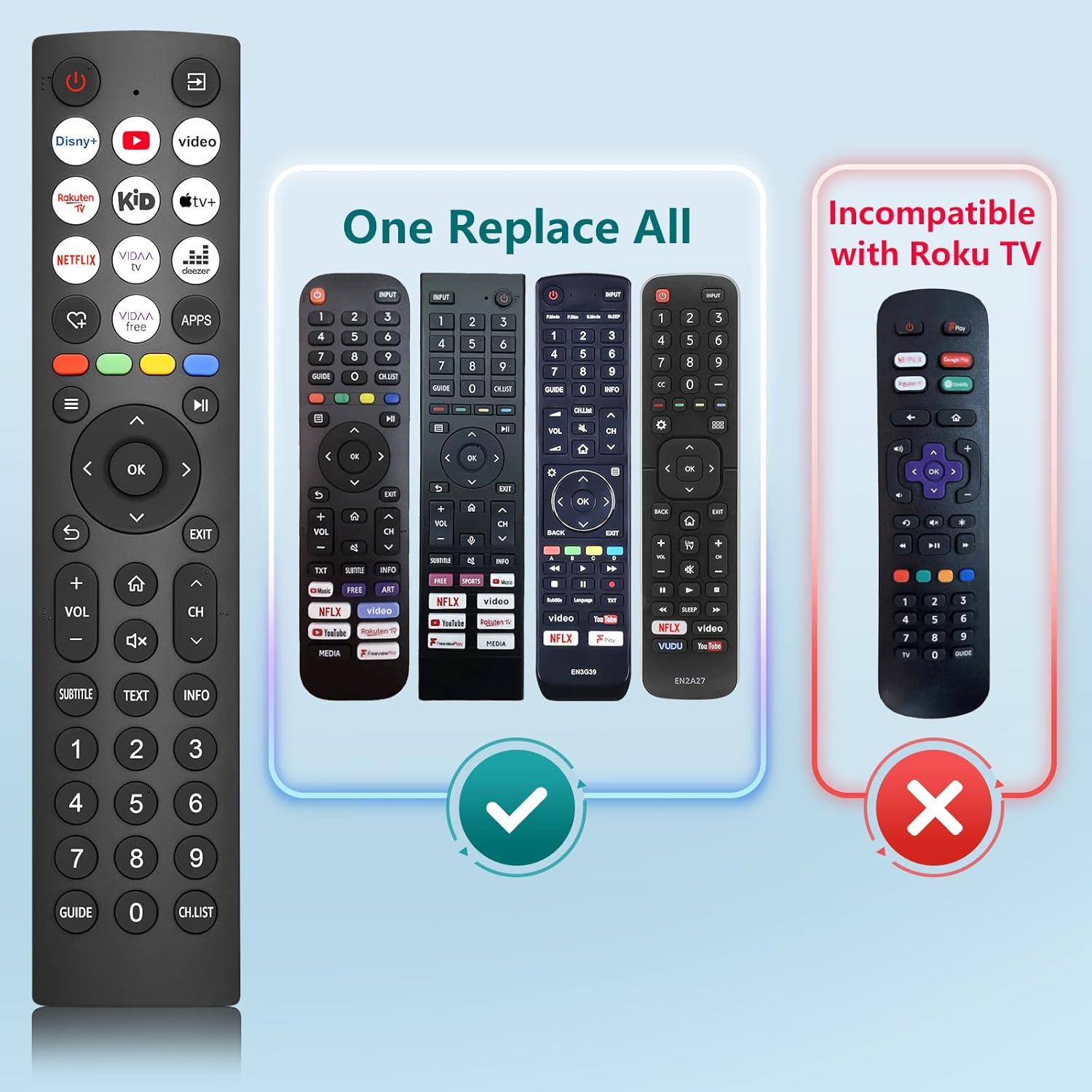
Where it may not be the best match: - If your Hisense TV is a Roku model (or uses a Roku remote), you should likely look elsewhere. - If you rely on very specific remote functions beyond channel shortcuts, you may find it a bit limiting if you expect the same button-by-button behaviour as a particular original remote.
It’s a sensible choice for day-to-day viewing control, but it’s not necessarily designed to replicate every edge-case function you might be used to.
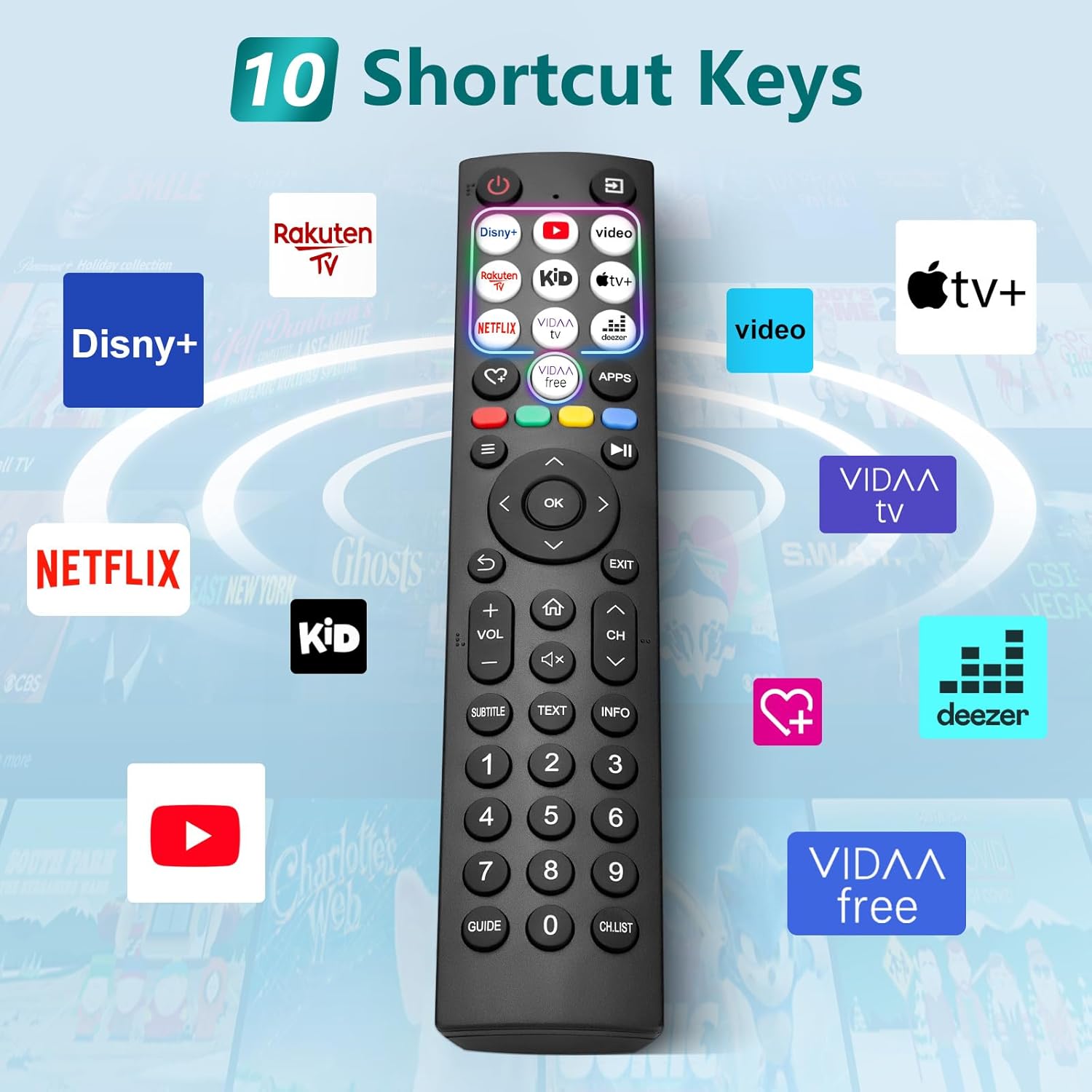
Practical example: replacing a remote for evening viewing
Imagine it’s 8pm and you can’t find the remote—streaming is fine, but you need channel control and quick navigation. With this replacement, the approach is simple: insert two AAA batteries, start using immediately (no pairing), and then use the 10 shortcut keys to jump to your go-to channels.
That “grab it and it works” setup is exactly what you want from a replacement remote—especially when you don’t want to spend time in menus.
Tech specs
- Name: for Hisense-TV-Remote-Control, Universal Replacement for Hisense Smart TV, with 10 Shortcut Keys
- Type: Remote control
- Format: Universal replacement
- Capacity: 2 x AAA batteries (batteries not included)
In the box / what you’ll need
The description confirms batteries are not included. So you’ll need two AAA cells to get it running. It also implies you won’t need to pair it, which typically reduces the chances of setup headaches.
Should you buy it?
A solid replacement pick if you have a Hisense smart TV that is not Roku-based, and you want fast, practical control without pairing. The 10 shortcut keys and the promised range/responsiveness are the kinds of features you’ll notice quickly once it’s in use.
However, it may not suit you if your TV is a Roku model (the listing explicitly excludes Roku). And if you’re expecting every specialised function from your exact original remote, you may find it a little more limited than a fully identical replacement.
If you’re looking for a straightforward, easy-to-setup remote that restores everyday channel control, this one is worth considering.
Mini FAQ
Compatibility
Is this remote compatible with Roku Hisense TVs? It’s described as excluding Hisense Roku TVs, so you’ll want to confirm your TV isn’t Roku-based.
Setup
Does it need pairing? No pairing is required—insert two AAA batteries to start using immediately.
Batteries
Are the batteries included? No, batteries are not included.
Shortcut keys
What are the 10 shortcut keys for? They’re for quick access to favourite programme channels with a single click, based on the listing.
Range
How far can you use it? The description states control up to 15 metres.