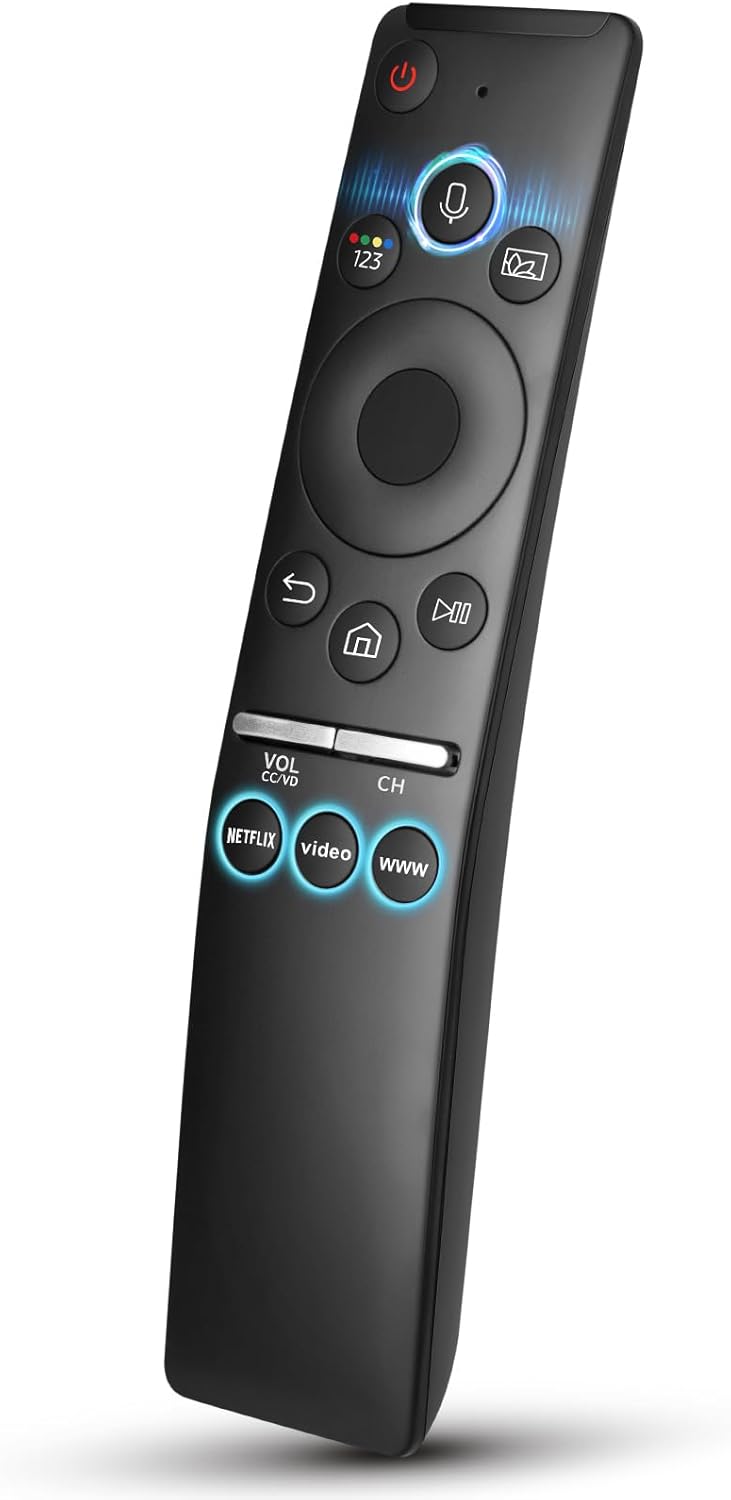
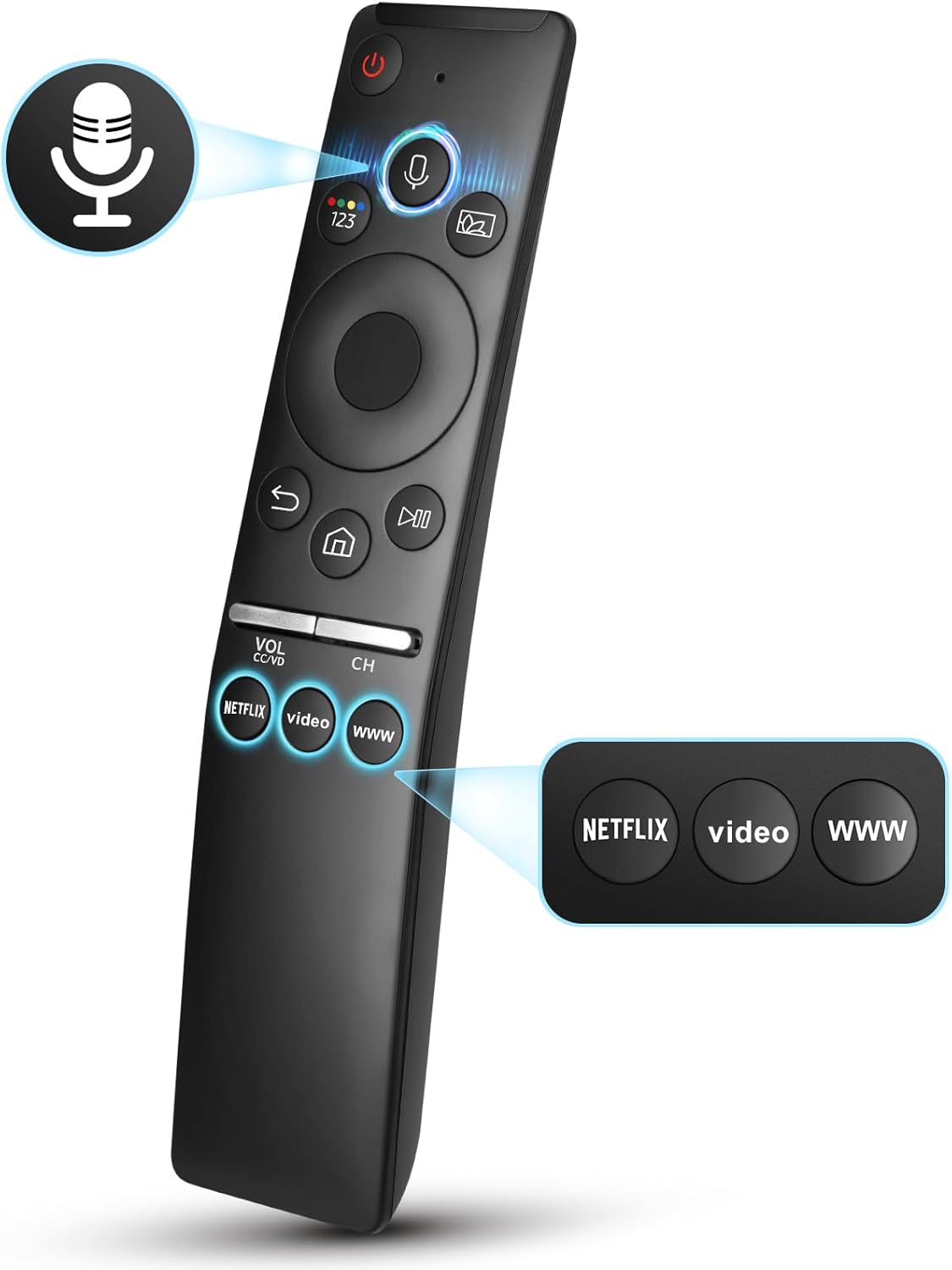
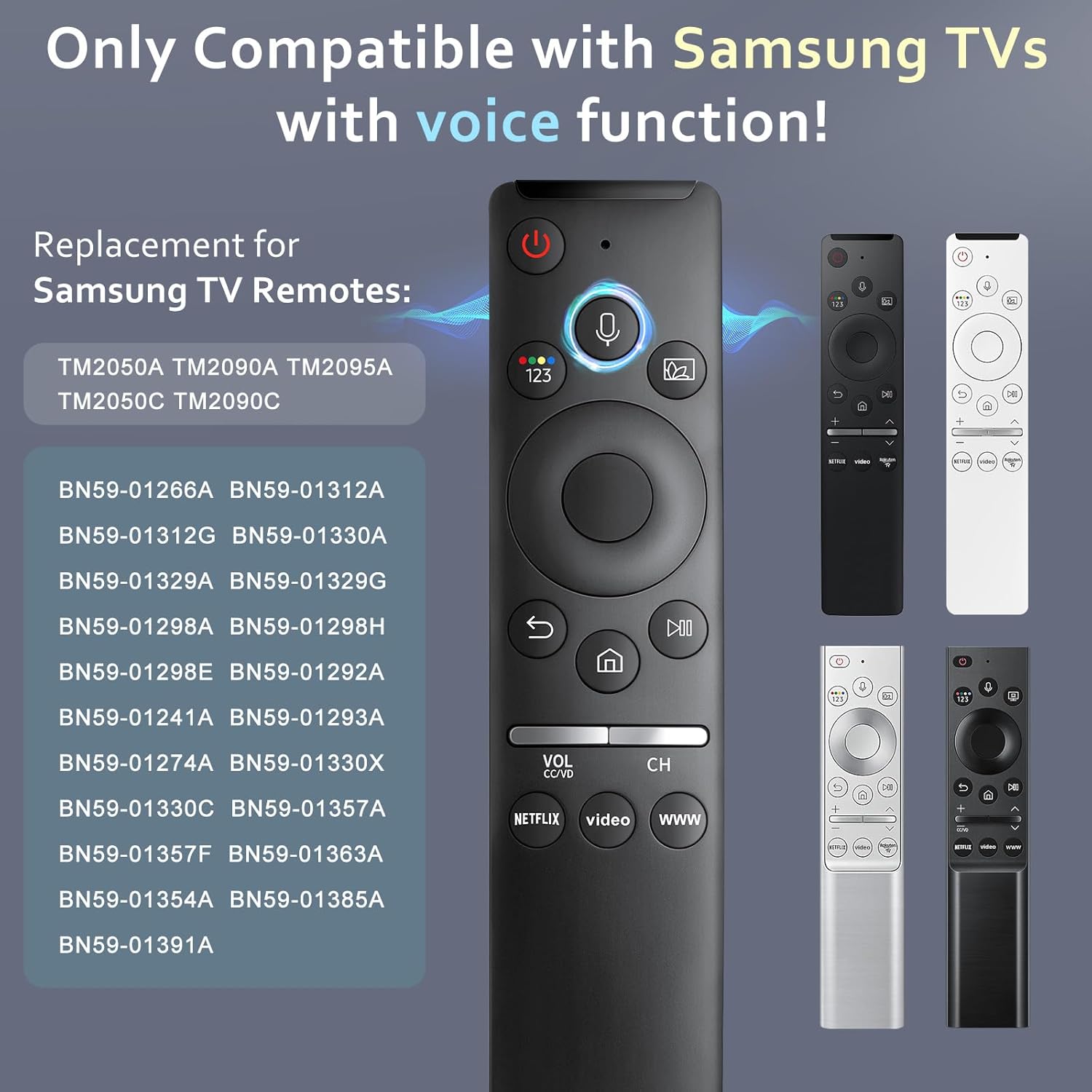
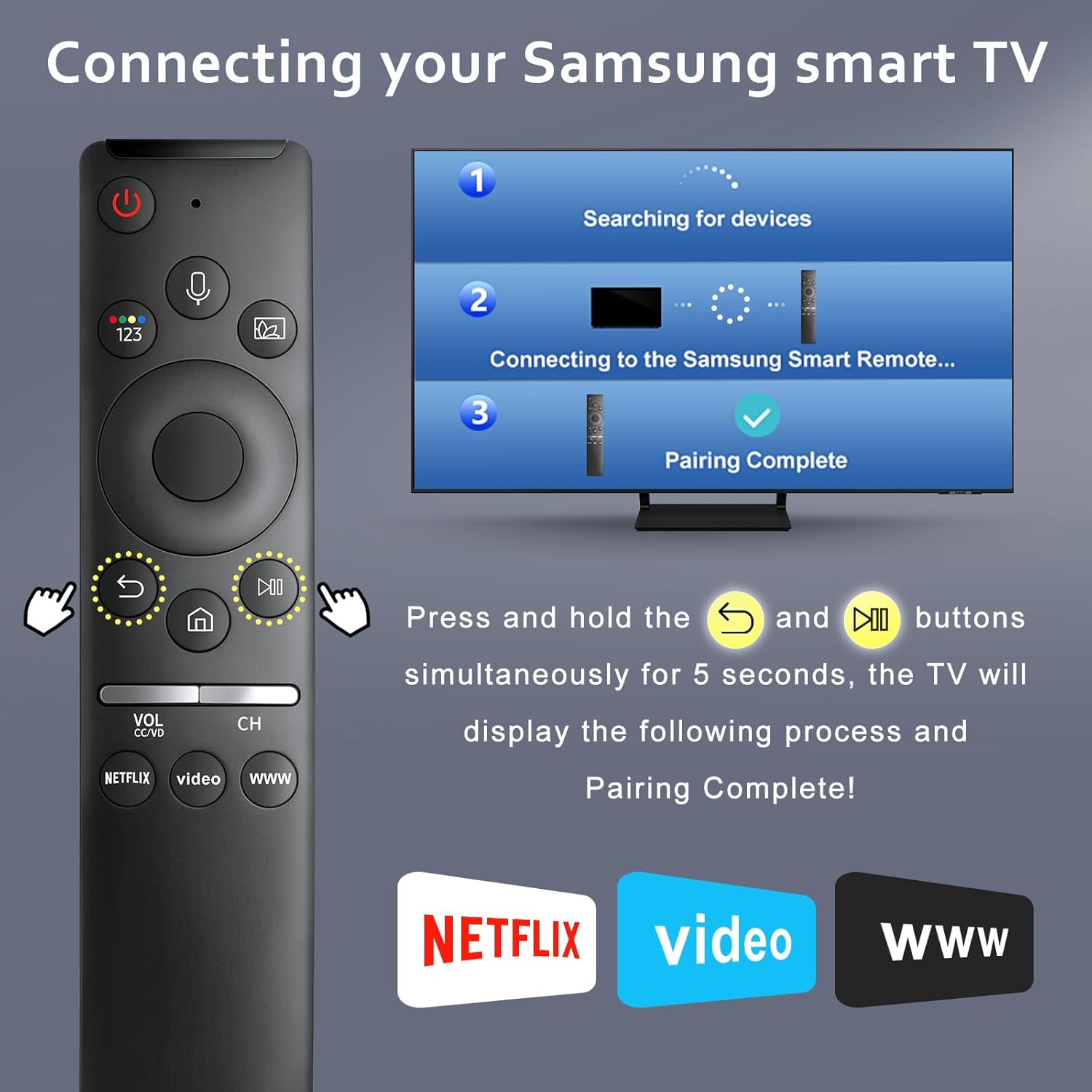
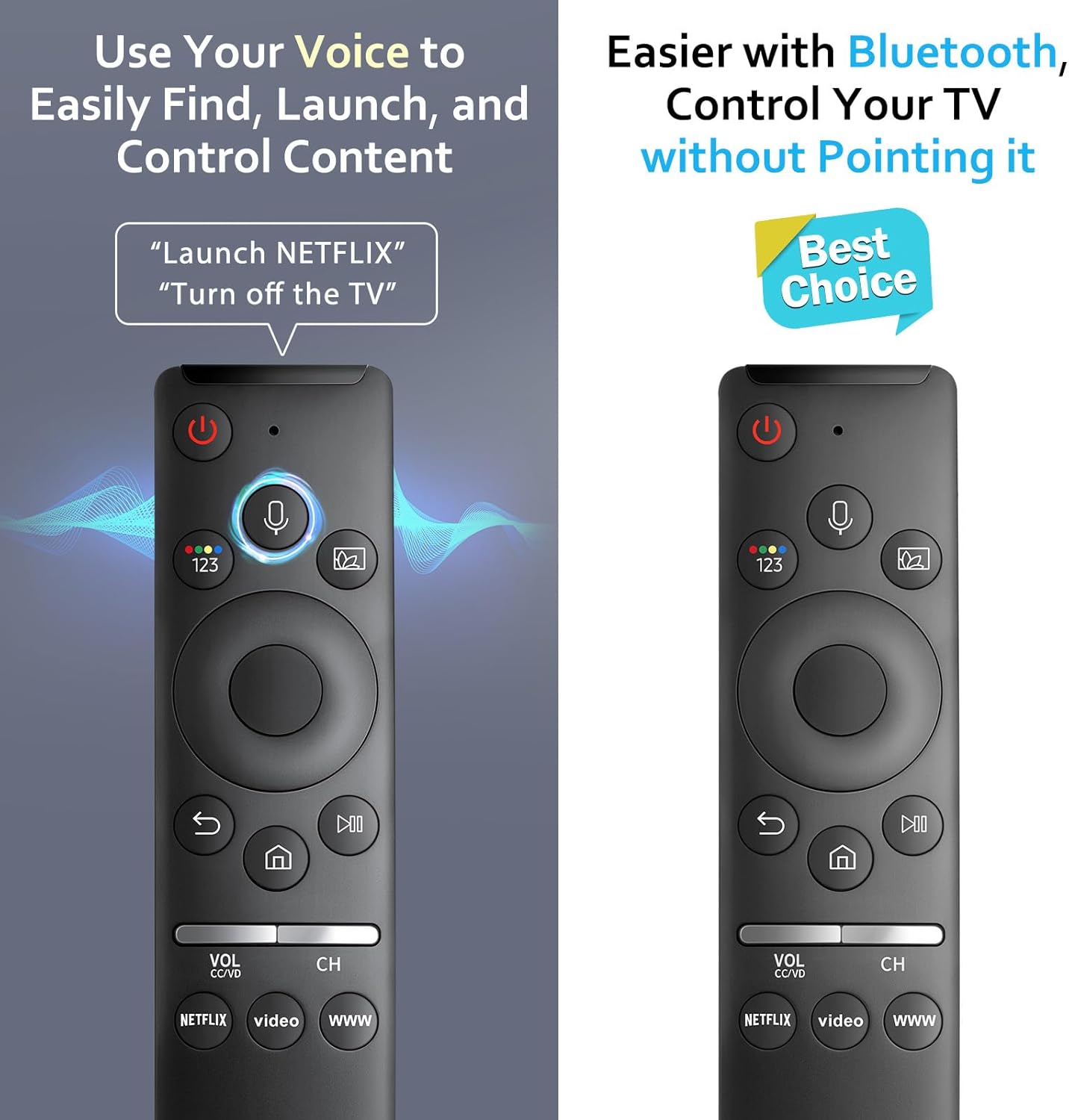
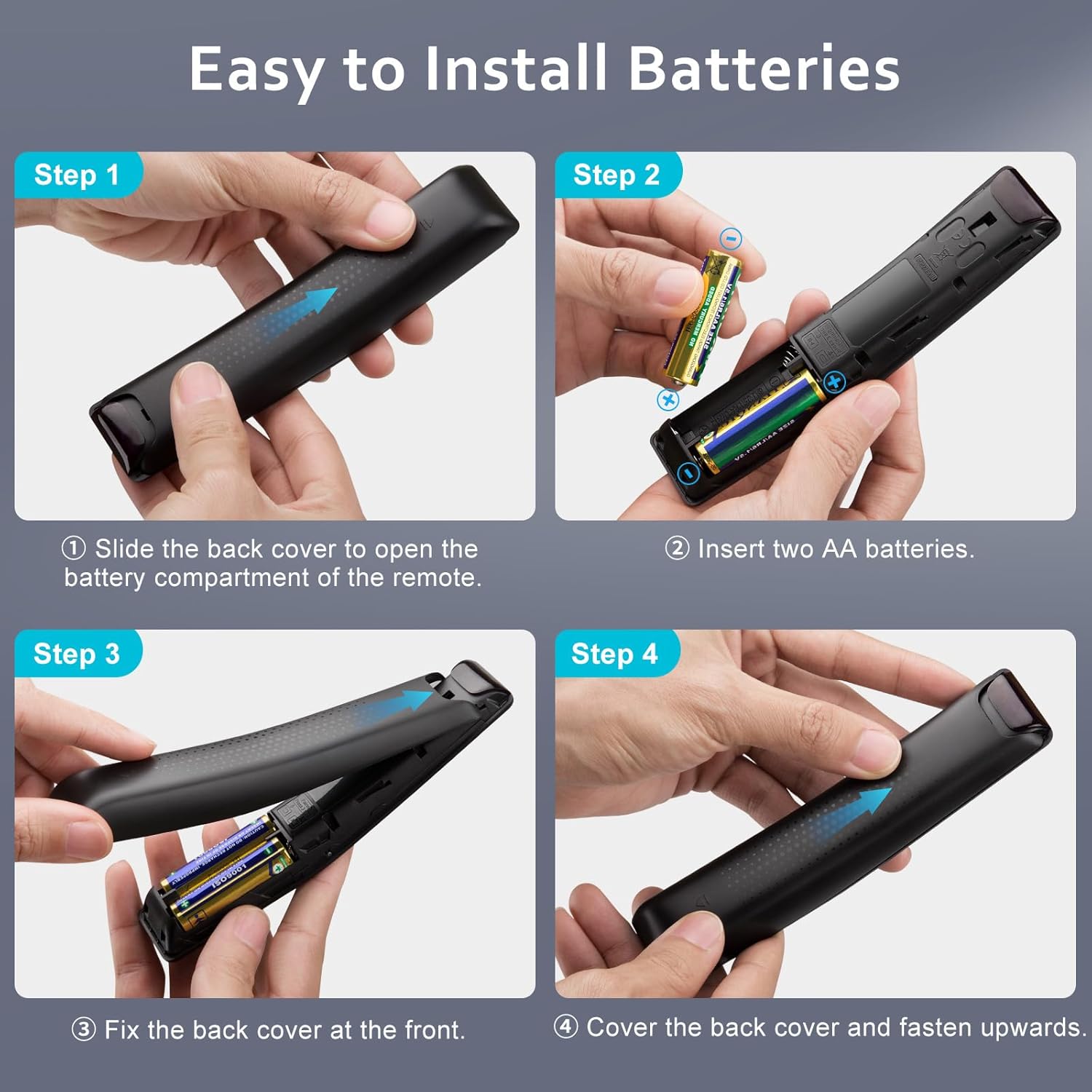
What it is and what it solves\nThis is a replacement remote designed for Samsung Smart TVs that support voice functions. It aims to restore or replace a lost or malfunctioning original remote while preserving voice capabilities for compatible models. If your TV supports voice commands through its built-in function, this remote should let you interact hands‑free, search for content, control volume and open apps by voice, subject to network connectivity. Importantly, it is not compatible with soundbars or external AV receivers, so it’s best suited for the TV itself rather than whole home cinema setups.\n\n## The essentials in plain terms\nOn paper, the setup is simple: turn on the TV, pair the remote by holding Return/Exit and Play/Pause for five seconds, then watch for a pairing icon on screen. Once connected, you should see a “Connecting to the Smart Control” message as confirmation. The voice feature relies on your network being available, so a stable Wi‑Fi or Ethernet connection is part of the equation. The remote is designed to work with a wide range of Samsung TV models that reportedly support voice functions, but if your TV doesn’t have voice support, some buttons may not function as expected.\n\n## What stands out (and what doesn’t)\nWhat’s appealing is the emphasis on voice control to multitask without typing—volume adjustments, app launches, and search can be done by speaking. The inclusion of shortcut buttons may speed up common actions. On the downside, the compatibility note is explicit: if your TV’s voice features aren’t supported, this remote won’t be a full replacement. Also, it won’t control non‑TV devices like Blu‑ray players or soundbars, which limits use in some setups.\n\n## Who it’s for\nThis is worth considering if you have a Samsung Smart TV with voice functions and you’re replacing a remote that previously offered voice control. It’s a pragmatic option for households where the TV is the central smart hub and you want an uncomplicated, dedicated voice remote without extra features you won’t use.\n\n## Who it isn’t ideal for\nIf your TV does not support voice functions, or you need a universal remote for multiple devices including soundbars, this would likely fall short. If your setup relies heavily on a soundbar or external receivers, you may prefer a different control approach.\n\n## When it makes sense to buy\nBuy this replacement when you need a dedicated TV remote that preserves voice interaction and quick access to apps, subject to your TV model’s compatibility. It can be a sensible value option to restore a smoother, hands‑free control experience.\n\n## What to check before buying\nConfirm that your Samsung TV model is listed as supporting voice functions. If your TV operates without voice, be prepared for limited button functionality. Also verify that you’re okay with a remote that is not designed for soundbars or external devices.\n\n## Practical use example\nImagine picking up the remote to search for a film by asking, “Find action movies,” then saying “Play” to start the selected title, instead of navigating menus with a keyboard. It’s a small convenience, but it can make late‑night viewing quicker and calmer.\n\n## Quick comparison note\nIf you favour a straightforward TV‑only control with voice, this type of remote is a cleaner option than a universal or multi‑device remote that adds complexity. If you need control across a soundbar or other gear, you might prefer a different setup that includes those devices in the same control ecosystem.\n\n## Care & maintenance (short tip)\nKeep the remote free from dust and moisture, and use the supplied paired‑down batteries as recommended. If a button feels unresponsive, re‑pairing following the original steps often resolves minor pairing hiccups.\n\n## FAQ (brief)\n- Does it work with all Samsung TVs? It works with models that explicitly support voice functions, if your TV lacks that feature, performance may be limited.\n- Can I use this with a soundbar? No, it’s not designed for soundbars or external audio devices.\n- How do I pair it? Turn on the TV, point the remote, press and hold Return/Exit and Play/Pause for 5 seconds, then release when the pairing icon appears.\n\n## Should you buy it?\nYes, if you need a dedicated voice remote for a compatible Samsung TV and value quick, hands‑free control for everyday viewing.