

Magic Remote for LG TV: Replacement remote for 2018–2025 LG Smart TV models with Voice and Pointer
Product description
Introduction
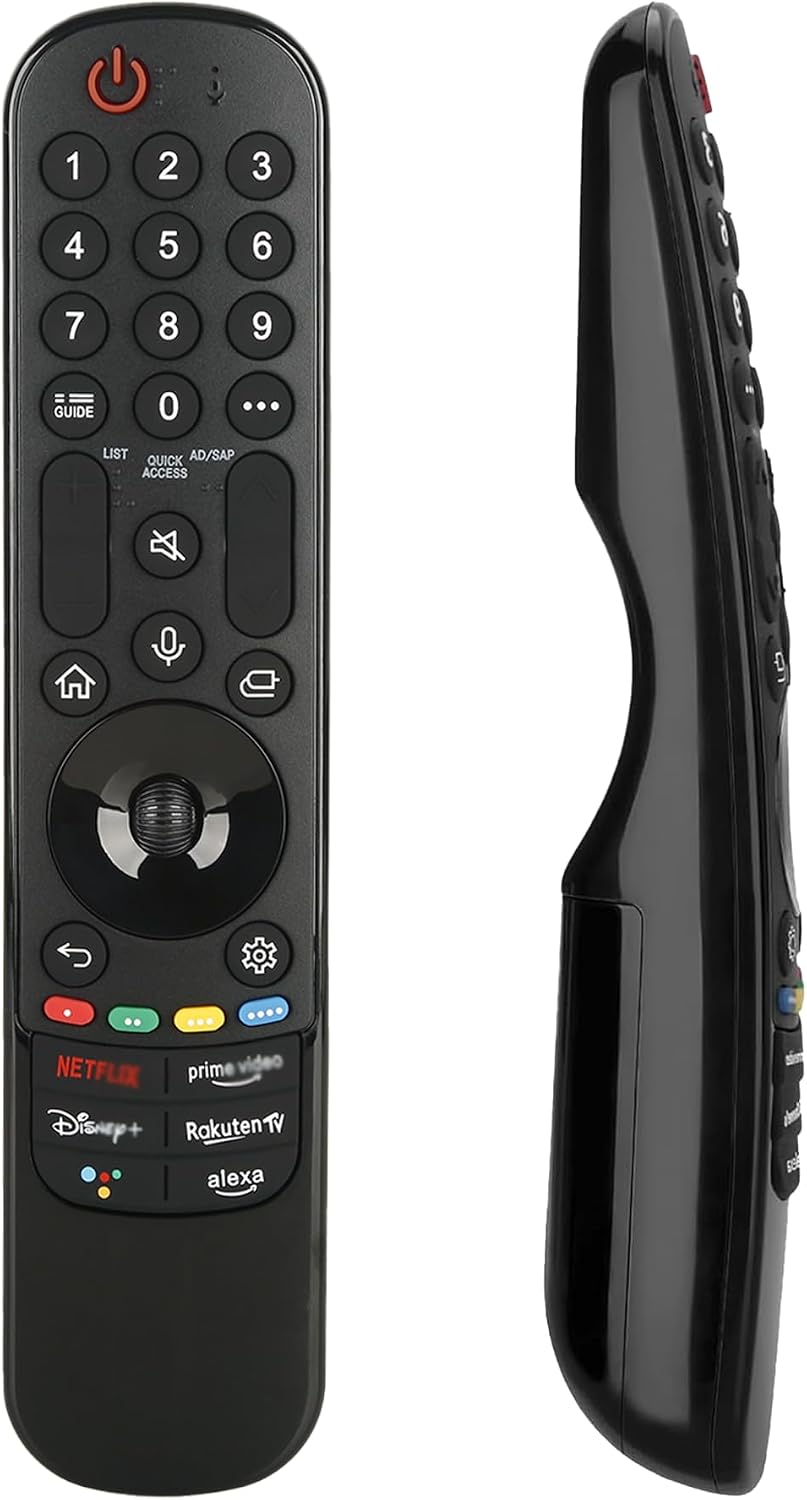
A practical replacement option for LG owners who want to keep using their Smart TV without hiccups. This Magic Remote is designed to work with a broad range of 2018–2025 LG Smart TVs that support voice control, and it includes features you’d expect from the original: voice search, a pointer for easier navigation, and dedicated hot-keys for popular streaming services. On the page you’ll find a balanced view of what the remote does well and where it may fall short in real-world use.
Compatibility and scope
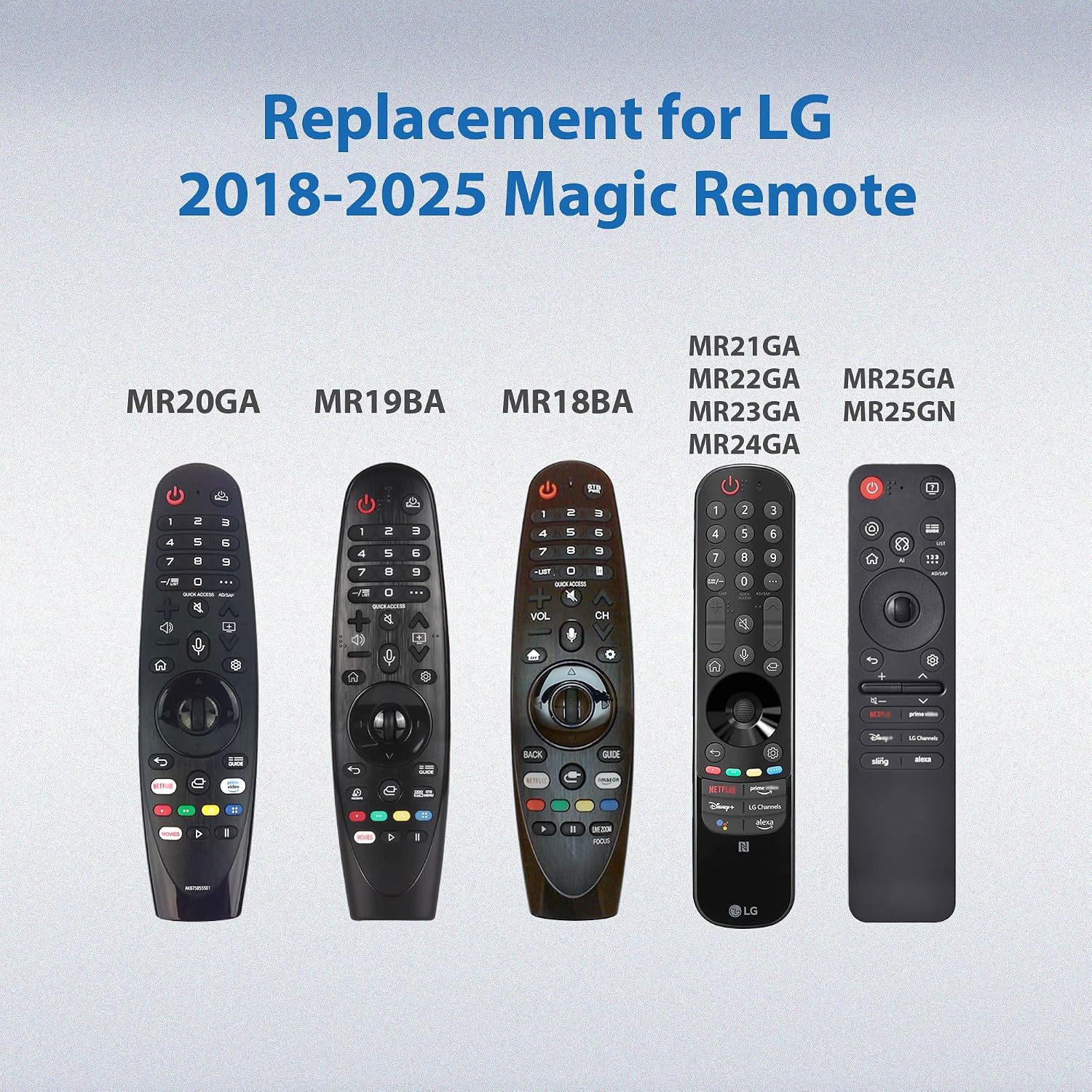
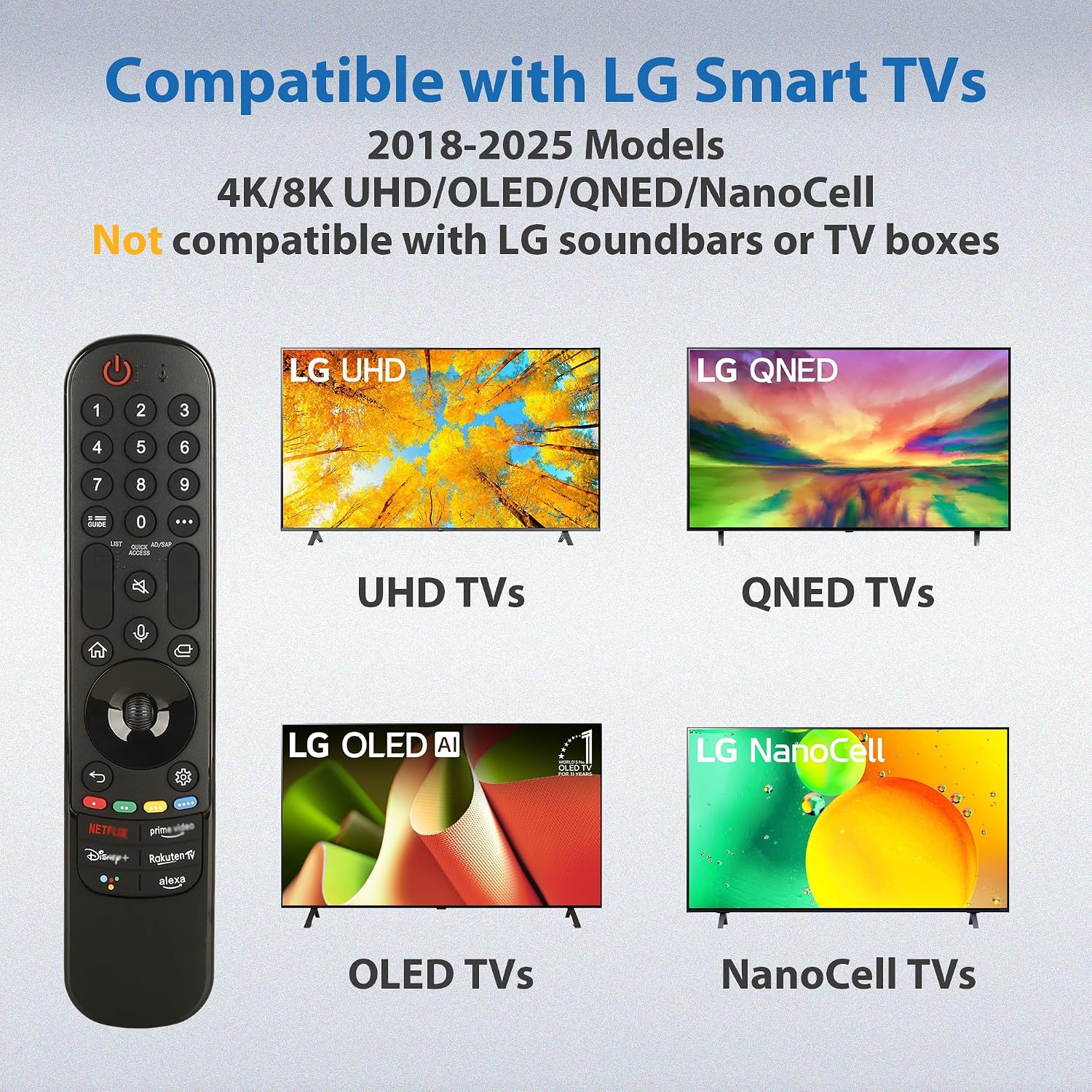
On paper, this remote covers many LG models released 2018 through 2025 that support voice control. It’s pitched as a replacement for LG Magic Remotes and lists several MR-series references (for example MR24GN/GA, MR23GN/GA, MR25GA/GN, MR22GA/GN, MR21GA/GC, MR20GA, MR19BA and more). Important to note is the caveat: if a TV model doesn’t support voice control or predates 2018, the voice search function may not work. It’s also specified as a TV-only accessory, not suitable for LG soundbars or TV boxes.
How to use and pairing
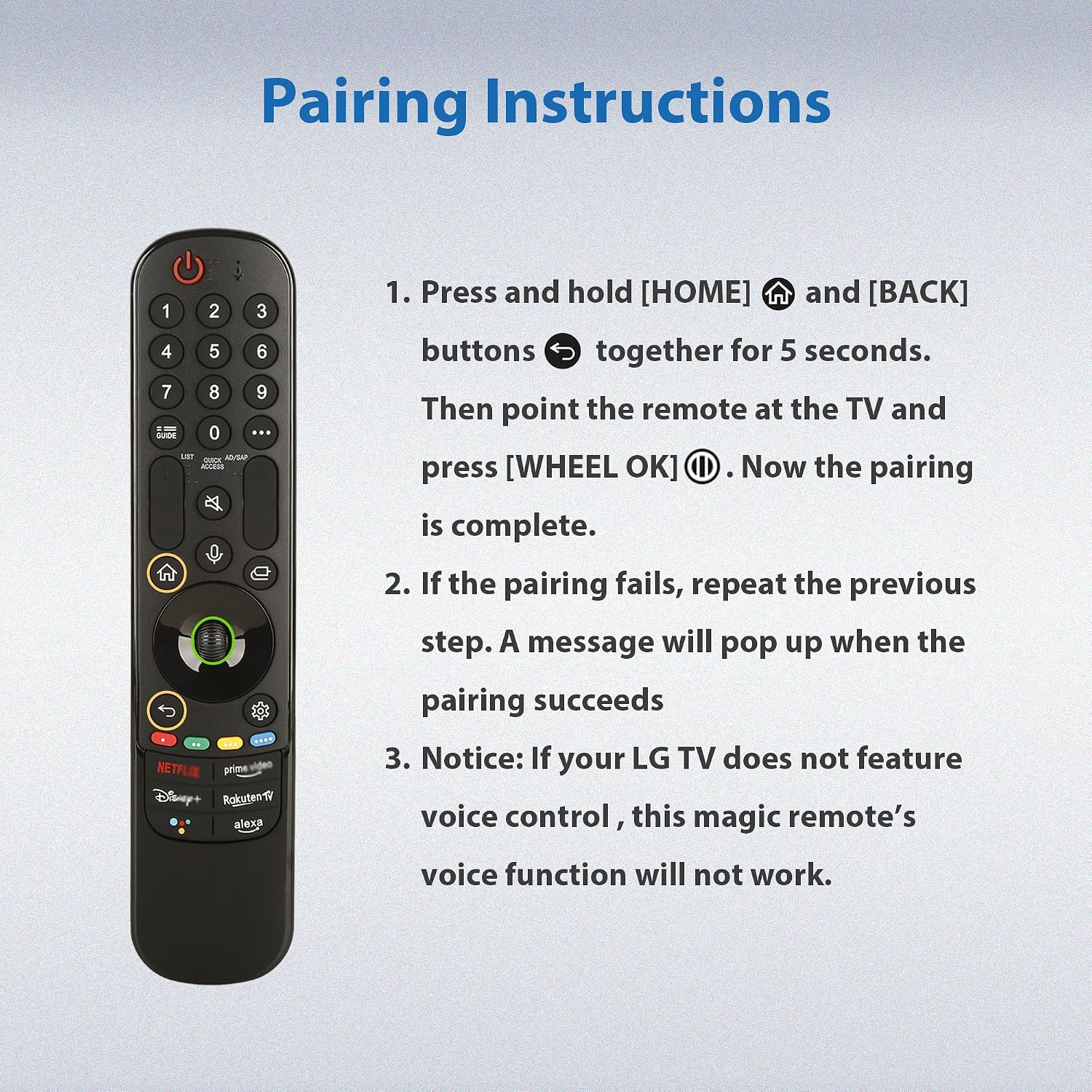
Pairing is intended to be straightforward: insert two AA batteries, power on the TV, then press and hold the Home and Back buttons for 5–7 seconds, aim at the TV, and press the middle Wheel (OK) to complete. If pairing fails, the instruction is to try again. It’s helpful to know that the voice and pointer features are activated once paired, opening up hands-free searching and cursor navigation.
What it brings in daily use
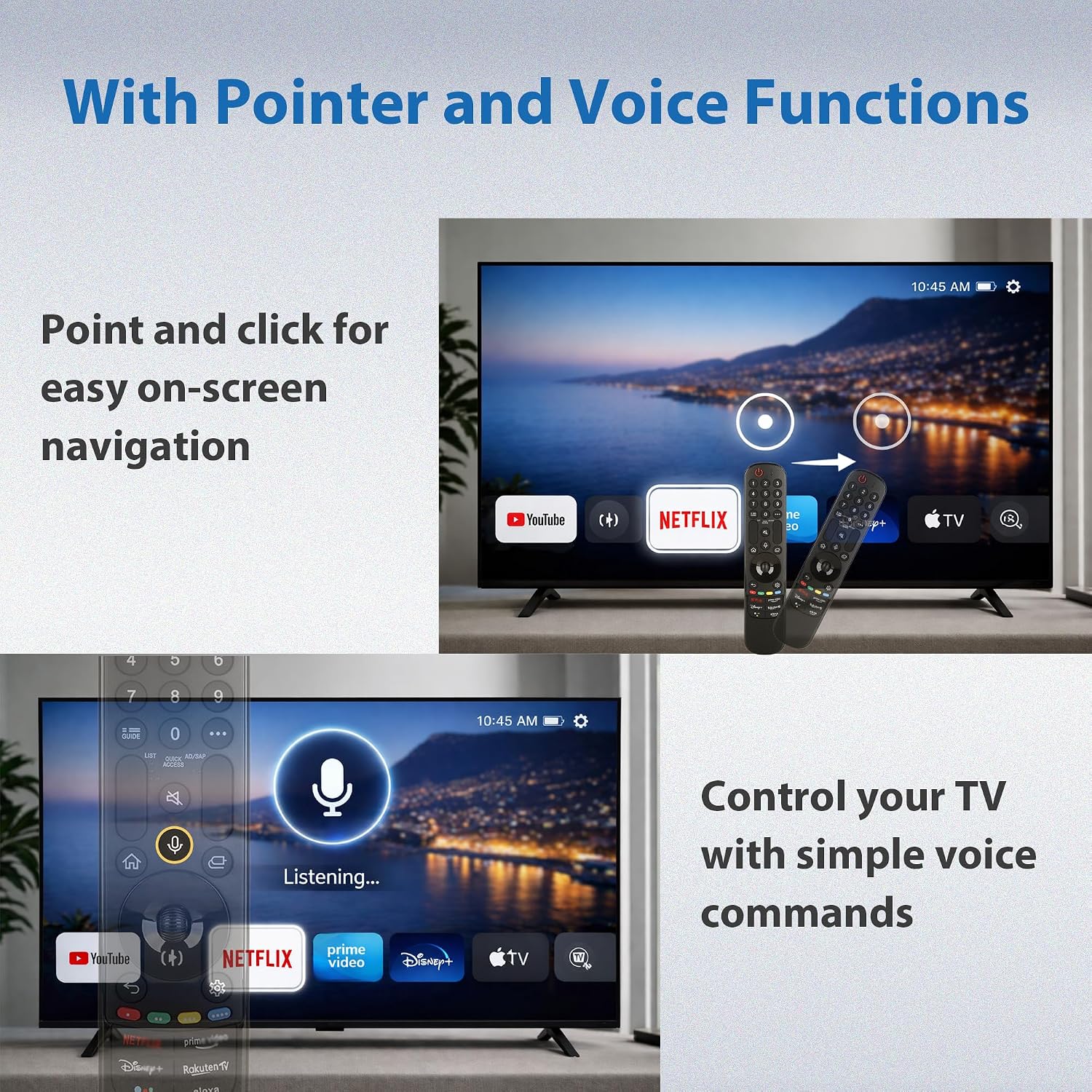
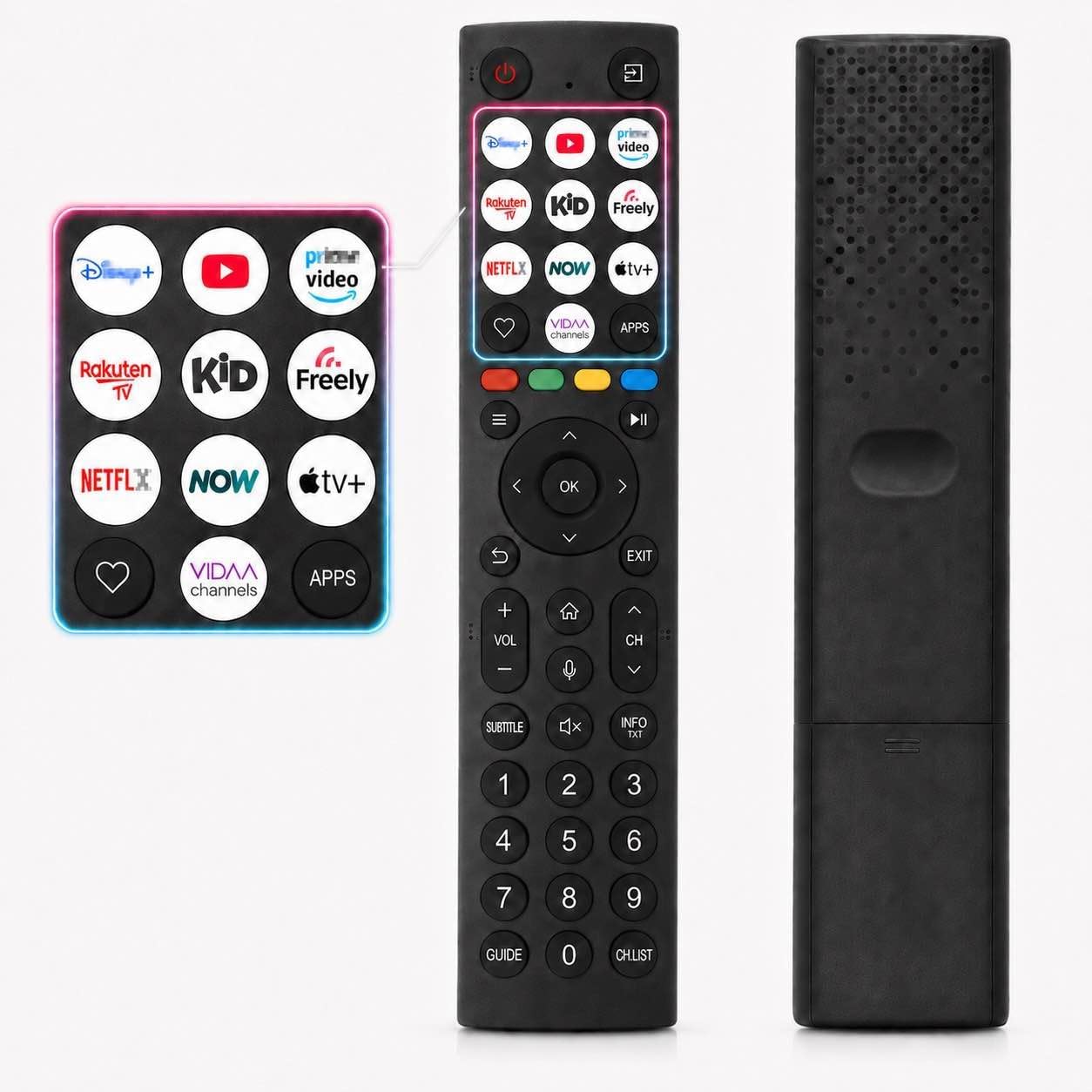
The remote adds an intentional blend of voice control and cursor-like navigation, which can speed up searches, app launches, and scrolling through menus. Six dedicated hot-keys provide quick access to services such as Netflix and Disney+. The pointer function can be handy when you want to nudge the on-screen cursor from anywhere in the room, which some users will find noticeably more convenient than traditional button navigation.
Build, durability and power
Constructed from ABS materials described as sustainable and high-quality, the remote is designed for daily use by households with children or pets. Each button is claimed to endure up to 120,000 presses, and the design emphasises energy-saving technology to extend battery life. That said, as with any remote, longevity will depend on everyday handling and battery habits.
What to check before buying
- Compatibility with your specific LG model and feature set (especially voice control).
- Whether you rely on voice search or prefer manual navigation—if both are important, this model supports both.
- The pairing steps and whether your TV firmware aligns with the remote’s setup process.
- If you need a device that works with LG TVs only, not other brands or peripherals.
Pros and cons in context
Pros: broad compatibility for 2018–2025 LG TVs, voice control, pointer navigation, six hot-keys for popular apps, durable build and energy-efficient design. Cons: voice control may not operate on models without voice support or on very old pre-2018 units, and some users may prefer original-packaging remotes or have a different pairing experience depending on firmware.
Who it’s for
This remote is well-suited for LG TV owners who want a straightforward replacement that preserves the familiar LG remote experience, including voice search and cursor navigation. It should appeal to households that value quick app access and easier navigation across streaming services.
Who might want to skip it
If your TV doesn’t support voice control, or you require features unique to other LG remotes not covered here, this may not deliver the full experience you expect. Those who strongly prefer an exact original remote aesthetic or those who demand higher-end ergonomics could also find it lacking.
When it makes sense to buy
If you’ve misplaced or damaged your LG Magic Remote and your TV model is within the supported range, this remote offers a practical path back to the standard LG control experience without needing to upgrade the TV or adopt a different ecosystem.
When to be cautious
If your TV predates 2018 or lacks voice control, don’t expect voice search to work. Confirm that your TV model specifically supports the functions described before purchasing.
Quick check-list before purchasing
- Confirm TV model and firmware support for voice control.
- Check that you’re buying a replacement compatible with LG TVs only.
- Consider whether you’ll rely on the pointer feature and the dedicated hot-keys for streaming apps.
- Review pairing steps and ensure you’re comfortable with the process described.
Practical usage example
Imagine you’re browsing for a film late at night. Instead of navigating through menus with arrow keys, you can say the title to the remote and use the pointer to fine-tune search results, then press a hot-key to start your preferred streaming service. It’s the kind of small efficiency that can make everyday viewing a touch smoother.
FAQ
- Does it work with all LG models? It covers many 2018–2025 Smart TVs that support voice control, but compatibility varies by model.
- Will voice search work on my TV? If your TV supports voice control and is within the supported range, yes, otherwise, the feature may not function.
- How do I pair the remote? Insert 2 AA batteries, power on the TV, hold Home and Back for 5–7 seconds, aim at the TV, and press the middle Wheel (OK) to pair.
- Is it safe for children to use? The remote is built with child-suitable materials and button durability in mind, but supervision is always wise with any device.