

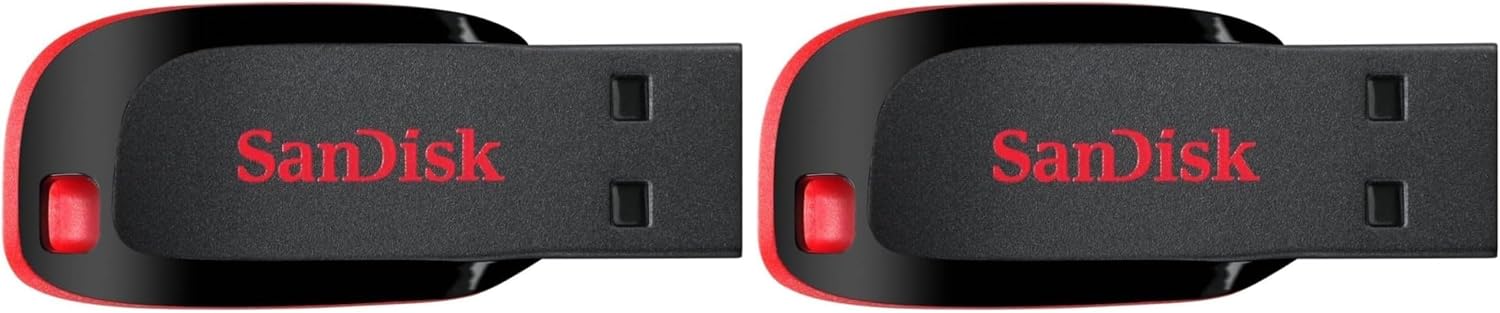
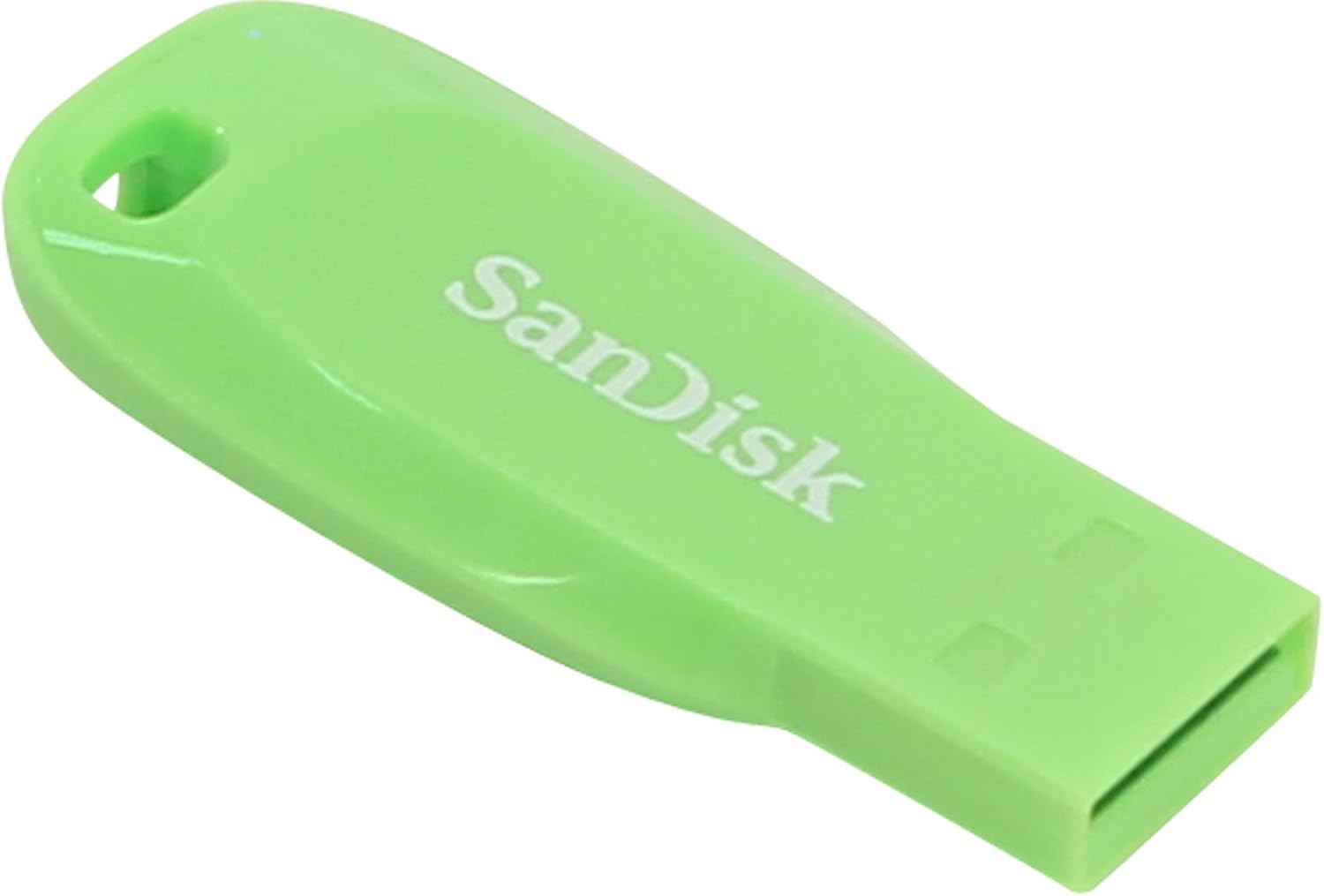
SanDisk 128GB Cruzer Blade USB 2.0 Flash Drive
Reviews
Price
Product description
What it is and what it solves
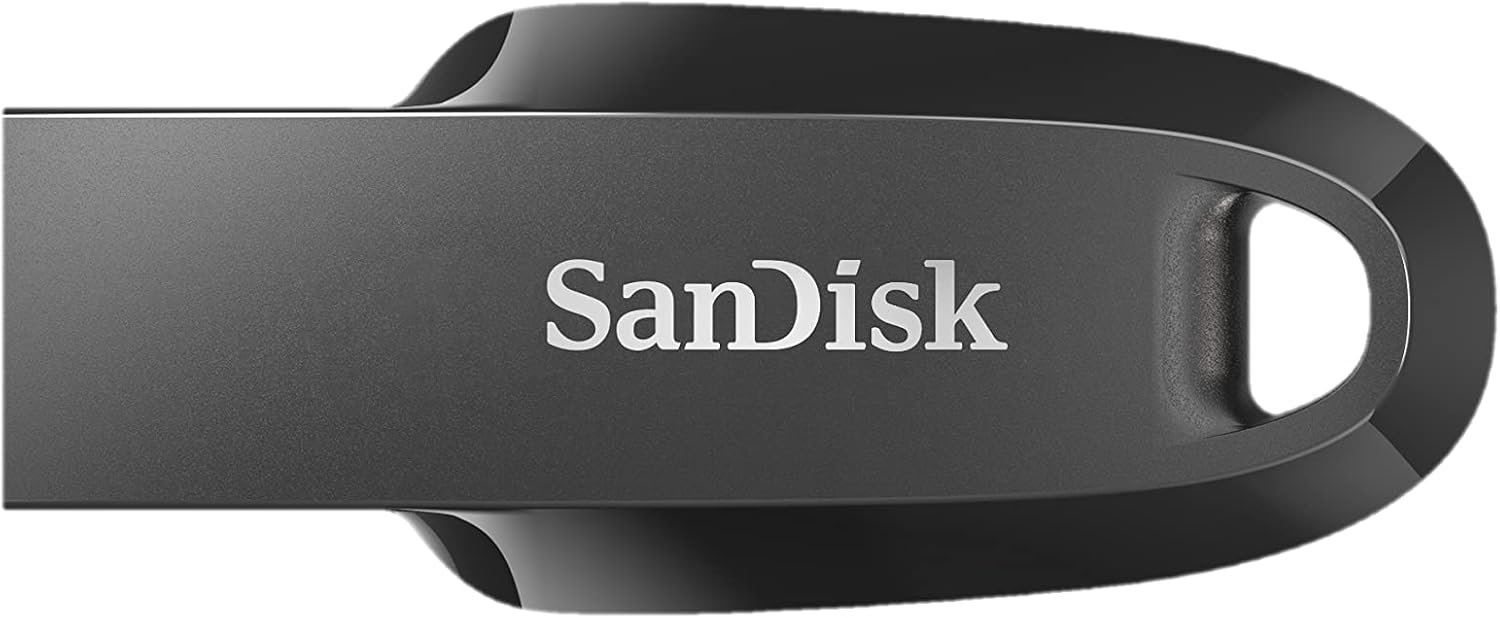
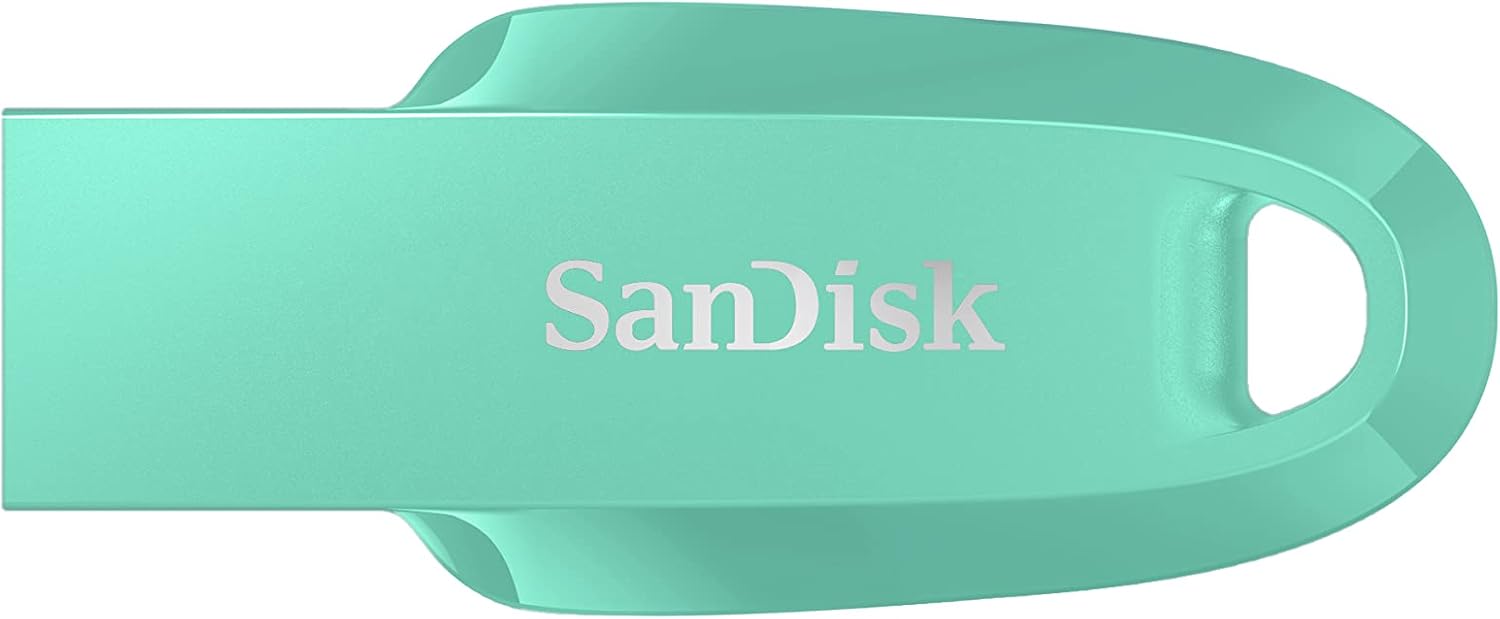
The SanDisk 128GB Cruzer Blade is a compact USB flash drive designed to add portable storage to everyday devices. With 128GB of space, it aims to simplify quick file transfers and keep important documents, media or backups on hand without relying on cloud storage. It plugs into any USB port and supports straightforward drag-and-drop access, so you can move files between a computer or compatible mobile device with ease.
Core strengths and practical limits
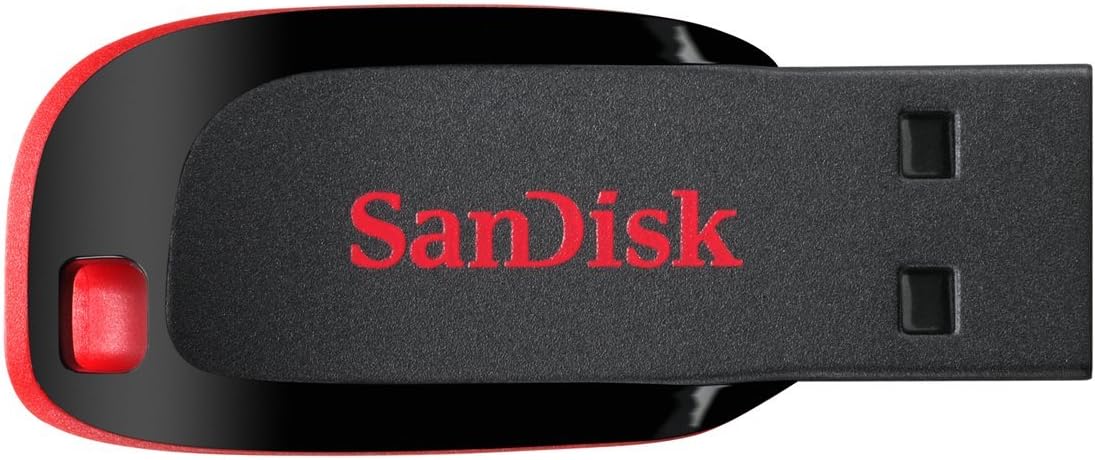
On the paper, the Cruzer Blade leverages USB 2.0 for data transfer. That means real-world speeds may be sensible for documents, photos and smaller files, but it isn’t the fastest option if you’re copying large video libraries or large backups. Its compact design helps it stay pocketable, reducing the likelihood of misplacement, but the small form factor can make it easy to forget in a bag or on a desk. A notable feature is built-in password protection and encryption via SanDisk SecureAccess software, which adds a layer of security for private files without needing extra hardware.
What stands out day to day
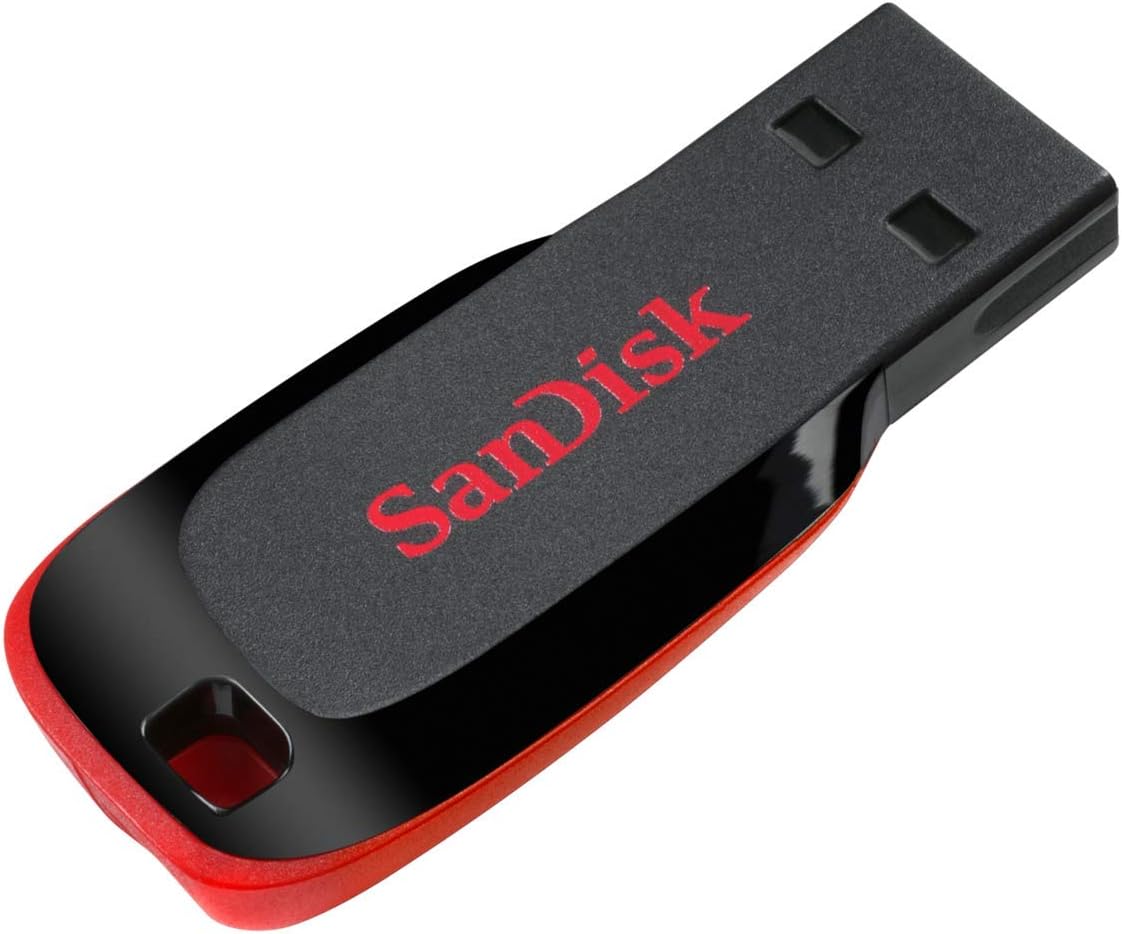
For everyday users, the ability to drag and drop files directly to the drive is convenient. The 128GB capacity provides a comfortable room for a mix of documents, resumes, spreadsheets, travel photos or offline copies of important files. The security option is a plus for anyone who stores sensitive information and wants to limit access if the drive is briefly left unattended. If you prioritise portability over raw speed, this model aligns well with that use case.
What you’ll notice in use
You’ll notice the simplicity: plug in, copy your files, and unplug. The lack of USB-C or USB 3.0 may feel limiting for those who expect faster transfers or newer ports, but it remains an affordable, broadly compatible option for older hardware or devices with standard USB-A ports.
Who it’s for
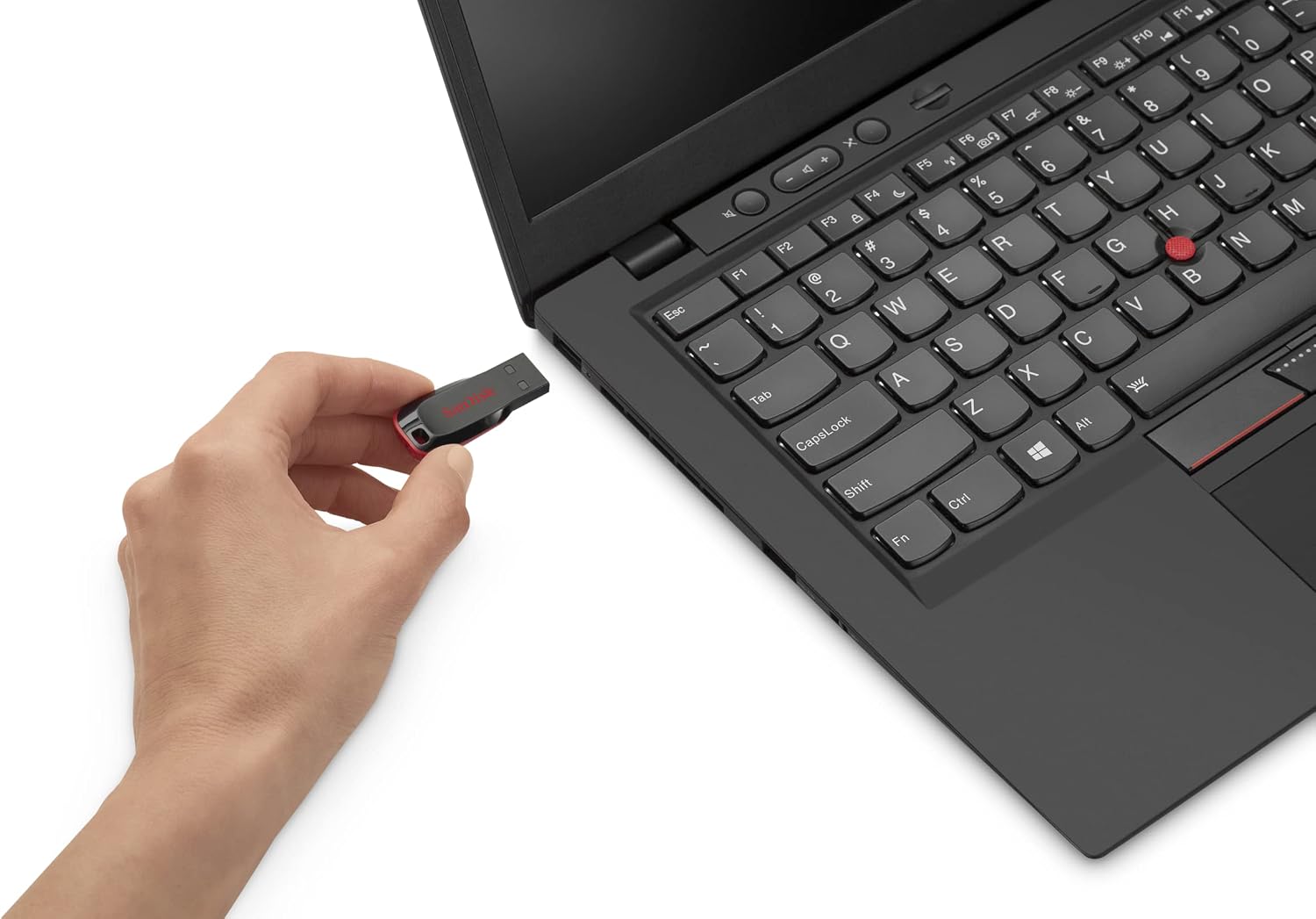
This drive suits students, professionals and casual users who need extra storage on the go without fuss. It’s useful for offloading work documents, media backups, or keeping a portable set of installers and drivers. If you routinely handle very large video files or require ultra-fast transfer speeds, you might prefer a higher-end USB 3.0/3.1 option from the outset.
Who it isn’t ideal for
If your priority is speed or you work extensively with large media libraries, the USB 2.0 interface will feel slow compared with newer standards. Also, if you require more robust hardware encryption or ruggedised builds for challenging environments, you’ll want to assess whether this entry-level model meets those expectations.
When to buy and when to skip
Buy it if you need affordable, portable storage with a simple security option and you don’t need cutting-edge transfer speeds. It makes sense for occasional file transfers, backups and light commuting use. Skip it if you expect snappy transfers for big files or you require advanced security features beyond password protection.
What to check before buying
- Ensure your devices have a compatible USB-A port to plug in directly.
- Consider the security needs: password protection is included, but evaluate if you require stronger or hardware-based encryption.
- Think about your typical file sizes: for large video or software backups, a faster interface might be worth it.
- Remember that USB 2.0 performance depends on the host device and file types, speeds will vary.
How it compares to other approaches
If you want a similar portable storage solution without extra cables, this Cruzer Blade sits in the affordable, entry-to-mid range. For frequent big-file transfers, a USB 3.x drive or a higher-capacity SSD-on-a-stick could reduce wait times, while cloud storage might offer benefits when you need access across multiple devices without carrying hardware.
Decision time
Is it worth it?
Worth considering if you value a compact, affordable storage option with basic password protection and you don’t need rapid transfers. It’s a sensible choice for light, everyday use and for bolstering backups or on-the-go file access. It may not meet expectations if you require high-speed data transfer or more sophisticated encryption.
Quick FAQ
- How secure is the included encryption? It provides password protection via SanDisk SecureAccess, but not full-disk hardware encryption.
- Will it work with my phone? It will work with compatible devices that support USB OTG or standard USB-A hosts, check device compatibility.
- Can I store large media files? Yes, up to 128GB, but transfer times depend on USB 2.0 speeds and file size.
- Do I need software to access files? Basic access is drag-and-drop, the included software adds optional encryption for private files.