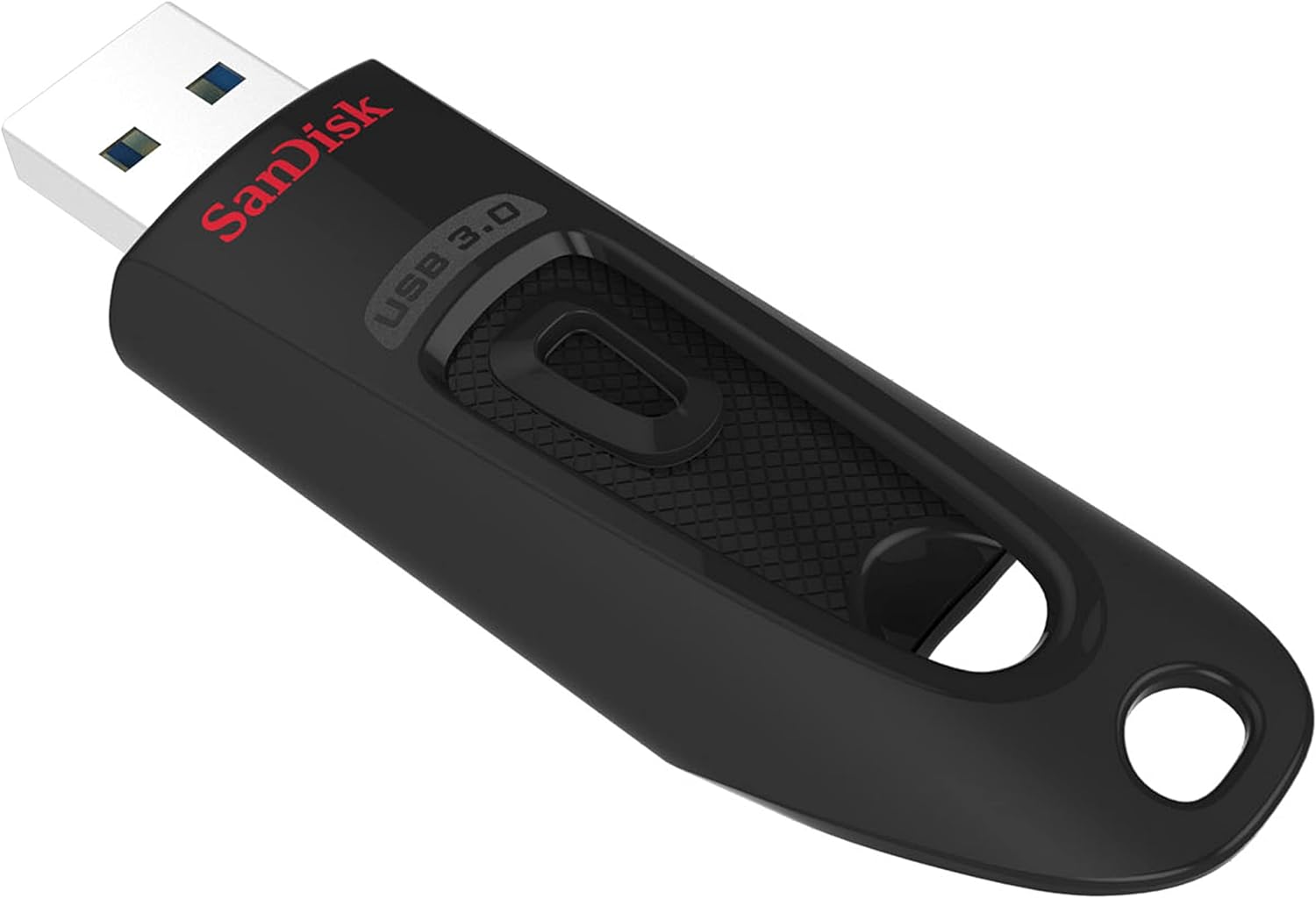
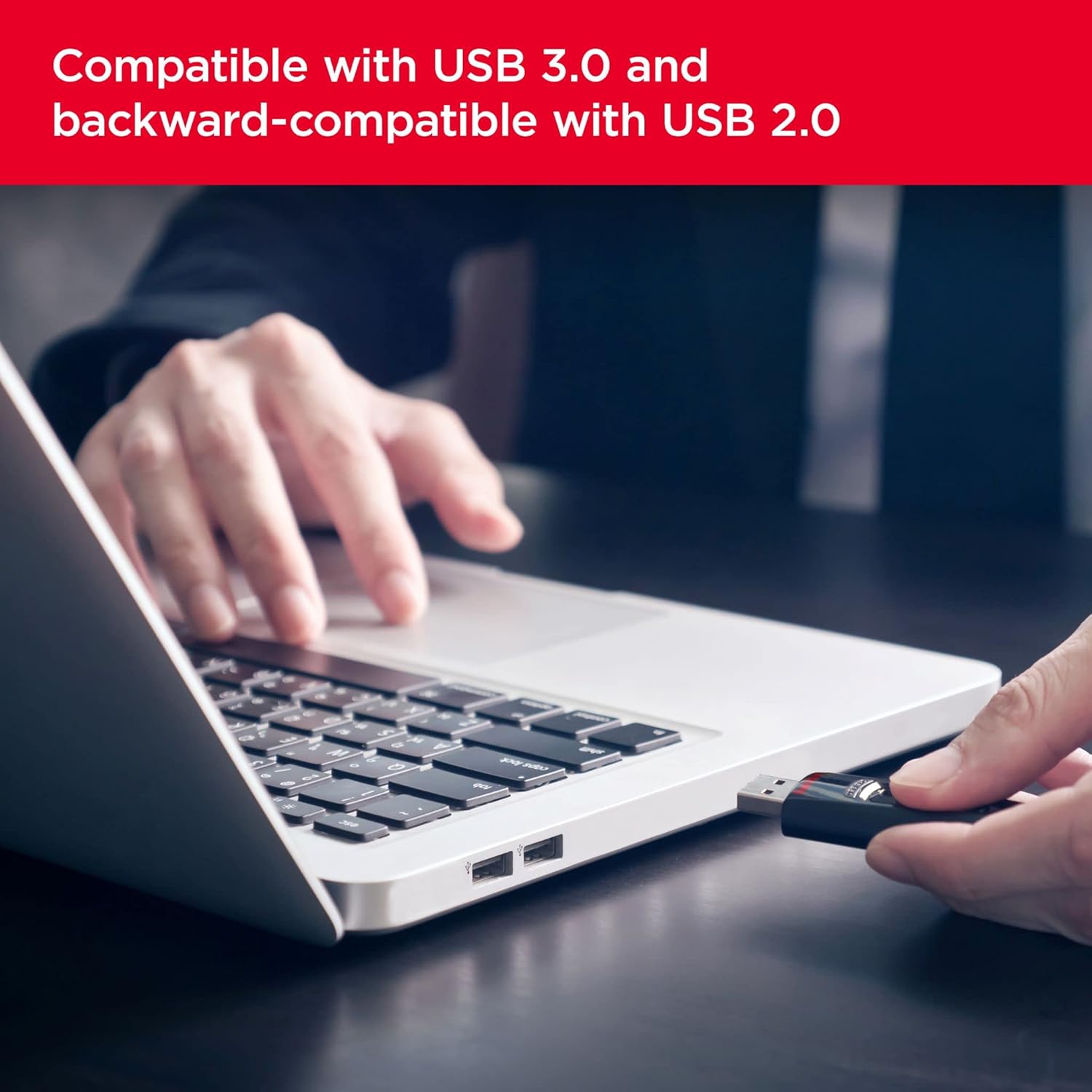
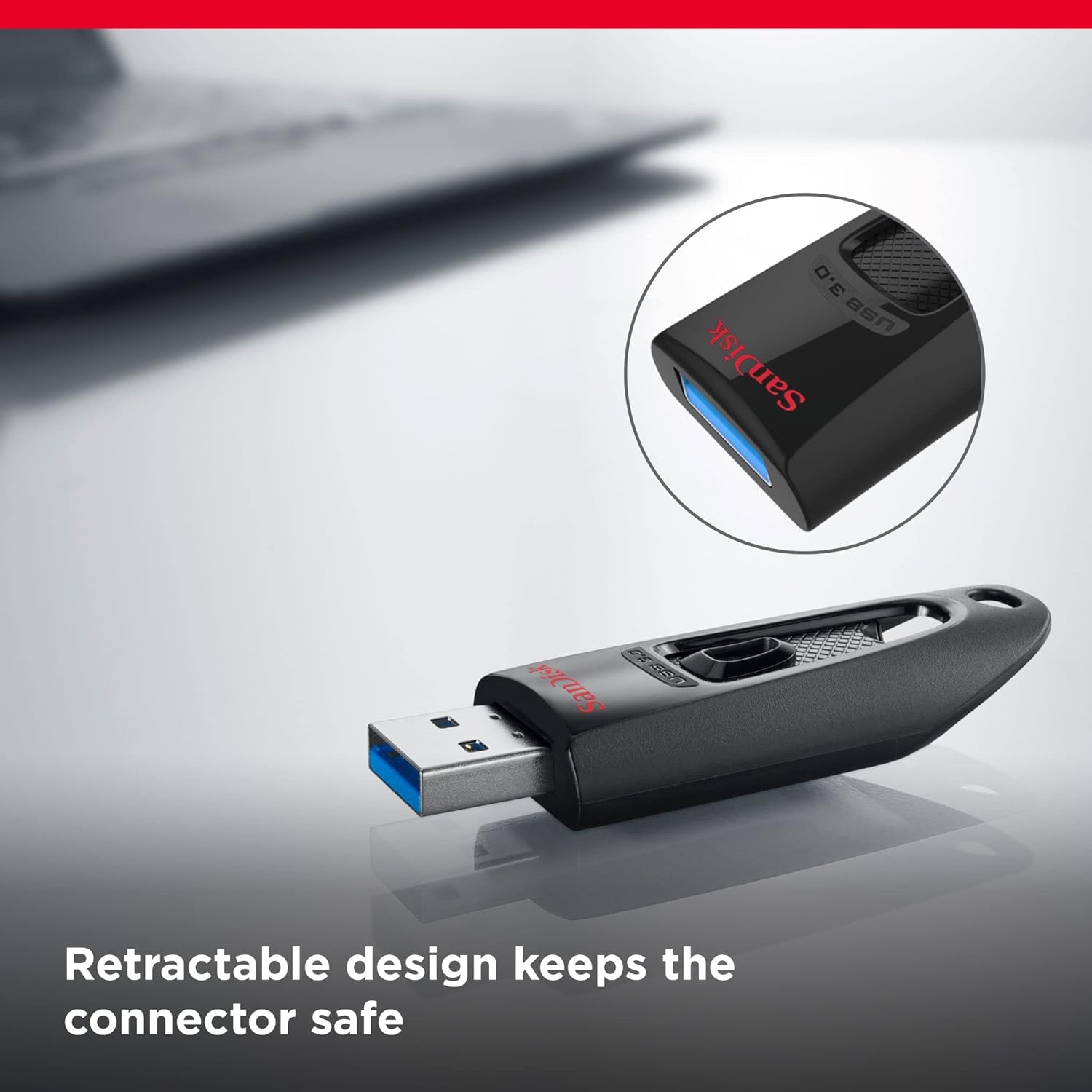
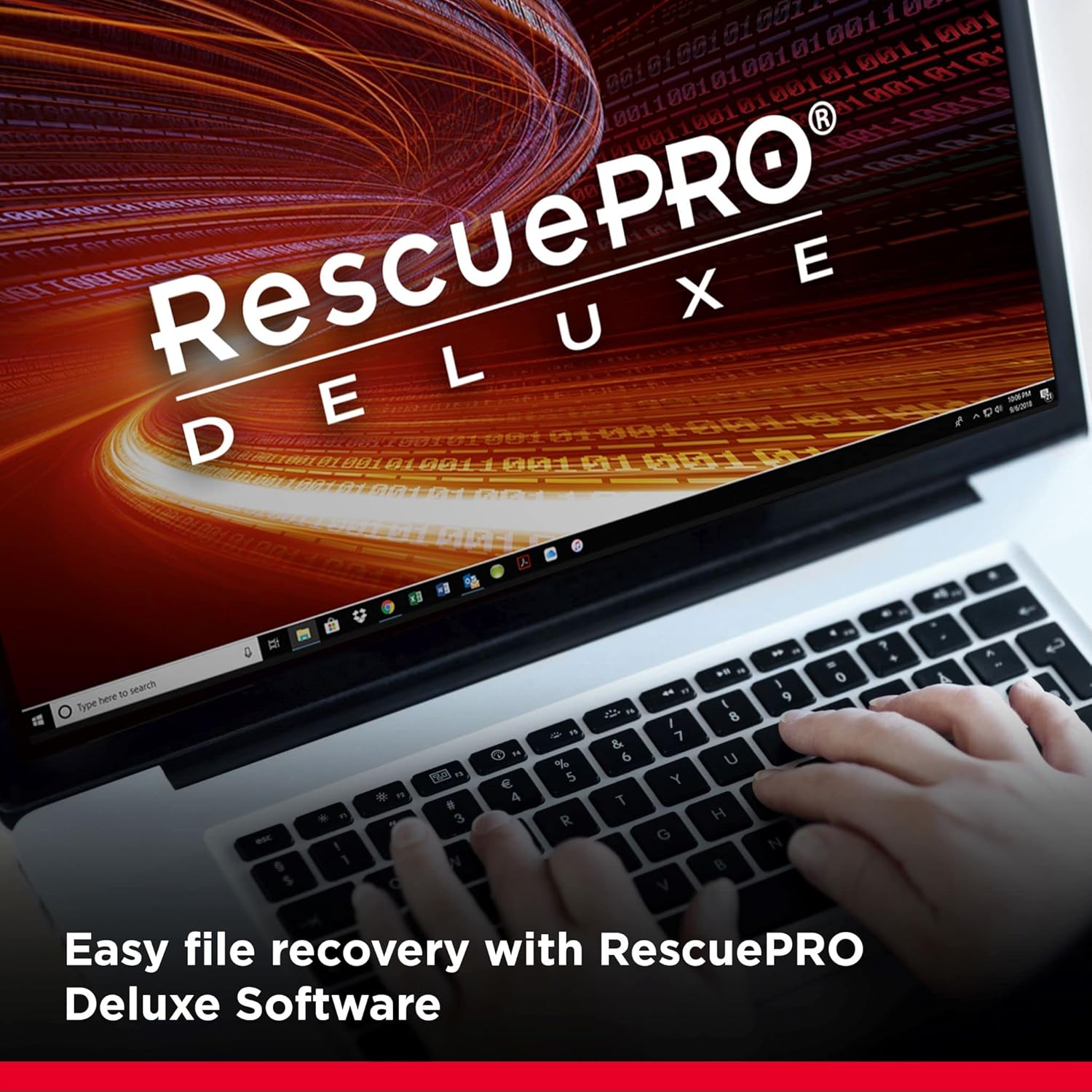
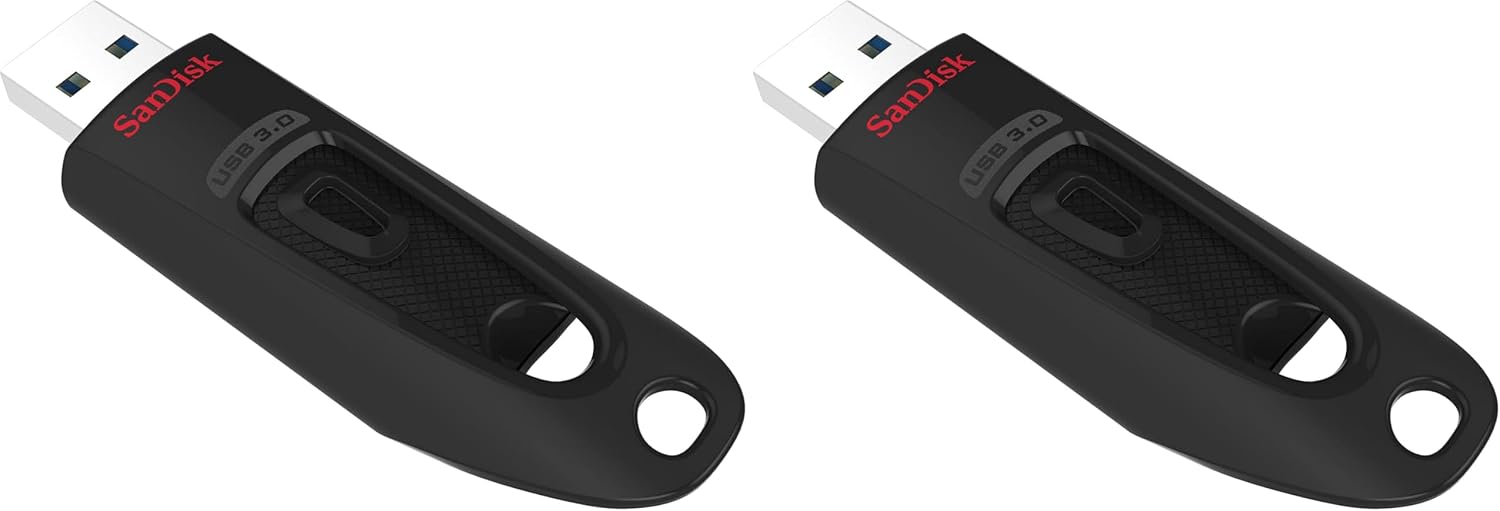
What it is and what it’s for\nThe SanDisk Ultra USB Type-A Flash Drive 256GB is a compact, USB 3.0 memory stick designed for quick transfers and everyday file storage. It’s compatible with USB 2.0 too, making it a practical upgrade for older laptops or desktops while still taking advantage of faster speeds when plugged into USB 3.0 ports. The device aims to simplify moving large files, backing up work, photos, and videos, and protecting sensitive data with built‑in password protection.\n\n## Practical performance at a glance\nOn paper, this model promises faster transfers than USB 2.0 drives—up to 130MB/s, with typical real‑world speeds often sufficient for moving a full‑length movie in a short transfer time. It’s worth noting that actual speeds can vary with host device performance, file size, and system conditions. The USB 3.0 interface is what enables the more noticeable speed gains when transferring large batches of data.\n\n## Security and data protection\nSecurity isn’t just about encryption. The drive includes SANDISK SecureAccess software for password‑protecting and encrypting private files. This can be a helpful extra layer if you’re transporting personal or sensitive documents. However, it’s important to remember that software protection is only as strong as the password you choose and the overall system security practices you follow.\n\n## Build quality and durability\nThe drive features a sleek, durable metal casing that resists everyday bumps and pocket carry. Operating and storage temperature specs are provided (0°C to 45°C operating, -10°C to 70°C storage), which hints at sensible tolerance for common travel and office environments. If you frequently work in harsh or extreme conditions, you’ll want to test a few scenarios or check for explicit durability ratings.\n\n## What it’s best suited for\nThis is a pragmatic choice for users who want straightforward, reliable storage with room to grow into USB 3.0 speeds and basic privacy protection. It’s well matched to students, professionals who need portable backups, or families transferring media between devices. If your priority is rugged, all‑weather protection or encryption beyond basic password protection, you might look for additional features or different models.\n\n## Limitations and when to be cautious\nNot every computer will unleash the full 130MB/s if its USB port is only USB 2.0 or if the system is under heavy load. As with any password protection feature, it’s wise to keep a recovery plan and a strong, unique password. The included software is a helpful aid, but it’s not a substitute for regular backups or more advanced encryption if your data needs are high‑risk.\n\n## How to use it effectively\nPlug the drive into a USB port, copy files you want to back up, and use the SecureAccess tool for private files. For large media libraries, you’ll appreciate the faster transfer speeds when connected to a USB 3.0 port. Consider organising folders to separate sensitive from non‑sensitive data and keep the device updated with routine backups.\n\n## What to compare it with (contextual choices)\nIf you’re weighing options, think about a broader storage strategy: a larger capacity with similar robustness for long‑term archiving, or a drive with hardware‑level encryption and more advanced security features. For casual, day‑to‑day use, this SanDisk model sits in the middle ground—more capable than basic USB 2.0 drives, but not a purpose‑built high‑security or rugged alternative.\n\n## Decision moment: Is it worth it?\nIf you prioritise portable storage with straightforward security and better speeds than USB 2.0, and you’re comfortable with the stated limits, this drive represents a sensible value for everyday needs. It may not be the best choice if you require the strongest, enterprise‑grade encryption, or if you frequently operate in extreme environments. For many users, it’s a sensible balance of convenience, durability, and cost.\n\n## Quick FAQ\n- Do you get USB 3.0 performance with USB 2.0 devices? It remains USB 2.0 compatible, but speeds convert to the capabilities of the host port.\n- How secure is the password protection? It provides password‑protected access via the bundled software, strong passwords and routine backups are still advised.\n- Is 256GB enough for casual use? For typical documents and media, yes, but evaluate your backup habits and media size needs.\n