

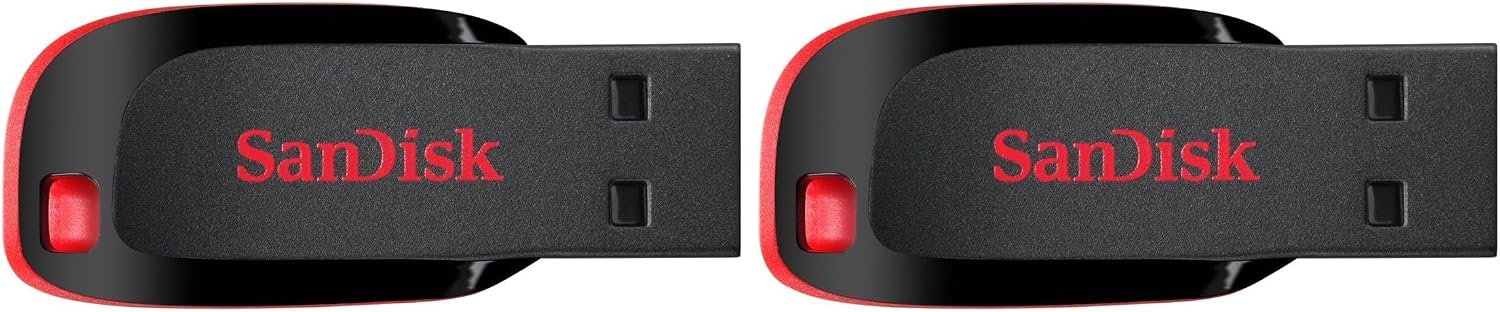
SanDisk 64 GB Cruzer Blade USB 2.0 Flash Drive – Black
Reviews
Price
Product description
What it is and who it fits
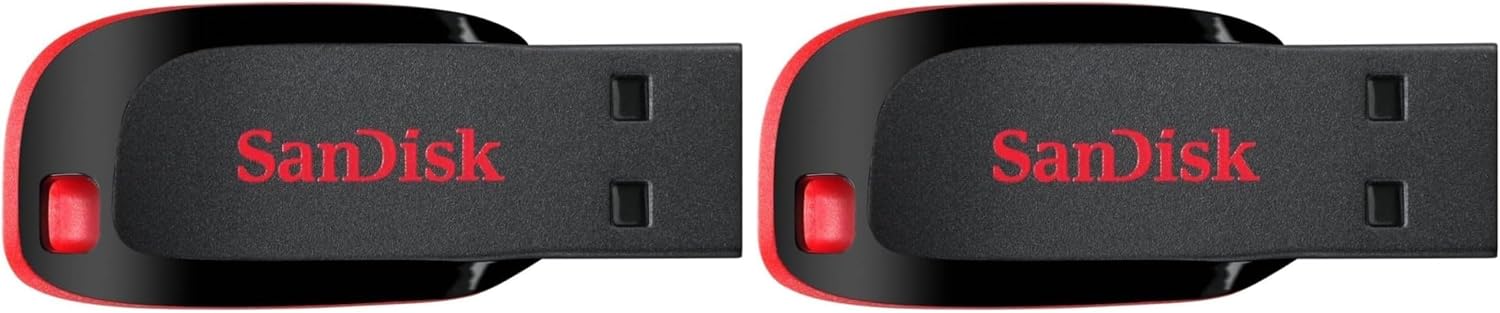
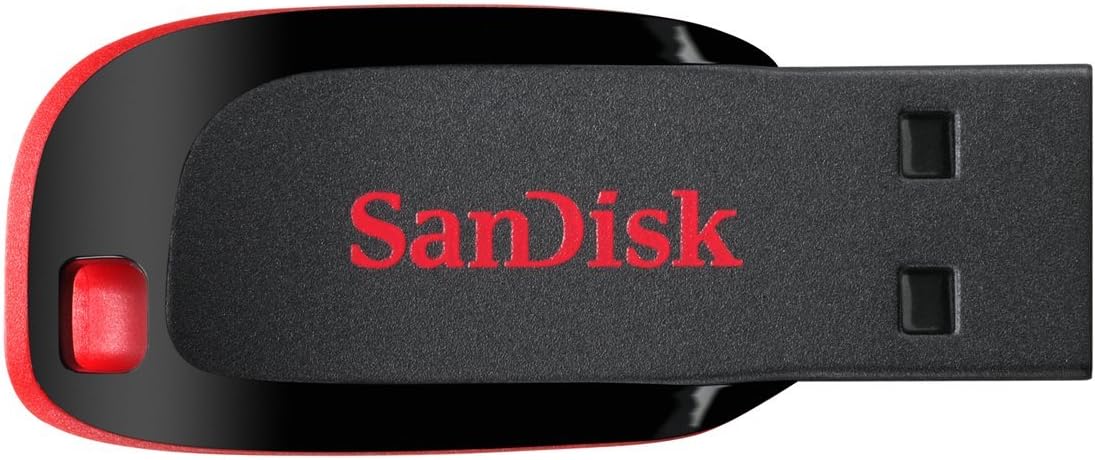
The SanDisk 64 GB Cruzer Blade is a compact USB 2.0 flash drive designed for everyday file transfer and portable storage. It’s small enough to sit on a keyring yet sturdy enough for pocket use, making it a pragmatic choice for people who frequently move photos, videos and documents between computers. If you prioritise reliability and portability over the fastest transfer speeds, this model sits in a practical niche for the non-technical, casual user who wants a straightforward way to carry a chunk of their digital life.
Why you might want it
On paper, this drive offers a simple, no-fuss solution for expanding storage on laptops and desktops alike. The capacity range advertised (with a 64 GB variant included here) can be ideal for documents, media and backups, especially when onboard space is limited or you’re commuting and need quick access to files without cloud dependency. Importantly, SanDisk includes SanDisk SecureAccess software, which provides a layer of privacy for sensitive files. It isn’t a full hardware encryption system, but it adds a modest barrier to casual access if the drive is misplaced.
What stands out in everyday use
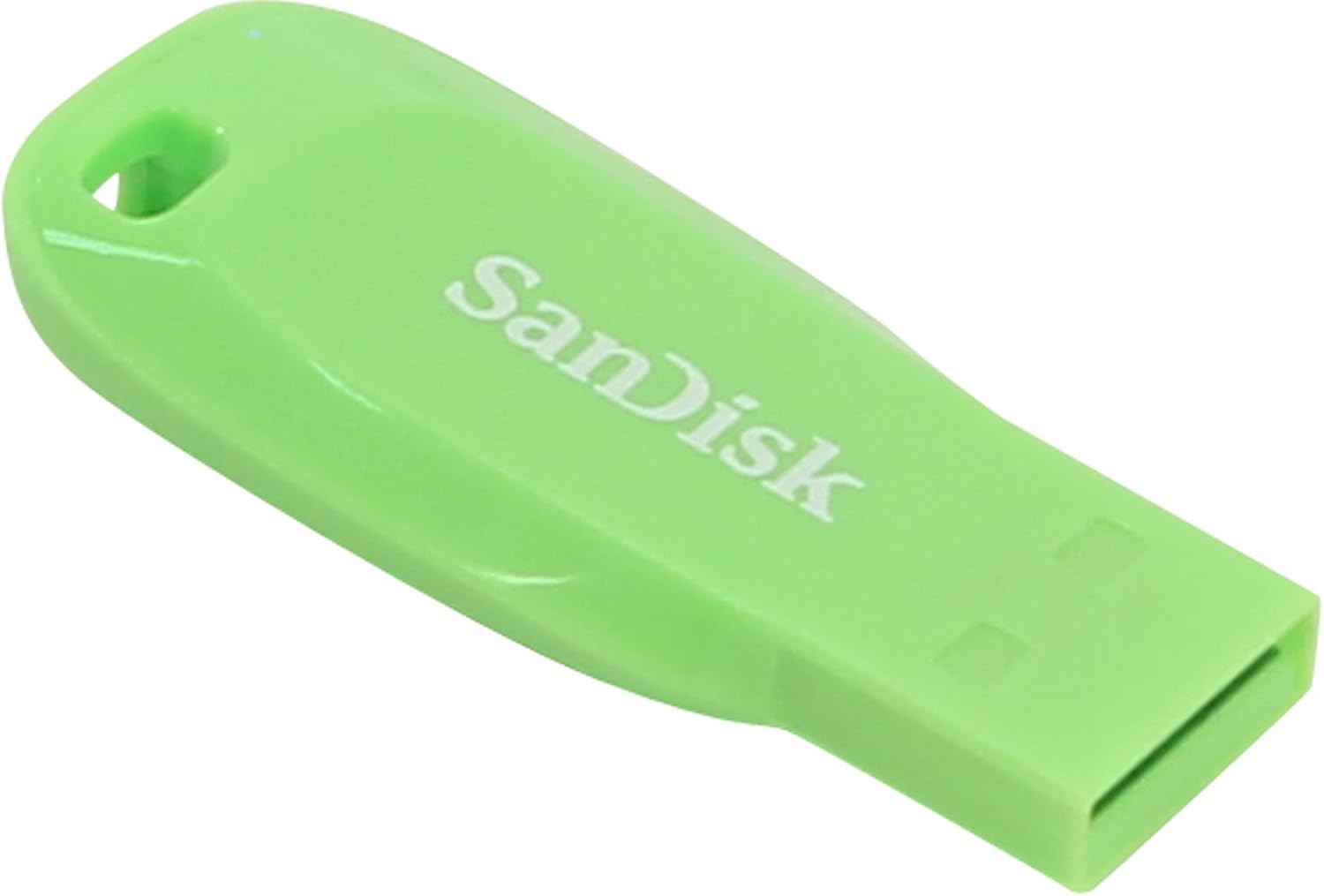
In daily use, the Cruzer Blade emphasises portability and ease of use. Its contoured styling and compact build mean you can slip it into a pocket or bag without bulk. It’s particularly convenient for people who want a practical, low-maintenance option for sharing photos, videos, songs and documents between devices—whether at work, school or home.
Limitations and caveats
A key consideration is the USB 2.0 interface, which is slower than newer USB standards. If you regularly transfer large video files or back up substantial datasets, you may notice longer wait times compared with USB 3.0/3.1 drives. The 64 GB capacity, while useful for light backups or media transport, won’t satisfy users with large media libraries or ongoing, heavy-duty data management needs. It’s also worth noting that performance can vary with different computer ports and file sizes. If you prioritise speed or future-proofing, you might want to look at higher-speed alternatives.
Why it might be a good match for you
If you’re seeking a straightforward device to carry essential files between a handful of devices, value portability over speed, and want integrated privacy options without extra software, this Cruzer Blade is worth a look. It suits students, freelancers, and home users who want a basic, dependable thumb drive for everyday tasks and light backups.
What to check before buying
- Confirm you’re fine with USB 2.0 speeds and don’t need the latest transfer rates.
- Consider whether 64 GB meets your current needs, or if a larger capacity would be beneficial for your files.
- Check compatibility with your operating system and the availability of SanDisk SecureAccess for file privacy.
- If you routinely handle large media files, assess whether a higher-capacity or faster USB standard is more appropriate.
Comparison in context
This drive sits in the practical, entry-to-mid tier of portable storage. If you’re evaluating alternatives, think about whether you prefer a compact form factor with encryption features over sheer speed. For occasional file transfers, light backups, or everyday portability, this model can be more than adequate, for heavy photo/video projects or continuous backups, a faster interface and larger capacity could offer better value in the long run.
Usage snapshot
Imagine you’re between classes or meetings, needing a handful of lecture notes and photos to carry along. You slip the Cruzer Blade into your pocket, plug into a computer, and copy the files in seconds rather than emailing them or trying to rely on cloud syncing from public Wi-Fi. Everyday tasks like sharing playlists or small documents become quick and straightforward.
Final decision (Is it worth it?)
It makes sense if you want a compact, budget-friendly USB drive for light-to-moderate use, where portability and privacy features are valued over top-end speed. It isn’t the best option if you regularly handle large media files or require rapid transfers. In those cases, consider whether a higher-capacity, USB 3.x drive would better align with your workflow. This Cruzer Blade is particularly suitable for students or casual users who need a simple, dependable way to move non-critical data between devices.
FAQ
- How secure is SanDisk SecureAccess on this drive? It provides an added privacy layer for selected files, but it is not a full hardware encryption solution.
- Will it work with macOS and Windows? Yes, it is generally compatible across common operating systems, though performance will vary with USB 2.0 speeds.
- Is 64 GB enough for my needs? For light backups and document/media transfer, yes, for large video projects, you may want more capacity or a faster interface.