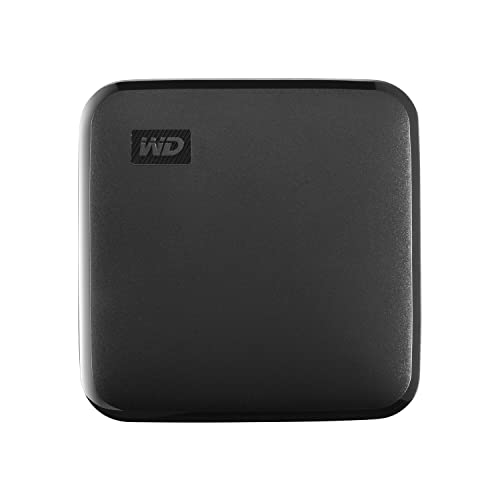
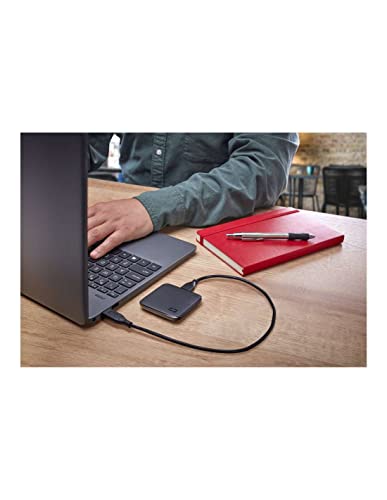
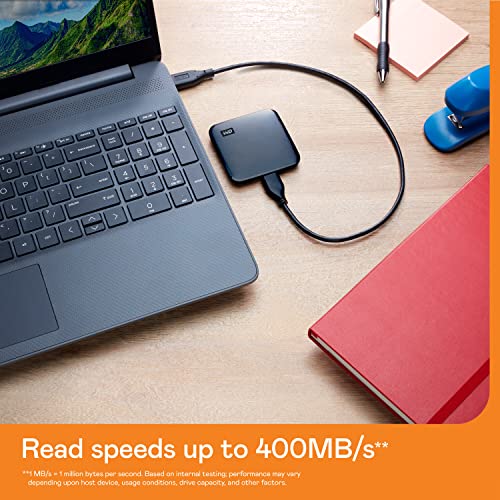
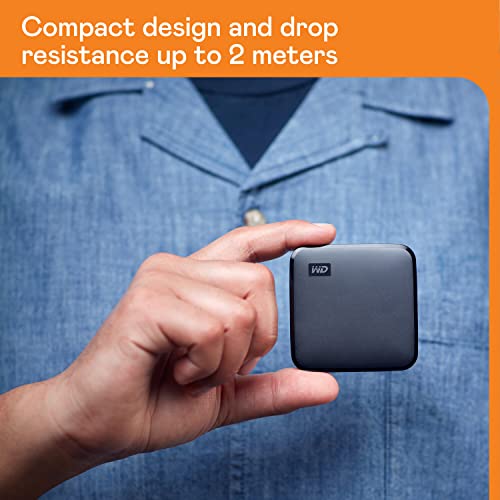
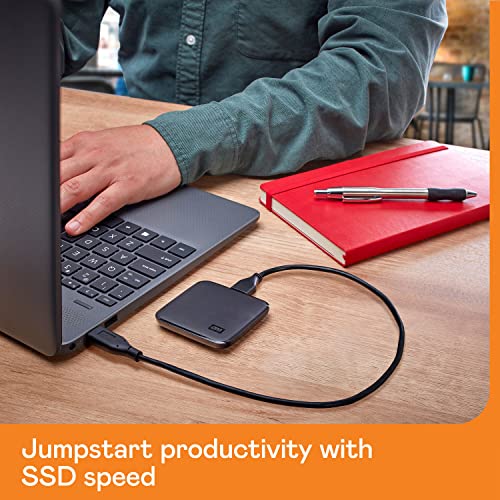
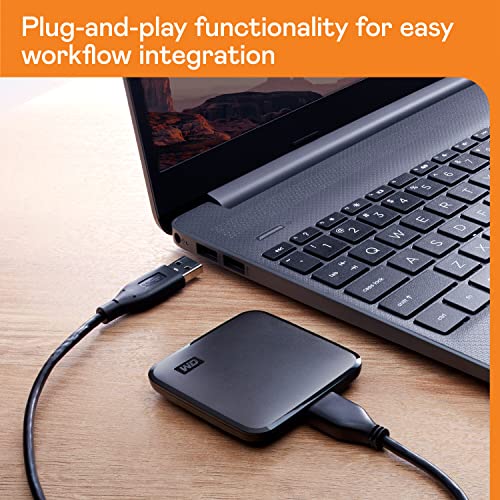
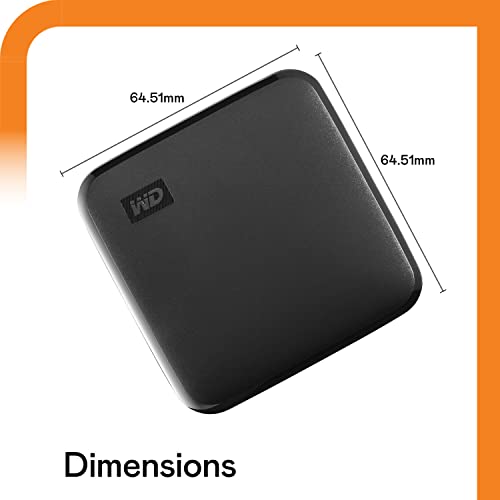
What this is and what it’s for\nThe WD 1TB Elements SE SSD is a portable solid‑state drive designed to expand storage and speed up workflows without tying you to a desk. It uses USB 3.0 for fast file transfers and remains compatible with USB 2.0, making it a practical companion for laptops, desktops and mid‑range devices. If your internal drive is crowded and your system starts to slow, this drive offers a straightforward way to offload large files and free up space so you can keep working rather than deleting data.\n\n## Core strengths at a glance\nIn a compact, lightweight enclosure, this model delivers reliable storage with decent sustained throughput for a portable USB drive, while WD’s build ethos emphasises durability and long‑term reliability. It’s formatted for Windows (NTFS) and can be reformatted for other operating systems if needed, which adds flexibility for mixed environments. The key allure here is “store more, carry less” rather than boasting high‑end performance, and it suits users who value practicality over raw speed.\n\n## How it performs in real scenarios\nIf you’re moving large media libraries, backups or project files between locations, the 1TB capacity helps you consolidate data without constantly juggling drives. The 400 MB/s ceiling is solid for daily transfers, quick backups and on‑the‑go file access, but it isn’t aimed at heavy workstation workloads or sustained, professional grade data streams. In short, it’s a practical travel companion that improves productivity by reducing on‑device clutter.\n\n## What stands out day to day\nThe form factor is a clear win for portability: small enough to slide into a bag or laptop sleeve, yet robust enough for regular handling. The drop resistance claim—2 metres—adds a little extra peace of mind for accidental knocks during travel or in busy workspaces. Compatibility across USB standards means you won’t be stranded if you’re using older hardware.\n\n## Limitations to note\nIt isn’t a magic upgrade for a slow internal drive or a replacement for a high‑end external SSD aimed at demanding tasks. If you prioritise sustained high‑throughput for professional editing or gaming, you might find it falls short of specialist external SSDs designed for those workflows. Also, while Windows compatibility is strong, users with non‑Windows systems may need to reformat or accept cross‑platform caveats.\n\n## Who it’s for\nThis drive is well suited to students, casual creators, and professionals who need extra portable storage, regular backups, or an easy way to carry large files between locations. It’s particularly appealing if you already work within a Windows environment and want a simple, reliable second drive that travels well.\n\n## Who should think twice\nIf you rely on heavy video editing, 4K workflows, or real‑time data processing, you may prefer a high‑performance external SSD with higher sustained speeds and better thermal handling. If you frequently work with devices that only support USB 2.0, the advantage of USB 3.0 transfers remains meaningful but the baseline experience will depend on the host hardware.\n\n## Practical considerations before buying\n- Confirm your computer supports USB 3.0 to maximise transfer speeds, while USB 2.0 compatibility ensures broader compatibility.\n- Plan for Windows environments, consider reformatting if you need macOS or Linux compatibility, bearing in mind reformatting may erase data.\n- Check the 1TB capacity aligns with your current and near‑term file growth to avoid future space concerns.\n- Remember that portable drives are convenient but still require regular backups alongside on‑drive storage.\n\n## How it compares to other approaches\nIf you already have a fast internal drive or a larger, higher‑spec external SSD, this WD model sits in the middle ground: more portable than a desktop external SSD, but with enough speed and capacity for daily tasks. For bulk archiving or travel use, alternatives with greater durability or higher sustained speeds may offer better value, but at a higher cost or heft. For short‑term projects, a traditional USB‑driven HDD would be cheaper but slower and less robust.\n\n## FAQ (typical questions you may have)\n- Is it ready to plug in right away? Yes, formatted NTFS for Windows and ready for use on compatible Windows systems.\n- Can I use it with macOS or Linux? It can be reformatted for other OSes, but that may affect compatibility and data safety.\n- How durable is it in a bag? The enclosure is designed for everyday travel and has 2‑metre drop resistance in its claims, though real‑world results depend on handling.\n\n## Buying decision: when it makes sense\nIs it worth it? It makes sense if you need extra portable storage that is easy to carry, provides solid everyday speed, and fits a Windows workflow without fuss. It’s a sensible choice for expanding space without upgrading a laptop’s internal drive, especially for students and professionals on the move. It may not be the best option if your priority is sustained, professional‑level throughput or platform versatility across multiple operating systems without reformatting. Think about your typical file sizes, travel needs and existing hardware before committing.\n