

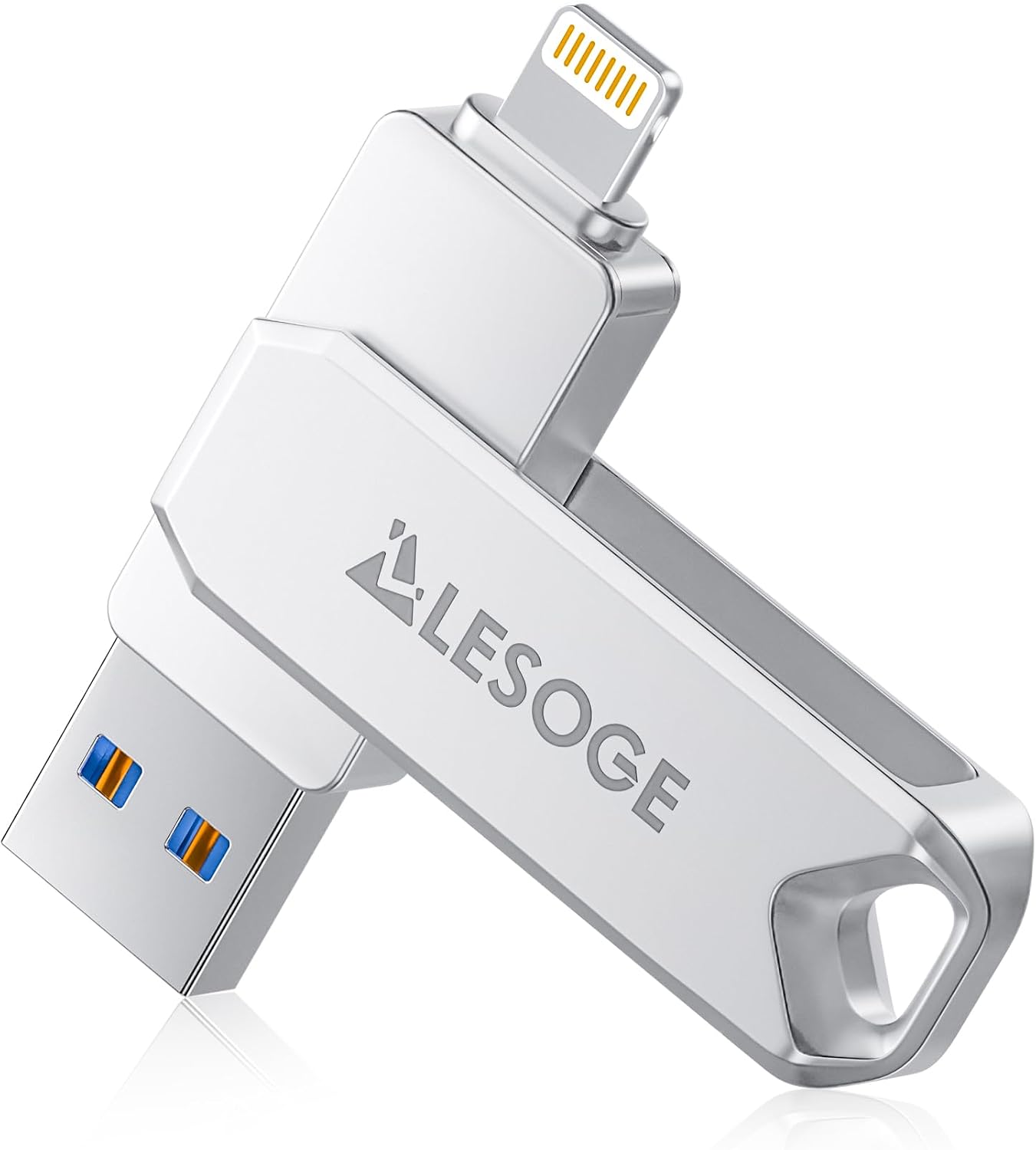
LESOGE 128GB USB 3.0 Flash Drive (MFi Certified) for iPhone, iPad, Android & PC/Mac with Touch ID/Passcode Encryption
Product description
The essentials
If you regularly swap photos, videos or documents between a phone and a computer, a dedicated iPhone-compatible flash drive can be a lot less hassle than constant cable transfers or cloud syncing. The LESOGE 128GB USB 3.0 Flash Drive is built for that everyday workflow, and it’s specifically positioned as an Apple iOS MFi-certified option, rather than a generic USB stick.
On paper, the key draw here is the mix of compatibility and security: it’s described as supporting Touch ID/passcode encryption and a separate passcode for the file. It also leans on USB 3.0 for faster, steadier transfers when you use it with a computer.
That said, it’s not a “totally plug-and-play” accessory for every scenario. The instructions mention you’ll need the LESOGE app for iPhone/iPad, and on Android you must enable OTG. If you want a flash drive that works with no companion app at all, you may find this approach more involved than the simplest USB sticks.
What it’s for (and why people buy it)
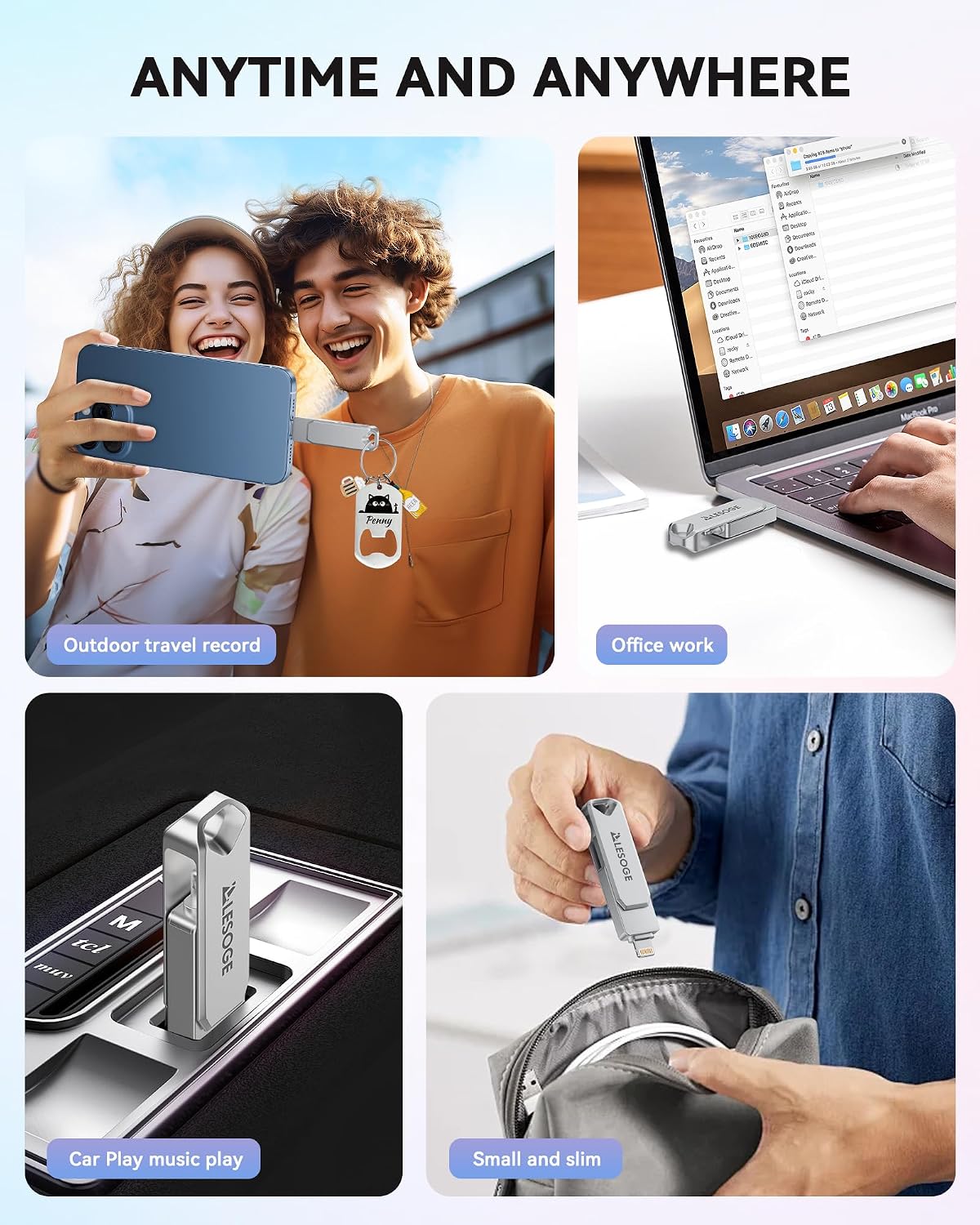
The practical use case is straightforward: moving media and files between devices, then keeping your sensitive items protected. This is the kind of gadget that earns its place when your phone storage is getting tight, you’re travelling, or you just need a reliable way to move a batch of photos/videos quickly.
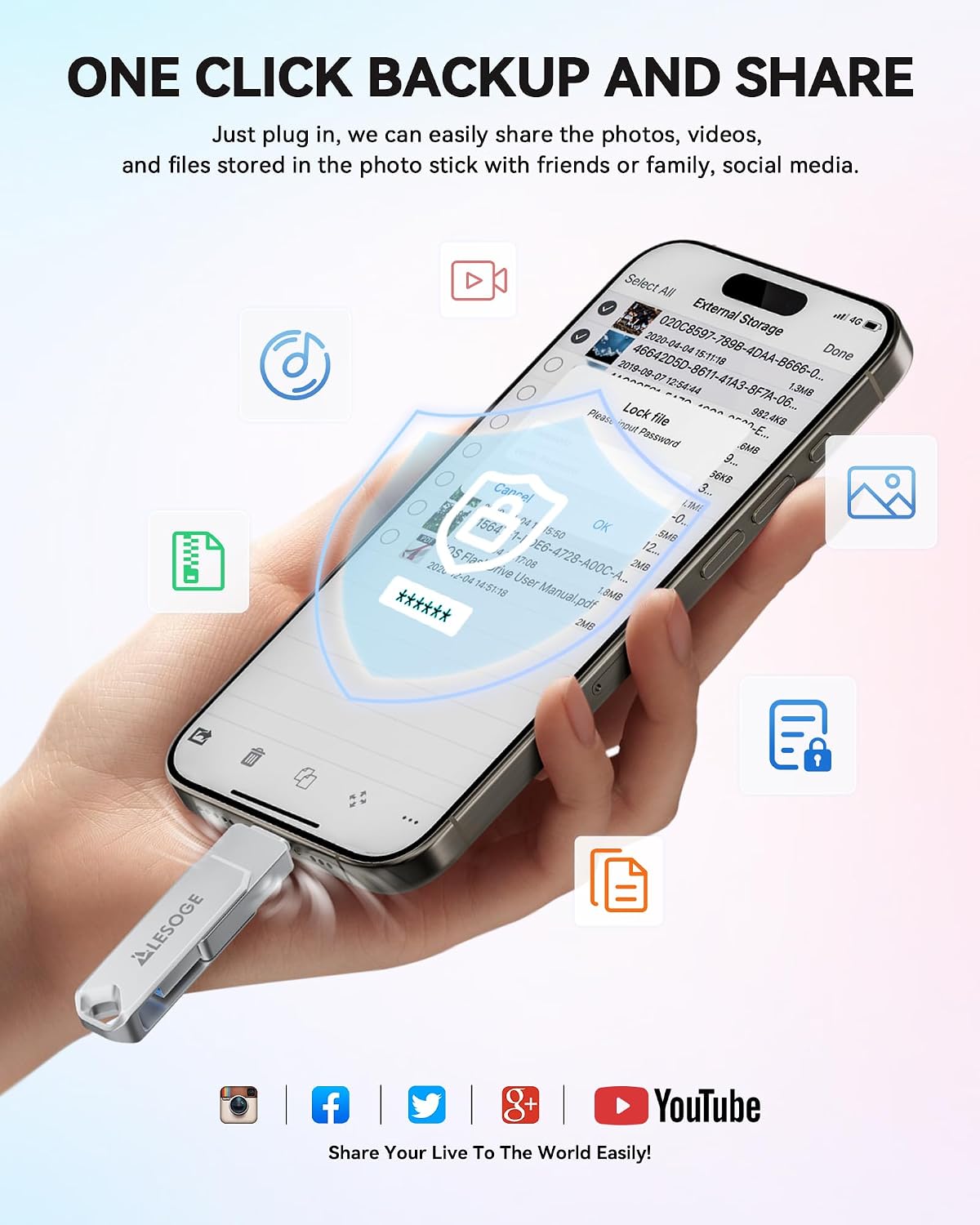
A small micro-scenario: imagine you’re at a family event. You’ve taken a load of photos, but you don’t want to fill your iPhone. You plug the drive into your iPhone, use the LESOGE app to start your backup, then later connect the USB to your computer to review, organise, or share. It’s a calmer workflow than digging for cables mid-day.
Key features that stand out
This model is marketed as:
- MFi-certified for iOS compatibility. It’s presented as meeting Apple standards for “reliable and efficient” performance, which matters if you’ve had generic flash drives that behave inconsistently with iPhones.
- USB 3.0 for transfers. The listing claims faster and more stable data transfer versus slower USB generations, which is especially relevant when moving larger files like videos.
- Touch ID/passcode encryption. For people who keep private documents or personal media on portable storage, encryption support is a big part of the buying decision.
- One-click backup. The idea is to make it easier to back up important data without going through a more complicated process.
- Compact and portable design. It’s described as small enough for a pocket or bag, which is a basic but important requirement for something you plan to carry around.
Where it doesn’t quite become “perfect”: the drive’s convenience depends on setup steps. If you’re not willing to download the LESOGE app on iPhone/iPad, or enable OTG on Android, you may hit friction before you even start using it.
Compatibility and requirements
The listing is clear about the main requirements:
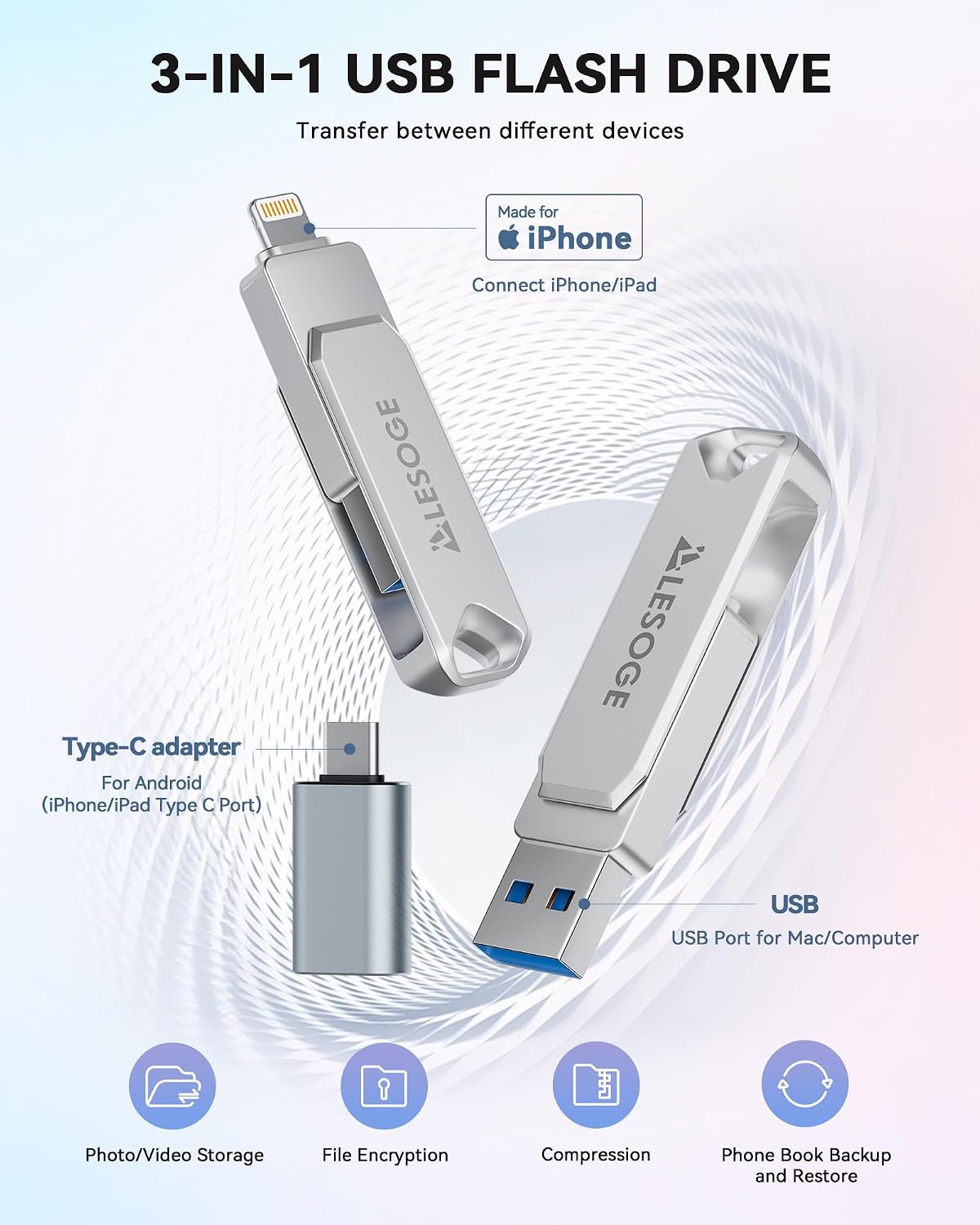
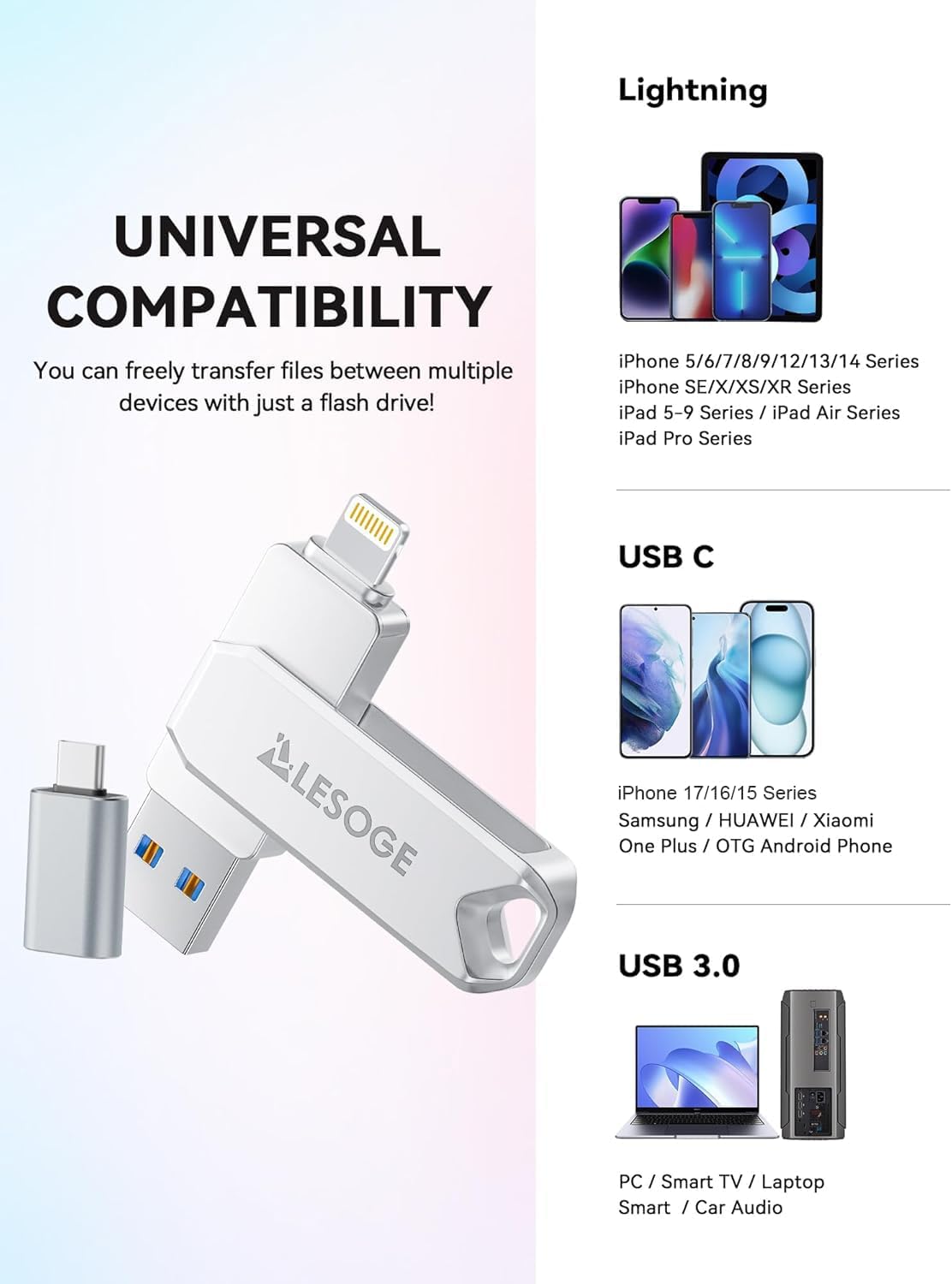
- iPhone/iPad needs you to download the LESOGE app from the Apple App Store when using the drive.
- Android phones need OTG enabled, and the listing says there’s no need to download the app in that case.
- It also mentions support for PC/Mac and other devices with USB ports, with file access and sharing depending on the device and supported formats.
Worth noting that it references iOS 7.1.2 or higher for iOS compatibility. If your device is older than that, this may not be the right route.
Tech specs
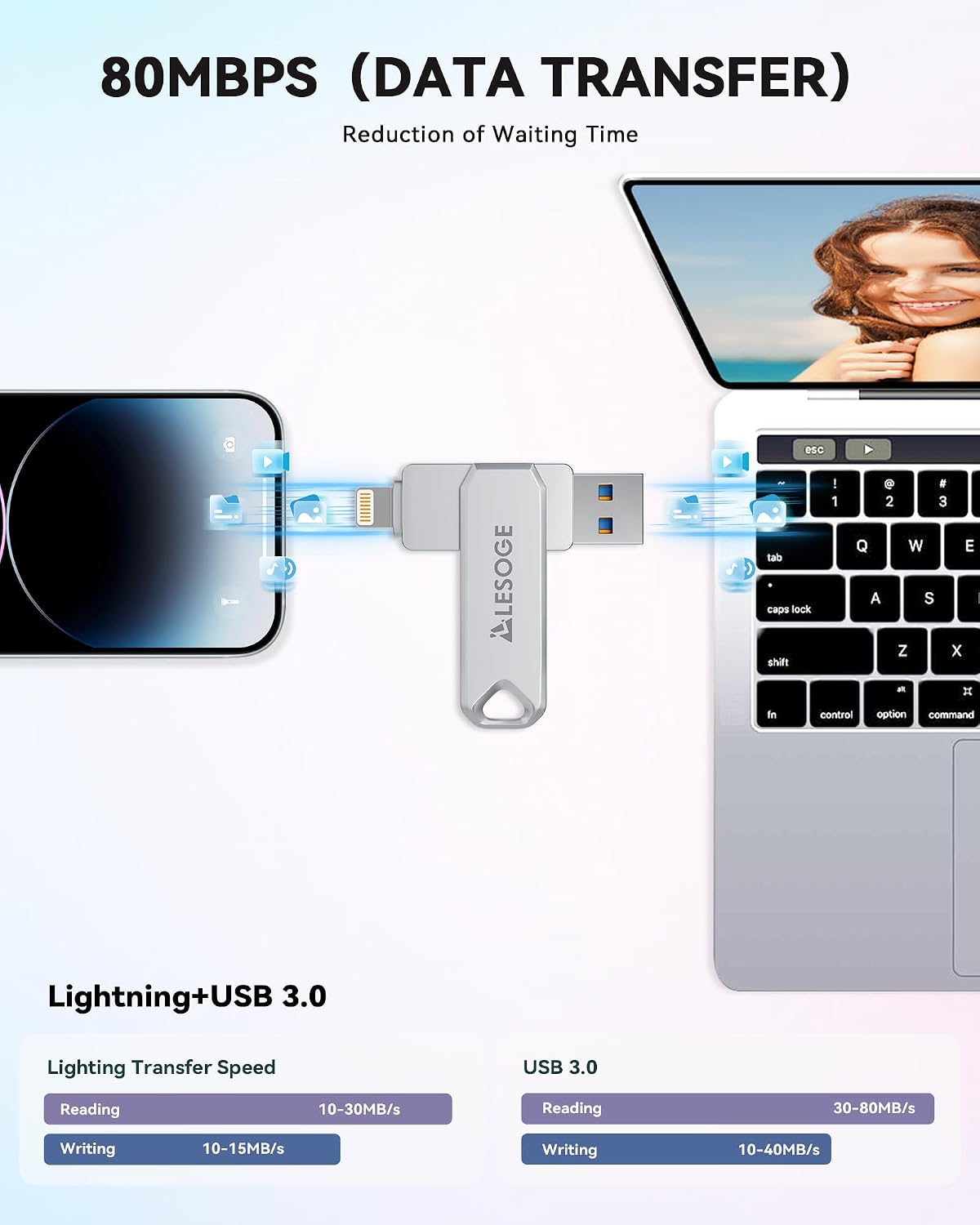
- Name: LESOGE 128GB USB 3.0 Flash Drive for iPhone, iPad, Android & PC/Mac
- Type: USB flash drive
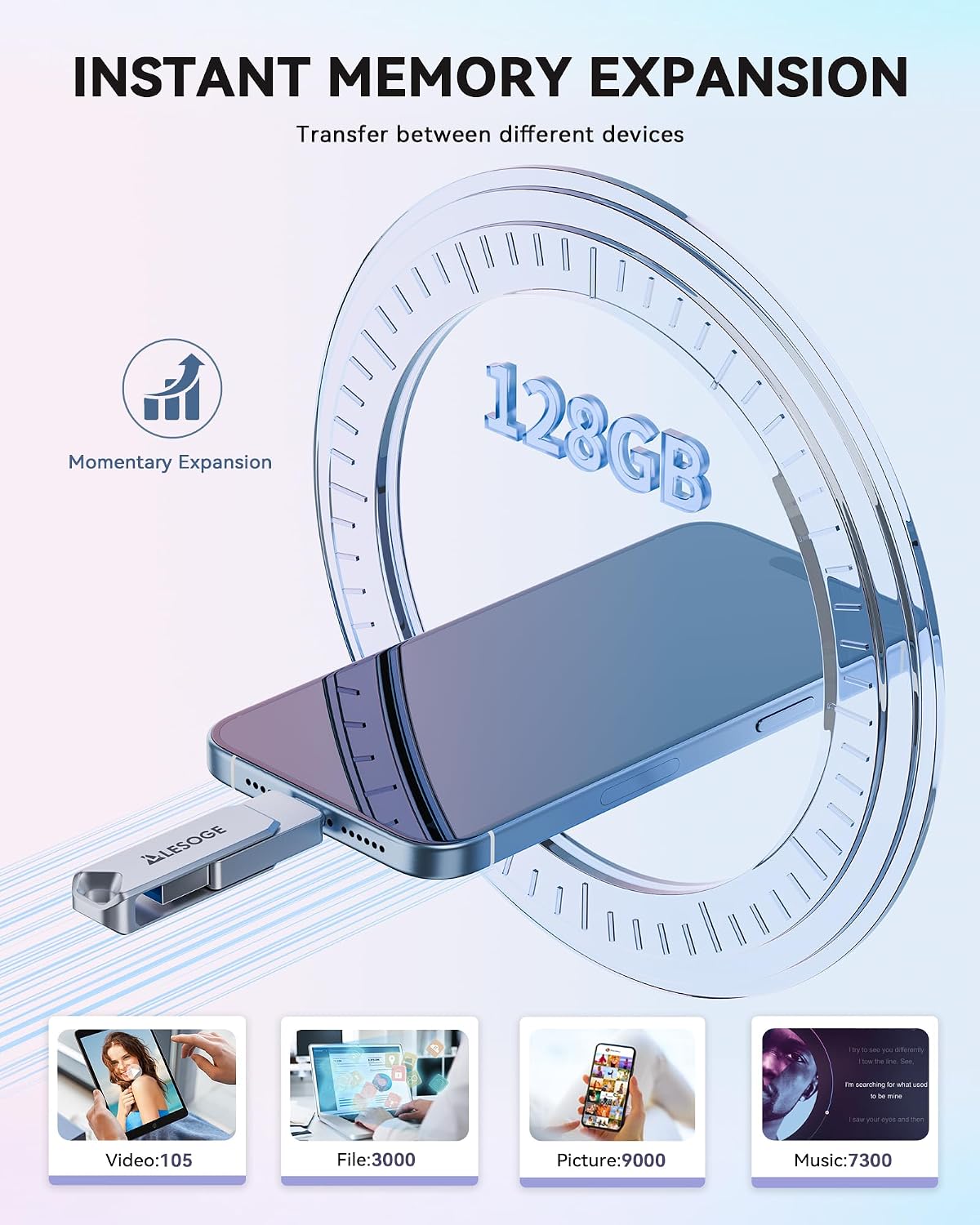
- Capacity: 128GB
- Format: USB 3.0
- Colour: Not specified in the listing
- Certifications: MFi certified
- Security: Touch ID/passcode encryption, with an independent passcode for the file (as described)
Everyday pros and cons (what you’ll notice)
What you’ll likely appreciate day to day - A security-focused approach for a portable drive. If your main goal is to protect sensitive files, the Touch ID/passcode encryption angle is the standout. - Faster transfers via USB 3.0, which is useful when moving bigger batches of media. - Portability. It’s designed to be carried easily, so it can become part of your regular routine. - Backup convenience through the “one-click” concept.
Where it may fall short - It’s not fully frictionless on iOS: the LESOGE app is required when using the drive with iPhone/iPad. - It may be more of a “mid-range convenience” choice than a no-fuss solution, because portable encrypted drives often come with a bit more setup than basic USB sticks.
It’s not necessarily the best fit if your priority is purely ultra-simple USB use with zero app involvement.
Quick FAQ
Should you download the LESOGE app for iPhone or iPad?
Yes—according to the listing, iPhone/iPad needs you to download the “LESOGE” app from the App Store when using the drive.
Do you need the app on Android?
The listing says Android phones need OTG enabled and that you don’t need to download the application.
What can you store and transfer?
The drive is described as supporting multiple file formats for use with photos, videos and music, and it’s positioned for sharing files conveniently.
Does it protect sensitive files?
The listing states support for Touch ID/passcode encryption and an independent passcode for the file, which is intended to help protect sensitive information.
Is USB 3.0 important here?
It can be. The listing claims more stable, faster transfers, which matters when you move larger files like videos between your phone and computer.
Final verdict
It’s a sensible buy if you want an iOS-friendly flash drive approach with MFi certification, you care about Touch ID/passcode encryption, and you’re happy to use the companion LESOGE app on iPhone/iPad (and enable OTG on Android). For transferring and backing up media-heavy days, the one-click backup positioning and USB 3.0 transfer angle are the bits that actually make a difference.
You may want to skip it if your main requirement is a super-simple USB stick that works instantly on iPhones without any app setup, or if you’re on an iOS version older than what the listing mentions. As with most portable storage, it’s also worth checking you’re comfortable with the setup steps so the drive fits your routine rather than interrupting it.