

SmartQ C368 USB 3.0 Card Reader – Four-In-One, Plug N Play
Product description
What this is and who it’s for
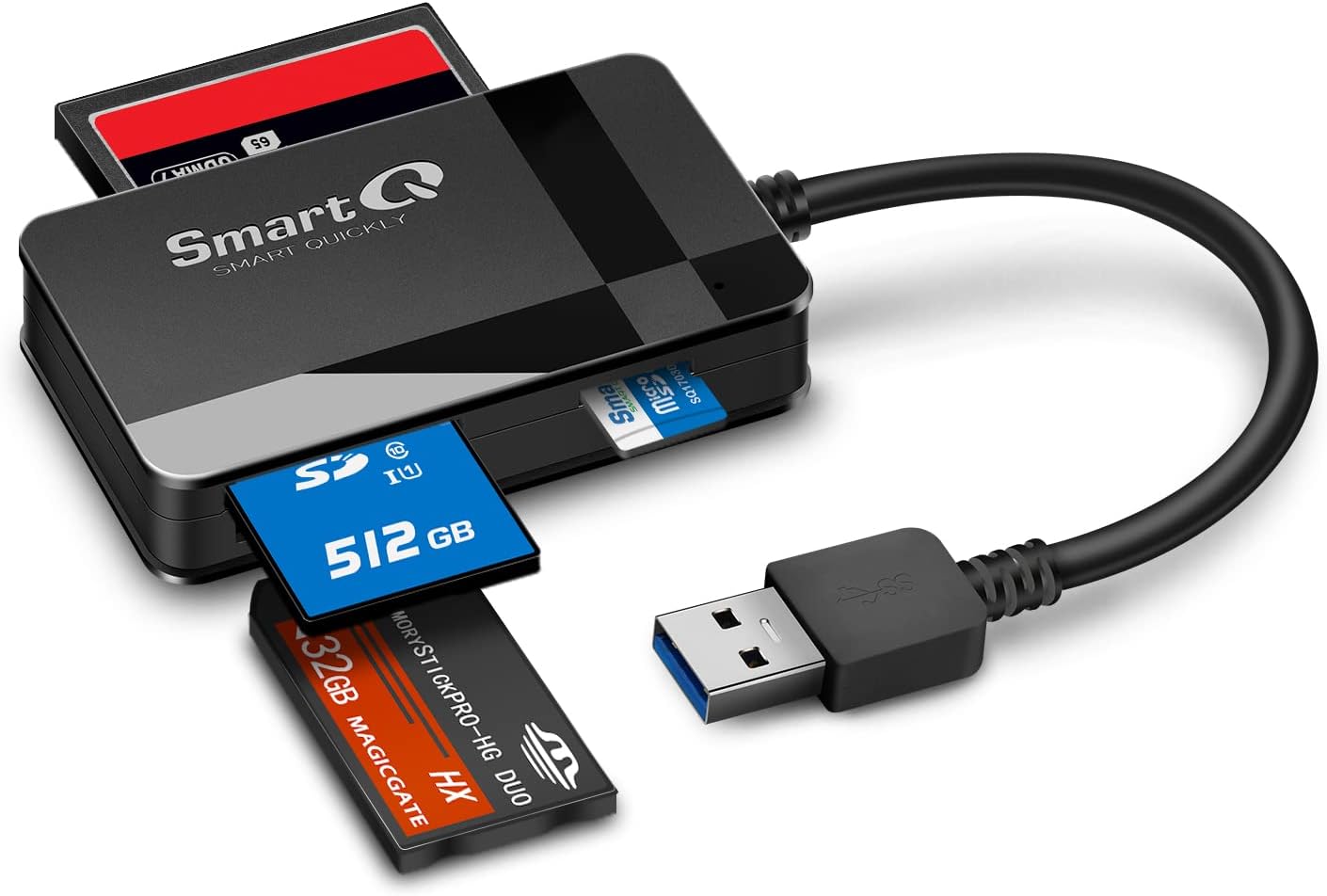
The SmartQ C368 is a compact USB 3.0 card reader designed to cover multiple card formats in one slim device. If you regularly offload photos from SD and CF cards or need a microSD reader for devices that don’t have a built‑in slot, it offers a practical, plug‑and‑play solution. It’s aimed at everyday users who value straightforward data transfer without fiddling with drivers or extra software.
How it works and what you get
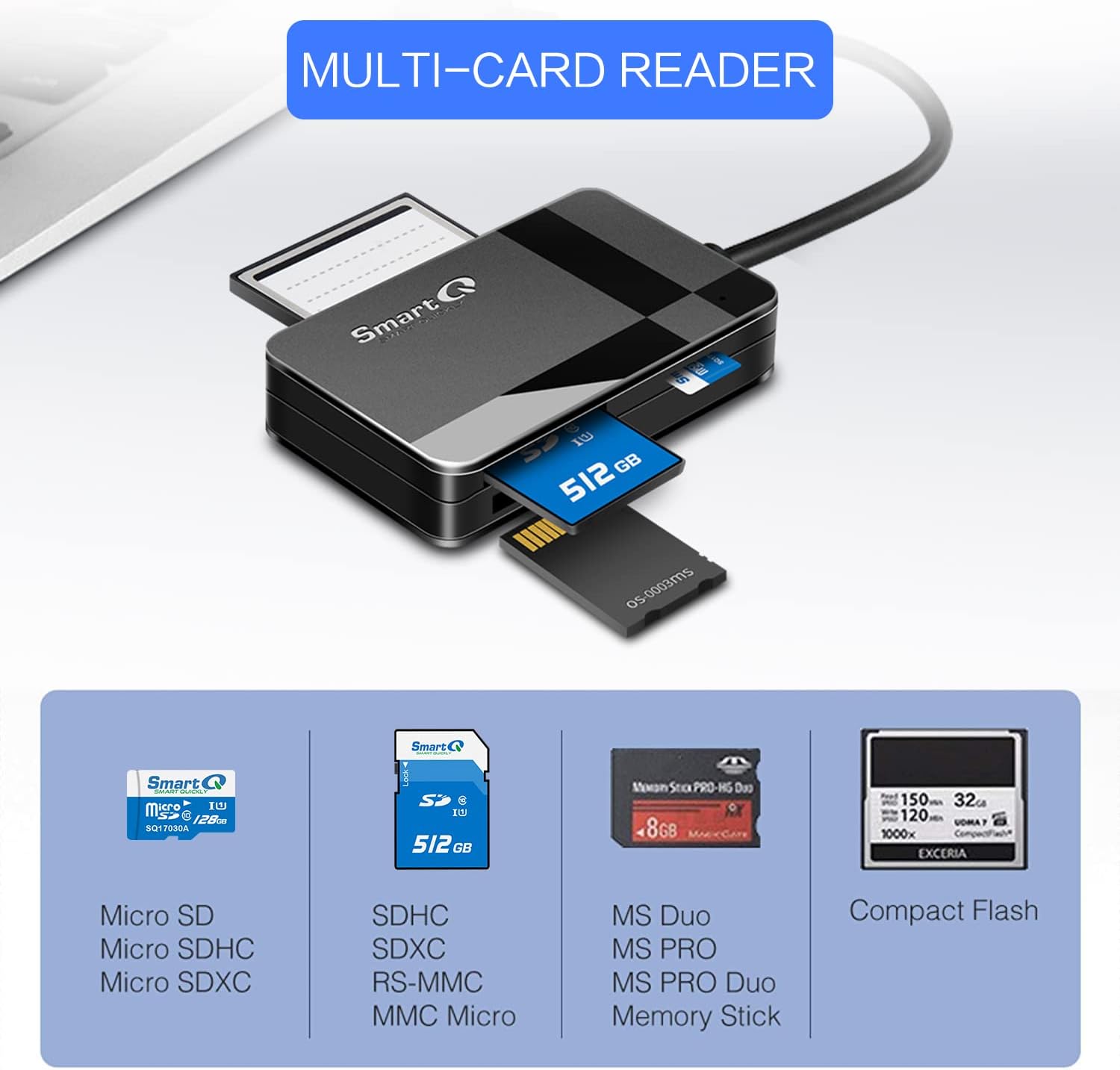
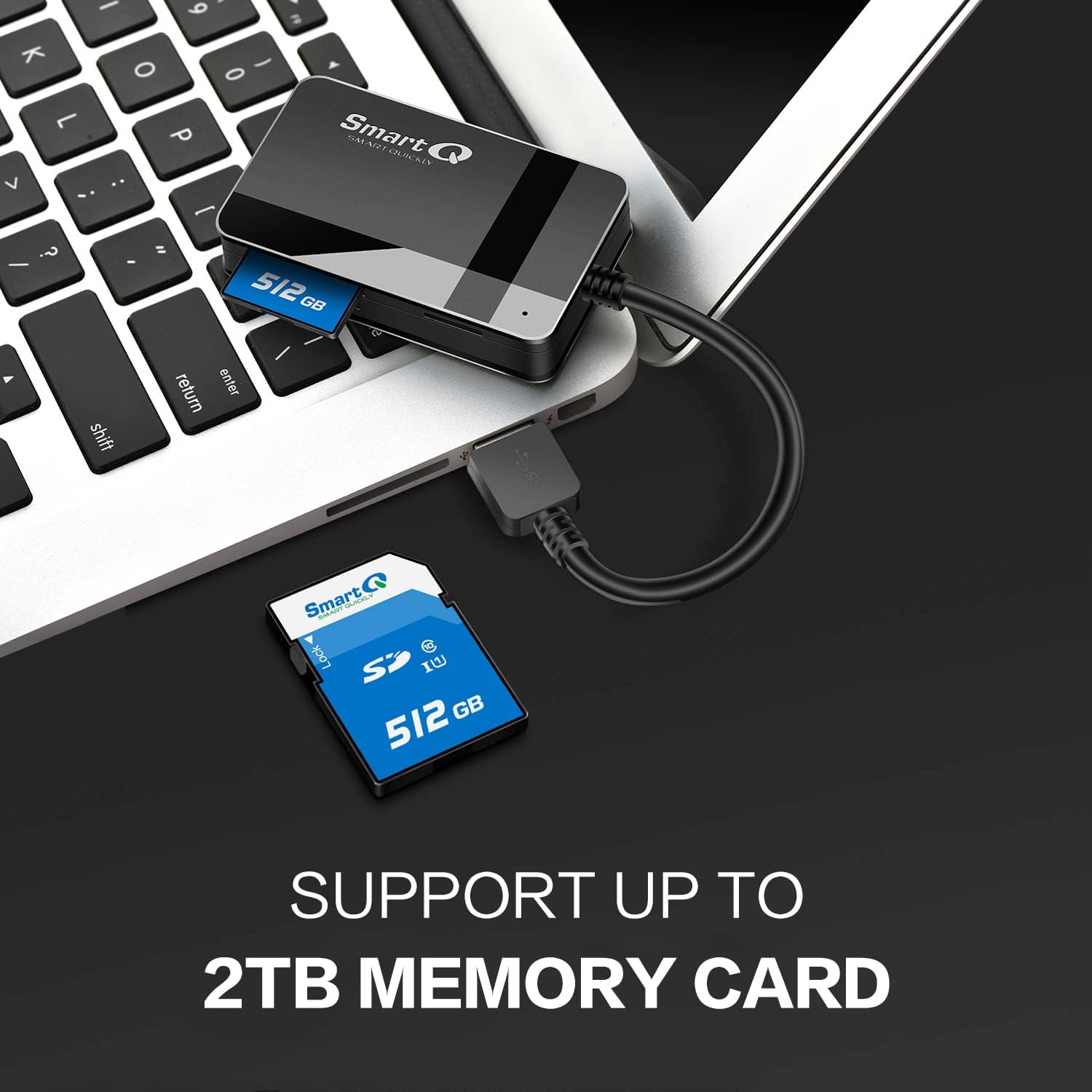
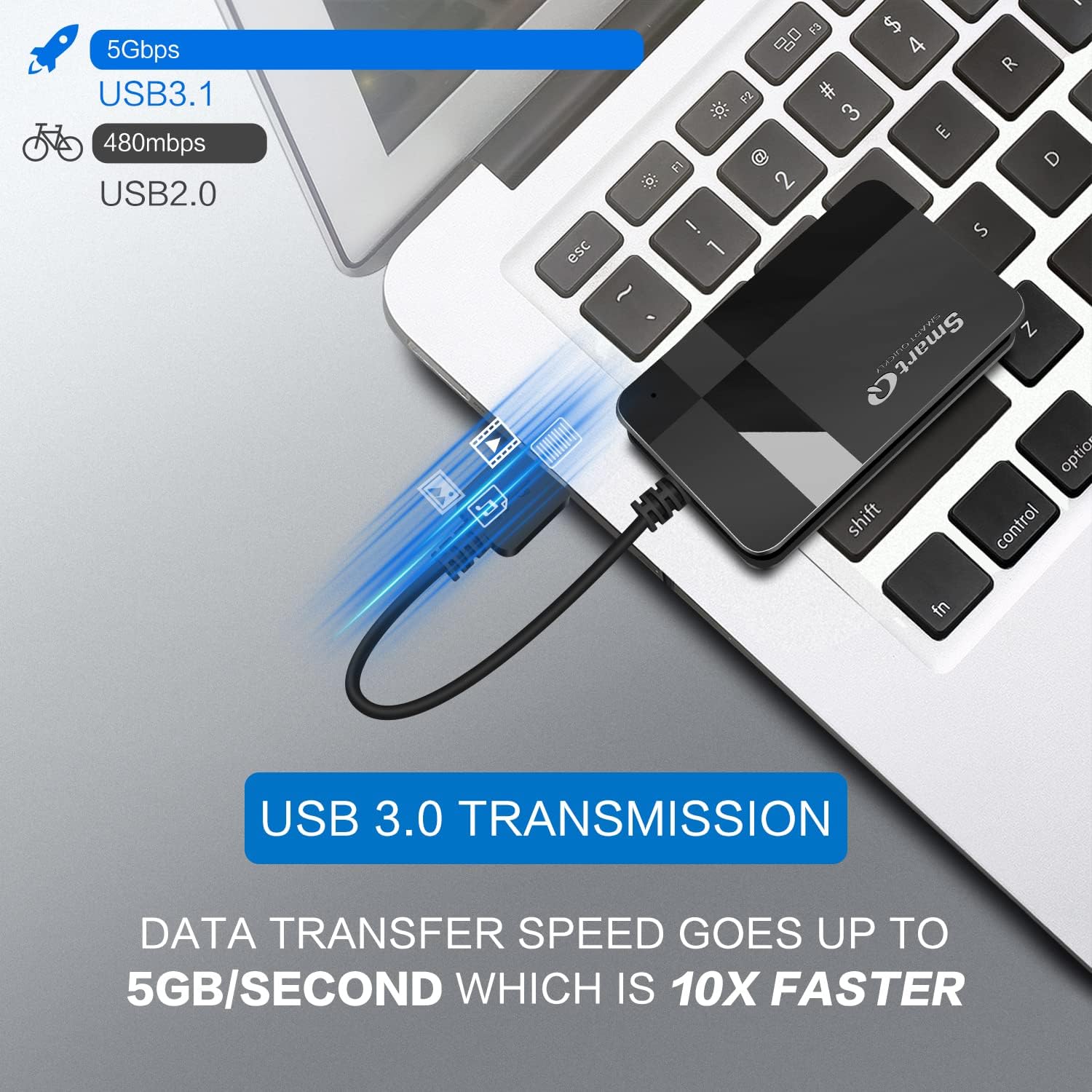
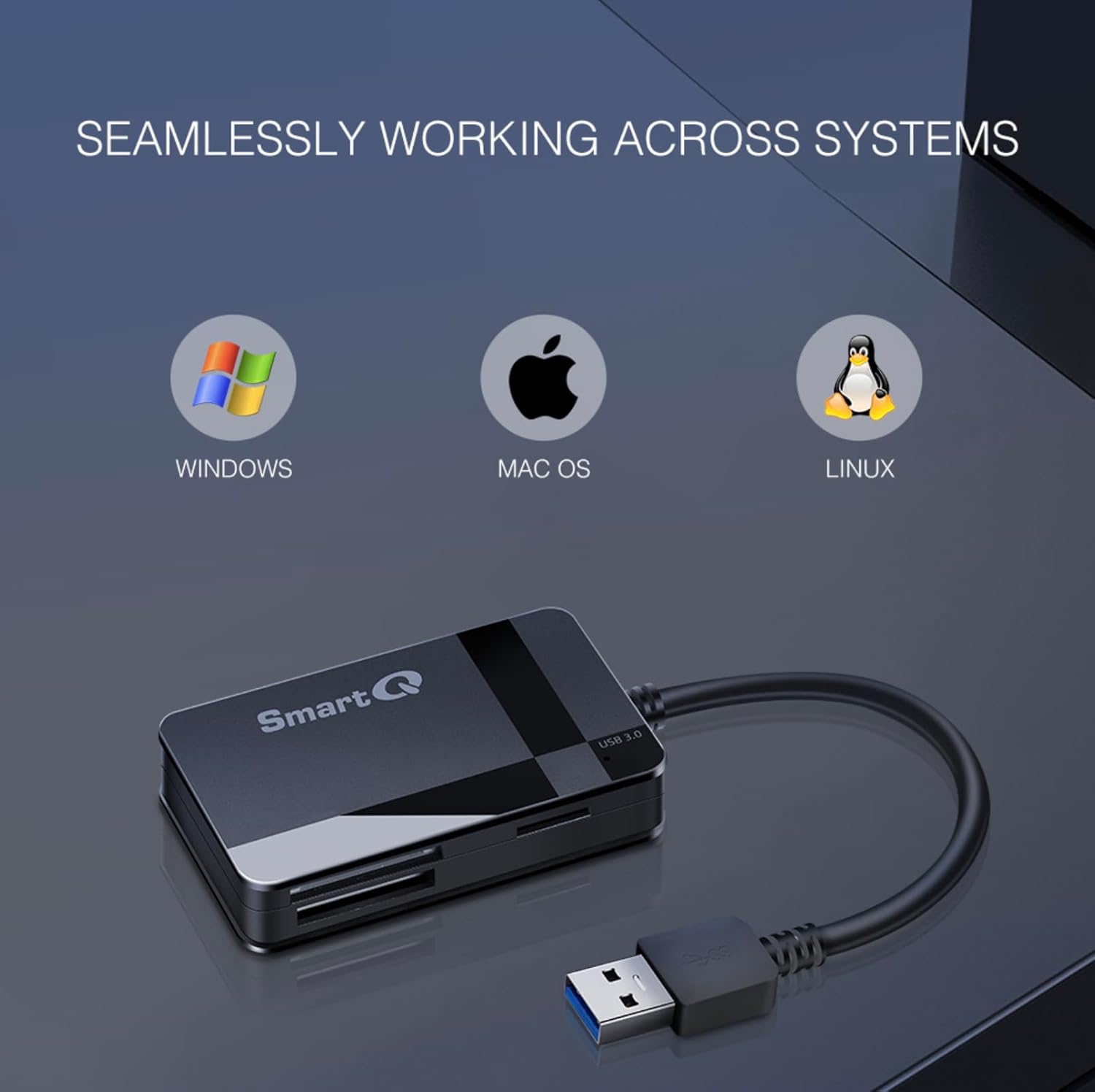
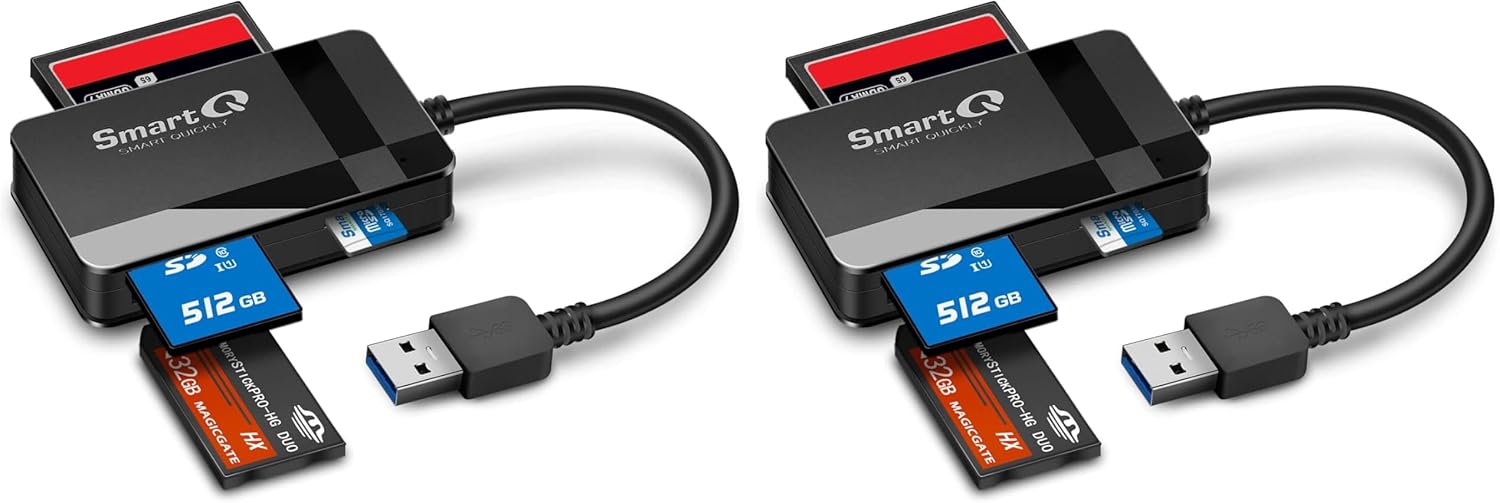
On the hardware side, the C368 supports Micro SD, SD, SDHC, SCXC (often seen as SDXC), MMC and MMC Micro cards. It reads data at USB 3.0 speeds, and the design claims compatibility across Windows, macOS and Linux without the need for drivers. A blue LED indicator provides a quick status check so you can tell at a glance whether the device is powered and connected. In the box you’ll typically find the reader, a cable organiser and a user manual—useful if you want to keep cables neat.
Practical considerations and limitations
On the paper specs, USB 3.0 suggests higher transfer speeds than older readers, but real‑world performance depends on the card type, the card’s own speed class, and the host computer’s USB controller. The description doesn’t list exact read/write speeds for each format, so if you’re moving large RAW files or high‑resolution video, you may want to temper expectations until you’ve tested with your own cards. Also, the claim of “read data independently” is helpful for simple transfers, but it’s still a USB peripheral—no on‑board storage means you’ll need a connected PC or laptop to access files.
Who it’s best for
This reader suits anyone who needs a universal solution without extra cables or power adapters. It’s particularly handy for travellers, students or hobbyists who shoot with SD/CF cards and need a straightforward, compatible card reader that works across major desktop OSes.
Who might want to skip it
If you regularly work with extremely large 4K video caches or professional photo workflows where every second counts, you may prefer a model with explicitly stated sustained speeds for each card type. Also, if you rely on devices that require USB‑C or a particular card format that isn’t listed here, this reader may not fit.
When to buy and when to wait
If you want a simple, no‑fuss reader that covers most common cards with plug‑and‑play ease, the C368 is reasonable value for money and easy to recommend. If you anticipate needing higher guaranteed speeds or more detailed specifications per format, you might want to compare with options that publish those figures.
Before you buy: quick checks
- Confirm your computer has a USB 3.0 port to enjoy the intended speeds.
- Check which card formats you use most and ensure they’re supported (Micro SD, SD/SDHC/SDXC, MMC/MMC Micro, CF).
- Consider how you’ll organise and store cards when not in use, the supplied cable organiser could help.
Practical use example
Imagine you’ve just finished a day of shooting with a DSLR and a drone, both using SD cards. You plug the SmartQ C368 into your laptop, drop the files onto a project folder, and by the time you’ve cleared a coffee, the transfer is underway with a visible blue LED indicating activity. It’s not flashy, but it does the job in a tidy, reliable way.
Final decision: Is it worth it?
It makes sense if you prioritise broad compatibility, simple setup and portability in a single unit for everyday card transfers. It may not be the best fit if you require guaranteed high‑end speeds per card type or need a dedicated USB‑C connection. If you value a straightforward, cost‑effective solution for mixed card formats, this reader is worth considering.
Frequently asked questions
- Do I need drivers to use it? No, it’s described as Plug N Play across Windows, macOS and Linux.
- Which card formats are supported? Micro SD, SD, SDHC, SDXC, MMC, MMC Micro, and CF cards.
- What is included in the box? SmartQ C368 card reader, cable organiser and a user manual (memory card not included).