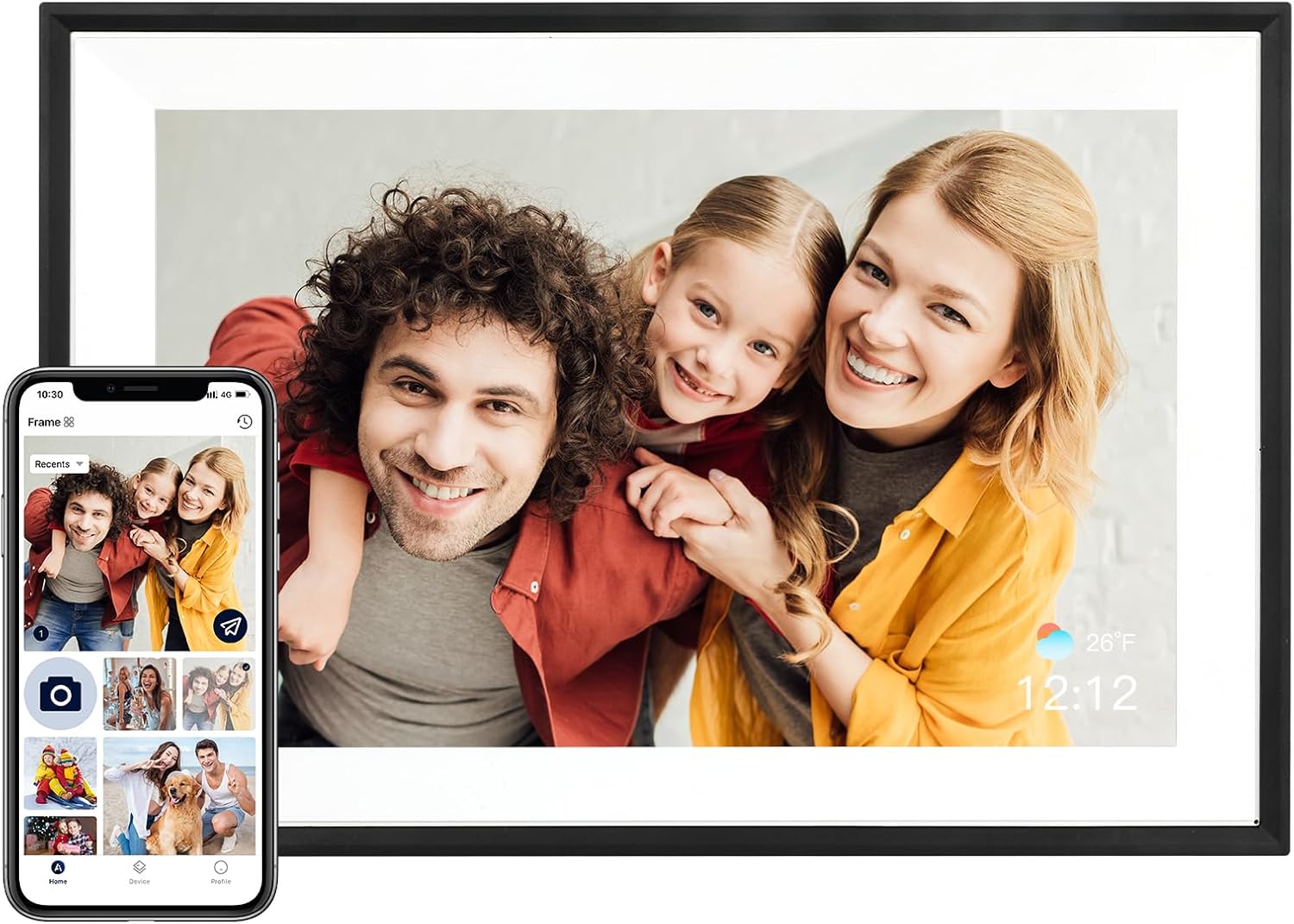
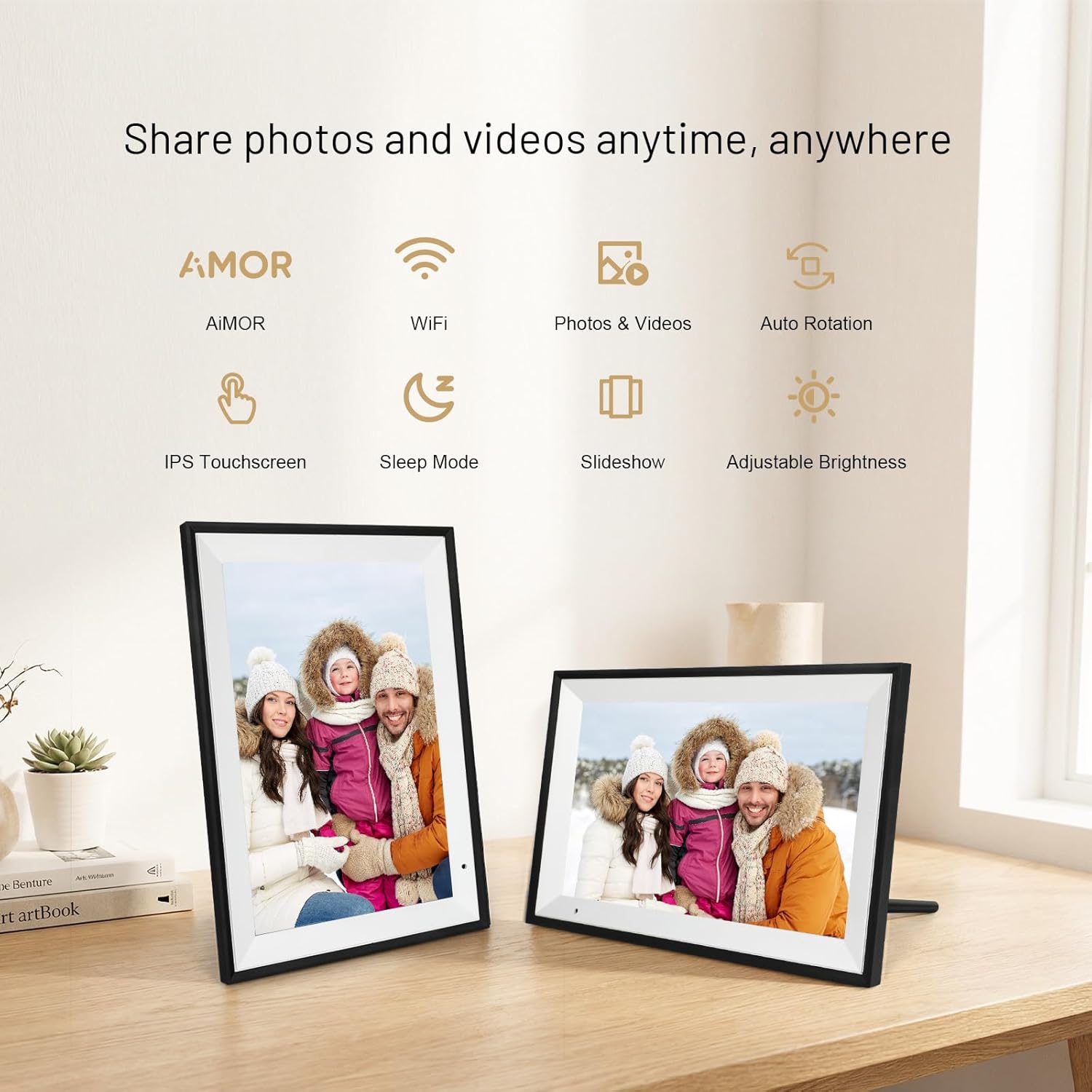
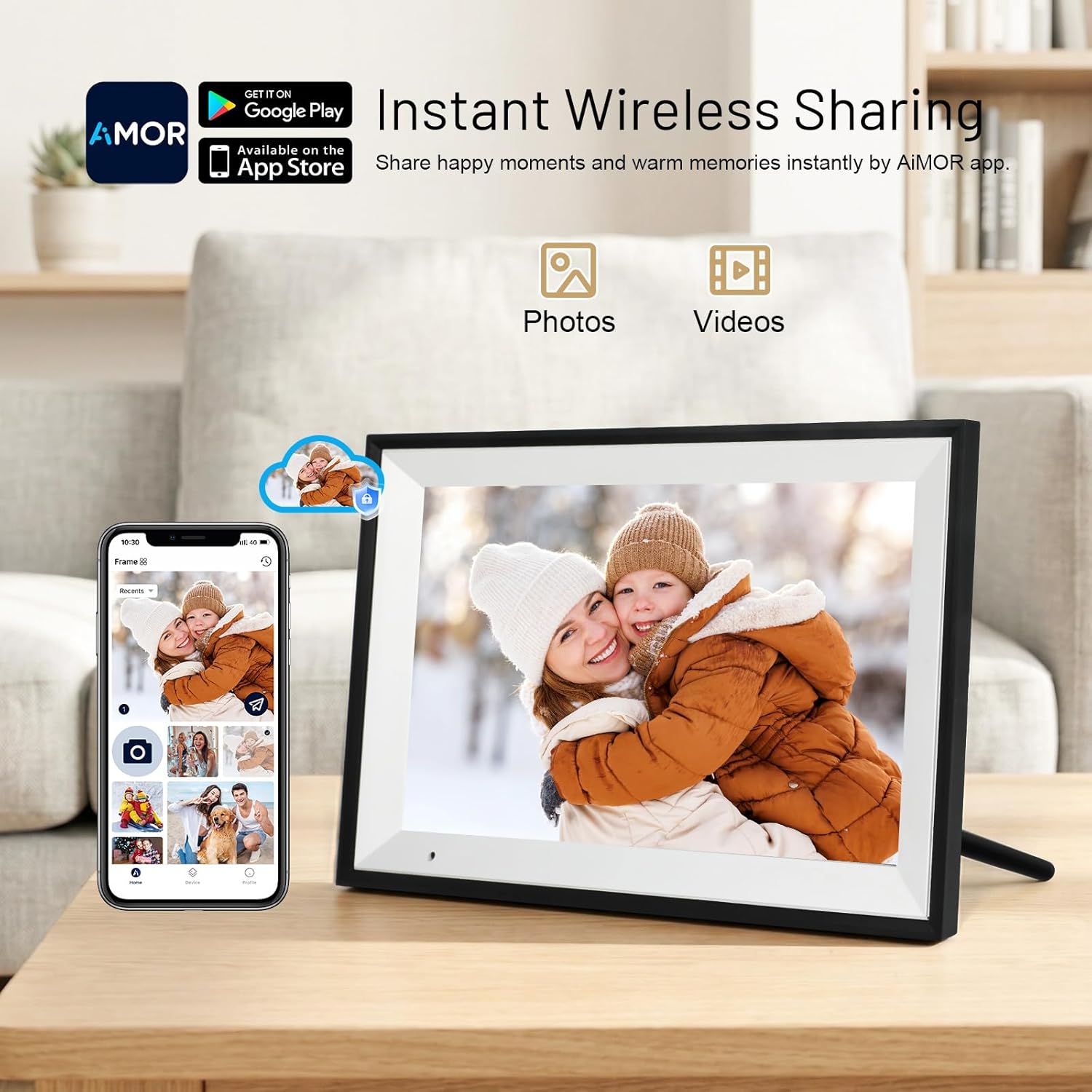
What this is and what it solves\nThe AEEZO digital photo frame is a 10.1-inch Wi-Fi enabled display designed to keep memories visible without the hassle of constantly transferring files to a traditional tablet or TV. It targets households and individuals who want a simple, shared viewing experience for photos and short videos, with the convenience of wireless sharing and a hands‑free display that adapts orientation automatically. On paper, it aims to blend ease of use with reasonably spacious storage, so memories don’t have to stay trapped on a phone or computer.\n\n## How it works in daily life\nSetup is managed through the AiMOR app. After installing the app, a code from the frame pairs the device with a AiMOR account, enabling sharing of photos and videos with up to 512 users. This makes it practical for families or small circles who want to contribute memories without dealing with cables or complicated transfers. The frame supports SD cards for expandable storage, which means you can physically load more media when needed, though the SD card is not included.\n\n## What’s inside and what it can store\nWith 32 GB of internal memory, the frame can hold a substantial gallery—designed to store tens of thousands of photos and a fair number of videos depending on file sizes. If you need more space, you can expand via an SD card up to 128 GB. For many homes, this offers a comfortable balance between performance and practical capacity.\n\n## Display quality and use cases\nThe 1280×800 IPS touchscreen delivers a crisp, vibrant image with wide viewing angles, suitable for showing family portraits, travel snaps, and short clips. The frame automatically rotates to match portrait or landscape content thanks to a built‑in motion sensor, which helps when the frame is placed in a busy hallway or a living room corner. In everyday use, this means less fiddling to get the right orientation and a more natural viewing experience.\n\n## Additional features that may matter\nIt includes practical extras like weather information, a clock, and a timer standby function, which can be helpful for keeping the frame as part of a daily routine or for gifting purposes where you want it to blend into the home setting. The ability to share memories remotely means you can keep loved ones updated, regardless of distance. However, not everyone needs multi‑user sharing, and some users may find the app‑based setup a touch slow if their Wi‑Fi is unstable.\n\n## Who it’s for and who it isn’t ideal for\nThis frame works well for families wanting to build a shared, living photo album or for gifting on occasions like birthdays or holidays. It also suits older relatives who might benefit from a straightforward interface and remote photo sharing. If you’re looking for ultra‑high resolution for wall‑hanging display or want to store an enormous media library in bulk, this model may feel modest compared with higher‑end frames. It’s probably a better fit for casual viewing and everyday memories rather than professional photo exhibits.\n\n## Practical considerations before buying\n- Ensure your Wi‑Fi network is stable for smooth app setup and remote uploads.\n- Remember the SD card is optional and not included, plan if you need extra storage beyond 32 GB.\n- The 10.1‑inch panel is comfortable for a personal or family gallery but isn’t designed to replace a dedicated digital cinema display.\n- Consider how you’ll manage shared memories, while 512 users sounds broad, practical use depends on how active your circle is with uploads.\n\n## How it compares to other approaches\nIf you prefer zero‑fuss direct transfer, a frame with built‑in USB or cloud options might be appealing, but those often come with limited local storage or more complex setups. For many households, a Wi‑Fi frame with automatic orientation and a balanced 32 GB base, plus optional SD expansion, hits a middle ground between convenience and capacity.\n\n## What you’ll notice in use: a practical example\nImagine gifting a frame that your family can contribute to from anywhere. A new holiday photo uploaded by a relative miles away appears in the sequence without cables or manual transfers, and the frame quietly rotates to show the best orientation for the moment. The weather widget adds a tiny daily utility, keeping the device functional even when you’re not actively viewing photos.\n\n## Final decision: Should you buy it?\nIs it worth it? It’s a pragmatic option if you want a shared, easy‑to‑manage digital photo frame with reasonable internal storage, expandable via SD, and a straightforward app to coordinate uploads. If your priorities include very high image fidelity, extensive video playback, or a non‑Wi‑Fi setup, you may want to explore alternatives. For households valuing family sharing and a simple setup, this frame offers tangible everyday utility without overpromising perfection.\n\n## FAQ\n- What media formats does it support? The base description notes photos and videos, but exact formats aren’t listed. If you’re particular about file types, check compatibility before relying on the app for uploads.\n- Can it stay on 24/7? With a timer standby function, it’s designed to be set to turn off or sleep, but long, continuous operation isn’t described as a feature.\n- How easy is setup for non‑tech users? The description emphasizes simplicity and an intuitive app process, suggesting a gentle learning curve for first‑time users.