

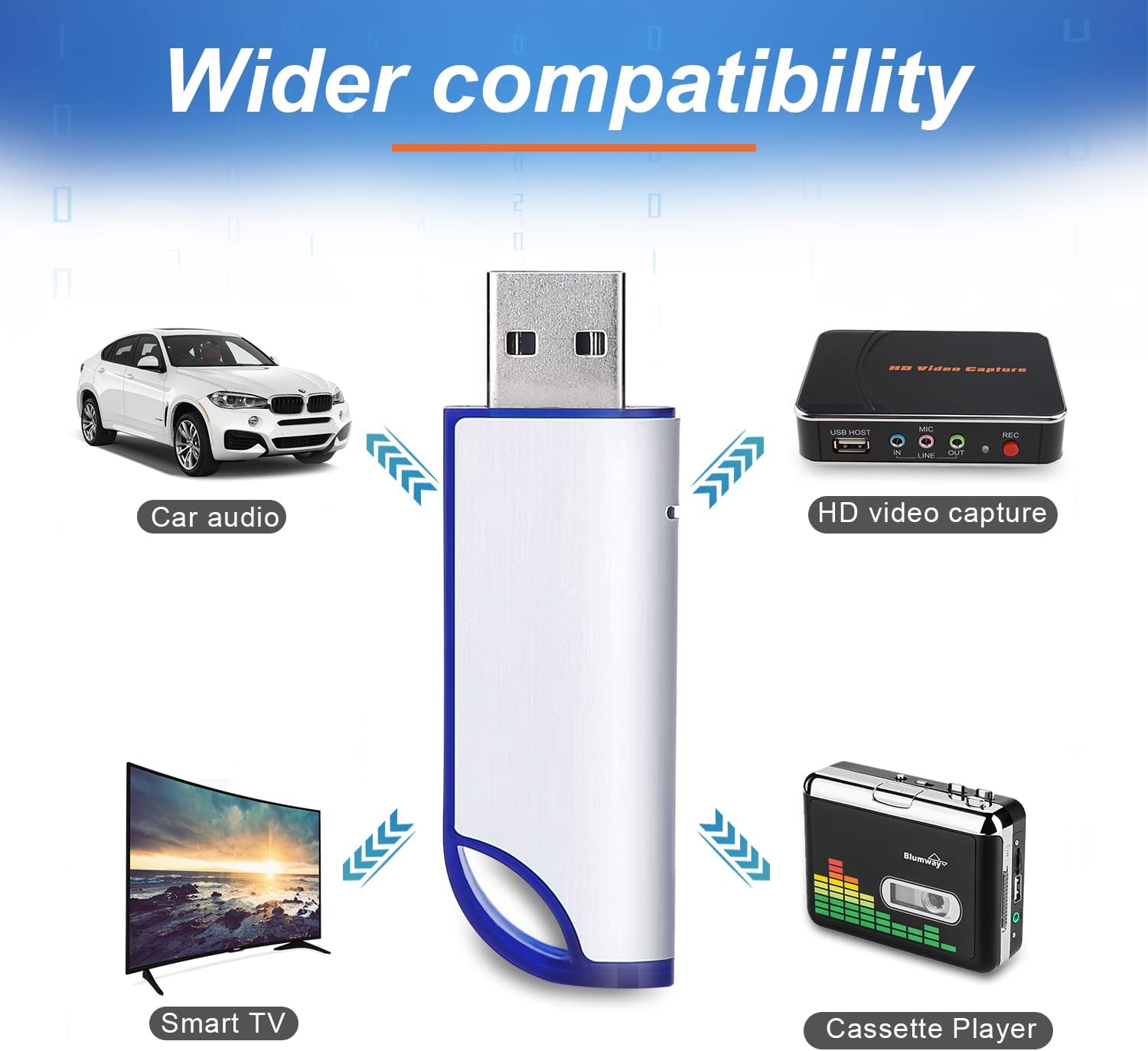
BlumWay 32G FAT32 USB Stick: A straightforward data helper for everyday storage
Product description
What this is and what it’s for
The BlumWay 32G USB Stick is a compact USB 2.0 flash drive formatted in FAT32, offering around 29.2–30GB of usable space. On the surface it’s a simple external data storage device in a slim form factor, designed for quick transfer and light-duty back-ups of music, photos, videos, documents and other common file types. It’s not a high-capacity or high-speed drive, but for everyday tasks like moving school work, a small video clip, or a handful of images between devices, it performs its job in a practical, unobtrusive way.
How it’s laid out for practical use
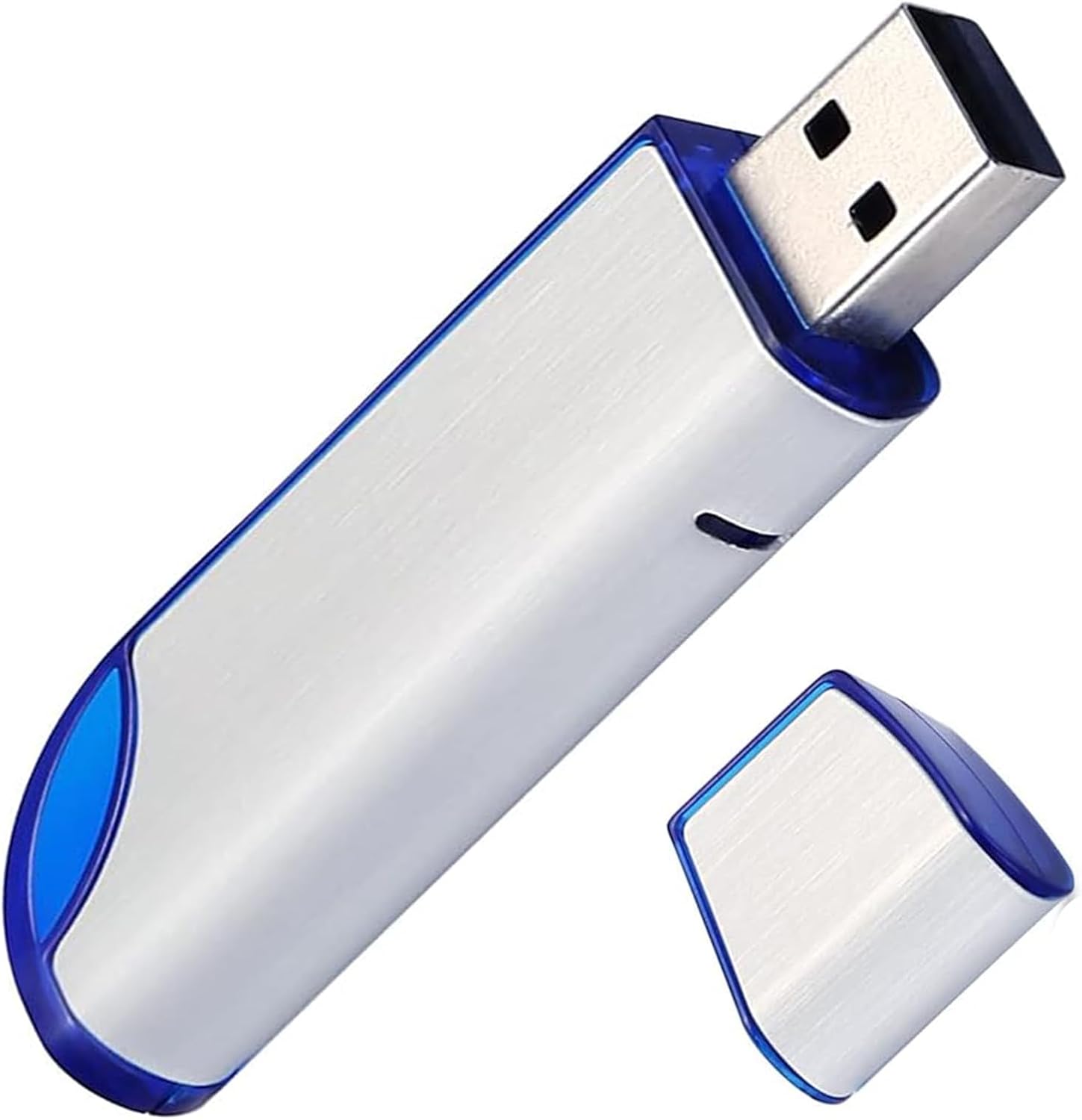
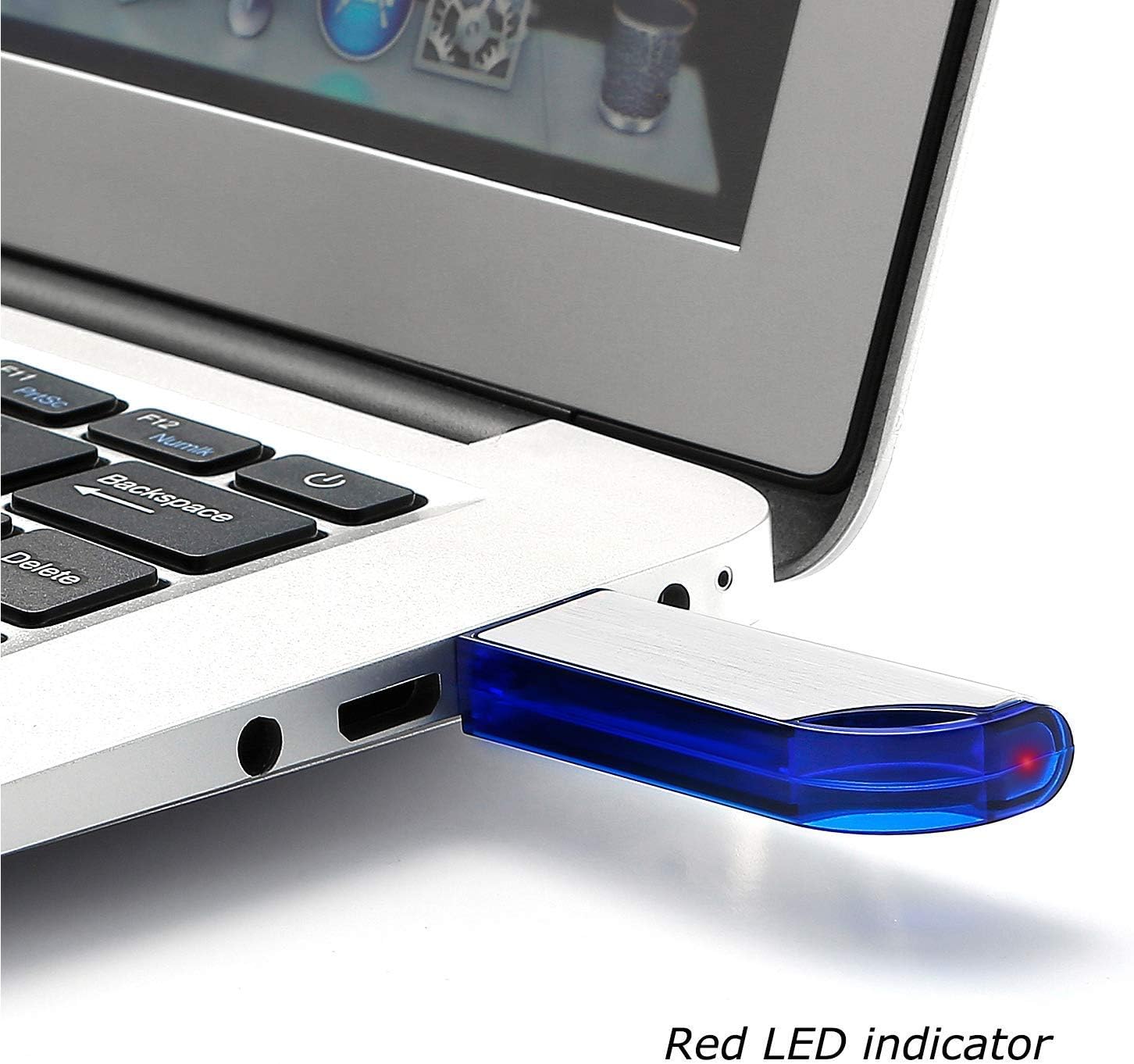
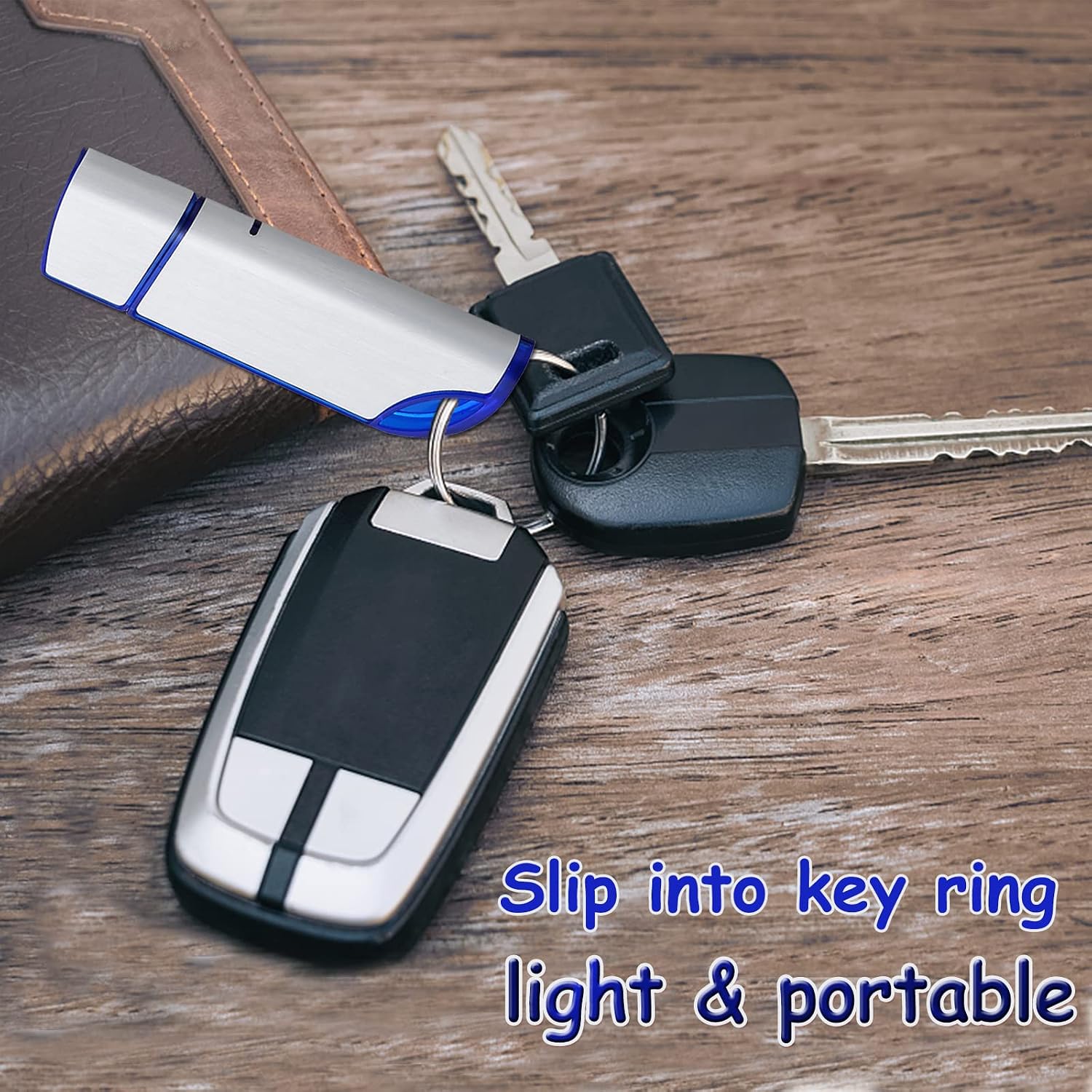
The drive features a clean, portable design with a top cap that protects the USB interface and reduces oxidation—plus a string attachment option for easy carrying or hanging on a key ring. The build is plastic with a neat finish, aimed at being lightweight and unobtrusive in a bag or on a desk. A small red LED indicator shows when data is transferring, which helps you confirm activity without needing to guess if the drive is recognised by the host device.
Compatibility and setup
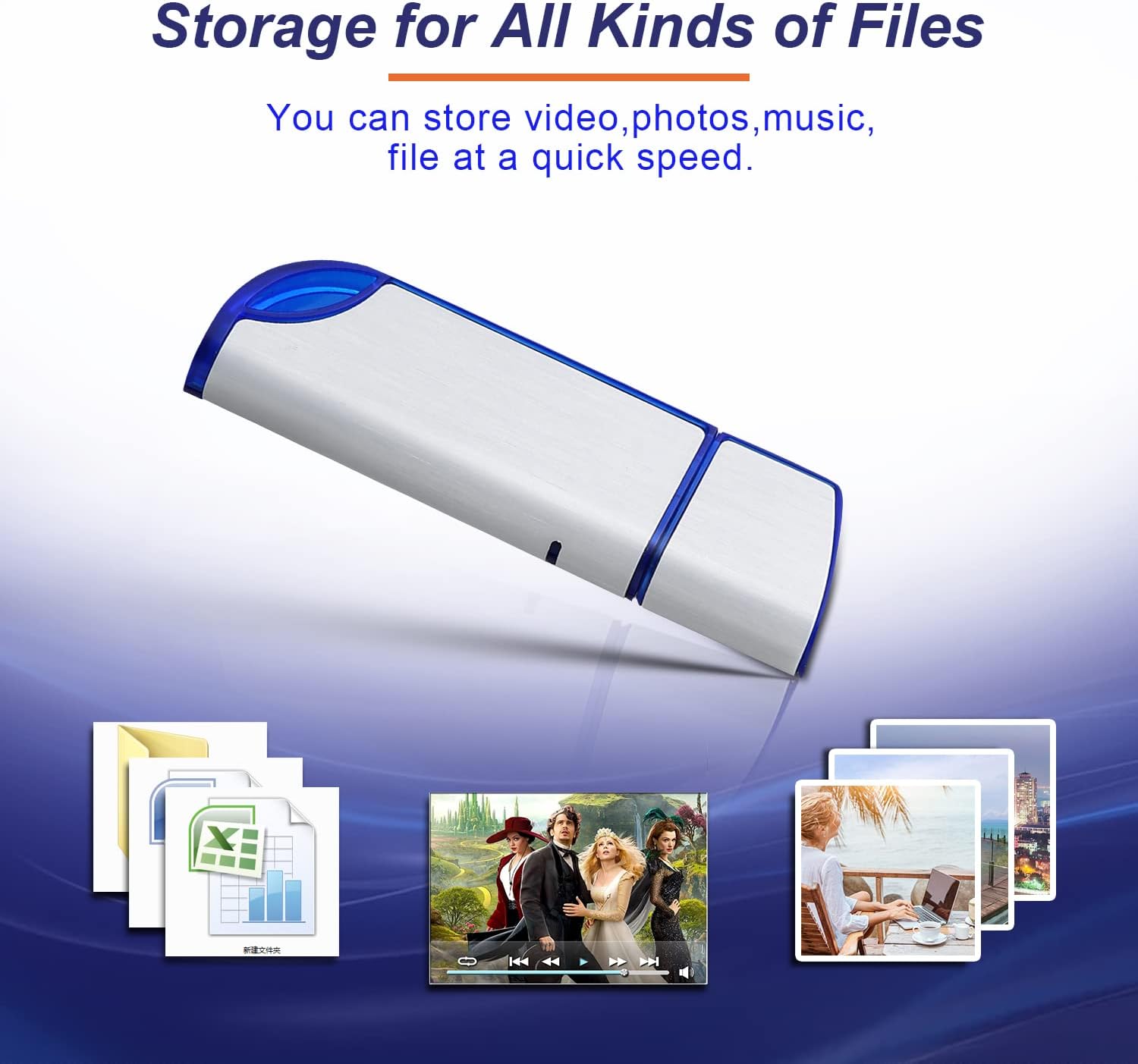
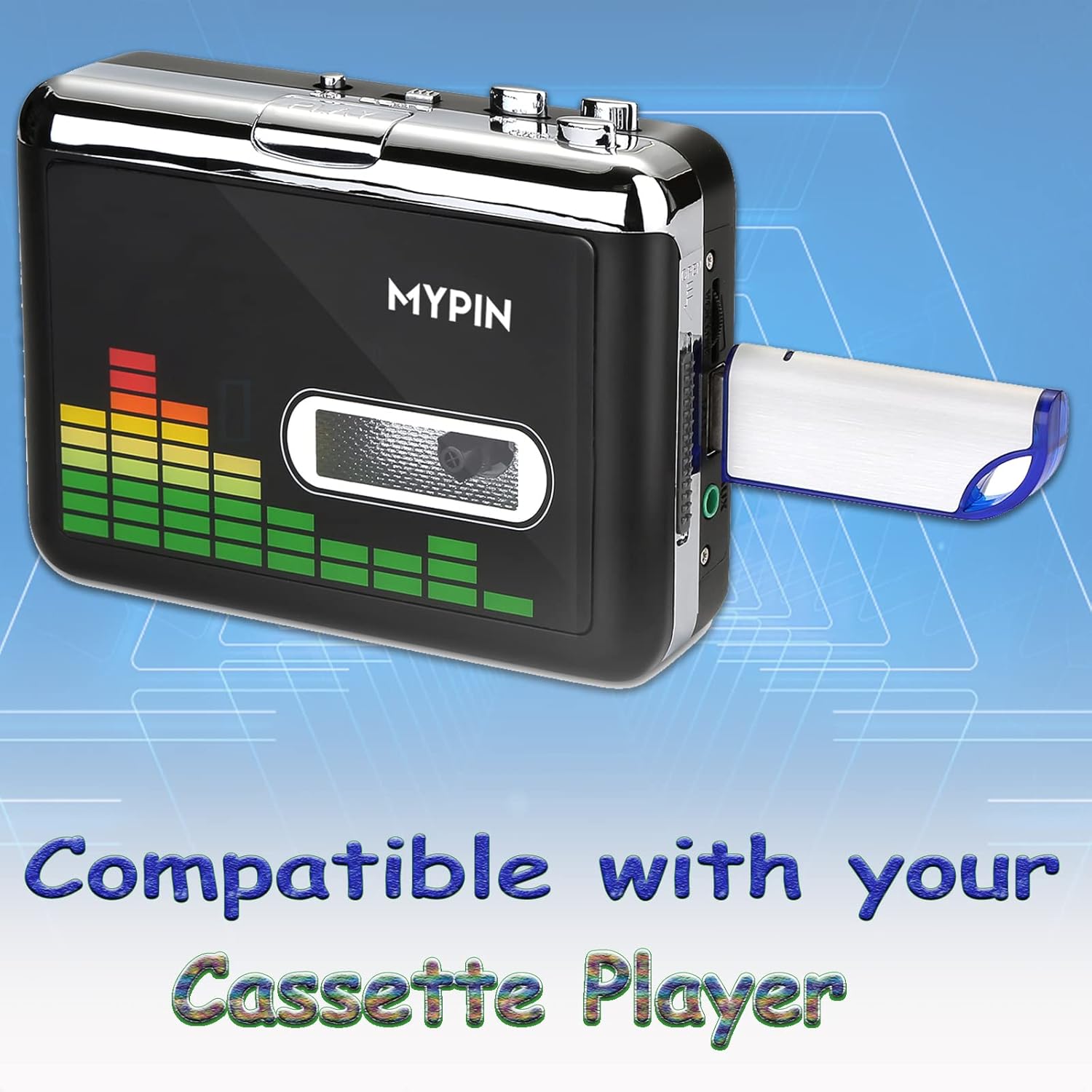
On paper, it plays nicely with a wide range of devices that offer USB 2.0 ports, including computers, game capture devices, cassette players and laptops. It’s advertised as compatible with Windows, Mac OS and Linux variants, and it works without any software installation—just plug in and go. If you’re using an older machine or a device with a strict USB policy, this plug-and-play approach is a straightforward plus point.
Who it suits and who might decline
This drive is well suited to light, on-the-go storage needs: quick data transfers between school or home devices, temporary media backup for photos and short videos, or as a small, portable media archive for basic playback on compatible players. If you routinely deal with large files, high-definition video projects, or require speedier transfers, this is likely to feel underspecified. Also, being USB 2.0, it won’t match the speeds of newer USB 3.x sticks, so if you prioritise rapid backups, you may want to consider higher-performance options.
What to look out for before buying
- Capacity and format: 32GB in FAT32 is convenient for broad compatibility, but FAT32 has file-size limits (no single file larger than 4GB). If you regularly copy very large files, you’ll want to plan around that limit or reformat (where appropriate and feasible for your devices) to a newer format.
- Speed banding: USB 2.0 is adequate for basic transfers and backups, but it won’t feel fast for large media libraries. If speed matters, consider whether USB 3.x would better suit your needs.
- Physical durability: a cap-protected interface helps, but the drive is still portable, treat it as everyday tech rather than a rugged survival unit.
- Compatibility caveats: while broad, there can be edge cases with older devices or unusual firmware, always test on your primary machine first.
Practical usage: a day-in-the-life example
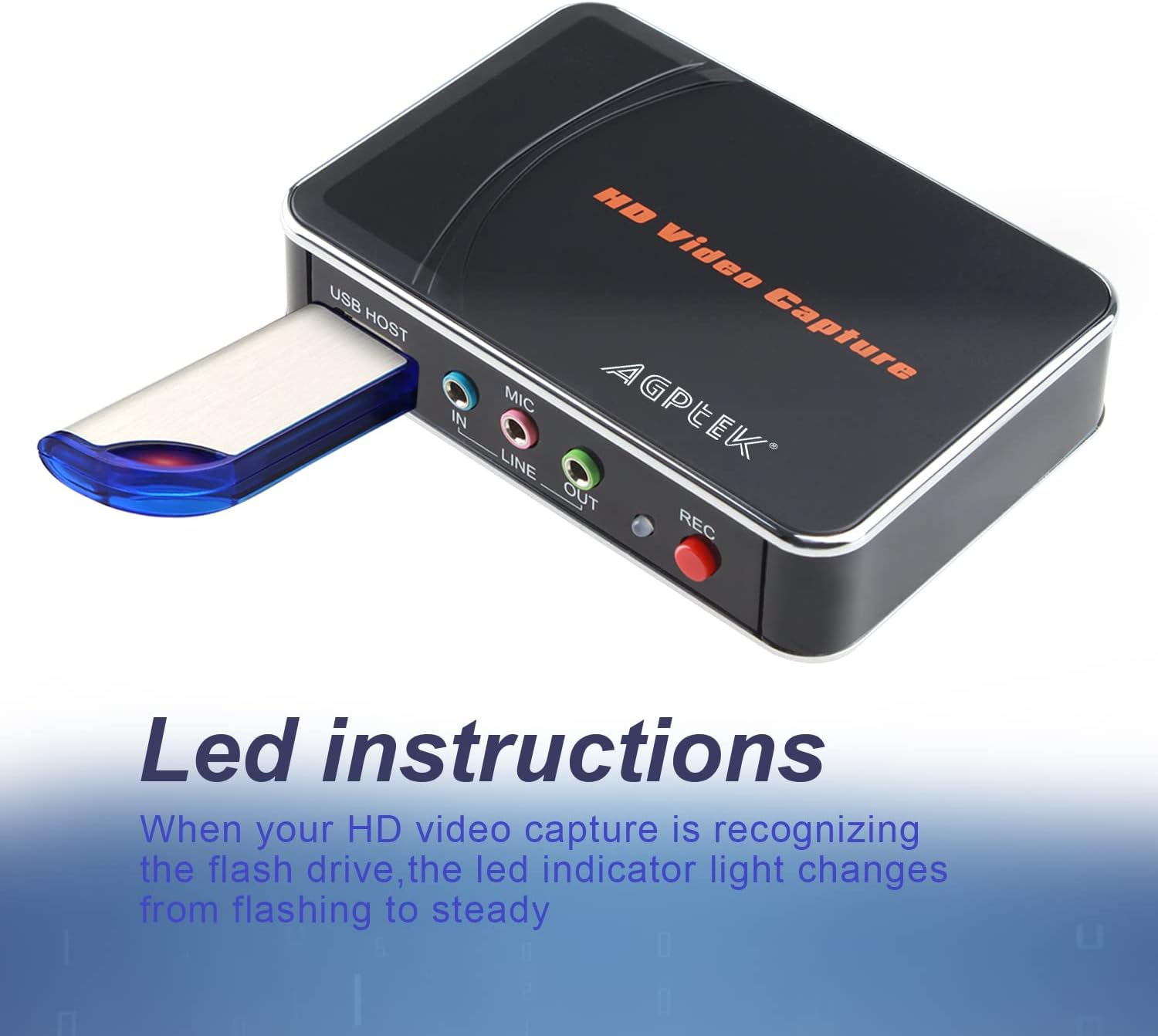
Imagine you’re backing up photos from a family trip onto this 32G stick. You plug it into your laptop, copy a few folders, and the red LED blinks to show transfer is in progress. Once done, you pop it into your bag and carry it to a friend’s computer to share a quick album. If you’re using it with a camera capture card or a cassette player, the indicators help you verify when data is being written, which reduces uncertainty during a live recording task.
What stands out versus higher-end options
On the plus side, the simplicity and portability deliver good value for casual use. It’s fuss-free, with plug-and-play convenience and a sturdy enough feel for everyday tasks. The downsides are predictable: limited capacity for larger media libraries, and USB 2.0 speeds won’t win prizes in a data-heavy workflow. If you prioritise speed, reliability under heavy use, or smoother handling of large files, you’ll likely lean toward newer USB formats or higher capacities.
What this means for different buyers
- If you’re a student or casual user needing a low-cost, readily available stick for light transfers, this is a sensible choice.
- If you’re a creator who handles large RAW video files or lengthy backups, you’ll probably want something bigger and faster.
- If you prefer a key-like, always-with-you device, the cap-protected design plus lanyard option is a comfortable fit.
Final checks before purchase
- Confirm your devices support FAT32 and USB 2.0 as described.
- Check whether you expect to transfer files larger than 4GB, plan for a different format or a larger drive if needed.
- Consider whether you need a more durable or faster model for frequent on-the-road use.
FAQ (practical answers based on available data)
- Does it require software? No, it’s plug-and-play.
- Is there a way to tell when data is transferring? Yes, a LED indicator lights during transfers.
- Can I use it with both Windows and Mac? It’s described as compatible with Windows, Mac OS and Linux, test on your devices to confirm.
Final verdict
Is it worth it? Worth considering if you prioritise portability, low cost and straightforward data transfer for light duties. It won’t suit heavy-duty backups or speed-focused workflows, but for basic file storage and transfer, it delivers sensible, uncomplicated value. If your needs are modest and you value simplicity over speed, this BlumWay 32G stick is a reasonable, no-frills option.