

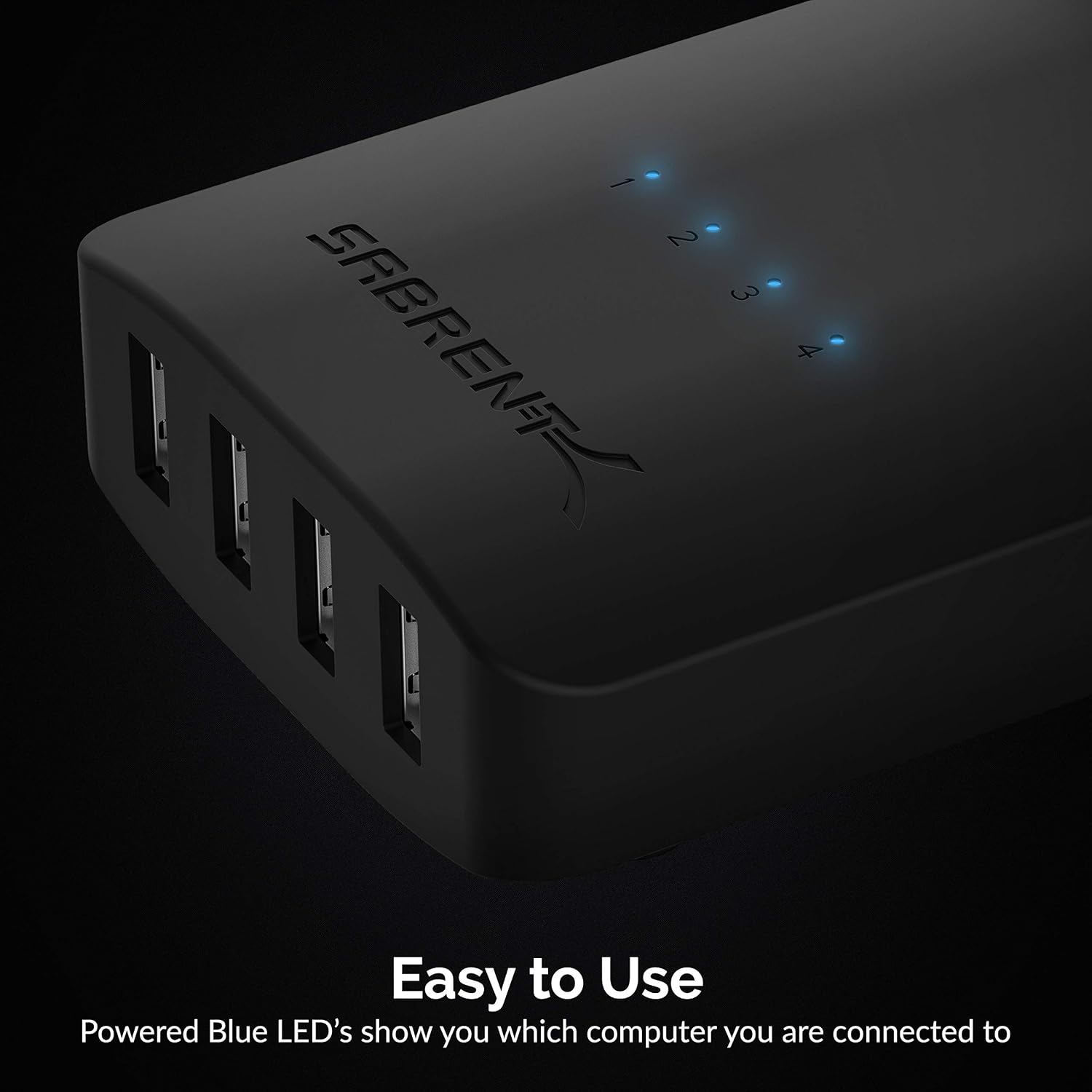
SABRENT USS4 USB switch selector 4 in 4 out
Product description
If you have multiple PCs but only one set of USB peripherals, a USB switch selector is a practical way to reduce clutter and avoid constant unplugging. The SABRENT USS4 USB sharing switch lets up to four computers share up to four USB devices, with quick button switching and clear LED indicators to show which computer is active. It is compatible with USB 2.0 and supports data transfer speeds of up to 480 Mbps, so it suits everyday workstation use where you want simpler control. ✅
Key points
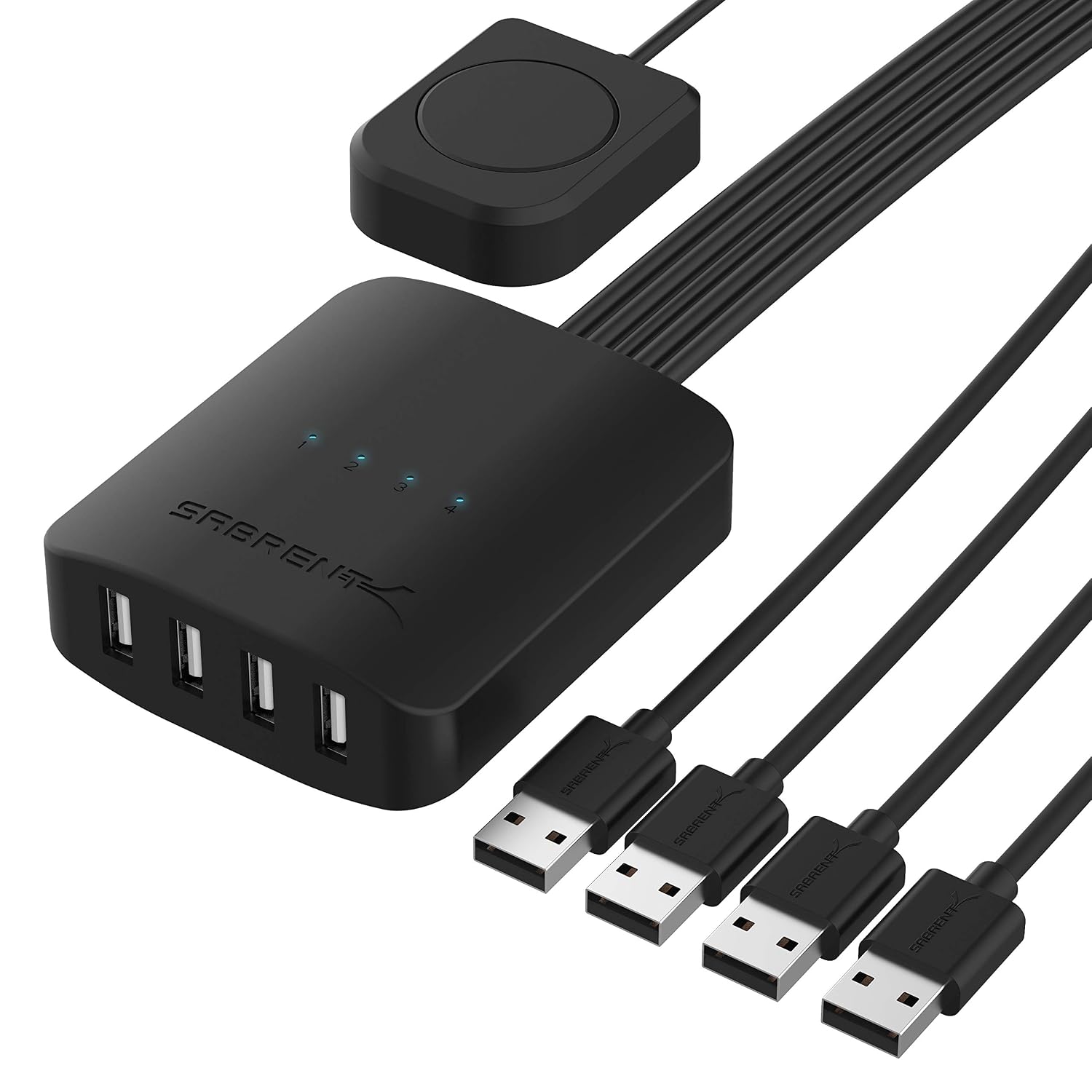
When you switch workstations, the biggest time drain is often the physical cable swapping. This unit solves that by allowing multiple computers to share multiple USB peripherals through one tidy setup. With the ability to control the connected USB devices from the same switch, you can move between PCs without interrupting your workflow as much. 🖱️
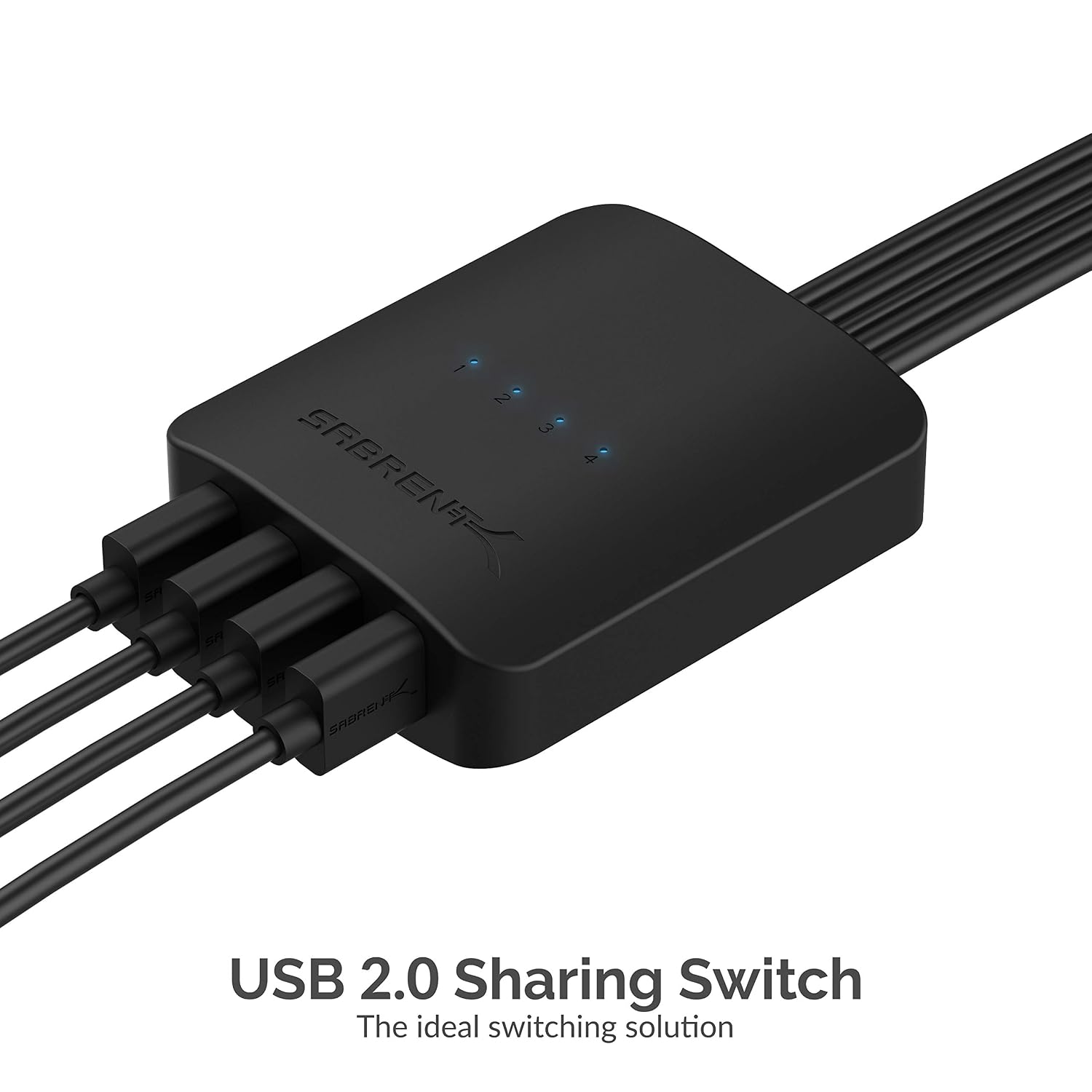
The USS4 is also useful when different people or roles need access to the same desk kit, such as a mouse, keyboard, printer, scanner, or similar USB peripherals. LED indicators make it easier to distinguish which computer is currently selected, which helps avoid the common frustration of plugging in and then wondering why the device is not responding. The setup stays straightforward, and if you later need more flexibility you can extend the system using USB hubs. 🙂
It is worth noting that this is designed around USB 2.0 compatibility, so it is best considered for devices that work well within that environment. If your peripherals require higher performance than USB 2.0, you would need to double-check compatibility before buying. For standard desk peripherals and typical office devices, it is a sensible way to consolidate connections.
Tech specs
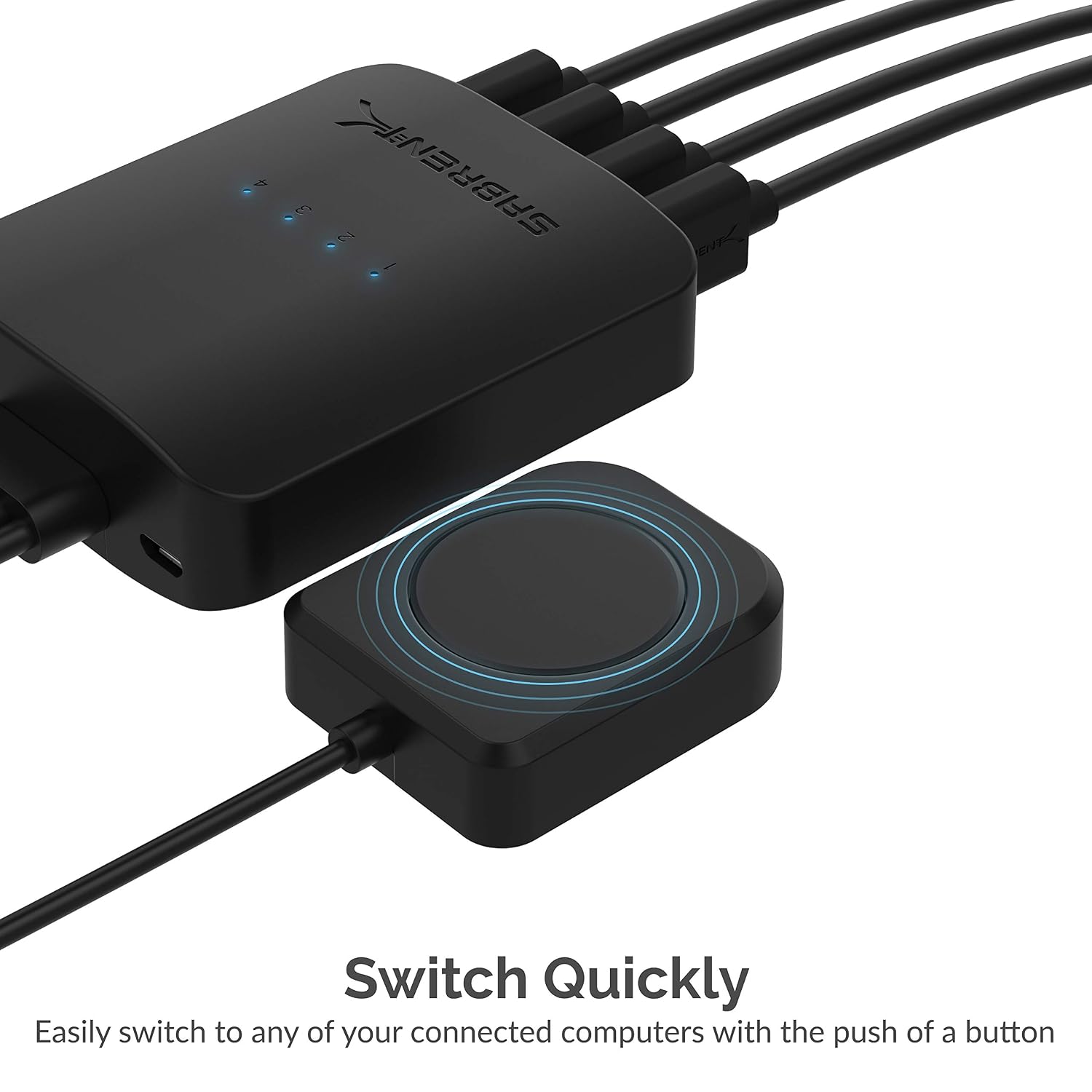
- Name: SABRENT USB switch selector USS4
- Type: USB sharing splitter, computer peripheral switcher
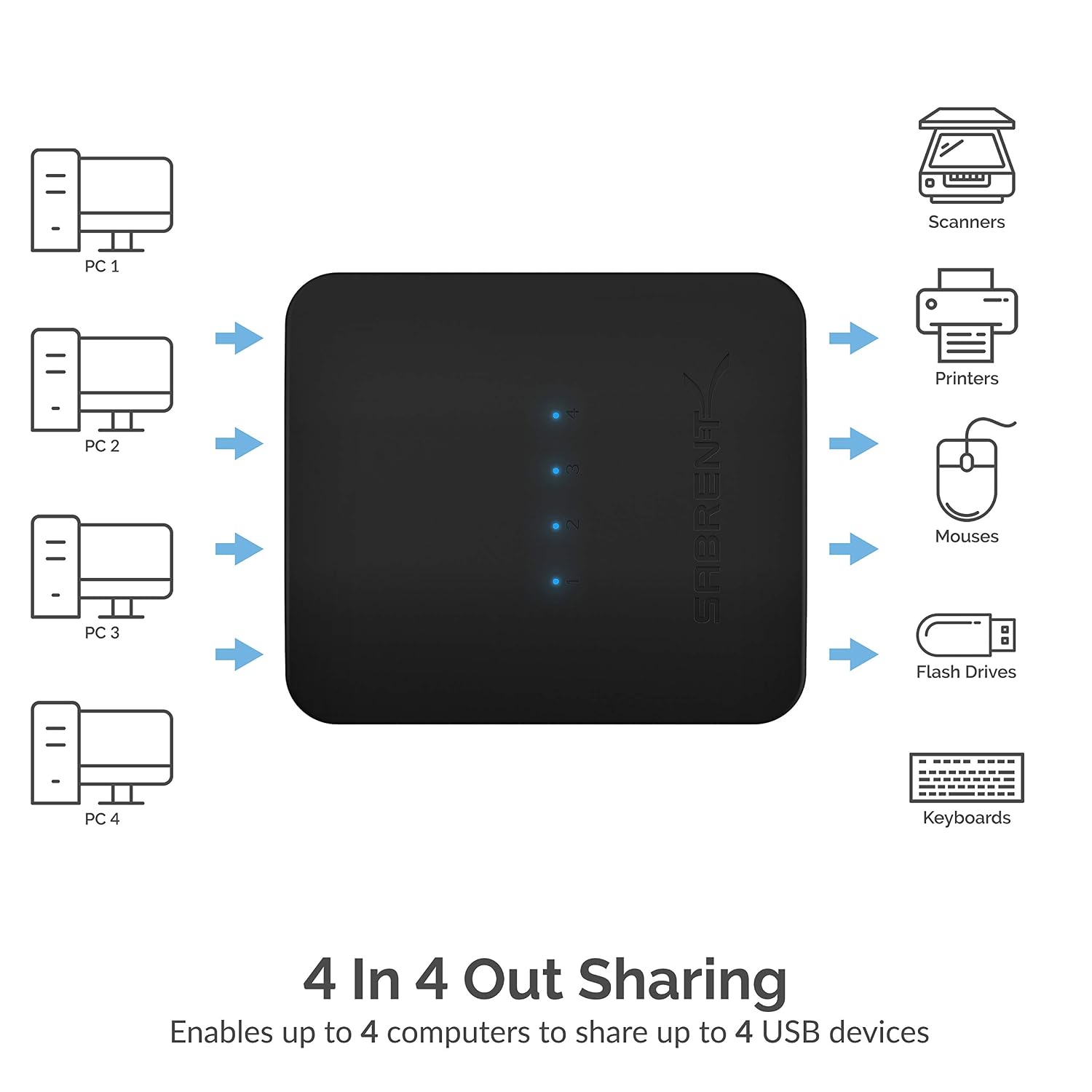
- Format: 4 PCs in, 4 out
- Capacity: up to four computers sharing up to four USB devices
- Refresh rate: LED indicators for computer selection
- Material: not specified by the manufacturer
- Compatibility: USB 2.0, data transfer speeds up to 480 Mbps
What you’ll notice day to day
Using the USS4 is designed to feel immediate. Instead of reaching behind a desk every time you change computers, you press a button to select the connected PC, then your USB peripherals follow the selected computer. That means a smoother routine if you alternate between work and another task, or if you regularly switch between a desktop and a different PC setup. 🔁
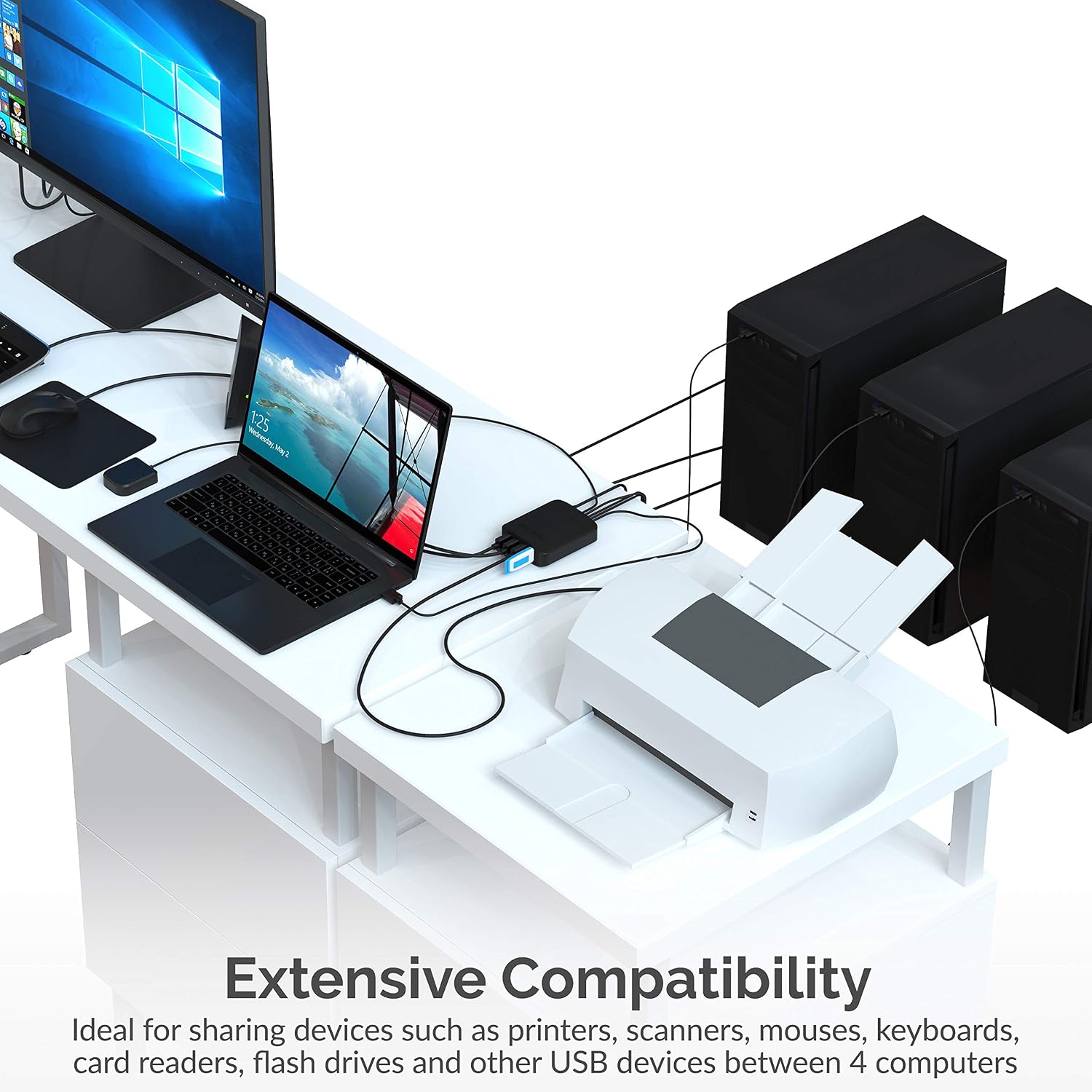
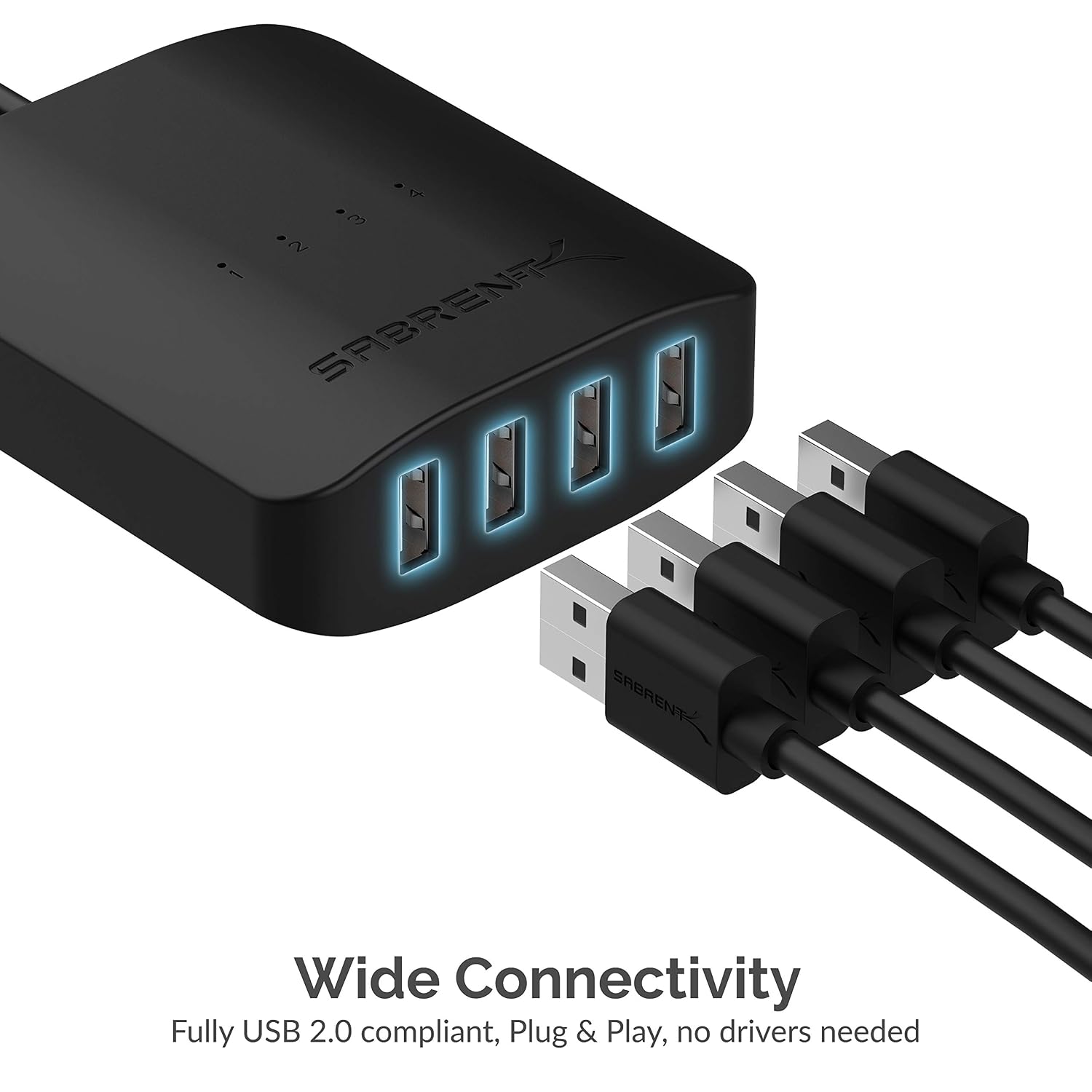
LED indicators support quick confirmation, which is especially helpful when multiple computers are connected and you want to avoid selecting the wrong one. That small detail matters when you are in the middle of a meeting or trying to print or scan and you want clarity at a glance. It also helps in shared spaces where more than one person may use the same desk setup. 📌
If your desk grows over time, the system can be expanded by adding one or more USB hubs, allowing you to share additional devices beyond the four-device baseline. Keep in mind that adding hubs changes the layout, so it is still a good idea to plan which peripherals need to be shared and how you want the switching to behave. With that planning, the switch can remain part of a tidy, low friction workstation.
Compatibility & requirements
This SABRENT switch selector is compatible with USB 2.0 and supports data transfer speeds up to 480 Mbps. It is intended for sharing USB peripherals across up to four computers, using button switching and LED indicators so you can keep track of which computer is active. For best results, connect USB peripherals that you regularly use from the same shared desk setup, such as a mouse, keyboard, printer, or scanner.
It can also be expanded by using USB hubs, which can help you increase the number of peripherals shared across your connected computers. Worth considering if you want a centralised way to control multiple USB devices without changing cables each time you move between PCs. It might not be a great match if your workflow depends on higher performance than USB 2.0 for your specific devices or if your peripherals are not compatible with the USB environment in your setup.