

RIIEYOCA Digital Optical Audio Splitter 1 in 2 out (Toslink) – 0.3m, 24K Gold Plated
Product description
What it is
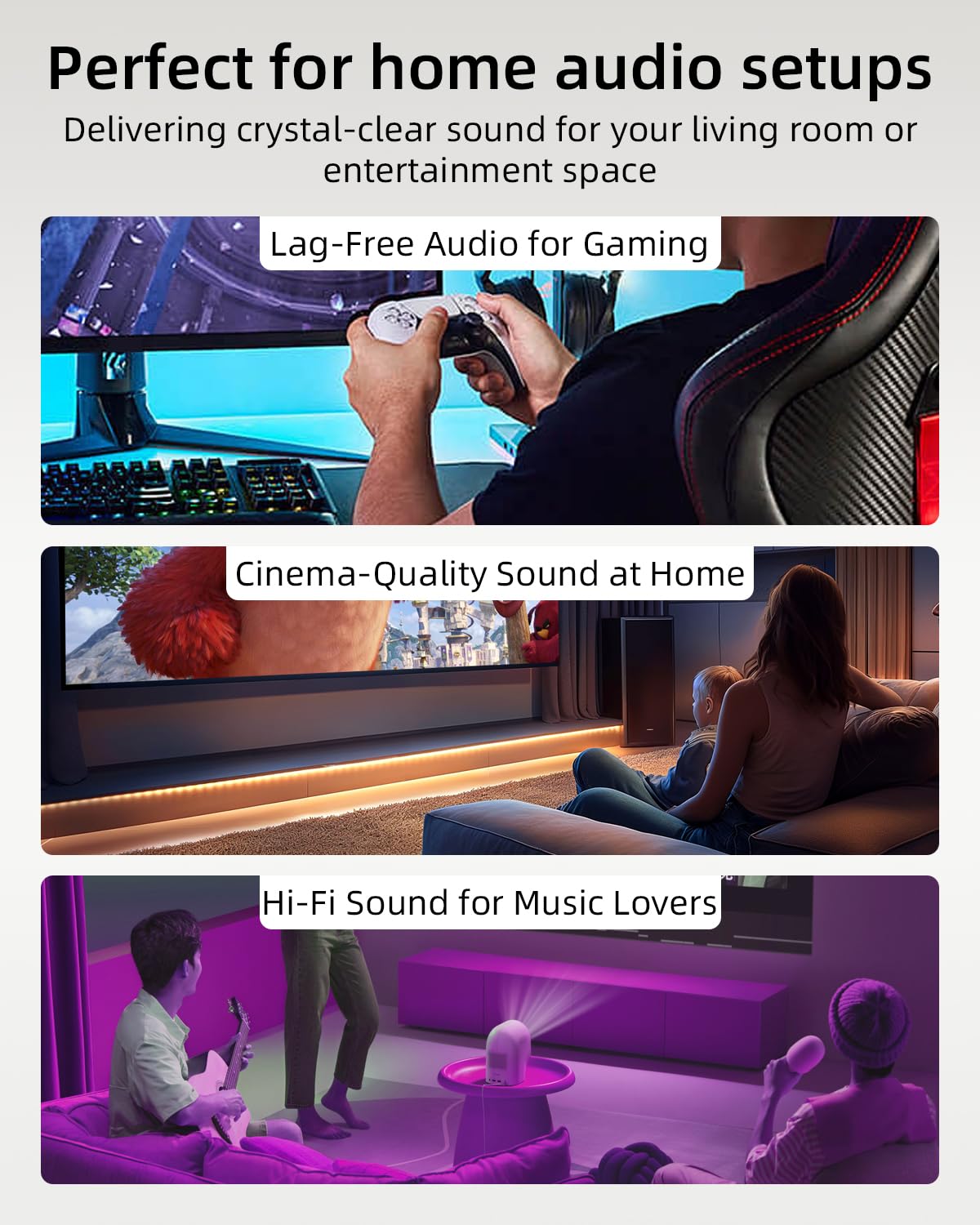
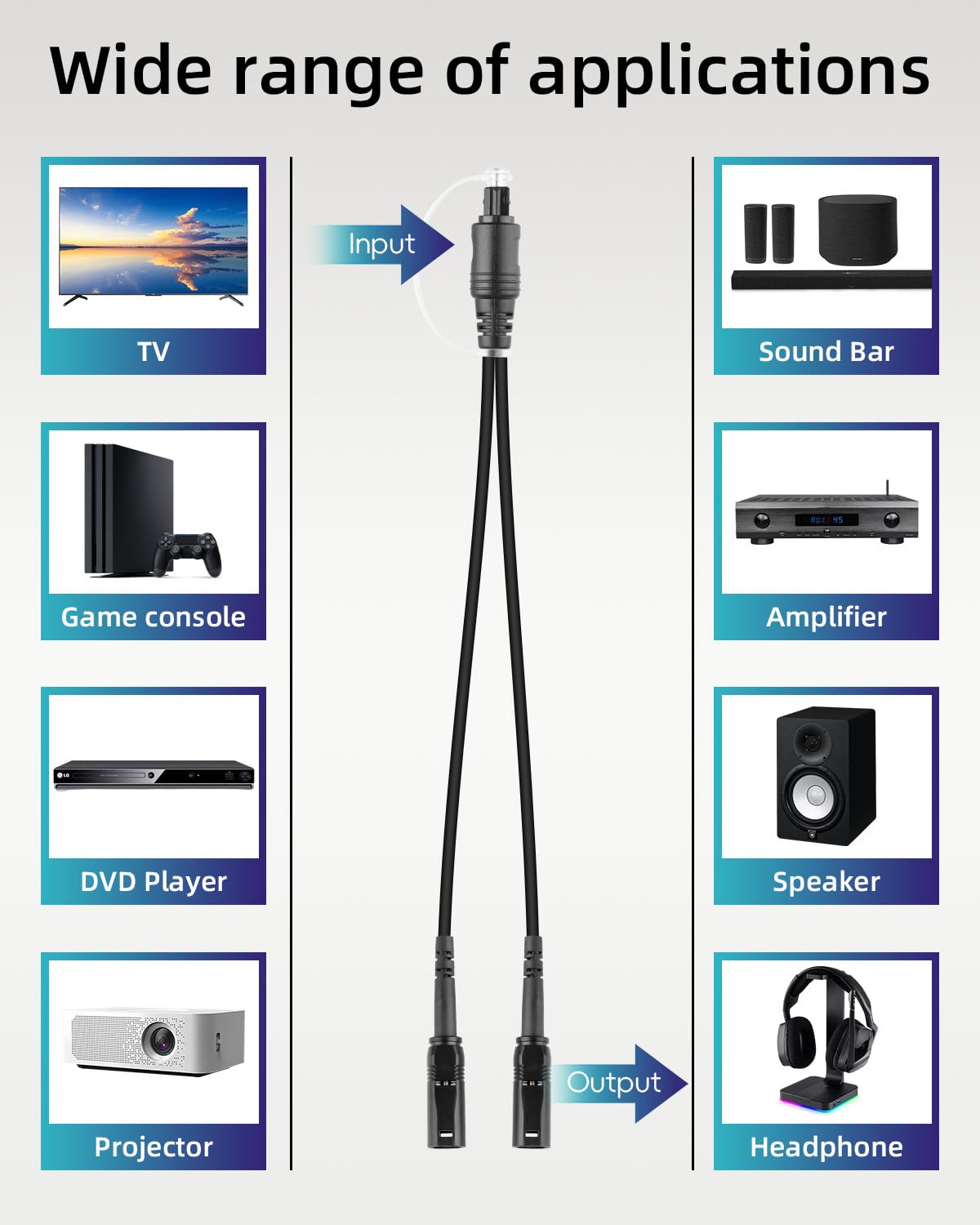
The RIIEYOCA Digital Optical Audio Splitter is a Toslink fibre optic cable setup that allows a single input device to feed two outputs. It’s designed for home theatres, Blu-ray players and stereo systems where you might want to drive both a soundbar and headphones at the same time.
How it works
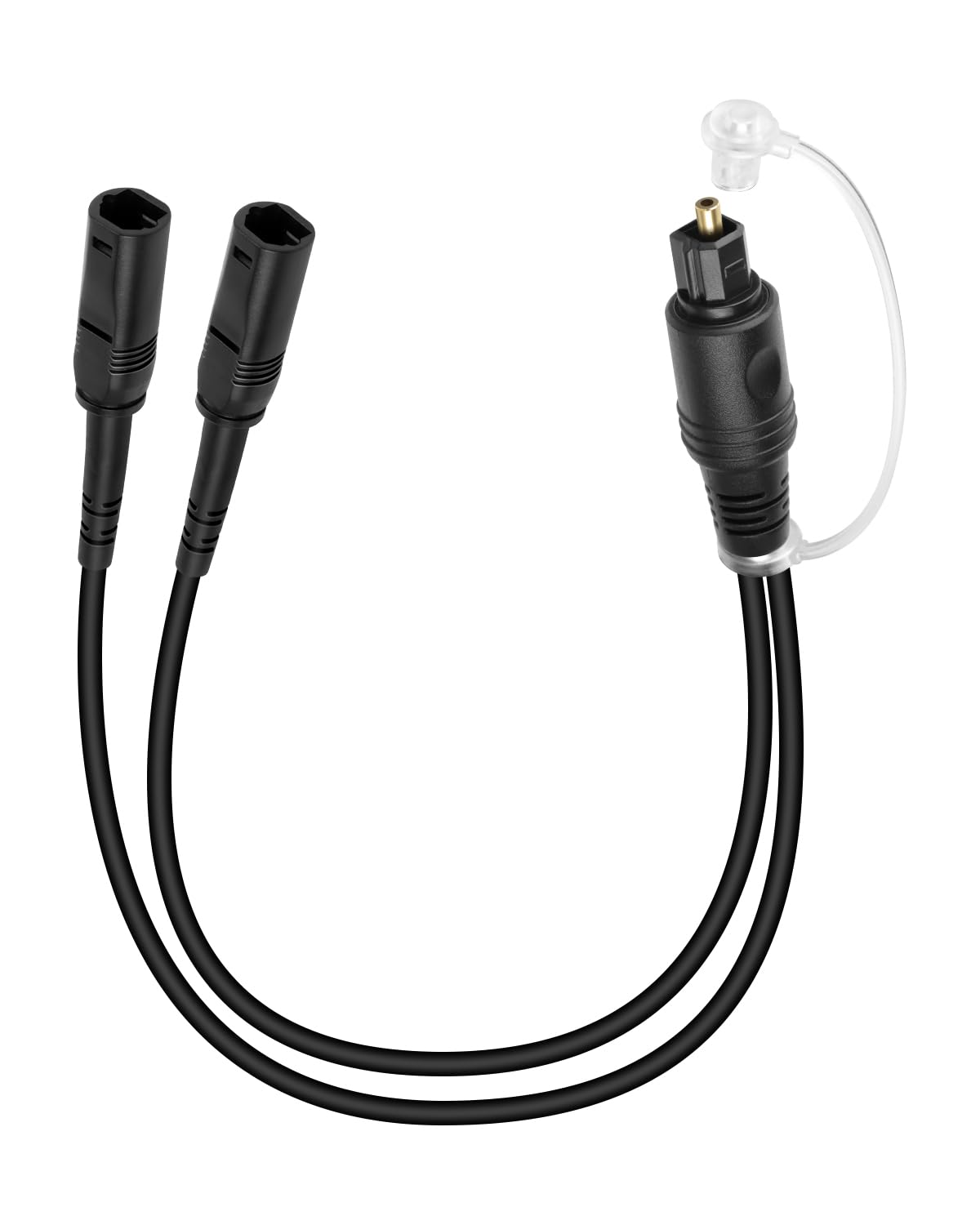
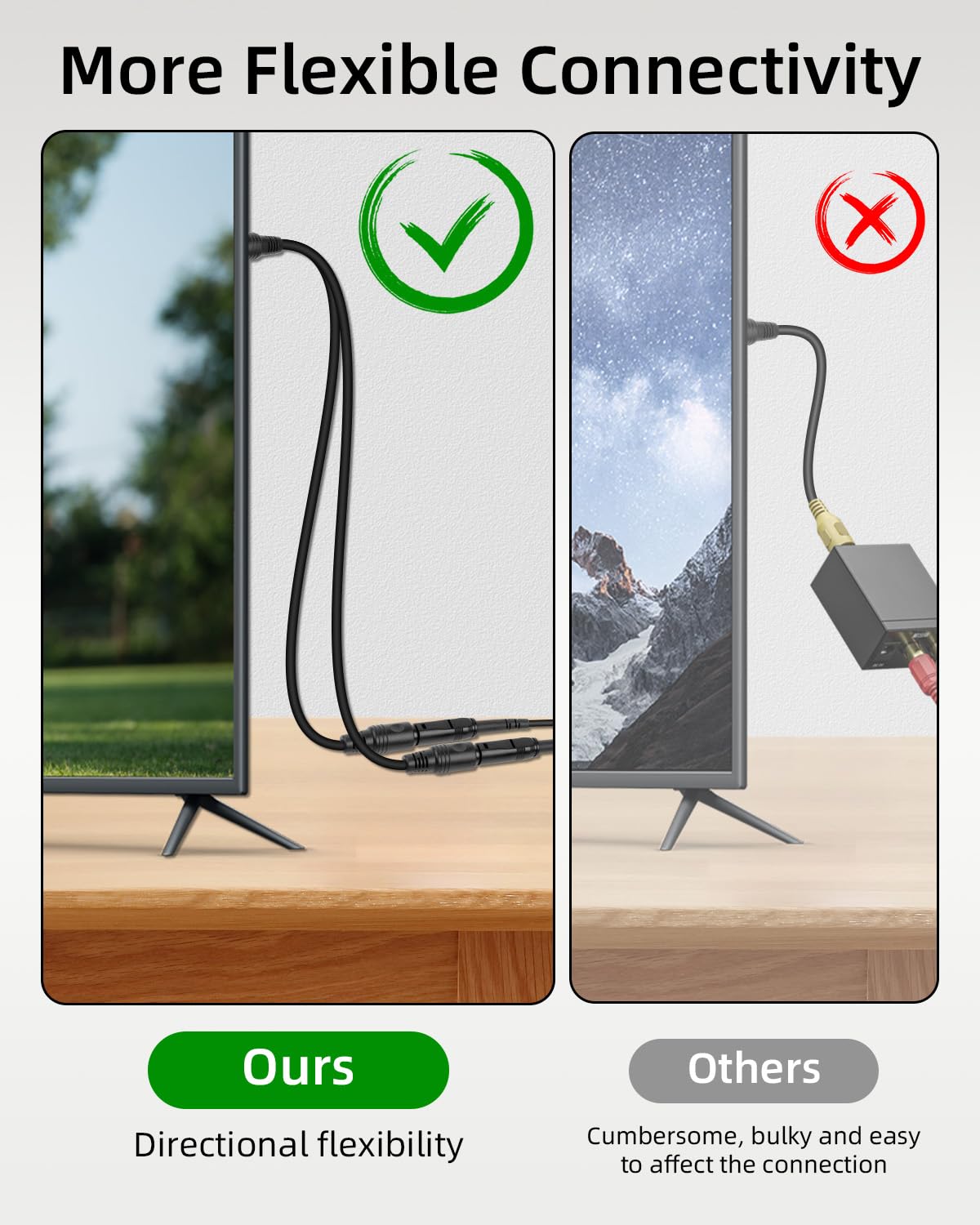
This splitter uses light-based transmission, which helps minimise electromagnetic interference that can affect traditional analogue cables. The result can be a clean, high-fidelity signal over a typical living room distance, and it plugs in without the need for drivers or external power. The 24K gold-plated plugs are intended to improve contact reliability and reduce signal loss, while a robust PVC sleeve adds durability for everyday use.
What to know before you buy
The base engineering assumes you’ll use only one input device with two outputs. If you connect two different sources, interference or noise may occur, so the sensible approach is to switch off one input before activating the other. This is not a universal fix for all setups, so consider how your living room gear is arranged before committing.
Pros and cons
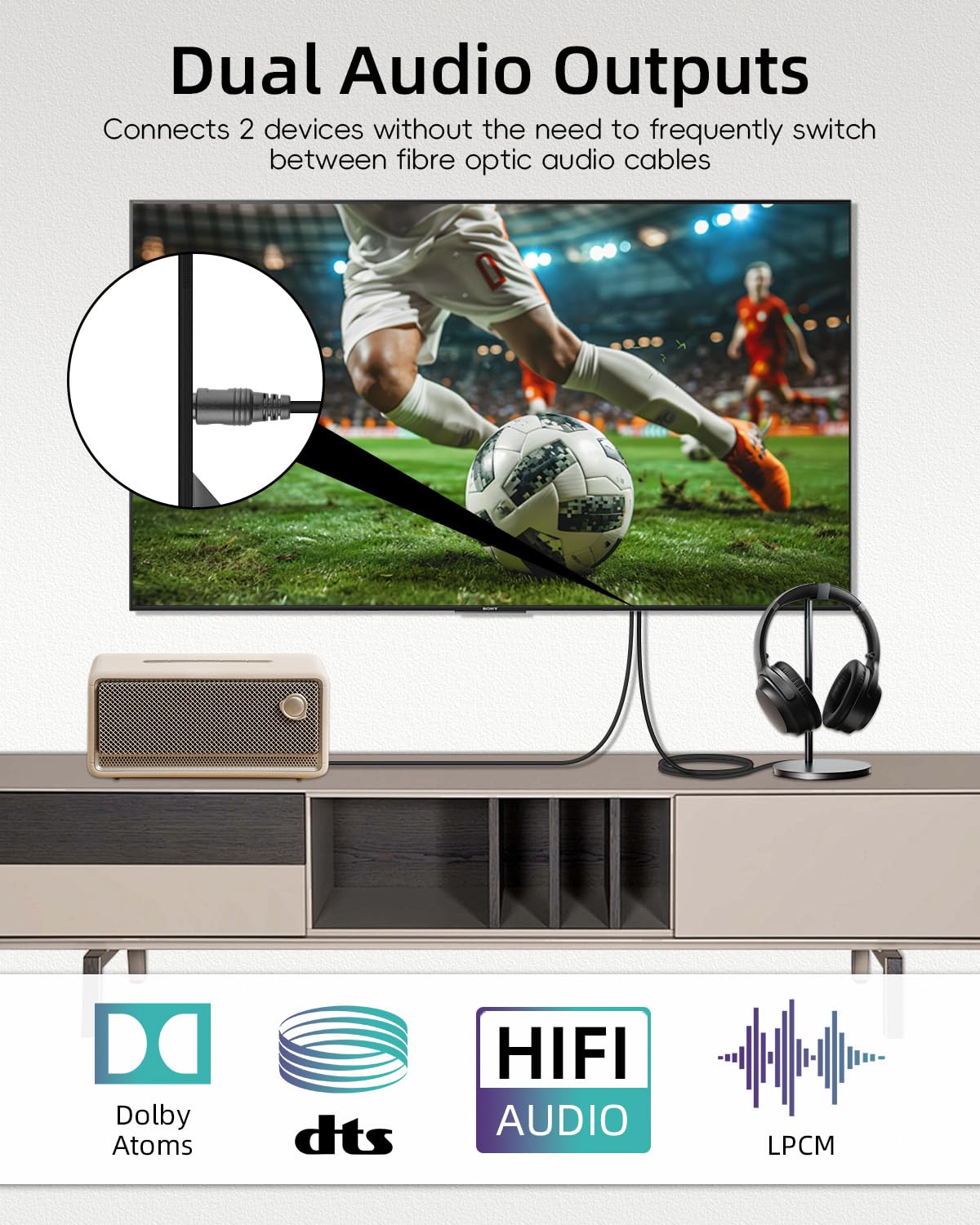
- Pros: Simple, driver-free operation, preserves digital audio integrity by avoiding electrical noise, compatible with a wide range of Toslink-enabled devices, supports uncompressed PCM and common multichannel formats including Dolby Digital Plus and DTS‑HD.
- Cons: Designed for a single input feeding two outputs, it may not suit users who need independent, simultaneous inputs, long cable runs can still introduce some signal degradation if the path isn’t well shielded.
Who it’s for
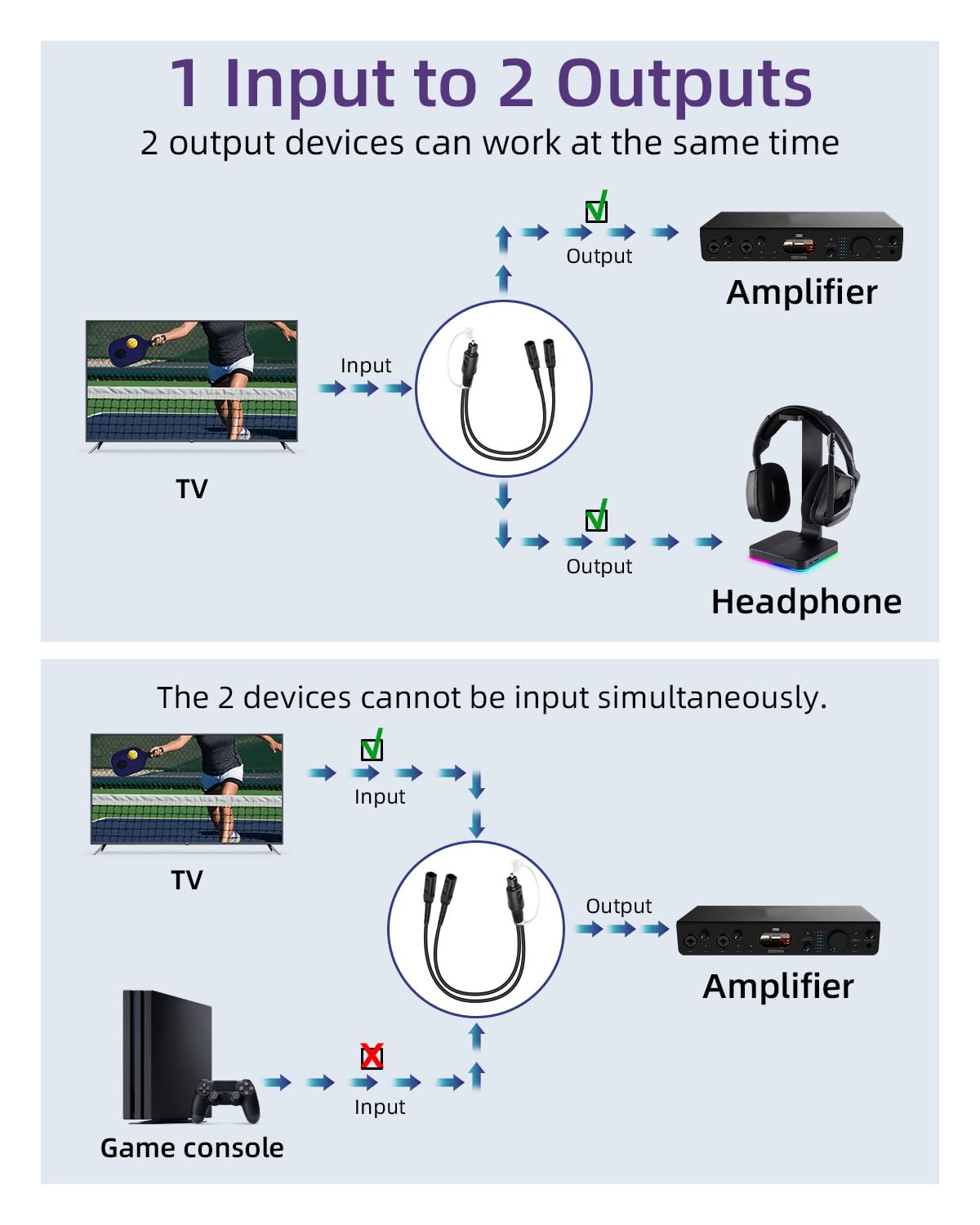
If you want to share a single optical output between a sound system and a pair of headphones at the same time, and you favour a straightforward, fuss-free setup, this splitter could be a sensible match. It’s probably most appropriate for those prioritising neat, fixed wiring in a home cinema or gaming room rather than a modular, multi-source rig.
Who it isn’t for
If you regularly need two separate inputs or require independent volume control across multiple devices without switching, you might find this solution limiting. It’s not a universal hub for several players and may fall short for complex audio rigs.
When it makes sense to buy
- You want a simple way to route a single Toslink output to two destinations (e.g., soundbar and headphones) with minimal setup.
- You value a passive, driver-free device and plan to keep the wiring straightforward.
- Your distances are typical living-room lengths, and you’re aiming to minimise electrical interference.
When to hold off
- If your setup uses two or more input sources simultaneously and you need independent outputs for each, this isn’t the best fit.
- If you require more than two outputs or frequent reconfiguration, a different solution with more flexibility may be preferred.
What to check before buying
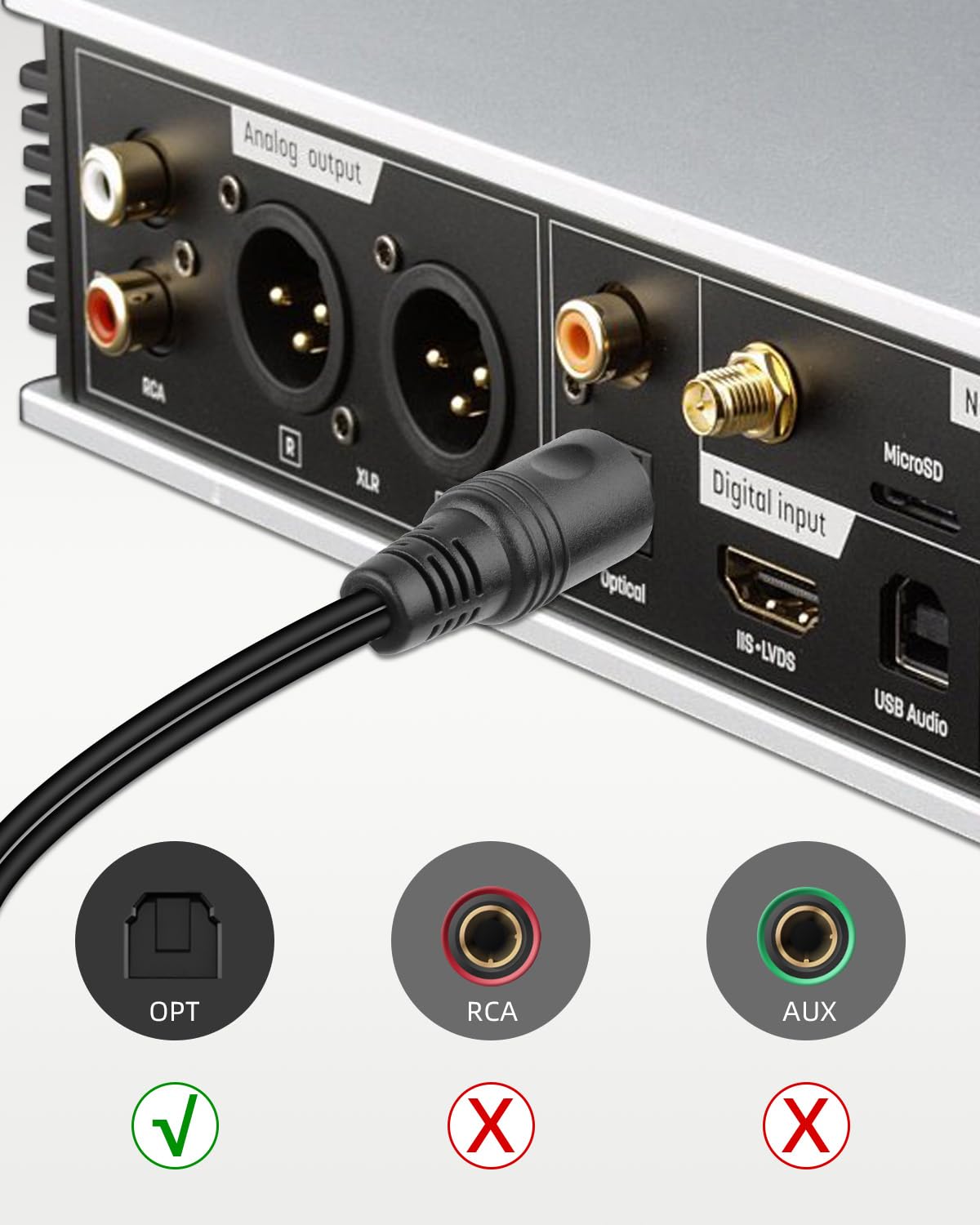
- Confirm your devices are Toslink-enabled and support the audio formats you expect (PCM, Dolby Digital Plus, DTS‑HD).
- Consider the length you need, this model is specified at 0.3m, which suits compact or fixed layouts but may not fit longer routes.
- Be mindful of any noise or interference when chaining other optical cables or using long runs, keep paths clear of potential physical damage.
Practical use example
In a typical setup, you’d connect your Blu-ray player to both a receiver and a set of wired headphones. When movie playback starts, you can immediately enjoy immersive surround sound on the main system while stepping into private listening mode without muting the room. The key is doing a quick test to ensure switching between outputs doesn’t introduce a hiss or crackle, and understanding that the two outputs share the same signal rather than each having independent levels.
What stands out in use
The appeal lies in its minimalist, no-drivers-required approach and the promise of interference-free transmission. For casual multi-output needs, it delivers a tidy solution that avoids extra power adapters or complex configuration. If you’re chasing a plug-and-play edge for late-night viewing, this can be a practical companion.
FAQ
- Do I need external power? No. It operates without external power.
- Will both outputs have the same volume? In practice, you adjust volume on the receiving devices, but the splitter itself does not provide independent level control.
- Is it compatible with all Toslink devices? It is designed for Toslink-enabled devices, however, verify that your formats (PCM, Dolby/DTS) are supported by your gear.
Is it worth it?
Worth considering if your goal is a simple, dependable optical split for two outputs from one source, with minimal setup and fuss. It may not satisfy users who need independent inputs or more versatile routing, in such cases, a more feature-rich splitter or a different routing solution could be worth exploring.