

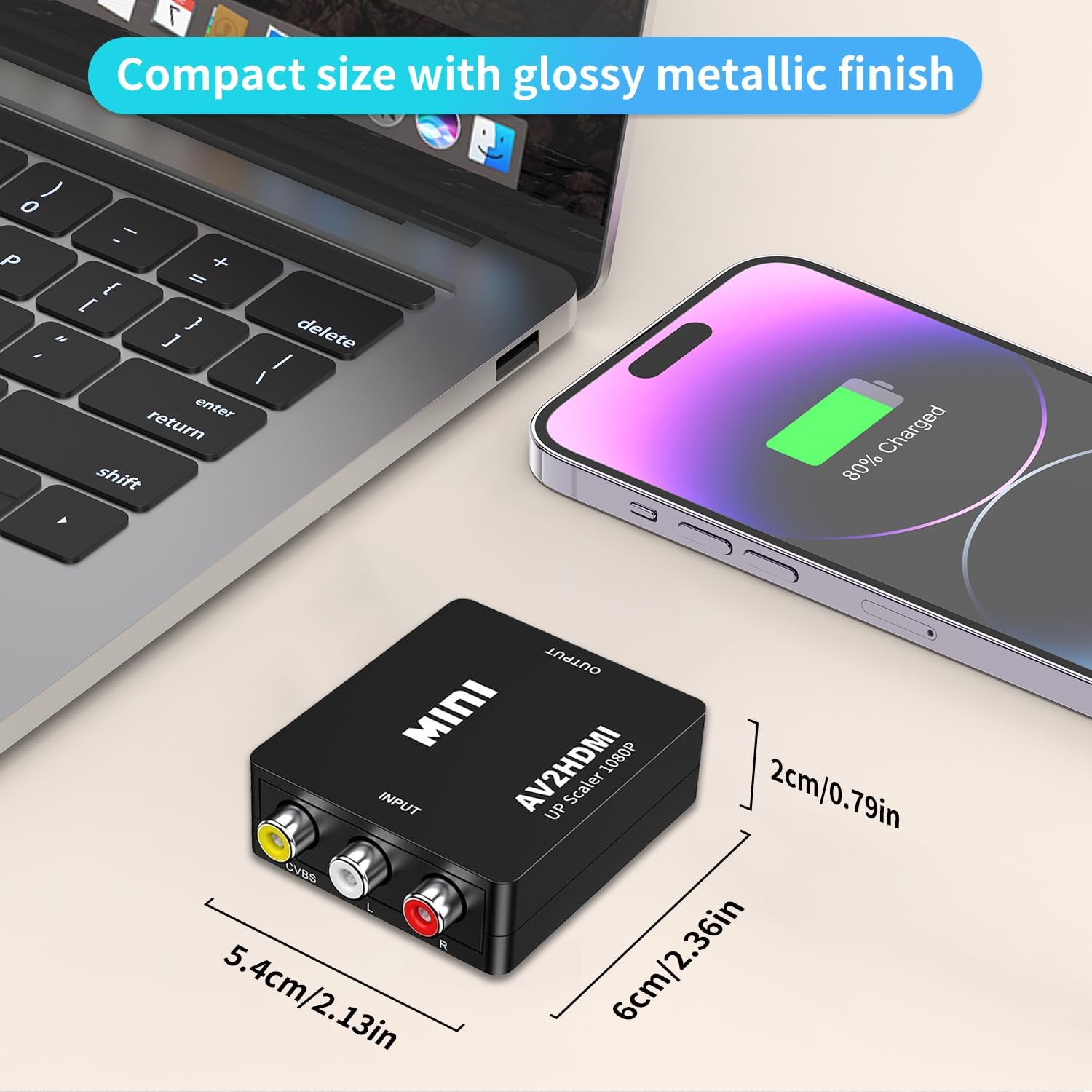
RCA to HD Adapter: AV to HD Converter for 1080P output
Product description
What it is and what it does
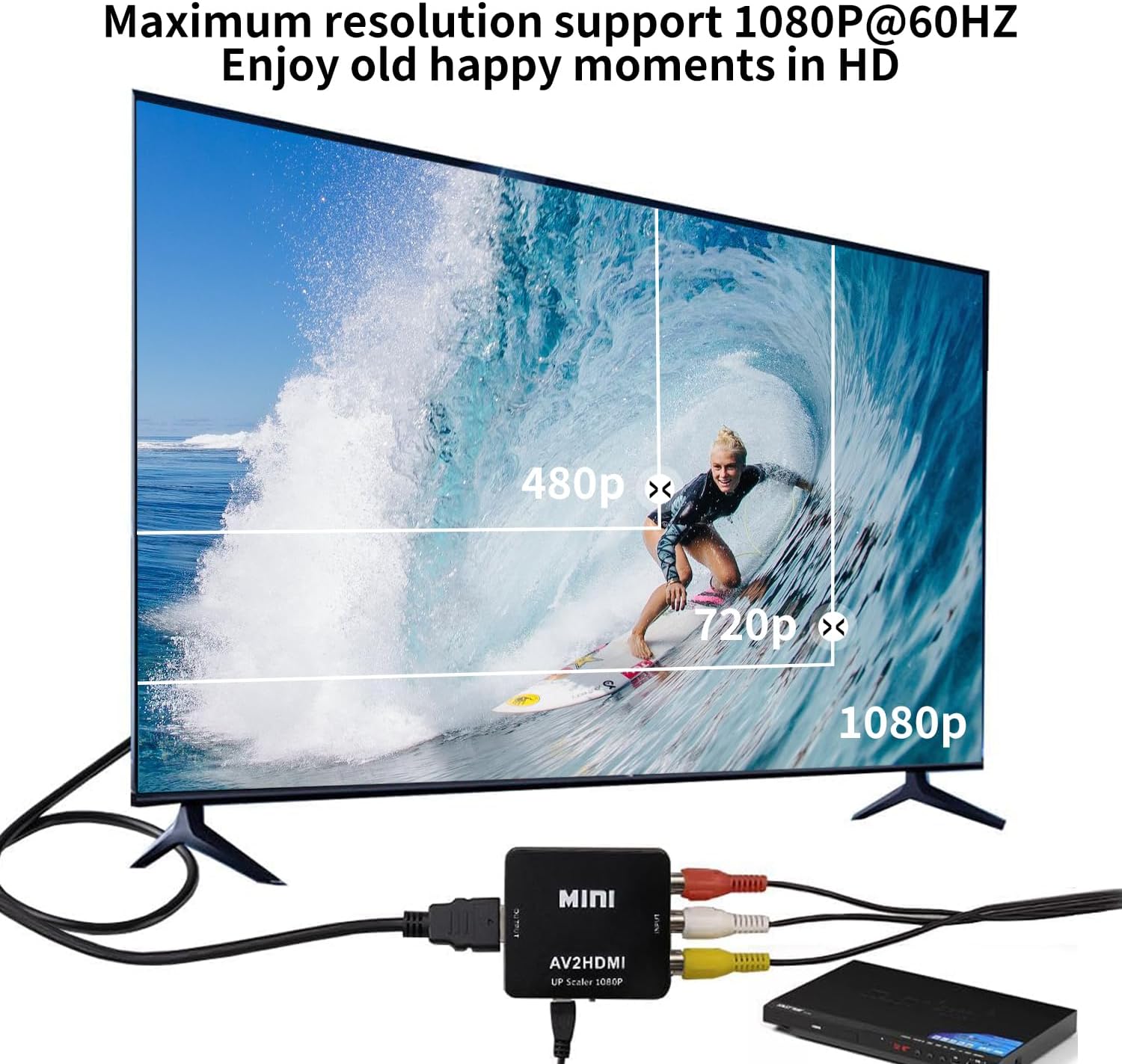
The RCA to HD Adapter is an AV to HD converter designed to take analogue composite inputs (the yellow video plus red and white stereo audio) and output a high‑definition signal at 720P or 1080P (60Hz) to a TV or monitor. It’s a simple, plug‑and‑play solution that aims to revive older consoles and playback devices by giving them a cleaner, higher‑definition signal on modern displays.
How it works and what you need
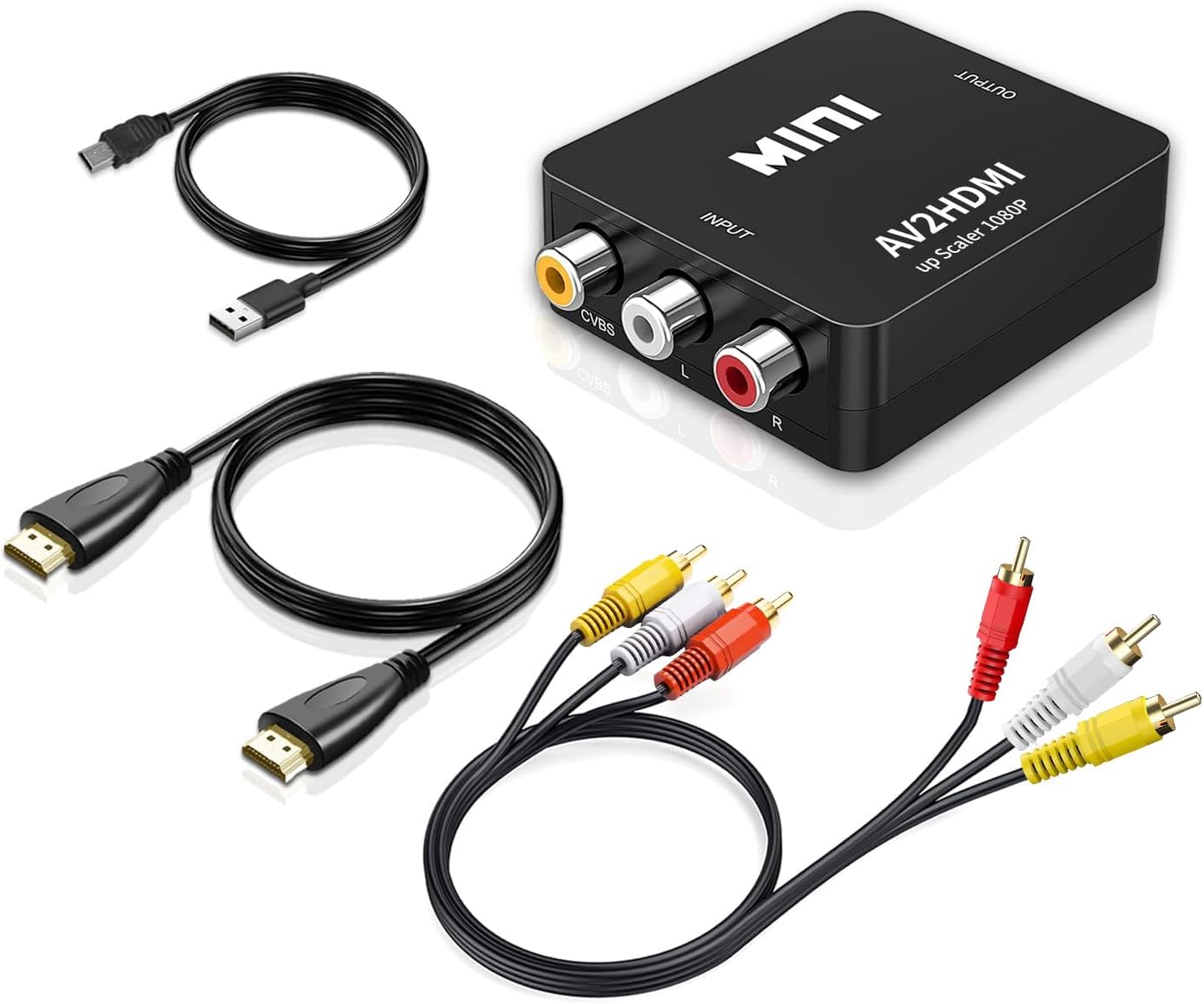
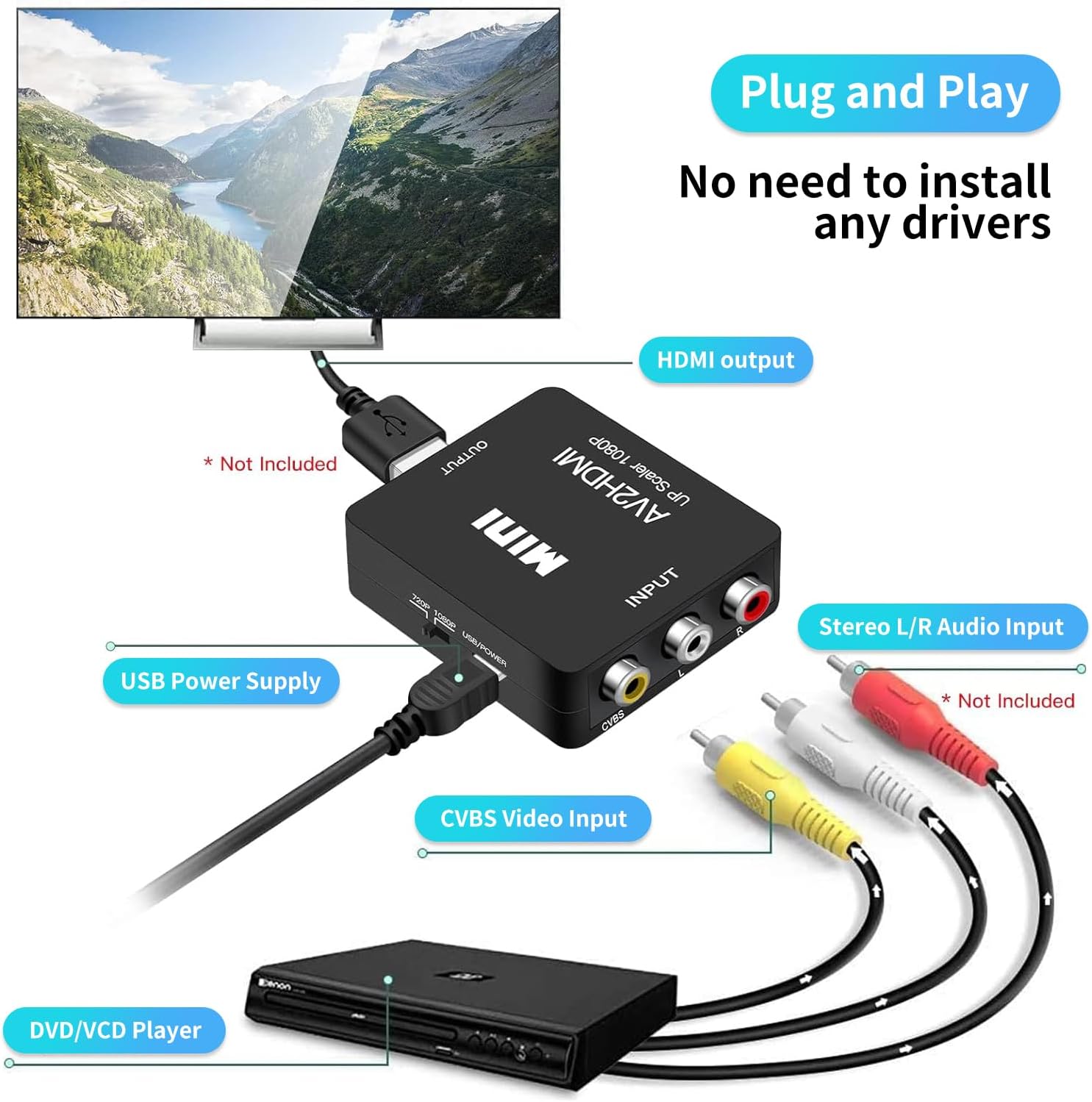
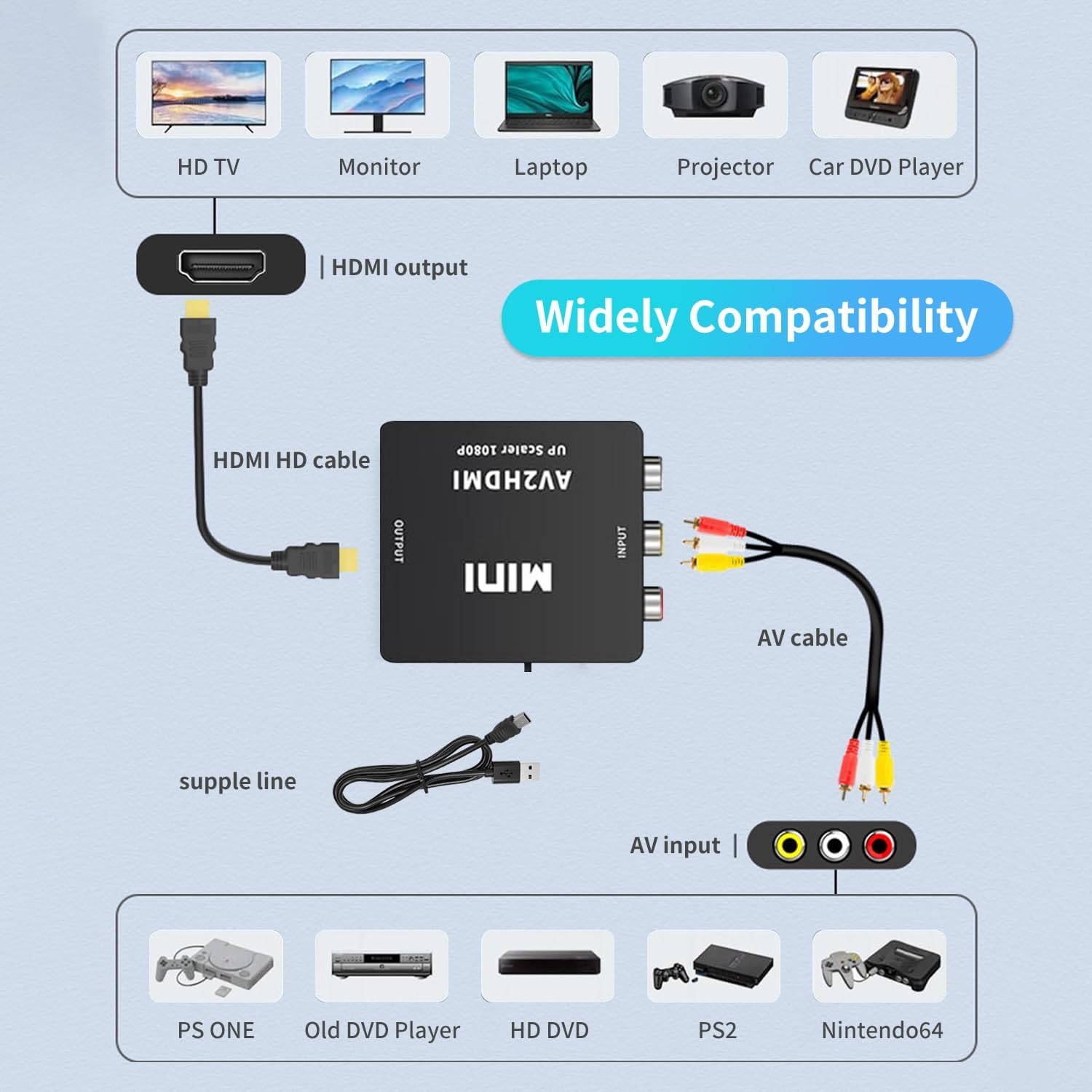
You connect your legacy device’s RCA cables to the converter’s inputs, and you connect the HDMI/HD output to a display. The unit powers via a USB cable included in the box, which should be plugged into a 5V power source for reliable operation. The product highlights the use of a newer low‑power digital processing chip, claimed to deliver stable performance and reasonable heat output across long use.
What stands out on paper
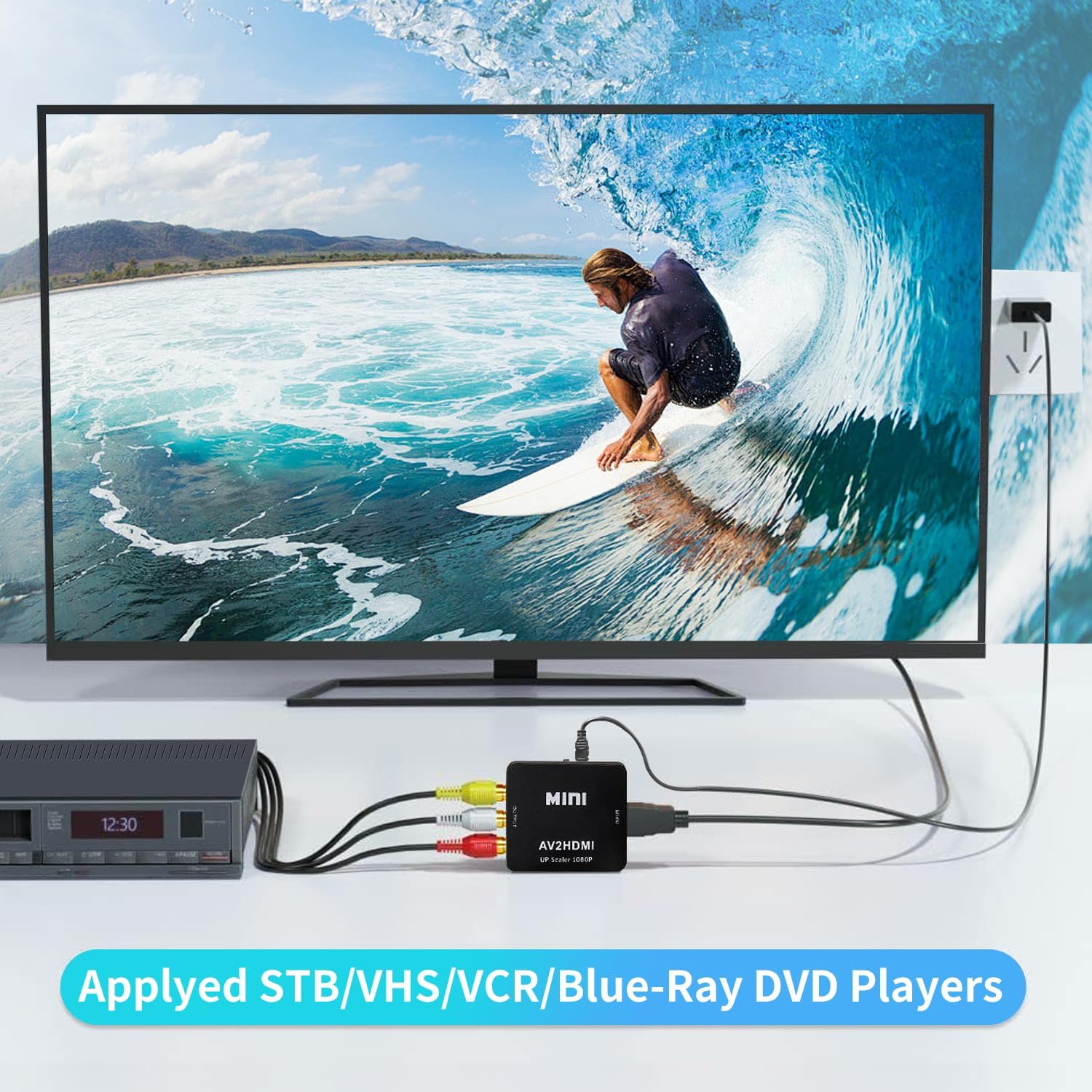
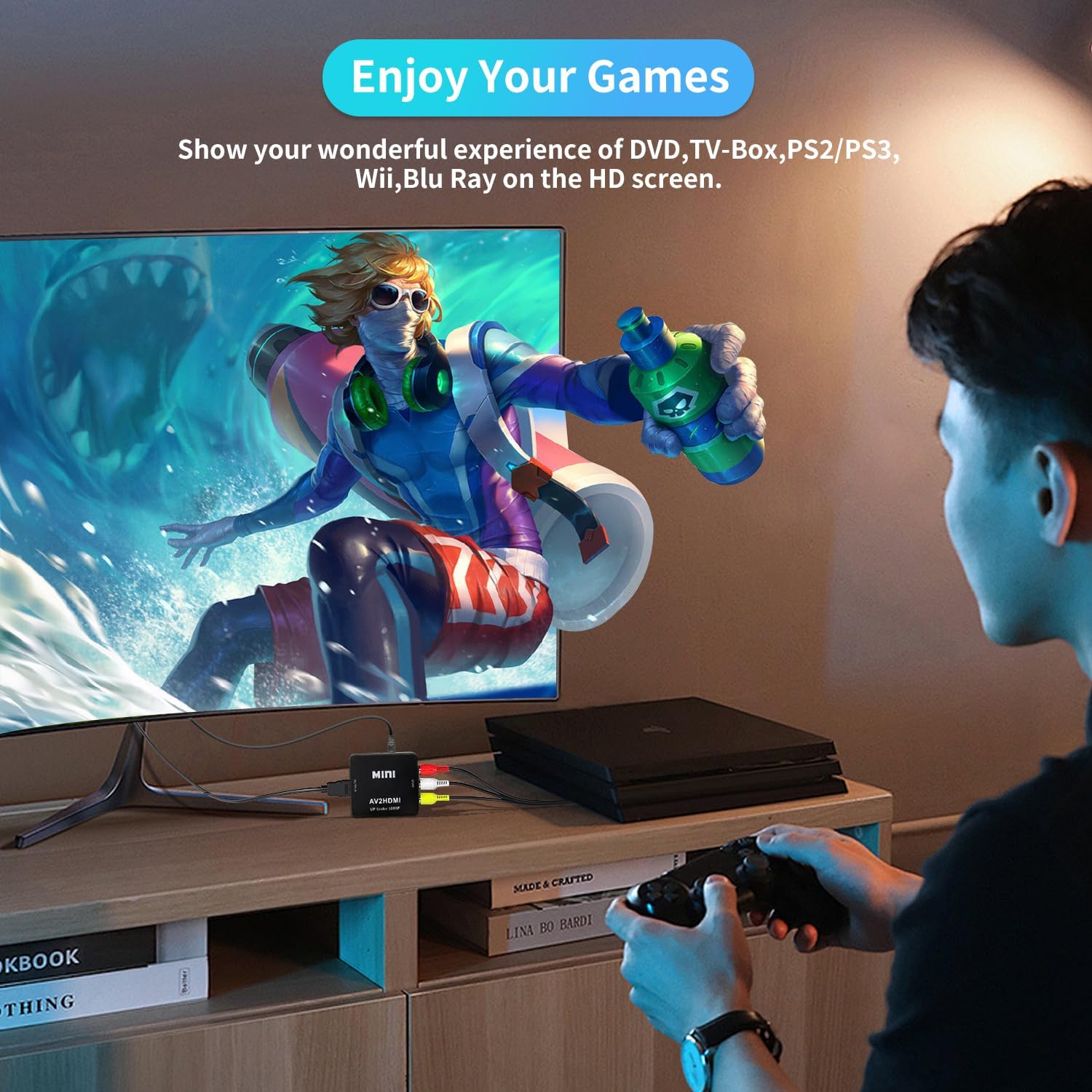
On the surface, the key benefit is straightforward: you can run classic content from VHS, VCRs, SNES, N64, PS2/PS3 and similar hardware through a modern display without needing a full AV to HDMI setup. It’s marketed as compatible with a wide range of devices, including various PlayStation generations and older AV equipment, plus some media players and set‑top boxes. A notable note is that the HDMI output is driven from the RCA inputs, and the device is designed for straightforward “plug and play” operation once powered.
Use cases and who it’s for
This adapter is likely to appeal to retro gamers and home cinema fans who want to connect older consoles or legacy media players to a modern TV or projector without fuss. If your setup includes PS2/PS3, Nintendo 64, SNES or VHS/VCR gear and you don’t want to invest in more heavyweight scaler hardware, this could be a practical option. It helps demonstrate what you might get by prioritising simplicity and affordable compatibility over top‑tier image processing.
What to watch out for (limitations)
There are a few caveats to consider. The product description emphasises RCA inputs feeding an HD output, but note that the supplier specifies PS2 RGB output for certain scenarios, that means you may need to ensure your specific device and its output settings align with what the converter expects. Image quality from analogue sources will never match native digital high‑definition from modern gear, so expect a more faithful but still imperfect image rather than pristine, modern‑HD clarity. Also, as with any dongle of this type, there can be timing quirks or compatibility quirks depending on the exact device model and region, it’s prudent to test with your own kit where possible.
Technical details at a glance
Technical details are not fully expanded in the base description, but you can rely on: - Input: analogue composite RCA (Yellow video, White and Red audio) - Output: HD video signal at 720P/1080P (60Hz) to display - Power: USB power supply required (5V) - Chip: described as a low‑power digital processing solution for stable operation - Compatibility: broad claim of support for a range of legacy devices (VHS/VCR, SNES, Sega, PS2/3, and similar) and some modern AV players and TVs, note the RGB note for certain PS2 setups
Who it’s not the best fit for
If you’re after pristine digital upscaling for the latest 4K TVs, or if your primary devices are modern HDMI sources with native HD or 4K outputs, this adapter won’t deliver the same level of improvement as purpose‑built upscalers. It’s more about making older content usable on current displays rather than delivering cinema‑quality upscaling. You may also encounter limitations if your device’s output is not compatible with the converter’s expectations (e.g., not all PS2 outputs align neatly with the PS2 RGB note).
What to check before buying
- Confirm that your legacy device uses RCA outputs (yellow video, white and red audio).
- Verify the power supply is available and compatible with your setup.
- If you depend on PS2, check that you can get RGB output from the console to suit this converter’s notes.
- Plan for potential differences in image quality between input devices and the HD output, and manage expectations accordingly.
Practical example of use
Imagine wiring a classic PS2 to this adapter and connecting it to a modern LCD TV. You’ll be able to see the game in the HD range rather than standard definition, making menus and simple textures more legible. It won’t transform the gameplay visuals into modern standards, but it does bring the experience closer to today’s displays, especially if your TV sits a comfortable distance away and you’re more interested in playing than chasing flawless upscaling.
FAQ (based on available data)
- Q: Do I need drivers? A: No drivers are required, it’s designed as plug‑and‑play.
- Q: Is it compatible with all HDMI screens? A: It’s described as broadly compatible with HDTVs and monitors that accept HDMI input, but real‑world results can vary with older hardware.
- Q: Do I need to use the USB power cable for operation? A: Yes, the USB power cable must be connected to a 5V power source for the device to work reliably.
Final verdict
Final verdict: Worth considering if you own a collection of older AV devices and want a simple pathway to display them on a modern screen without investing in dedicated upscalers. It’s most sensible for hobbyists who prioritise cost‑effective compatibility over flawless image quality. If you require top‑tier upscaling or extensive device‑specific tuning, you may find it falls short. Assess your core use case: casual retro gaming, basic playback, and a straightforward, no‑fuss connection are where it will shine best.