

SWITCHFLUX Active HDMI to DisplayPort Cable review
Reviews
Price
Product description
What is it and what problem does it solve
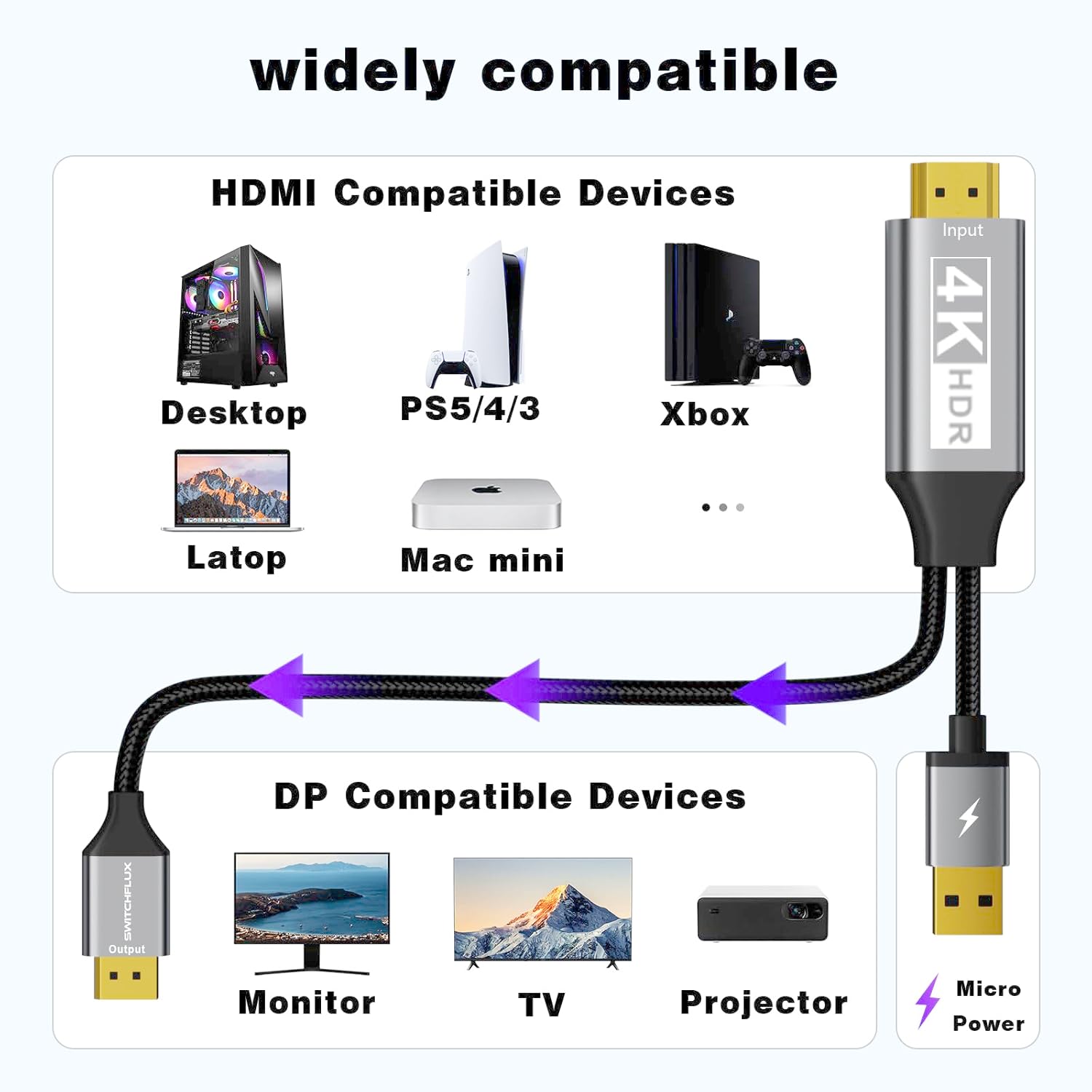
The SWITCHFLUX Active HDMI to DisplayPort Cable is a directional adapter designed to carry video and audio from an HDMI source to a DisplayPort display. It’s aimed at users who want to connect devices such as a PC, laptop or console with an HDMI output to a DisplayPort monitor or display without needing a separate converter box. On paper, the cable supports up to 4K at 60Hz and 1080p at 120Hz, with audio in multiple channels. If you’ve got a modern HDMI source and a DisplayPort screen, this can simplify the setup by replacing multiple adapters and messy connections.
How it works and what stands out
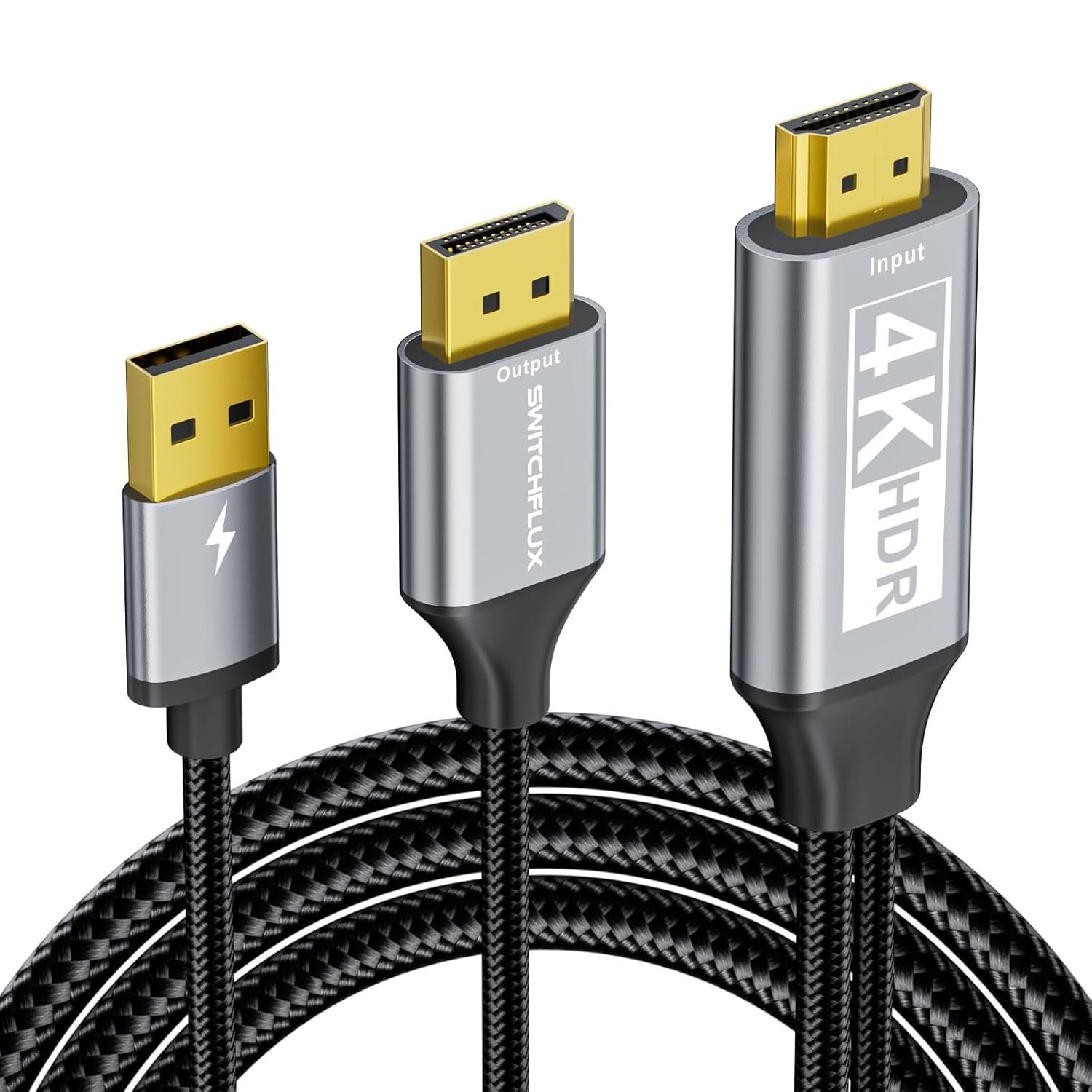
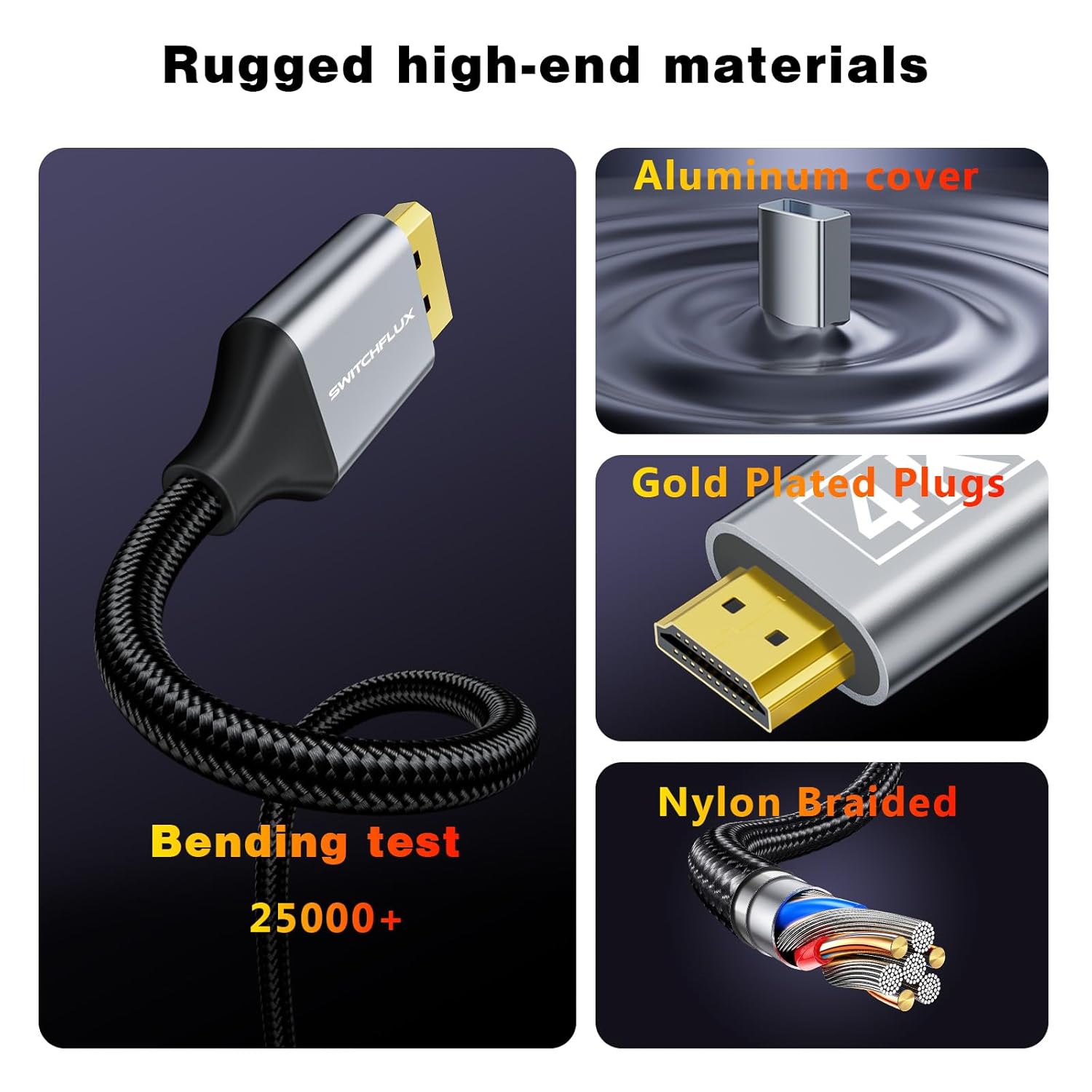
This cable includes an internal IC chip that handles the HDMI-to-DisplayPort conversion, plus a robust build that emphasises durability: nylon braided sheath for wear resistance, a metal shell for heat dissipation and corrosion resistance, and gold-plated connectors with shielding. The cable is designed to be plug-and-play—no drivers required in most cases. If you encounter issues, SWITCHFLUX suggests powering the adapter from a USB-A source to ensure stable operation. In day-to-day use, you’ll notice the appeal of a single-cable path from source to display, which can tidy up a desk setup.
Performance and limitations
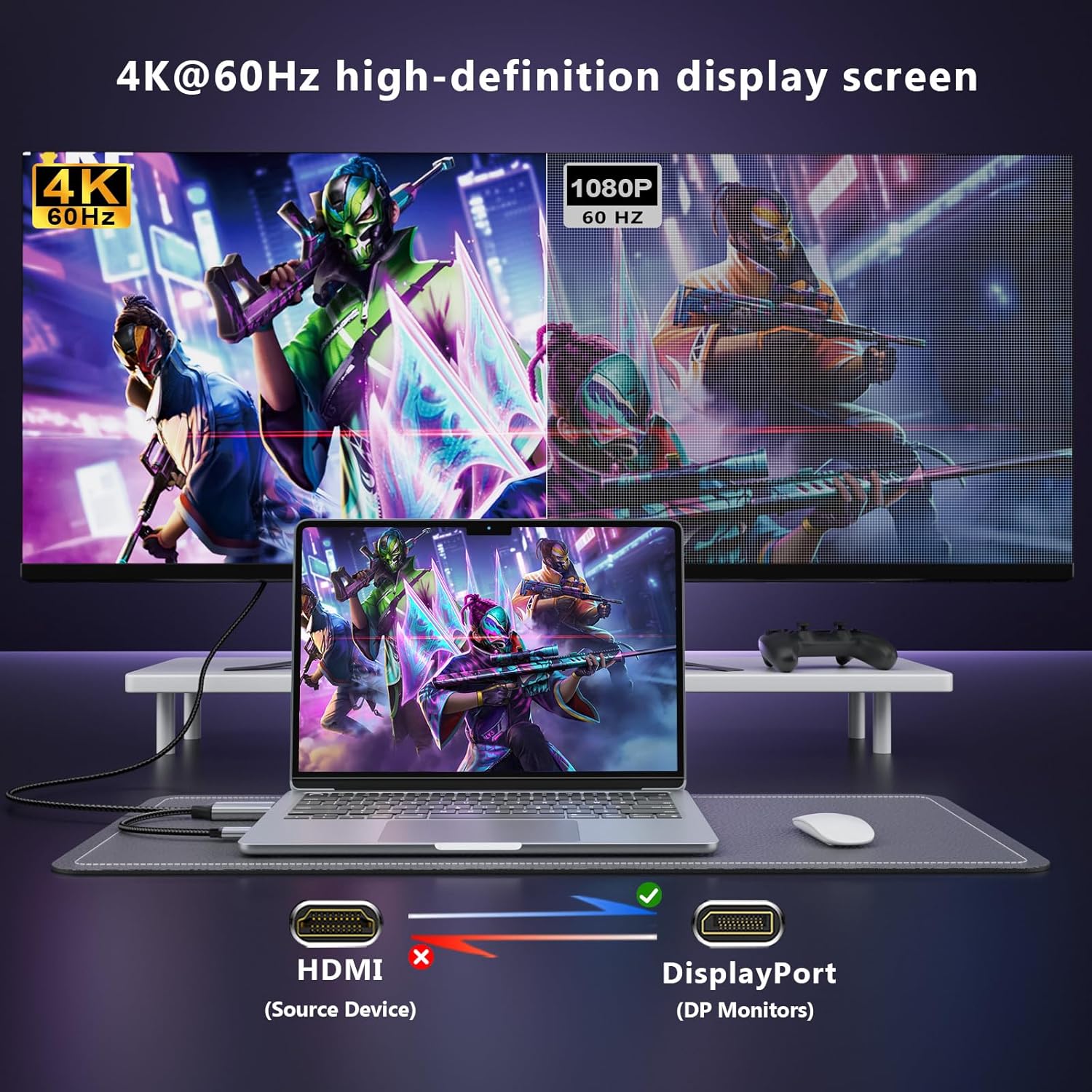
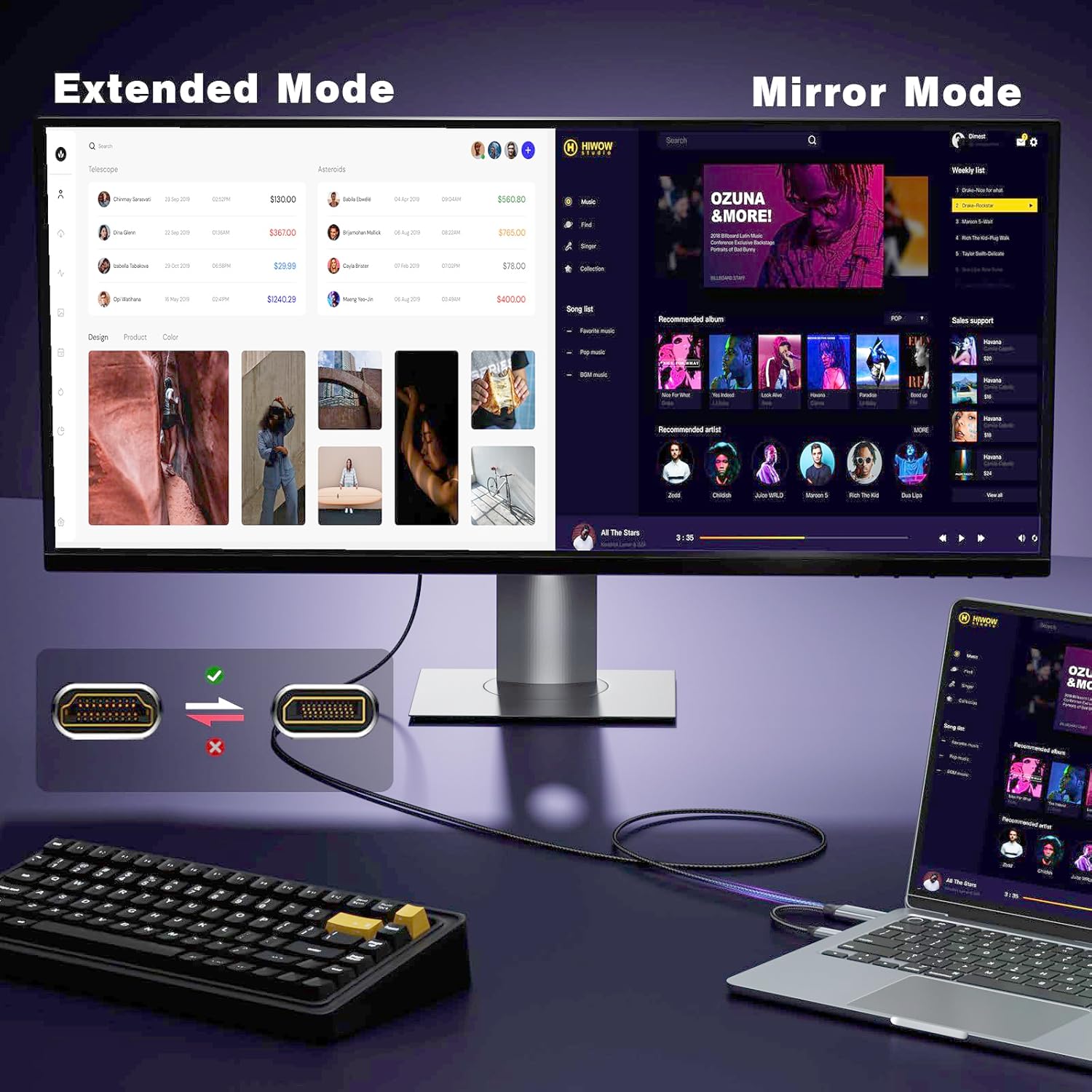
In theory, you’ll get 4K@60Hz when your HDMI source and DisplayPort display both support the mode, with backward compatibility down to 2K@60Hz and 1080p@120Hz. However, as with any active HDMI-to-DisplayPort solution, real-world performance depends on the source device, DisplayPort monitor capabilities, and GPU driver support. The cable’s speed and reliability hinge on a stable power supply to the adapter, if you experience no signal, plugging into USB-A power typically resolves the issue. It’s worth noting that one directional cable means you must connect HDMI from the source and DisplayPort to the display—this setup won’t work in reverse.
Build quality and design
Durability is a salient aspect here. The braided nylon jacket should resist fraying and withstand daily use, while the aluminium alloy shell helps with heat and corrosion resistance. The 24K gold-plated connectors and multi-layer shielding are designed to reduce interference and maintain signal integrity. The snap-free design is a thoughtful touch to prevent damage to ports during insertion or removal. Still, the overall reliability will depend on how often you bend or twist the cable, especially near connector bodies where wear tends to occur.
Compatibility and best use cases

This cable is described as broadly compatible with PCs, laptops and game consoles that feature HDMI outputs and DisplayPort displays. It’s a pragmatic choice if you’re trying to avoid buying a separate HDMI-to-DisplayPort adapter box and want a cleaner setup for desk or entertainment areas. If you’re aiming for high-refresh gaming at 4K, you’ll want to confirm that your source device and monitor can sustain 4K@60Hz through this pathway. It’s probably more suited to mixed setups—office work with occasional gaming or media playback—than to niche scenarios requiring extreme gaming presets.
What you’ll notice day to day
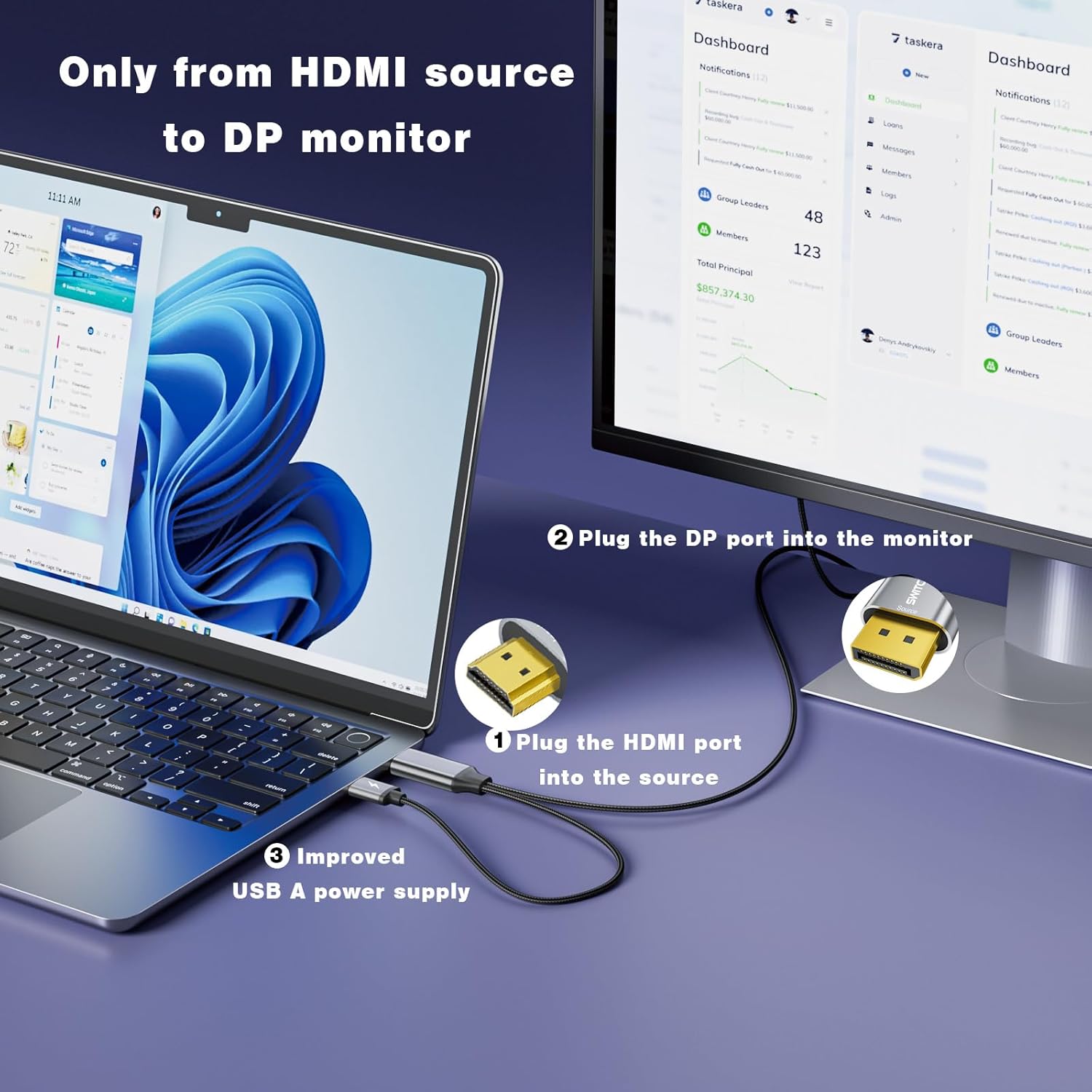
If you prioritise simplicity, this cable delivers a straightforward route from HDMI to DisplayPort. In practice, you’ll connect your HDMI output (e.g., from a laptop or console) to a DisplayPort monitor, power the adapter if needed, and you’re typically ready to go. It’s not a magic solution for every HDMI-to-DisplayPort scenario, but for users who want a tidy, single-cable fix, it can reduce clutter and potential signal loss from multiple adapters.
Who it’s for and who might want to skip it
It’s worth considering if you have a DisplayPort monitor and an HDMI source, and you want a clean, compact setup without separate boxes. It may not be the best choice if you require ultra-high-end gaming at frame rates beyond 60Hz on 4K, or if you frequently switch sources and displays that don’t align with HDMI-to-DisplayPort directionality. If you’re already within a HDMI-to-HDMI or DP-to-DP ecosystem, a simpler cable or alternative connection method could be more cost-effective.
What to check before buying
- Ensure your HDMI source supports the necessary output (4K@60Hz or 2K@60Hz/1080p@120Hz as relevant).
- Confirm your DisplayPort display accepts the input from an HDMI-originated signal through an active adapter.
- Have a USB-A power option handy in case the adapter benefits from extra power for stable operation.
- Assess the build: a braided exterior and reinforced connector area generally indicate better longevity for daily use.
Practical use example
Imagine you’ve got a laptop with HDMI output and a DisplayPort monitor that sits on your desk. Instead of juggling a couple of adapters and extra cables, you plug in SWITCHFLUX, power if required, and you’re ready to mirror or extend your desktop with minimal fuss. It’s particularly handy when you want a clean aesthetic for a home office or entertainment setup without sacrificing picture quality—provided your hardware supports the desired resolution and refresh rate.
FAQ (practical, no speculation)
- Will it work with all HDMI sources? Most sources with HDMI output should be compatible, but performance depends on the source and display capabilities.
- Do I need external drivers? No, it’s designed as plug-and-play, only power from USB-A may be required in some cases.
- Can I use it for gaming at 4K? It supports 4K@60Hz on paper, actual gaming performance will depend on the source and monitor capabilities.
- Is it backward compatible with older setups? Yes, it supports lower resolutions such as 2K@60Hz and 1080p@120Hz.
- What if the signal drops? Try powering the adapter via USB-A and re-check cable connections.
Decision point
Is it worth it?
Worth considering if you want a tidy, one-cable HDMI-to-DisplayPort solution and your devices align with the supported resolutions. If you need high-refresh gaming at 4K or have a complex multi-monitor setup, you may want to compare against dedicated adapters or alternative connectivity routes to ensure you’re not limited by directionality or bandwidth.