

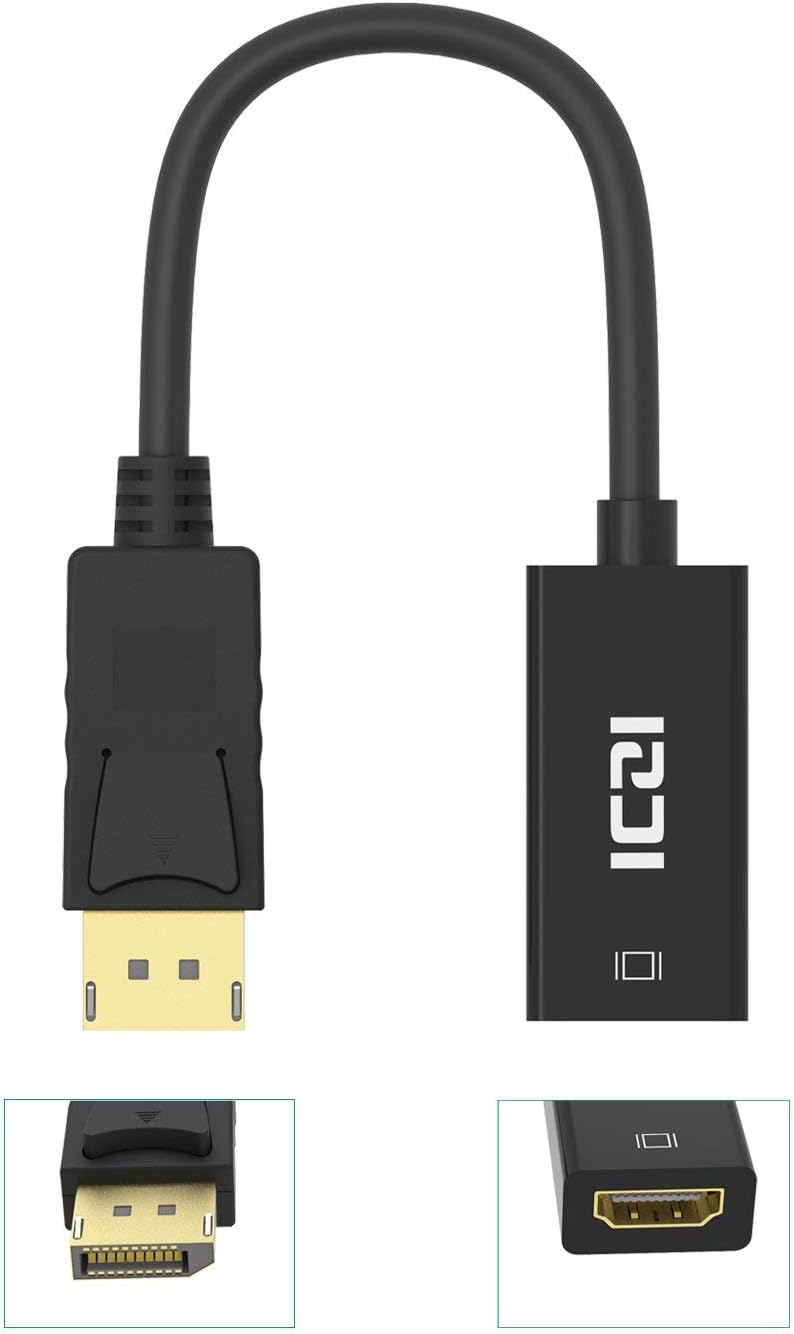
ICZI DisplayPort to HDMI Adapter 4K — Gold-Plated DP to HDMI Converter (Male to Female) 4K@30Hz, 2K@60Hz, 1080P@120Hz
Product description
What it is
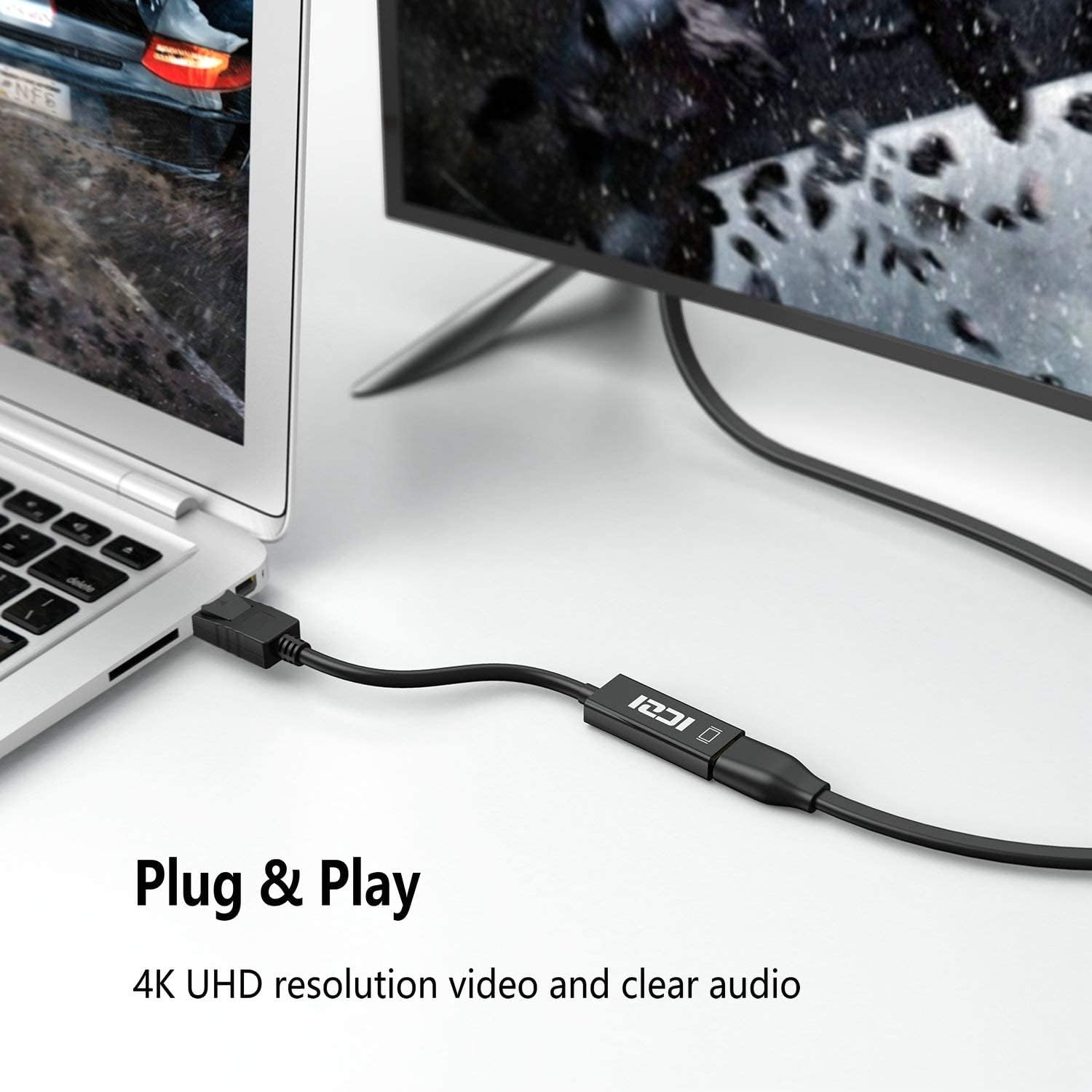
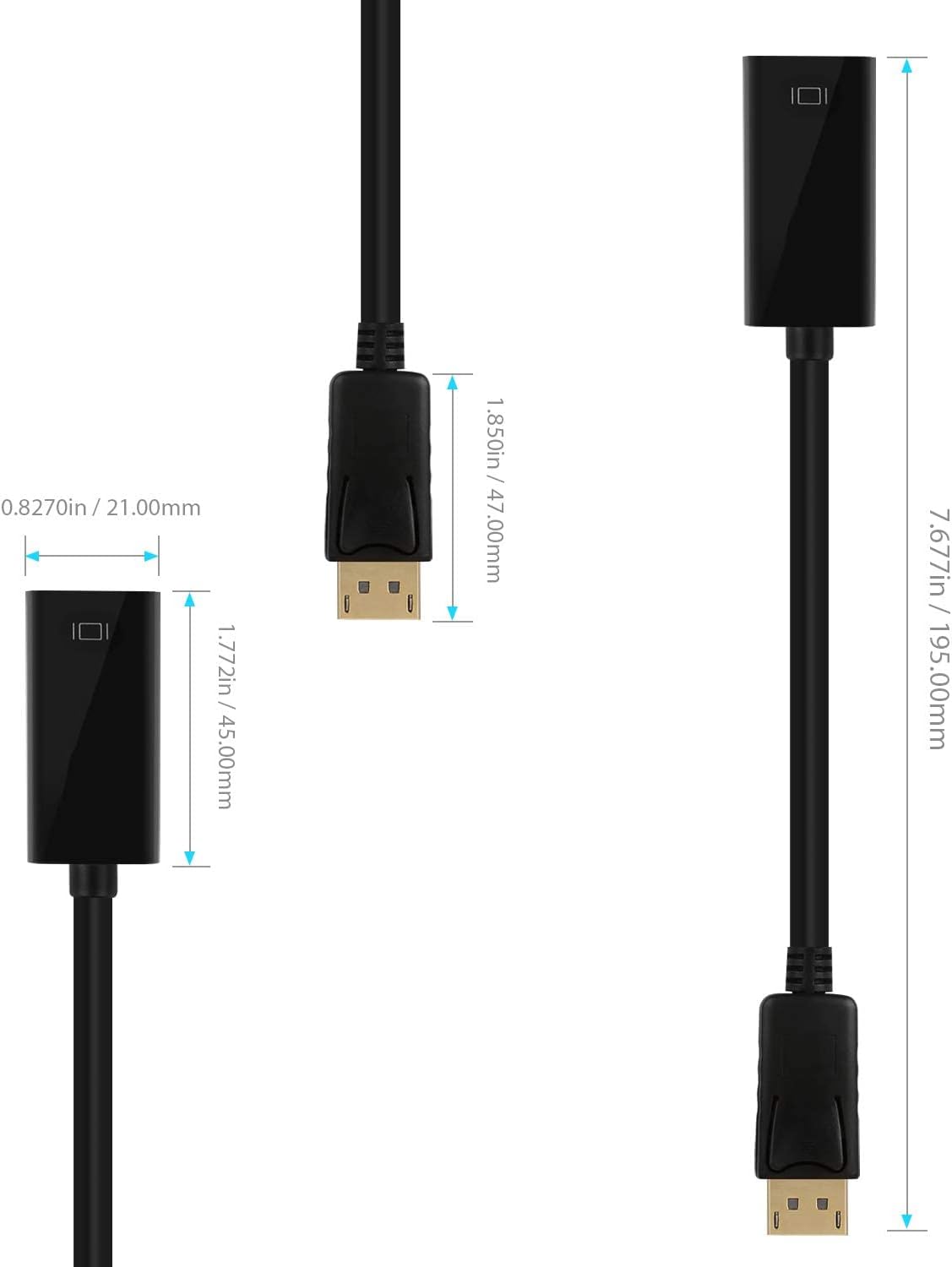
The ICZI DisplayPort to HDMI adapter is a compact, portable solution that lets a DisplayPort-equipped laptop, desktop or device connect to an HDMI display such as a TV, monitor or projector. It is designed for quick presentations or extending a desktop to a larger screen, with a lightweight profile that fits in a bag or pocket.
How it works
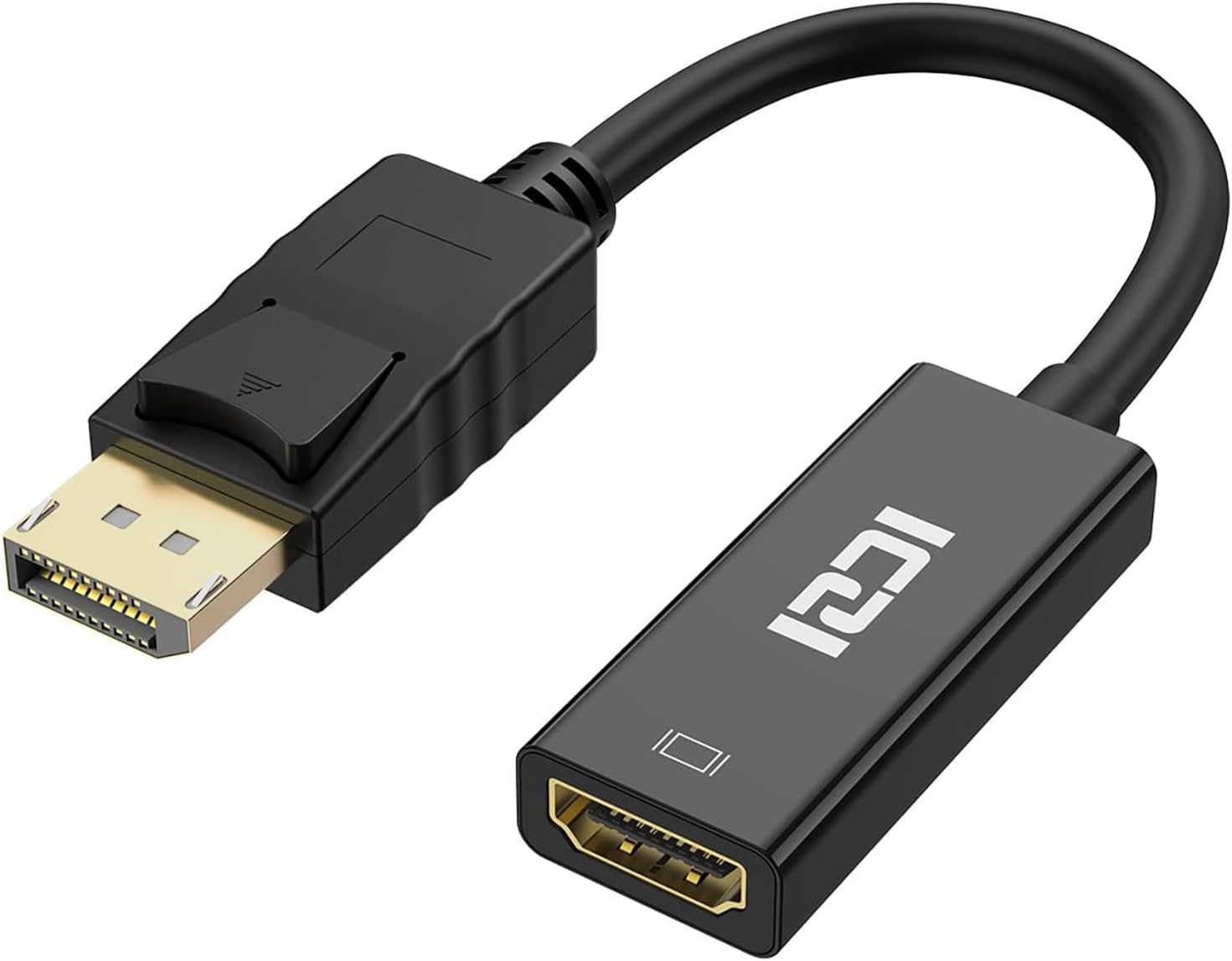
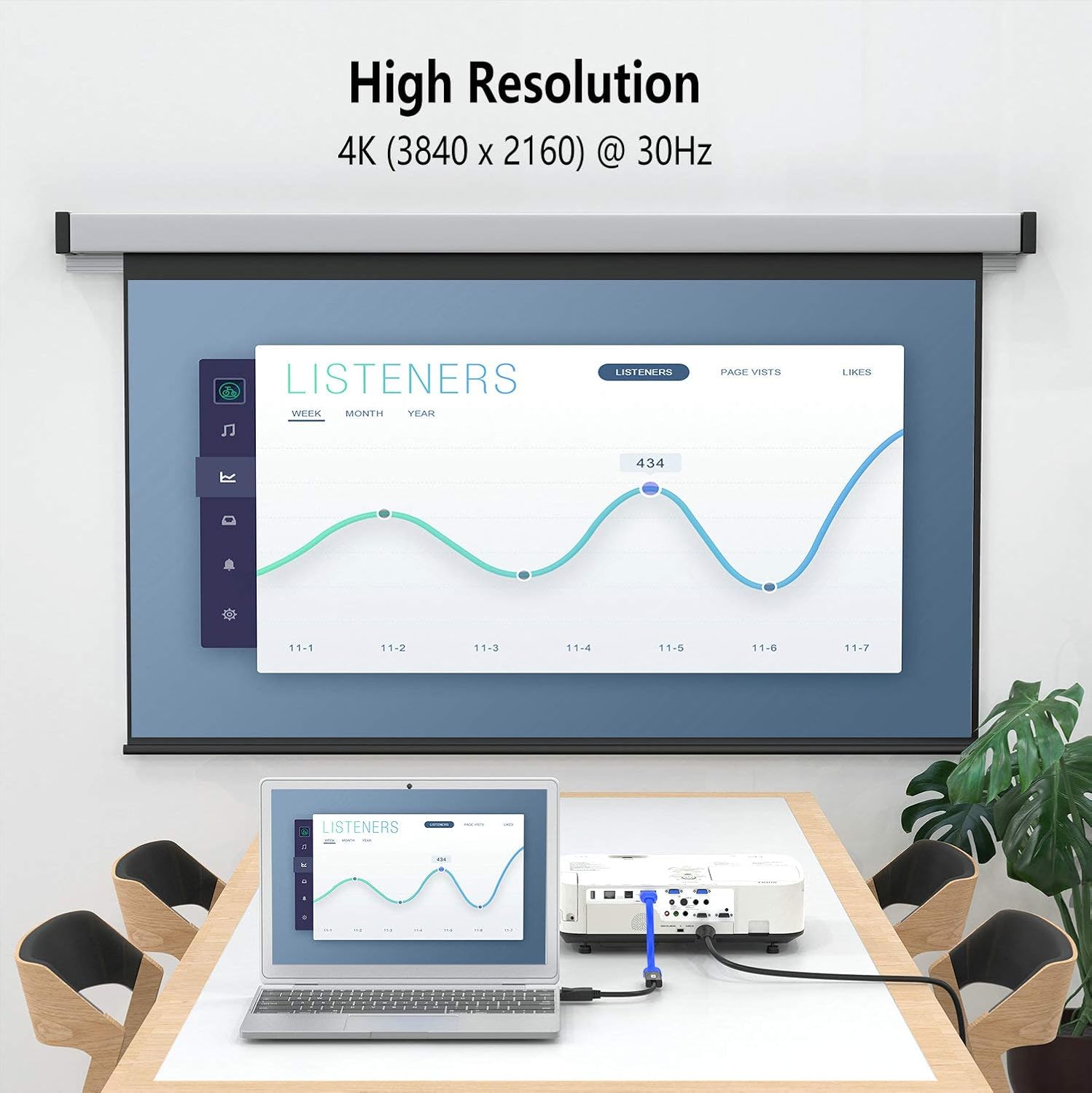
Built around a dedicated IC chip, this adapter converts a DisplayPort signal to HDMI, transmitting both video and audio to HDMI-enabled displays. It supports 4K resolutions up to 3840 x 2160 at 30 Hz, and is backwards compatible with 2K and 1080p formats at higher refresh rates. The interface relies on DisplayPort 1.2 with multiple lanes, delivering the bandwidth needed for smooth visuals when used with compatible devices. Gold-plated connectors are included to resist corrosion and help maintain signal integrity over time. A release button on the DisplayPort side allows for a secure connection and simple unplugging.
What to expect in everyday use
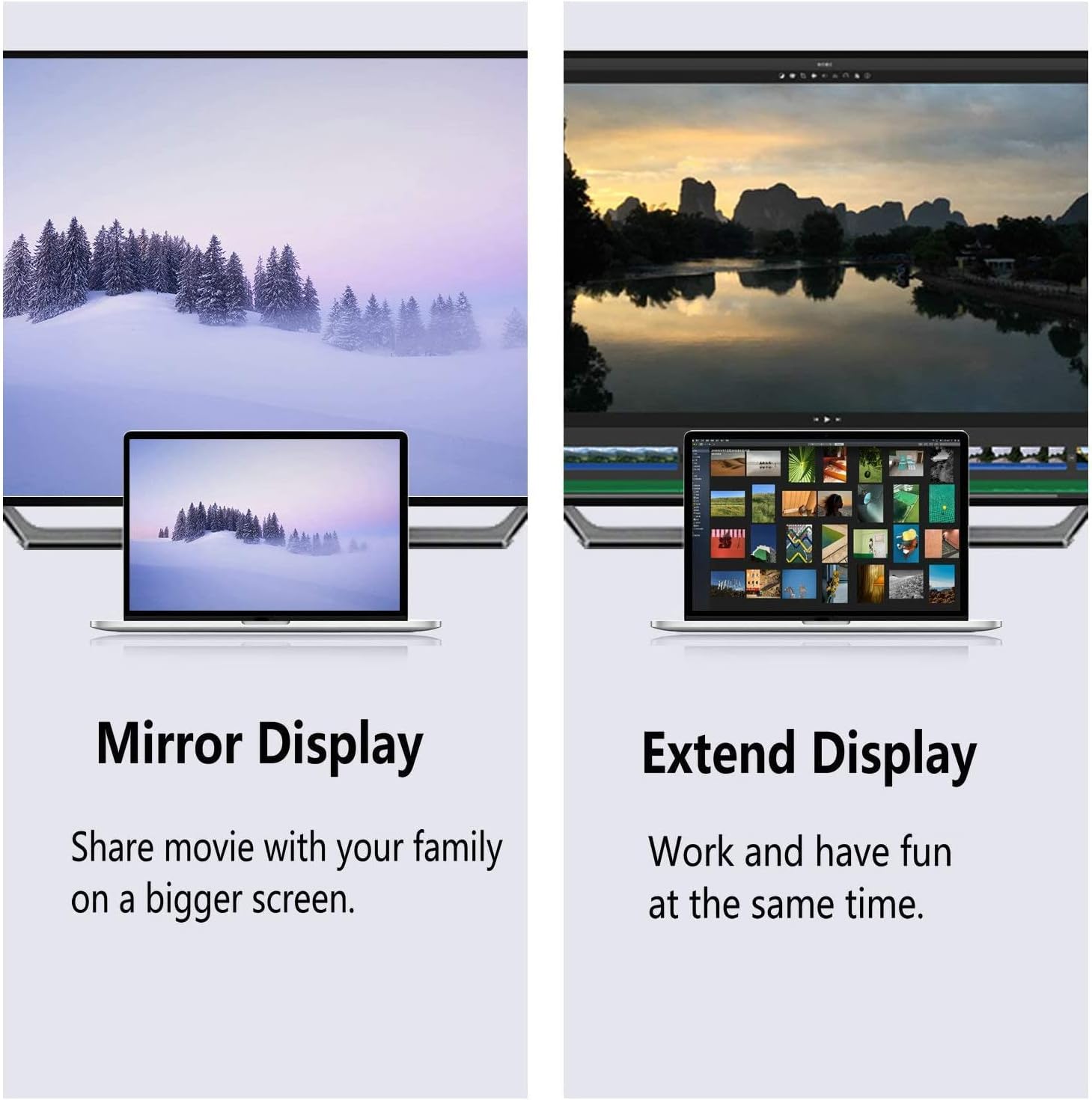
If you prioritise simple, portable connectivity for a laptop-to-projector setup or to mirror/extend your desktop on a larger display, this adapter fits the bill. It’s particularly useful for on‑the‑go presentations, training sessions, or quick demonstrations where a separate HDMI output isn’t handy. Do note that you’ll need to supply an HDMI cable separately for the final link to your display.
Strengths you’ll notice
On paper, the 4K capability gives you plenty of headroom for high‑quality video, while the 1080p and 2K options cover more modest displays with decent refresh rates. The gold-plated contacts reduce corrosion risk and may help preserve signal over time. The compact design and plug‑and‑play approach keep set‑ups straightforward.
Limitations and caveats
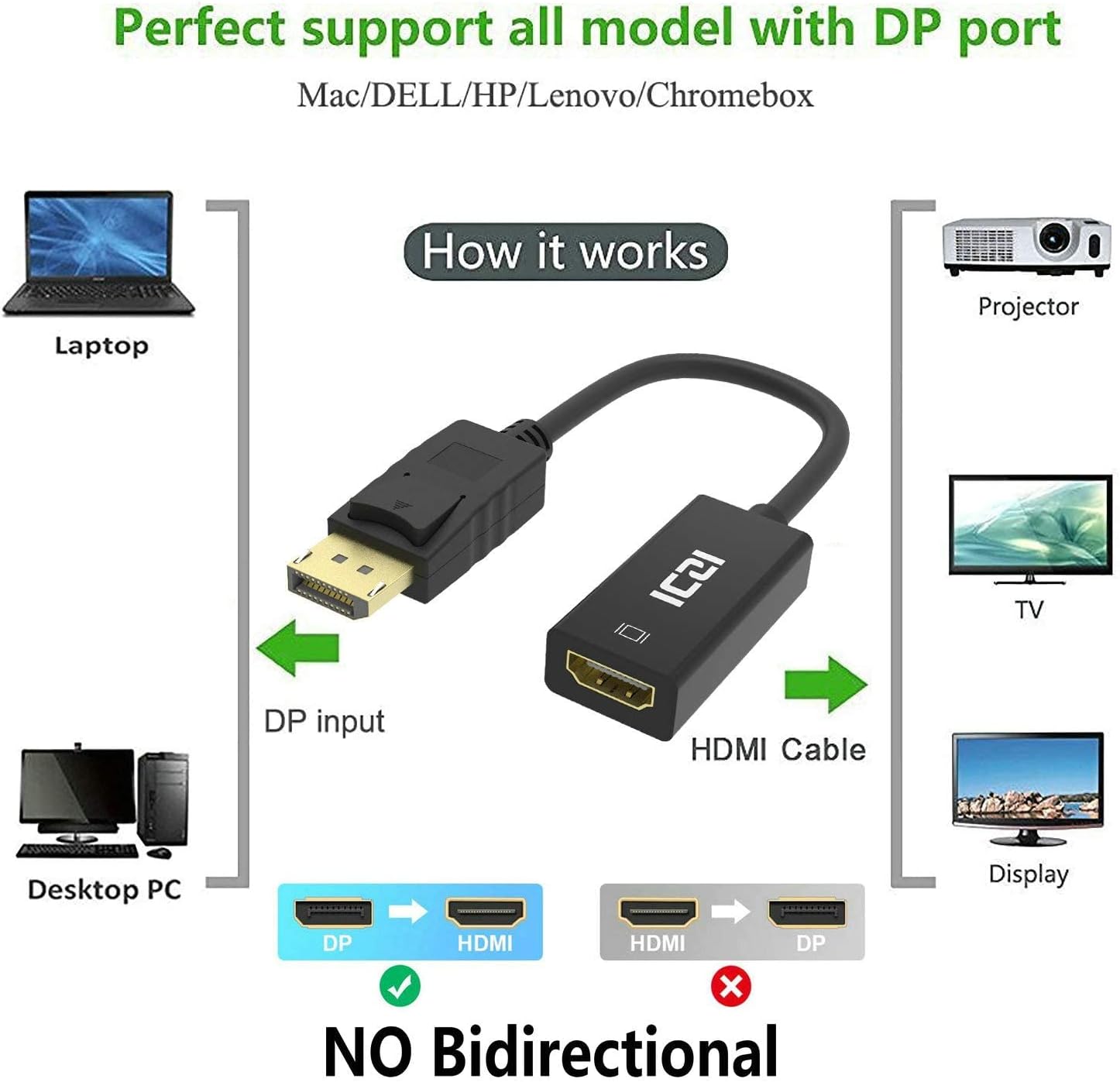
It’s not a universal dongle for every DisplayPort output. Some DP sources or displays may fall outside the tested ranges, and 4K at 30 Hz won’t satisfy those who crave higher frame rates for fast‑paced gaming. The adapter requires a separate HDMI cable, which adds one more component to manage. If you need 4K at 60 Hz or 120 Hz gaming, this particular combination may not meet those expectations. Also, there’s no mention of USB power options, so verify whether your source supplies sufficient power for stable operation in your use case.
Who it’s for
This adapter is well suited for professionals and students who want a compact DP-to-HDMI bridge for presentations, room setups, or extending desktops to an HDMI display. It’s sensible for users who value portability, straightforward connectivity, and the ability to connect to standard HDTVs, monitors, or projectors without investing in a full-scale docking station.
Who it’s not ideal for
If your primary need is high‑refresh gaming, or you require 4K at 60 Hz or higher, you might want to look at options that explicitly support those specifications. Also, if you rely on a single compact HDMI cable for both data and power, confirm that your source can provide reliable power or consider a powered adapter variant.
Before you buy
- Check that your DisplayPort source supports enough lanes and bandwidth for the desired resolution and refresh rate.
- Confirm you have an HDMI cable ready for the display connection.
- Consider the placement of your devices to avoid cable tension that could loosen the connection over time.
How this compares to alternative approaches
For tasks like basic presentation casting or occasional desktop extension, a DP-to-HDMI adapter is a lean, cost‑effective choice compared with full docking stations or USB‑C alternatives that may be bulkier or more expensive. If you need higher frame rates or advanced features such as HDR at 4K, you’ll want to compare models that explicitly advertise those capabilities, as this adapter focuses on practical, everyday compatibility.
Should you buy it?
This is a sensible option if you want a portable, low‑friction DP-to-HDMI bridge for standard displays and less demanding 4K playback. It won’t be the best choice if your use case demands 4K at high refresh rates or dedicated power delivery for the source device. Overall, it’s a pragmatic addition for on‑the‑move projection or extended displays where a compact adapter fits your workflow.
FAQ
- Do I need an HDMI cable? Yes, an HDMI cable is required but sold separately.
- Can it support 4K at 60 Hz? Not based on the stated specs, 4K support is listed at 30 Hz.
- Will it work with every DP source and HDMI display? It’s designed to work with common DP sources and HDMI displays, but performance depends on the source’s bandwidth and the display’s input handling.
The decision at a glance
The ICZI DP to HDMI adapter offers portable, straightforward conversion from DisplayPort to HDMI with 4K at 30 Hz and 1080p/2K options, plus gold-plated connectors for durability. It’s a practical pick for business use and everyday tasks, provided your needs align with its 4K/30 Hz and 2K/60 Hz capabilities and you remember you’ll need a separate HDMI cable.