

Attack Shark X8 Ultra 55g gaming mouse (PixArt PAW3950MAX, 8KHz, tri-mode wireless/BT/wired)
Product description
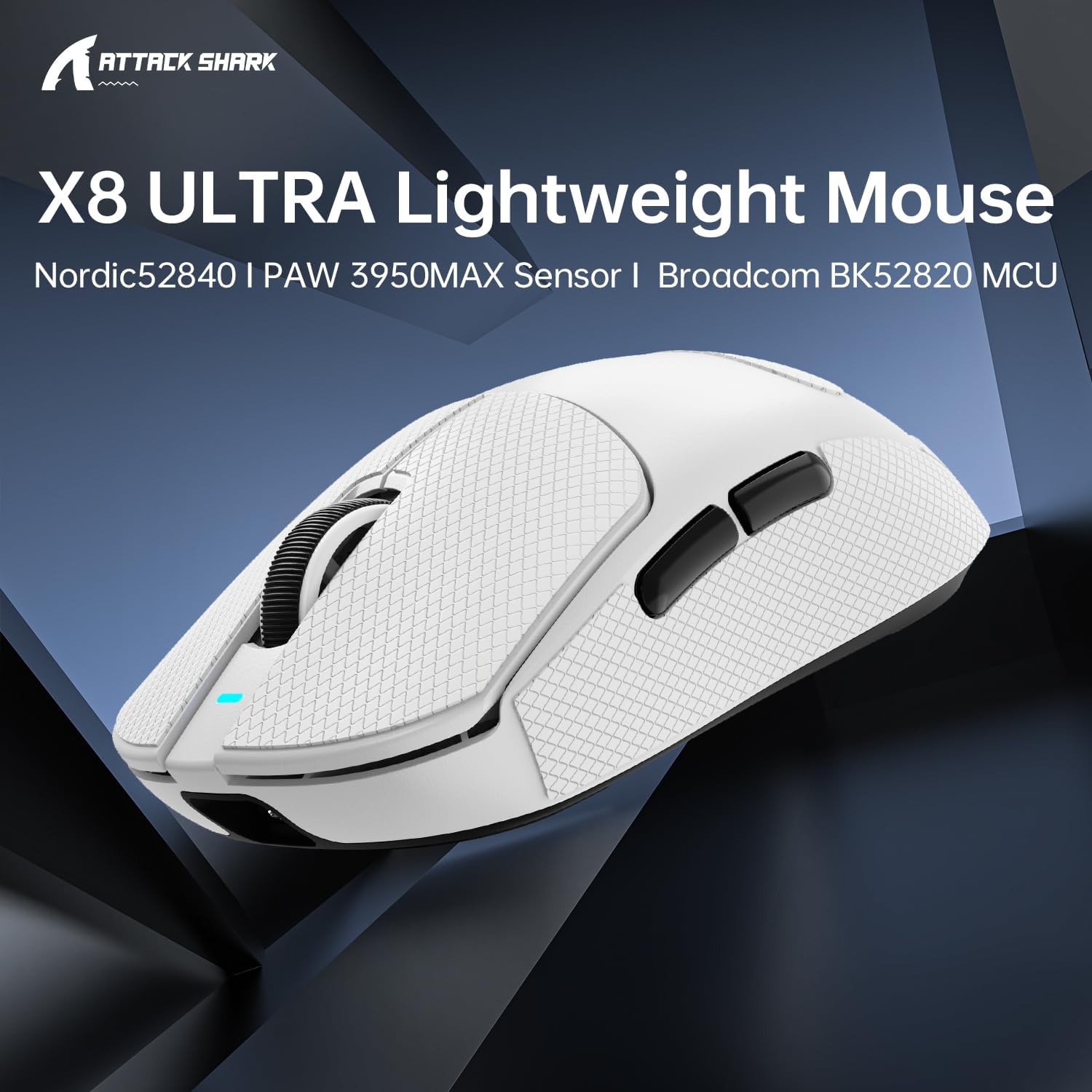
If you’re chasing less drag and snappier aiming, the Attack Shark X8 Ultra is built around one idea: make the mouse feel lighter and respond quicker. On paper it’s a proper gaming-focused mouse, with a stated 55g ultra-light weight, a PixArt PAW3950MAX sensor with adjustable DPI up to 42,000, and three connection options.
It’s not perfect for everyone, though. Weight reduction and high polling can be a bit of a niche preference, and the 8KHz claim comes with a note about PC requirements. If you want something more straightforward for everyday office use only, this may be overkill.
The essentials
The Attack Shark X8 Ultra is a tri-mode gaming mouse designed for competitive play while keeping hand fatigue low. The headline spec is its 55g “superlight” design, achieved via a liquid nitrogen-cooled injection moulding process, aiming to make fast mouse movements easier during longer sessions.
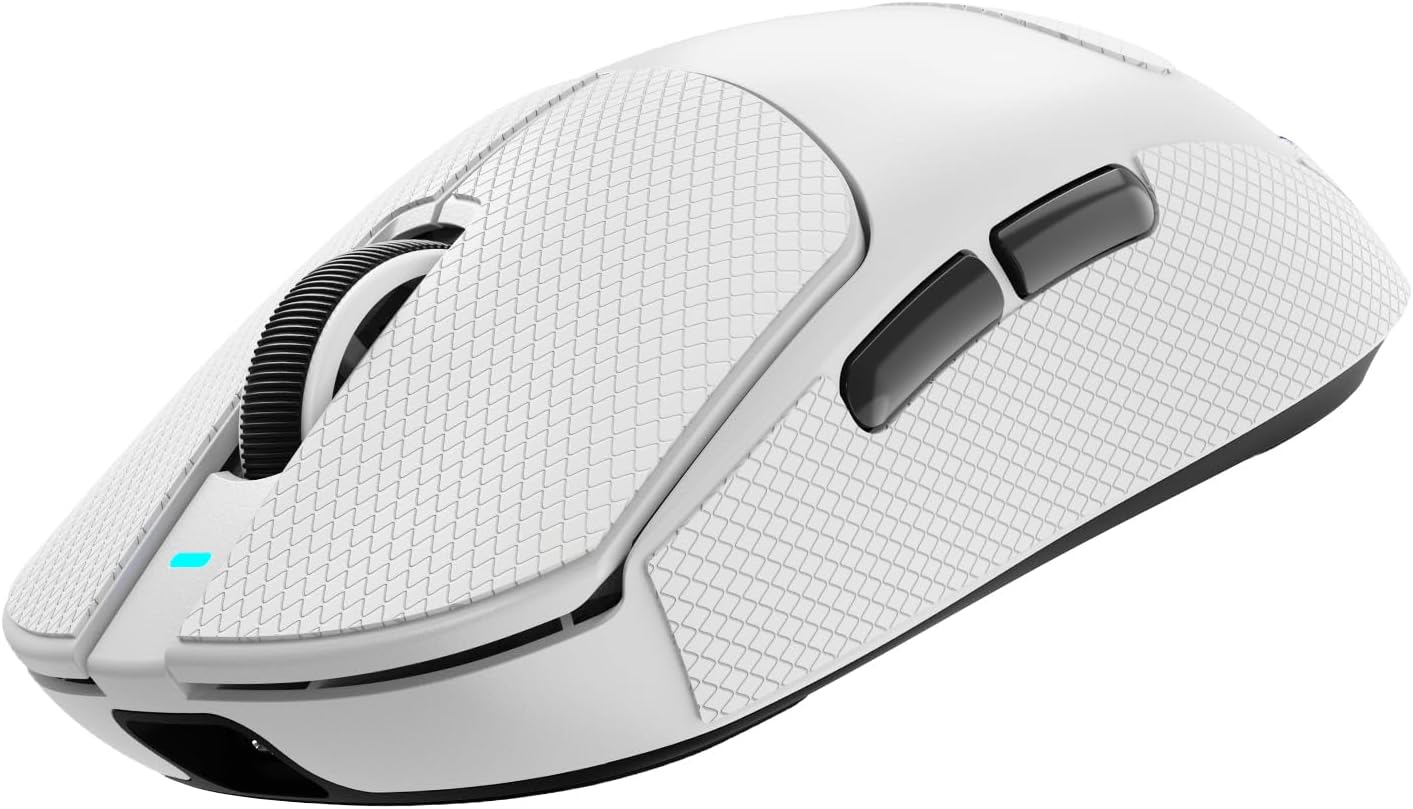
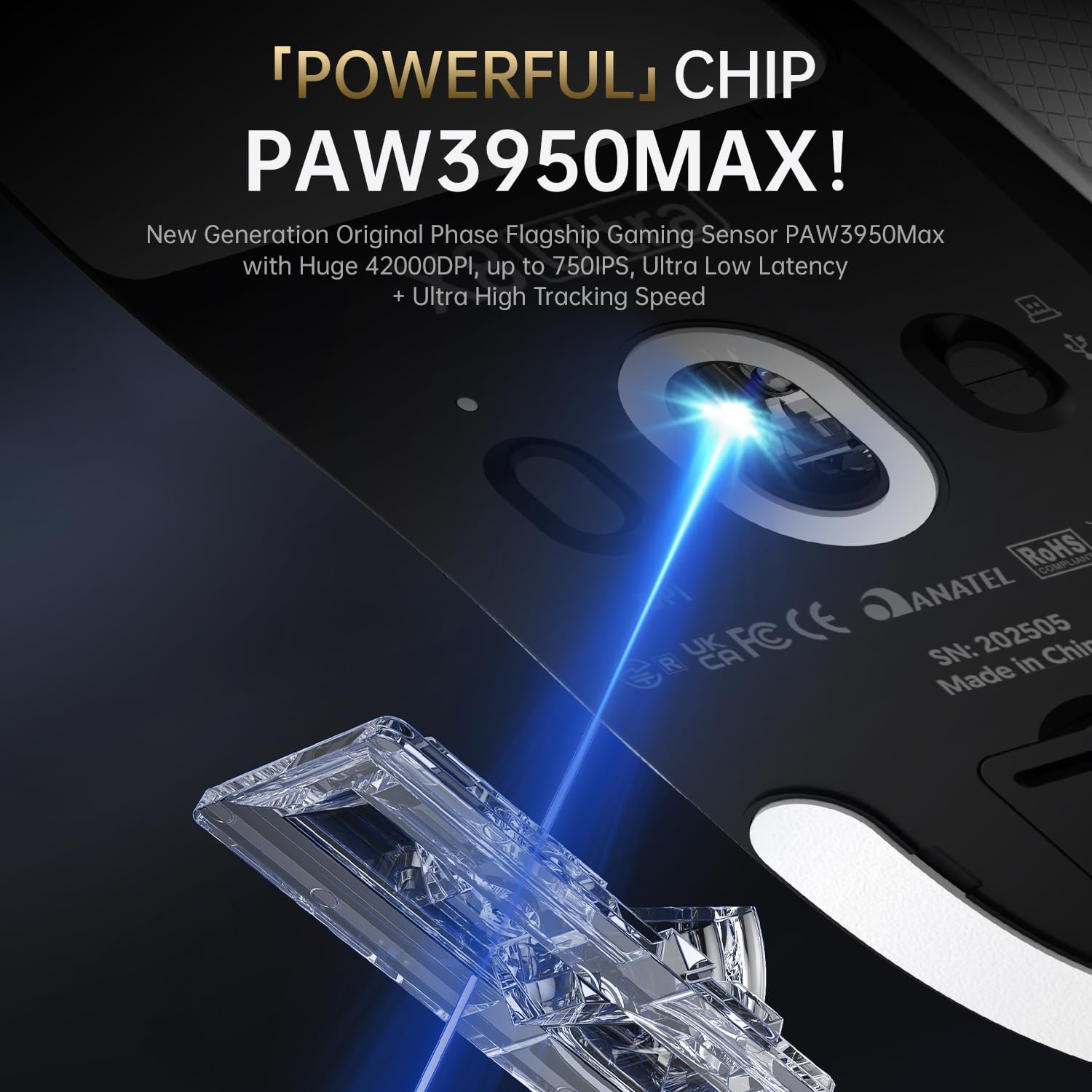
For aiming and tracking, it uses a PixArt 3950MAX-class gaming sensor (the listing calls it PAW3950MAX) with adjustable DPI from 50 up to 42,000. That range gives you room to run high-sensitivity styles or dial things down for more controlled, lower-sensitivity play.
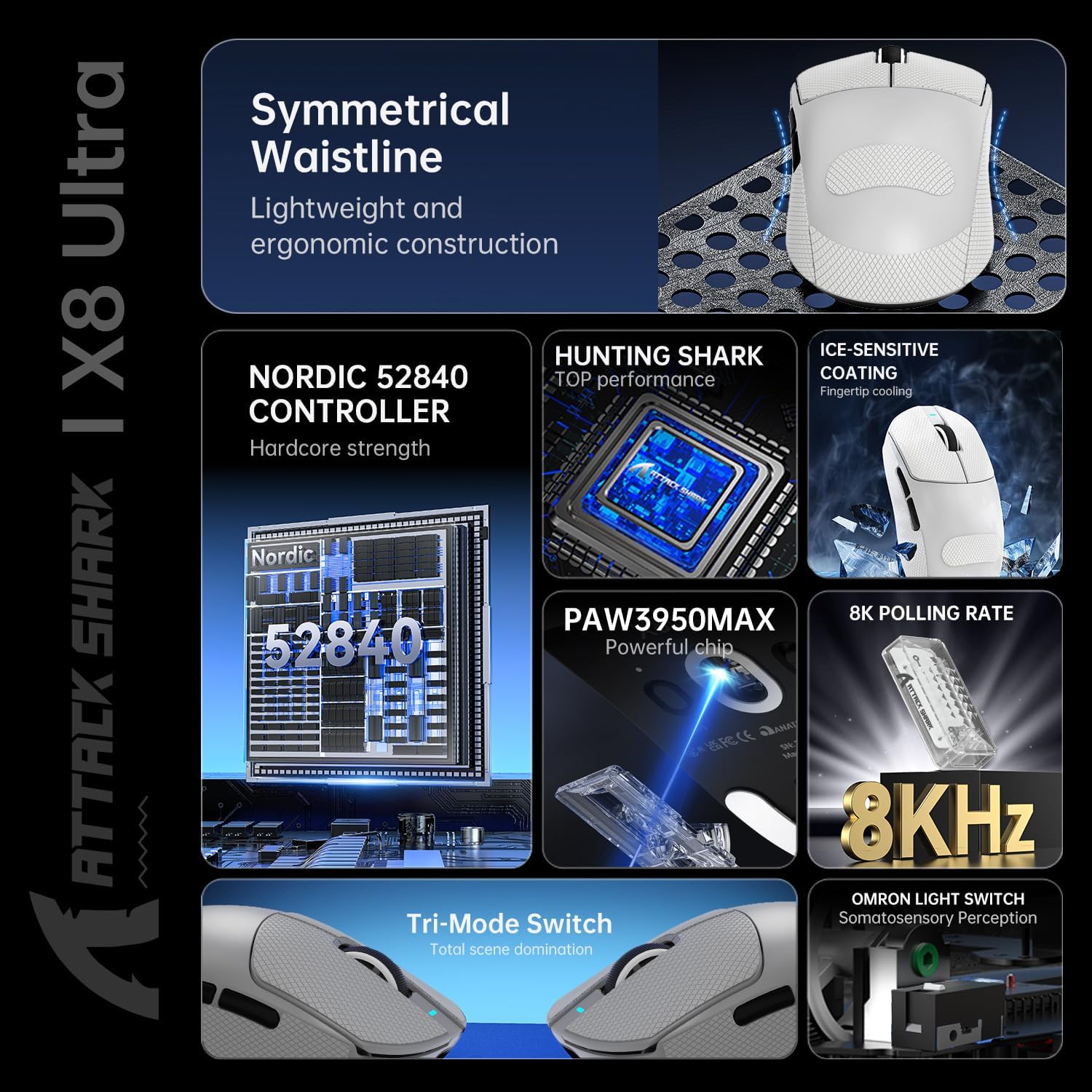
Connectivity is handled by a Nordic52840 chip with three modes: wired USB-C, 2.4GHz wireless, and Bluetooth. The idea is simple: use whichever setup suits your device, desk layout, or gaming needs.
Key features that matter in practice
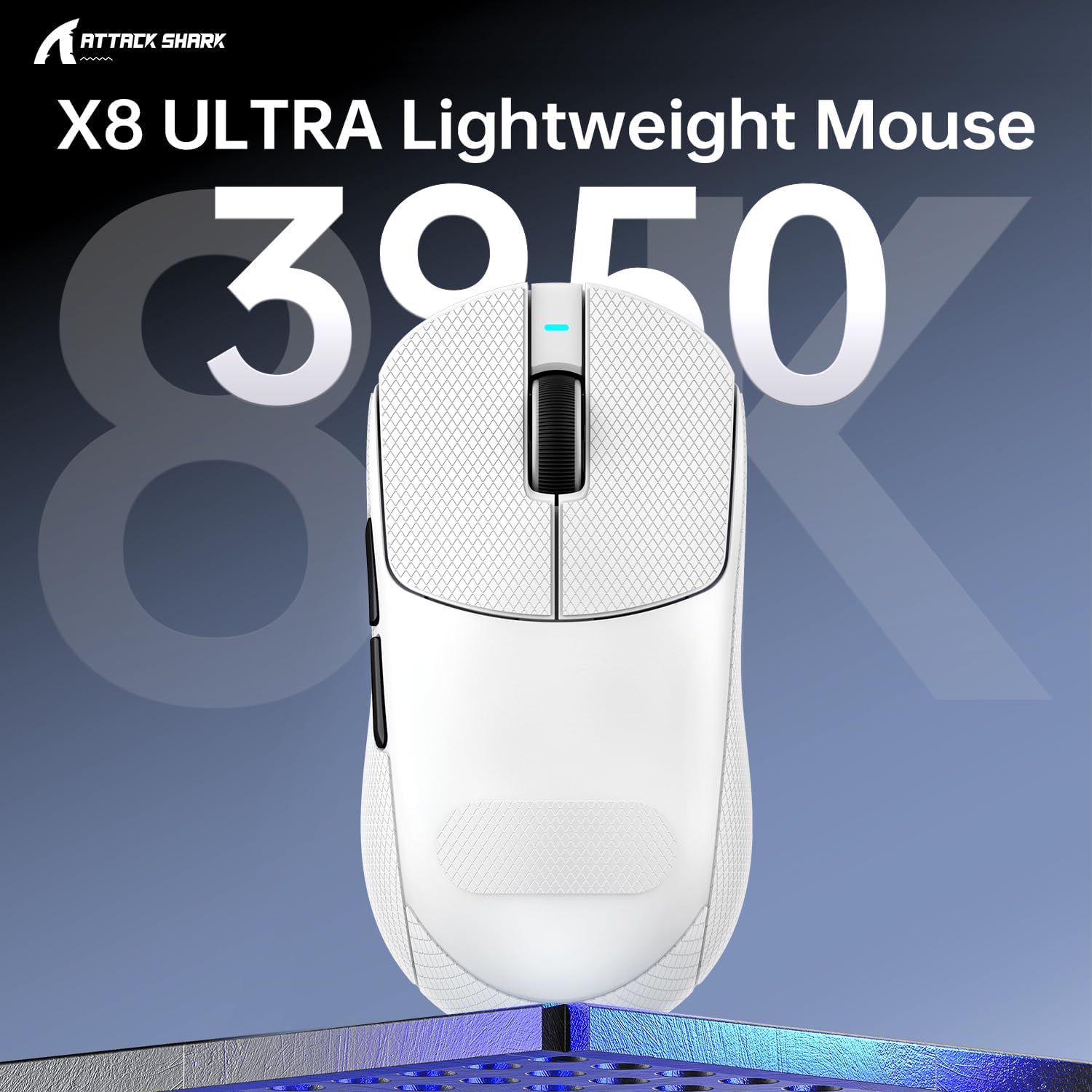
Where this mouse looks most compelling is the combination of low weight, endurance-focused switches, and a high refresh claim.
- 55g superlight design: In fast-paced games, a lower overall mass tends to make quick micro-movements feel less effortful. It can help if you’re the type of player who relies on lots of short corrections rather than big arm swings.
- PixArt 3950MAX sensor with adjustable DPI: DPI adjustment from 50 to 42,000 is flexible enough for different aim styles and in-game preferences. It’s also framed as suitable beyond just gaming, including daily office work.
- Tri-mode connectivity (USB-C, 2.4GHz, Bluetooth): Having multiple modes is useful if you swap between devices or want wireless without always reaching for the same hardware path.
- 100 million click rating: The mouse uses micro switches rated at 100 million clicks. The listing also mentions tuning to reduce actuation force while keeping a soft yet responsive feel.
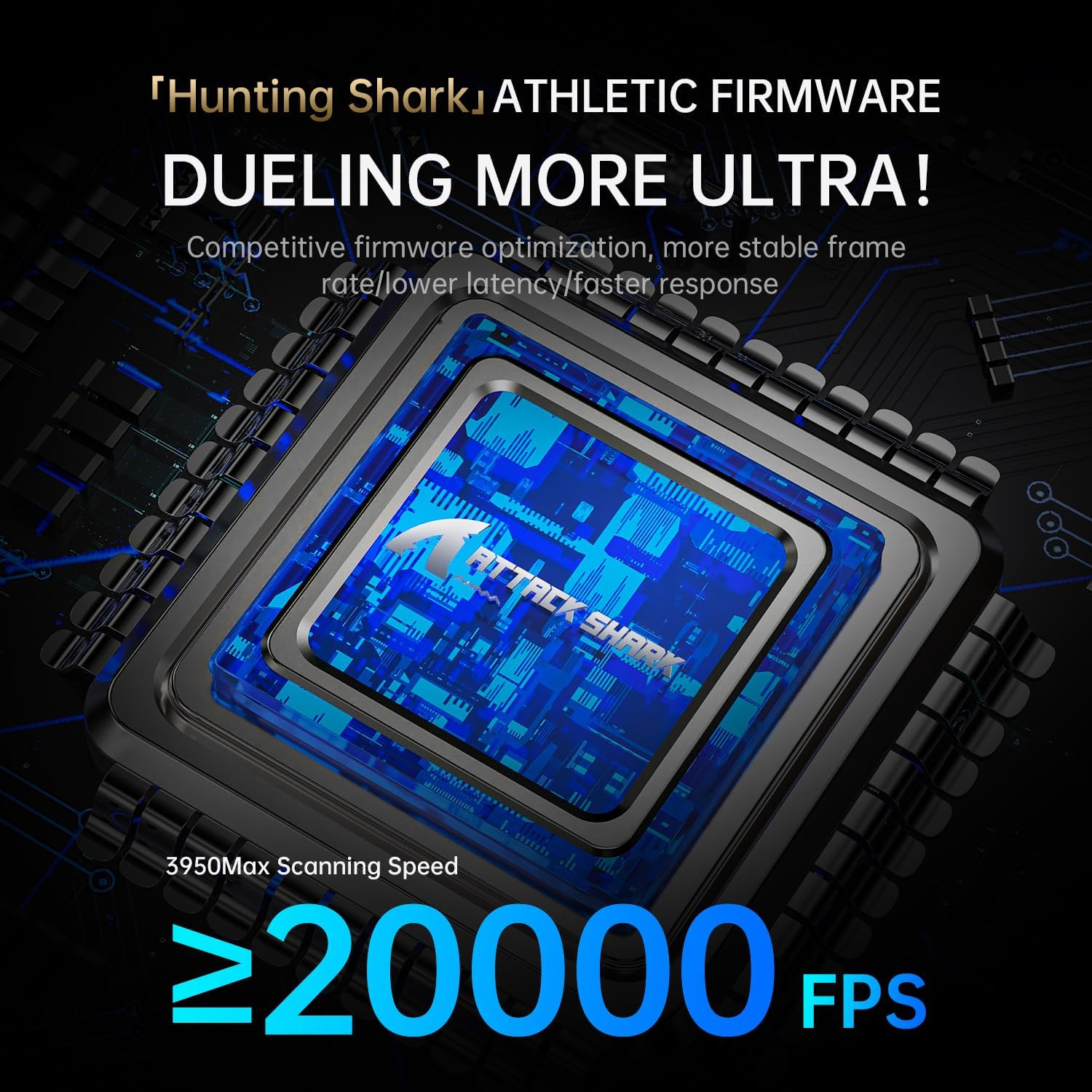
- Native 8KHz polling rate: The integrated high-refresh MCU is stated to push a native 8KHz polling rate for smoother, more responsive movement.
That last point is worth treating carefully. The listing specifically asks you to verify your PC meets the required specifications to get the best performance from an 8KHz setup.
What to know about the 8KHz claim
8KHz polling can be appealing if you’re sensitive to responsiveness, but it’s one of those features that’s easy to overestimate if the rest of your setup isn’t aligned. This is especially true if your goal is simply “a good wireless mouse”, because you may not gain much if your system can’t fully support it.
If you’re already gaming on a PC that can handle high polling, this mouse’s 8KHz pitch could feel meaningful. If you’re not sure, it’s better to focus on whether you’ll actually run it in the intended mode and whether you’re willing to do a quick check of compatibility.
What stands out, and where it may fall short
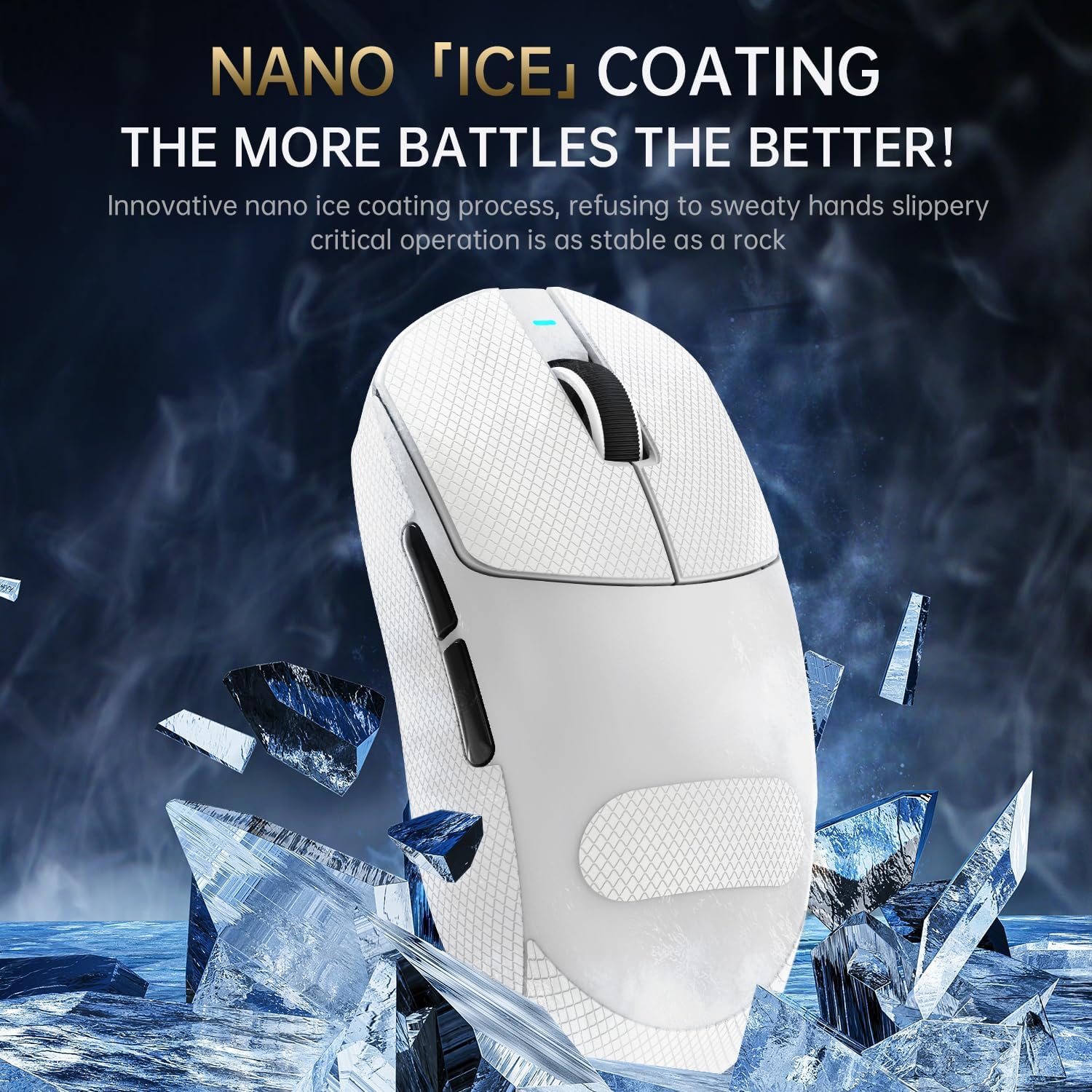
This mouse clearly leans competitive: 55g, a high-spec PixArt sensor, endurance-rated switches, and an 8KHz polling angle. It also includes grip tape in the name (“with Grip Tape”), which suggests a focus on control even as the shell stays light.
Where you might want to pause: the “extreme weight reduction” approach isn’t automatically comfortable for every hand size or grip style. The listing mentions “for large hand”, so it may suit people with bigger grips, but if you prefer smaller shapes or a different balance, the 55g design could feel too minimal or “bendy” depending on your technique.
Also, while it mentions usage for office work, the 8KHz and gaming tuning mean it’s likely to be a better fit for gamers than for someone who wants a plain, no-setup-needed mouse.
Who it’s for (and who should skip it)
It makes sense if you’re buying a dedicated gaming mouse and you care about responsiveness, fast movement, and reducing fatigue. The tri-mode setup also helps if you switch between PC and other devices or want options for how you connect.
It may not suit you if you only want a casual mouse for general browsing and office tasks, or if you’re not planning to run it in a properly supported high-polling configuration.
It’s also the sort of purchase where it helps to be honest about your preference for ultra-light gear. Some people love the feel, others find it takes a session or two to adjust.
Buying verdict
Worth considering if you’re specifically looking for a superlight, performance-led gaming mouse with tri-mode wireless options, a PixArt PAW3950MAX sensor with a very wide DPI range, and a click life designed around endurance (100 million clicks). If your PC can support the native 8KHz polling request, that “smoother and more responsive” pitch could line up with how you play.
Better avoided if you want a simple, all-purpose mouse with minimal setup checks, or if you’re not interested in chasing high polling performance. You may also want to think twice if you don’t naturally gel with ultra-light mice—comfort and control can be very personal.
Quick FAQ
Is this mouse wireless, wired, and Bluetooth? Yes. The listing states tri-mode connectivity: wired USB-C, 2.4GHz wireless, and Bluetooth.
What sensor does the Attack Shark X8 Ultra use? It’s listed with a PixArt 3950MAX gaming sensor, referenced as PAW3950MAX.
What DPI range can you set? The DPI is adjustable from 50 up to 42,000.
Does it really support 8KHz polling? The listing says native 8KHz polling rate, but it also asks you to verify that your PC meets the required specifications to get optimal performance.
Is it designed for large hands? The product name indicates it’s for large hand, and the grip tape is included in the concept. Still, hand comfort depends on your grip style.