

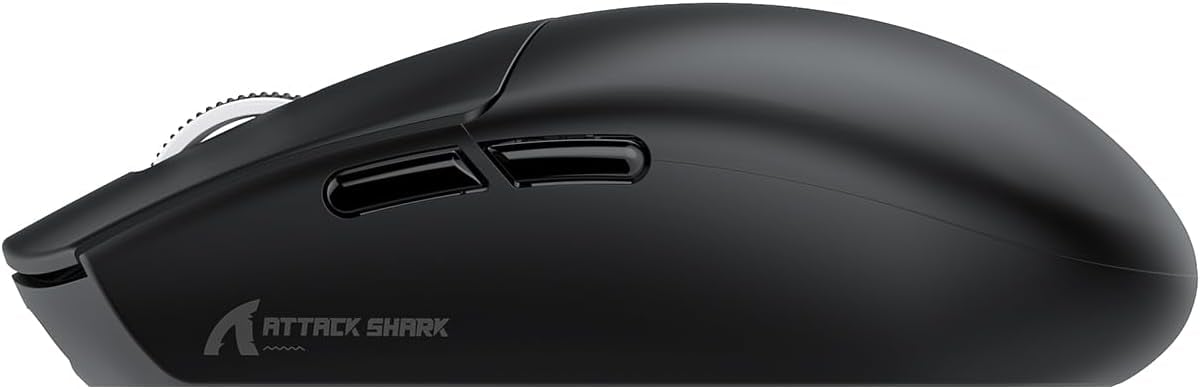
ATTACK SHARK G3PRO Gaming Mouse with Magnetic Charging Dock and 25,000 DPI
Product description
What it is and who it’s for
The ATTACK SHARK G3PRO is a gaming mouse designed for players who value versatility and long sessions without constant charging. It combines a high‑end PixArt PAW3311 sensor, ultra-light construction, and a magnetic charging dock, aiming to bridge daily work balance with serious gaming needs.
Design and feel
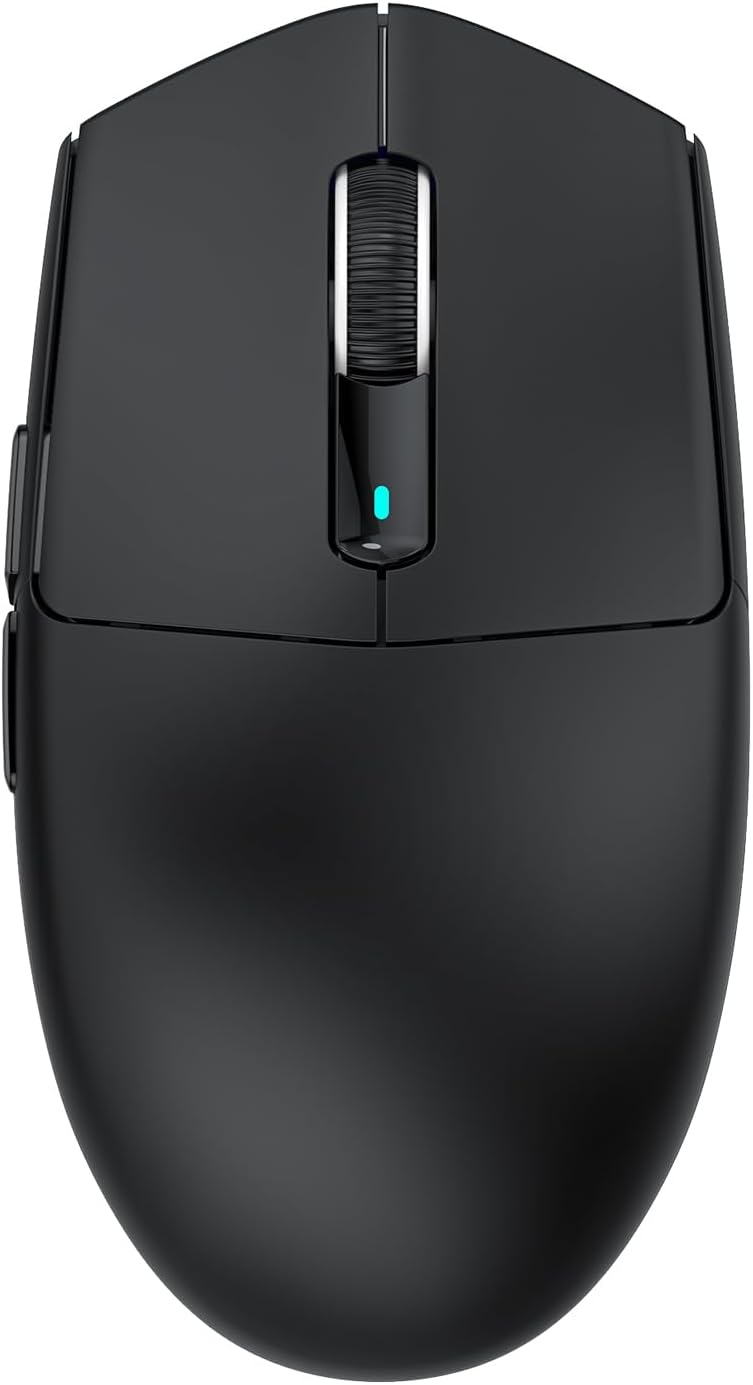
Weighing in at 62g, the G3PRO uses a liquid nitrogen‑injected moulding process to keep weight down while retaining strength. The mouse aims for a lightweight feel that supports fast movements and quick reactions, potentially reducing fatigue during extended play.
Sensor and precision
Equipped with the 3311 gaming sensor and up to 25,000 DPI across 6 adjustable levels, it promises fine control for both precise sniping and rapid tracking. The spec implies strong consistency in tracking, which matters for accuracy in competitive contexts.
Connectivity: three modes
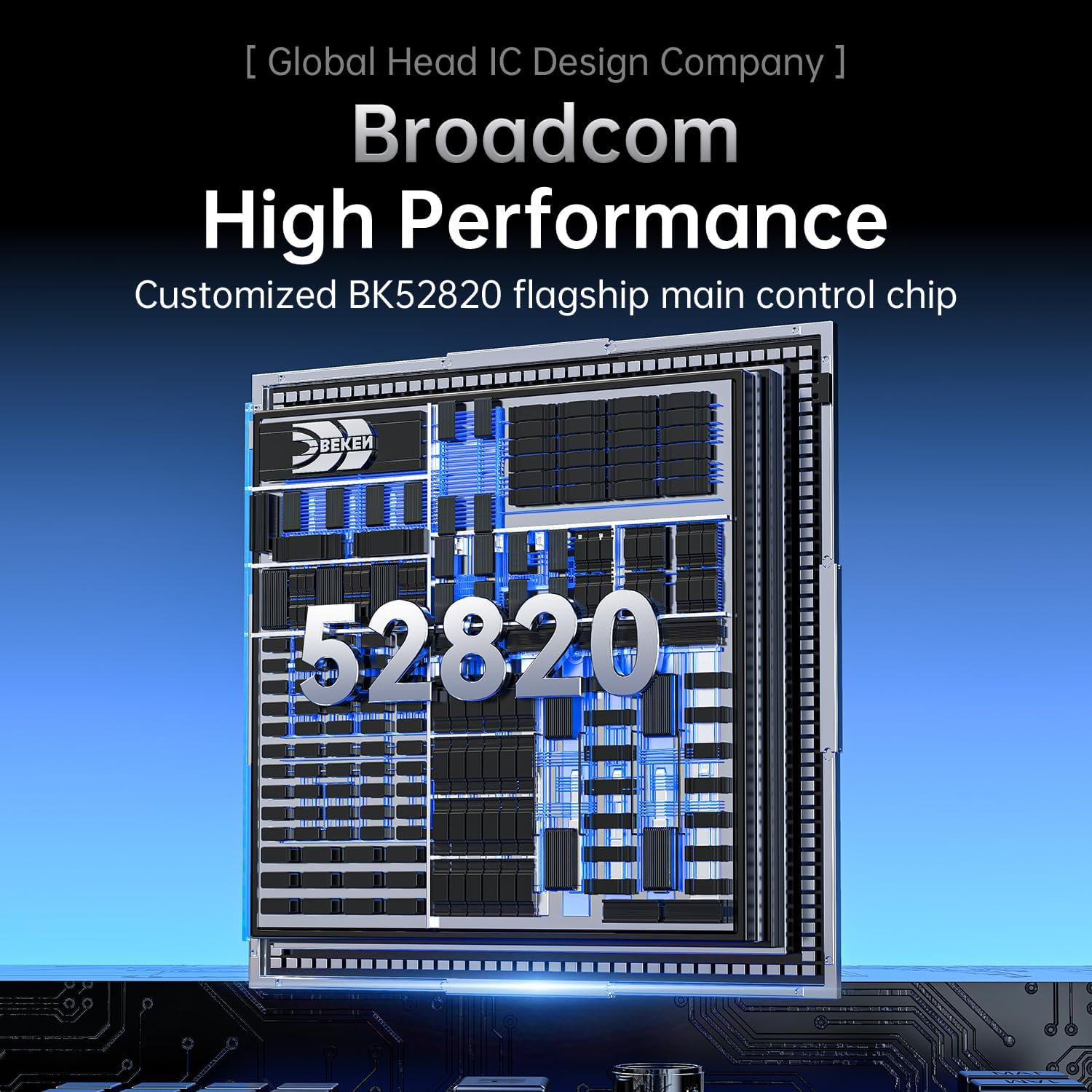
The BK52820 chip enables three connection modes: wired USB‑C, 2.4GHz wireless, and Bluetooth. A bottom button switches between modes, offering flexibility for different setups—PC, console, or mobile use when appropriate.
Charging dock and lighting
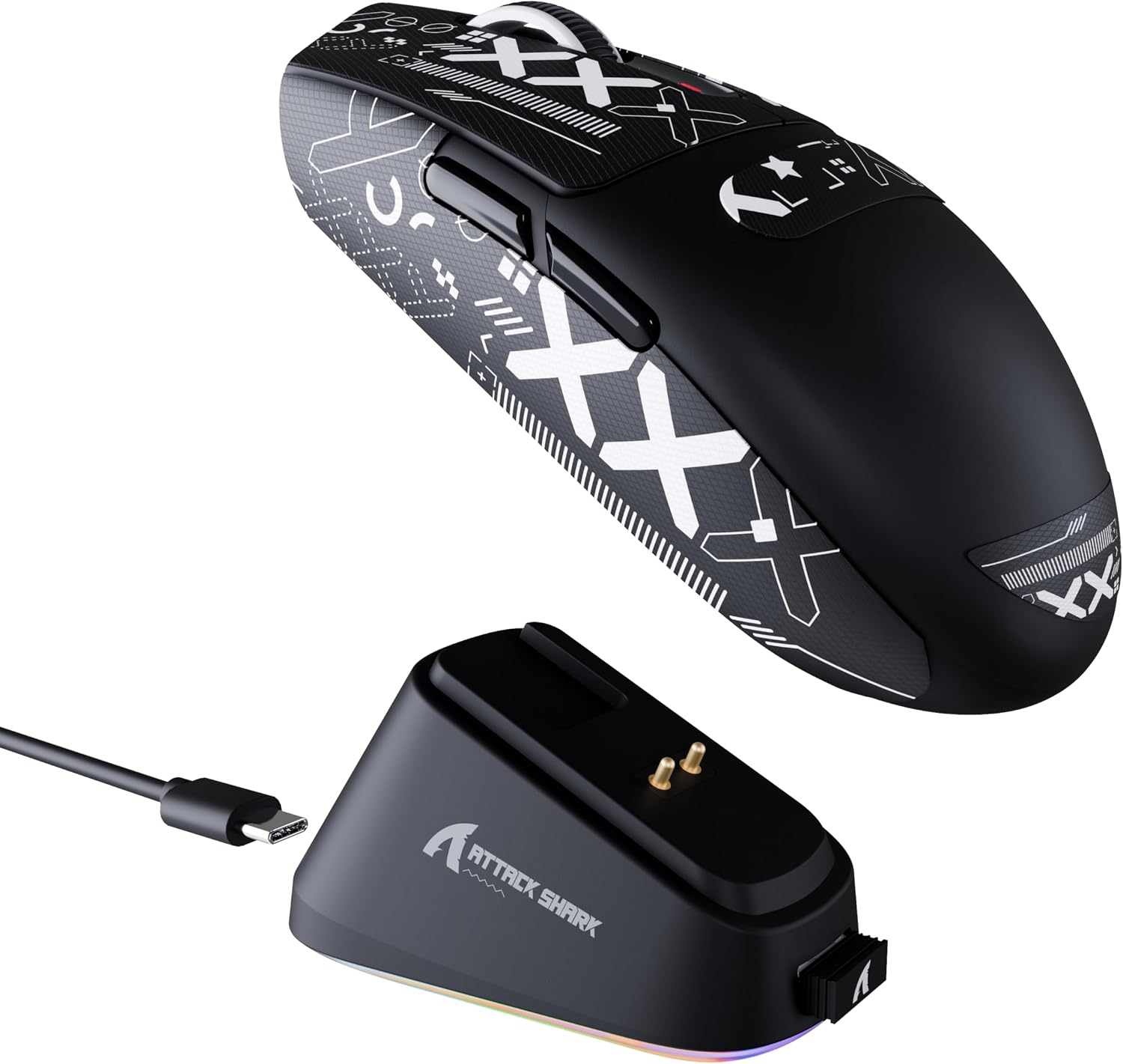
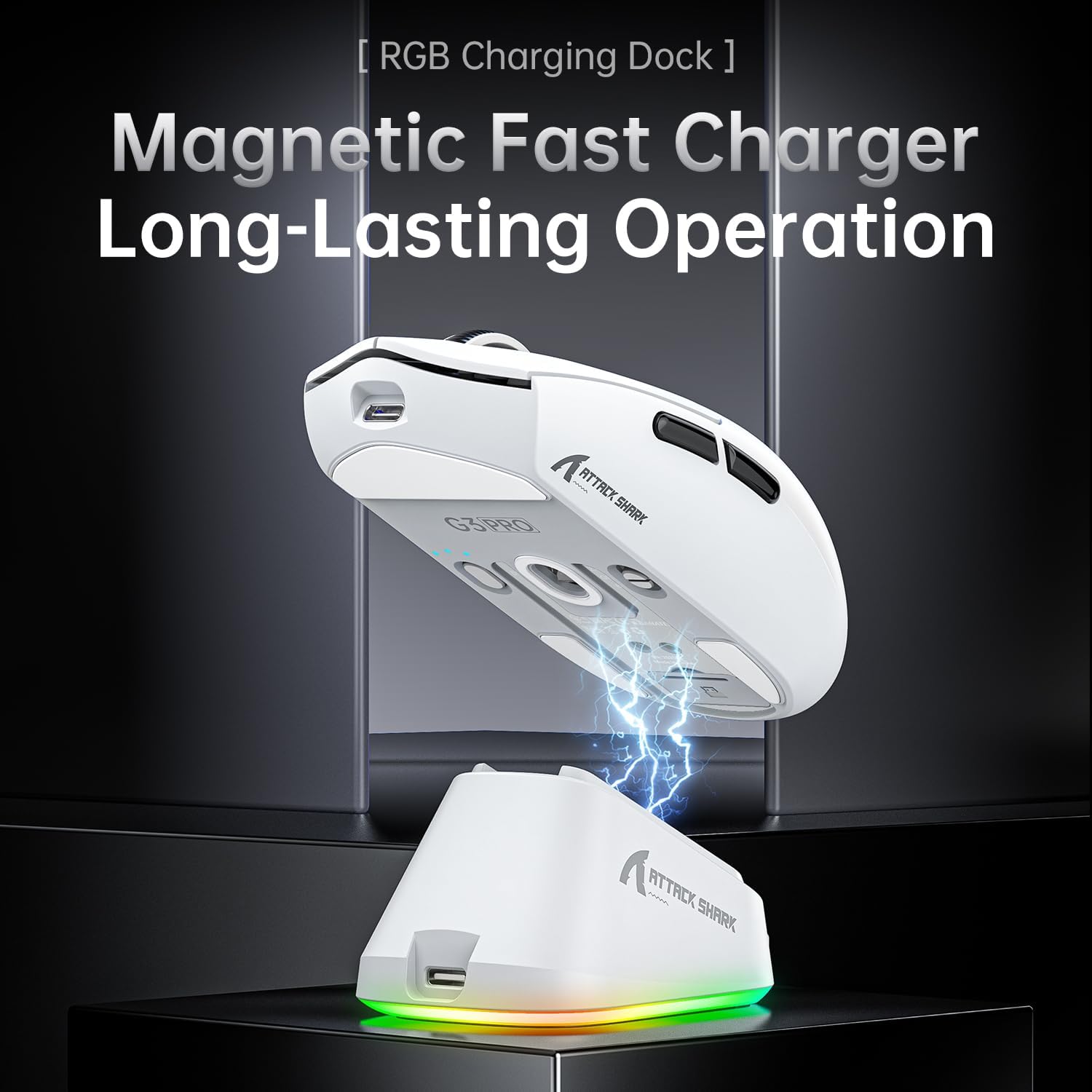
The magnetic snap‑on charging dock simplifies charging and desk setup. A touch‑sensitive switch on the dock allows you to cycle lighting effects, adding ambience without complexity.
Durability and longevity
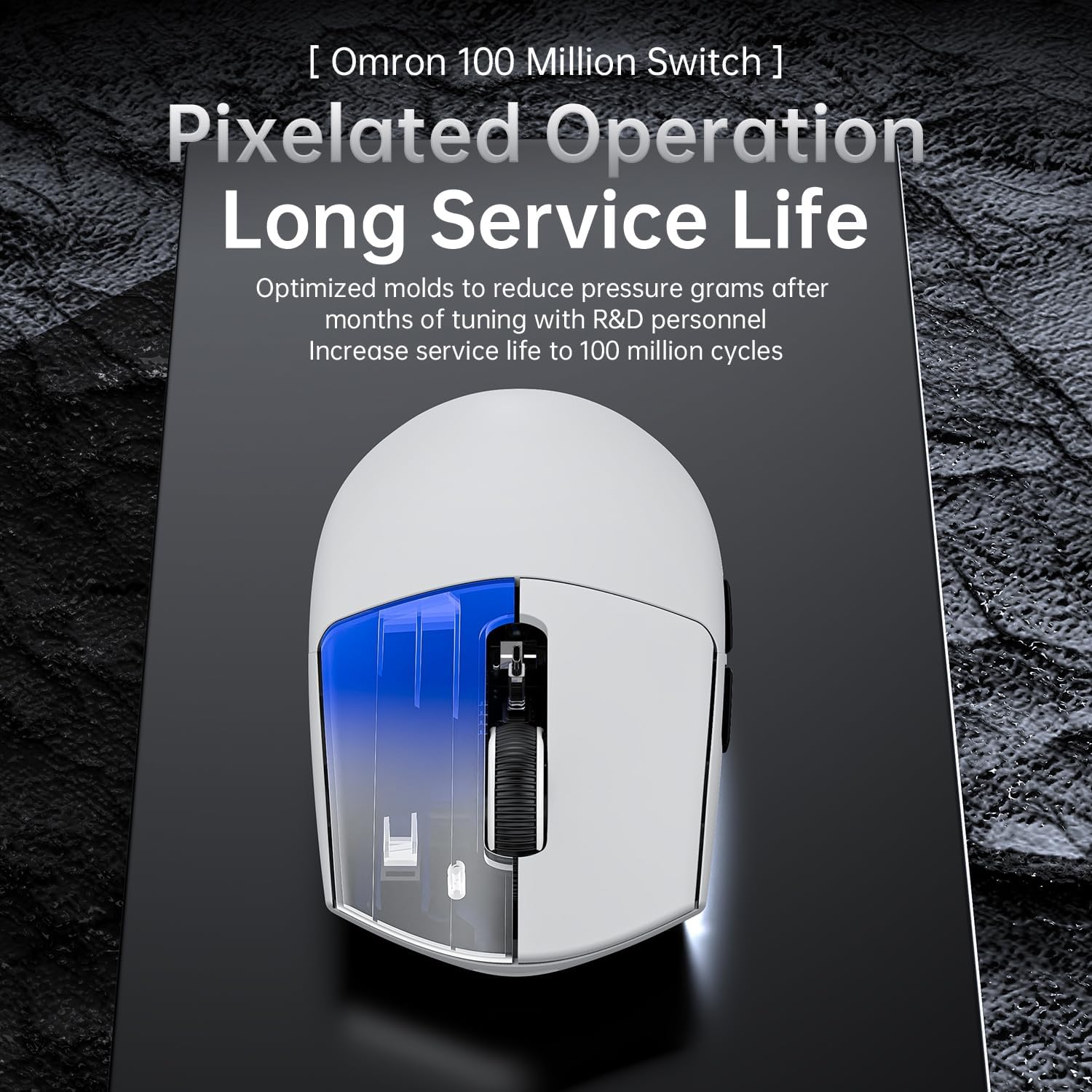
The mouse claims 100 million clicks, backed by durable micro switches and tuned actuation force for a softer, responsive feel. This suggests long-term reliability for heavy gaming use, though real‑world performance depends on how aggressively you click over time.

What stands out
- Magnetic charging dock for easy top‑up and convenience during long sessions.
- Triple connectivity offers flexibility in different environments or devices.
- Lightweight design with a high‑DPI sensor provides precise and fast control.
Potential limitations and who it’s not for
- The lightweight build, while beneficial for speed, may not feel as sturdy to users who prefer a heftier grip.
- If you prioritise a purely wired experience or need the best competitive edge in higher DPI ranges, factor in how the provided modes align with your playstyle.
- The strength of the triple‑mode setup depends on your reliance on Bluetooth, for latency‑sensitive games, wired or 2.4G may be preferred.
When it makes sense to buy
- You want a single device that can adapt to PC and console environments via multiple connection options.
- You value a quick, magnetic charging solution to minimise downtime between sessions.
- You appreciate a light, responsive mouse with a DPI ceiling of 25,000 for detailed sensitivity adjustment.
When you might want to pass
- If you need a traditional heavier gaming mouse or a form factor with a different grip style, this may not be the best fit.
- If you require top‑tier wireless latency performance for esports, you might compare similarly specced options to confirm latency expectations align with your needs.
Before you buy: quick checks
- Confirm your primary devices and whether Bluetooth, 2.4G, or wired is your go‑to setup.
- Consider how a 62g weight feels with your usual grip and posture during long sessions.
- Think about whether a magnetic charging dock will fit your desk arrangement and charging cadence.
Practical use example
Imagine finishing a raid on a console connected via Bluetooth, then switching to PC via 2.4G for a competitive match. The dock sits nearby and charges the mouse automatically during a short break, so you’re ready to go without fiddling with cables.
FAQ
- How many DPI levels does it support? Six adjustable DPI levels up to 25,000 DPI.
- What are the connection options? Wired USB‑C, 2.4GHz wireless, and Bluetooth.
- Is the device suitable for long sessions? The light weight and durable switches support extended use, but comfort can vary by grip style.
Decision you can take today
Is it worth it?
Worth considering if you value multi‑mode connectivity and a convenient charging dock, balanced with a lightweight, precise sensor. If your setup benefits from a flexible wireless profile and a low‑weight mouse, this could be a sensible addition.