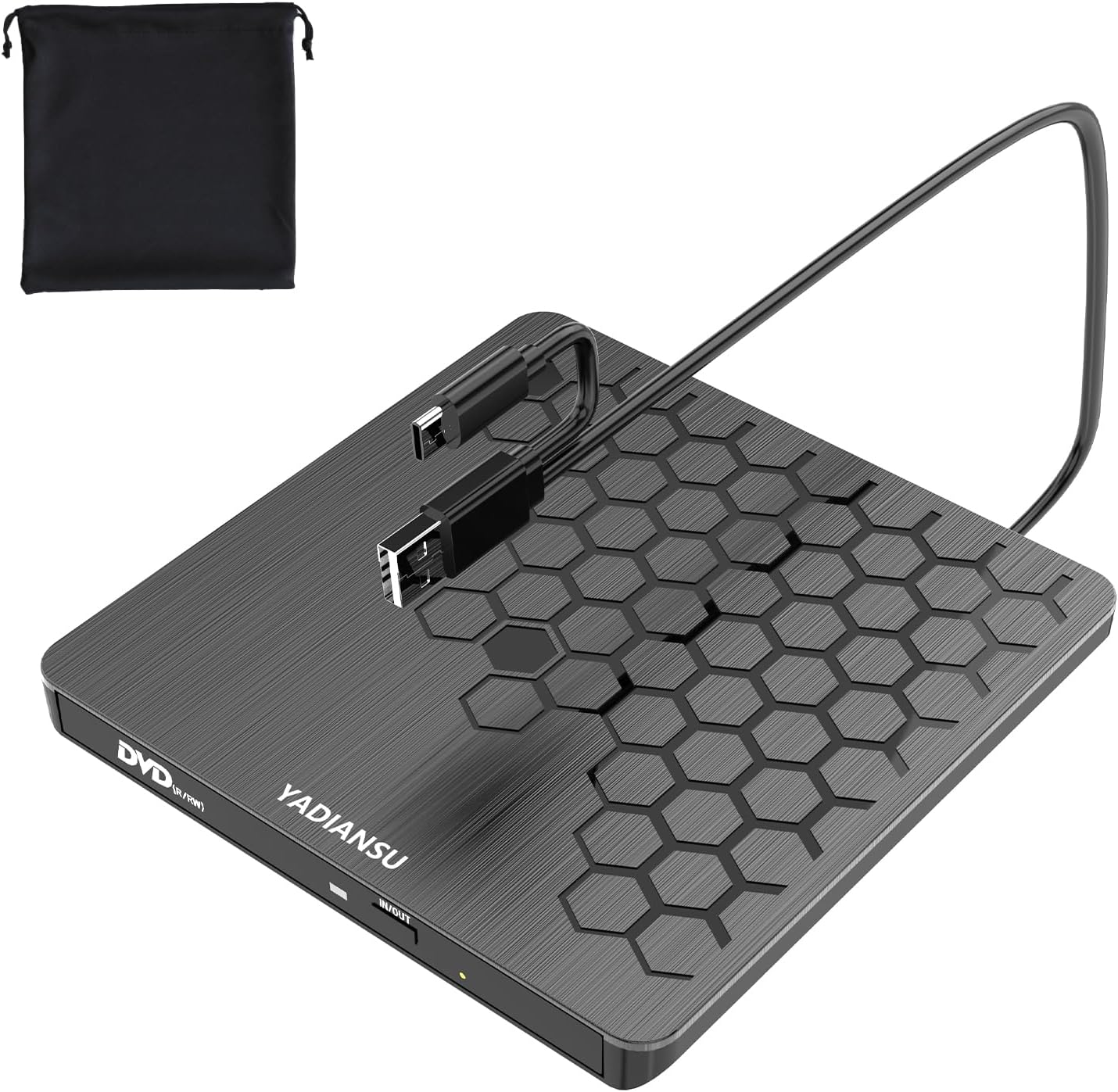
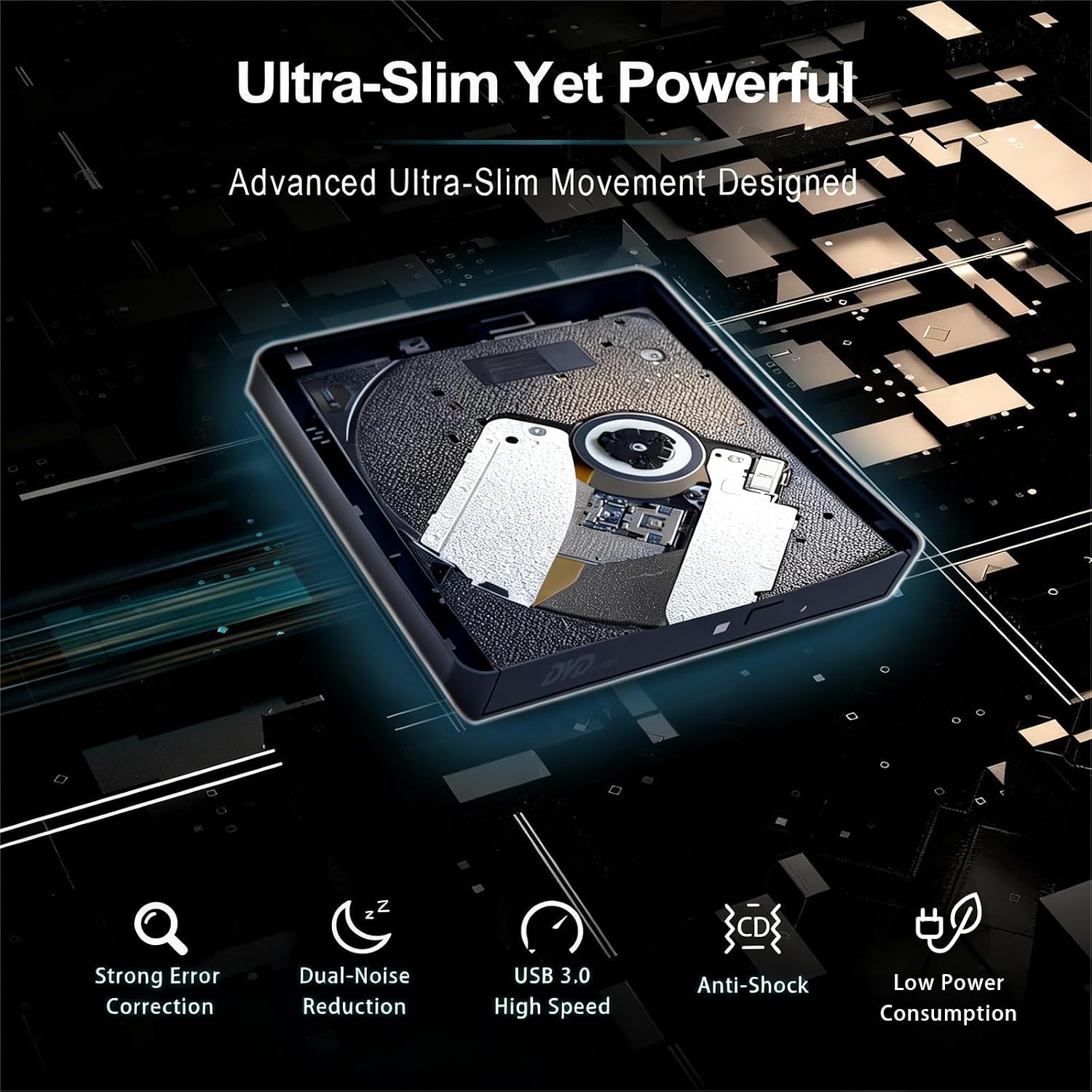
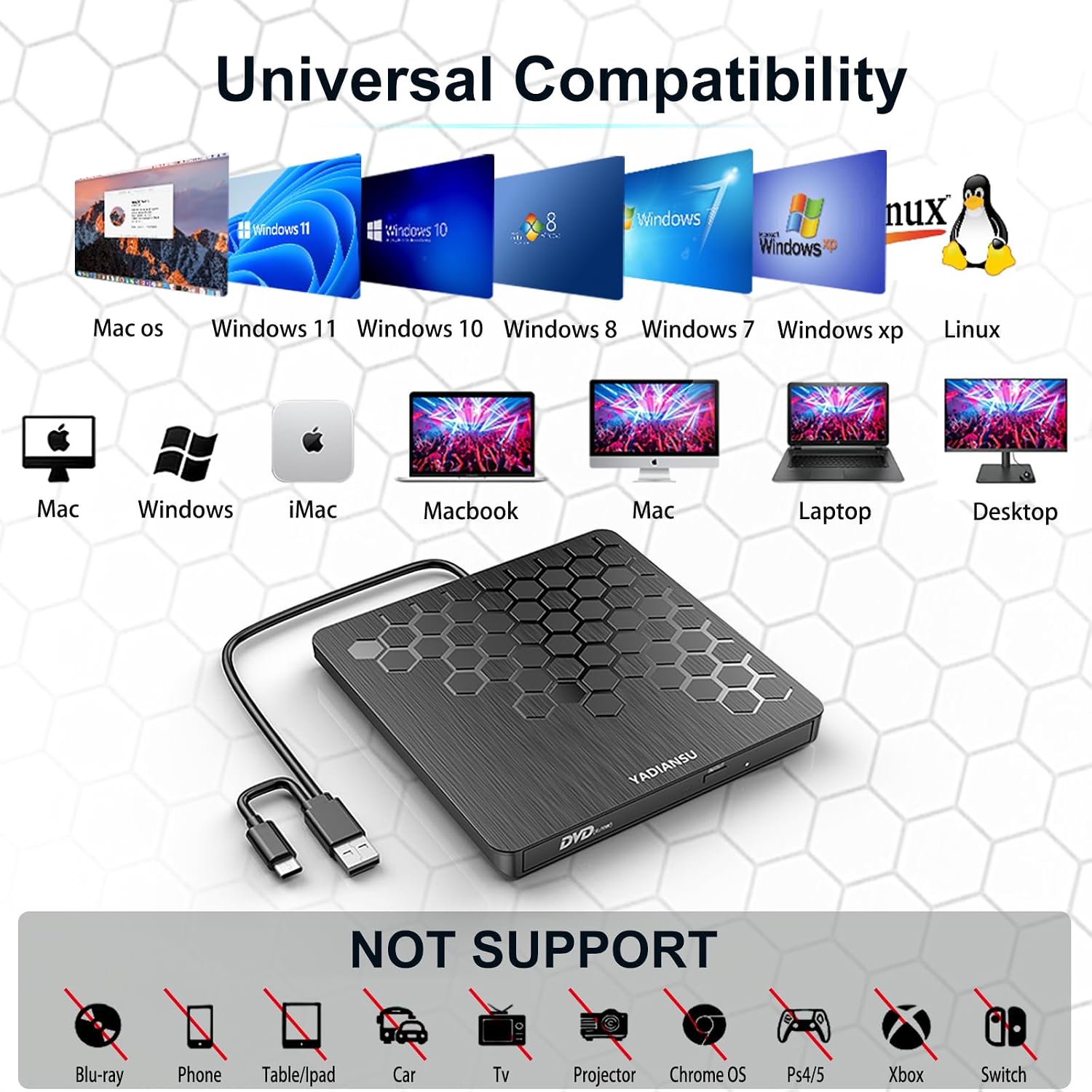
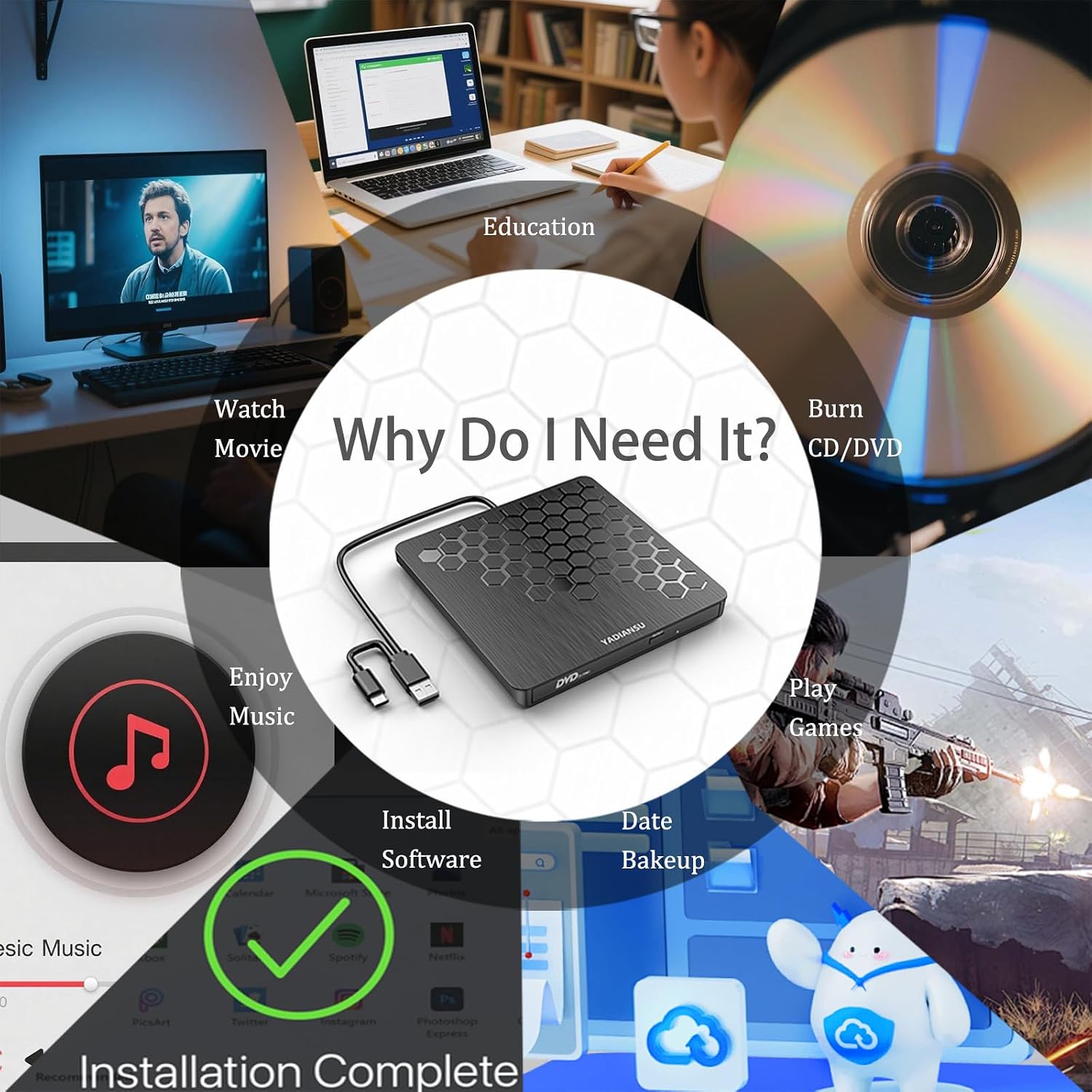
What it is and what it does\nThe YADIANSU External CD/DVD Drive is a slim, plug‑and‑play optical drive designed to read and write CDs and DVDs via USB 3.0 or USB‑C. With automatic driver installation and no external power required, it aims to be a practical companion for laptops and desktop setups that lack an internal optical drive. On paper, it promises broad compatibility across Windows, Mac OS, and Linux environments, along with fast data transfer thanks to USB 3.0. In real-world use, the drive can be convenient for software installations, data backups, or accessing legacy discs.\n\n## Compatibility and what it supports\nThe unit is described as compatible with Windows 11/10/8/7/Vista, XP and various legacy Windows variants, plus Mac OS and Linux. It can read and write a wide range of discs, including CD+/-R, CD+/-RW, DVD+/-R, DVD+/-RW, DVD-RAM, VCD, and SVCD. Note that Blu‑ray and 4K discs aren’t supported, and the device isn’t listed as compatible with ChromeOS, Ubuntu, or gaming consoles. For Mac users, there’s a small caveat: the device icon may appear only after a disc is inserted and recognised. This reflects a common macOS quirk rather than a fault of the drive.\n\n## Design, portability and build feel\nAt just 13 mm thick and about 0.2 kg, it’s positioned as a genuinely portable option. The 2‑in‑1 data cable offers both USB‑A and USB‑C connectivity, which should help in mixed-device environments. The advantage here is not needing a separate power supply, which keeps it pocketable for travel, office work, or occasional use at client sites. The trade-off with slim, portable drives is typically robustness, while the description emphasises durability and two decades of manufacturing experience, you may want to handle it with reasonable care if you travel with it.\n\n## Real‑world use cases and practicality\nIf you often install software on family laptops, back up discs, or simply need a reader for older media, this drive can fill a gap without taking up desk space. It’s more of a practical back-pocket accessory than a premium performer. A common scenario is connecting it to a laptop to run software from an installation disc, then disconnecting and stowing it away. If you primarily use USB‑C devices, the Type‑C connection helps minimise dongle clutter.\n\n## Strengths and limitations\nWhat stands out is the no‑fuss, plug‑and‑play approach and the dual‑connector design that enhances compatibility across devices. The broad disc support is useful for mixed media tasks. However, the product explicitly notes that it does not support Blu‑ray or 4K discs, which limits high‑definition media work. For Mac users, the icon visibility quirk after disc recognition may be minor but worth knowing. The absence of a dedicated power supply is a practical boon, but for very demanding disc operations on low‑powered laptops, performance could hinge on the host USB port.\n\n## Who it’s for and who it isn’t the best for\nThis drive suits light to moderate disc use: software installations, data archival, or occasional playback on laptops without optical drives. It’s a sensible option if you want a compact, inexpensive external drive for everyday tasks. If you regularly work with Blu‑ray, 4K media, or gaming consoles, this device isn’t the right fit. Likewise, users expecting a rugged, high‑end, professional‑grade drive may find it misses some advanced features.\n\n## What to check before buying\n- Ensure your computer has a compatible USB port (USB‑A or USB‑C) to match the drive’s dual‑connector design.\n- Consider your typical discs, if you need Blu‑ray or 4K compatibility, this model won’t meet that need.\n- If you’re a Mac user, be aware of the small quirk about the device icon appearing after disc recognition.\n- Look for the warranty details, this unit comes with a 90‑day warranty from the manufacturer, which provides basic protection for early issues.\n\n## How it compares to alternative approaches\nIn a market where many laptops no longer include an optical drive, this external option sits between a basic USB‑driven reader and a more robust, higher‑priced external unit. If you need occasional disc access and portability at a modest price, it makes sense to favour a compact 2‑in‑1 USB 3.0/Type‑C setup over dragging around a larger, power‑hungry drive. For users prioritising durability or needing Blu‑ray/4K, a different class of drive would be more appropriate.\n\n## Practical example of use\nImagine you’re travelling and need to install a software package from a USB‑inaccessible CD. You connect the YADIANSU drive to your laptop, insert the disc, and within moments the installer begins auto‑recognising. After the installation, you eject the disc and slip the drive back into your bag. No extra power supply is required, and the dual USB connector helps keep setup tidy on your desk at home or in the hotel.\n\n## Should you buy it? (Decision)\nShould you buy it? Worth considering if you want a slim, portable, plug‑and‑play external optical drive for occasional reading and burning of CDs and DVDs, without needing an external power source. It’s particularly suitable for those who frequently travel or work on multiple devices with mixed USB ports. You may want to skip it if you require Blu‑ray/4K support, heavy‑duty disc use, or a drive with metallic robustness and advanced features. It’s a sensible mid‑range option for everyday compatibility and convenience.\n\n## Quick FAQ\n- Does it need external power? No, it is powered via USB.\n- Can it read Blu‑ray discs? No, Blu‑ray and 4K discs are not supported.\n- Will it work with a Macbook and macOS today? It should, with note that the device icon may appear only after disc recognition.\n- What about warranty? It comes with a 90‑day warranty from the manufacturer.\n- Is it good for long-term backing up discs? It’s suitable for light to moderate use, if you plan frequent backups, consider a drive with a longer warranty and potentially sturdier build.