


MUISOO Android 16 Tablet (10.1 inch) with 24GB RAM, 64GB ROM + 1TB microSD expansion
Product description
What it is and what it tries to solve
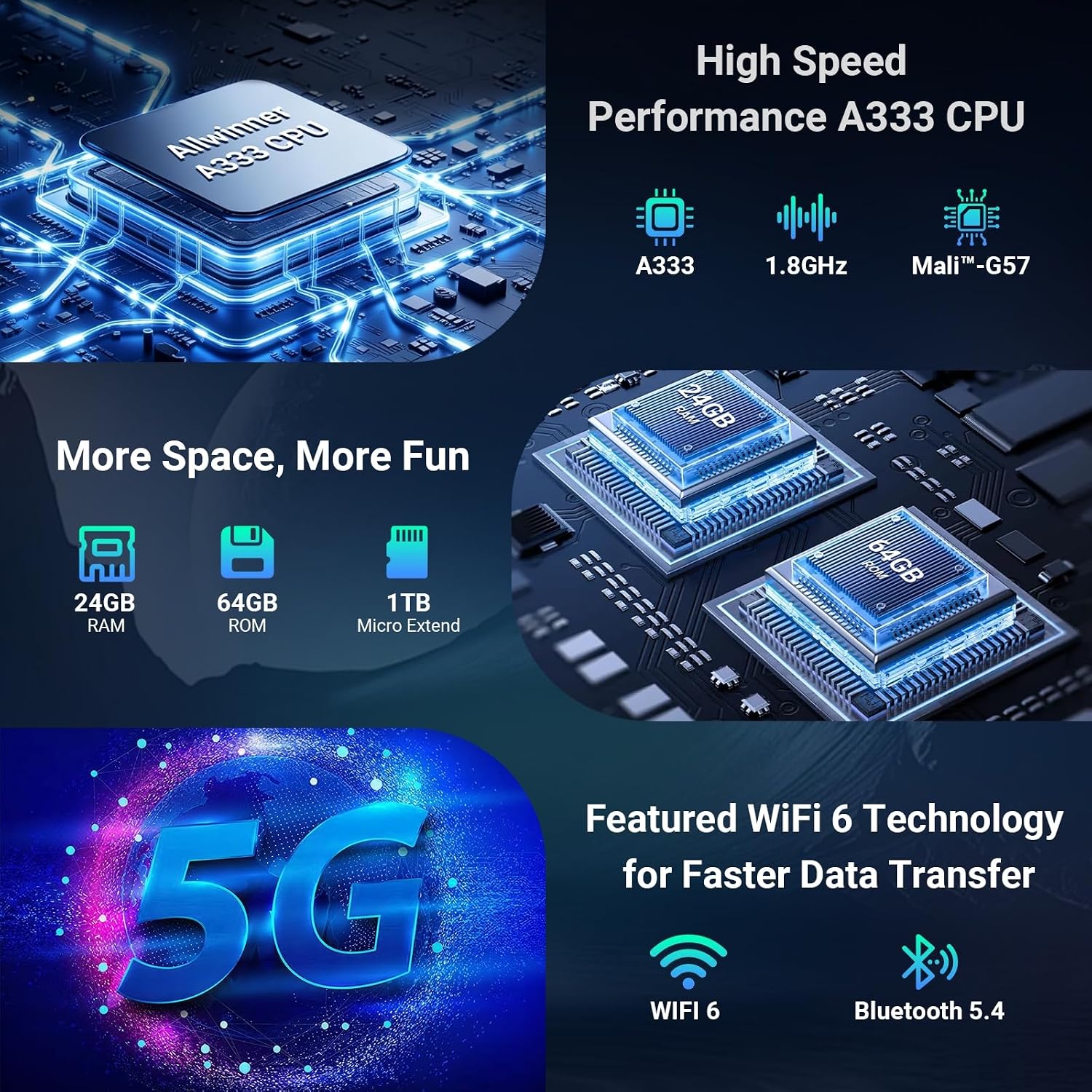
The MUISOO Android 16 tablet presents itself as a mid-to-high end Android tablet aimed at multitasking and versatility. With a sizeable 24GB of RAM (including virtual RAM) and 64GB of internal storage, plus support for a 1TB microSD expansion, it’s positioned to handle everyday productivity, media streaming, light gaming, and learning tasks without quickly running out of space. The device runs Android 16, which MUISOO markets as offering improved privacy controls and fast access to personalised settings.
Performance and software perspective
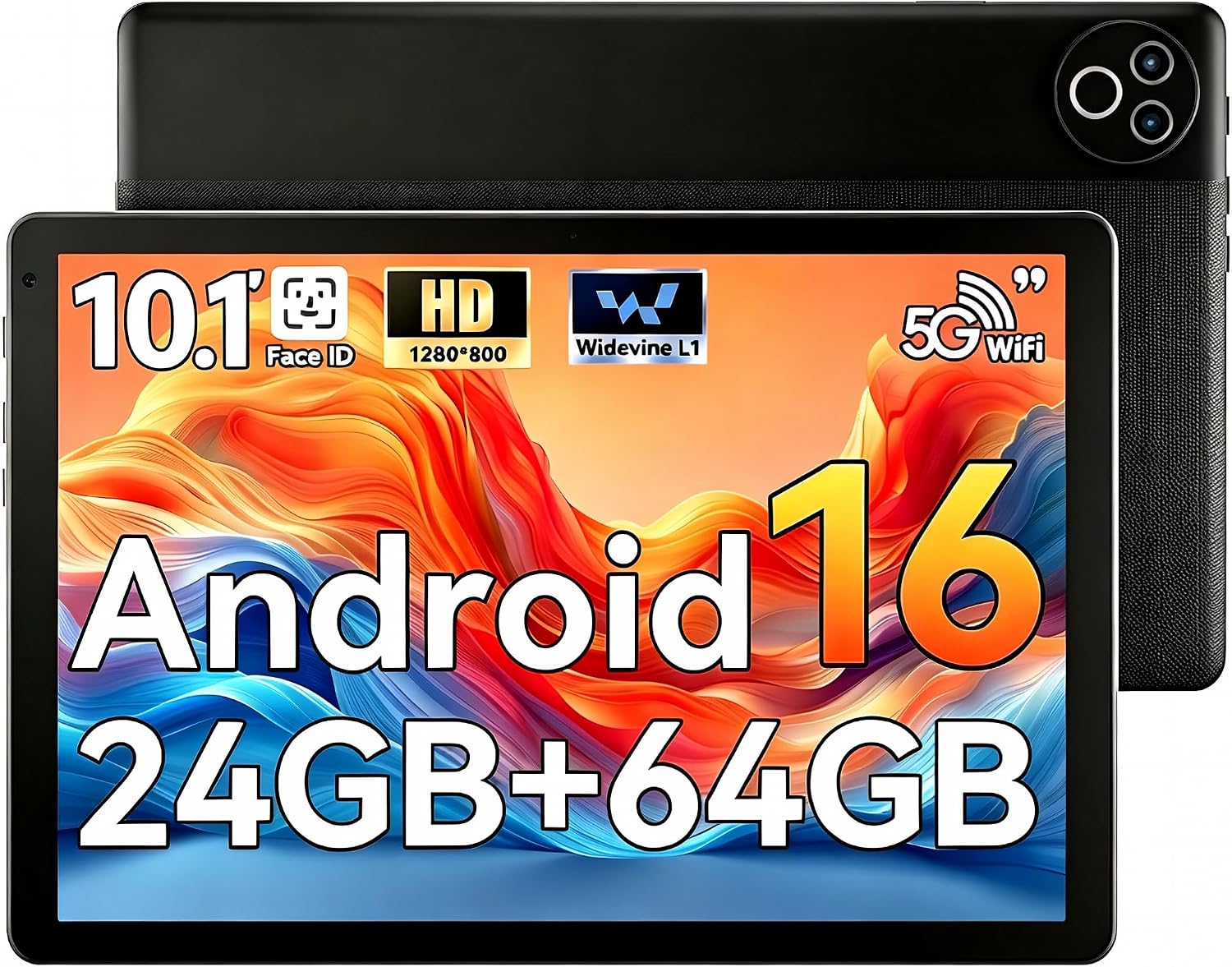
On paper, the penta-core 1.8GHz CPU paired with Mail G57 graphics suggests smooth performance for common apps, web browsing, and video playback. The inclusion of WiFi 6 and Bluetooth 5.4 helps with reliable connectivity and pairing, while Widevine L1 support indicates capable streaming from major services. It’s worth noting that Android OS versions can affect app compatibility and updates, if you rely on the latest features of a newer OS, confirm ongoing support and app compatibility.
Display and multimedia
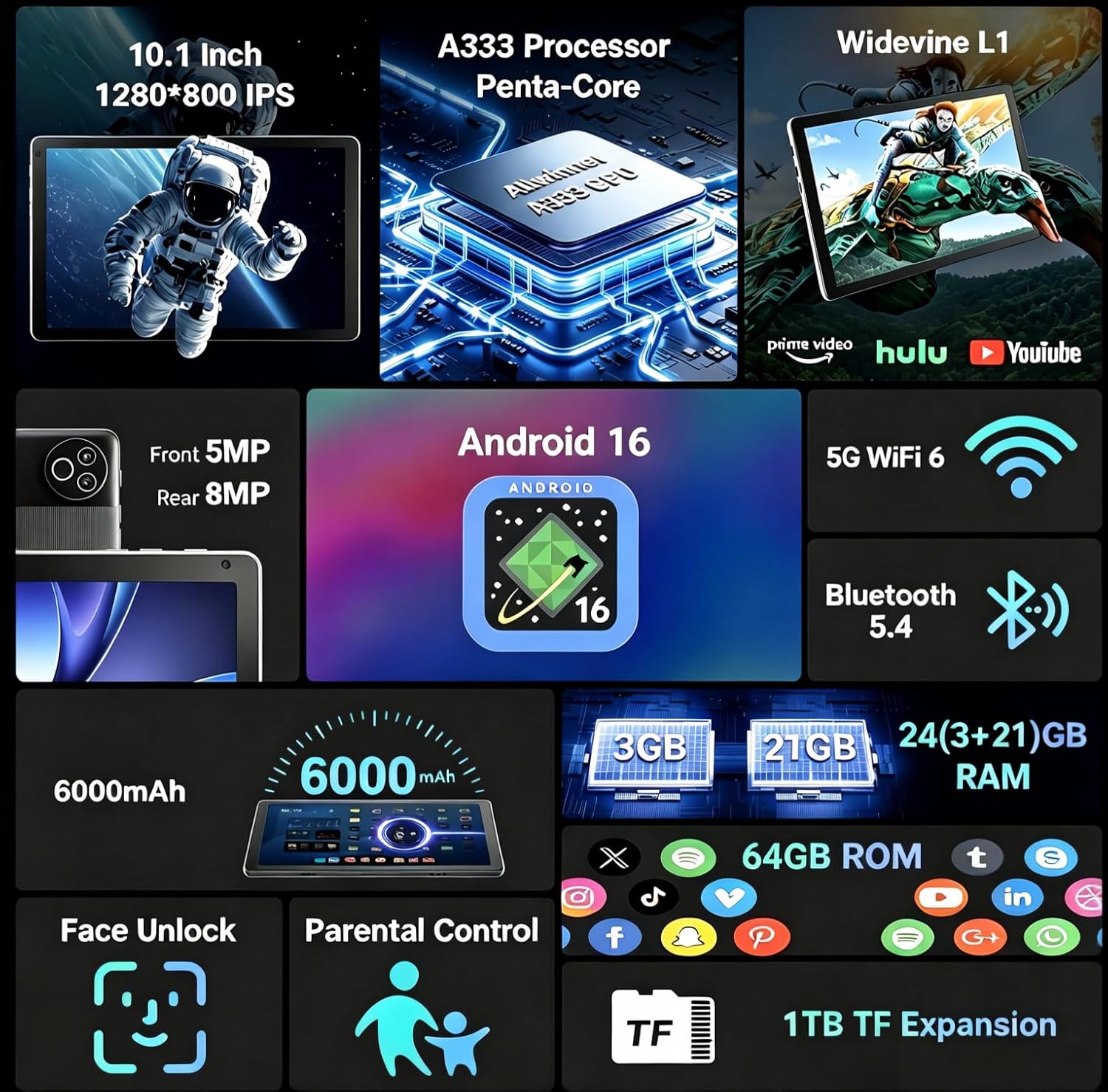
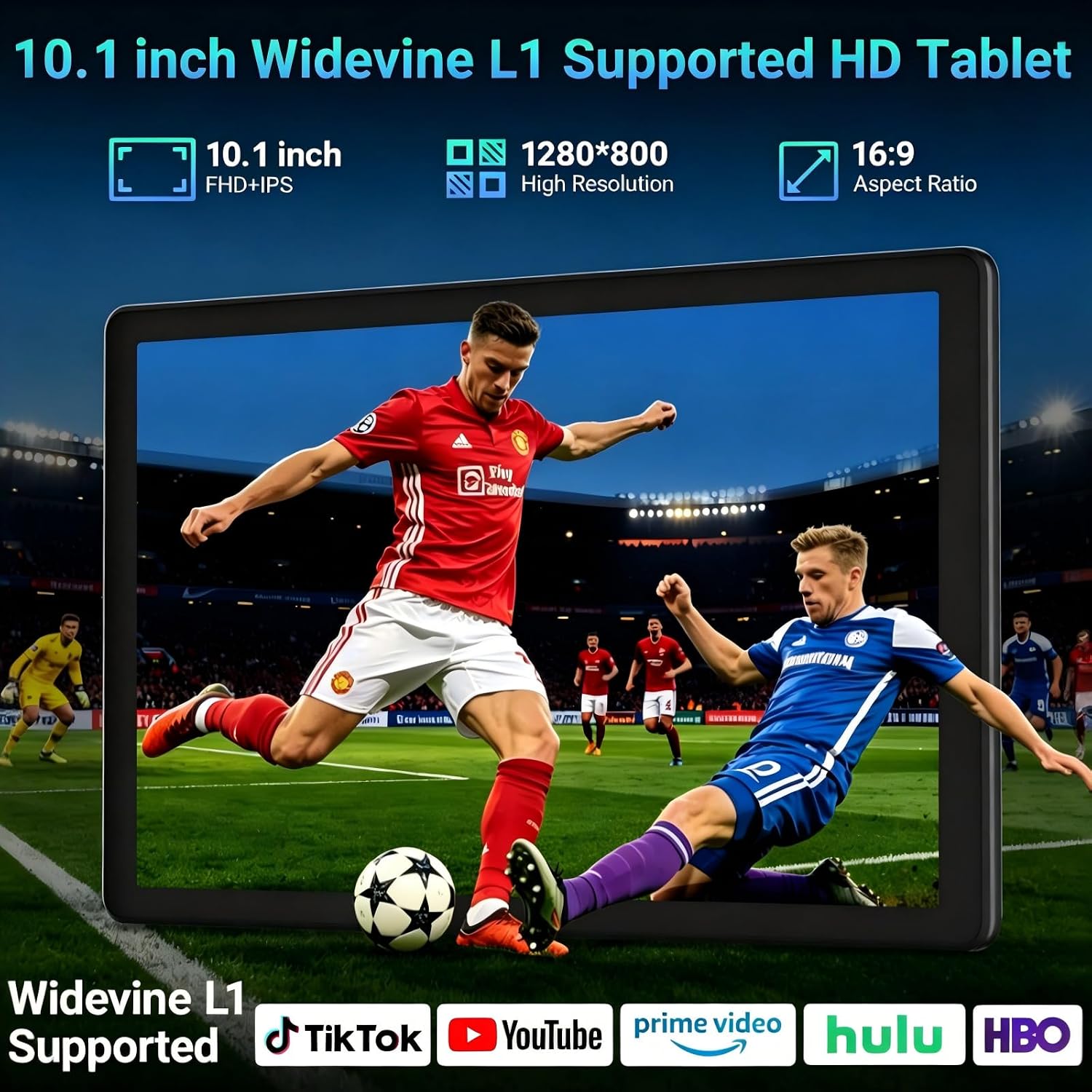
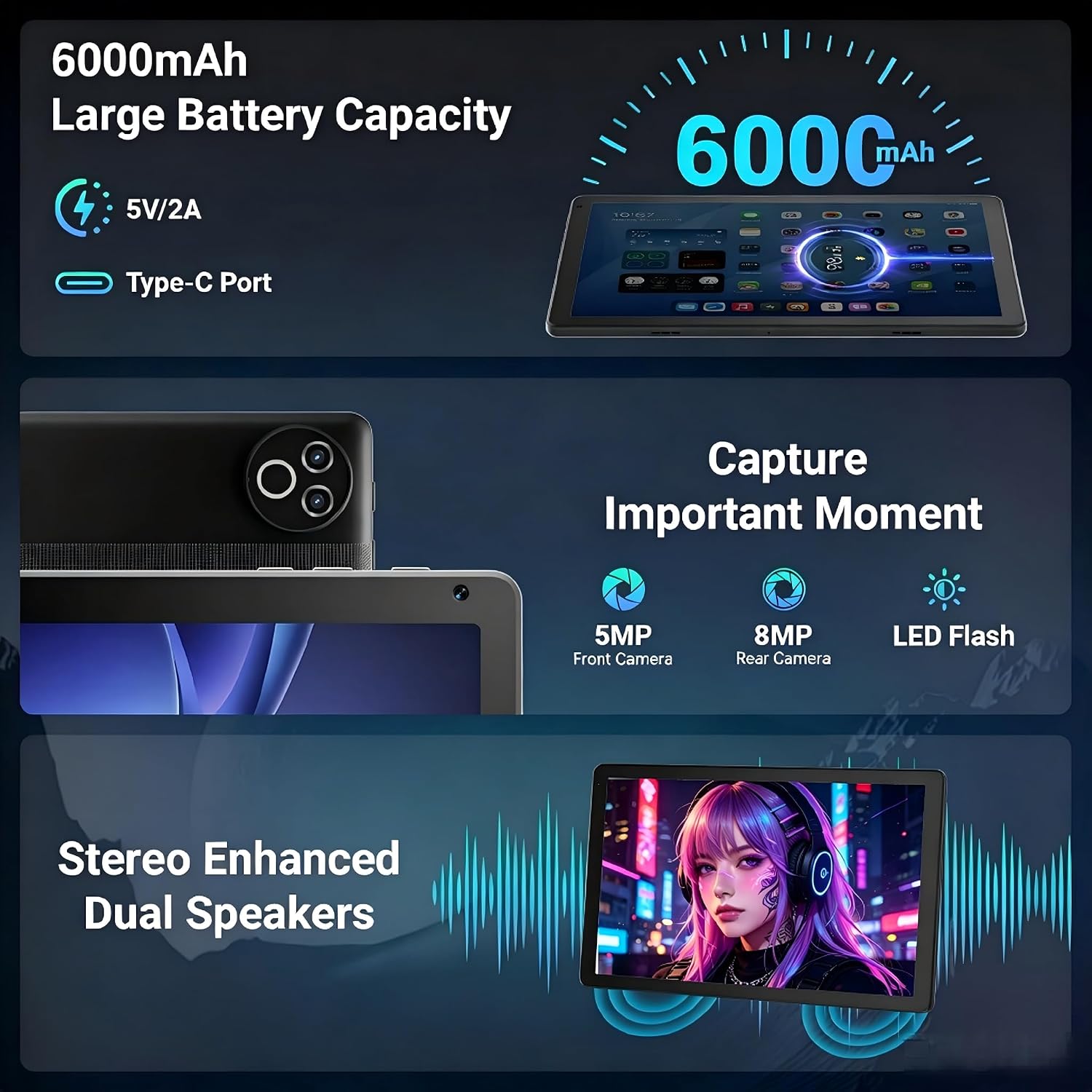
The tablet uses a 1280 × 800 IPS panel on a 10.1 inch (as per the product name) screen. While this resolution is modest by today’s standards, it should deliver decent clarity for casual browsing, reading, and video in good light. The dual cameras (8MP rear and 5MP front) open up quick video calls and basic photo capture, though expect limitations in low light and creative photography. The 6000 mAh battery promises a full day of light-to-moderate use, but real-world endurance will depend on screen brightness, background tasks, and app choice.
Design, camera and features
Casing in black and a modern tablet silhouette aim for practicality over flash. Facial recognition adds a quick unlock option, which can enhance convenience and privacy. The device’s capacity for external storage is a real bonus if you plan to keep large video files or offline content. It’s also useful for families and students who may want to hand a single device to multiple users with different profiles.
Who it’s for and who it isn’t

If you’re looking for a capable workhorse for emails, documents, web research, streaming, and occasional gaming on a generous RAM budget, this MUISOO could be a strong candidate, particularly if you value memory headroom and expandable storage. However, if you demand a higher-resolution display for photo editing, or prefer premium build quality and flagship cameras, you may find the 1280 × 800 panel and the camera system lacking.
Practical usage scenarios
- A student or family member who wants a dedicated learning or media device with space to grow via microSD.
- A light gamer who appreciates smooth navigation and enough RAM to keep multiple apps open.
- A commuter needing quick access to videos and documents, with reliable WiFi 6 connectivity and quick unlock.
What to check before buying
- Confirm the exact screen size on the unit you’re purchasing (the listing title mentions 10.1 inch, while some descriptions cite 10.4 inch).
- Check current Android 16 app compatibility and whether the device will receive future updates.
- Consider how you’ll manage storage: the 1TB expansion is helpful, but SD card speed and reliability matter for performance.
- Evaluate charging options and whether the battery life aligns with your typical day’s usage.
Comparisons and buying angles
Compared with entry-level tablets, this MUISOO offers unusually large RAM and large internal storage, which is compelling if you juggle several apps or want room for apps and media. If your priorities are a brighter, higher-res display and more advanced camera performance, you might prefer models that prioritise screen quality and camera sensors.
What you’ll notice in day-to-day use
Expect quick multitasking, snappy app launches for common tasks, and the ability to keep several tabs or apps open with minimal slowdowns. The face unlock feature adds convenience for quick access, though you’ll still want a backup unlock method for security.
Decision time: Should you buy it?
Is it worth it?
If you prioritise large RAM and substantial internal storage with flexible expansion, plus modern wireless connectivity and a privacy-focused OS, this tablet makes sense as a practical everyday companion for learning, work tasks, and media consumption.
FAQ
- What is the screen size? The listing mentions 10.1 inch as the core size, though other descriptions note 10.4 inch—verify the exact spec with the seller.
- Can I use a microSD card to reach 1TB? Yes, expansion to 1TB is supported via microSD card (card not included).
- Does it support high-definition streaming? Widevine L1 support enables HD streaming on compatible apps and services.
- Is Android 16 stable for daily use? Android 16 includes privacy enhancements and personalised settings, practical stability will depend on app compatibility and updates.
- How long does the battery last in practice? The 6000 mAh battery is designed for extended use, but actual endurance depends on screen brightness, apps, and network activity.