


MSI Modern MD272QXPW 27 Inch WQHD Monitor
Product description
Key features
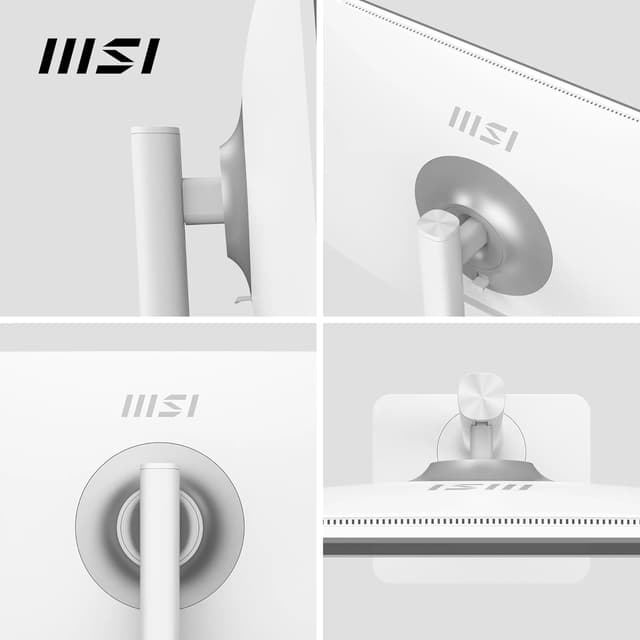
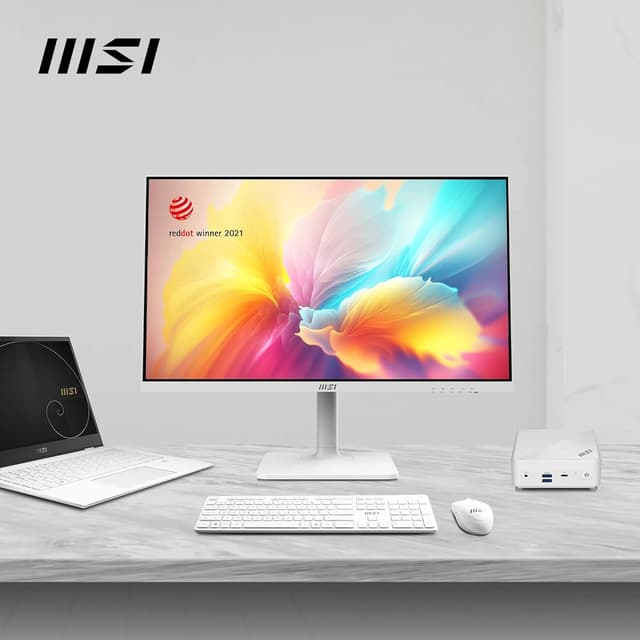
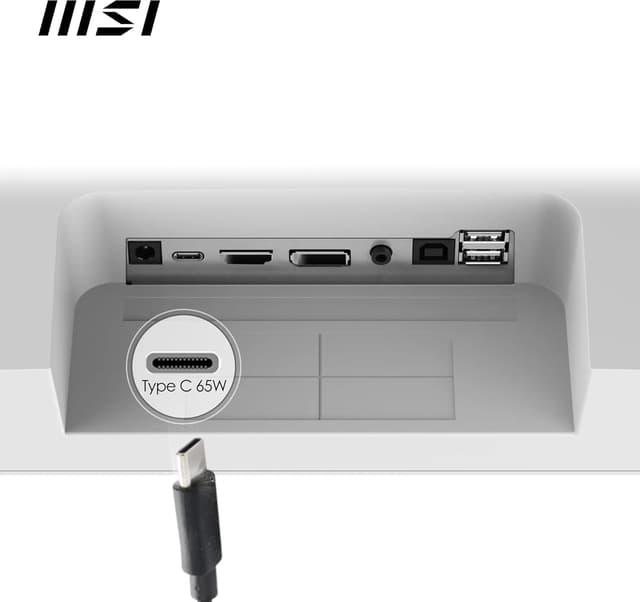
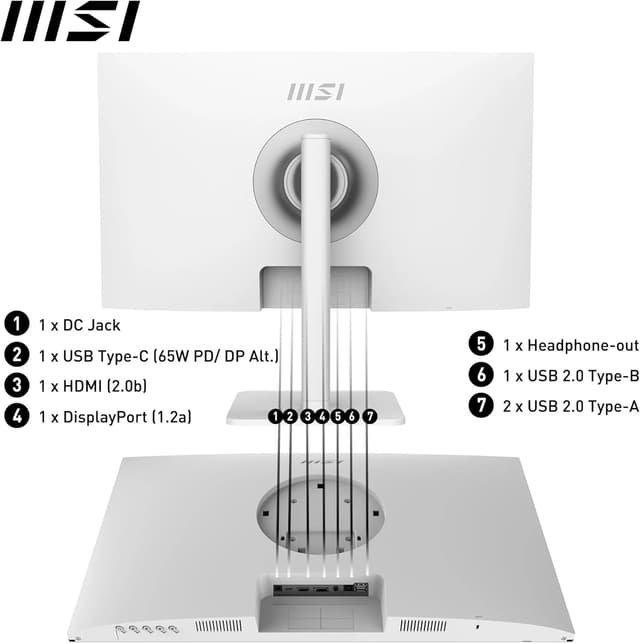
The MSI Modern MD272QXPW is a 27 inch WQHD office monitor designed for everyday productivity. It combines a sharp 2560 x 1440 IPS panel with a smooth 100 Hz refresh rate, helping you move through spreadsheets and documents with less motion blur. The elegant design, awarded for its aesthetics, sits neatly on a 4 way adjustable stand that supports both portrait and landscape use, making it a versatile addition to any desk. Eye friendly technology, including TÜV Rheinland certified low blue light and anti flicker, helps reduce fatigue during long work sessions while maintaining vivid, accurate colours. Built with practicality in mind, it offers multiple connectivity options including USB Type-C, DisplayPort and HDMI, plus a built in KVM for easy control of multiple systems from a single screen.
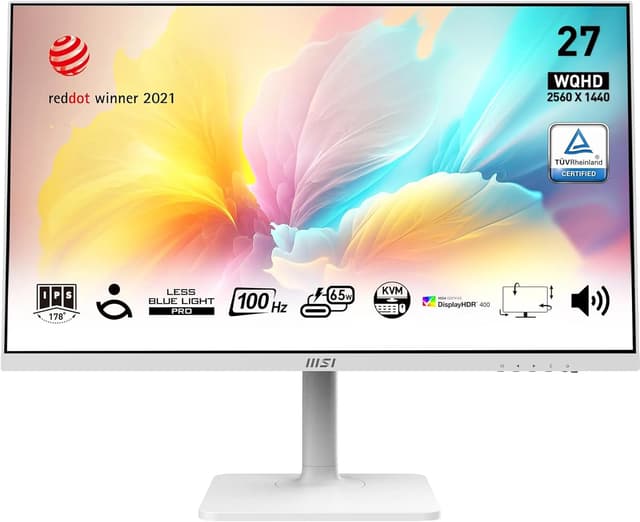
Technical details
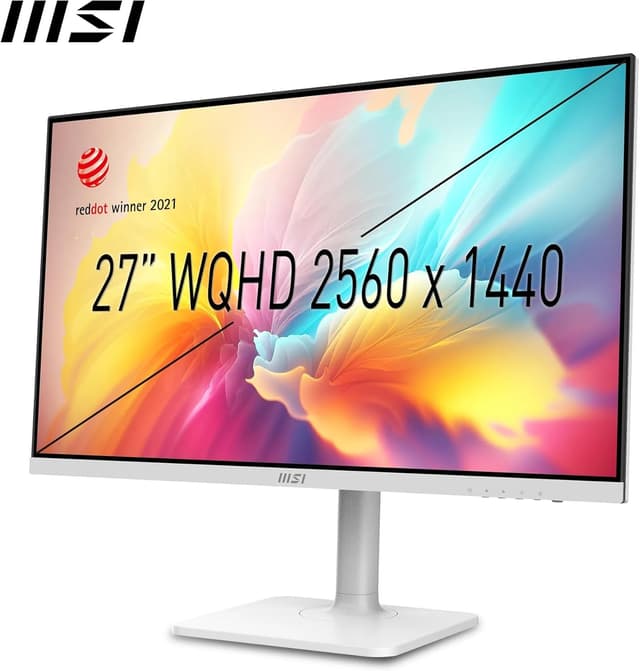
- Name: MSI Modern MD272QXPW 27 Inch WQHD Office Monitor
- Type: Monitor
- Format: WQHD
- Size: 27 inch
- Resolution: 2560 x 1440
- Refresh rate: 100 Hz
- Panel: IPS
- Display: IPS Panel
Usage tips
This monitor is well suited to everyday office tasks, creative work and light multitasking. Position it at a comfortable eye level and use the adjustable stand to align the screen with your seating posture, reducing neck strain. If you work across multiple devices, the built in KVM allows you to switch control between systems without swapping cables, while the USB-C connection can carry both DisplayPort alt mode and power delivery for cleaner desk setup. Remember to enable the Eye Comfort features if you spend long periods in front of the screen, as these can help minimise blue light exposure and screen flicker. For mounting flexibility, utilise the 75 mm VESA compatibility to attach the display to an arm or wall mount and save valuable desk space.