

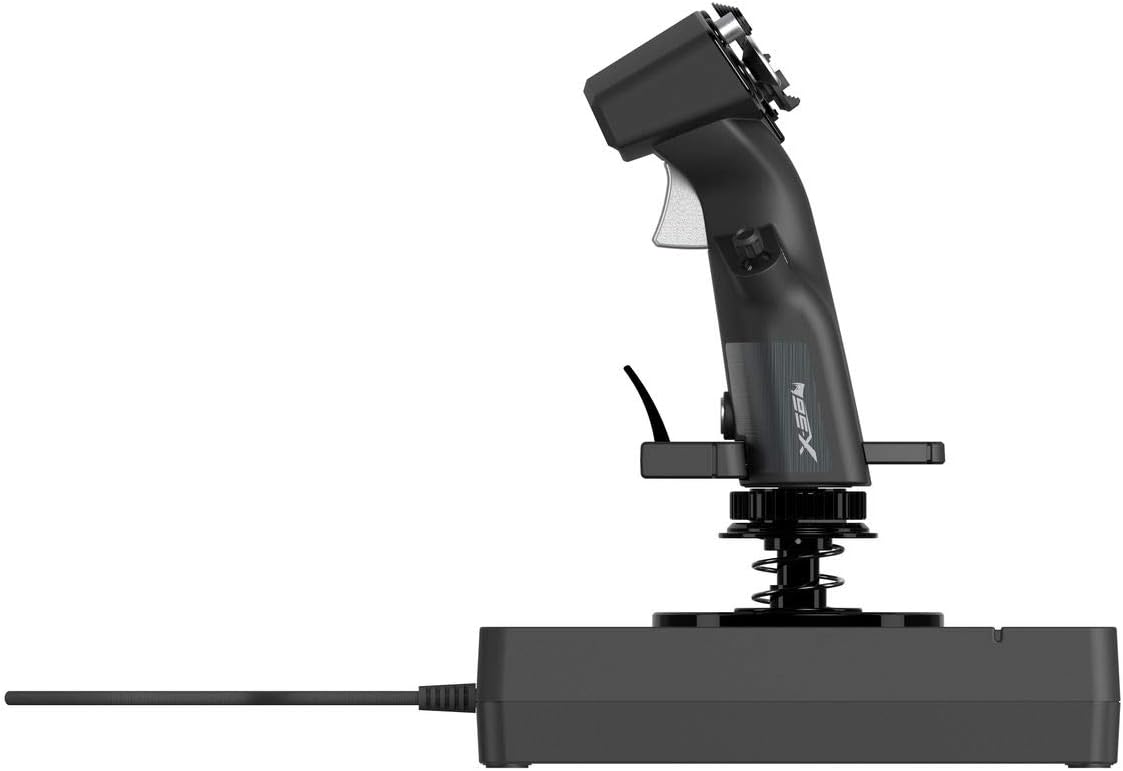
Logitech G X56 HOTAS Throttle and Joystick flight controller with RGB lighting, 6 DoF and programmable controls (PC) — Black
Reviews
Price
Product description
What it is and why people buy it
The Logitech G X56 is a HOTAS flight simulator controller made for PC sim pilots who want more hands-on control than a standard gamepad can offer. It bundles a throttle with a joystick, aiming to put key flight axes under your thumbs and fingers, while also letting you map a wide set of actions to physical controls.
On paper, the headline is “six degrees of freedom”, alongside minuscule, controllable movement using analog hardware. The X56 also positions itself for players who care about immersion — not just in the cockpit, but with features like RGB lighting and a layout that’s meant to feel natural when you’re flying for longer sessions.
If you’ve ever fiddled with keyboard bindings or tried to manage power, trim and weapons shortcuts on a controller while also flying precisely, this is the kind of setup that’s meant to reduce that mental load.
The control feel: 6 degrees of freedom and analogue axes
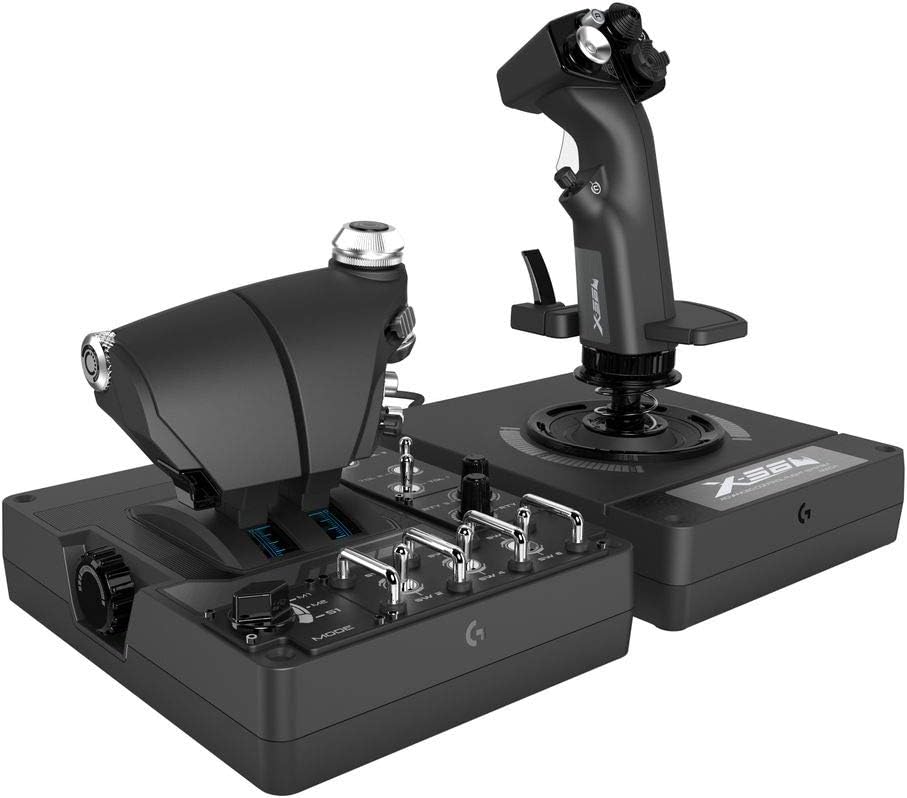
The X56 includes mini analogue thumb-operated controls and provides additional axes beyond that core stick feel. It also uses Hall-effect sensors (described as non-contact) for precision on key axes like ailerons and depth/rudder type controls.
That Hall-effect approach is notable because it’s designed to avoid wear-related drift that can show up with some contact-based systems over time. The description also mentions an adjustable spring tension system, which is there to help you tune resistance to your preferences — heavier for more stability, lighter for quicker flicks. It’s not something you can “set and forget” forever, though, you’ll likely want to spend a little time matching the feel to your style.
What stands out day-to-day
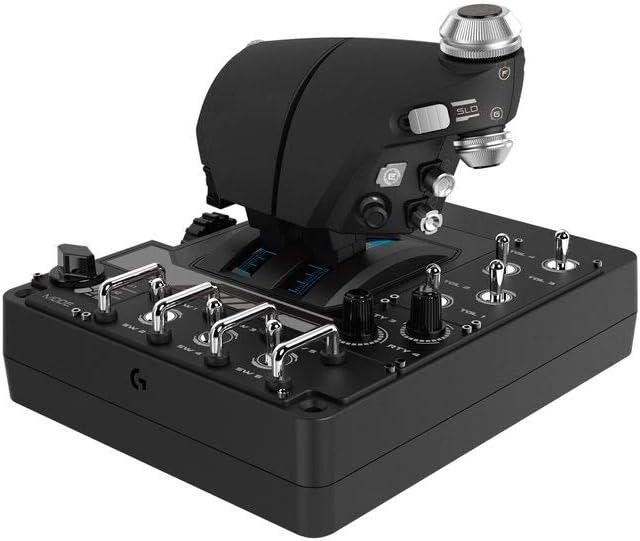
A practical reason pilots look at the X56 is the throttle side, especially if you fly aircraft with more than one engine. The description points out two independent throttles, which can be handy in scenarios where you’re managing power asymmetry or dealing with engine trouble.
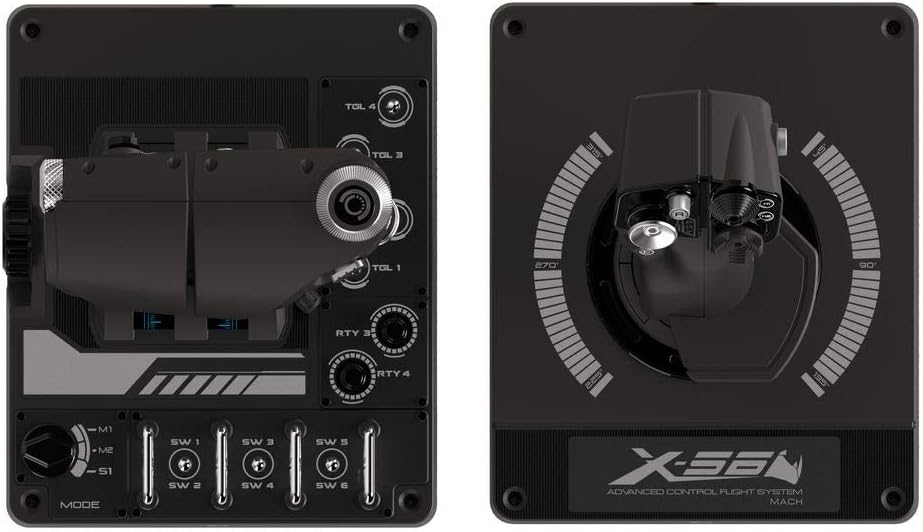
Another real-world win is customisation: the X56 is described with +189 programmable controls. In a flight sim, that’s the difference between “I can bind everything I need” and “I can only map the essentials”.
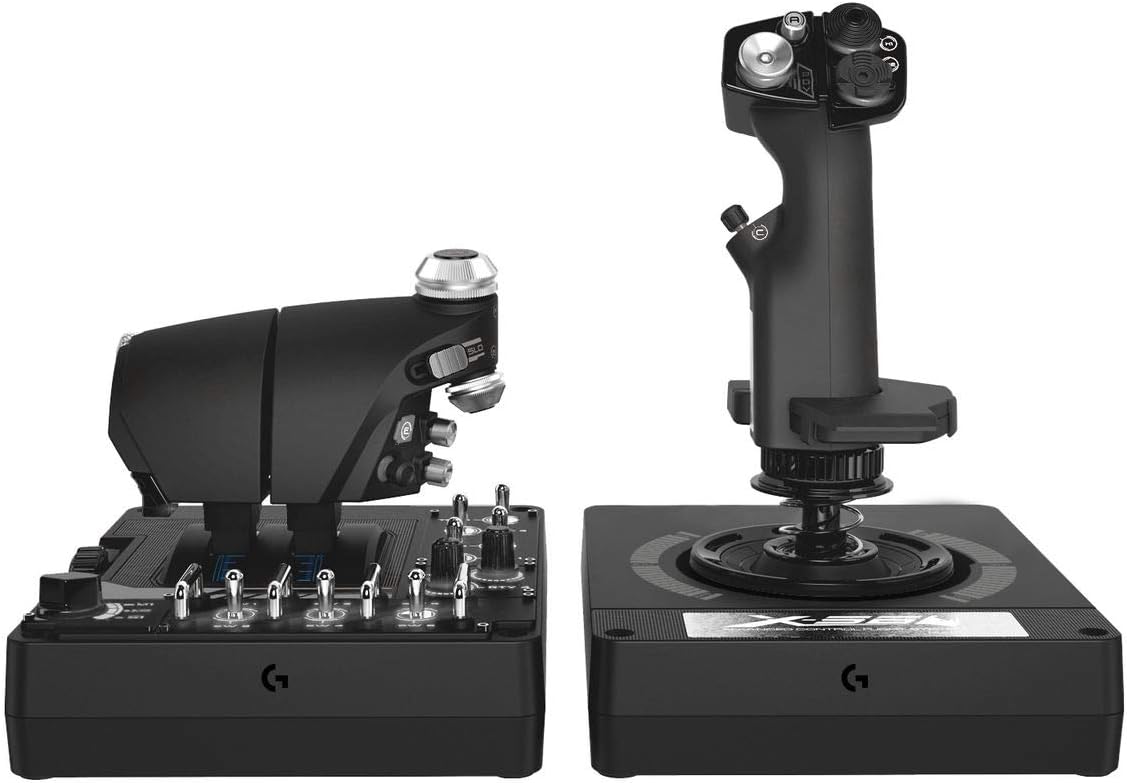
And yes, the RGB lighting can help with visibility in dim cockpits and with profile awareness — it’s not essential for performance, but it does make the hardware feel more like a cockpit tool than a generic controller.
Limits worth considering before you buy
This is a dedicated HOTAS system, so it’s not the easiest controller to live with if you mostly play casual games or you swap between many genres. The moment you’re using it, your desk space and setup routine matter.
Also, while the description calls out precision and adjustable spring options, there’s always a chance you may still prefer a different “weight” or movement style. If you’re the sort of pilot who is very picky about stick feel, be prepared for some personal tweaking.
What it is for (and when it may not fit)
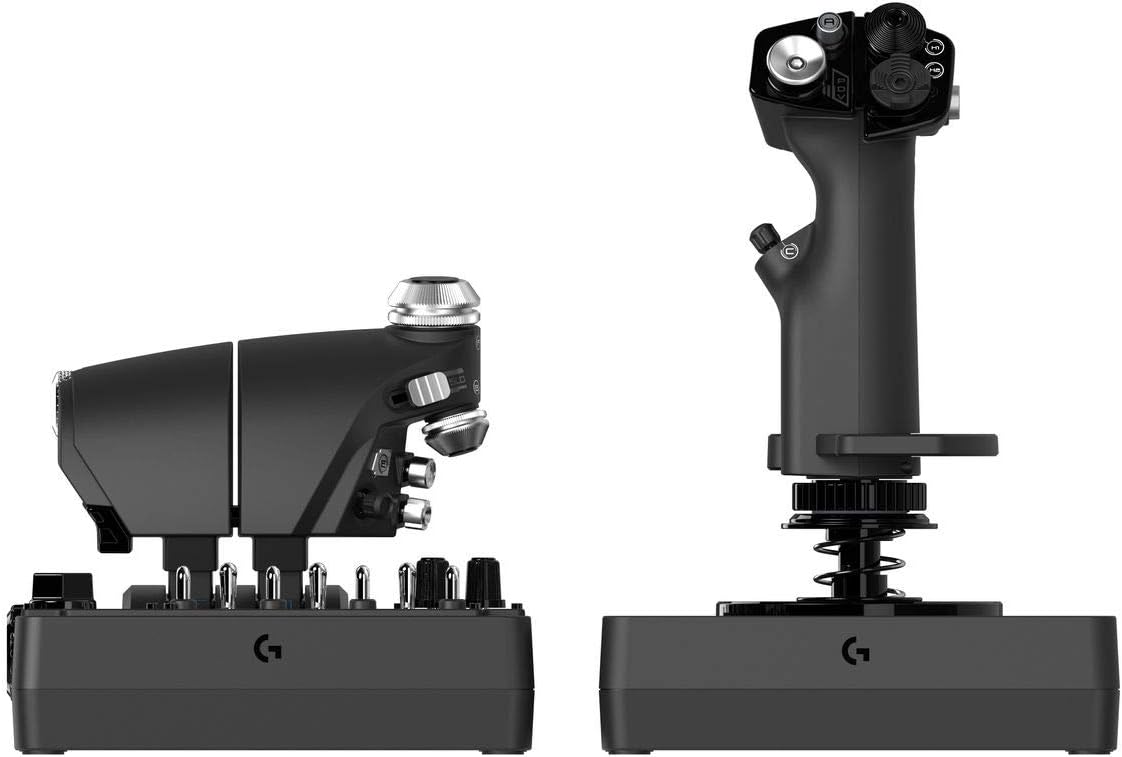
It makes sense if you:
- primarily play flight simulators on PC and want physical controls that support immersion
- like mapping many actions to hardware rather than relying on keyboard/mouse
- fly aircraft where two throttles (or independent power handling) are useful
- want adjustable feel via spring tension and a system designed around precise, non-contact sensing
You may want to skip it if you:
- mostly want a plug-and-play controller for all games
- don’t have room for a throttle-and-joystick setup
- are looking for a simple, low-fuss alternative rather than a deeper control system
Getting started: a micro use-case
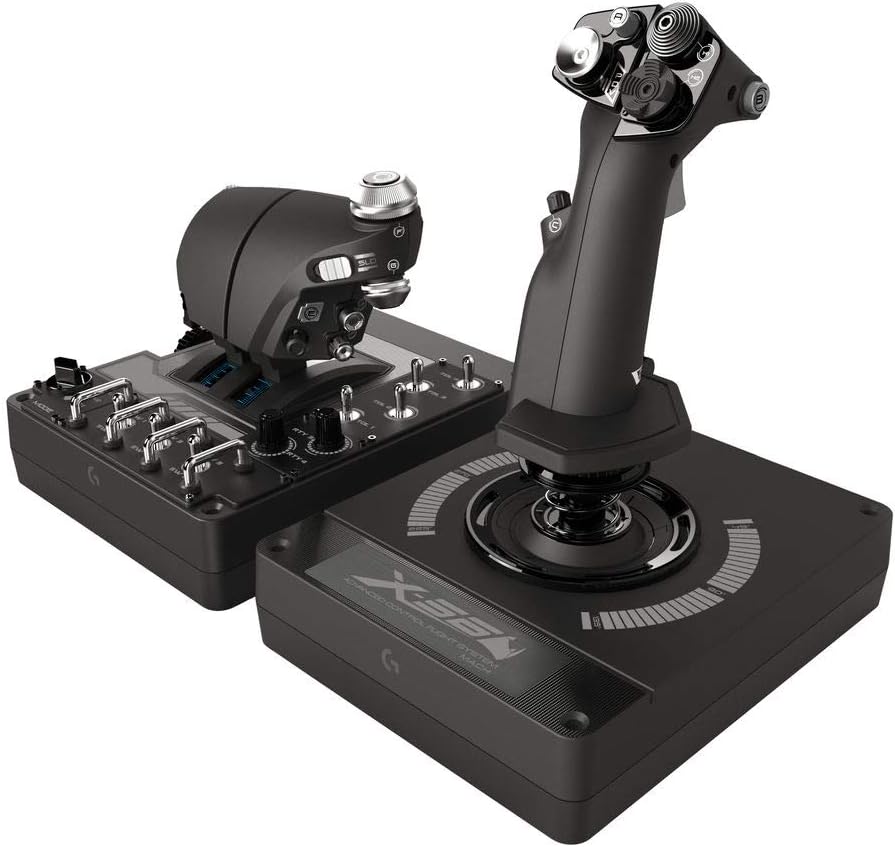
Imagine you’re doing a quick sortie: you spawn in, then immediately set your power using the two throttles, rather than hunting through menus. During approach, you switch to fine control for pitch/depth and use the thumb-controlled analogue mini-axes for steady adjustments. Then, with your programmable buttons set for actions like comms or landing tweaks, you can keep your hands where you need them instead of reaching for the keyboard.
That’s the kind of workflow the X56 is built around: fewer interruptions to flying, more direct control.
Tech summary
Tech specs
- Type: HOTAS throttle and joystick flight simulator controller (PC)
- Degrees of freedom: 6
- Analogue control: minithumbs analogue mini-axes, plus additional axes
- Sensors: Hall-effect non-contact sensing (for described precision on key axes)
- Spring options: 4 spring options
- Adjustable tension: adjustable spring tension system
- Programmable controls: +189
- RGB lighting: customisable
- Connections: 2x USB
- Colour: Black
Note: Some details (like exact compatibility with specific flight sim titles) aren’t provided in the information here, so it’s worth checking your game’s controller/HOTAS mapping support before settling.
Is it worth it?
The Logitech G X56 is a solid pick if you’re serious about PC flight sims and you want a HOTAS-style setup with analogue precision, adjustable feel, and a lot of programmable controls. The two independent throttles are especially relevant if your flights involve multi-engine handling or you just prefer power to be directly on hardware.
It may not be the best choice if you want one controller to cover everything, or if you don’t want to invest time in setting up mappings and dialling in spring tension to your preference. For pilots who enjoy tinkering and flying with physical controls, it’s the kind of system that tends to pay off over time.
Quick FAQ
FAQ
Does it support VR?
The description says it is “Apto para VR”, so it’s positioned as suitable for VR setups (though exact performance and integration details aren’t specified here).
What makes the controls precise?
It uses Hall-effect sensors (non-contact) for the axes that are described, plus an adjustable spring tension system.
Are the throttles separate?
Yes — it includes two independent throttles, which is useful for dual-engine scenarios mentioned in the description.
How customisable is it?
The system is described with +189 programmable controls and RGB lighting that you can customise.
Is this mainly for PC?
Yes, the product is listed for PC use, with 2x USB connections mentioned.