

CSL TM137U Vertical Ergonomic Mouse 1600dpi 🖱
Product description
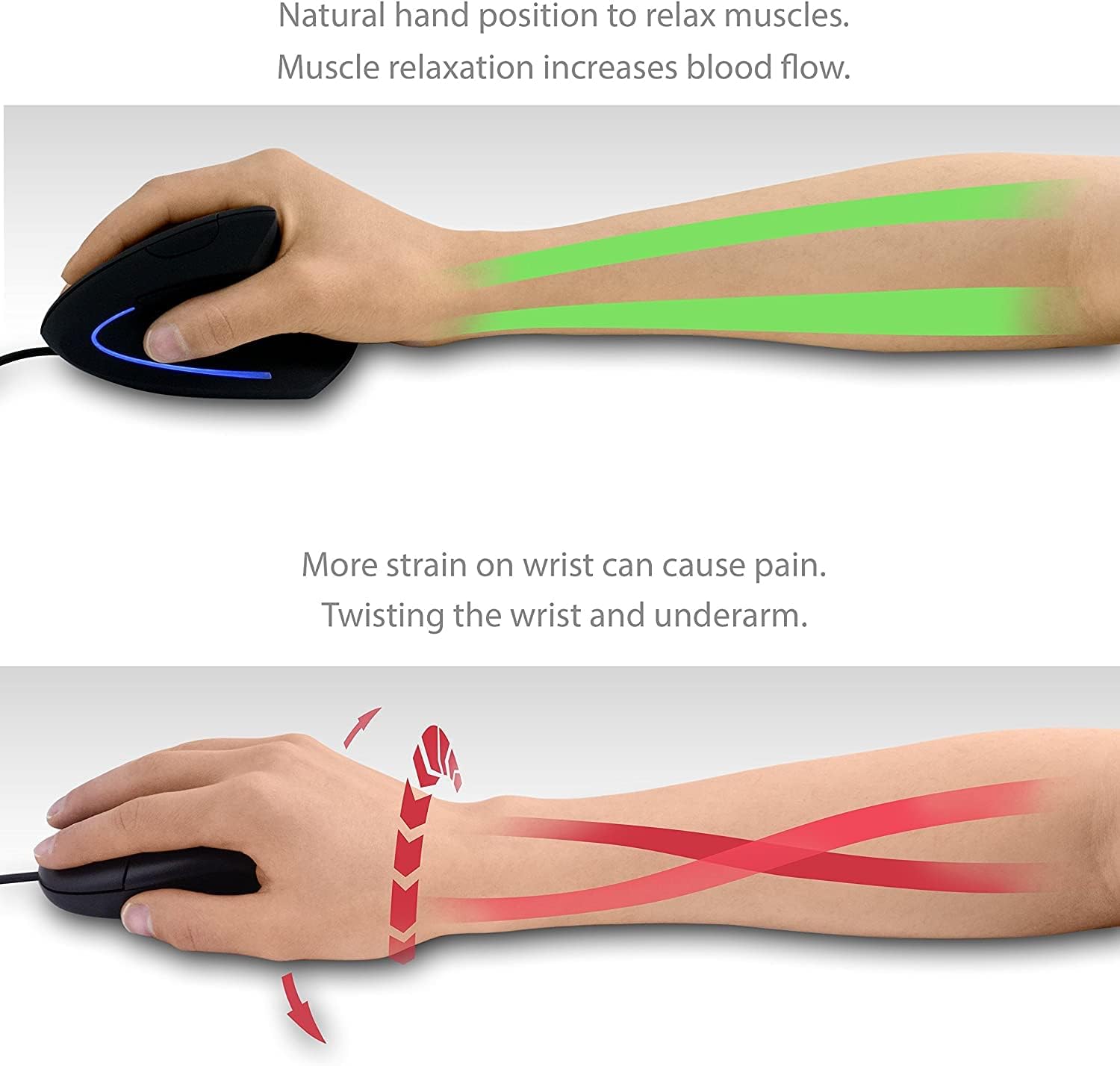
This vertical ergonomic USB mouse provides a more natural hand position to reduce strain while working on a laptop or desktop. The wired optical design offers selectable sensitivity up to 1600 dpi, making it practical for long browsing sessions and sustained office use. If you want to reduce the risk of mouse arm discomfort, this vertical shape helps with wrist alignment and handling.
Key Points
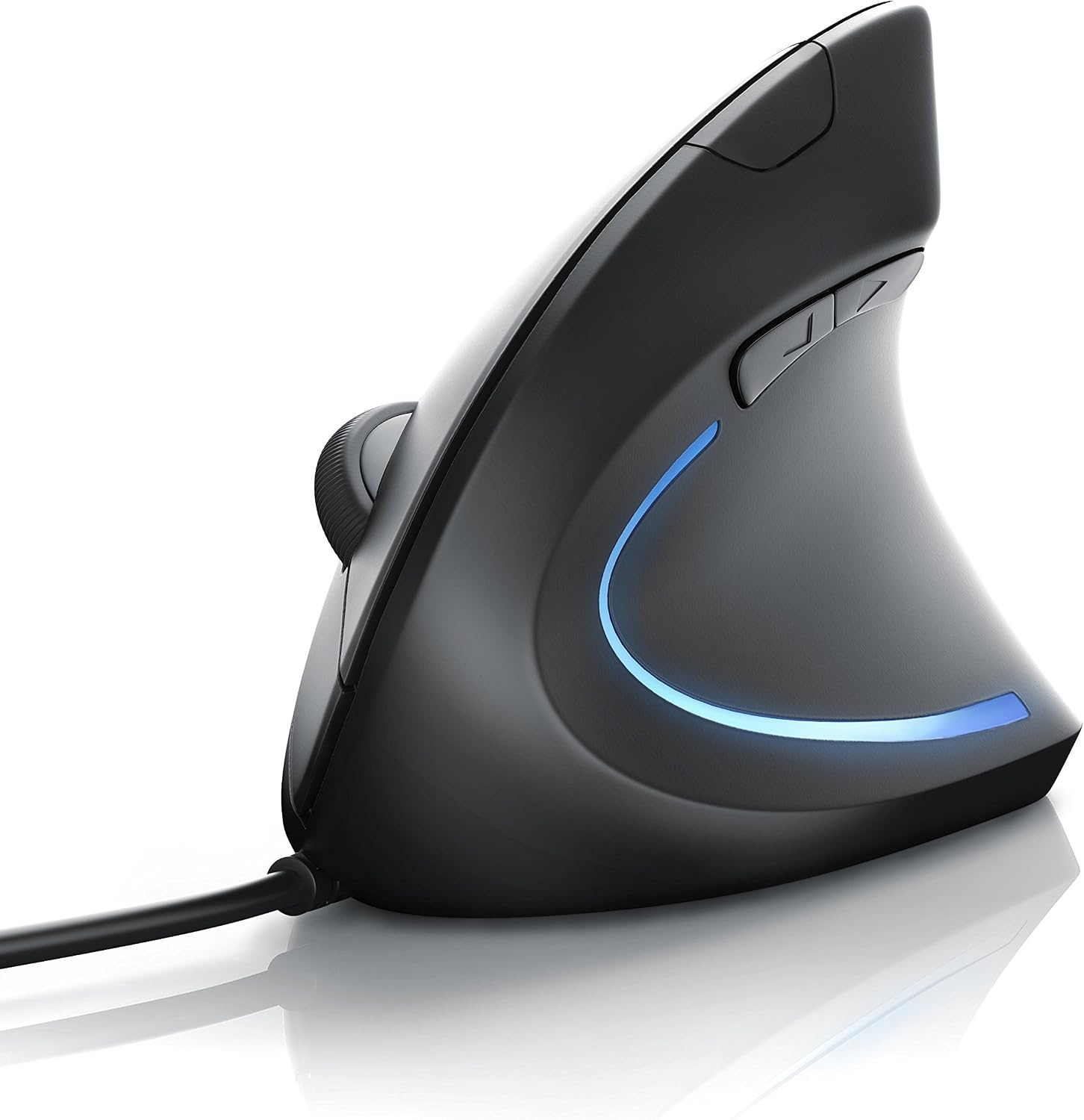
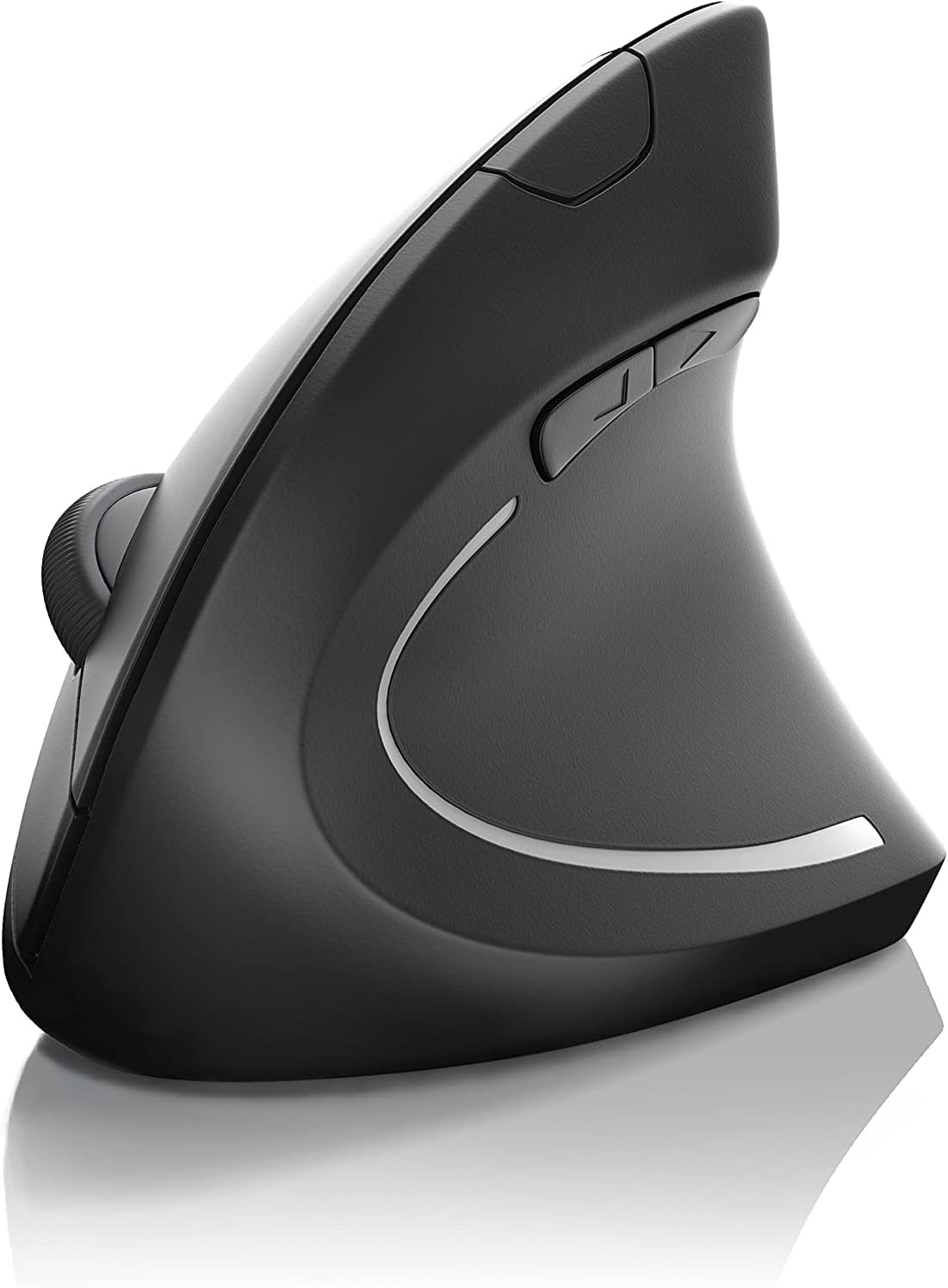
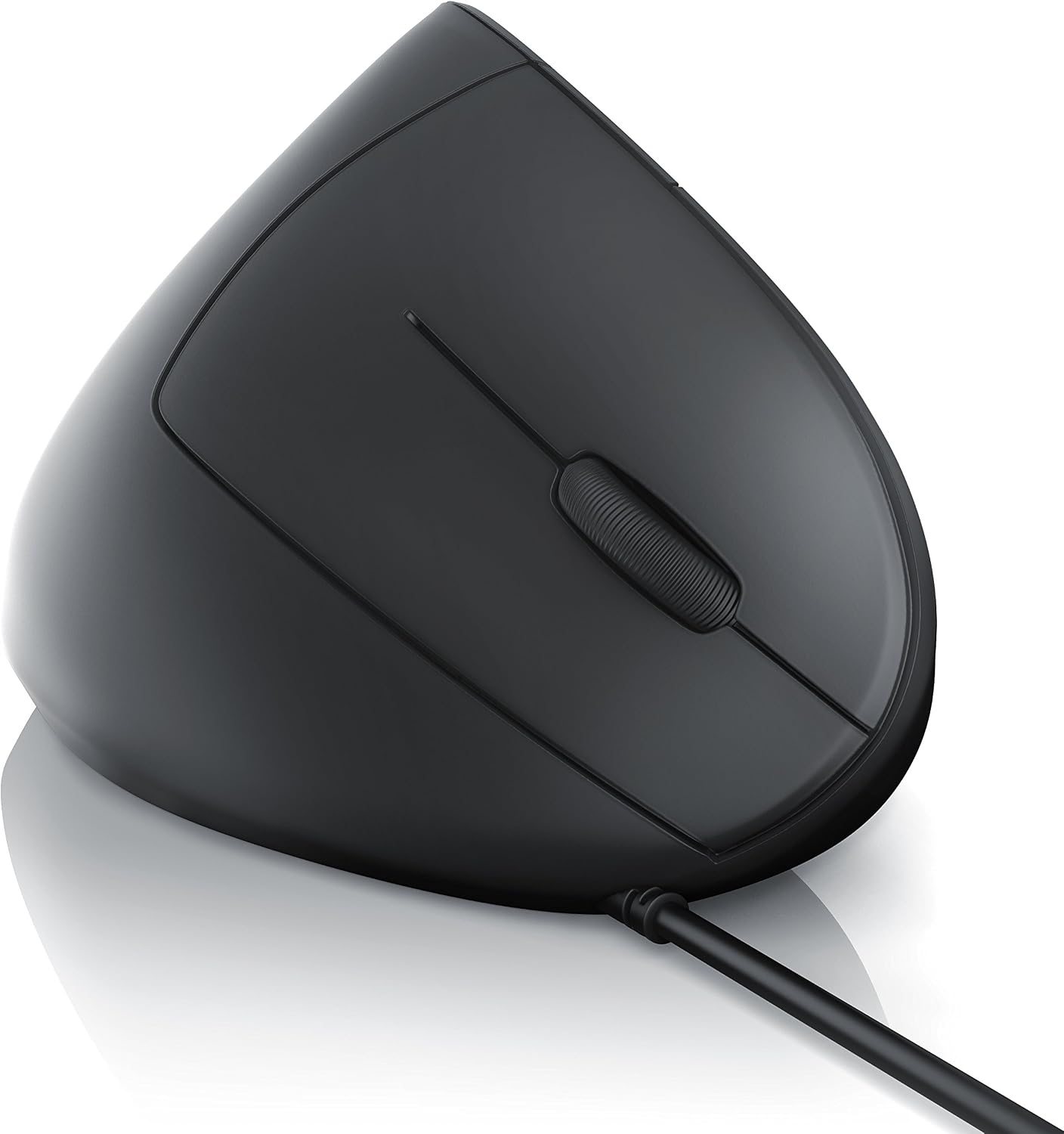
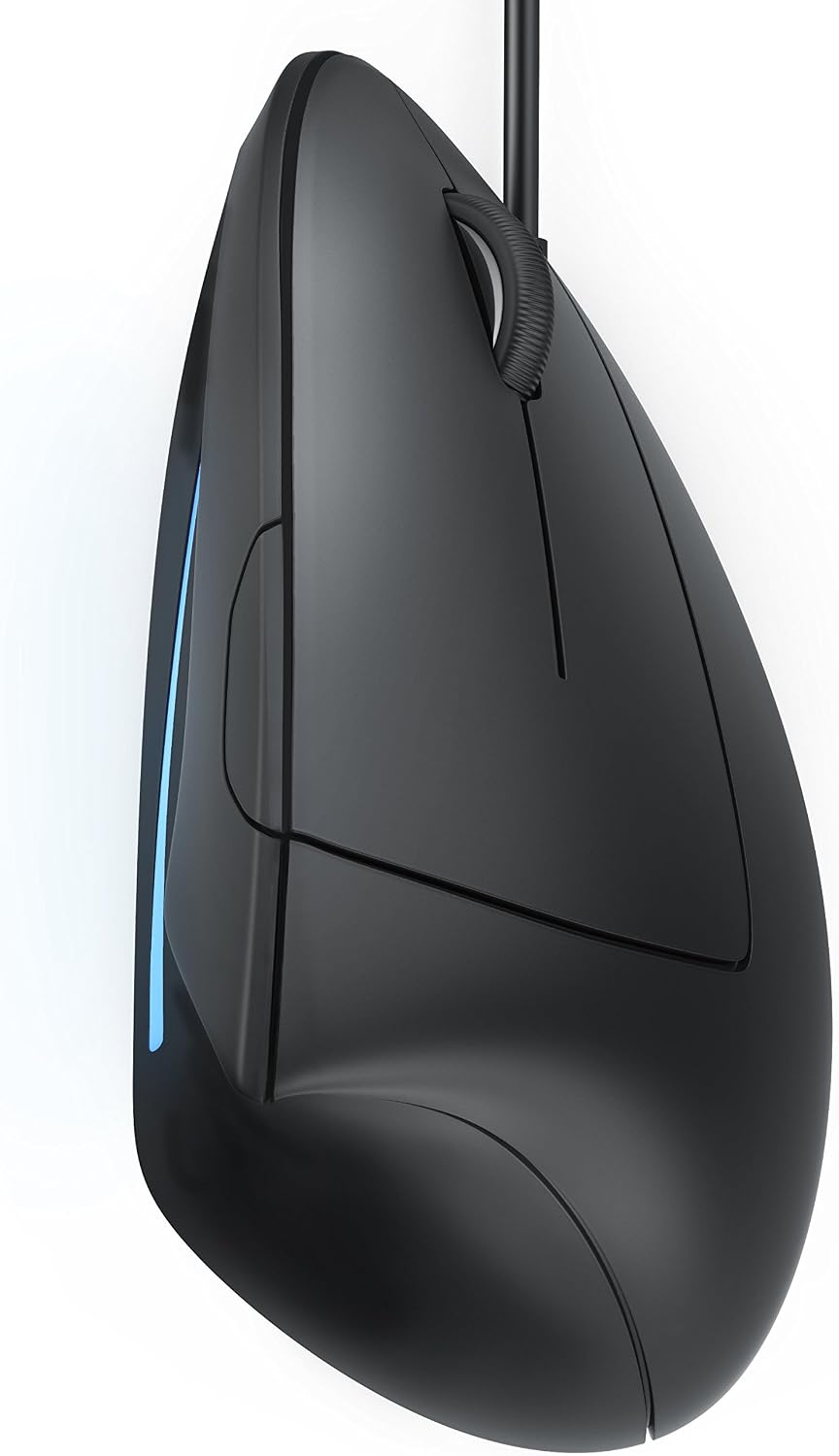
The vertical shape of this mouse promotes a handshake posture that can ease pressure on the forearm and wrist, potentially helping to prevent repetitive strain injuries such as tennis elbow, according to the manufacturer. It has five easy-to-reach buttons and a tactile scroll wheel, allowing straightforward navigation and browser control. The connection is USB 2.0 wired, which keeps latency low and removes concerns about battery life. The mouse comes in black and aims to offer improved handling compared with conventional flat mice. 🖱️
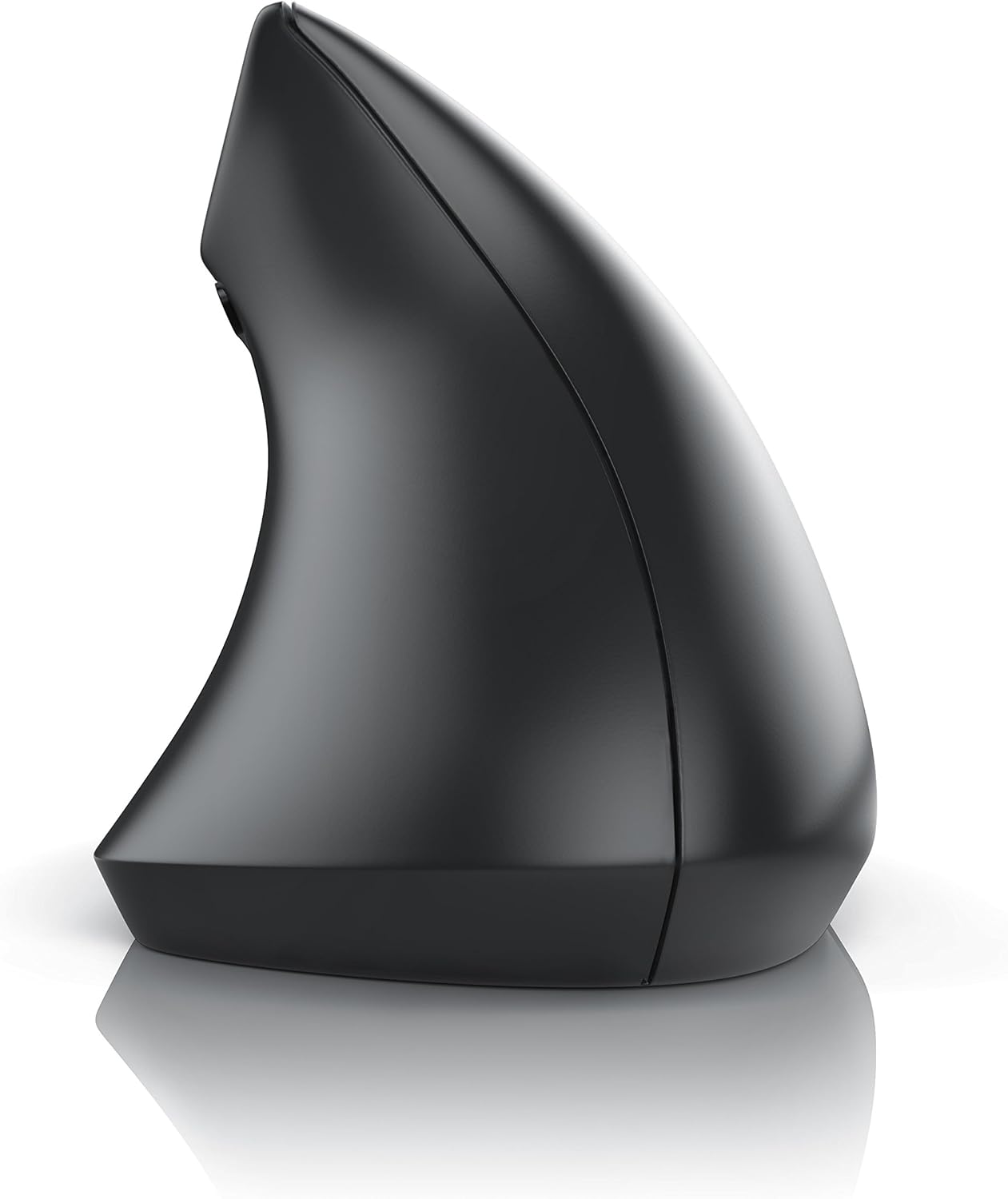
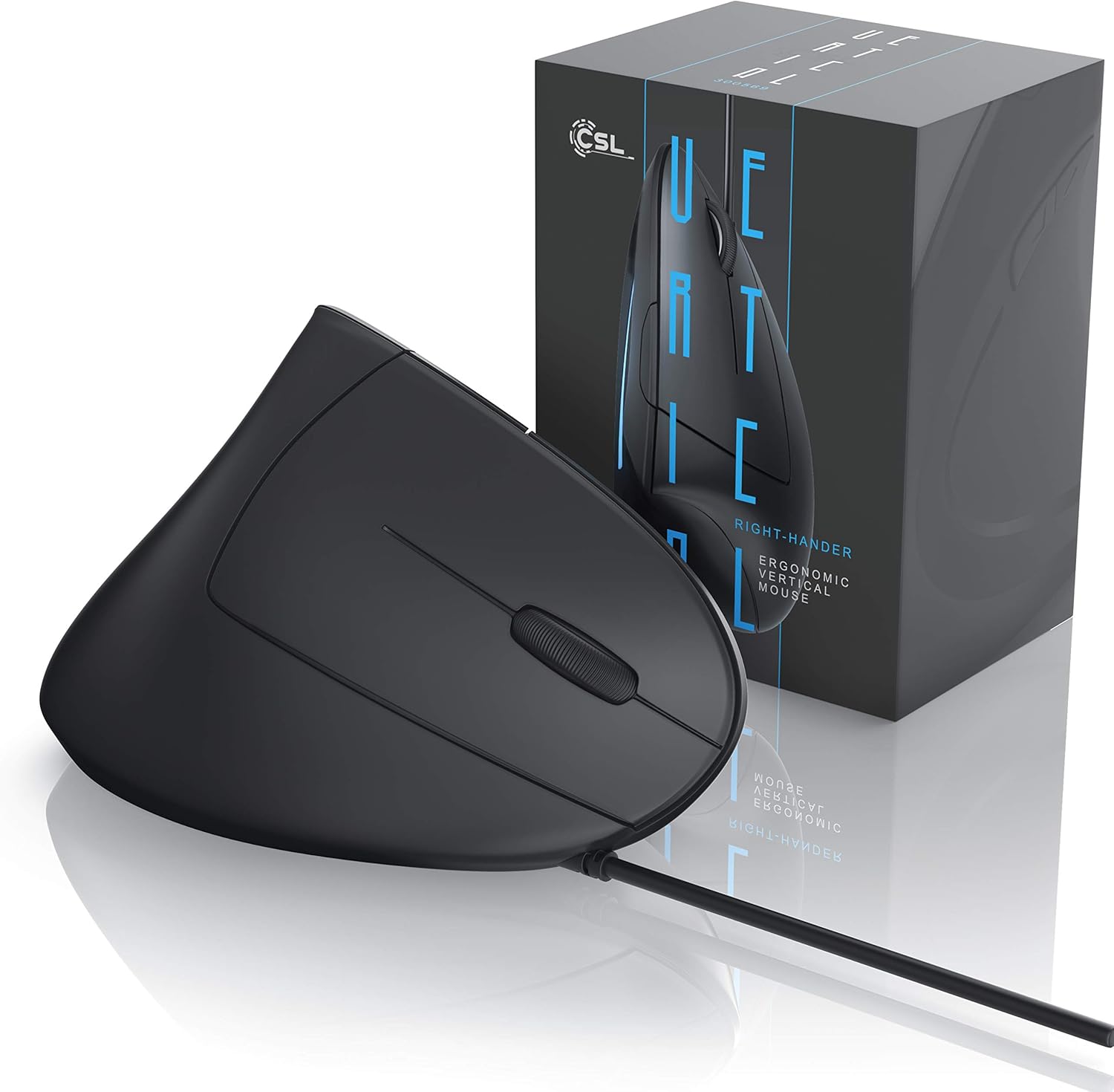
The design is plug-and-play for common systems, with compatibility listed for Microsoft Windows XP through Windows 11, macOS and Linux. Do consider that the pronounced vertical profile is primarily for right-handed users, so left-handed operation may not be comfortable. ⚠️
Technical Specifications
- Name: CSL TM137U
- Buttons: 5 buttons
- Sensor: Optical, selectable 1000 - 1600 dpi
- Connectivity: USB 2.0 wired
- Colour: Black
Usage Recommendations
For everyday office tasks and long web sessions, position the mouse so your forearm rests comfortably and your wrist does not bend inward. Start with a mid-range dpi setting to adjust cursor speed, then fine-tune if you need faster pointer movement for large screens or slower control for precision work. When switching from a conventional mouse, allow a short adaptation period as the grip and angle are different.
If you spend many hours at the computer, alternate short breaks and simple wrist stretches to complement the ergonomic benefit of a vertical mouse. Keep the surface clean and avoid using it on reflective glass without a mat, as optical sensors perform best on matte surfaces. According to the manufacturer, this model delivers precise operation on nearly every surface and is particularly aimed at users who want to reduce forearm tension during extended computer use.