


Trust Ody II Silent Wireless Keyboard and Mouse Set (UK Layout)
Product description
What it is and what it solves
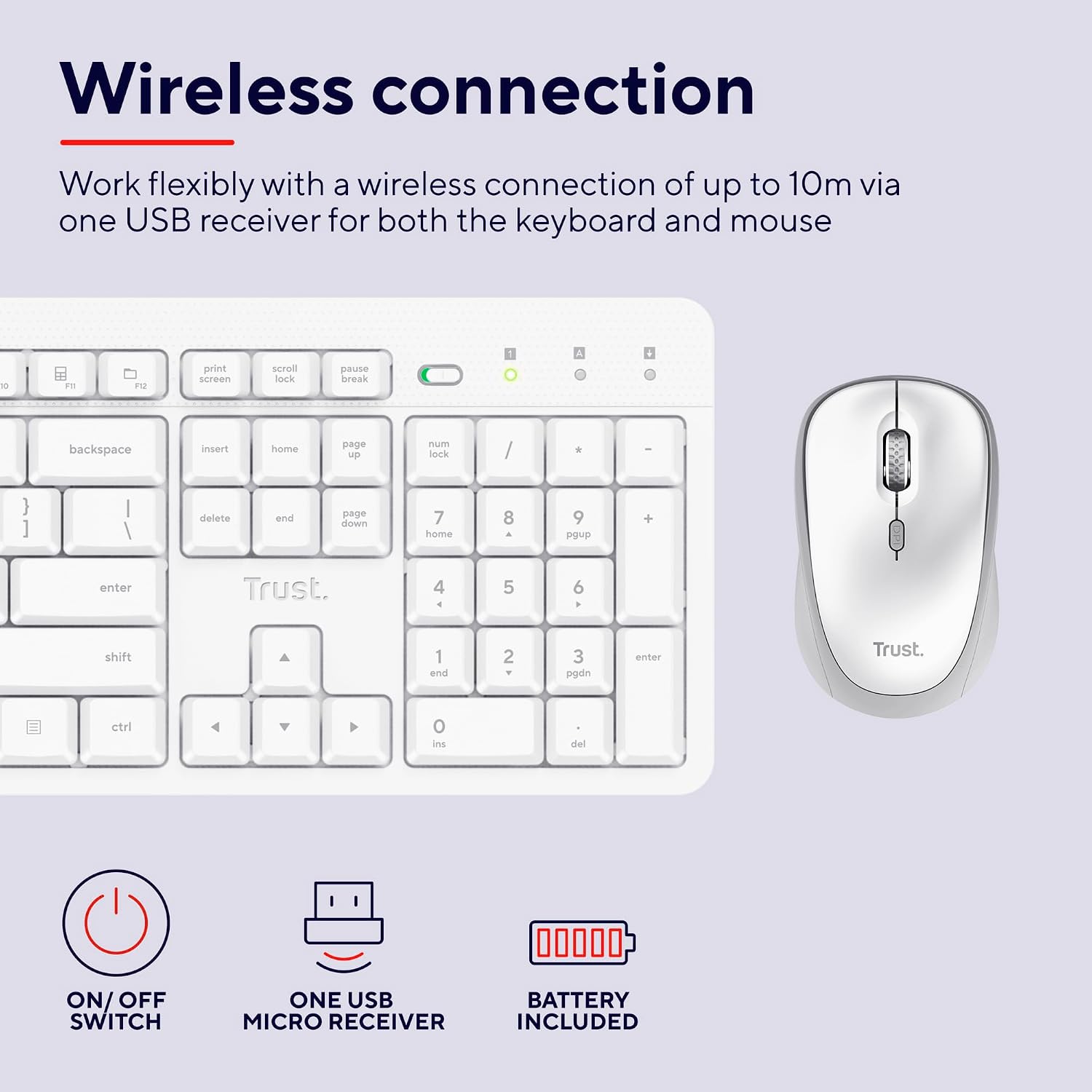
The Trust Ody II Silent Wireless Keyboard and Mouse Set is a fully wireless input duo designed for quiet, distraction-free work across a PC, laptop or Mac. With a single USB receiver supporting both devices, you get up to 10 metres of freedom of movement and a clutter-free workspace. If you value a calm yet productive desk, this combo is pitched as a practical, low-maintenance option.
Key design and feel
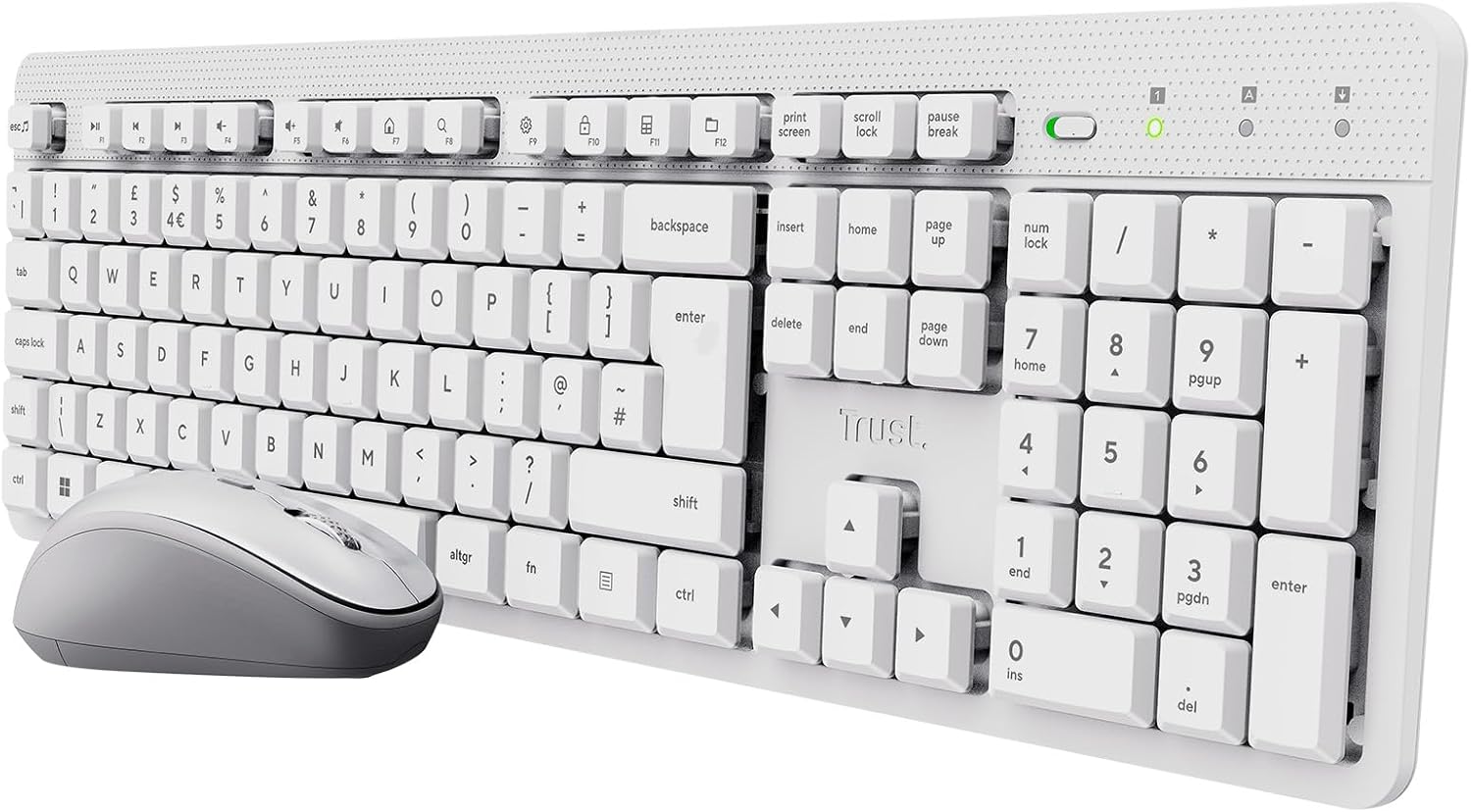
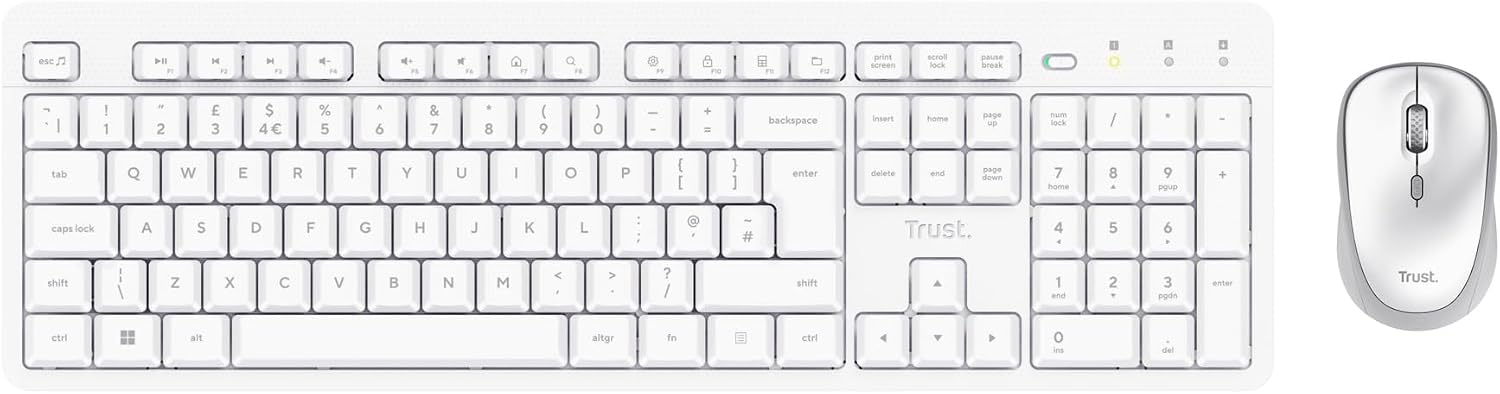
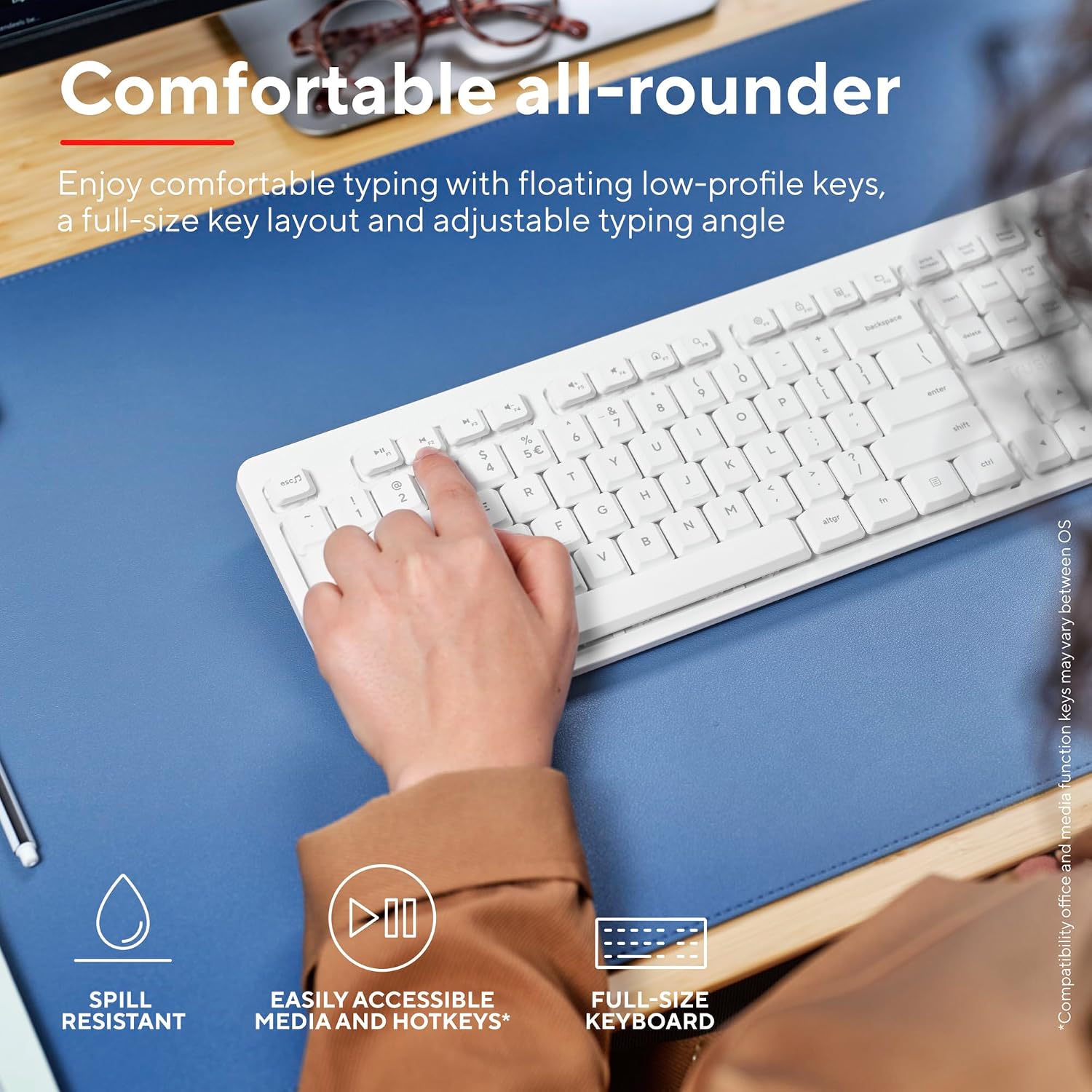
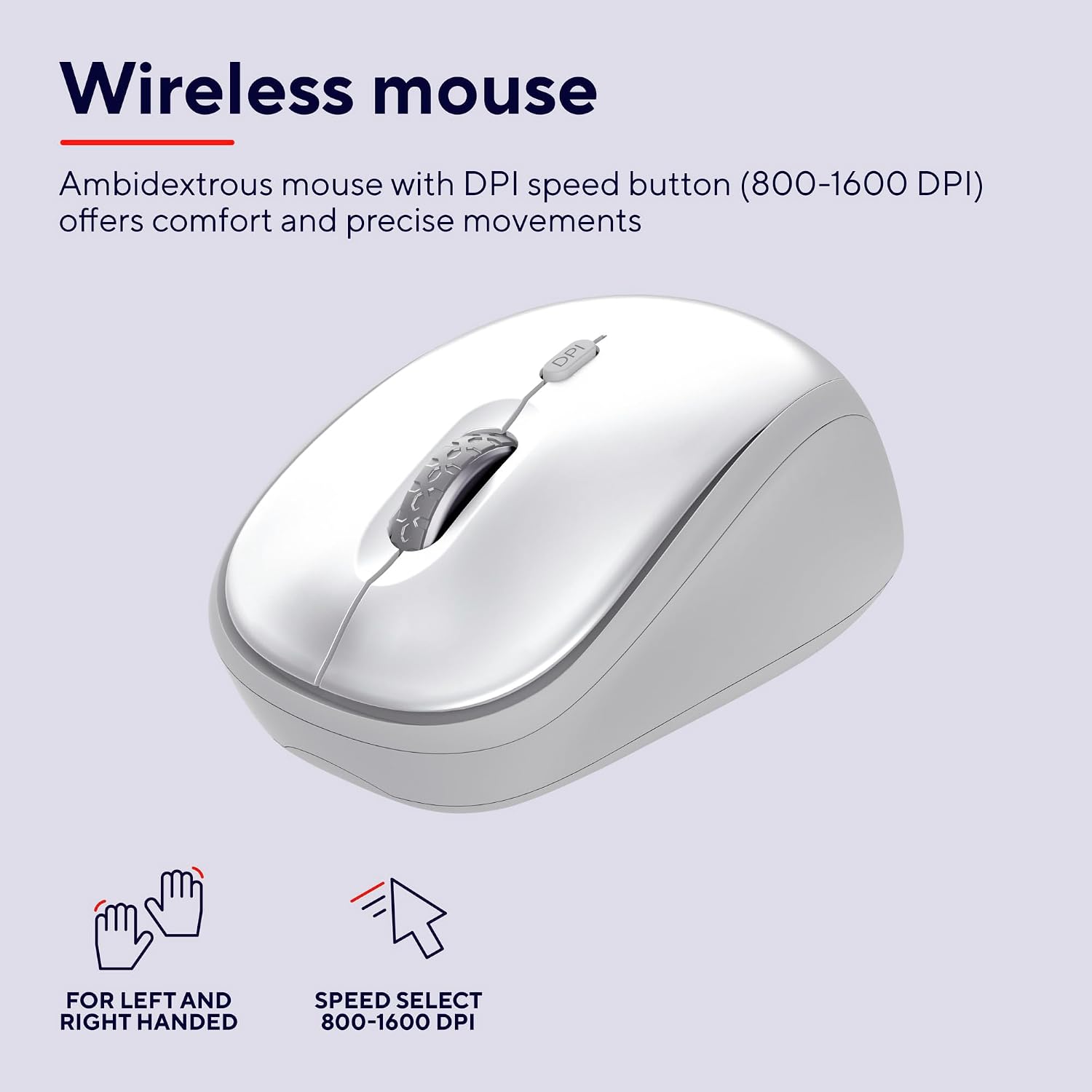
The keyboard features floating low-profile keys that sit within a full-size UK QWERTY layout, plus an adjustable tilt to suit different typing postures. The intent is straightforward: comfortable, relatively compact typing that doesn’t demand constant re-positioning of your hands. The mouse is ambidextrous, so it suits both left- and right-handed users, which is a sensible inclusion for mixed households or shared workspaces.
Performance and responsiveness
Both keyboard and mouse are marketed as quiet, aimed at reducing the clatter of a busy household or open-plan office. The mouse offers a DPI range of 800–1600, giving you a mid-range level of sensitivity that should cover everyday tasks—from document editing to light design work. The dependence on a single USB receiver means fewer batteries and simpler setup, though you do rely on that receiver staying plugged in or nearby.
Build quality and practicality
The set is described as spill-resistant, which is a practical feature if you’re prone to morning coffee mishaps or occasional liquid exposure. While it’s not a rugged heavy-duty model, the spill resistance is a meaningful safety net for daily use. When it comes to maintenance, you’ll likely notice that the components in such sets are reasonably straightforward to clean and replace, provided you’re mindful of the limited internal dwell-time for spill protection.
Pros and cons in real-world use

- What stands out: a quiet typing experience, a compact ambidextrous mouse, and the convenience of a single USB receiver for both devices. The UK layout helps avoid layout surprises for UK users.
- Potential limitations: the silent keys are a design choice more than a feature that changes performance, you may still want a more tactile or lighter key action if you preference differs. The 10 m wireless range is useful in many homes/offices, but it assumes a clear line of sight and a reliable USB port. The DPI range covers everyday tasks but isn’t geared toward high-speed gaming or pinpoint precision in specialised design work.
Who it’s best for
This combo fits casual to light- to mid-intensity computer work where quiet operation and a tidy desk are priorities. It can work well in shared spaces, small offices, or student setups where an unobtrusive keyboard and compact mouse are preferred. If you value ambidextrous comfort and a straightforward plug-and-play configuration, it’s worth considering.
Who might want to look elsewhere
If you require ultra-high DPI for precise graphic design, gaming, or CAD tasks, you may outgrow the DPI limits. If you need a keyboard with extra macro keys, a taller key profile, or backlighting, this set won’t satisfy those needs. For users in very loud environments or with challenging desk layouts, verify the wireless range and receiver positioning before committing.
When it makes sense to buy
Choose the Ody II when you want a simple, quiet, reliable input pair with a UK layout, minimal fuss, and a spill-conscious design. It’s sensible if you’re starting from scratch, upgrading to wireless from a corded setup, or pairing a compact option with a laptop or second PC.
What to check before you buy
- Confirm compatibility with your primary devices (PC, laptop, Mac) and the UK keyboard layout alignment.
- Ensure a USB port is readily accessible for the receiver and consider a USB extension if your desk creates a difficult reach.
- Assess the importance of spill protection and how it aligns with your daily habits.
- Think about your preferred mouse feel, the ambidextrous shape is convenient, but it may not suit everyone’s grip style.
Practical usage example
Imagine opening your workstation in the morning: you sit at a coffee-stained desk, the USB receiver is already plugged into a spare port, and you’re typing away with the keyboard’s quiet, smooth keystrokes while the mouse glides with little noise. You switch tasks from emails to document edits, and the DPI adjuster gives you a bit more sensitivity when scrolling through slides. It’s not flashy, but it slots into daily work without demanding attention.
Quick verdict (Is it worth it?)
Final verdict: Worth considering if you prioritise quiet operation, a clean desk space, and a straightforward setup for everyday computing. It may not satisfy power users needing ultra-high DPI or advanced keyboard features, but for many, the balance of spill resistance, UK layout convenience, and ambidextrous mouse makes it a sensible, cost-effective choice for routine work.
Frequently asked questions
- How far does the wireless connection reach? Up to 10 metres with the single USB receiver.
- Is the mouse ambidextrous? Yes, designed to suit both left- and right-handed users.
- Can it handle spillages? The keyboard is described as spill-resistant, offering a degree of protection against everyday accidents.
- What DPI options are available? DPI settings range from 800 to 1600 for the mouse, suitable for general tasks.
- What devices is it compatible with? The set is described as usable with PC, laptop and Mac systems, matching a UK keyboard layout.