

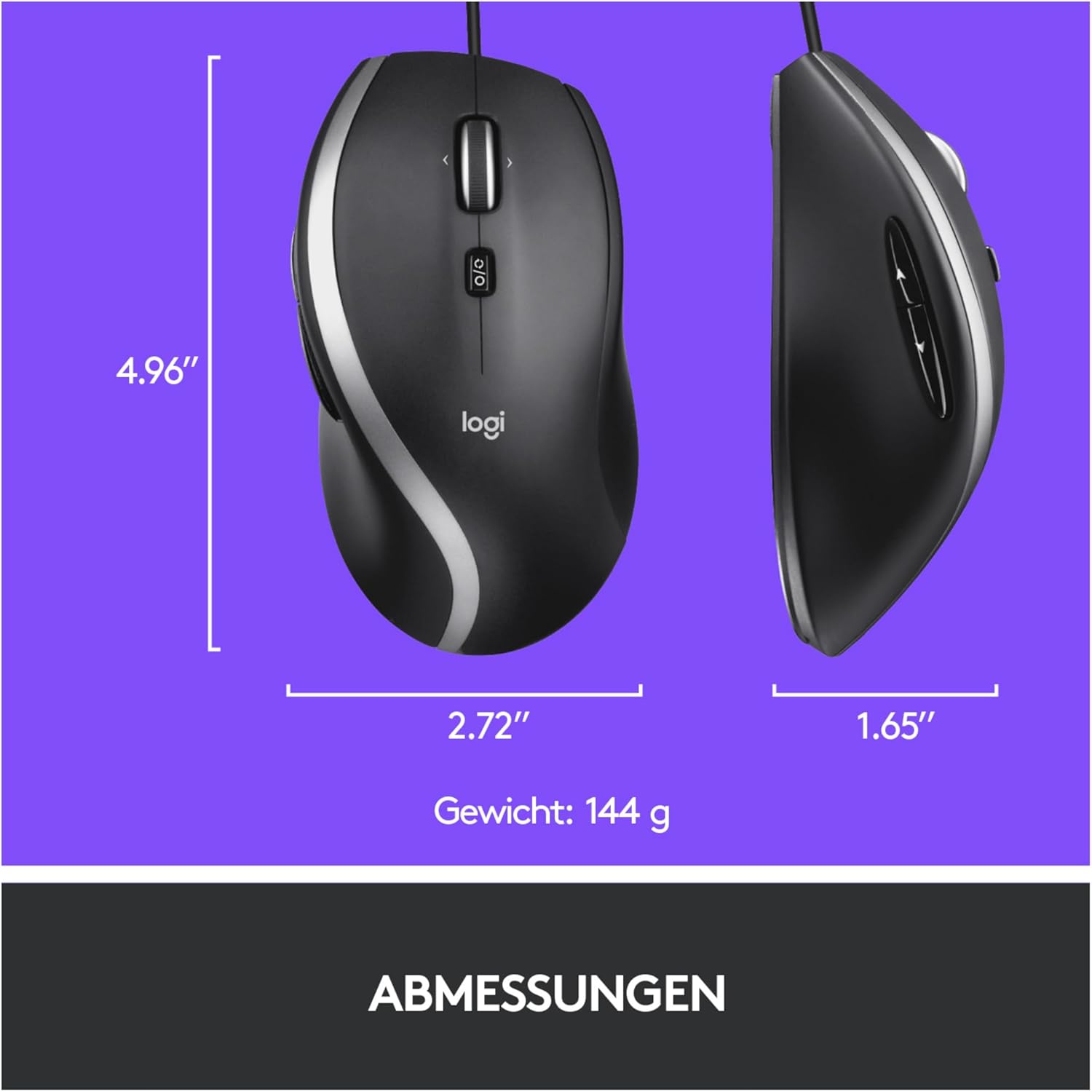
Logitech M500 Wired USB Mouse — High Precision 1000 DPI, 7 Buttons
Product description
Overview
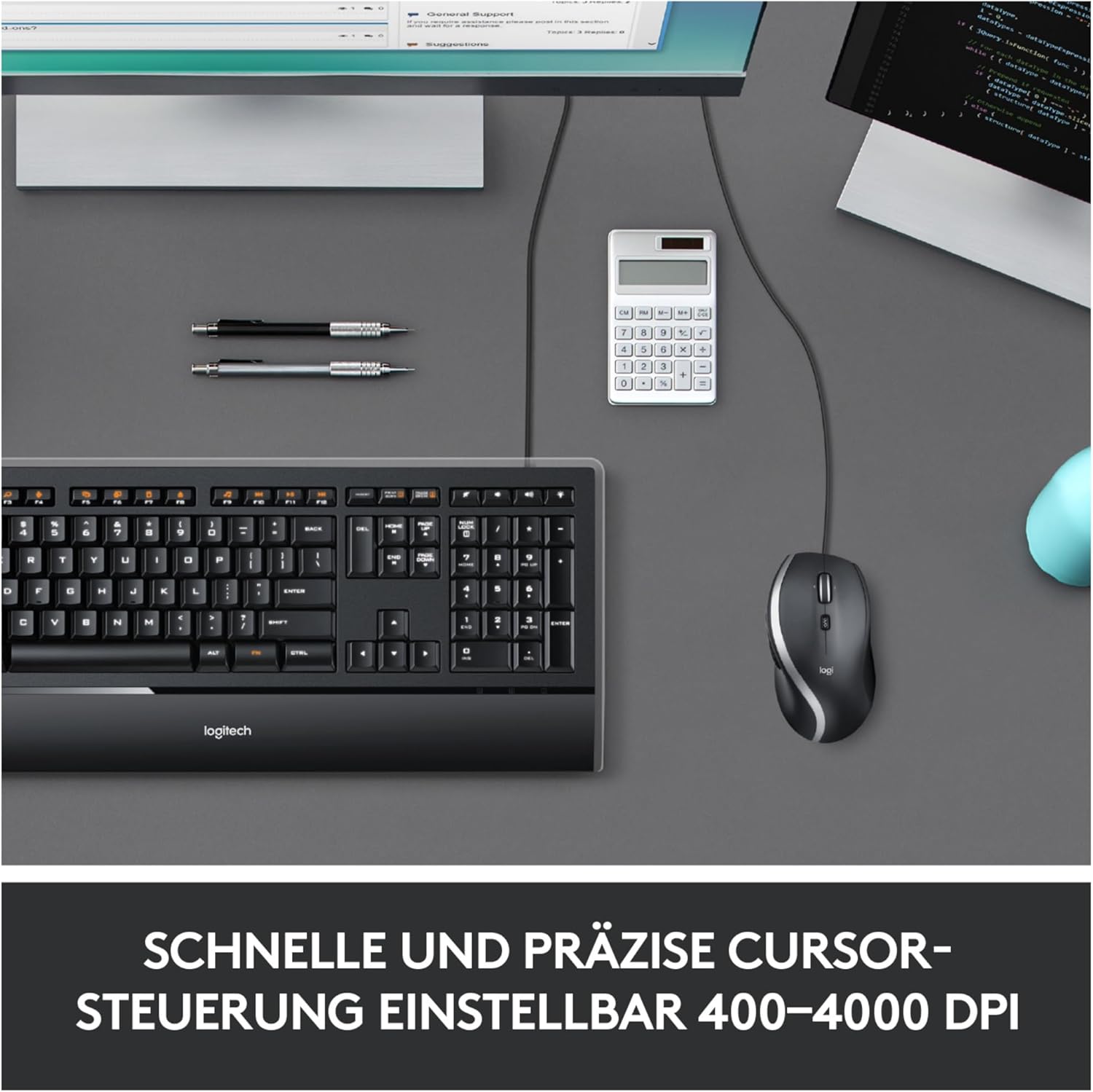
The Logitech M500 is a wired USB mouse designed for everyday tasks on PC, Mac or laptops. It combines a contoured shape with soft side grips, aiming to offer comfortable long‑form use and reliable cursor control. The device is driven by a 1000 dpi laser sensor, which, on the evidence available, provides precise tracking across a range of surfaces. Hyper-fast scrolling lets you jump through long documents and web pages with a quick flick of the wheel, which can be handy for work or study sessions.
What it solves
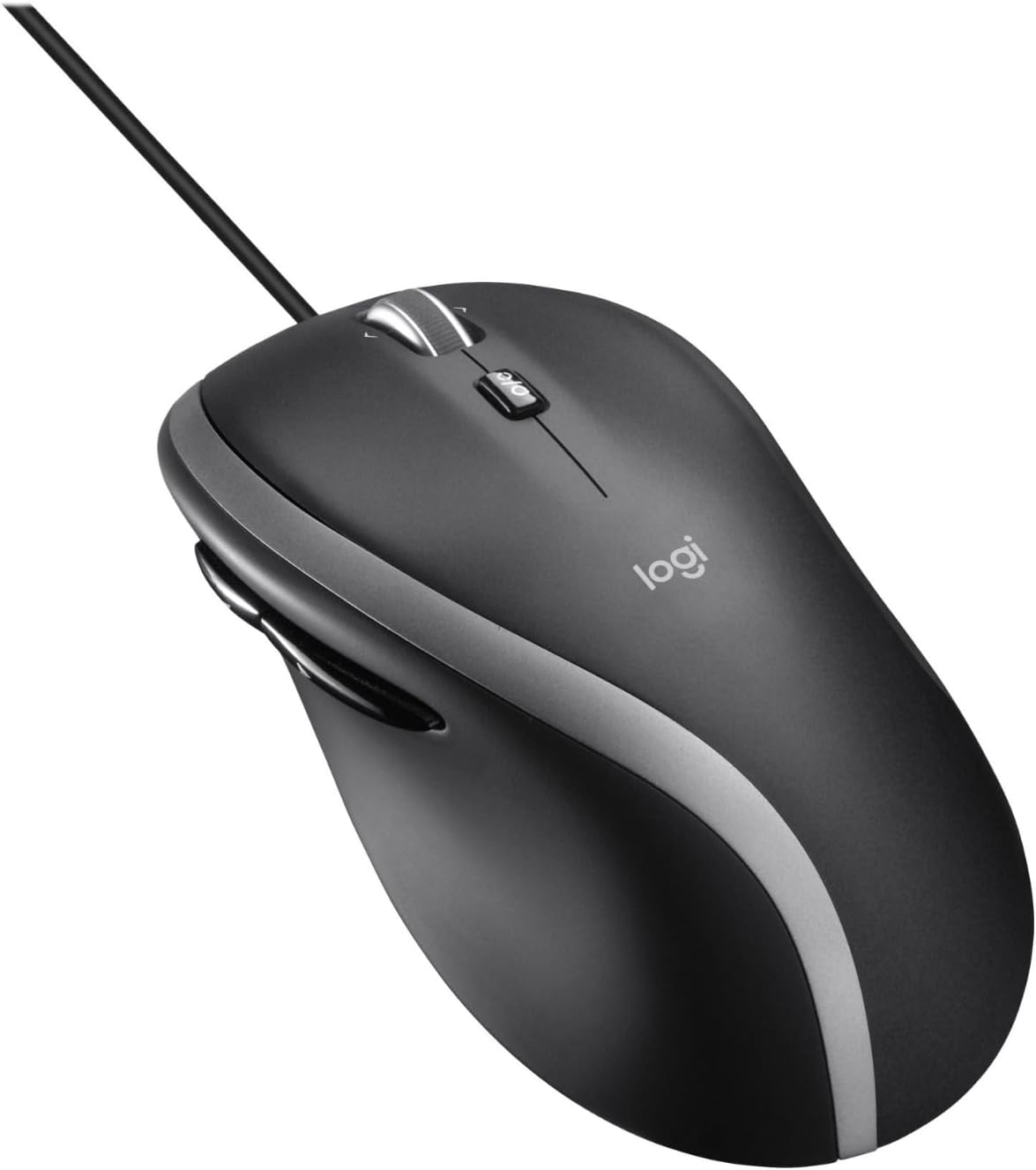
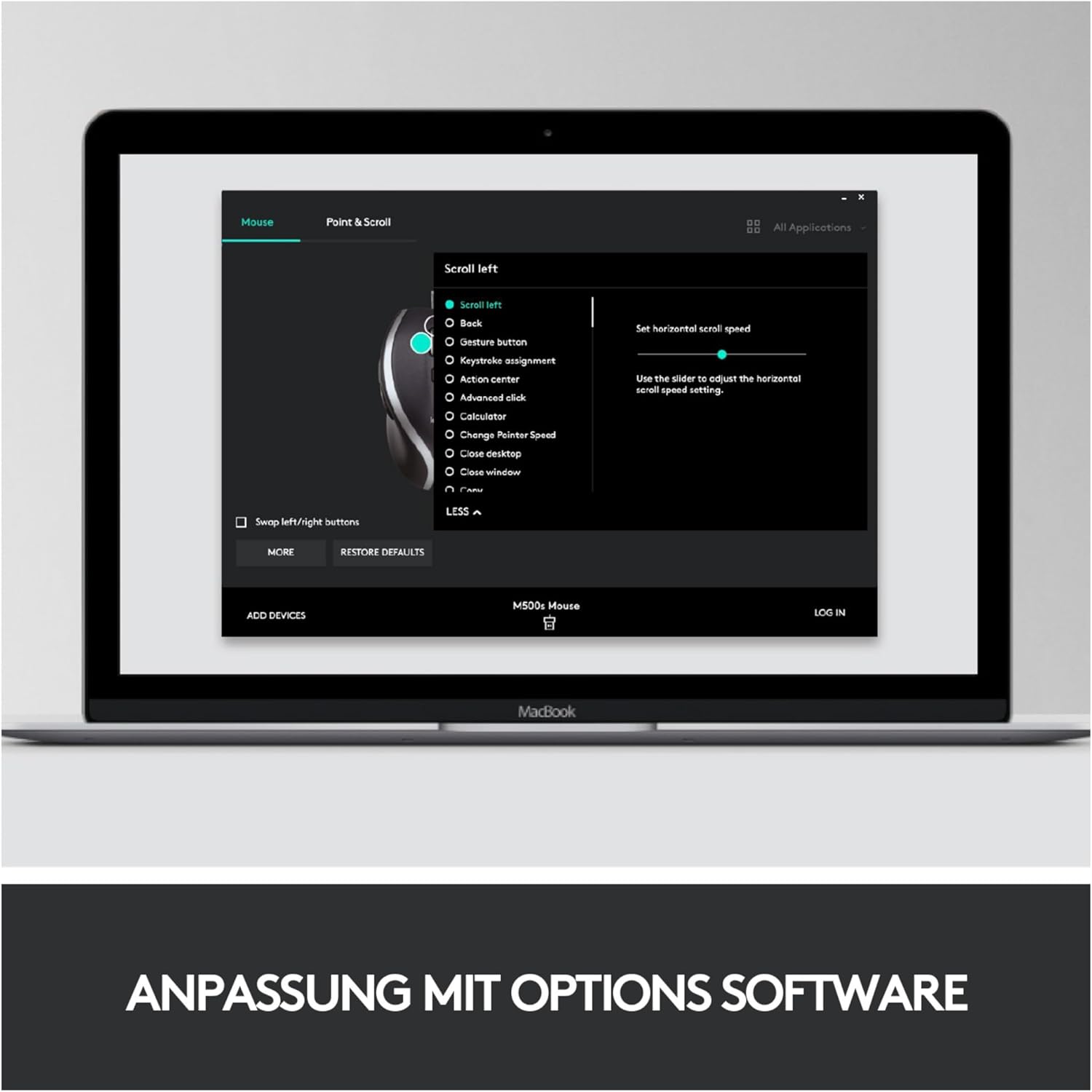
If you’re looking for a straightforward, plug‑and‑play pointing device that can perform well across common computing tasks—from document editing to web browsing—the M500 aims to deliver steady tracking and comfortable handling without the need for extra software.
Design and build
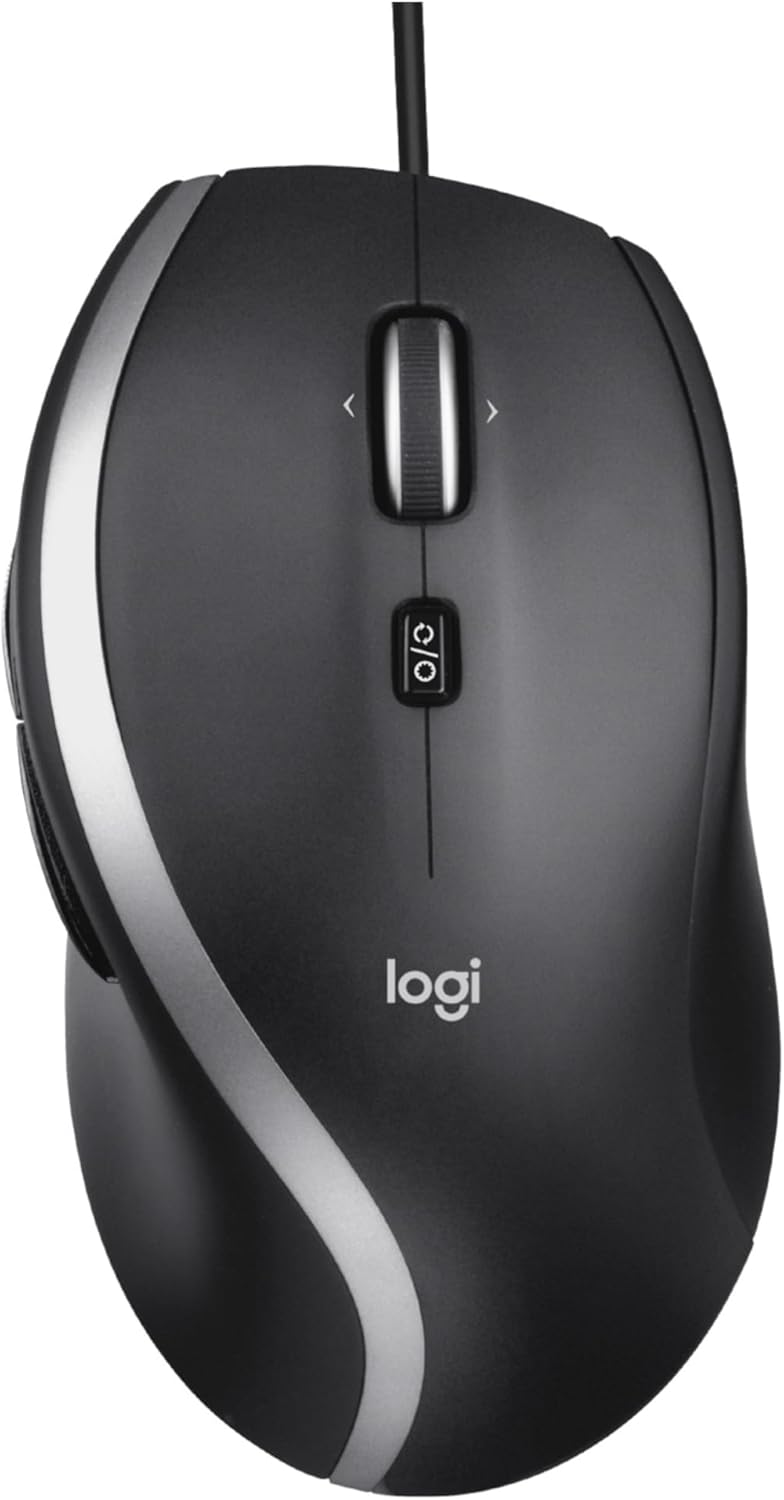
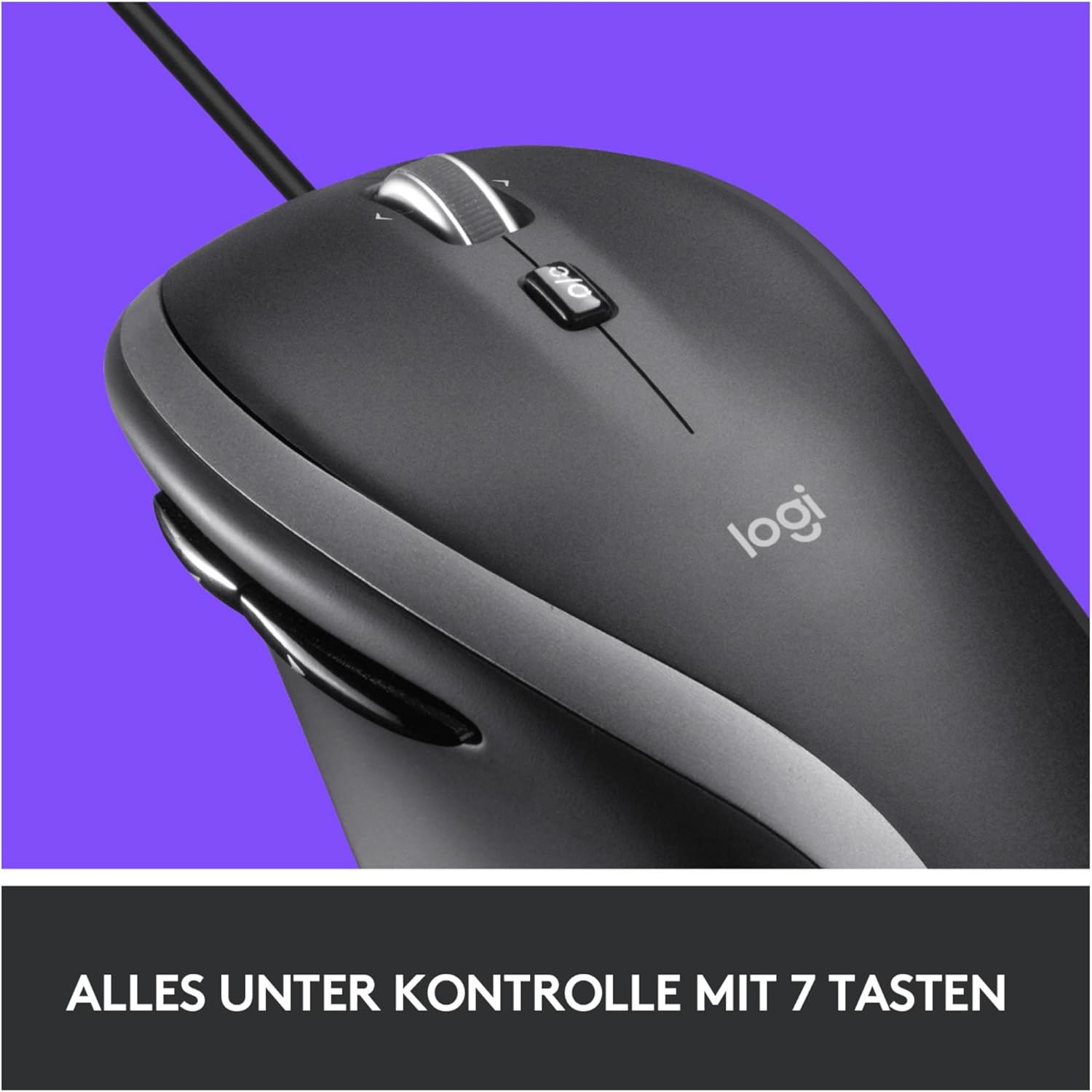
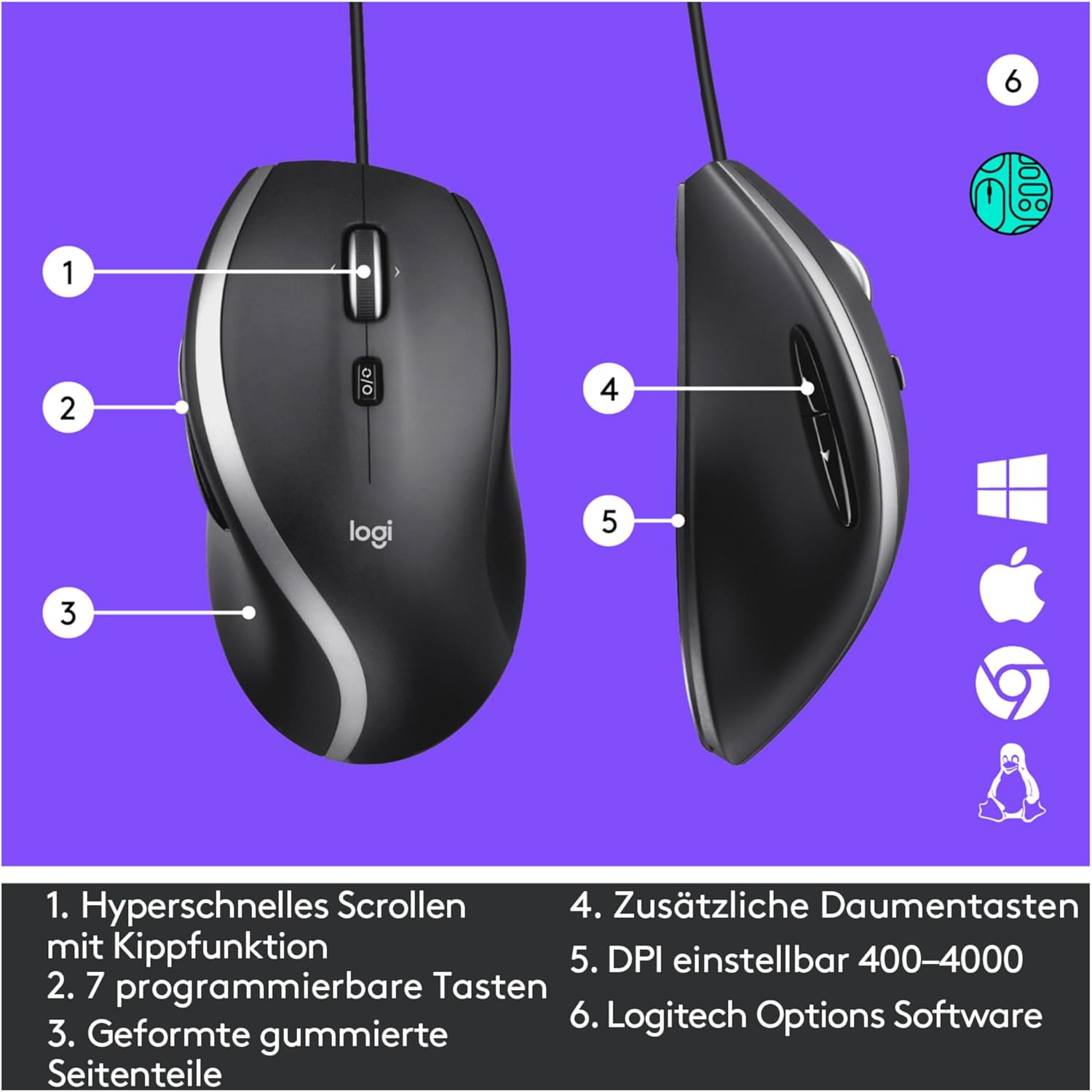
The mouse features a contoured body with soft grip areas on the sides, which can help reduce fatigue during extended use. There are Backward/Forward buttons placed for easy navigation, a practical addition for web browsing or photo browsing workflows. It’s a wired device, so you’re not dependent on batteries and the USB connection is compatible with most desktops and laptops.
What stands out
On the paper specs, the 1000 dpi laser sensor is a step above many basic optical mice and may translate to smoother cursor control on a range of surfaces. The hyper-fast scrolling is a tangible time‑saver when dealing with lengthy documents or pages. The plug‑and‑play nature makes it straightforward to set up—simply plug into a USB port and start working.
Limitations and caveats
It isn’t marketed as a high‑end gaming or precision‑work mouse, so it may not satisfy users needing very high DPI or advanced programmable buttons. The wheel action is described as fast but there’s no mention of adjustable DPI via software, which could matter if you require custom sensitivity profiles. If you prioritise wireless flexibility or newer ergonomics, the M500’s wired design and mid‑range feature set might feel dated.
Who it’s for
This mouse suits general office tasks, students, and casual computer users who value reliability and comfort over flashy features. If you work mostly with documents or browse the web and prefer something that “just works” without setup fuss, the M500 is a sensible choice. It’s also a practical option if you want a basic mouse that stays consistently responsive without worrying about battery life.
Who it’s not for
If you need a high‑DPI mouse, gaming‑grade responsiveness, wireless freedom, or extensive customisation, this model may not be the best fit. It also may not appeal to users who rely on highly specific button configurations beyond the standard Back/Forward controls.
Buying considerations
Before buying, check that you have a spare USB port and that your operating system aligns with plug‑and‑play use. Consider your typical surfaces—laser sensors generally handle a variety of surfaces, but performance can vary by surface type and lighting conditions. If your workflow involves precise vector work or multi‑monitor setups, you might want to assess whether the 1000 dpi spec meets your precision needs.
In practice: how this compares to other approaches
For straightforward everyday use, a wired USB mouse like the M500 offers simple reliability and immediate responsiveness, with no charging pauses. If you’re weighing alternatives, a basic optical USB mouse will likely be similar in broad use, while more feature‑rich mice typically offer higher DPI ranges, programmable buttons, or wireless options. The M500 sits in the middle—solid for daily tasks, without the frills of premium models.
Decision time
Is it worth it?
Worth considering if you want a dependable, no‑fuss mouse with a comfortable grip and practical features for day‑to‑day computing. If you prioritise extensive customisation or wireless freedom, you may want to look elsewhere.
FAQ
- How does the 1000 DPI laser sensor feel in daily use? It provides adequate precision for common tasks like document editing and web browsing, though it’s not designed for high‑end precision work.
- Can I use it with both PC and Mac? Yes, it’s described as compatible with PC and Mac systems via USB plug‑and‑play.
- Are the Back/Forward buttons programmable? The information available does not indicate programmable functionality beyond their standard navigation role.
- Is the wheel truly hyper‑fast scrolling? The base description notes hyper‑fast scrolling, expect faster scrolling through long pages, which can save time when reading or researching.