

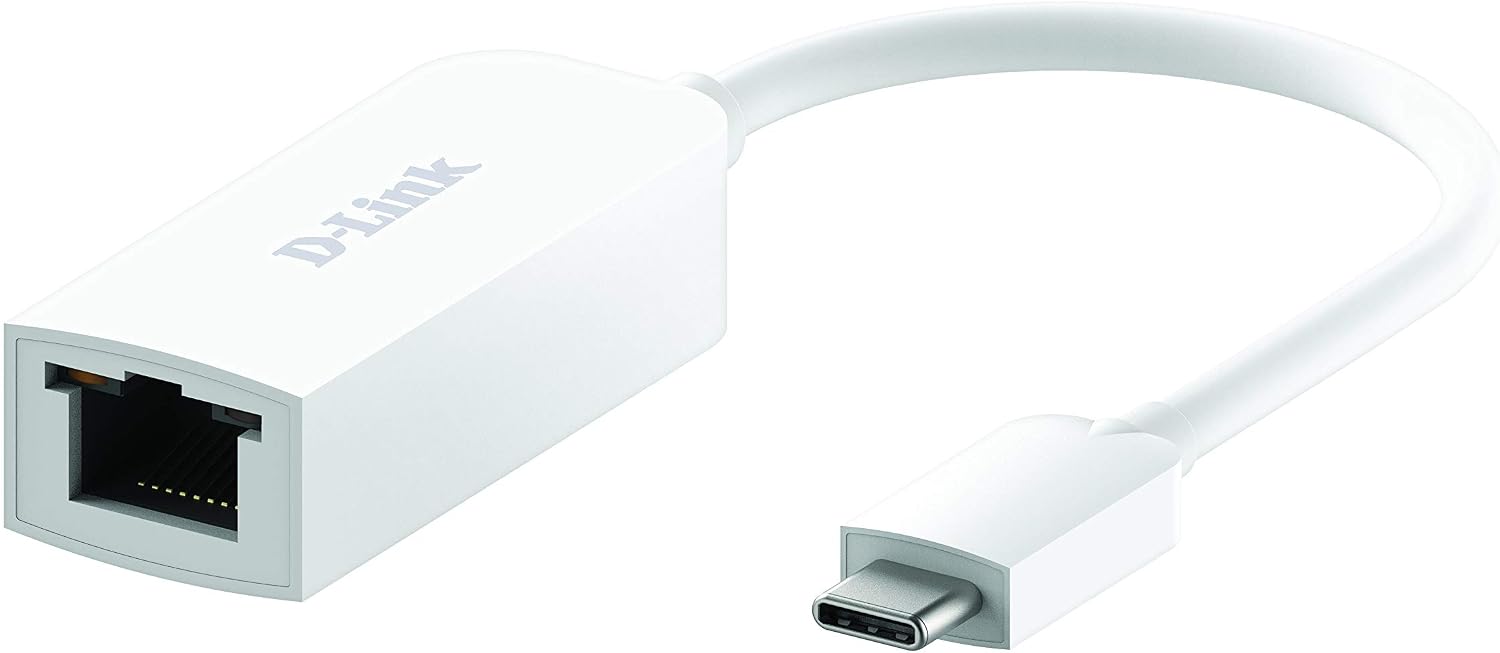
D-Link DUB-E250 USB-C to 2.5G Ethernet Adapter
Reviews
Price
Product description
What it is
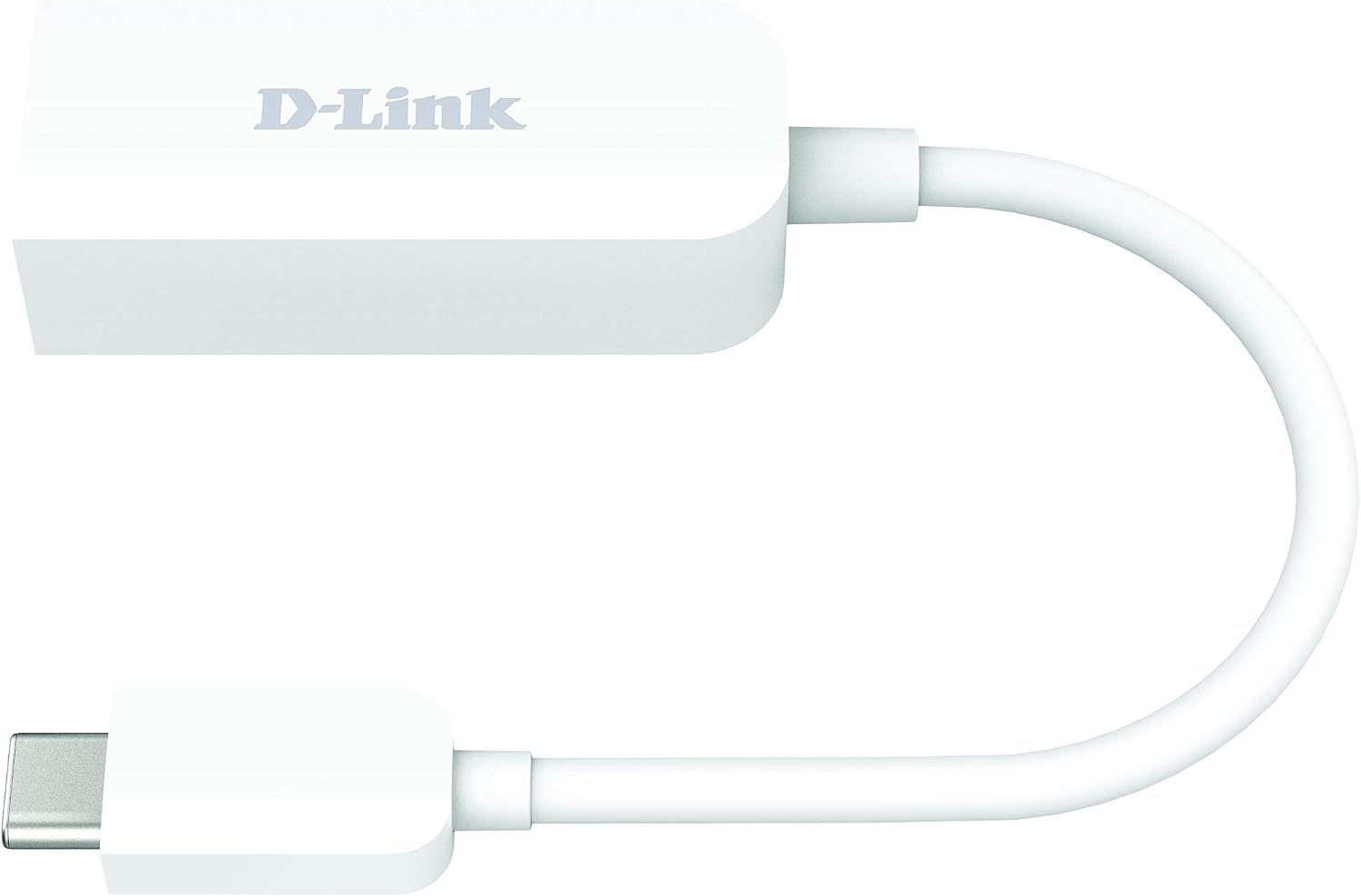
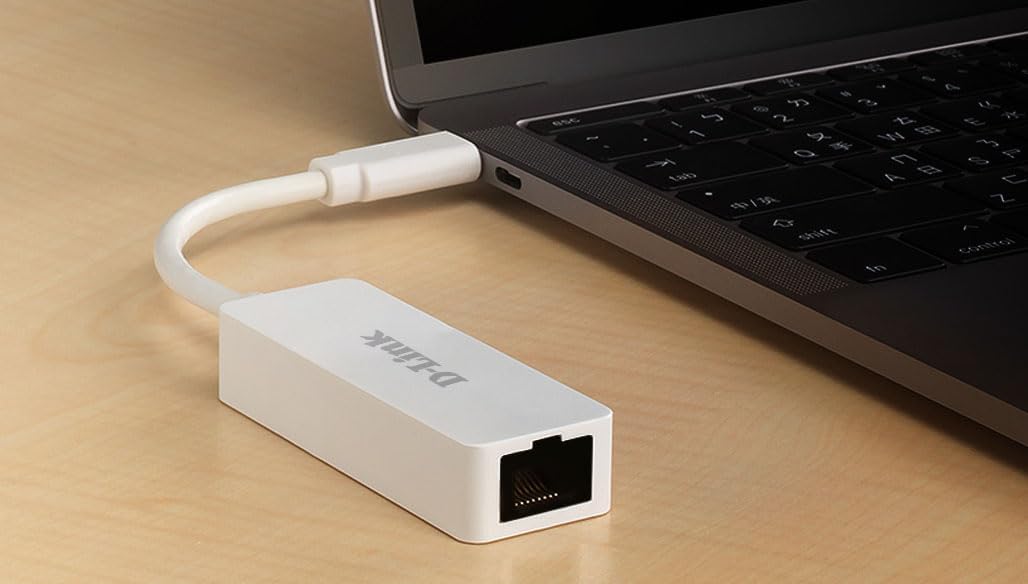
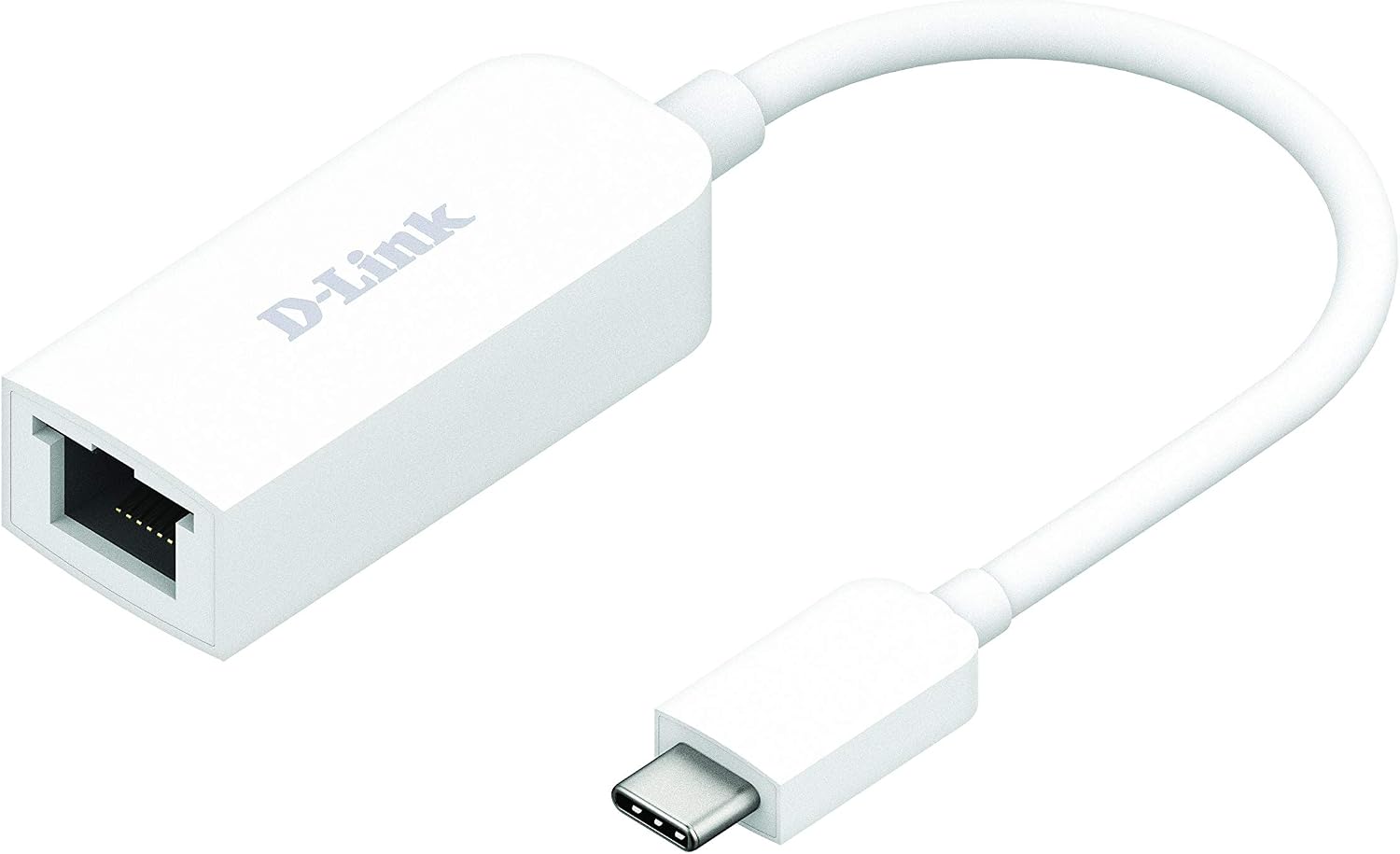
The D-Link DUB-E250 is a compact USB-C (and Thunderbolt 3) to 2.5 Gigabit Ethernet adapter. It plugs into any USB Type-C or Thunderbolt 3 port on a PC or Mac to provide a wired network connection when an built-in Ethernet port is absent or unreliable. On paper, it targets users who want higher-than-Gigabit speeds without upgrading their router or main hardware.
Why this matters
If you frequently work from a slim laptop, travel with a portable setup, or just need a stable connection for video calls, cloud work and file transfers, a wired 2.5GBASE-T link can offer lower latency and more consistent throughput than typical Wi‑Fi, especially in crowded networks. The DUB-E250 aims to combine portability with straightforward setup, so you can get to work quickly without fuss.
How it performs (by use case)
- Everyday productivity on thin laptops: a dependable wired path to the network where Wi‑Fi may be spotty.
- Media and file transfers: potential for higher sustained speeds when connected to routers or switches that support 2.5GBASE-T.
- Remote work and meetings: helps stabilise calls when wireless performance fluctuates. What you won’t get is a guaranteed boost on every network, real-world speed depends on your existing infrastructure and the router port you connect to.

What’s good about it
Its main strengths are portability, simplicity and broad compatibility. It is designed to install quickly with Windows drivers already on board, meaning you don’t need to hunt for a CD or download to get going. The compact design makes it easy to keep in a laptop bag for on‑the‑go work.
Potential limits to consider
- Speed depends on network equipment: you’ll only notice 2.5G speeds if your router/switch supports 2.5GBASE-T and the path to the internet isn’t a bottleneck.
- No explicit mention of macOS driver details beyond compatibility, while it’s described as compatible with Mac OS, the exact driver experience can vary by OS version.
- It is focused on wired performance, if you rely heavily on Wi‑Fi and don’t have a USB-C/Thunderbolt 3 port handy, the benefit may be marginal.
Who it’s for
- Laptop users lacking a built‑in Ethernet port who want a stable, fast wired connection.
- Professionals needing reliable remote work connectivity on the go.
- Those with two‑ or five‑gig capable network gear looking to utilise higher speeds on a portable device.
Who it’s not ideal for
- If your router and internet connection don’t support 2.5GBASE-T, you won’t gain tangible speed improvements beyond what a solid Gigabit link would offer.
- Users who primarily rely on Wi‑Fi and don’t plan to connect to a 2.5G network may not justify adding this adapter.
Before you buy: what to check
- Ensure your router or switch offers a 2.5GBASE-T port to realise the advertised speed.
- Confirm your computer’s OS version compatibility with the adapter’s driver set, especially on Mac systems.
- Consider your cable quality, 2.5G speeds can be sensitive to under‑performing network cables.
How this compares with simpler options
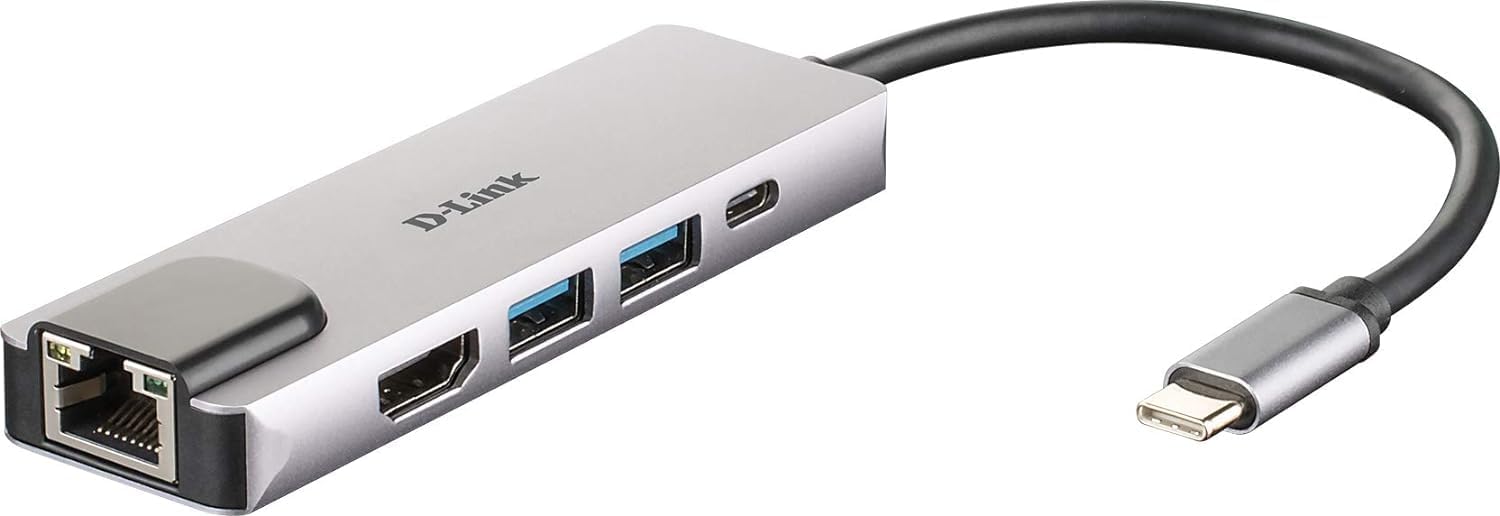
If you only need a basic wired connection, a standard Gigabit USB‑C Ethernet adapter might suffice. If your use case demands higher throughput and your infrastructure supports it, the 2.5G option is more future‑proof and useful for large transfers or dense local networks.
Practical example
Imagine you’re travelling with a thin ultrabook and a portable NAS for backups. Plug the DUB-E250 into a USB‑C/Thunderbolt 3 port, connect a Cat6/6a cable to your 2.5G capable router, and you could see noticeably steadier file transfers and streaming stability during peak network usage.
Is it worth it?
- You’ll like it if you prioritise a compact, plug‑and‑play wired upgrade and have compatible network gear.
- You may want to skip it if your current network caps at 1 Gbps or you don’t plan to upgrade your router to a 2.5GBASE-T capable model.
FAQ
- Do I need drivers on Windows? The adapter is designed to be install‑free on Windows, with pre‑loaded software, confirm your Windows version for best results.
- Will it work with all USB‑C ports? It should work with USB‑C and Thunderbolt 3 ports, assuming the host supports external Ethernet adapters.
- Can I use this with macOS on Apple Silicon? Compatibility is stated, but real‑world setup can depend on macOS version and driver availability.
Final note
If you’re seeking a portable, straightforward upgrade to a wired 2.5G path and your network gear supports it, the DUB-E250 offers a practical balance of compact design and potential performance gains. It isn’t a miracle upgrade, but it can make sense for mobile professionals who value reliable, wired connectivity when working away from a fixed desk.