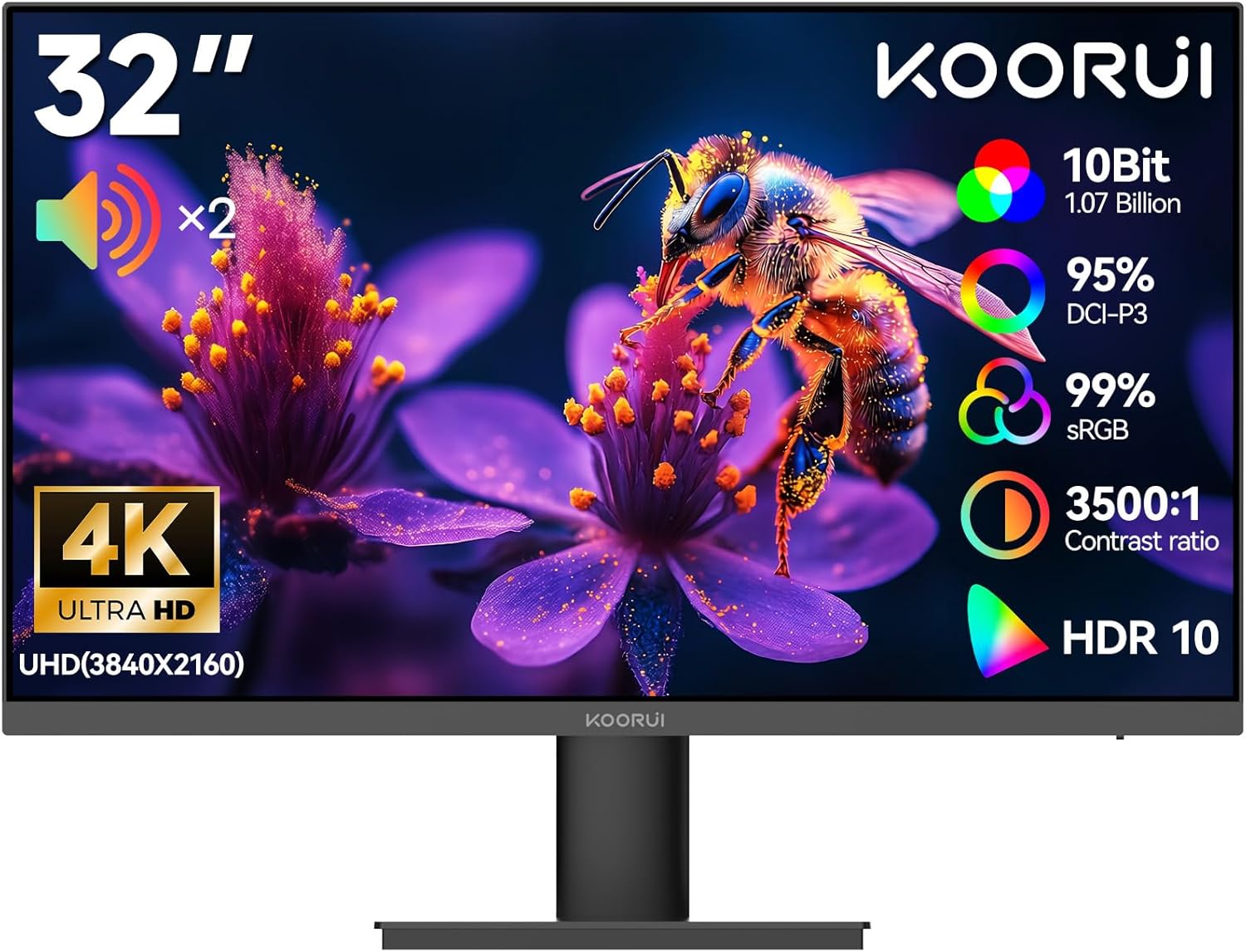
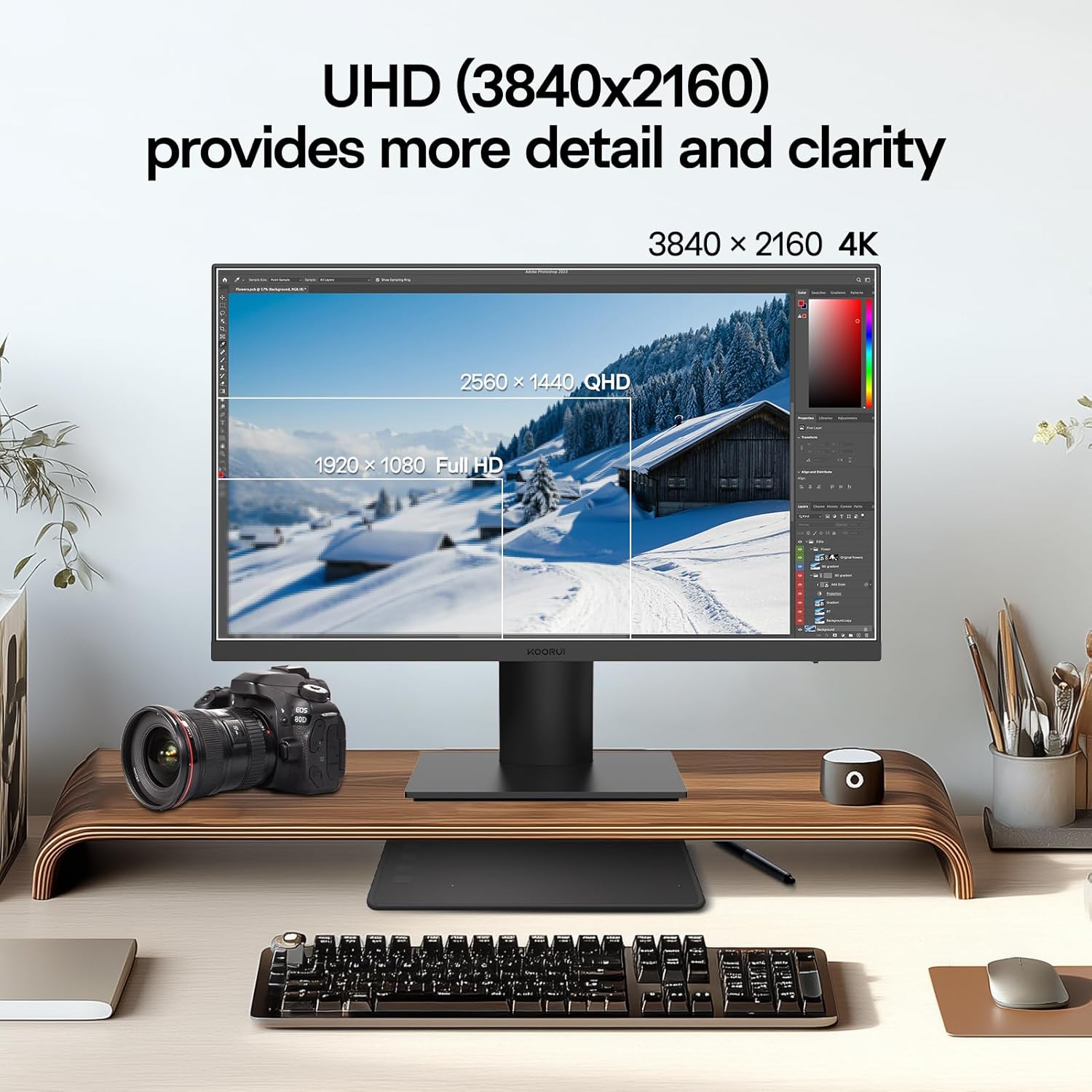
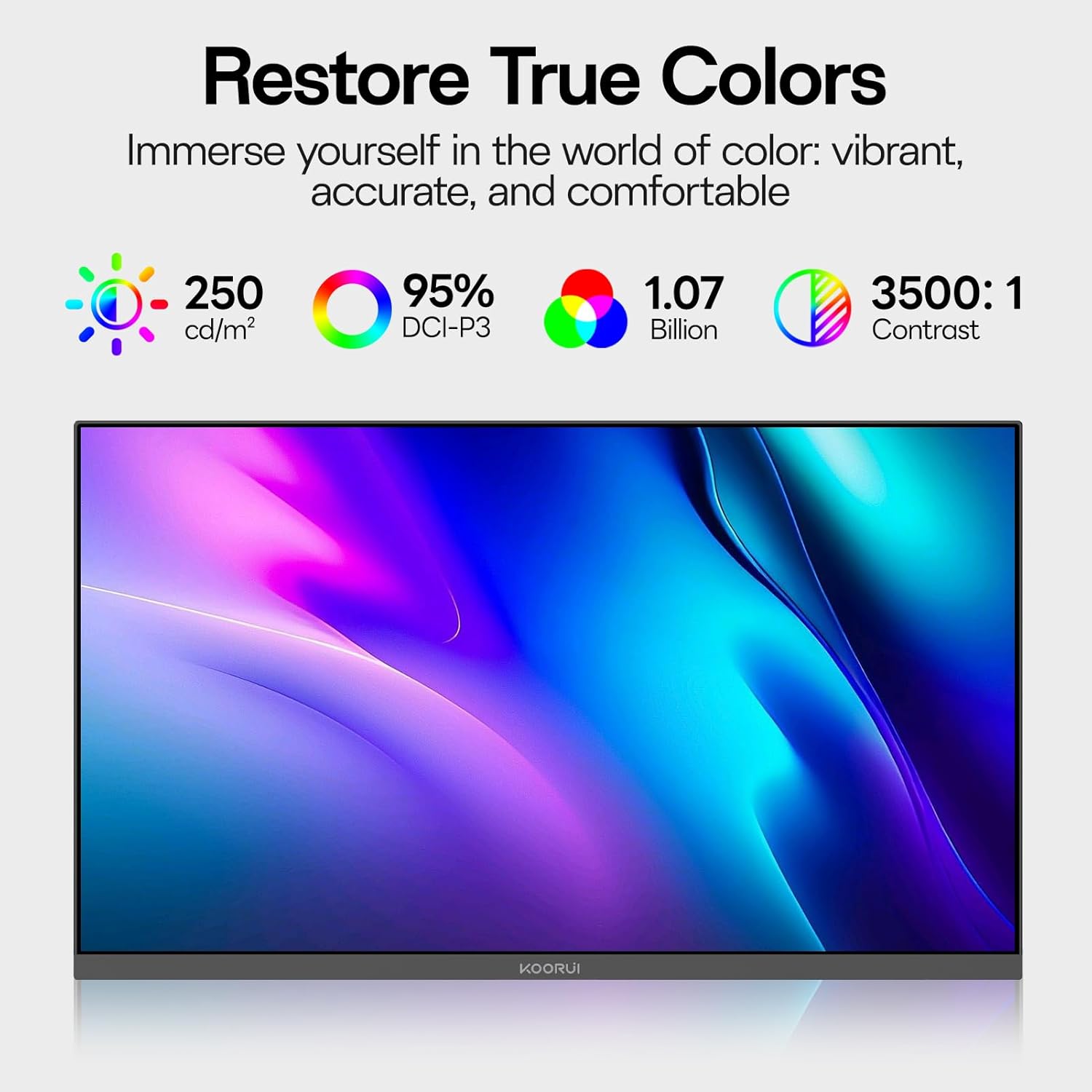
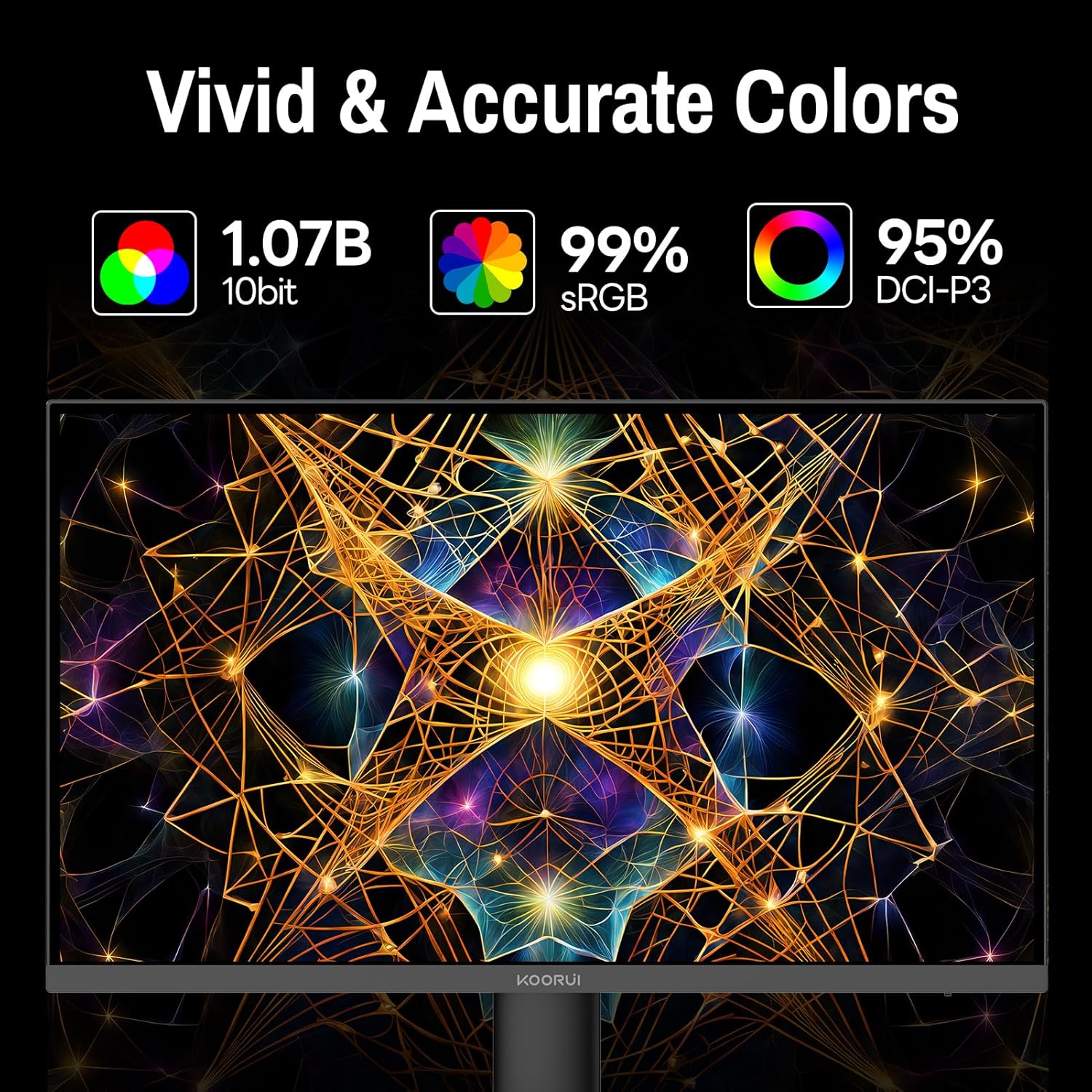
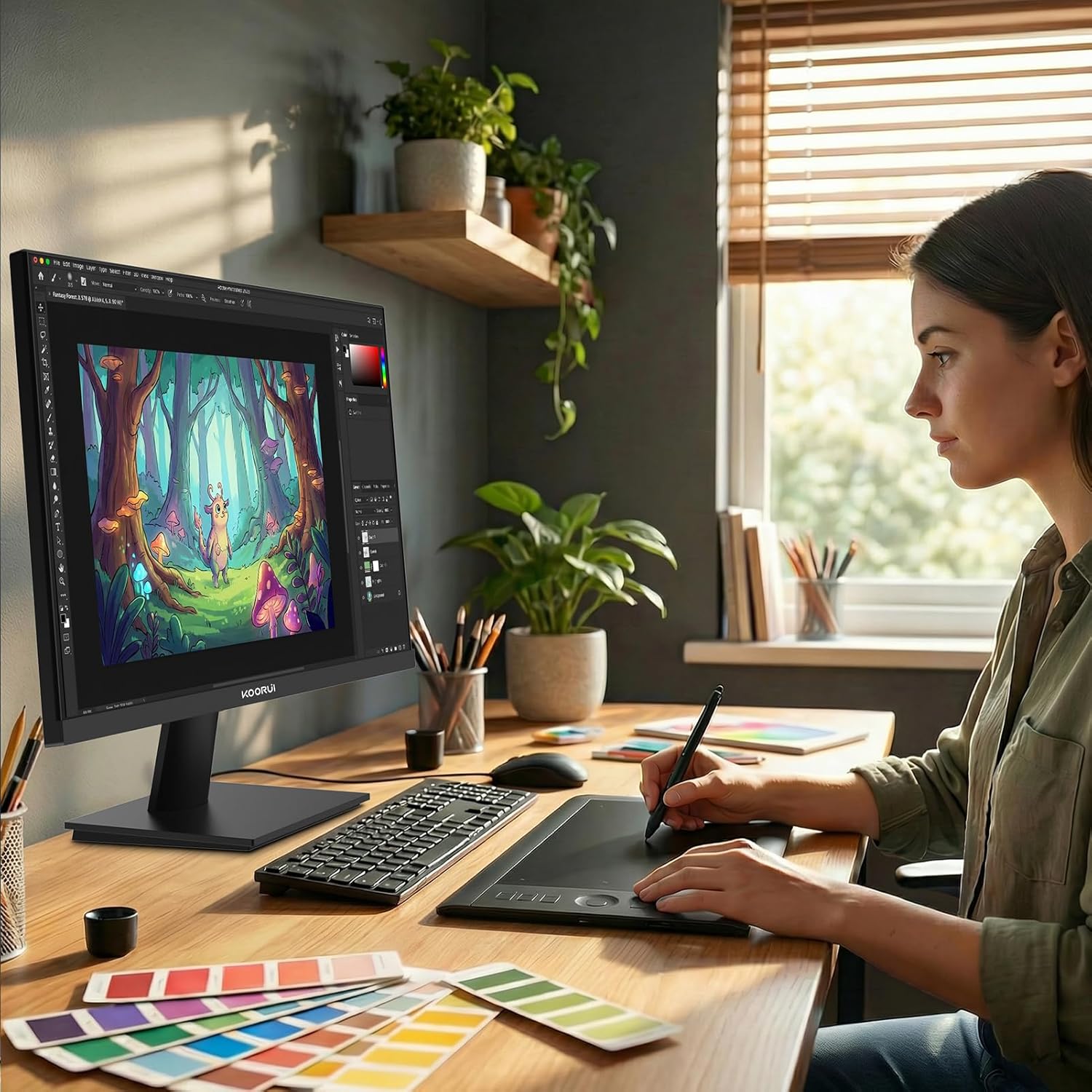
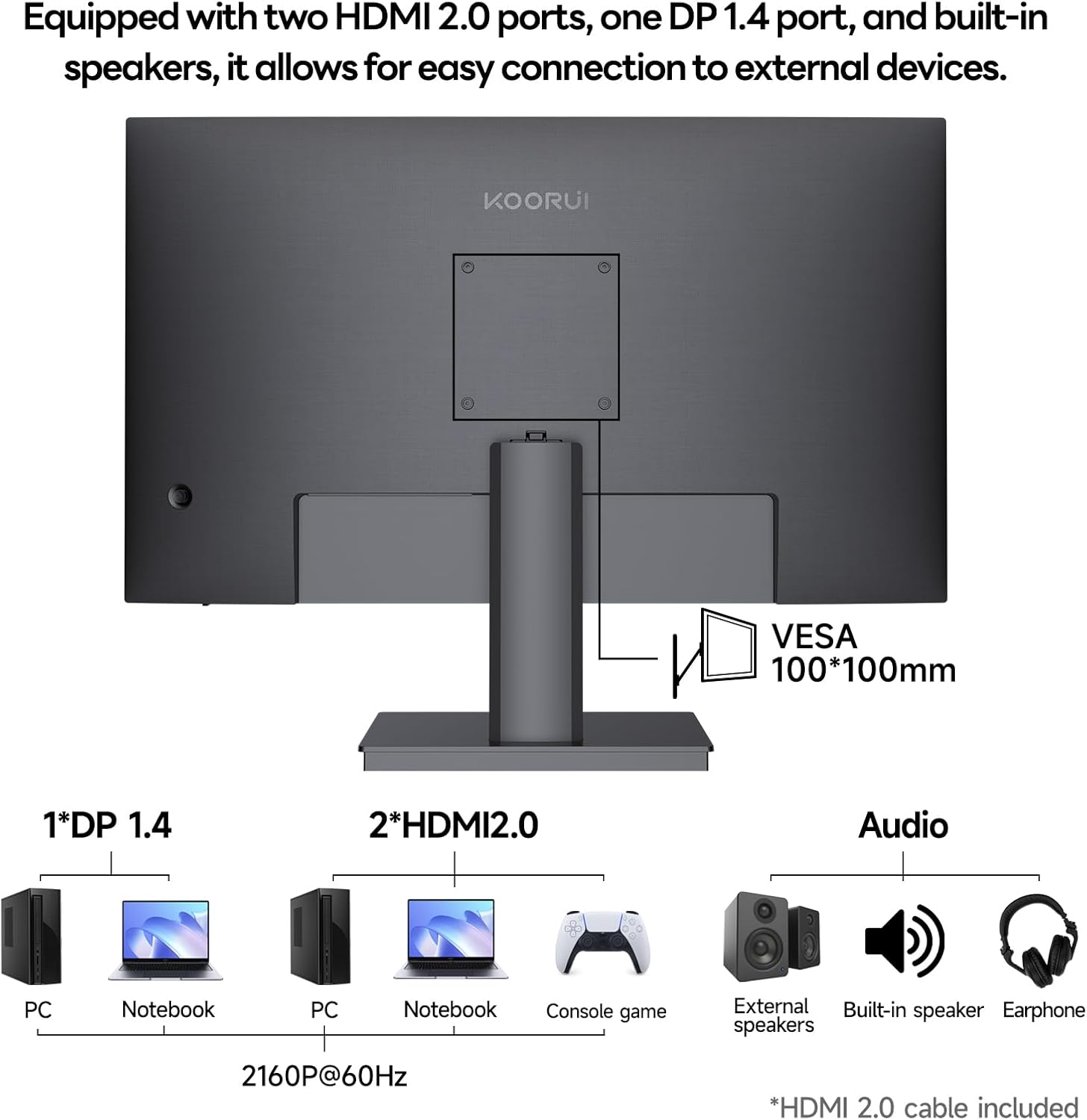
What it is and who it’s for\nThe KOORUI 32 Inch UHD 4K Monitor is a large-resolution display designed to deliver sharp detail at 3840x2160 with HDR10 support. It aims to bridge office productivity with light gaming and creative work, making it a plausible option for designers, editors or anyone who spends long hours in front of a screen and wants a clean, distraction-free setup. If you prioritise extra screen real estate and a wide colour gamut for more accurate visuals, this model provides a sensible baseline.\n\n## Why the colour and contrast matter\nWith 95% DCI-P3 and 99% sRGB coverage and 1.07 billion colours, the monitor seeks to offer smoother colour transitions and richer imagery. The VA panel contributes a high static contrast ratio of up to 3500:1, which helps deepen blacks and improve highlight detail. In practical terms, this can translate to more distinct shadows in video work and clearer readability when working with dark UI themes. However, remember that on-IPS equivalents colour accuracy and viewing angles can differ, on a VA setup you may notice stronger colour shift at extreme angles.\n\n## How it performs in daily use\nThe monitor supports HDR10 and 4K, so you’ll likely notice crisper textures in design drafts and when viewing 4K video content. It includes built-in speakers, which is convenient for quick demos or space-saving desks, but they’re not a substitute for dedicated speakers if you’re chasing high fidelity audio. Its 60Hz refresh rate paired with a 3ms GTG response time aims to keep motion reasonably smooth for casual gaming and standard office tasks, though it isn’t pitched as a high-end gaming display. If you’re chasing ultra-fast competitive gaming, this could fall short.\n\n## Connectivity and flexibility\nThe E3241A offers HDMI 2.0 and DP 1.4, plus built‑in audio, enabling straightforward connections to PCs, consoles and laptops. The stand supports tilt from -5° to 20°, and a VESA 100x100mm mounting option helps you clear desk space or position the screen on a wall. If you need more dynamic ergonomic options, verify the full range of adjustability before buying.\n\n## Who it’s best for\nThis is a practical choice for home offices and creative workflows that benefit from extra screen real estate and better colour representation, particularly if you frequently work with detailed drafts, photo edits or multi-document layouts. It also suits light gaming and multimedia use, where the value comes from a sizeable 4K panel rather than top-tier gaming performance.\n\n## What to watch out for\n- The 60Hz refresh rate isn’t ideal for fast-paced esports or ultra‑competitive titles. If you prioritise high frame rates, you may want to consider alternatives with higher refresh rates.\n- While 95% DCI-P3 is good, real-world colour accuracy depends on calibration and viewing conditions. It’s worth testing the panel’s colour performance if colour-critical work is a daily requirement.\n- Built-in speakers are handy, but they generally don’t match dedicated audio gear for music or film work.\n\n## Practical usage tips\nSet the display mode to a colour profile that matches your workflow (design, video, or general use) and consider a colour calibration routine if you work with precise visuals. Place the monitor at arm’s length and adjust tilt to reduce glare during long sessions. For gaming or media, enable FreeSync to help with smoother frame delivery where your GPU supports it.\n\n## Is it worth it?\nIt’s worth considering if you want a large 4K panel with strong contrast and solid colour coverage for everyday work and light creative tasks without breaking the bank. It may not be the best fit if you need ultra-fast response times or the brightest HDR performance. If you value desk space saving, built‑in speakers and straightforward connectivity, this model covers those bases well.\n\n## Mini FAQ\n- Does it support FreeSync? Yes, for smoother gameplay where compatible.\n- Is the built-in audio adequate for serious use? It’s suitable for casual listening but not a substitute for dedicated speakers.\n- Can I mount it on a wall? Yes, via VESA 100x100mm.\n- What type of tasks suit this monitor best? 4K design work, video viewing and general productivity benefit from the size and colour range.