

INPHIC Wireless Mouse Rechargeable: Ergonomic 2.4G Cordless, 800–1600 DPI with Silent Click
Product description
What it is and who it’s for
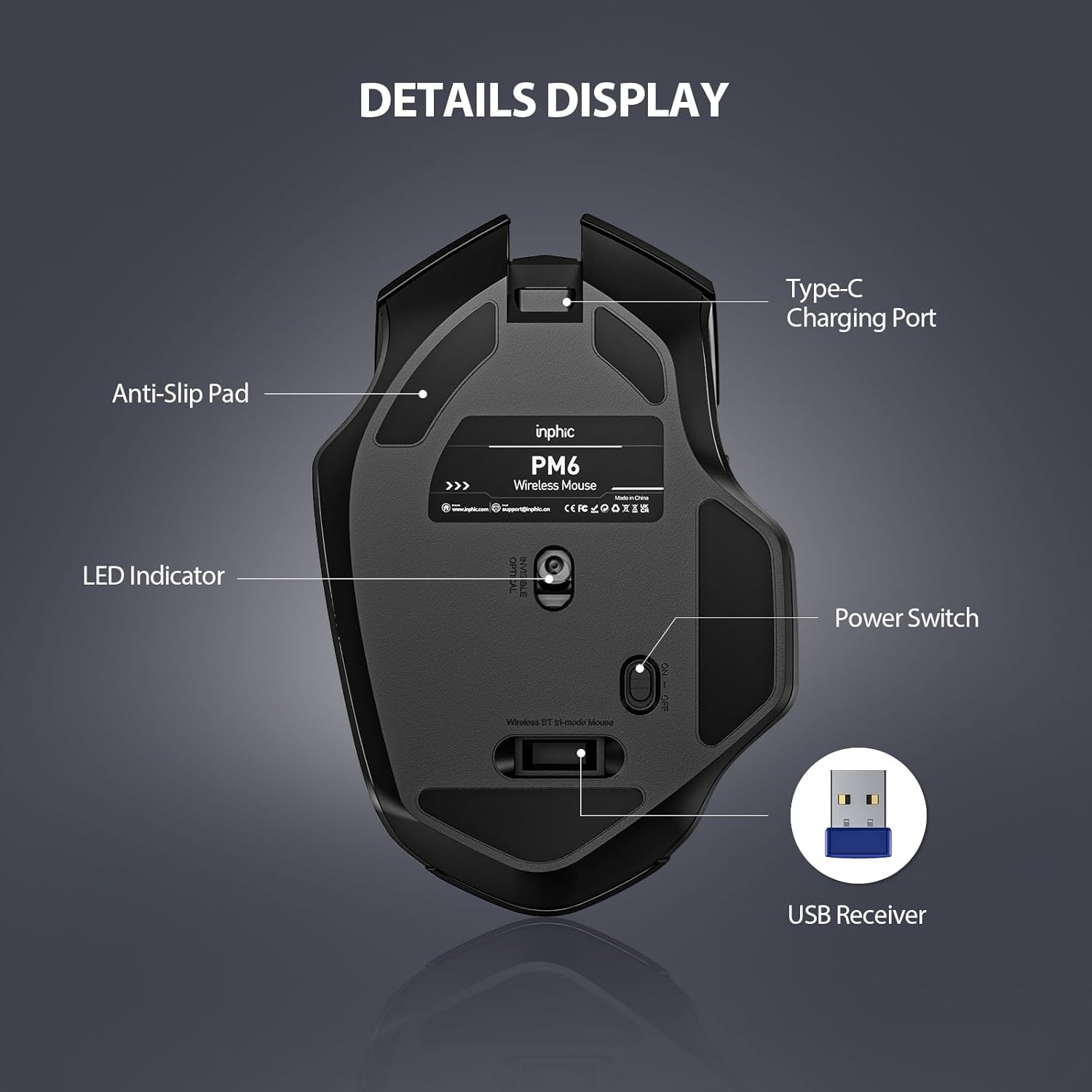
The INPHIC Wireless Mouse is a rechargeable, 2.4G cordless mouse designed for everyday computer use across laptops, PCs and Macs. It aims to replace the trackpad with a more precise, comfortable option for right-handed users, especially if you spend long hours at the desk. It’s plug-and-play with a nano USB receiver tucked into the bottom of the mouse, so you can get to work quickly without chasing drivers.
How it’s built for daily life
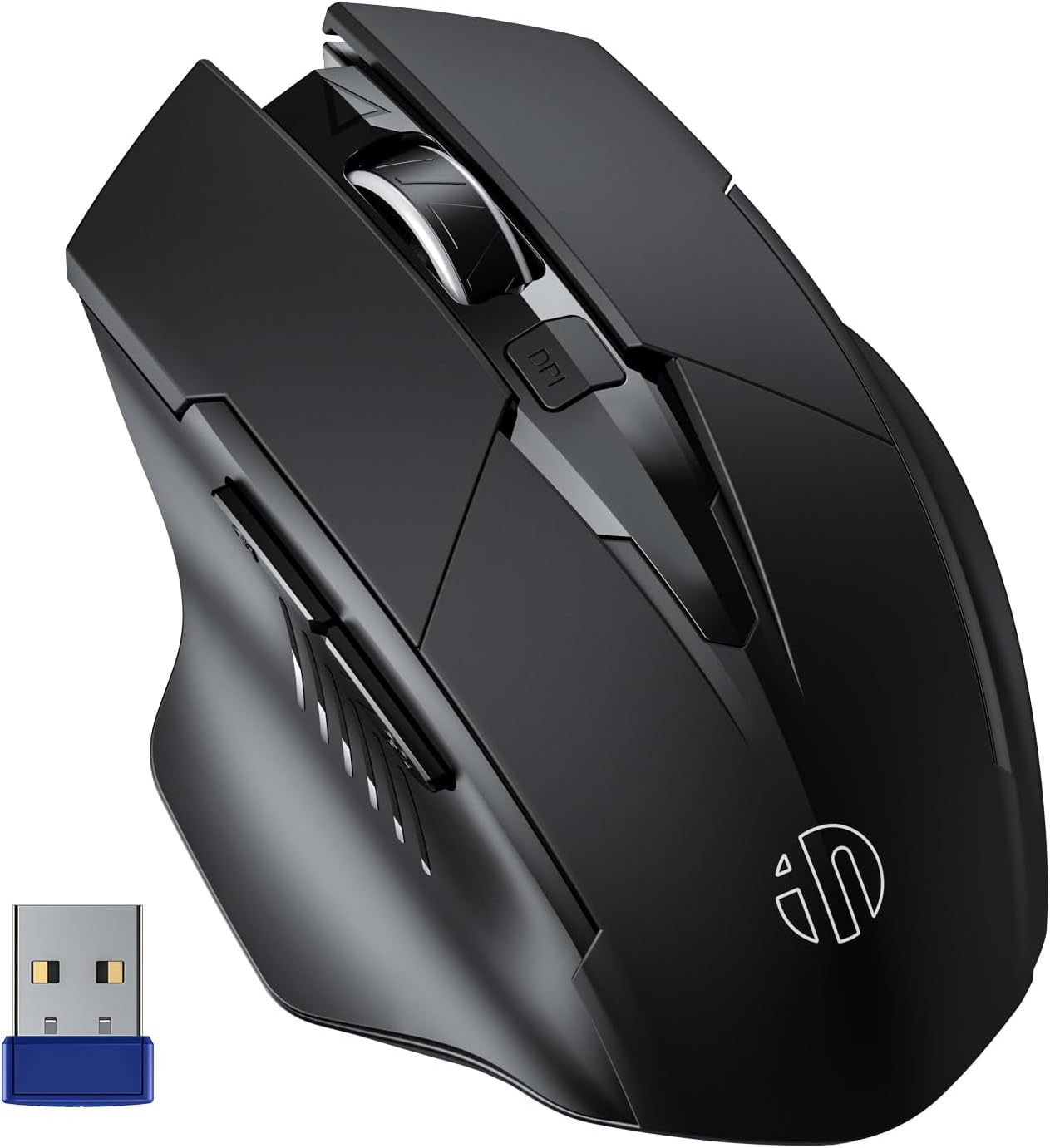
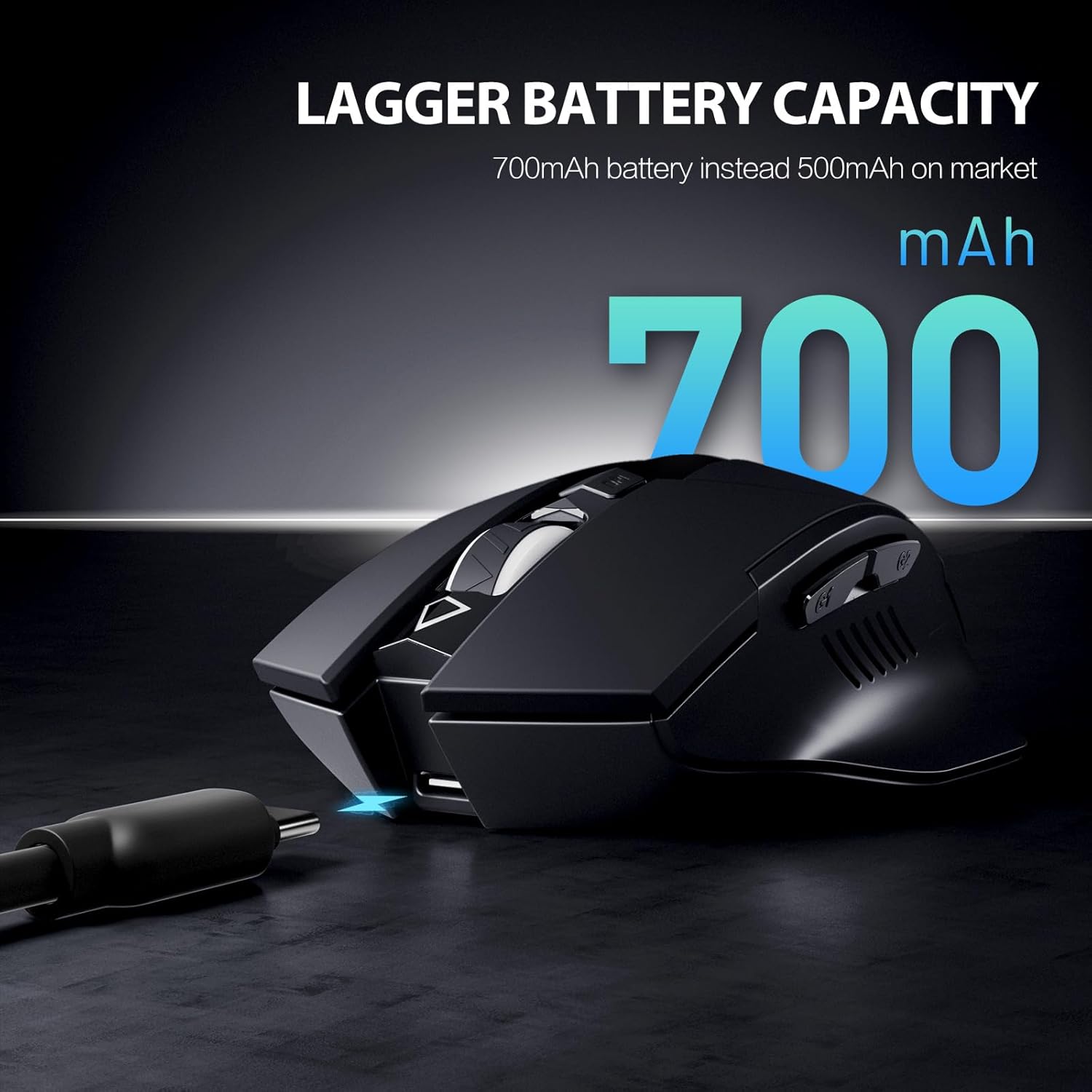
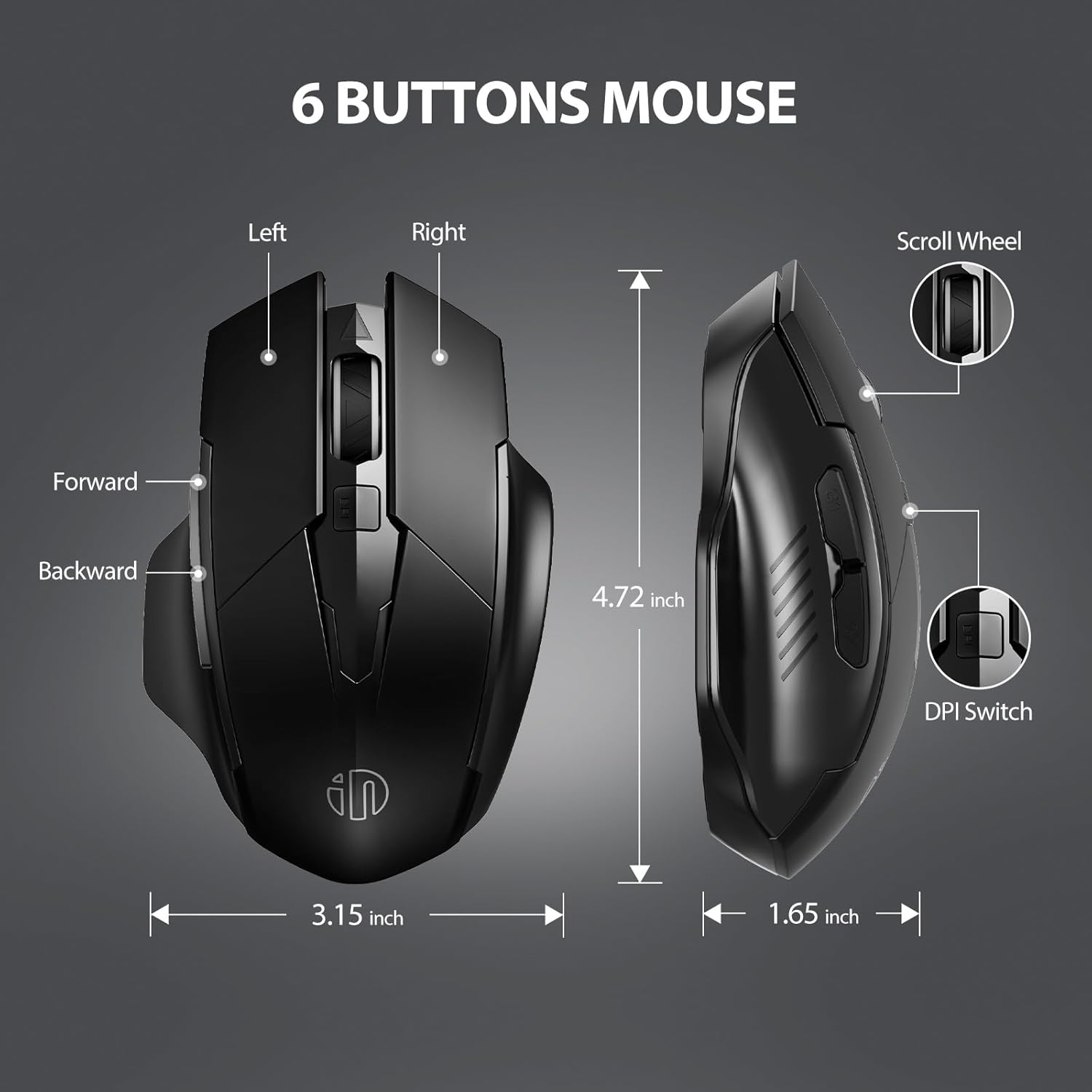
On paper, this mouse balances comfort and practicality. It features an ergonomic contour that suits right-handed use and a classic six-button layout, including side buttons for quick page navigation. The DPI can be set to three different speeds (800/1200/1600) to adapt to different tasks—fine cursor control for spreadsheets or faster movement for browsing. A notable improvement is the 700mAh rechargeable battery with auto-sleep technology, which aims to extend use between charges and reduce the need for frequent replacements.
What stands out in everyday use
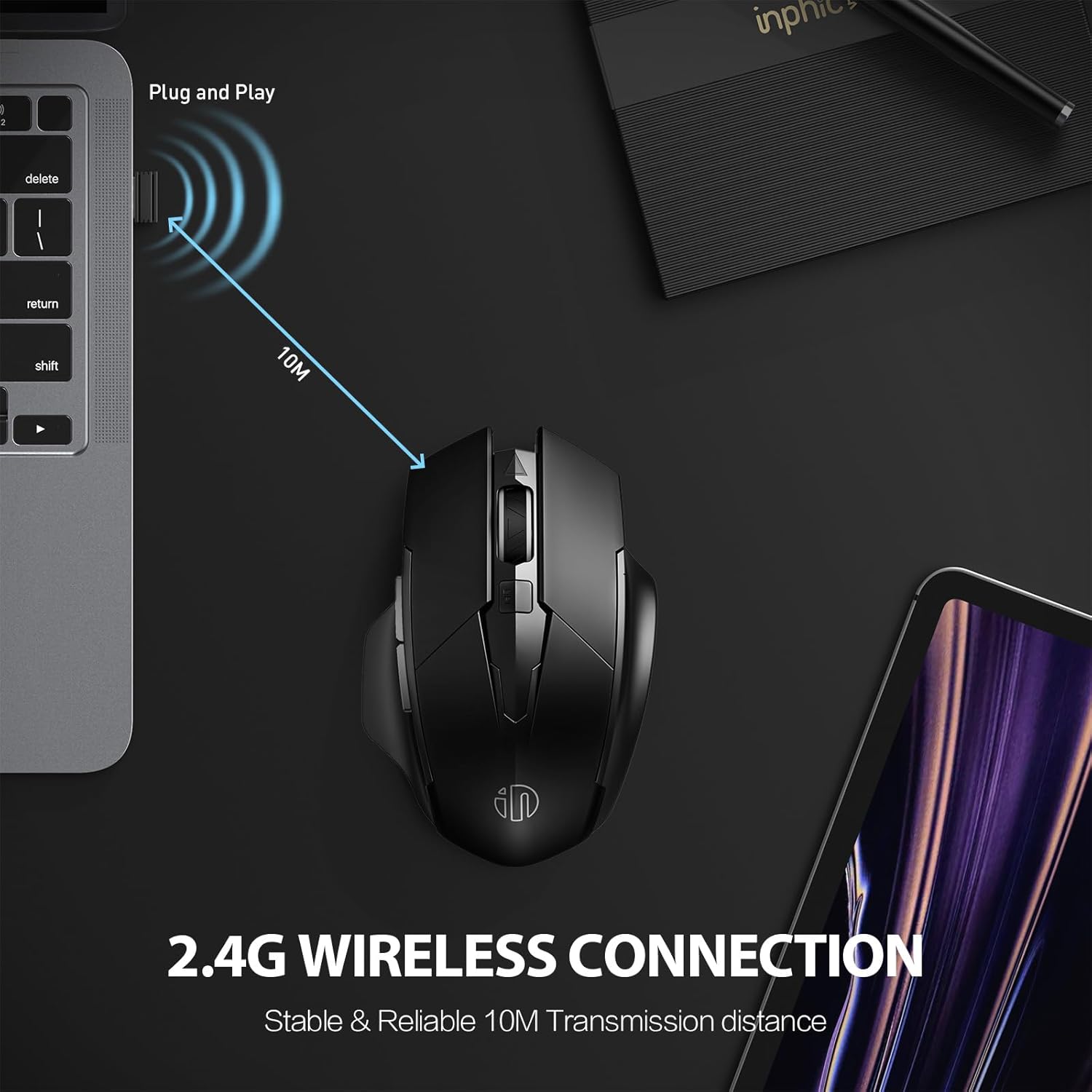
The 2.4G connection is marketed as stable with a claimed working range of up to 10 metres in ideal conditions, which should cover most home and small office setups. The silent click feature can be beneficial in shared spaces or late-night sessions when you don’t want to disturb others.
The best fit: who should consider it
This mouse appears well-suited for users who want a straightforward, USB-based wireless option that’s easy to set up and comfortable for longer sessions. It can work with Windows PCs, Macs and laptops, with the caveat that some Type-C devices may require an extra adapter to provide a USB port. If you value a plug-and-play experience and a contoured shape over fiddly setup, this could be a sensible option.
Where it may fall short
A potential limitation is that the side buttons do not operate under Mac OS, which could limit functionality for Mac users who rely on those controls. The claim of “upgraded battery” is positive, but real-world battery life will depend on usage patterns and the auto-sleep implementation. If you prioritise a highly customisable gaming mouse or need a wide range of programmable buttons, this model may feel modest.
When to buy and when to skip
Choose this if you want a simple, rechargeable wireless mouse with a familiar six-button layout and three DPI settings for day‑to‑day tasks. It’s sensible for office work, light browsing and basic design tasks where a traditional mouse is preferred over a touchpad. You might skip it if you require full Mac-side button compatibility, extensive programmability, or advanced gaming features.
Quick checks before you buy
- Confirm your device has a USB port for the nano receiver (or an appropriate Type-C adapter).
- Consider whether the three DPI settings cover your typical needs (800/1200/1600).
- Check whether you’ll miss the side buttons on Mac OS and if that’s a deal-breaker for your workflow.
- Think about your environment: the 10 m range is ideal for most desks but may vary with obstacles and interference.
Practical example in use

You’re editing a document and flipping through a long web page. The side buttons help you move between pages while you keep your focus on content. When you’re done for the day, you simply drop the mouse on your desk, and the auto-sleep feature helps extend battery life until you pick it up again.
FAQ (based on available details)
- Will it work with Mac OS? The mouse works with Macs, but note that the side buttons don’t function in Mac OS.
- How easy is the setup? It is plug-and-play via the nano USB receiver, no extra drivers are required.
- What about battery life? It uses a 700mAh rechargeable battery with auto-sleep technology intended to extend usage between charges.
What to know before deciding
If you prioritise a straightforward, comfortable wireless mouse for daily tasks and multi-OS compatibility, this model offers solid value. It’s not a gaming device, and Mac users should factor in the limited functionality of the side buttons. In practice, it suits users who want reliability and ease of use over feature-rich customisation.
Is it worth it?
Worth considering if you want a practical, rechargeable 2.4G mouse with a familiar layout and modest DPI range for everyday work, it may not be the best option if you need full Mac button compatibility or advanced programmability.
Final verdict
This INPHIC wireless mouse is a sensible choice for users seeking a low-hassle, comfortable pointing device with long-term battery potential and universal compatibility, subject to Mac-side button limitations.