

Arteck MD172 Multi-Device Wireless Bluetooth Mouse (Nano USB-A & USB-C receivers) – silent, rechargeable ergonomic right-hand mouse
Product description
The essentials
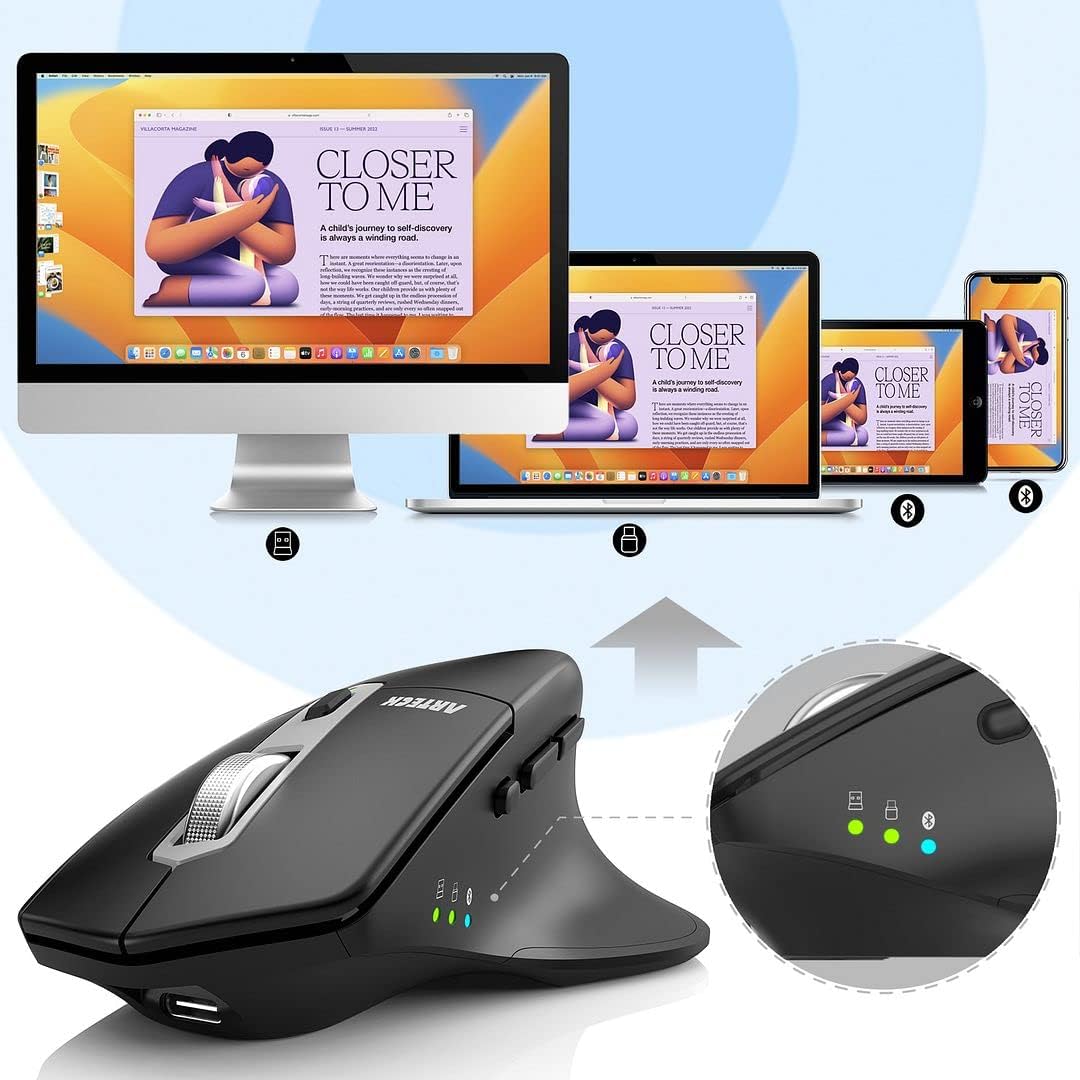
If you juggle a laptop, tablet, and maybe a desktop too, constantly pairing a mouse again and again gets old fast. The Arteck MD172 is designed for exactly that kind of routine: it can connect to three devices at once, switching between them with a single control. On top of the multi-device idea, it leans on an ergonomic, right-hand shape and silent clicking, which is the sort of practical combo you notice in day-to-day office or study use.
It’s not trying to be a gaming mouse. With its setup options (2.4G via both Nano USB-A and Nano USB-C receivers, plus Bluetooth), it’s more about smooth everyday navigation, fewer cable habits, and keeping your hand position comfortable.
There are a couple of areas to consider before you commit, though. The “comfort” angle depends a lot on your hand size and grip style, and silent clicks can feel different to some people compared with standard mechanical feedback.
Key features
Where the Arteck MD172 makes its case is in how it supports mixed device setups without fuss. You get:
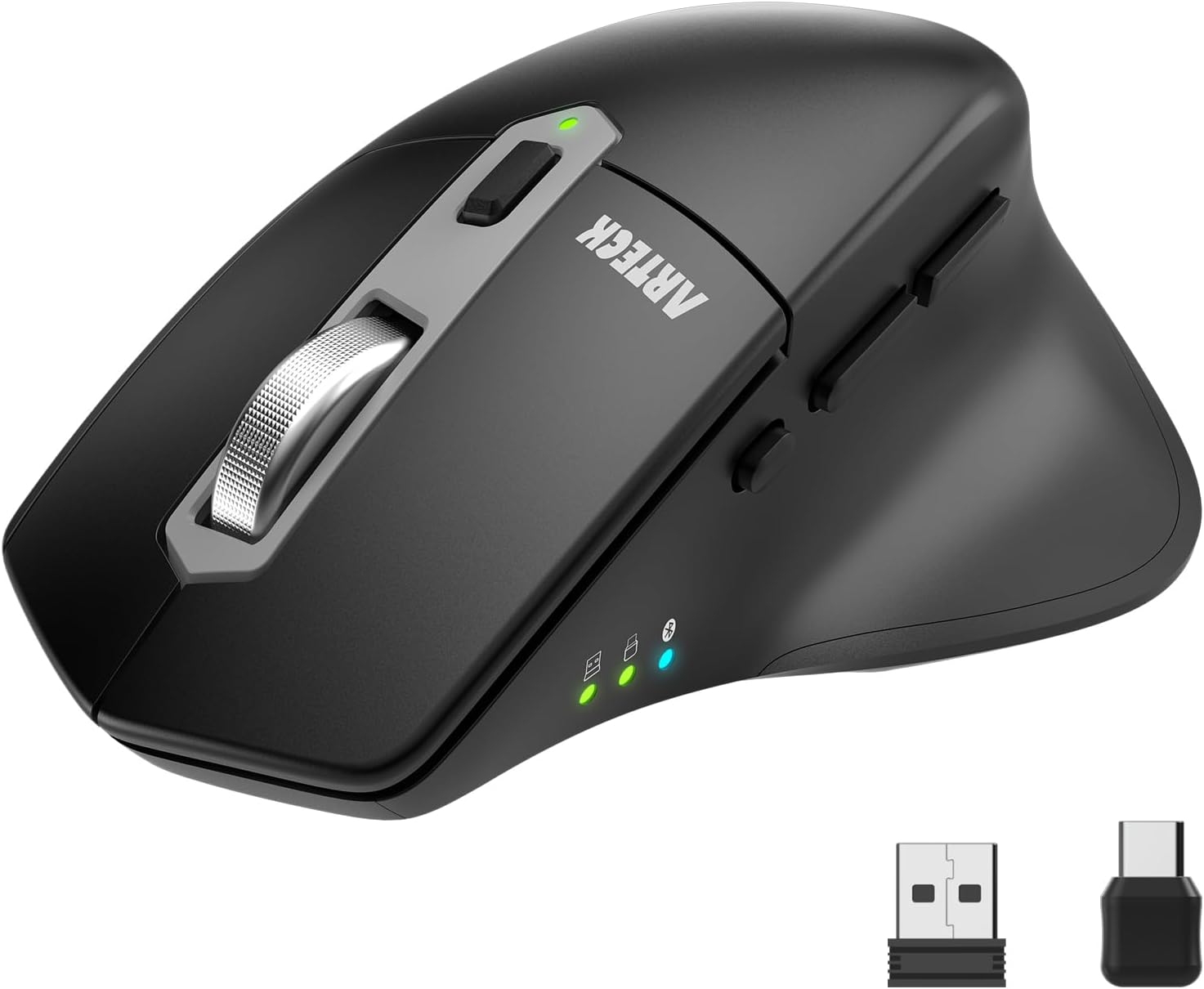
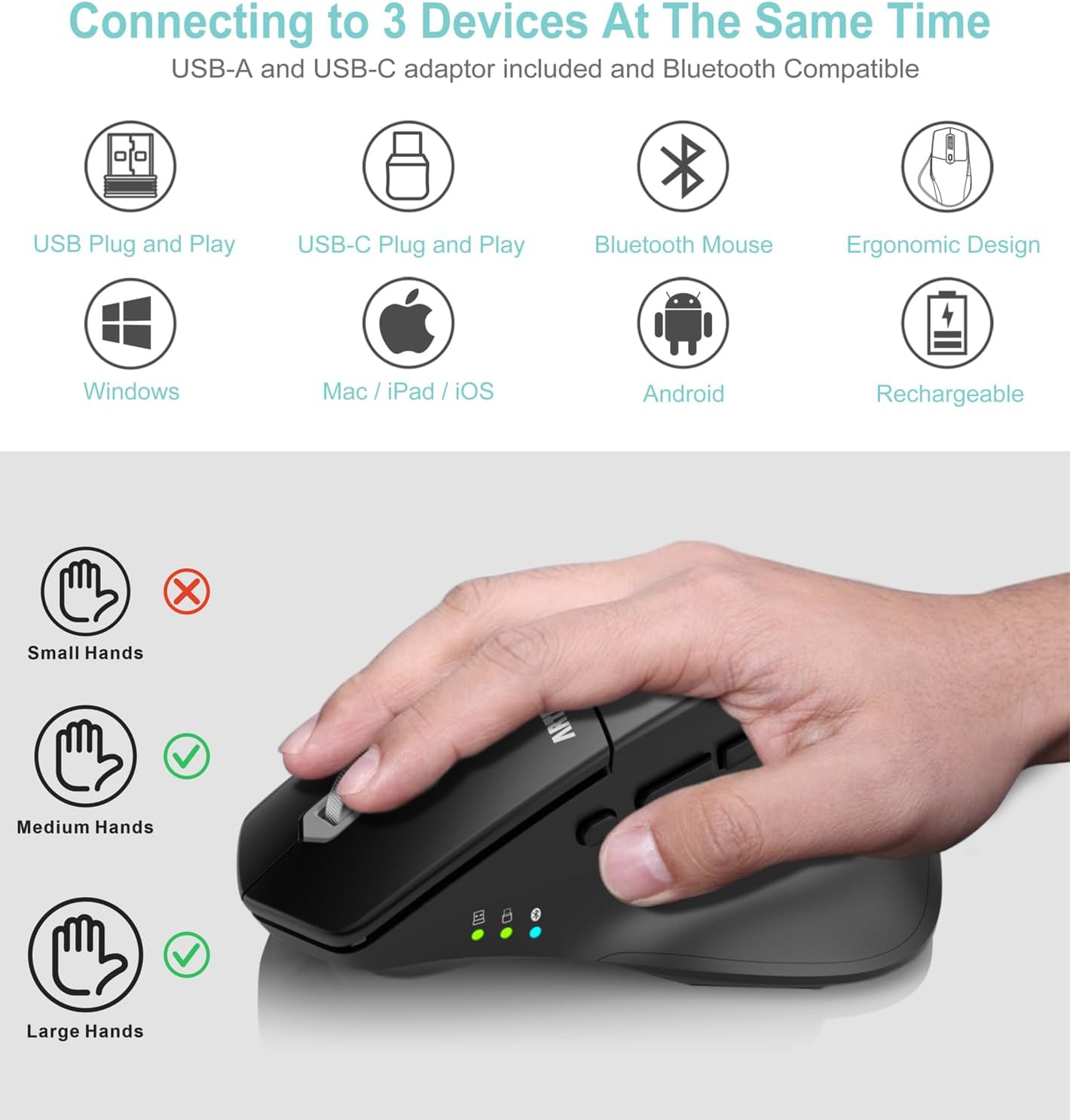
- Multi-connection support for three devices at the same time, using Bluetooth plus two 2.4G wireless modes (Nano USB-A and Nano USB-C).
- A single-button switch to swap between connected devices.
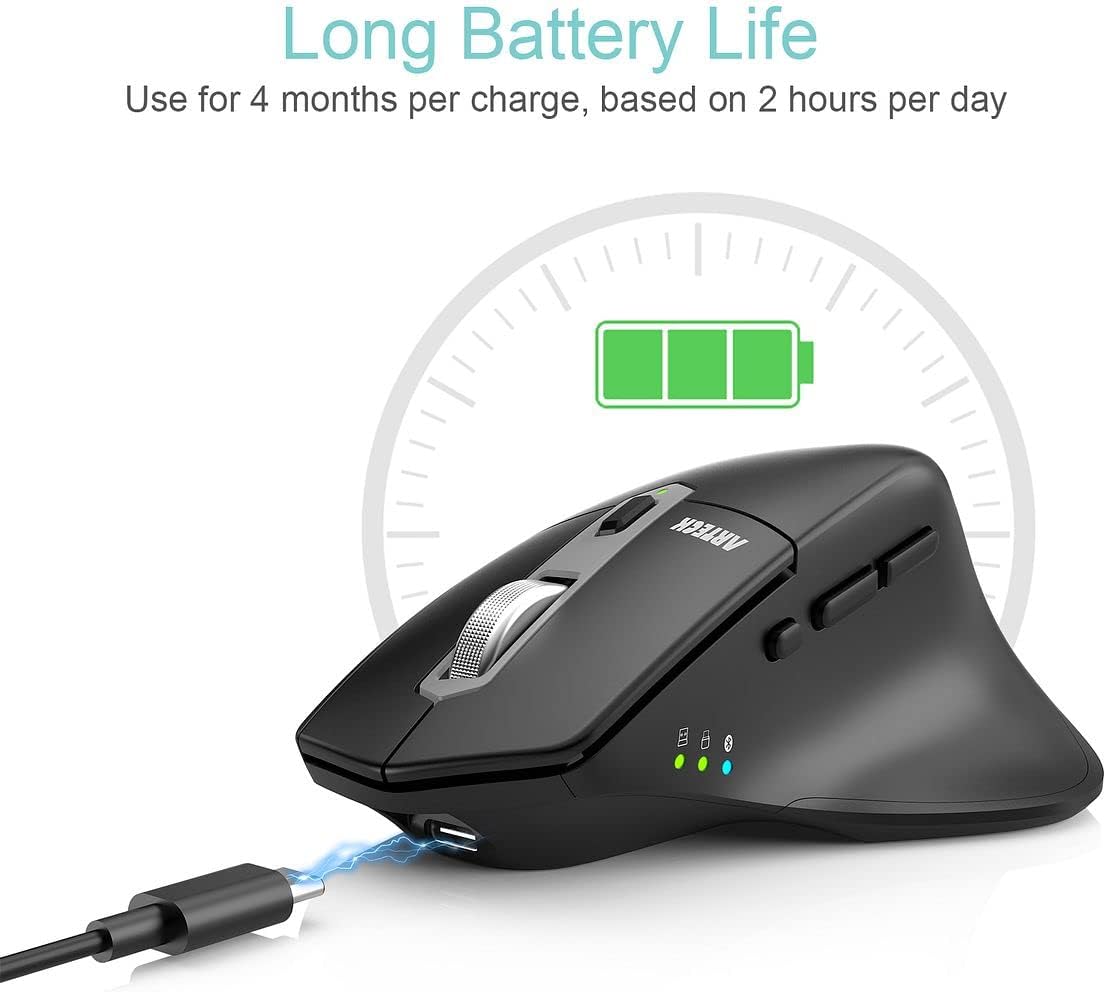
- A rechargeable lithium battery, described as lasting up to about 4 months on a single charge (the stated estimate is based on 2 hours of non-stop use per day).
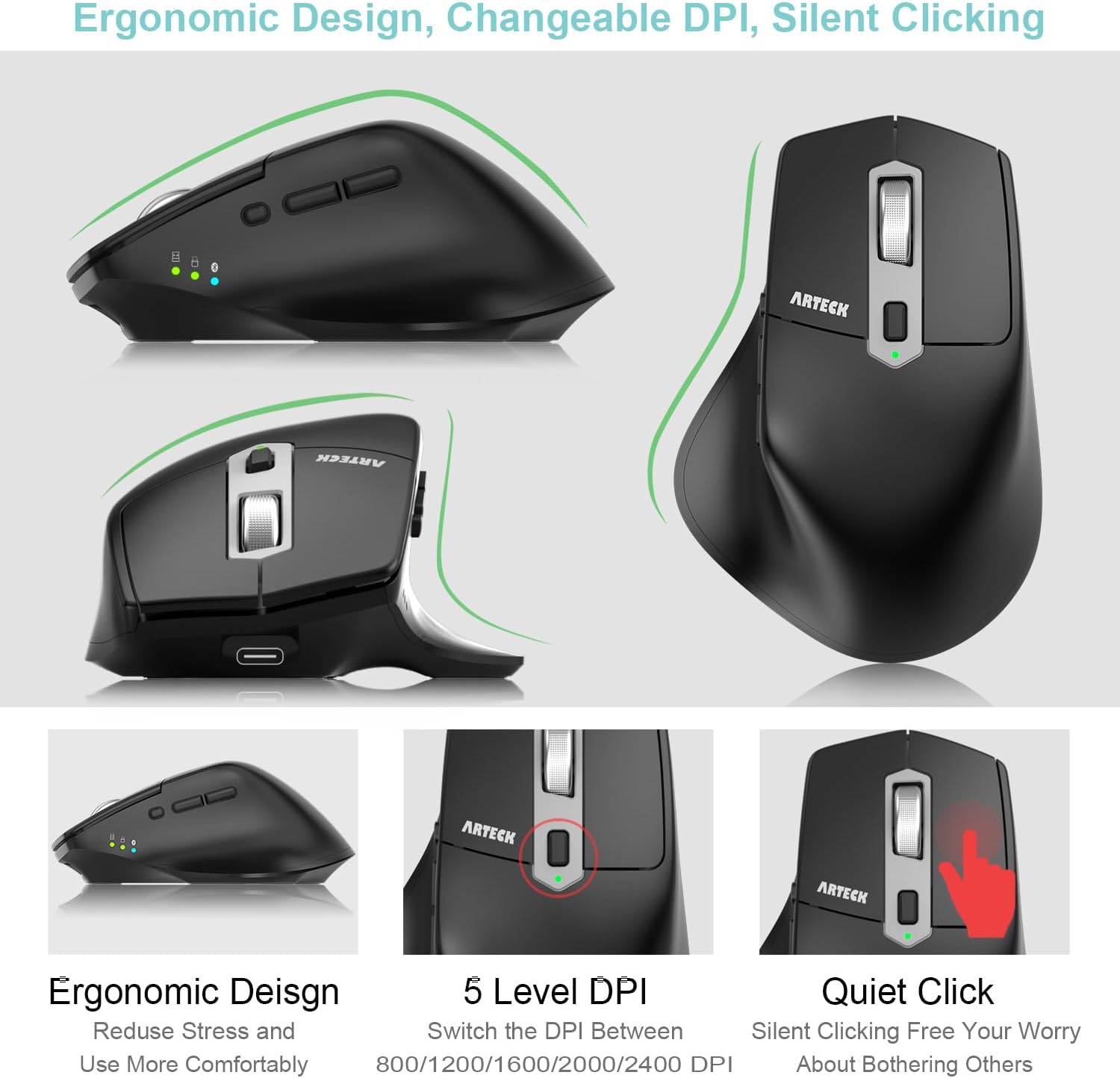
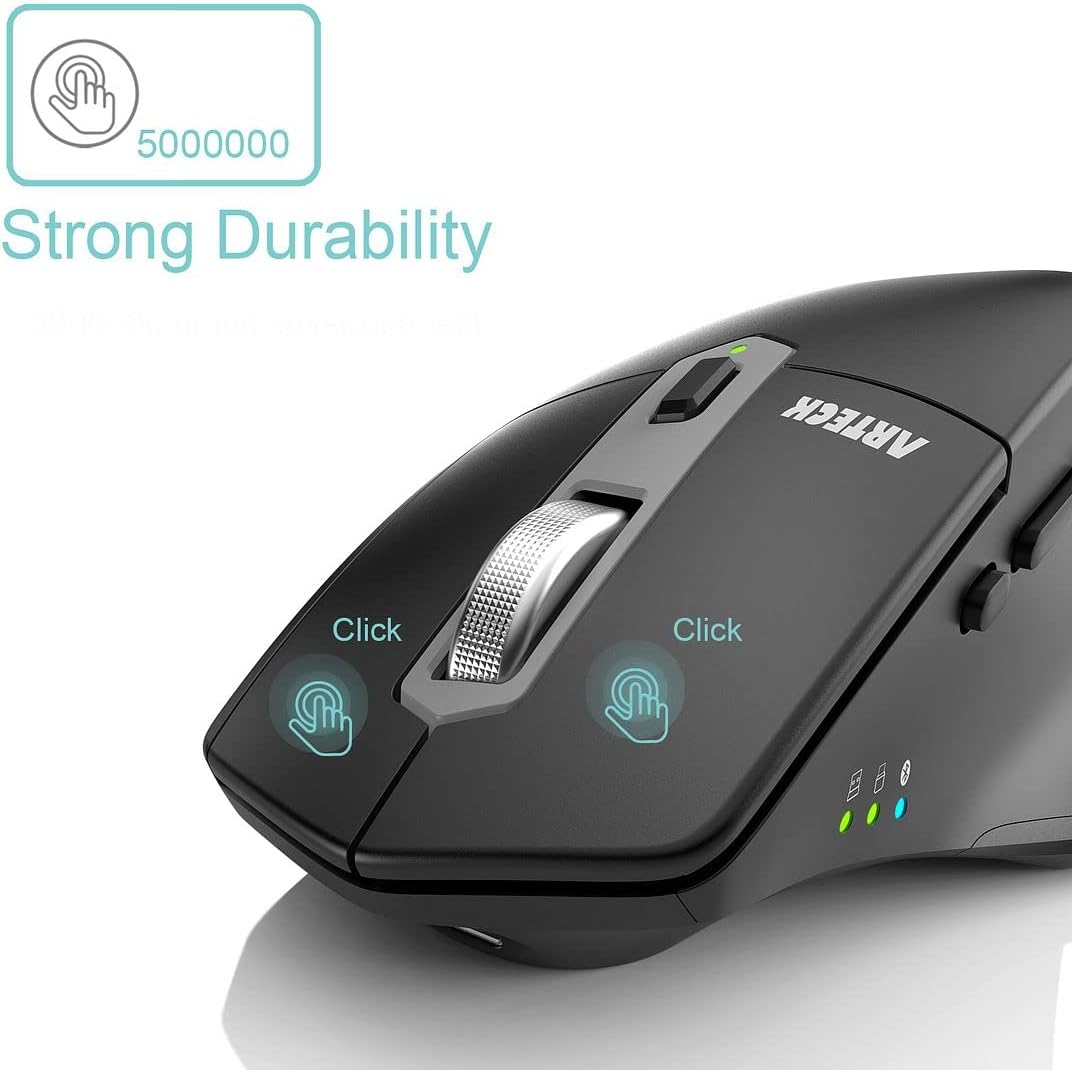
- Silent clicking for quieter work environments such as offices, home setups, cafés, or libraries.
- An ergonomic right-hand design with a soft, easy-to-grip thumb rest intended to encourage a more natural hand and wrist position.
What stands out in everyday use
In plain terms, this mouse is built for people who want less friction between devices. The “three devices with one switch” approach is helpful if you regularly alternate between, say, a work laptop and a tablet for reading or notes.
A quick micro-scenario: imagine you’re writing an email on a Windows laptop, then you need to flick across to iPad to review a document. Instead of putting the laptop aside, re-pairing Bluetooth, or fishing for a different dongle, you switch on the mouse and keep going. That’s the sort of convenience that’s hard to love in theory, but genuinely useful when your workflow is already multi-screen.
You also get the benefit of silent clicking. It’s especially handy in shared spaces where normal clicks can feel disruptive. That said, if you rely on the “click sound” as feedback, you might find it a little less satisfying than traditional switches.
Tech specs
- Type: Wireless mouse
- Name: Arteck MD172
- Connections: 2.4G wireless via Nano USB-A receiver, 2.4G wireless via Nano USB-C receiver, and Bluetooth
- Ergonomics: Right-hand ergonomic design with soft thumb rest
- Battery: Rechargeable lithium battery
- Claimed battery life: Up to 4 months on a single charge (based on 2 hours of non-stop use per day)
- Click feel: Silent clicking
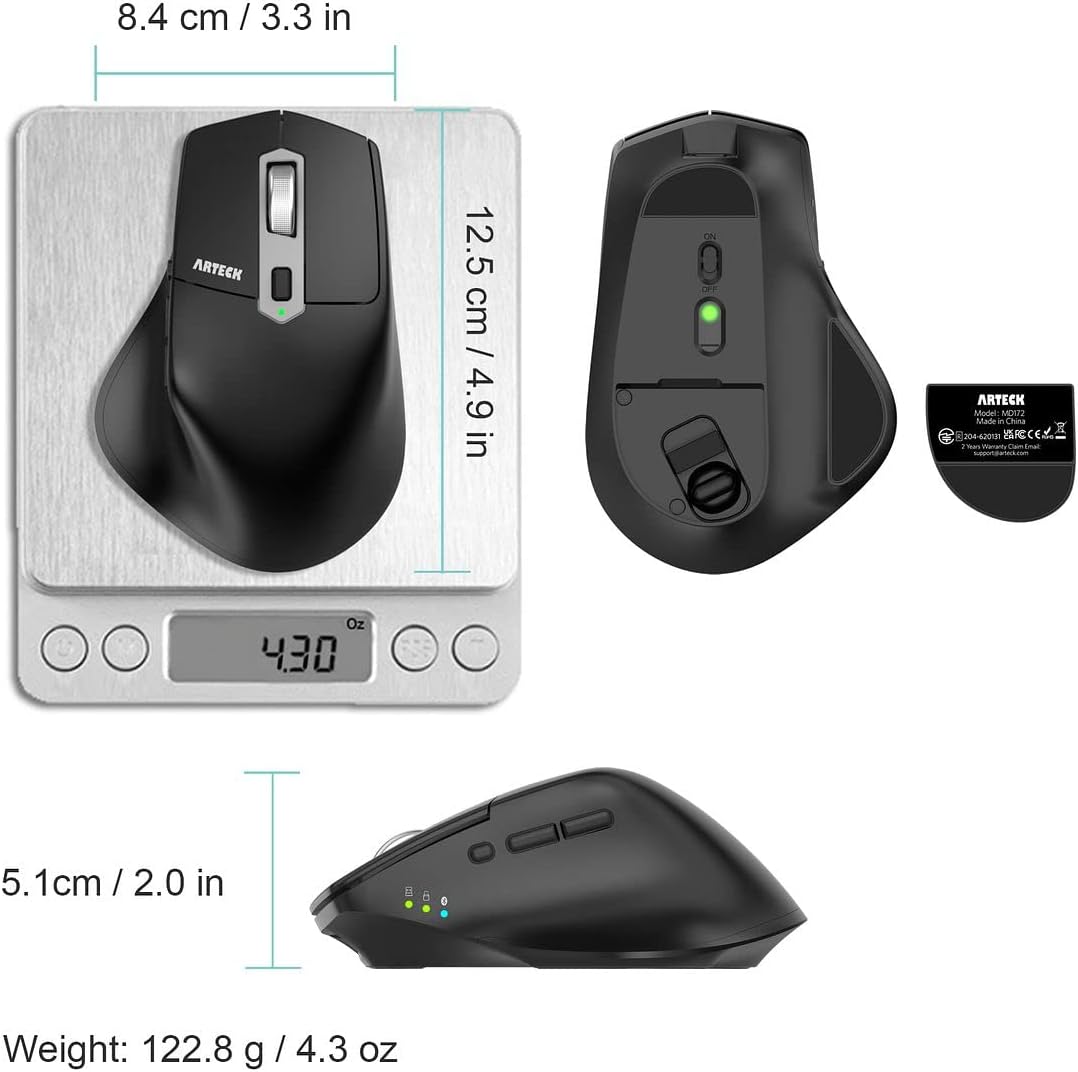
- What you get: Arteck MD172 wireless mouse, one nano USB-A receiver, one nano USB-C receiver (stored in the back of the mouse), USB-C charging cable, welcome guide, 24-month warranty, friendly customer service
Who it suits (and who should be cautious)
It’s a good fit if you want one mouse to handle mixed setups, including devices that accept USB dongles and those that work with Bluetooth. The included Nano USB-A and Nano USB-C receivers also make it more practical if you switch between different ports or use docking/USB-C adapters.
It makes sense if you value quieter office/home use. Silent clicking is a strong point on paper, and for many people it’s the difference between “fine” and “I can actually use this near others.”
It may not suit you if you specifically need a heavy, high-precision gaming feel, or if you prefer very tactile, louder clicks for confirmation. It also might not feel right if your grip doesn’t match a right-hand ergonomic shape, comfort is subjective, and the ergonomic benefit depends on how you naturally hold the mouse.
Buying verdict
Worth considering if your daily routine involves switching between multiple devices and you’d rather avoid repeated pairing. The combination of three simultaneous connection methods (Bluetooth plus Nano USB-A and Nano USB-C receivers), silent clicking, and a rechargeable battery is a sensible “use it every day” setup.
It may not be the best choice if you want the simplest possible mouse with no switching, or if you’re sensitive to how silent clicks feel. Also, since the battery-life figure is based on a specific usage assumption (2 hours non-stop use per day), your own runtime could be shorter or longer depending on how you actually work.
Small FAQ
Is this mouse only for Windows?
No. The description says it works with Windows 11/10/8/7, Mac, iPad OS, and Android, with connectivity via USB port or Bluetooth.
How many devices can it connect to at once?
It’s designed to connect to three devices simultaneously: 2.4G via Nano USB-A, 2.4G via Nano USB-C, and Bluetooth.
Does it include both USB receivers?
Yes. You get one nano USB-A receiver and one nano USB-C receiver, and both are stored in the back of the mouse.
How long does the battery last?
The stated estimate is up to 4 months per charge, based on 2 hours of non-stop use per day. Your results may vary.
Is the clicking really silent?
The product is marketed as having silent clicking, aimed at reducing disturbance in shared or quiet environments.
Final verdict
Should you buy it? Go for the Arteck MD172 if you want a rechargeable, right-hand ergonomic mouse that can juggle three devices at once and stay quiet enough for office or library-type environments. If you’re looking for something purely basic (or you strongly prefer a loud, very “clicky” feel and a different hand shape), you may want to look elsewhere first and sanity-check the silent-click feel for your preferences.