

Huion Kamvas Pro 27 4K UHD Drawing Tablet with Screen (PenTech 4.0, 27-inch, Adobe RGB 98%)
Product description
The essentials
If you’re shopping for a pen display, the big question is usually simple: will it feel good enough day after day, and will the screen get out of your way when you’re drawing? The Huion Kamvas Pro 27 4K UHD is pitched as a studio-style 27-inch graphics tablet with a high-resolution 4K canvas, plus a colour-focused approach (it covers multiple colour spaces) and a pen system called PenTech 4.0.
On paper, it’s aimed at people who want a more accurate, more colour-consistent screen for illustration work, and a pen experience that behaves predictably. That said, no single tablet is perfect—depending on your workflow, you may still need to tune settings and manage expectations around calibration reports and how your software handles colour.
What it is and why you’d buy it
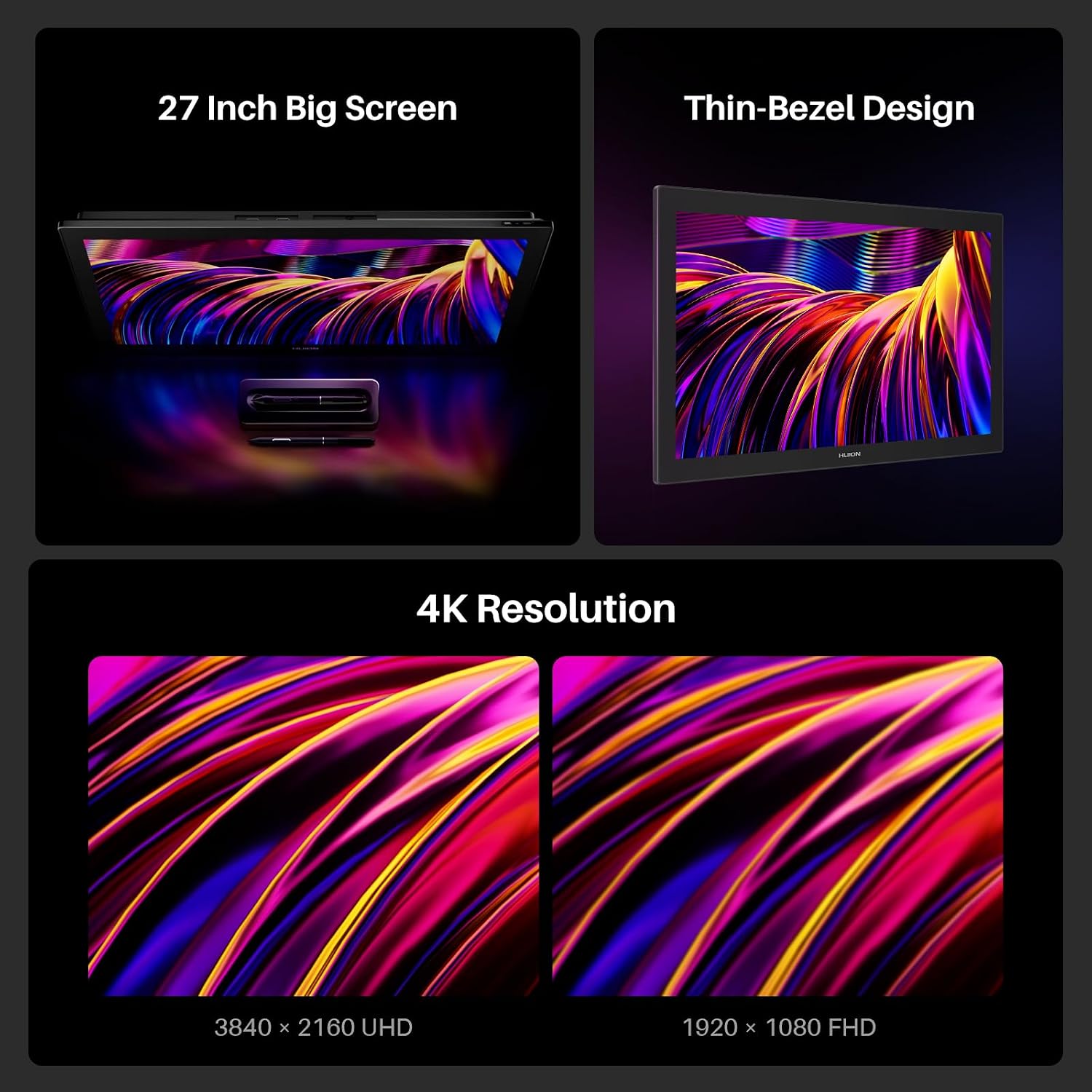
This is a graphics tablet with a built-in screen, so you draw directly on the display rather than looking at a separate monitor. With a 27-inch layout and 4K resolution (3840×2160), the idea is to give you a larger, clearer workspace for detailed linework and smoother viewing while you work.
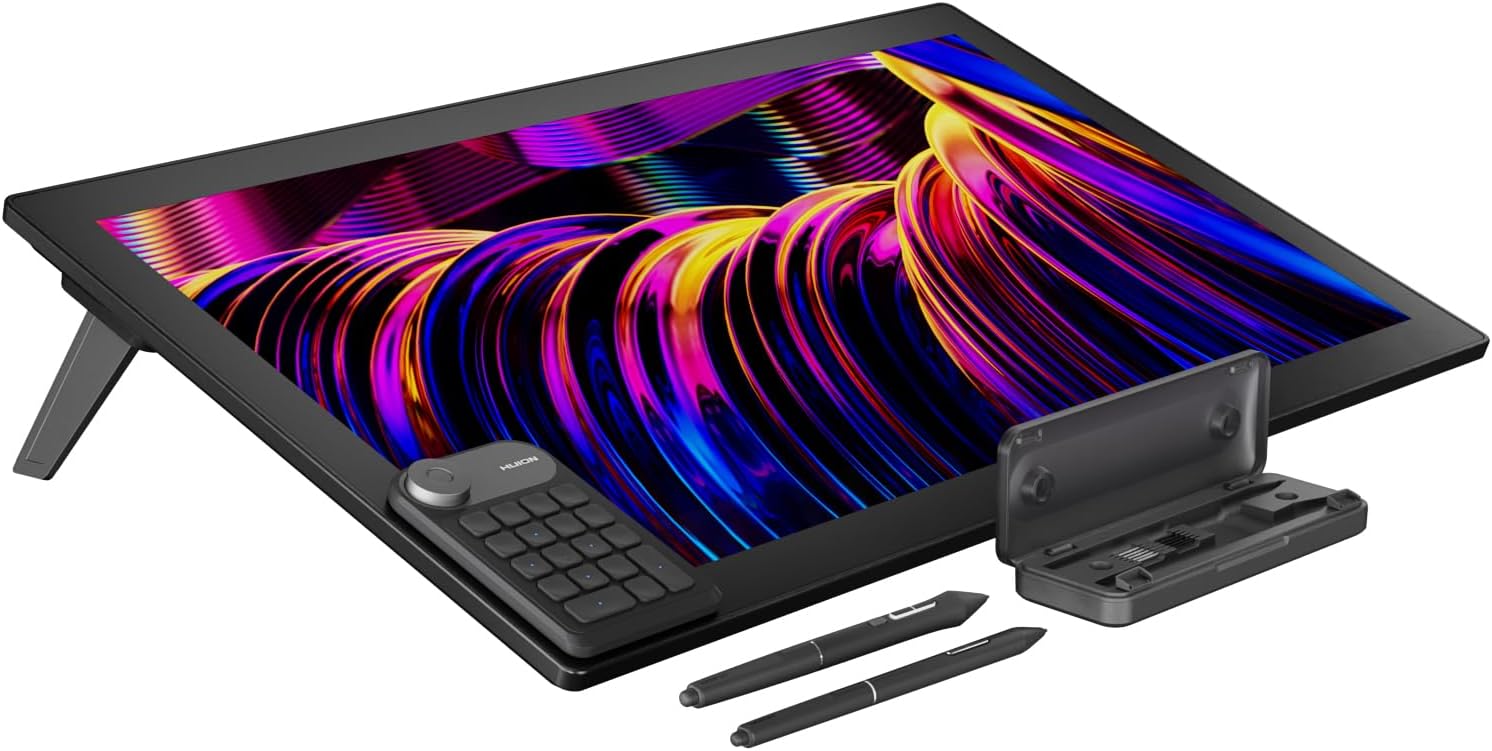
The pen side is described around PenTech 4.0, including more solid tip feel, improved grip, and pressure sensitivity tuned for writing and drawing. There’s also mention of tilt auto-alignment technology to help reduce cursor offset issues, which is the kind of small reliability detail that matters when you’re spending hours getting shapes to land where you expect.
A practical way to think about it: if you often zoom in for inking, or you’re working on layered artwork and want a larger “canvas” without juggling a smaller panel, this kind of screen size and resolution tends to make the experience feel less cramped.
Where it shines
The Kamvas Pro 27’s strongest selling points in the provided details are the screen and pen pairing.
Colour coverage and switching in the OSD
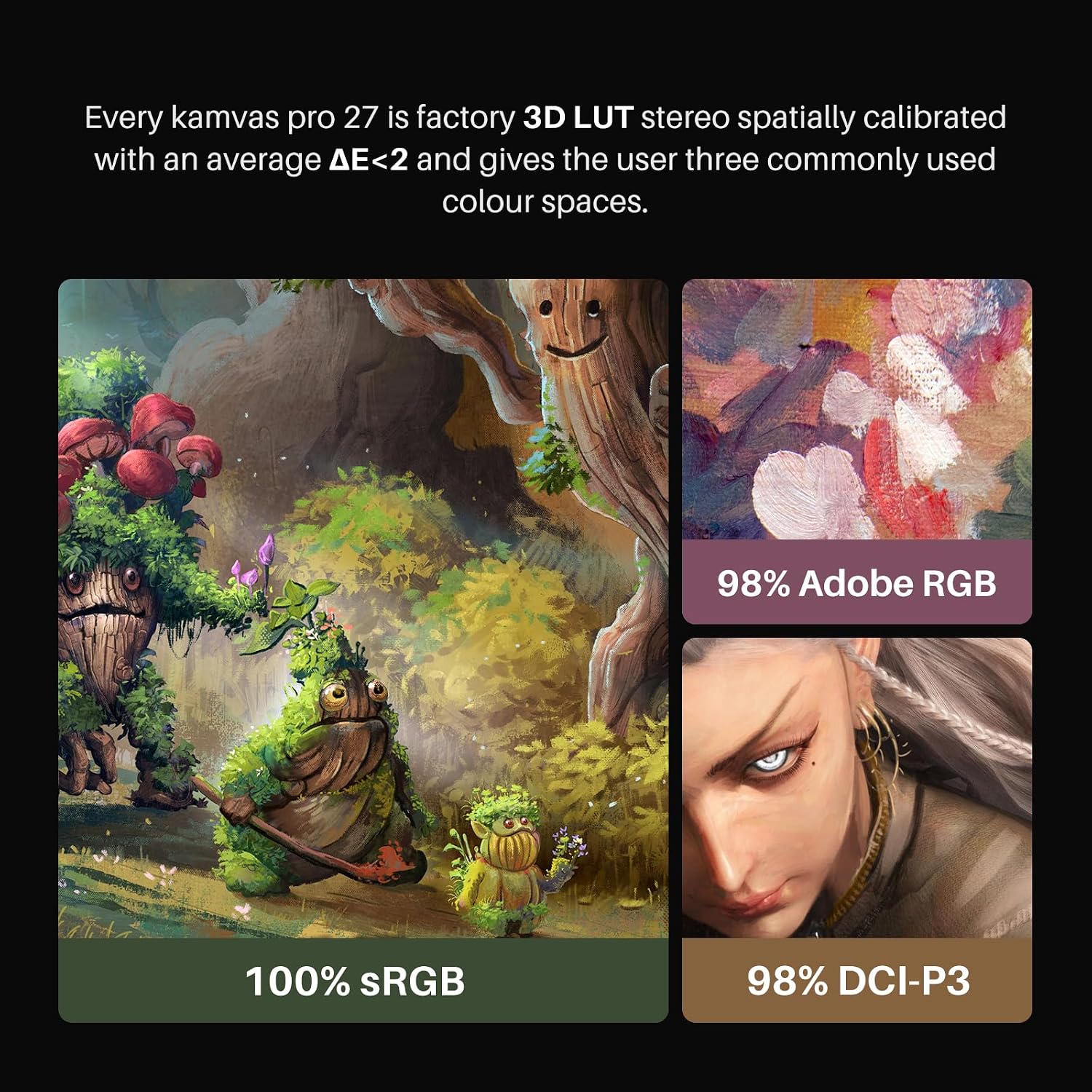
The tablet is described as covering sRGB, Adobe RGB, and DCI-P3 colour spaces, with the ability to switch via the on-screen display (OSD) menu. That’s useful if your art is for different targets, or if you like to keep your viewing closer to the colour space you’re exporting for. It’s also stated that it supports 1 billion display colours, which (in plain terms) points towards smoother shade transitions rather than big visible stepping.
Accurate colour claims (with hardware calibration)
There’s a specific calibration angle here: 3D LUT hardware calibration, a factory calibration report included, and a claimed colour accuracy with ΔE < 1.5 plus a standard 2.2 gamma value. If you care about colour behaving consistently rather than “close enough”, this is the sort of feature set you’d look for.
Just keep in mind that colour accuracy in the real world also depends on your environment and how your software/exports are set up—so the report is reassuring, but it doesn’t remove every variable.
PenTech 4.0: grip, pressure, and stability
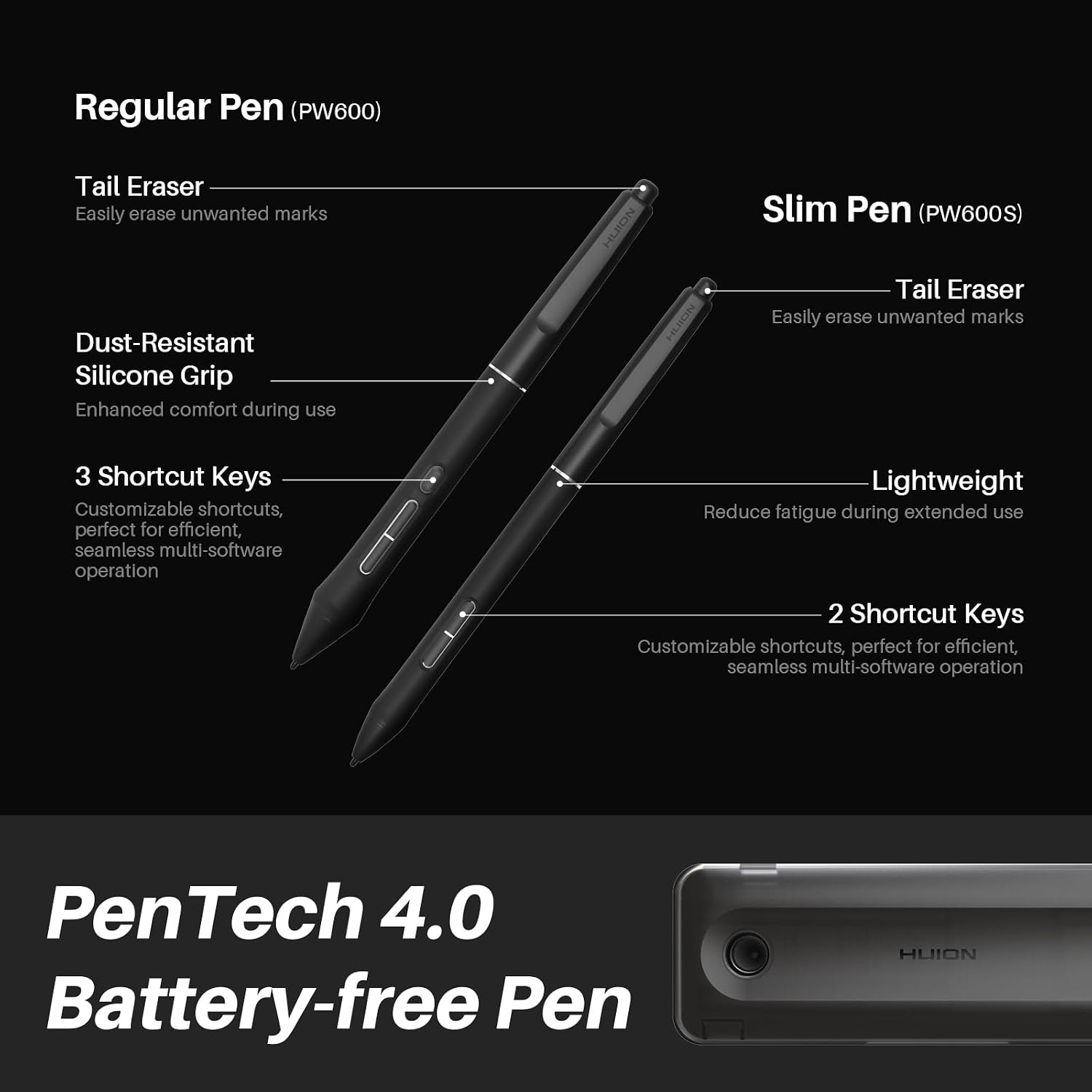
PenTech 4.0 is described as offering better grip, no-obstructive vision, and solid pen tip feel with precise pressure sensitivity. It also claims an effortless activation for both the included standard and slim pens with only 2g of force.
The writing stability story continues with an improved retraction distance (no more than 0.4mm), aimed at making the pen tip more stable, plus improvements to precision edges. There’s also tilt auto-alignment mentioned, meant to decrease cursor offset issues.
Key things to consider before you buy
Big screen tablets are a commitment: they take up desk space and often require a more deliberate setup. Even if the Kamvas Pro 27 has a solid “studio-grade” positioning, you’ll want to check whether your current setup and habits match what you’re buying.
- Desk/space reality: 27-inch screens can be great for comfort, but if you’re working with a tight workstation, it may feel oversized.
- Colour workflow fit: it covers sRGB, Adobe RGB, and DCI-P3, but your actual benefit depends on whether you switch colour spaces in your workflow and whether your software expects those spaces.
- Pen expectations: the pen details sound promising, but if you’re extremely sensitive to cursor alignment or you’re used to a different pen feel, it’s worth thinking about your preferences in advance.
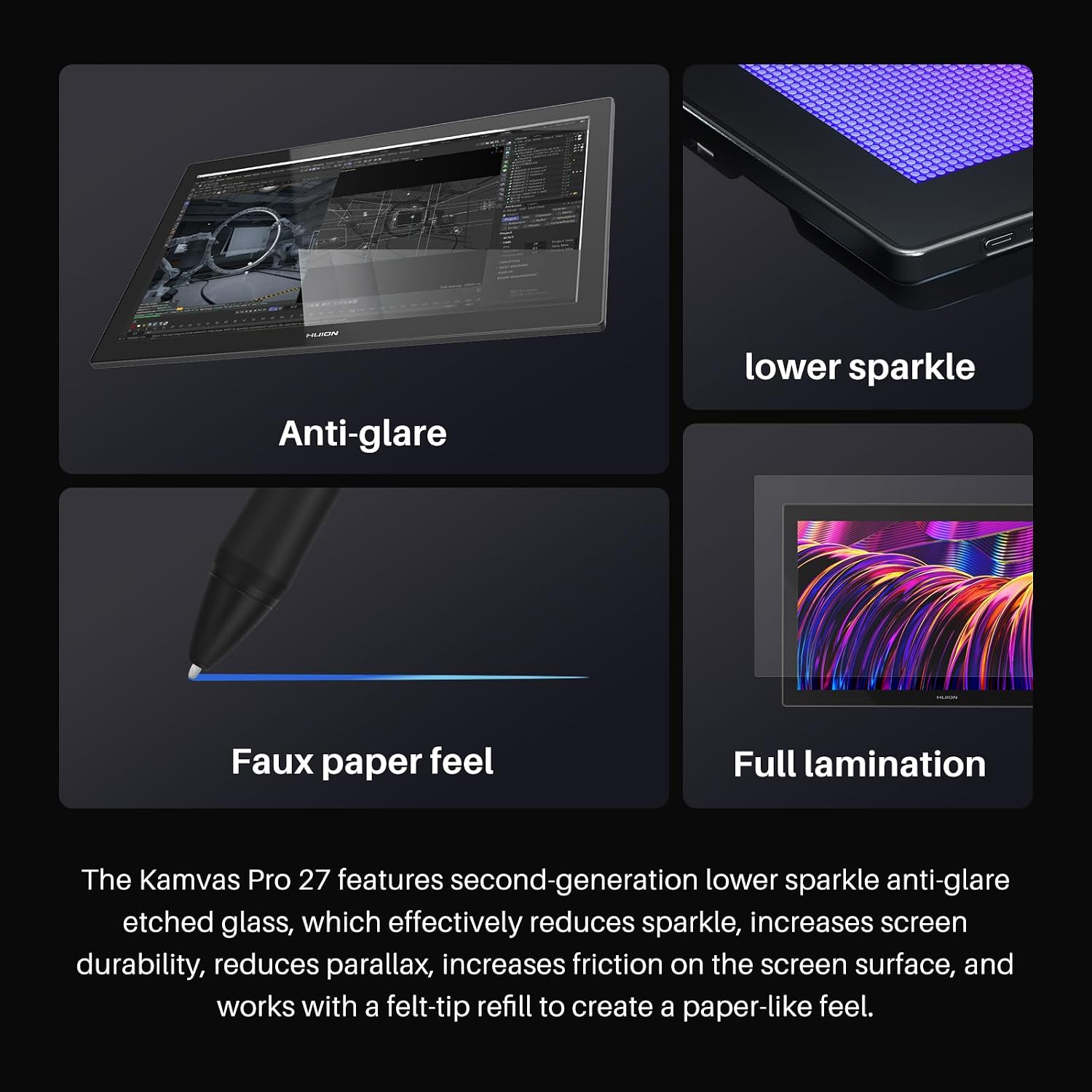
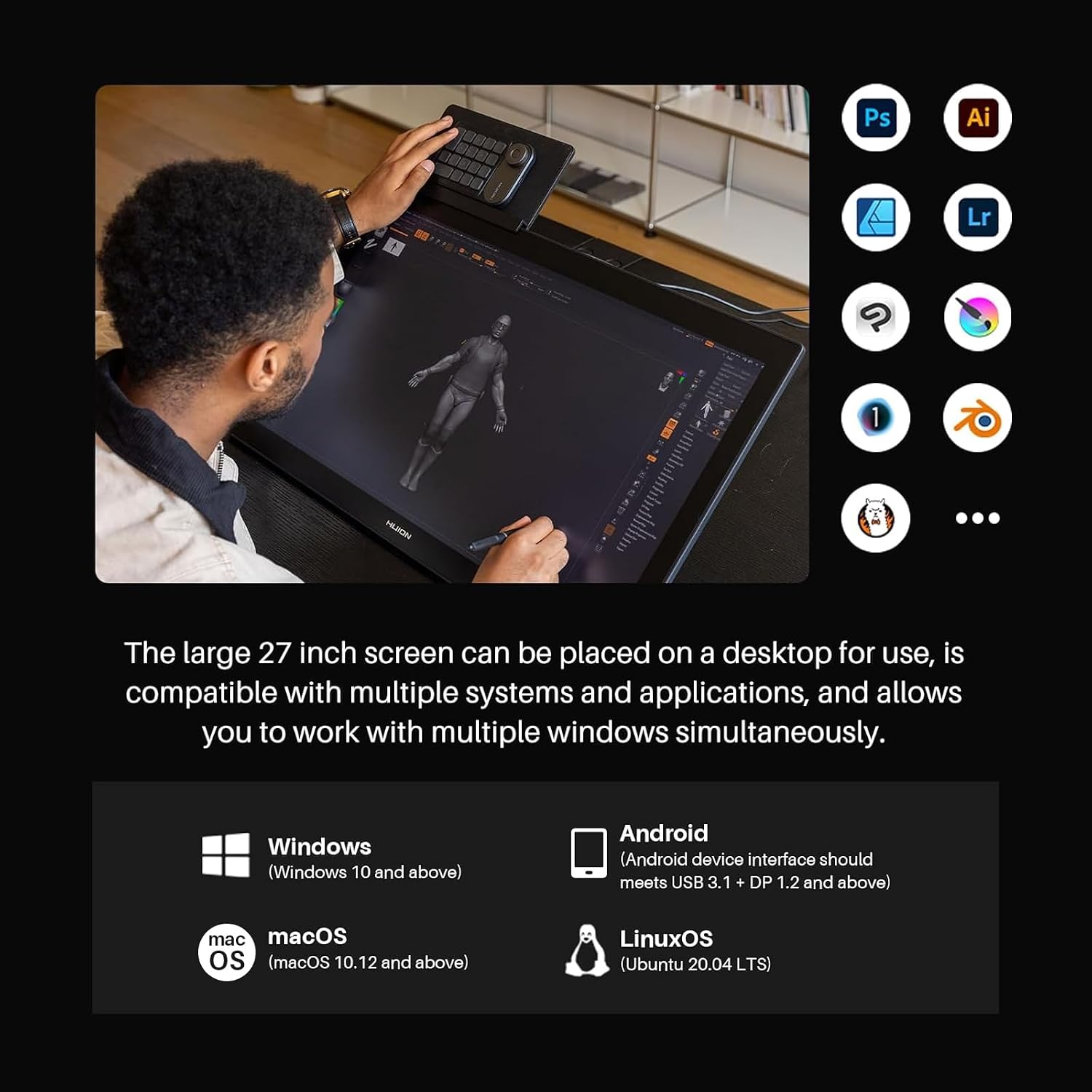
Also, note the details we’ve got focus heavily on display and pen behaviour, if you were hoping for extensive connectivity or compatibility specifics, those aren’t included in the information here—so it’s sensible to double-check requirements on the listing before committing.
How it can feel in everyday use
Imagine you’re doing character art: you sketch in low opacity, ink at full zoom, then shade with smooth gradients. On a 27-inch 4K screen, the drawing area tends to be more generous, so you can keep reference material visible and still work comfortably.
Then there’s the colour angle—if you’re switching between colour spaces via the OSD, you can keep your viewing closer to the target you’re aiming for, rather than relying purely on “best guess” colours. And on the pen side, the claimed improvements around pressure sensitivity and tip stability are the kind of changes that should show up most when you’re doing long sessions and need consistent control.
It’s not perfect, though: if your workflow doesn’t benefit from wider colour space coverage, or if you simply prefer a smaller, more portable setup, you may feel like you’re paying for features you won’t use.
Is it worth it?
A solid buy if you want a 27-inch pen display with 4K resolution, multi-colour-space viewing (including Adobe RGB coverage), and a pen system focused on grip, pressure, and reducing offset issues.
You may want to skip it if you’re working in a very small space, don’t plan to care about colour space switching, or you need specific compatibility/connectivity details that aren’t covered in the information here.
For artists who are serious about drawing comfort and colour consistency “over time”, this one reads as more than a basic screen tablet—it’s positioned like a step up into a studio-style experience. Still, double-check your setup requirements and make sure the colour workflow matches what you actually do.
Mini FAQ
FAQs
Does it support multiple colour spaces?
It’s described as covering sRGB, Adobe RGB, and DCI-P3, with switching in the OSD menu.
Is there any calibration included?
Yes—there’s mention of 3D LUT hardware calibration and a factory calibration report included in the package.
What does PenTech 4.0 focus on?
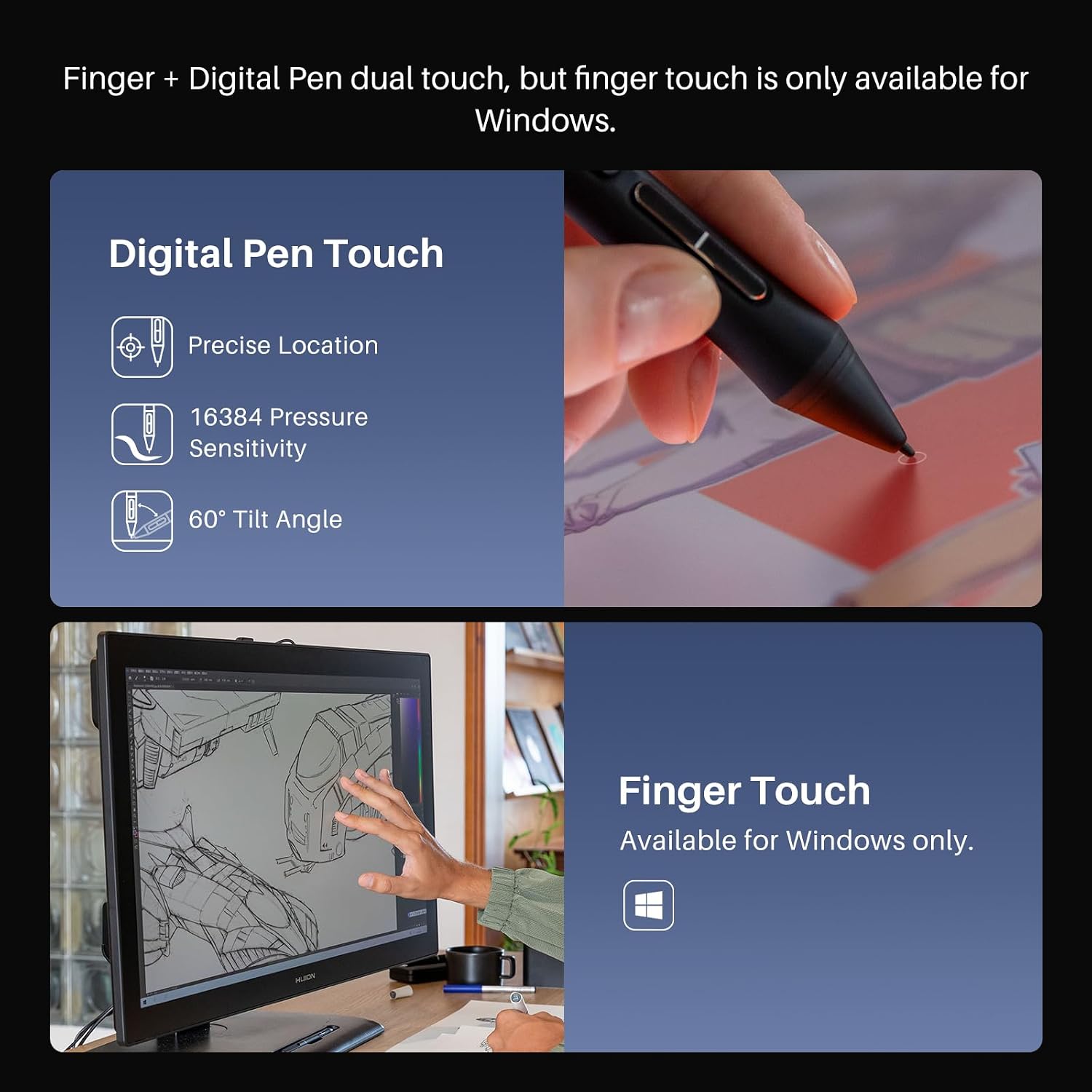
The details highlight pen grip, precise pressure sensitivity, improved pen tip stability, and tilt auto-alignment to reduce cursor offset issues.
Is it good for detailed work?
With a 27-inch screen and 4K resolution, it’s designed to support more comfortable viewing for detailed linework and close-up work.
What might be a limitation?
If you don’t use or care about colour space switching, or you don’t have the desk space for a 27-inch display, it may not feel like the best match.