

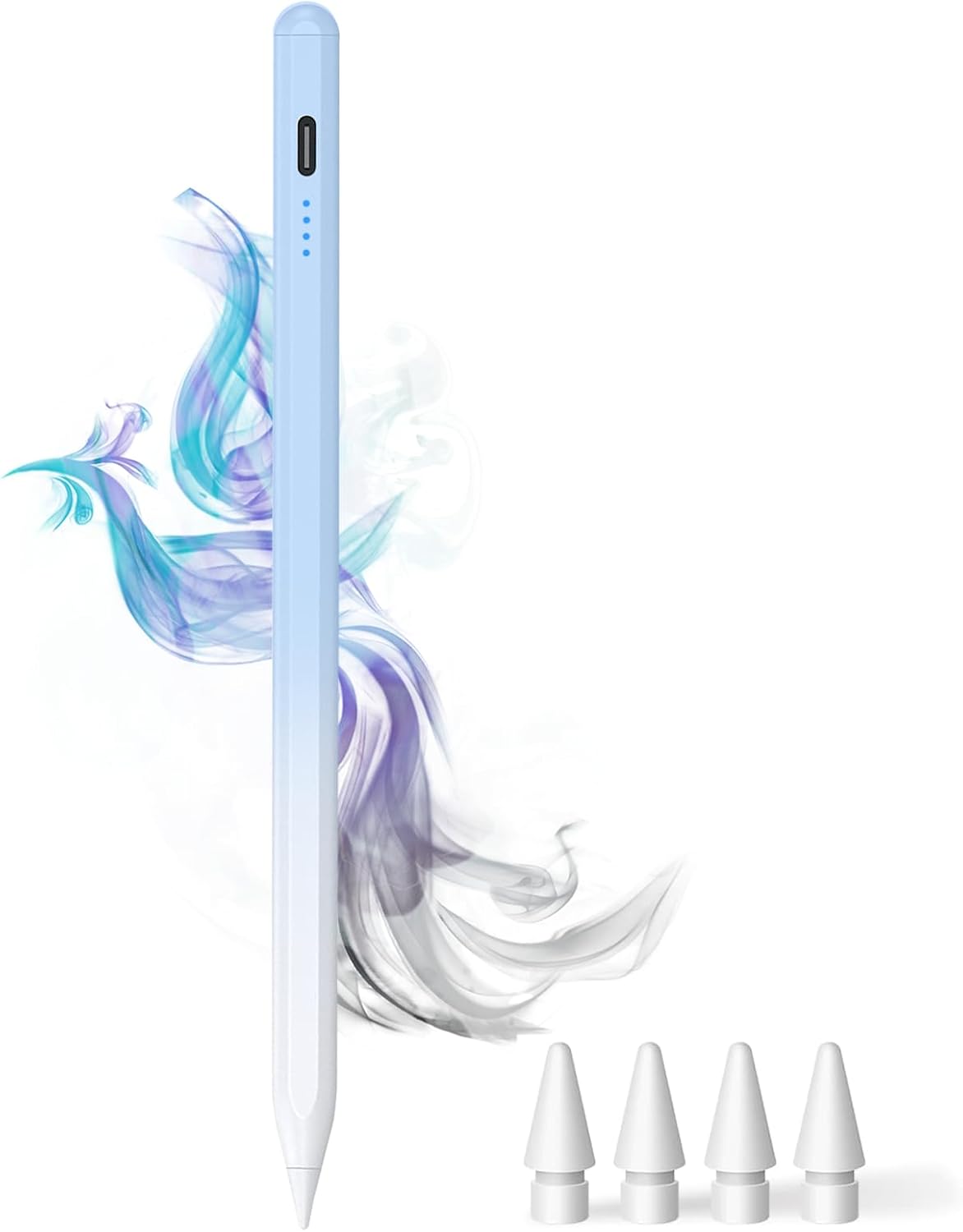
Dogain Stylus Pen for iPad (2018–2025) with Type-C Charging – Palm Rejection, Tilt Sensitivity & Extra Tips (Gradient Blue)
Product description
What it is and why you might want it
This Dogain Stylus Pen is designed specifically for iPads from the 2018–2025 generation, positioned as an “active stylus” alternative if you want pen features (like palm rejection and tilt sensitivity) without buying the most premium option. It’s aimed at people who do a mix of note-taking, sketching and study work on an iPad, and who prefer something practical day-to-day rather than a stylus you have to baby.
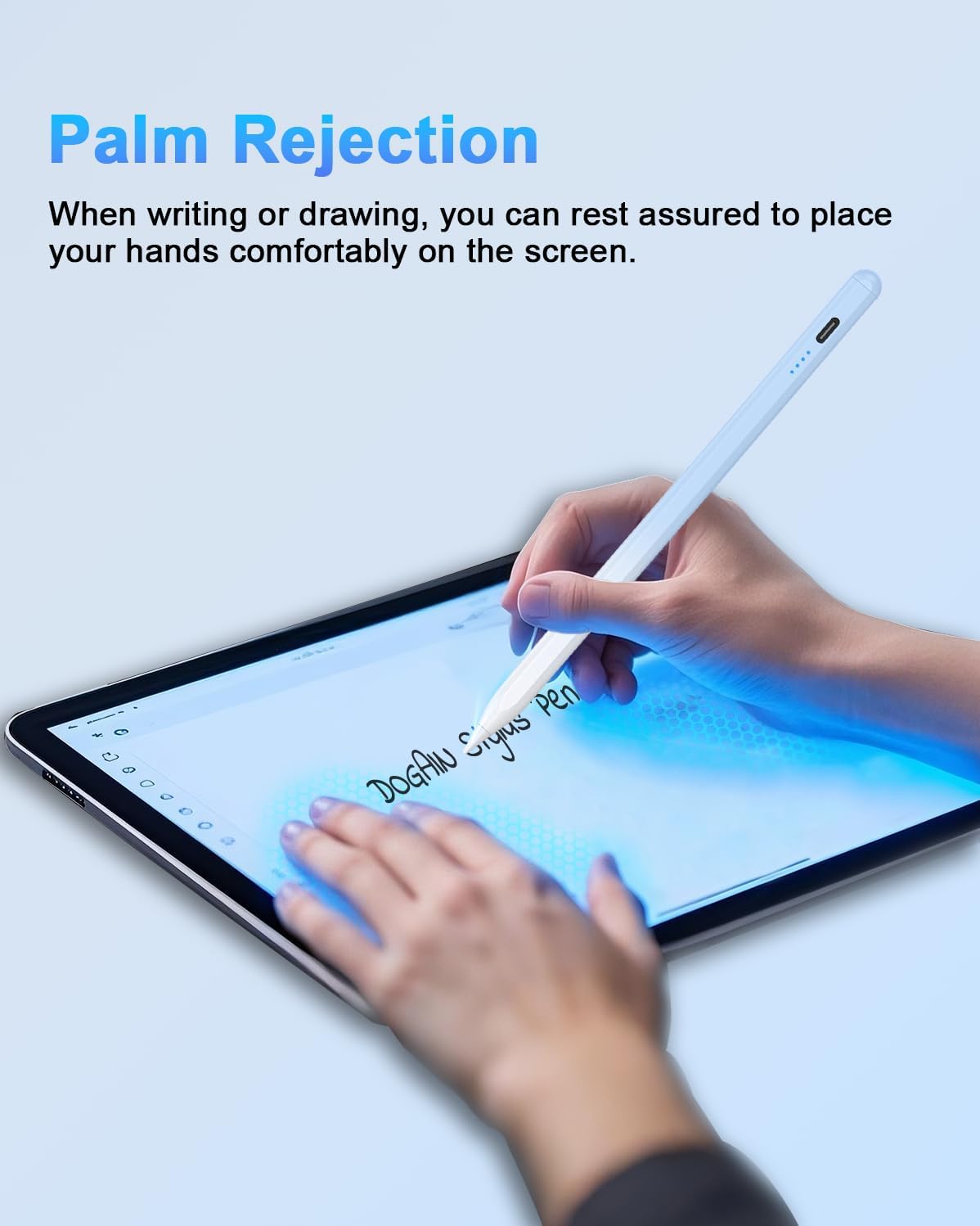
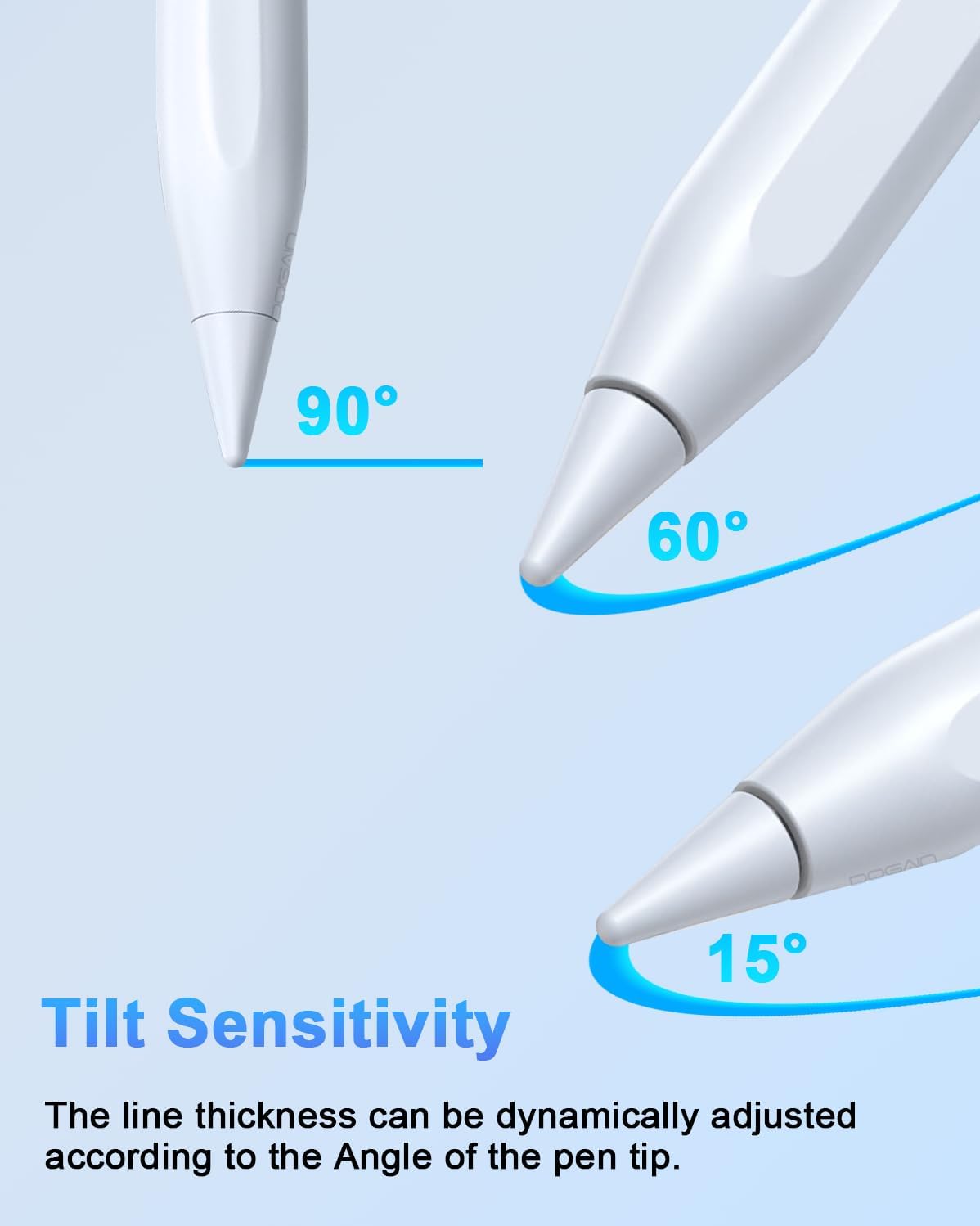
The big idea here is a more controlled writing feel: palm rejection means your hand shouldn’t trigger stray marks when you rest it on the screen, and tilt sensitivity is included to mimic thicker or thinner lines depending on how you hold the stylus. Charging is also simple for iPad owners because it uses a Type-C port.
That said, it’s not perfect for everyone. For example, pressure sensing is explicitly not supported, so if you rely on pressure-based line variation for art, you’ll want to double-check whether this meets your workflow.
The essentials at a glance
- Works with compatible iPads only (2018–2025 series as stated by the product information).
- Palm rejection helps reduce accidental marks while writing or drawing.
- Tilt sensitivity is included, but pressure sensing is not.
- Type-C charging, with an indicated charging time and usage time.
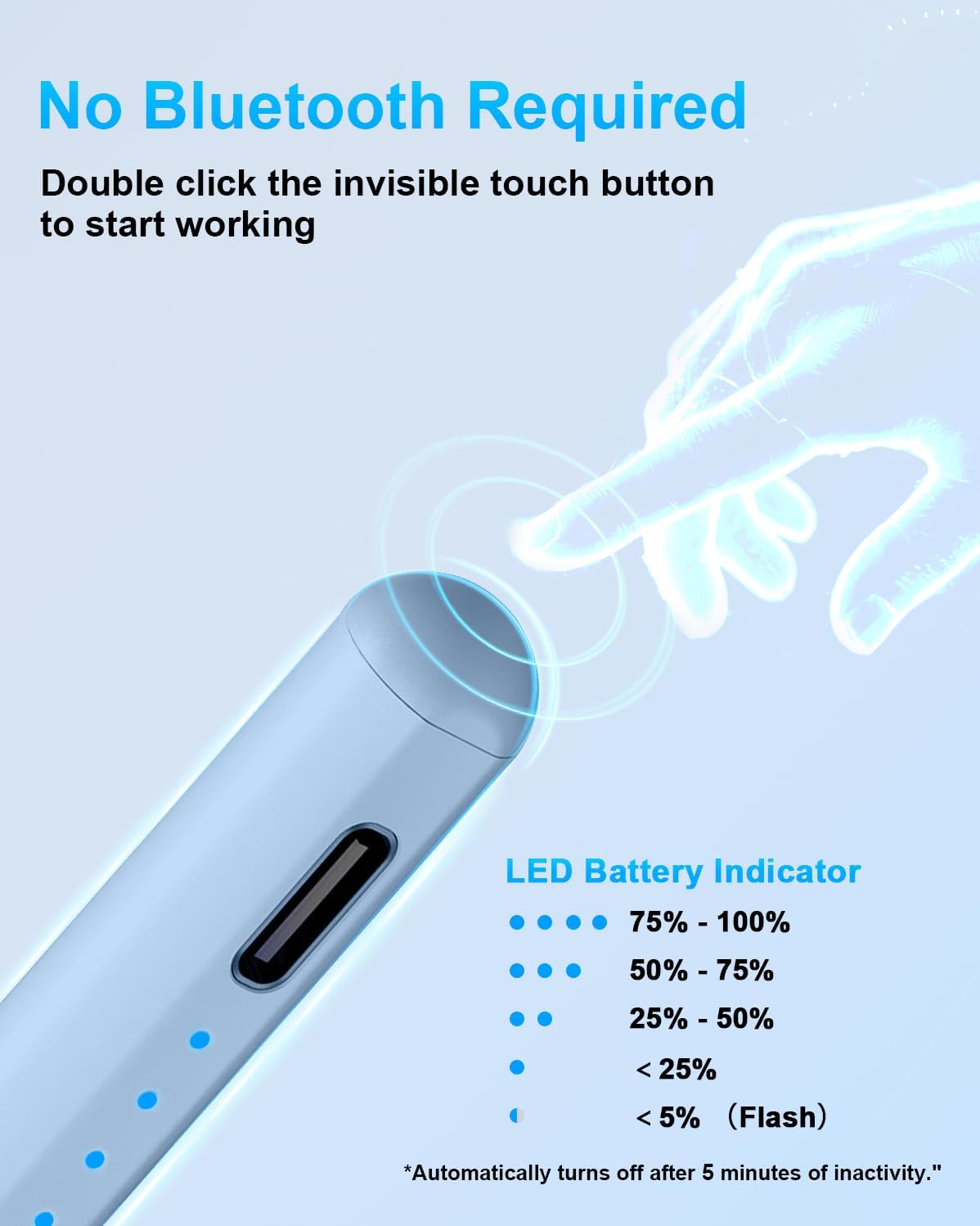
- No Bluetooth or app connection needed, switching is done via a touch action.
On paper, it covers the common “active stylus” basics for everyday creativity and studying. In practice, it should feel most at home for people who want a reliable pen for notes and sketches rather than advanced pressure-based effects.
Key features you’ll notice in use
Palm rejection is the feature you’ll appreciate quickly. If you’ve ever used a generic stylus and ended up fighting stray lines because your palm brushes the glass, this is the kind of problem palm rejection is meant to solve. Here, the pen is described as actively preventing your palm from interfering with writing, so you can rest your hand more naturally.
Tilt sensitivity matters if you draw more than you type. The pen is said to simulate different line thickness/texture by tilting, which can make sketches and shading feel closer to a “real pencil” style than a strictly uniform line.
The switching method is also worth mentioning: it uses a top switch that you can double-tap to turn the stylus on and off, and the description states it doesn’t require Bluetooth or an app connection. That lowers friction, especially if you’re swapping between quick sessions (class notes) and longer ones (editing or drawing).
Power display and Type-C charging: handy, but check the numbers
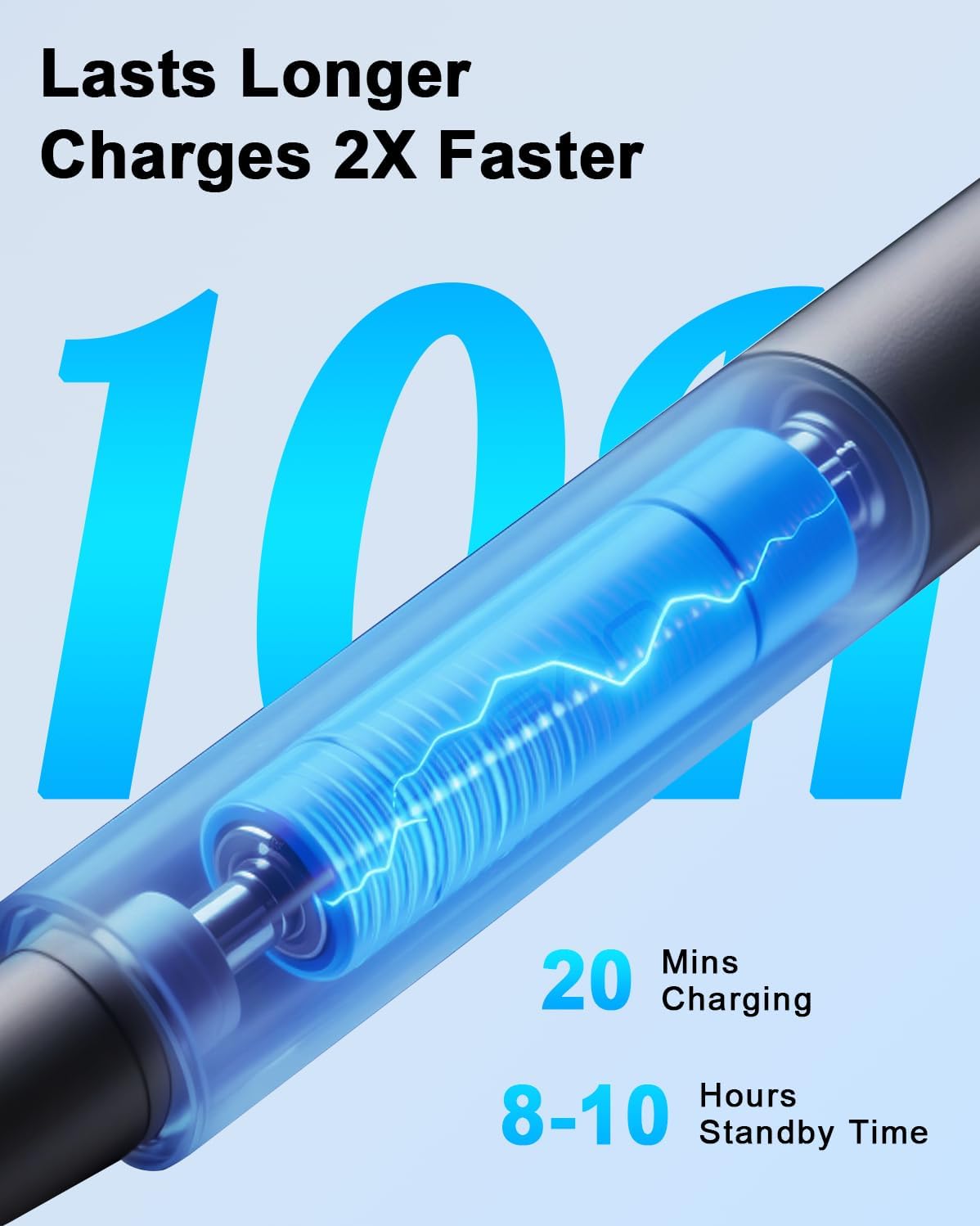
This stylus includes a power display with 4 indicators, each representing 25% power. The claim is that you can monitor remaining battery consumption in real time, so you’re not guessing before an important work session.
Charging is via Type-C, which is convenient if you already have Type-C cables at home. The product information states it takes 20 minutes to charge and provides 8 hours of use.
A practical limitation to keep in mind: the exact battery life you experience can depend on how you use it (for example, longer drawing sessions versus short note-taking). Still, having a power indicator plus a straightforward charge port is usually what people want from a stylus in daily life.
Compatibility: the part you must get right
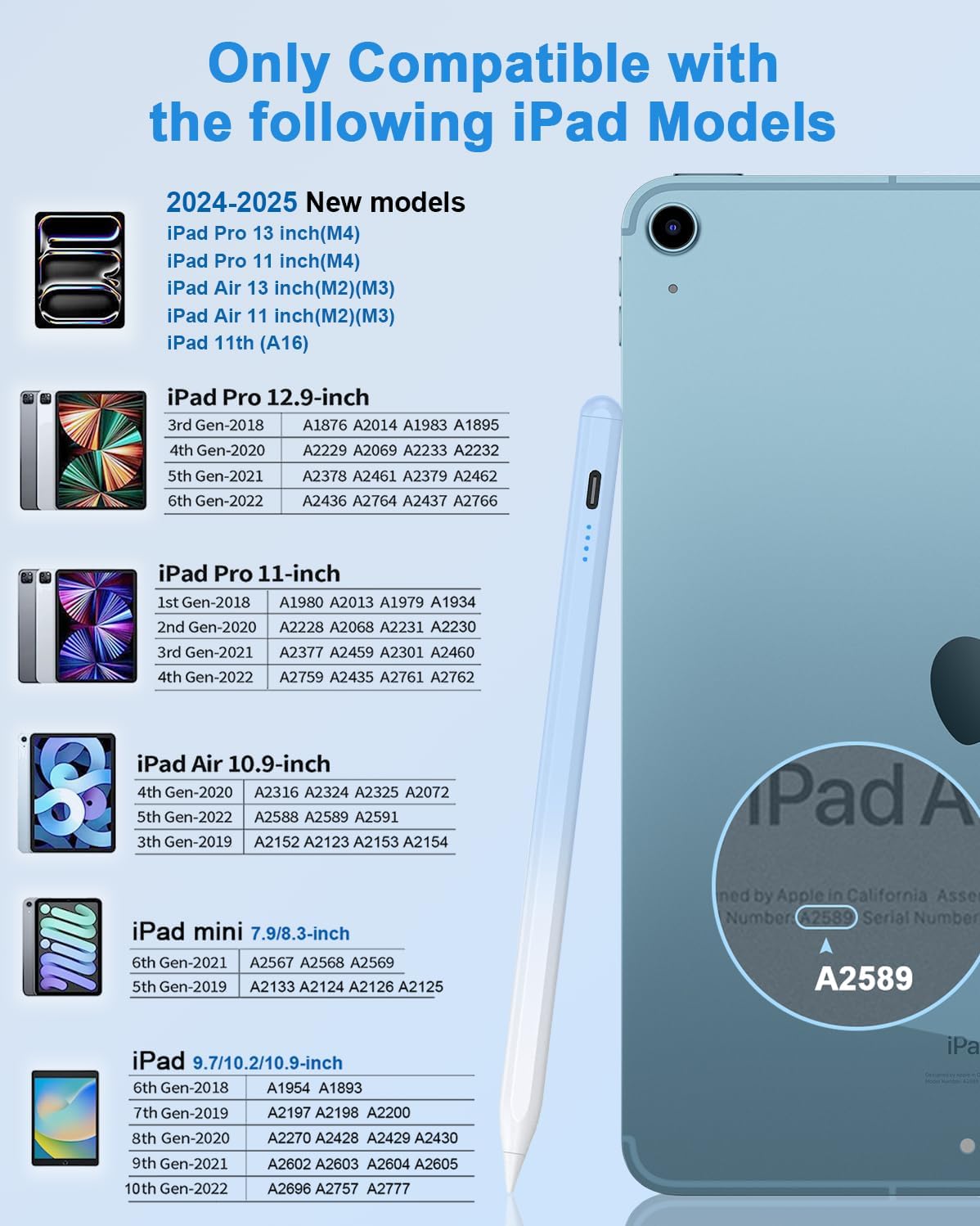
This is iPad-only, and compatibility is restricted to certain iPad models listed as part of the 2018–2025 range.
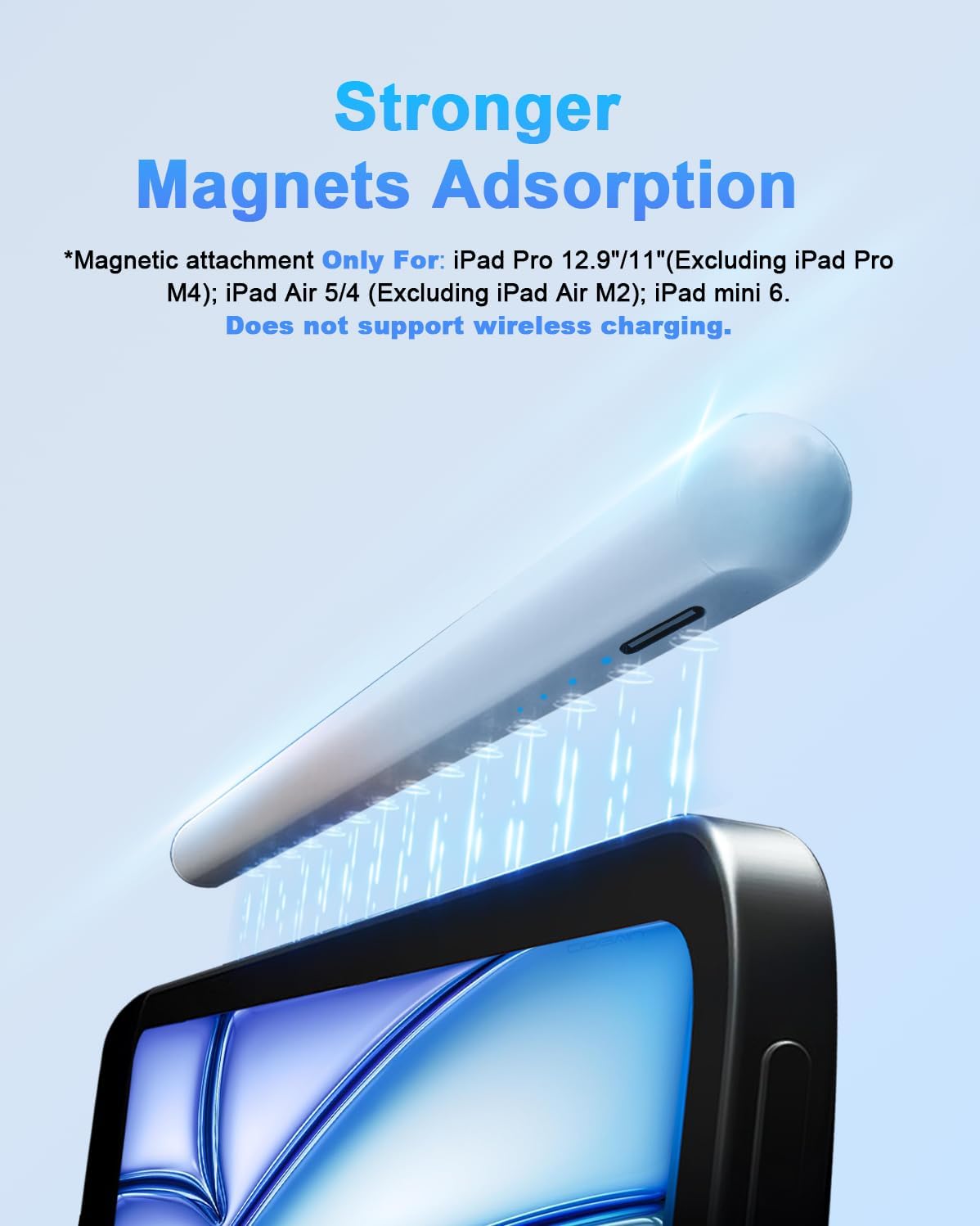
The product information also clearly states what it is not compatible with: - Not compatible with iPad models prior to 2018. - Not compatible with iPhones. - Not compatible with Android or Windows phones and tablets.
So before you buy, you’ll want to confirm your exact iPad model number. It’s the type of item where “almost compatible” isn’t really a thing—if your iPad falls outside the stated list, you risk disappointment.
What’s in the box (and why that matters)
The pack is described as including: - 1× active stylus pen - 4× POM replacement tips - 1× Type-C charging cable - 1× English manual
If you’re using the stylus regularly, extra tips can help you avoid downtime when the nibs wear out. The pen tips are described as made of POM material (similar to the iPad original pencil material in the description), and the manufacturer claims it helps reduce friction between the nib and the tablet screen.
Tech summary (practical, not overly technical)
Tech specs
- Type: Active stylus pen (iPad only)
- Charging port: Type-C
- Power indicators: 4 levels (each 25%)
- Line behaviour: Tilt sensitivity supported
- Pressure sensing: Not supported
- Tips material: POM (as stated in the product information)
- Switching: Double-tap top switch (no Bluetooth/app required)
- Included tips: 4× replacement POM nibs
- Compatibility notes: Not compatible with iPhones, and not compatible with iPads prior to 2018
Pros and what’s not as convincing
What stands out: - Palm rejection should make day-to-day note-taking less annoying. - Tilt sensitivity adds better drawing control than a purely “one-line-width” stylus. - Type-C charging is convenient, especially if your devices already use Type-C. - Extra replacement tips are included, which helps value over time.
What you may want to think twice about: - Pressure sensing is not supported, so it’s more limited for artists who specifically want pressure-responsive effects. - Compatibility is narrow by design. If your iPad isn’t on the stated list, it simply won’t be the right buy.
It’s fair to say this one sits more in the “practical day-to-day” bracket than “serious pro drawing tools”, mostly because pressure sensing is missing.
Getting the most from it
A good way to test if it fits your needs is to do two quick sessions once it’s charged: one for handwriting/annotation (to see how well palm rejection behaves when your hand rests on the screen), and one for a simple sketch with deliberate tilt changes (to check how visible the tilt-based line variation feels to you).
If you do a lot of shading or line-weight effects, tilt sensitivity can be satisfying—but if you’ve built your art around pressure levels, you’ll likely find this falls short.
Mini FAQ
Is it compatible with iPhones?
No. The product information says it’s not compatible with iPhones.
Does it need Bluetooth or an app?
No. It’s described as turning on and off with a double-tap top switch, with no Bluetooth/app connection required.
Does it support pressure sensitivity?
No. Pressure sensing is explicitly stated as not supported.
How long does it take to charge?
The description states it takes 20 minutes to charge.
Final verdict
Is it worth it?
It’s a solid pick if you own a compatible iPad from the 2018–2025 generation and you want a Type-C rechargeable active stylus with palm rejection and tilt sensitivity for notes and sketching. The inclusion of replacement tips and the power indicator also make it more “use it and keep going” than a disposable accessory.
You may want to skip it if you need pressure sensing for your artwork, or if your iPad model isn’t in the specified compatibility range. In that case, the limitations aren’t subtle—you could end up paying for features you can’t use (or for a stylus that won’t be compatible at all).