

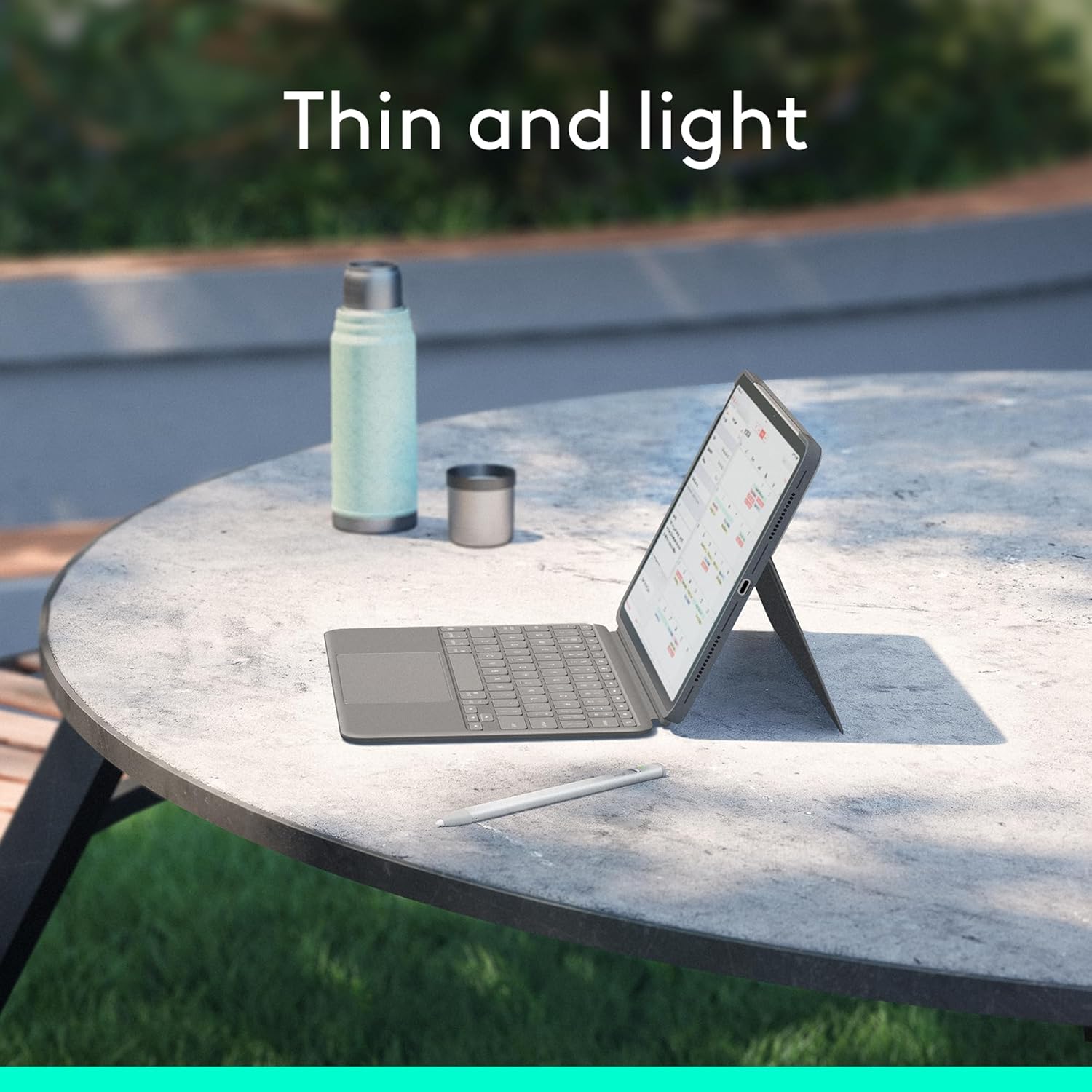
Logitech Combo Touch iPad Air 11‑inch keyboard case with backlit keys
Product description
This detachable keyboard case combines protection, typing comfort and flexible viewing angles for the iPad Air 11-inch family. It is aimed at users who want a laptop-like typing experience, easy sketching with the keyboard removed and a backlit layout for working in low light.
Key Points
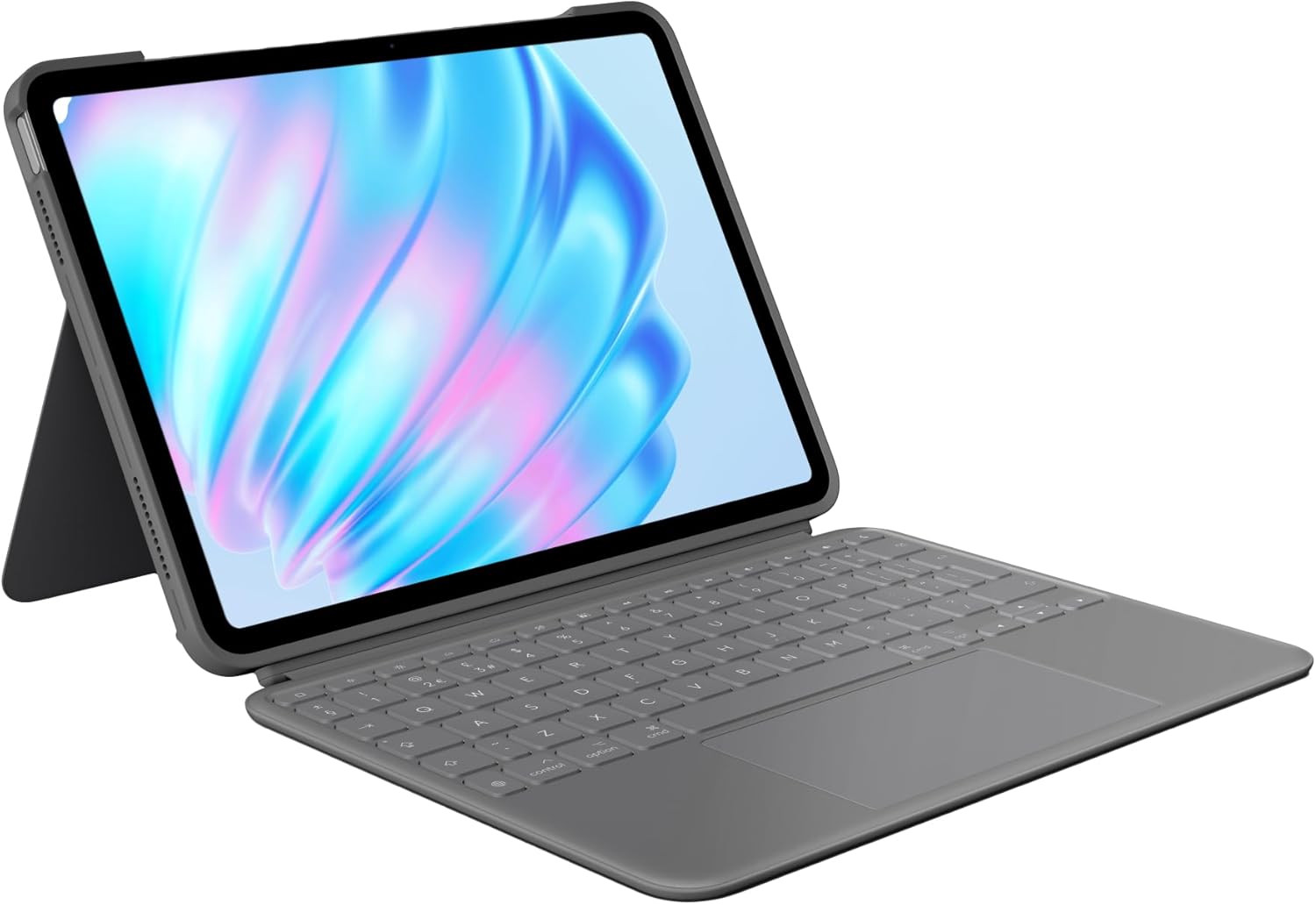
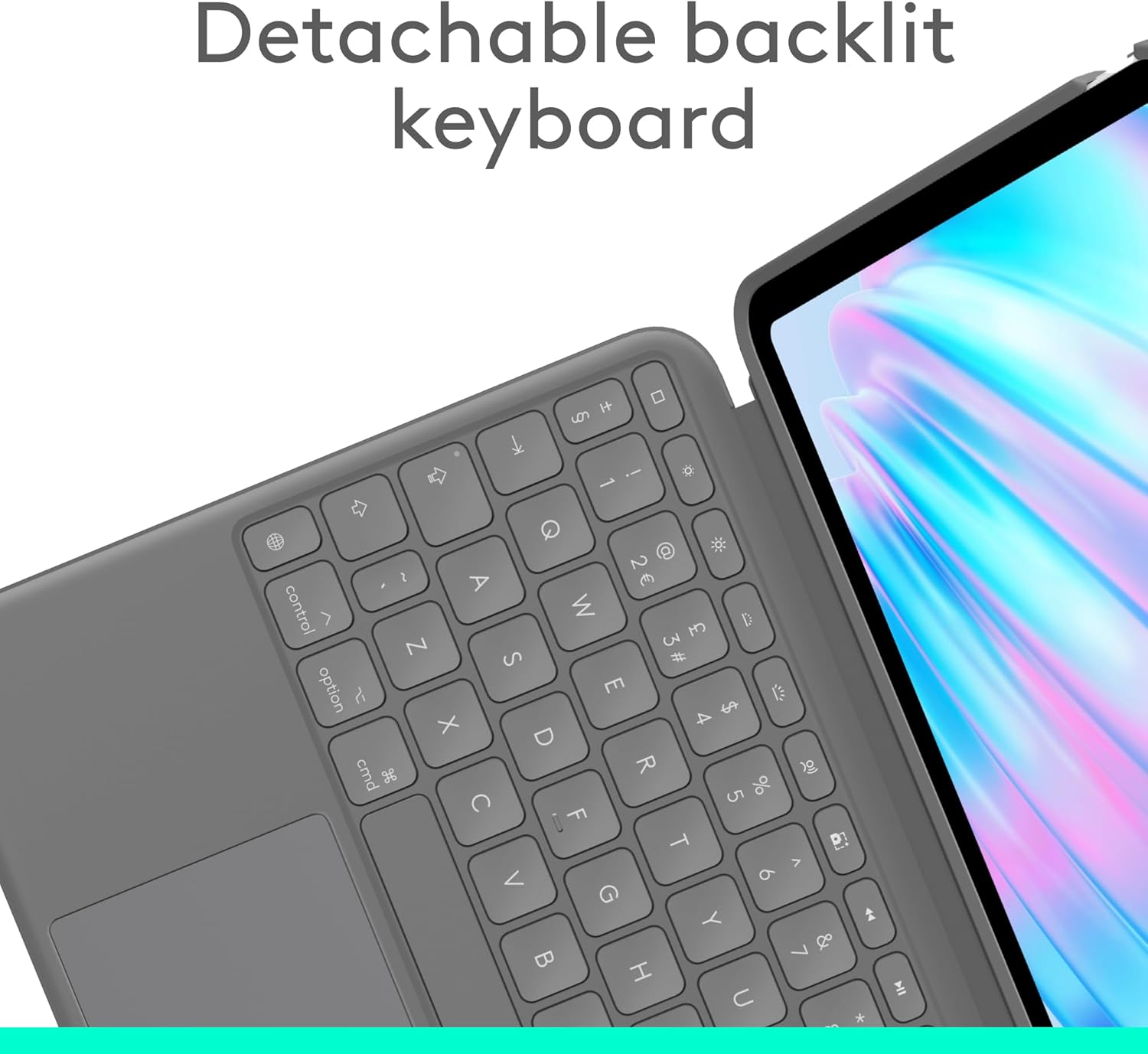
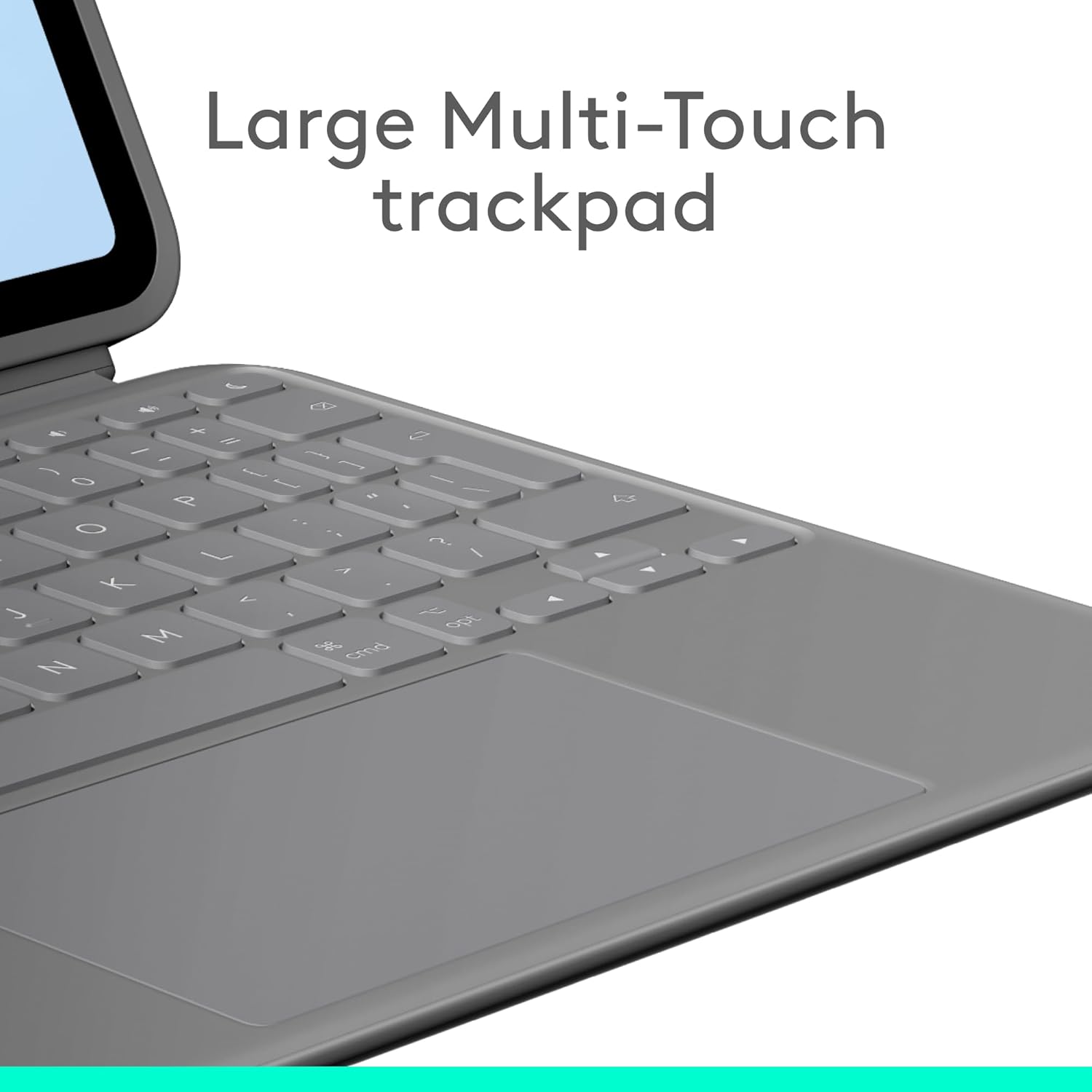
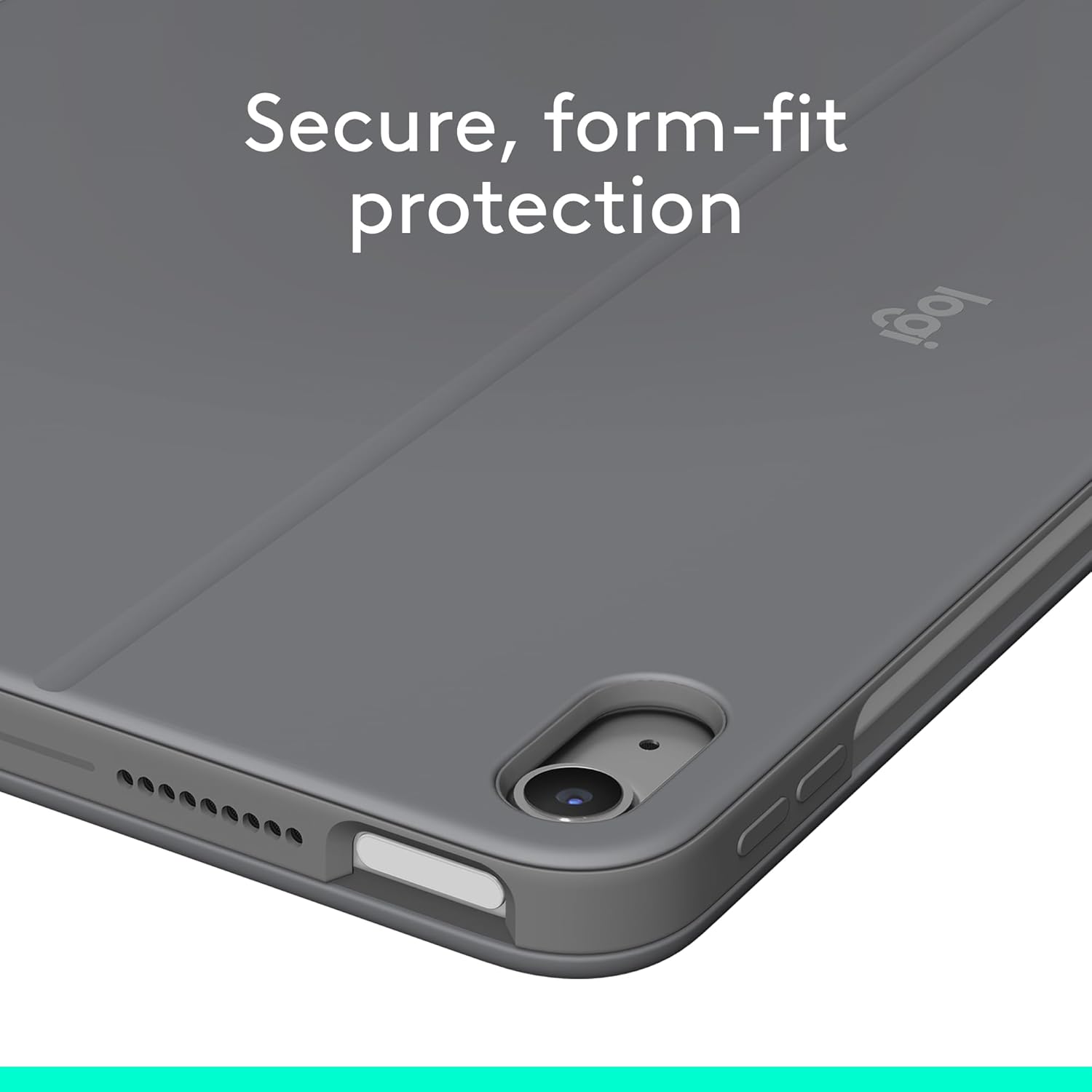
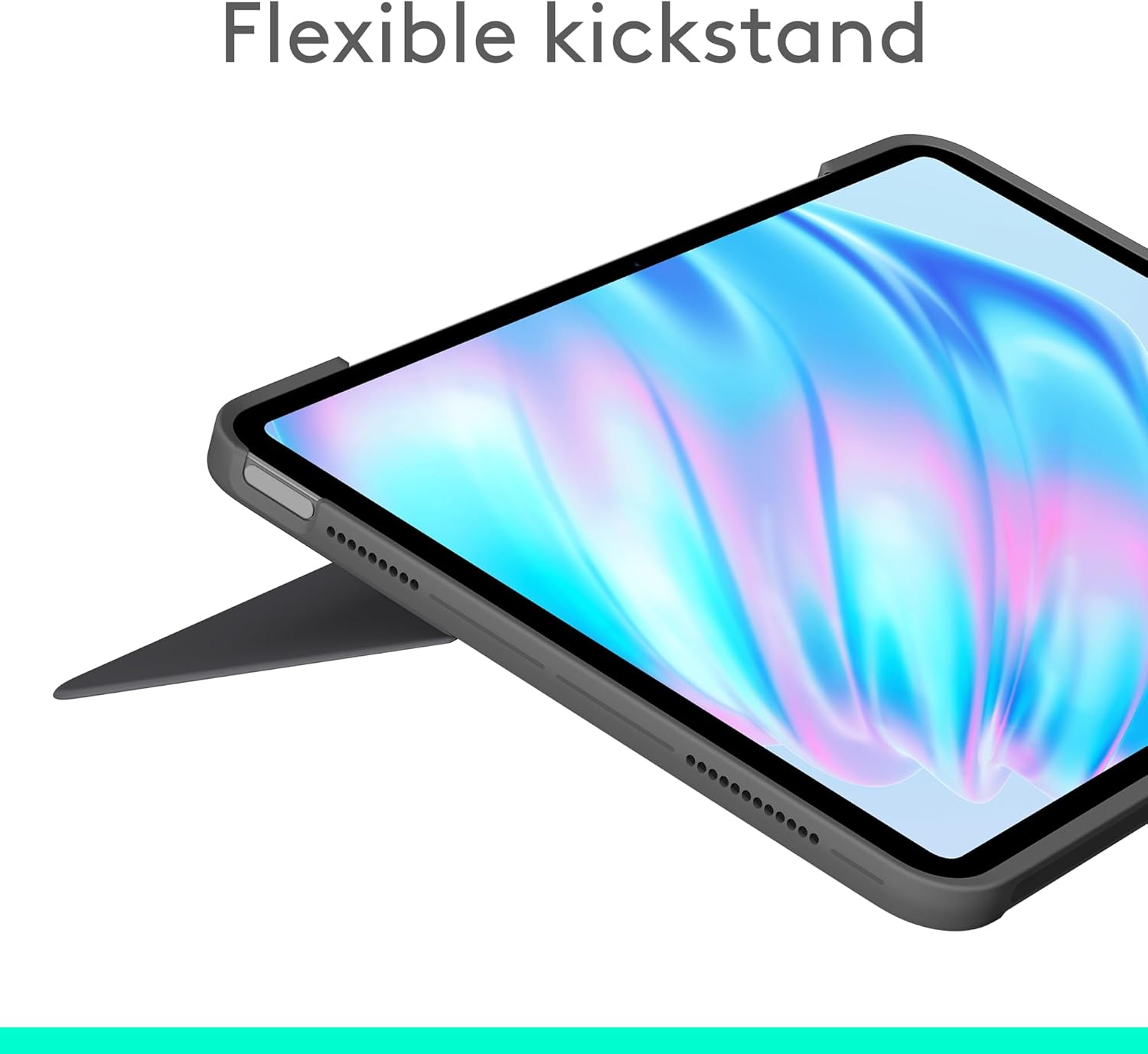
The case offers a sturdy yet lightweight shell that shields the iPad from everyday scuffs and scratches while keeping access to ports and buttons. A flexible kickstand adjusts to a wide range of viewing angles, making it simple to switch between typing, watching videos and drawing. The detachable design lets you separate the keyboard when you need a slimmer profile or prefer to use the iPad on its own. The large Multi-Touch trackpad improves navigation and supports familiar gestures, which helps when editing documents or navigating the iPadOS interface. The keyboard is backlit with adjustable brightness, so you can type in dim environments and maintain clear key visibility. ⚡🖱️
Technical Specifications
- Name: Logitech Combo Touch iPad Air 11-inch (M2 & M3)
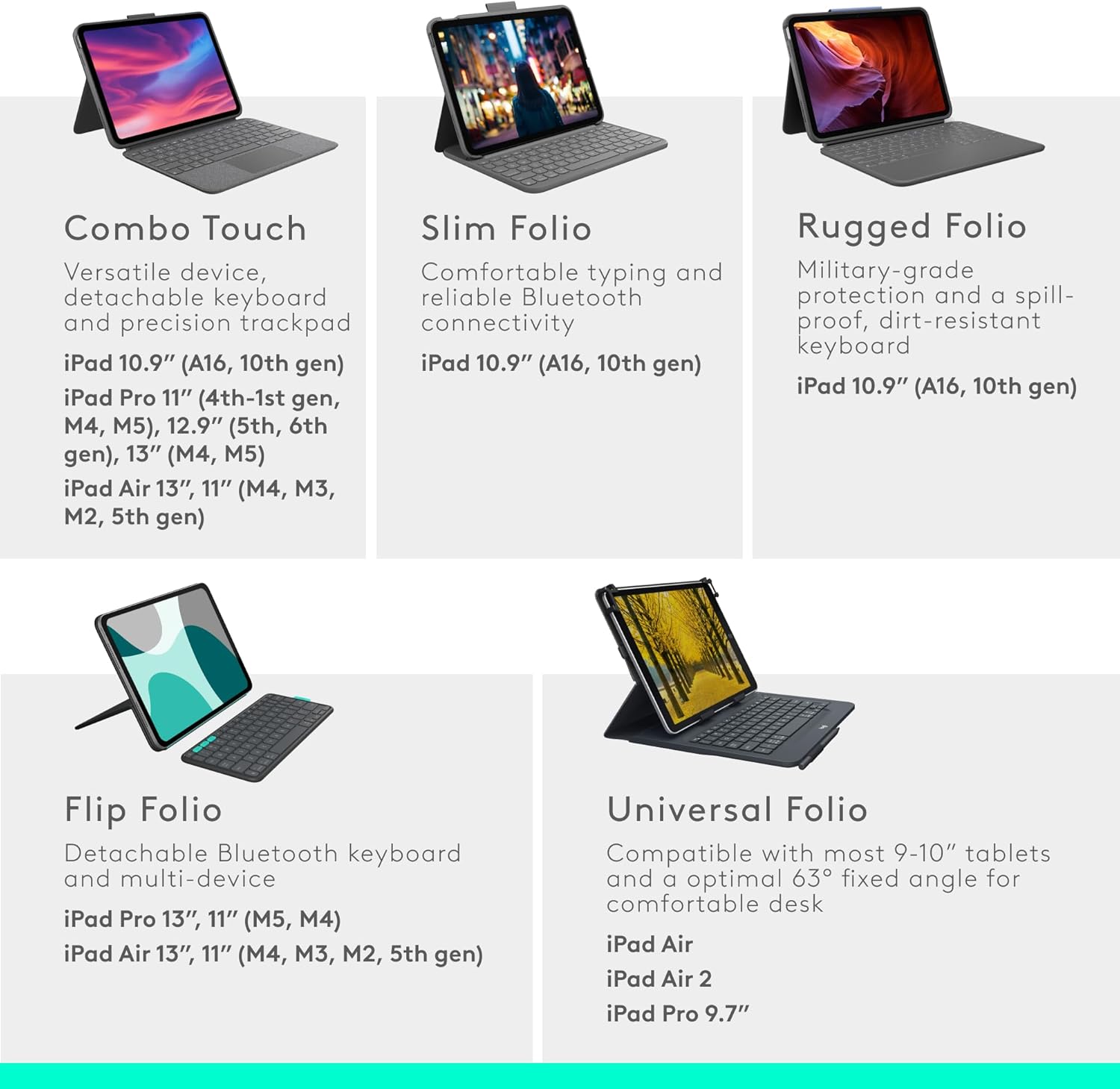
- Compatibility: iPad Air 11-inch (M2 and M3), iPad Air 5th gen (models A2902, A2903, A2904, A2588, A2589, A2591)
- Keyboard layout: QWERTY UK English, detachable, backlit.
- Trackpad: Large Multi-Touch trackpad with gesture support.
- Materials: Oxford Grey finish with 24% certified post-consumer recycled plastic in plastic parts.
Usage Recommendations
For extended typing sessions, attach the keyboard and set the kickstand to a comfortable angle to reduce neck strain. When sketching or reading, detach the keyboard and use the kickstand for a stable tilted surface. The Smart Connector means the keyboard draws power from the iPad so there is no separate charging required, however consider that backlight runtime will be determined by the iPad’s battery life according to the manufacturer. The case performs well for hybrid work and study routines, but if you need a very slim sleeve for commuting only, a folio without a keyboard might be lighter to carry.