

devolo Magic 2 WiFi 6 next Starter Kit (Wi‑Fi Powerline) with Mesh Wi‑Fi and 2x Gigabit Ethernet
Reviews
Price
Product description
Key takeaways
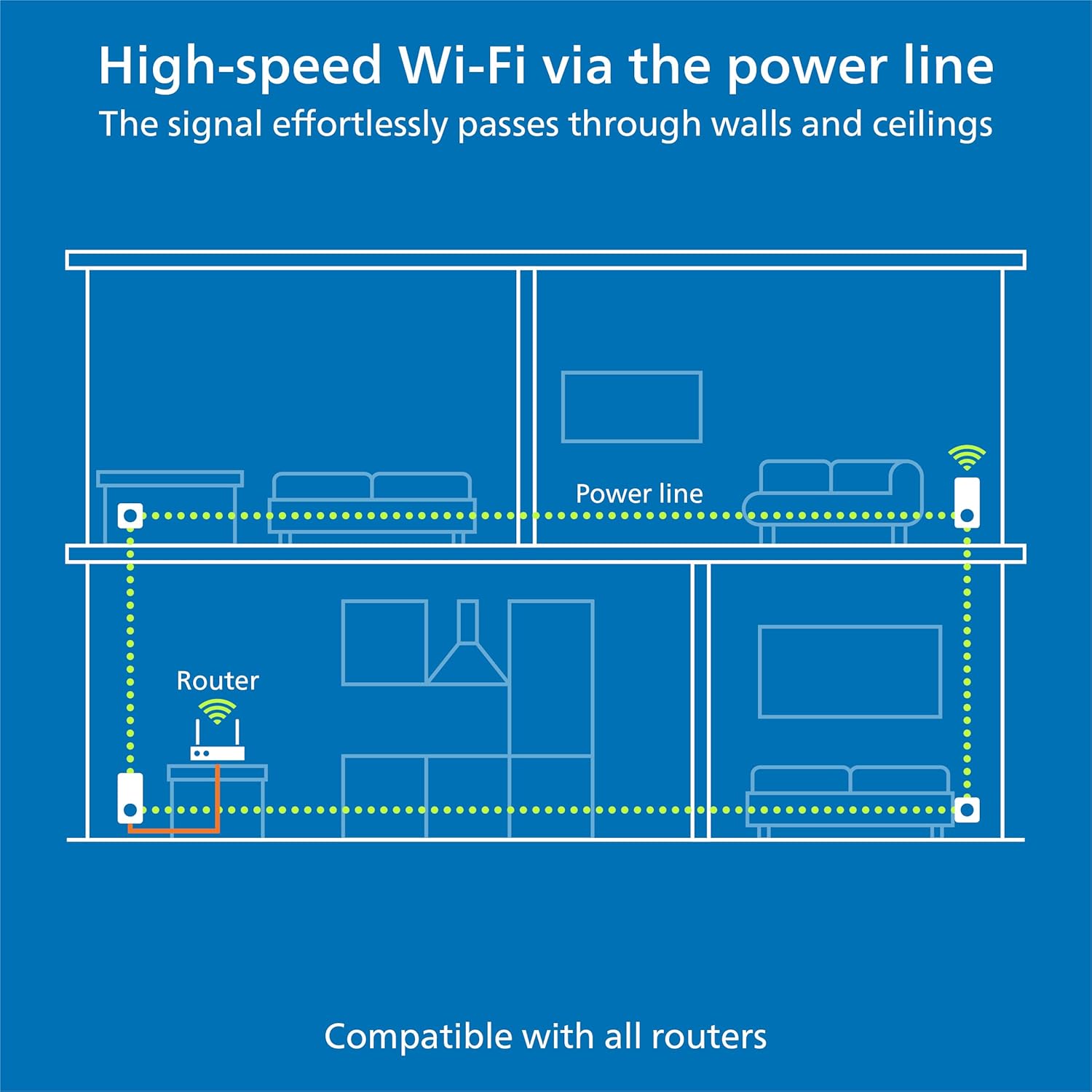
If you want internet across multiple rooms without running cables through the house, devolo’s Magic 2 WiFi 6 next Starter Kit is built around a simple idea: use your home’s power lines to carry the connection, then turn that into Wi‑Fi. On paper, it’s a practical way to improve coverage on up to two floors, especially if Wi‑Fi alone can’t reach everywhere reliably.
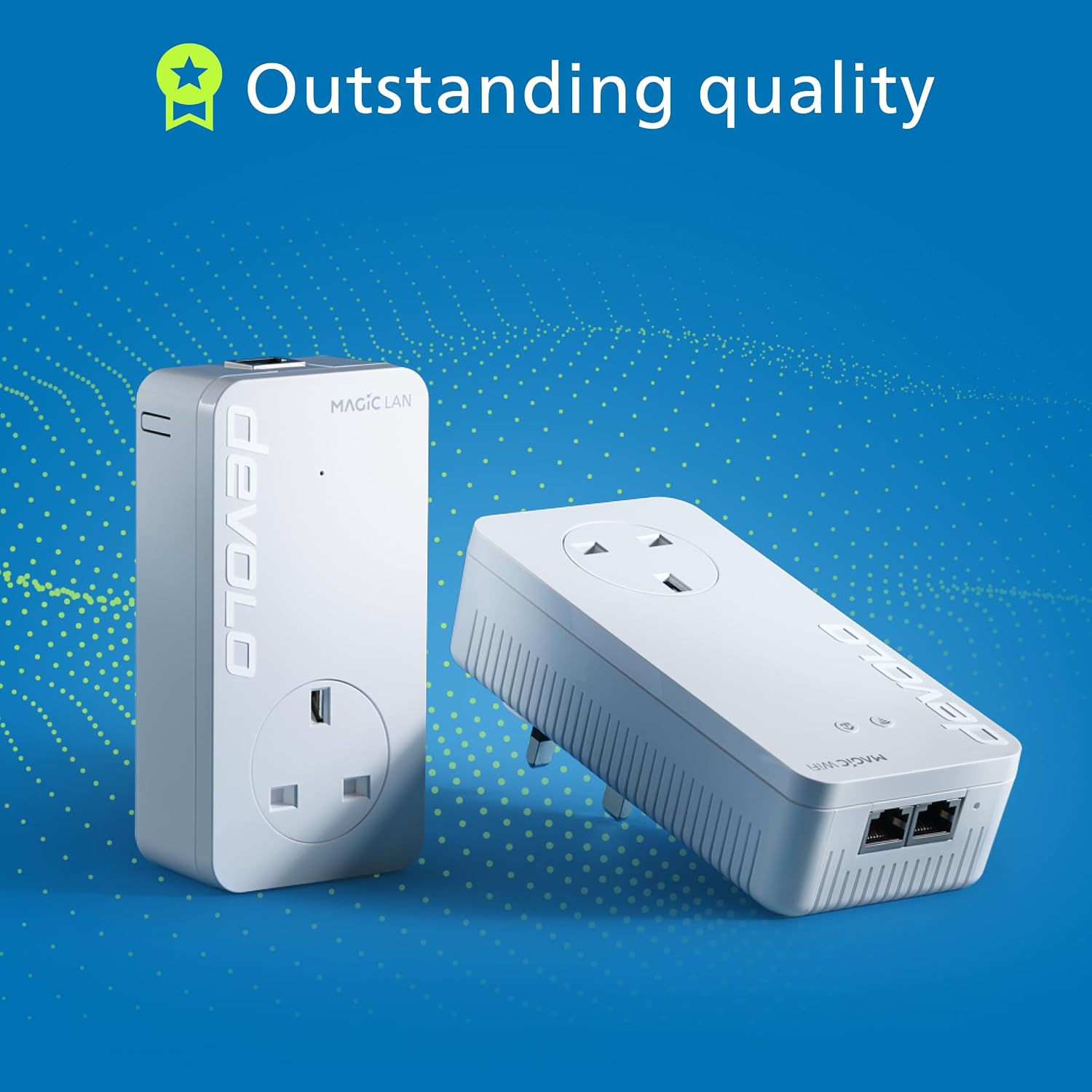
The kit includes two adapters, and the system is designed to set up with minimal fuss. You also get two Gigabit Ethernet ports per adapter, which matters if you game, stream, or work from home and prefer a steadier link for a TV, console, or PC. It’s not the cheapest way to sort out dead zones, but it can be a sensible buy when you’d otherwise end up relying on weak Wi‑Fi extenders.
One small caveat worth noting: powerline performance depends on your home electrics. Even with Wi‑Fi 6 support and the stated speeds, results can vary quite a bit from house to house.
What it is and what problem it solves
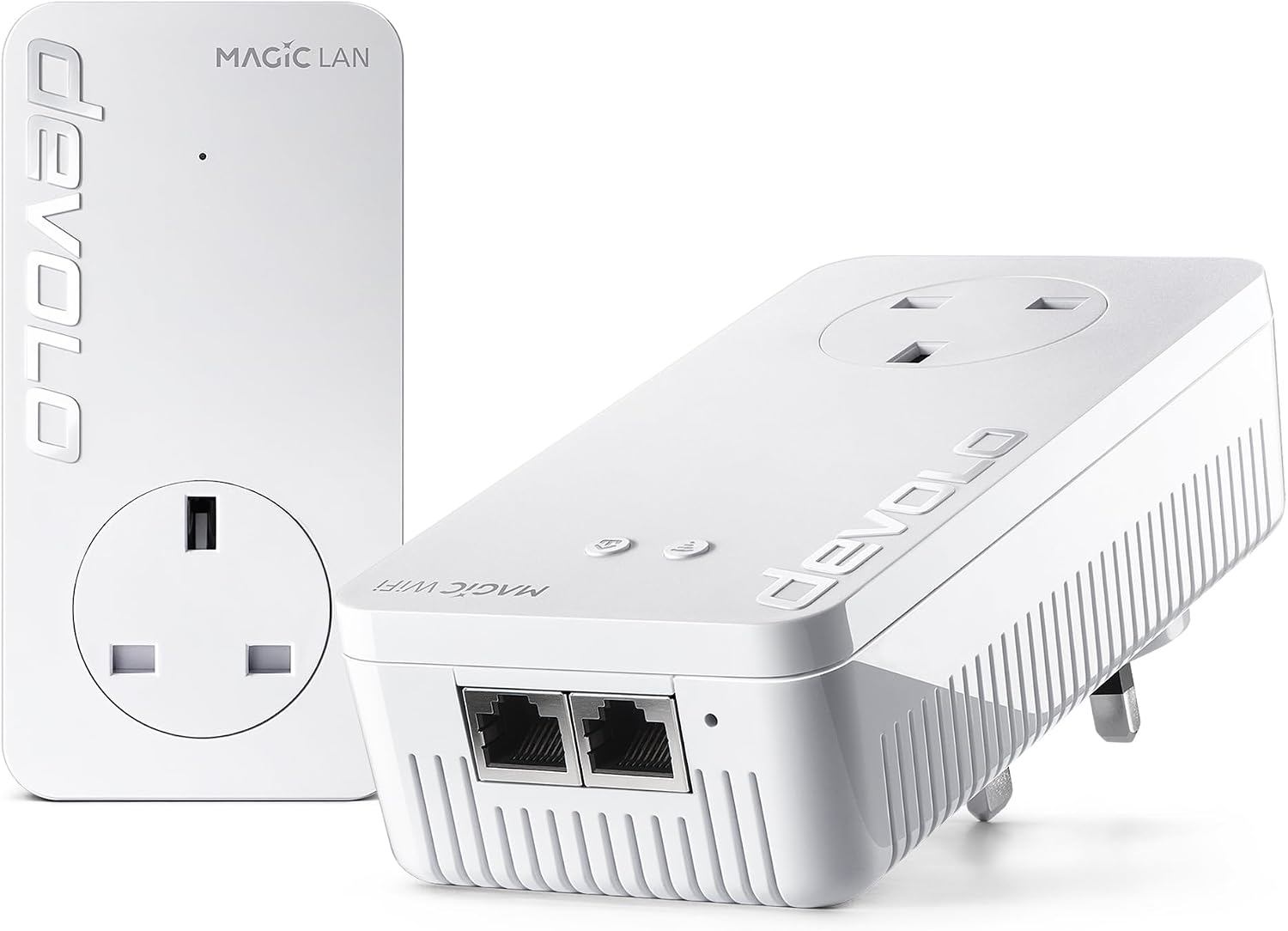
This is an adapter set for creating a devolo Magic Powerline network. The goal is straightforward: bring Wi‑Fi to rooms and floors where the signal struggles, using the power sockets you already have. Instead of messy cables, you plug the adapters in and build your network that way.
A concrete example helps: imagine your router sits near the living room, but your bedroom office is patchy for video calls. With this kit, you can place one adapter on each floor so your work area gets Wi‑Fi that’s less dependent on walls and distance. If your setup includes a wired device, the dual Gigabit Ethernet ports let you connect it directly for a more stable experience.
Where it stands out
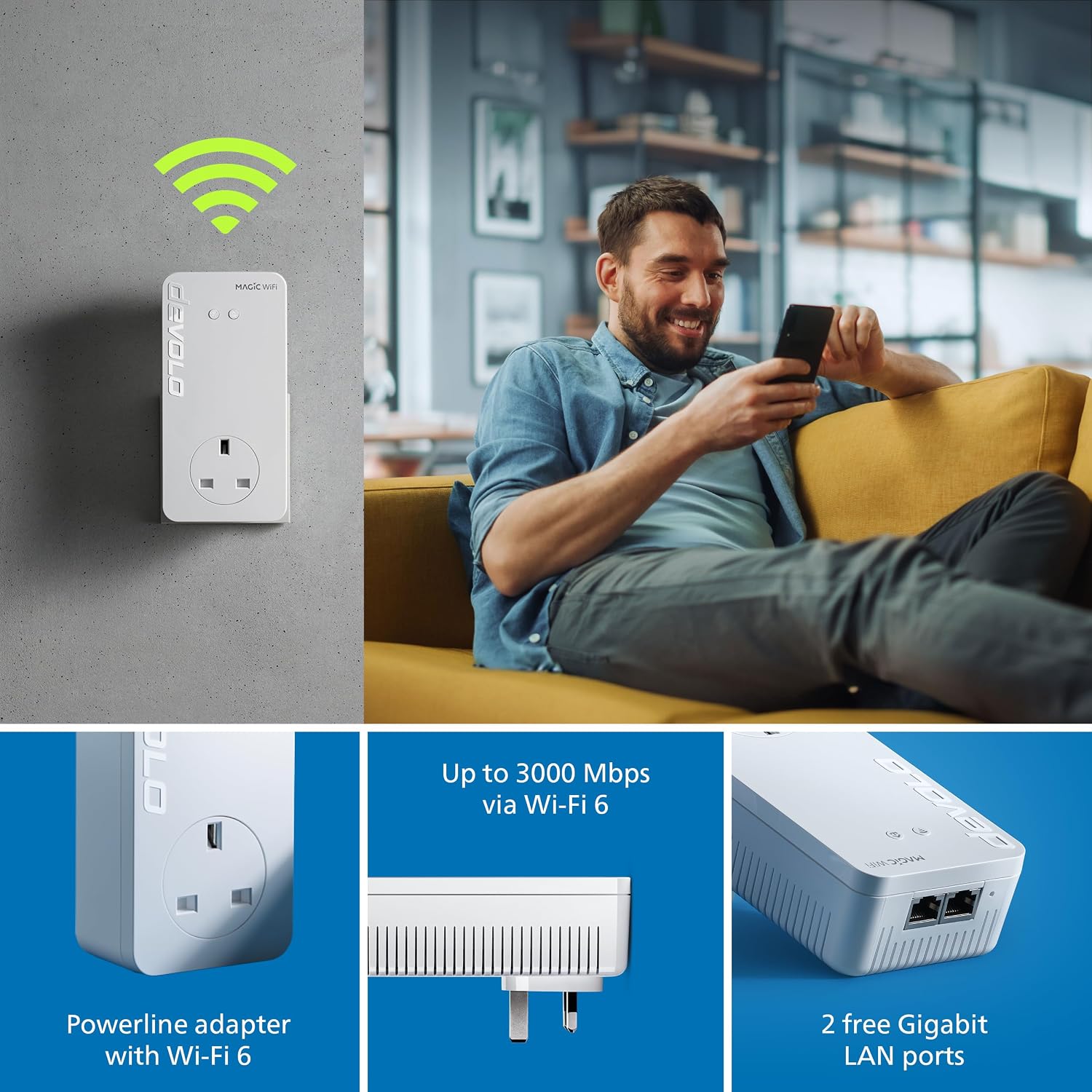
The standout feature is the mix of powerline + Wi‑Fi 6 Wi‑Fi, plus the ability to act as a Mesh Wi‑Fi setup. That combination is aimed at smoother coverage as you move around your home.
You also get: - Fast Wi‑Fi for streaming, online gaming, and home working, with up to 3,000 Mbps stated for the Wi‑Fi 6 side (use this as a ceiling rather than a guaranteed real‑world figure). - Two Gigabit Ethernet ports per adapter, useful when you want to avoid wireless for at least one or two devices.
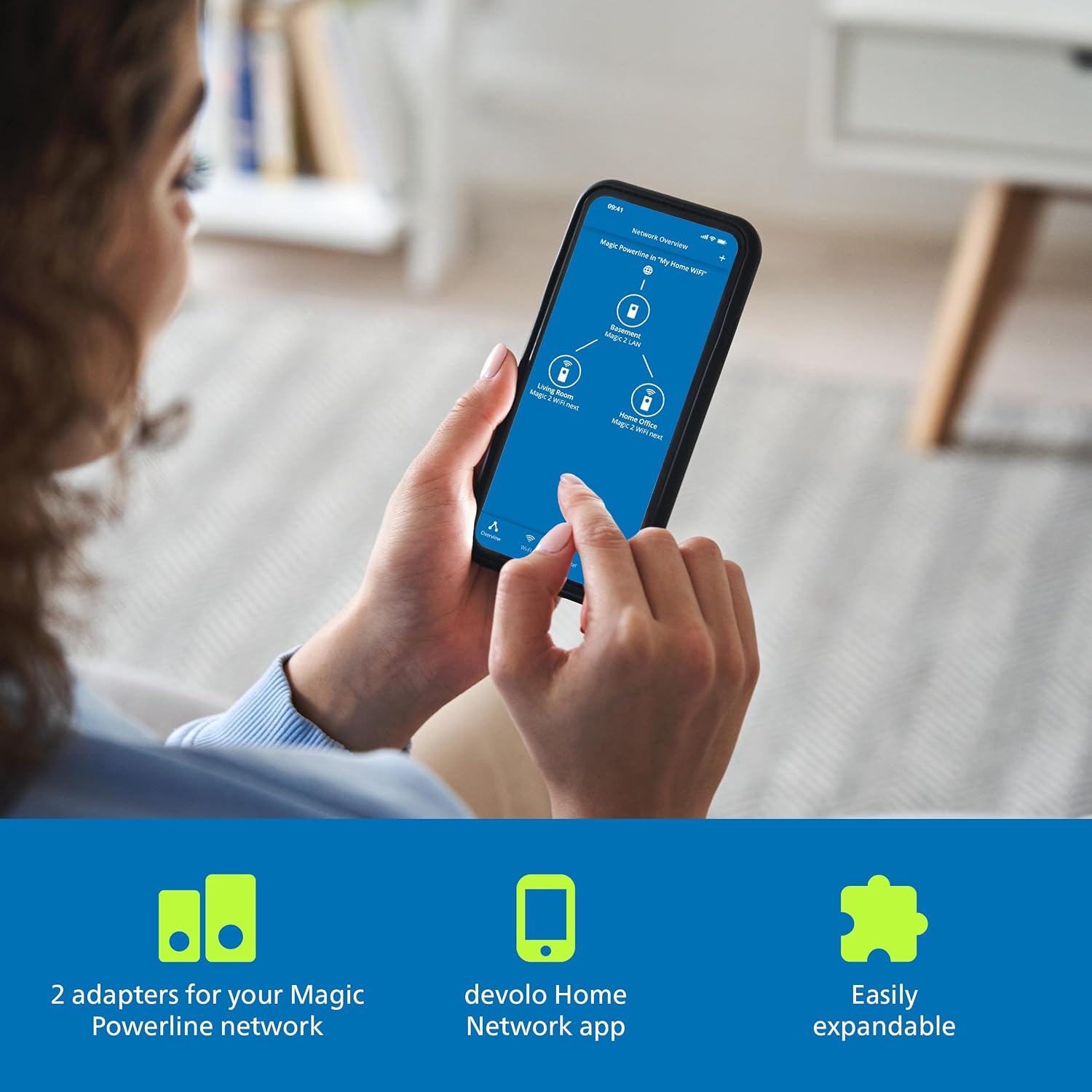
Another plus is expandability. The system can be extended later, which is handy if you move, add rooms that need better coverage, or you realise you want more coverage than the starter kit covers.
What to know before you buy
If you’re choosing this type of kit, the big decision is whether powerline is a good fit for your home. The technology uses your electrical wiring to carry the signal, and while the intention is “internet to every room”, results can be less predictable than a purely wireless mesh in some properties.
It also helps to be clear about your expectations for speed. The kit mentions up to 3,000 Mbps via Wi‑Fi 6, but real performance will depend on signal quality through the power network and how crowded your environment is.
If you prioritise peak wireless speeds everywhere, you might find a more traditional high-end mesh system gives more consistent wireless behaviour (at the cost of either placing nodes carefully or investing in a stronger Wi‑Fi-only approach). This kit can still be a strong contender when you’d otherwise have to “band-aid” coverage with weak repeaters.
Usage tips
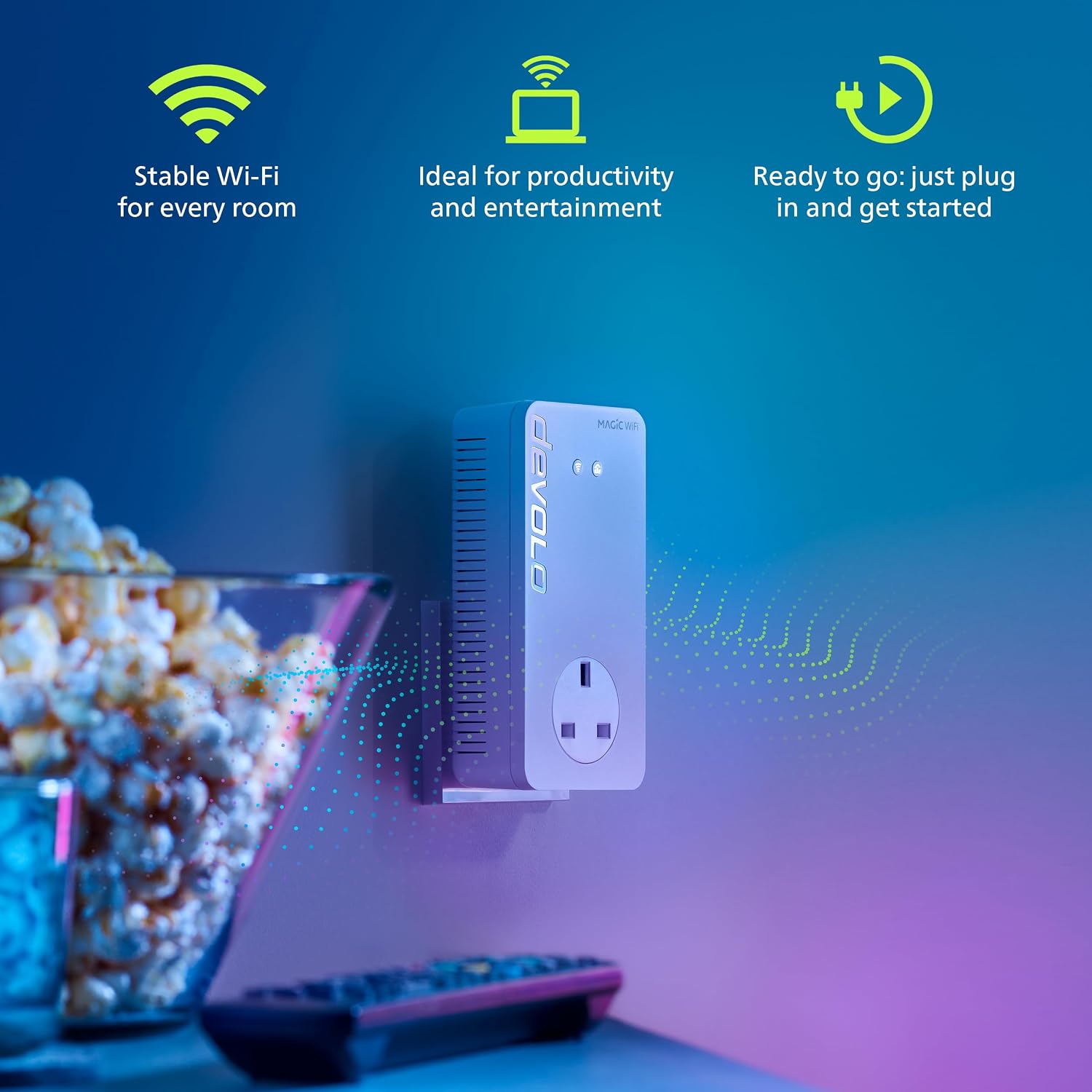
Setup is described as easy and “almost automatic”, so you’re not expected to be an IT expert to get moving. In day-to-day use, the practical approach is to place the adapters where they can serve the rooms that actually matter most to you:
- Put one adapter closer to the area with the router (or where the powerline link starts) and the other to cover the far floor or dead zone.
- If you have a device that benefits from a wired connection (a gaming console, TV, or PC), use the Gigabit Ethernet ports for that one device and let everything else use Wi‑Fi.
- Treat the mesh side as your roaming-friendly layer. If your phone or laptop drops when you walk around the house, a Mesh Wi‑Fi setup is meant to reduce that “which room am I in?” problem.
Tech specs
- Type: Wi‑Fi Powerline adapter set (starter kit)
- Network approach: Powerline for internet distribution + Mesh Wi‑Fi
- Wi‑Fi standard: Wi‑Fi 6
- Stated maximum speed: up to 3,000 Mbps via Wi‑Fi 6
- Ethernet ports: 2x Gigabit Ethernet ports
- Colour: White
Is it worth it?
This is worth buying if you need internet coverage across rooms and up to two floors, and you’d rather use power sockets than add more cabling. It also makes sense if you want both Wi‑Fi (with Mesh Wi‑Fi support) and the option for a more reliable wired connection via the Gigabit Ethernet ports.
You may want to skip it if your home wiring isn’t a great match for powerline, or if you know you’d be happier with a purely Wi‑Fi mesh approach that relies only on wireless placement. Also, if your main issue is just one small dead spot, a starter kit with two adapters might be more than you need.
For the right buyer, it’s a straightforward “plug in and go” style solution that can be expanded later without rebuilding your setup from scratch.

Mini FAQ
Will the kit replace my router?
The information provided describes the starter kit as an adapter set to establish a Magic Powerline network. It doesn’t specify replacing your existing router, so it’s best to treat this as a way to extend internet via powerline and create Mesh Wi‑Fi.
How many adapters come in the starter kit?
It includes 2 adapters.
Can I connect devices using Ethernet?
Yes. Each adapter provides 2x Gigabit Ethernet ports for connecting devices directly via cable.
Is the Wi‑Fi 6 speed guaranteed?
No. The kit states up to 3,000 Mbps via Wi‑Fi 6, which is best treated as a maximum figure. Real speeds will depend on conditions in your home.
Can the system be expanded later?
Yes. The system can be expanded at any time.