

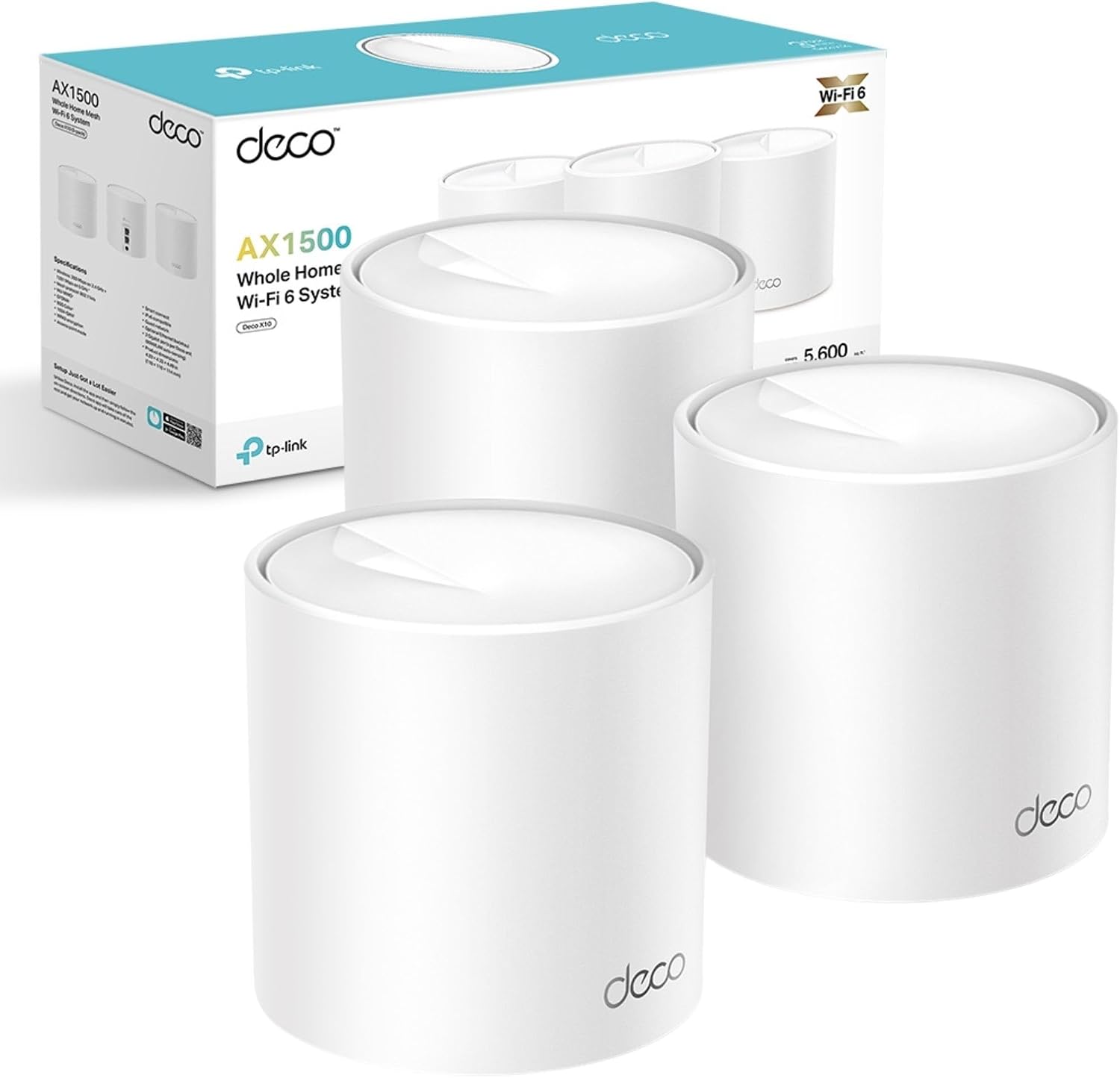
TP-Link Deco X10 (3-pack) AX1500 Wi‑Fi 6 Mesh System
Reviews
Price
Product description
What it is
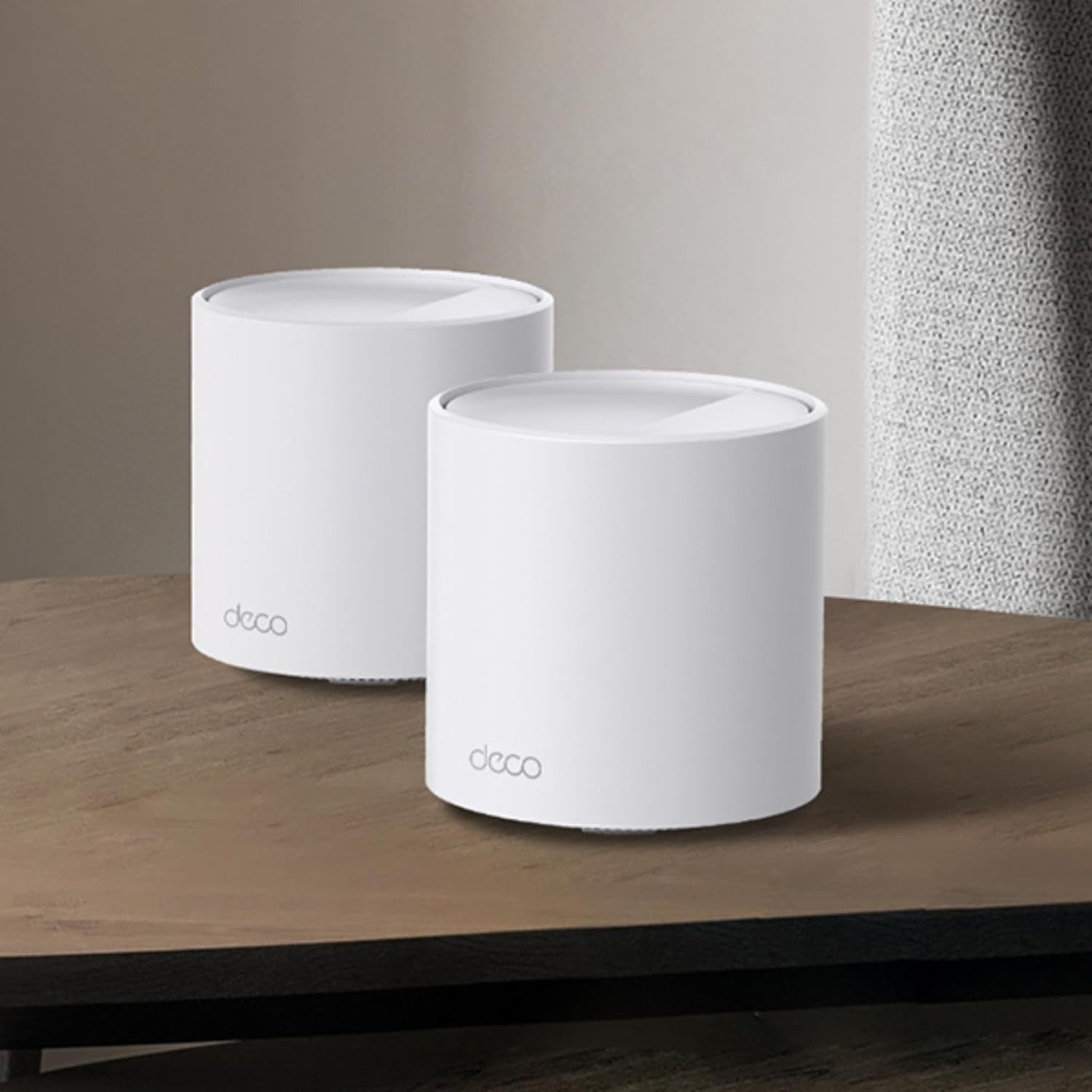
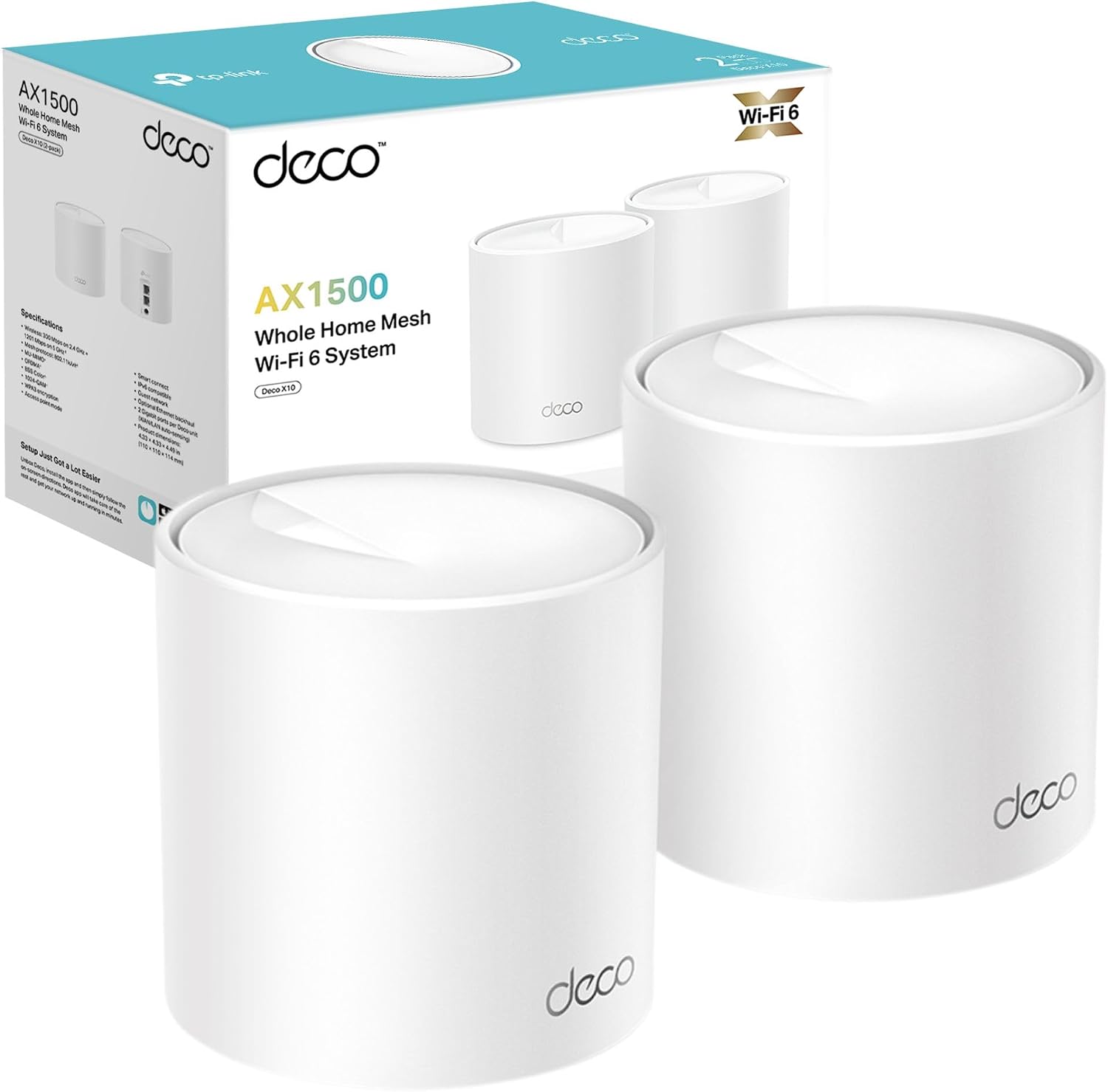
The TP-Link Deco X10 (3-pack) is a Wi‑Fi 6 mesh system designed to replace a single router with multiple nodes that create a single, seamless network across a large home. Each unit contributes to a total AX1500Mbps profile, with 1,201 Mbps on 5 GHz and 300 Mbps on 2.4 GHz, and it’s designed to handle several devices simultaneously without the usual congestion.
How it works
In practice, the three Deco units form a unified network that auto-selects the strongest connection as you move around your home. The mesh setup is driven by the Deco app, which guides you through installation and makes ongoing management straightforward. OFDMA and MU‑MIMO technologies aim to improve capacity so more devices can be served at once, which is particularly helpful in homes with phones, tablets, smart speakers, and streaming gear all in play.
What stands out
On paper, the Deco X10 balances coverage and ease of use. The claim of up to 5600 ft² of seamless coverage is attractive for mid‑to‑large homes, and the system is pitched as easy to set up via a guided app experience. For households with 500Mb+ broadband, it positions itself as a solid starter mesh, for full Gigabit speeds, it suggests higher‑end Deco models if pristine speed is non‑negotiable. Parental controls are built in, offering profile‑driven limits and web filtering for family safety. Latency reductions are highlighted as a benefit for gaming and video calls, which can matter in busy wireless environments.
What it’s not best suited for
If your internet plan routinely exceeds 900 Mbps or you require the absolute minimum latency for competitive gaming, this model seems to target mid‑tier broadband users. The recommendation to consider Deco X55/XE75 or newer Wi‑Fi 7 models for full Gigabit or ultra‑low latency needs hints that this three‑pack is more of a balanced, value‑oriented choice than a future‑proof high‑end system. In homes with very dense device usage or special network requirements (like enterprise‑grade security features or dedicated backhaul), there may be more specialised options.
Who it’s for
This kit is suitable for households looking to replace a single router with a simple, user‑friendly mesh that covers a sizeable area without complicated setup. It’s practical if you want reliable whole‑home Wi‑Fi with parental controls, and you don’t mind potentially stepping up to higher‑spec models later if your speed demand grows.
Who should think twice
If you prioritise the very latest Wi‑Fi standard or plan to push multi‑gigabit speeds consistently to multiple devices, you may prefer a model positioned for higher throughput or new generation Wi‑Fi. If you have a smaller living space or a straightforward apartment layout, a single higher‑performing router or a lighter mesh kit might be overkill.
When it makes sense to buy
- You need better whole‑home coverage than a single router provides.
- You want a system with a straightforward app‑driven setup and parental controls.
- You’re aiming for a practical balance of price, coverage, and ease of use in a mid‑tier broadband environment.
What to review before buying
- Confirm the size of your home and whether 5600 ft² is a realistic target for your layout.
- Check your current broadband speed, the AX1500 profile will be comfortable for many households but not all.
- Consider future needs: if you expect faster speeds or more devices per room, think about whether you’d benefit from a model with higher throughput in the near term.
Practical use example
Imagine streaming a 4K movie in the living room while someone else games in another corner of the house and a third person video‑calls from upstairs. The Deco X10 mesh should keep the signal stable enough to avoid buffering and reduce lag compared with a single router, thanks to its mesh routing and device‑level optimisation.
How this compares to other approaches
If you’re weighing options, you could opt for a single high‑quality router and a smaller extender, but you’d likely face more dead zones in a larger home. A purpose‑built higher‑end mesh system or a Wi‑Fi 7 setup would offer more headroom for very fast internet plans or many simultaneous devices, but at a higher cost. The Deco X10 sits in the middle: simpler than a bespoke network, yet capable enough for average to moderately heavy home usage.
Final decision
Should you buy it?
It makes sense if you want reliable whole‑home coverage with an easy setup and solid parental controls, and your broadband is in the mid‑tier range. It may not be the best choice if you need maximum speed for frequent multi‑gigabit tasks or if you plan to future‑proof around the very latest wireless standards.
FAQ
- How many devices should Deco X10 handle comfortably? In real‑world use, it is designed to manage multiple devices due to OFDMA and MU‑MIMO, but exact performance depends on device density and network activity.
- Do I need to replace all existing network gear? Typically, you can replace your router with the Deco units and use one unit as the primary gateway, but always check how your current modem‑router combination integrates.
- Can I expand the mesh later? Deco systems are modular, you can add more nodes if you need to extend coverage or improve capacity.
- Is it compatible with voice assistants? The base description mentions Alexa and Google Home integration, which can help with smart home routines.
Tech snapshot
- Type: Mesh Wi‑Fi 6 system (3‑pack)
- Speed: AX1500 (approx. 1,201 Mbps 5 GHz / 300 Mbps 2.4 GHz)
- Coverage claim: up to 5600 ft²
- Management: Deco app setup
- Parental controls: profiles with time limits and web filtering
- Use case emphasis: homes with 500Mb+ broadband, mid‑tier speed needs
Is it worth it?
Worth considering if you want straightforward, reliable whole‑home Wi‑Fi with sensible coverage and parental controls, without overcommitting to higher speeds or complex setups.