

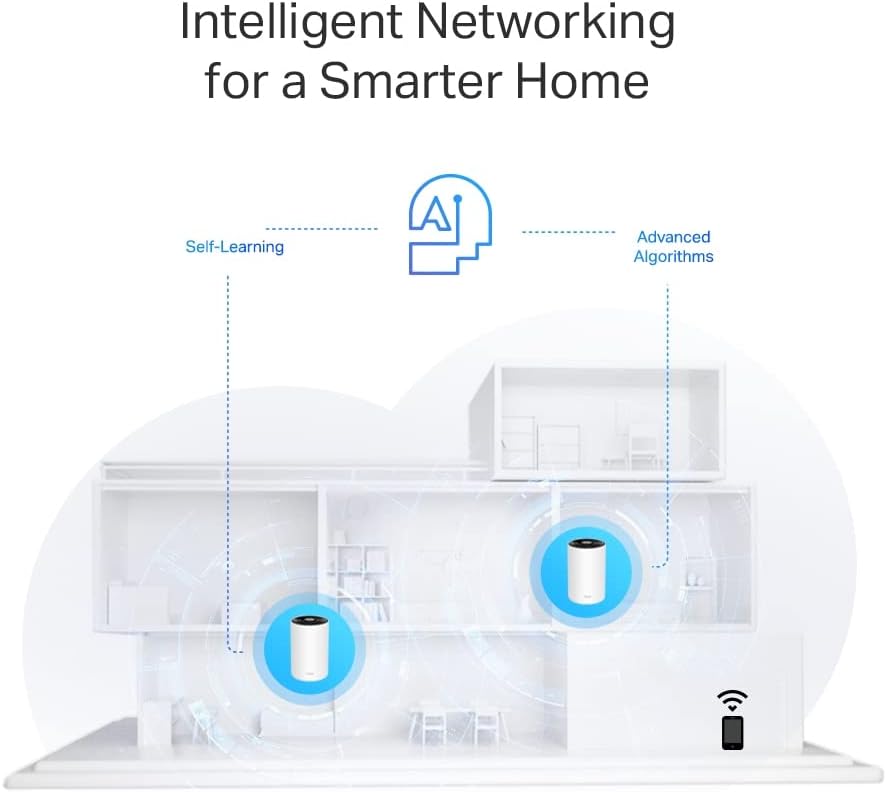
TP-Link Deco PX50 (3-pack): AX3000 Mesh Wi‑Fi 6 with G.hn Powerline for whole‑home coverage
Product description
The product in context
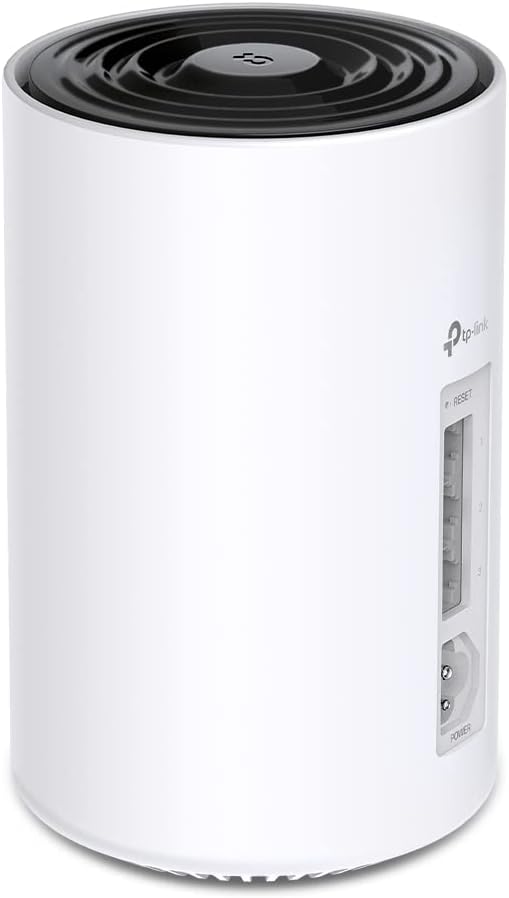
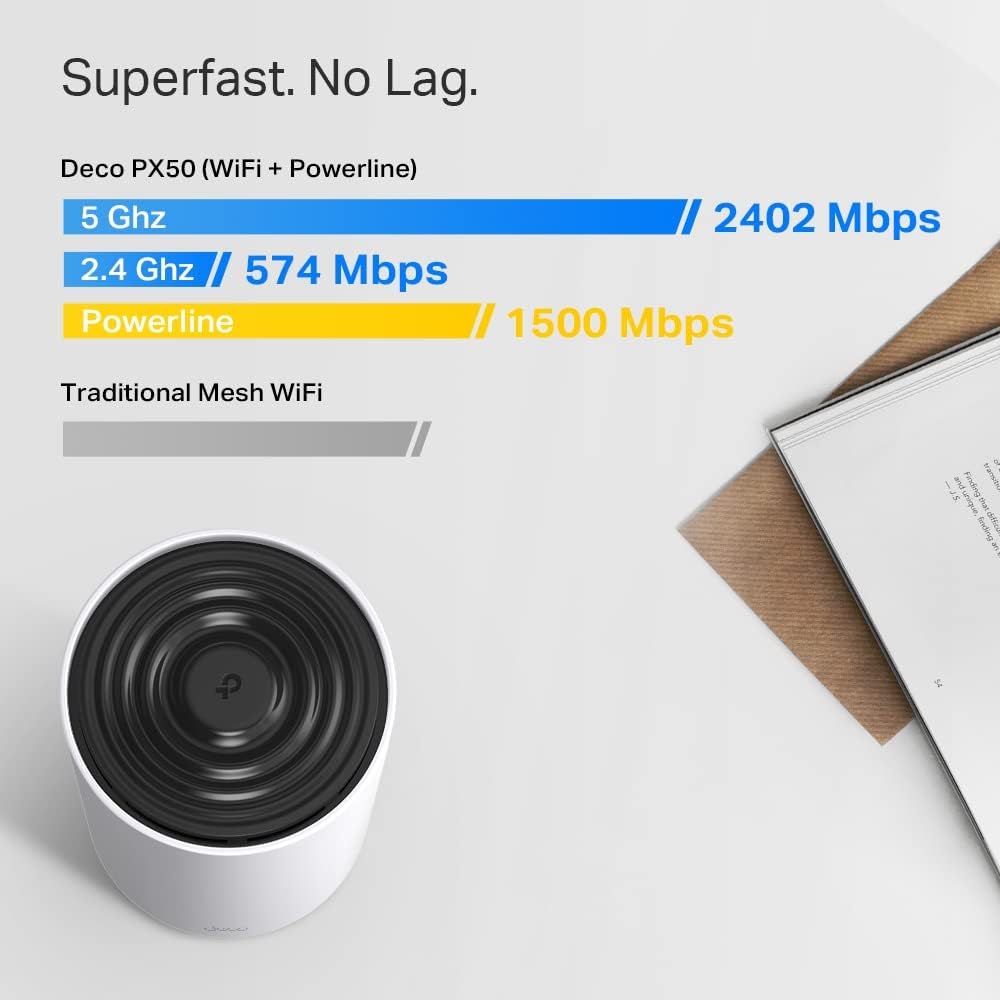
The TP-Link Deco PX50 (3-pack) combines a Wi‑Fi 6 mesh system with G.hn Powerline adaptors to create a single, extended network across a sizeable home. On paper, it promises AX3000 dual‑band speeds (2402 Mbps on 5 GHz and 574 Mbps on 2.4 GHz), with three Gigabit ports per unit and a mesh that’s aware of its environment. It’s aimed at households needing broad coverage, stable connections through walls and floors, and a centralised app experience for setup and management. Whether it’s worth investing in depends on your home layout, the number of devices you rely on, and how much you value features like family controls and IoT security.
What problem it intends to solve
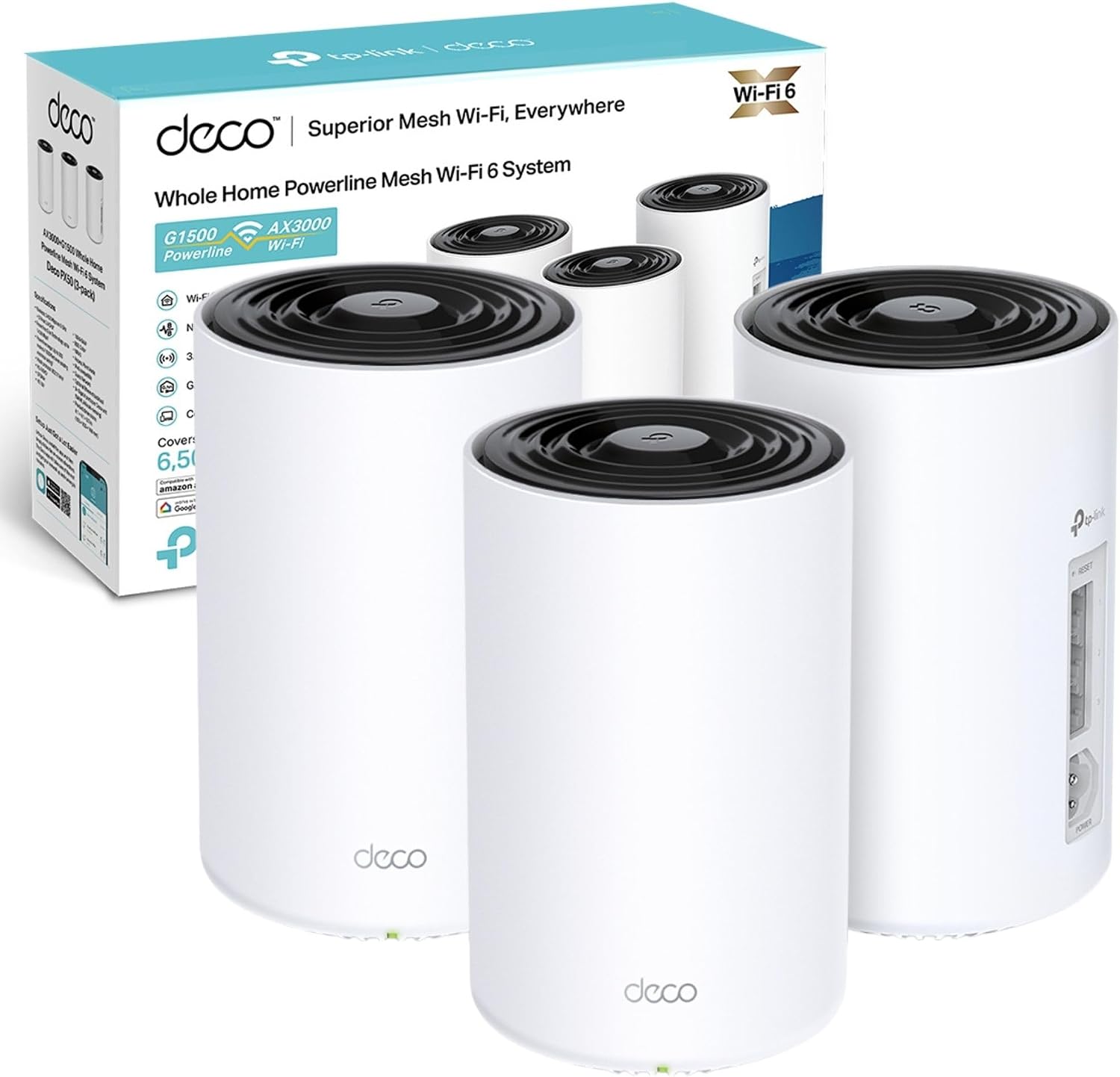
If you’ve experienced dead zones or inconsistent hotspots around the house, this Deco PX50 kit offers a single system that tries to blur the boundaries between rooms. The mesh approach means each unit cooperates to deliver a smoother network, while the G.hn powerline option can help behind thick walls or across circuits where wireless signals struggle. Practically, you gain a more uniform Wi‑Fi presence across living spaces, stairs, or garages without running ethernet cables everywhere.
Design and key features in practice
The system houses three nodes, designed to sit around the home rather than in a single router position. The inclusion of Powerline adapters (G1500) can boost connectivity where radio waves don’t travel well, though it’s important to note they work best when all components share the same electrical circuit. The AX3000 speed tier is ample for typical households with several devices streaming, video calls, and light gaming, but real-world performance will depend on how many devices are actively using the network at once and the layout of your home.
What stands out
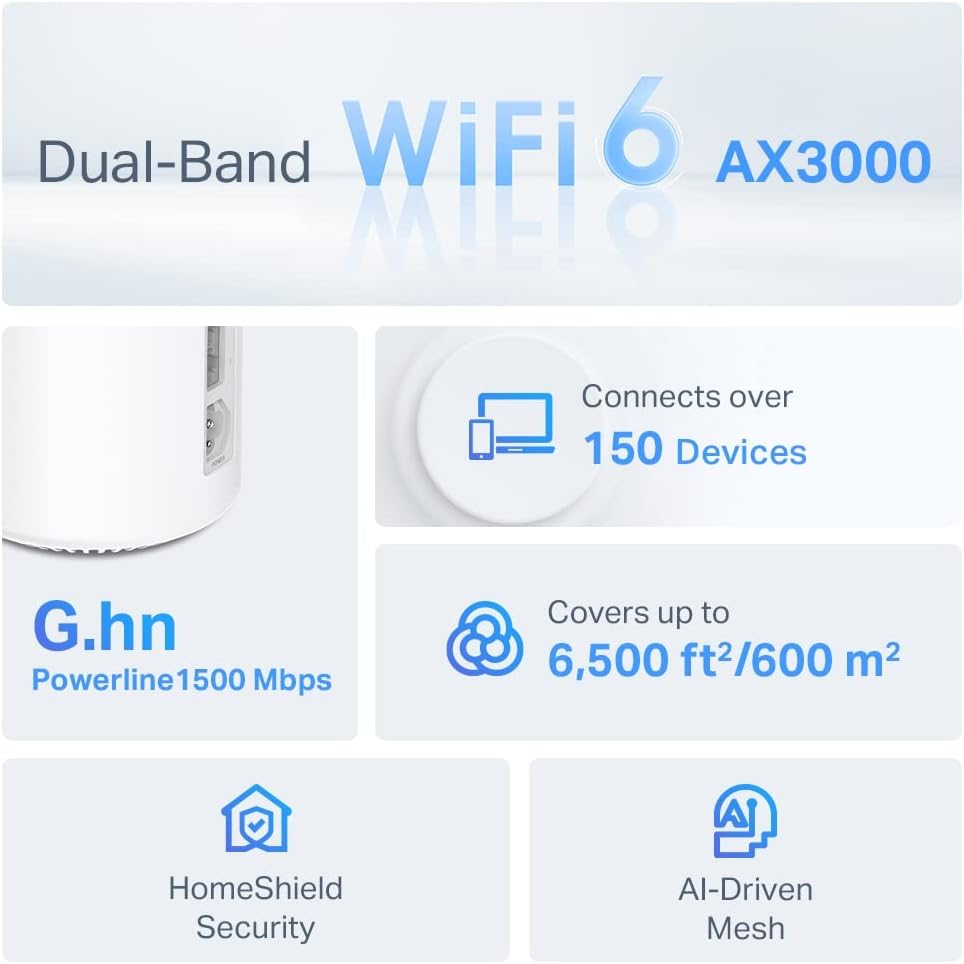
- AI‑Driven Mesh: The system purportedly learns the home environment to optimise coverage and performance, potentially reducing manual tweaking.
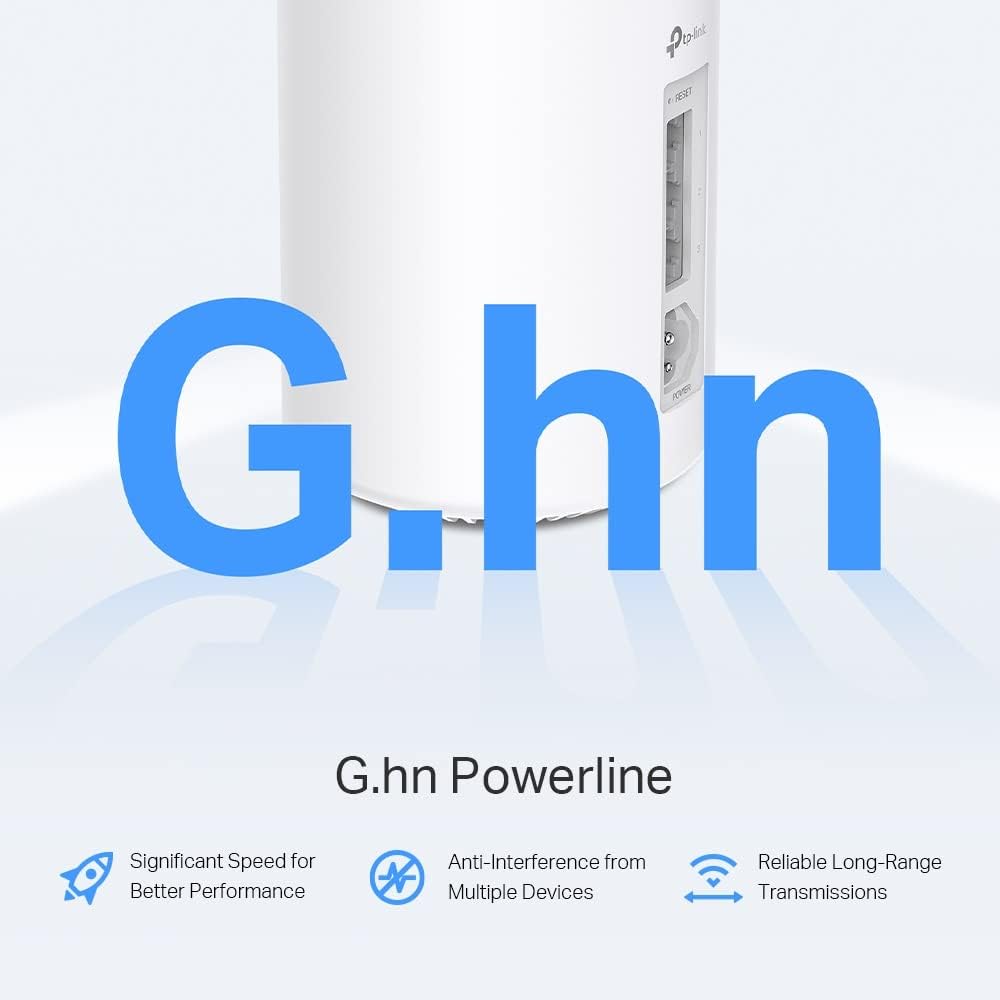
- Powerline integration: G.hn Powerline speeds up to 1500 Mbps offer a practical workaround where wireless signals struggle due to distance or obstacles.
- HomeShield: Built‑in security and parental controls provide a more complete package for households with IoT devices and children.
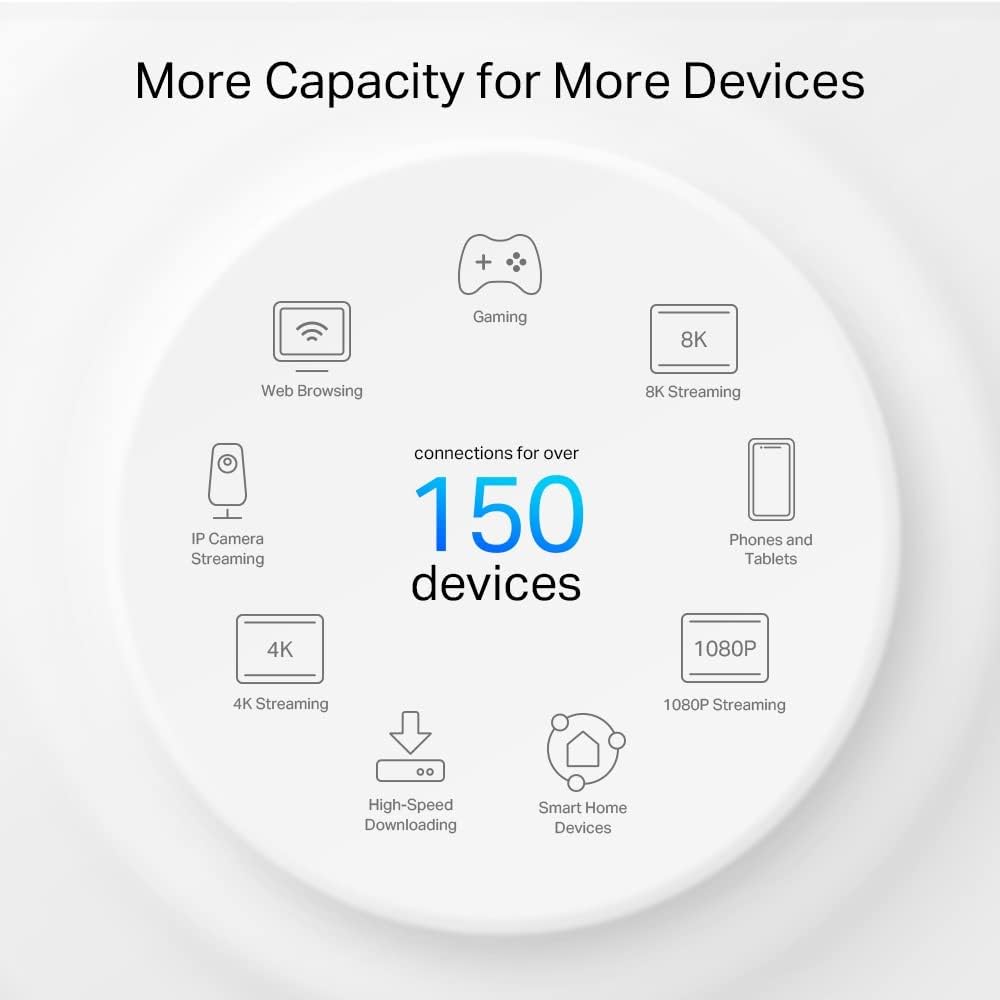
- Coverage and capacity: Aimed at larger homes, it claims to cover up to 6,500 ft² and connect up to 150 devices, which suggests room to grow as your smart home expands.
What to watch for (limitations and caveats)
- Powerline caveat: The G.hn units must be used on the same electrical circuit to realise the advertised speed advantages. If your layout involves separate circuits (e.g., separate upstairs and downstairs feeds), Powerline benefits may be less pronounced.
- Real‑world speed vs label speeds: AX3000 is a theoretical maximum, actual throughput depends on interference, distance, and how many devices share the network.
- Building characteristics: Metal studs, dense plaster, or large basements can still impact performance, even with a mesh system.
- Setup and management: While the Deco app is designed to be user‑friendly, some users may prefer a more granular control panel or troubleshooting path than the average consumer needs.
Who it’s for and when it makes sense
- It’s a sensible choice if you have a medium to large home with several wireless dead spots and you want a neat, scalable system that can grow with your network needs.
- If your priorities include integrated security and parental controls, HomeShield provides a visible advantage.
- It’s reasonable for households planning to attach many smart devices, media players, or work devices, given its stated capacity of up to 150 connections.
- If you mainly have a small apartment with a stable single router setup, this may be more system than you need and could represent overkill.
When it might not be the best option
- If your home has a straightforward layout and you already enjoy reliable signal from a single router, a cheaper or simpler setup could suffice.
- If you rely on Powerline features across separate electrical circuits, you may not see the full speed gains promised by the G1500 units.
- If you require ultra‑low latency for competitive gaming, test results can vary, mesh systems improve coverage but aren’t always the first choice for high‑FPS, local hosting scenarios.
Before you buy — practical checks
- Map your space: Identify weak spots in the home and consider whether power outlets near those zones align with where you’d place units.
- Count connected devices: If you’re at or near 150 gadgets, ensure you’re comfortable with a multi‑node mesh management approach.
- Review existing internet speed: Ensure your broadband plan benefits from a mesh upgrade — if your line speed is the bottleneck, you may not see dramatic gains.
- Consider wiring reality: If you can keep devices on the same electrical circuit for best Powerline performance, plan placement accordingly.
How it compares to alternative approaches
For homes where wireless coverage is the main issue, a traditional single‑router upgrade or a standard mesh system might be sufficient. If you’re already invested in a TP‑Link ecosystem, the Deco PX50 offers continued compatibility and a familiar app experience. For those who prize wired reliability, a hybrid approach with wired backhaul (where feasible) often yields the most stable performance. The Powerline option is a middle ground aiming to improve connectivity in tricky areas without re‑installing cables.
Buyer's verdict
Is it worth it?
It makes sense if you prioritise broader coverage, straightforward setup, and built‑in security features, and you have spaces in your home where wireless signals tend to falter. If you prioritise raw speed for a small footprint or you don’t need many connected devices, you might find a simpler setup more cost‑efficient. In short, it’s a reasonable all‑rounder for larger homes with multiple occupants and a growing smart gadget arsenal, rather than a high‑end speed demon for a gaming‑centric setup.
Frequently asked questions
- Does the G.hn Powerline require dedicated wiring? It works best when used on the same electrical circuit, so plan placement with that in mind.
- Can I expand beyond the 3‑pack? Deco systems are designed to be scalable, you can add more Deco units if supported by the model in use.
- How does Auto‑Mesh adapt to busy households? The AI‑driven mesh aims to distribute load and adjust to changing conditions, potentially keeping latency reasonable as usage shifts.
- What’s included in the box? A 3‑pack kit with Deco PX50 units and Powerline components as described, plus standard accessories for setup (note: exact contents aren’t listed here).
Final practical takeaway
If you’re seeking a pragmatic upgrade to cover a sizeable home with multiple devices and you value integrated security, the Deco PX50 3‑pack offers a coherent package. It’s not a guaranteed speed upgrade in every room, but it provides a unified network approach that can reduce dead zones and simplify management, with the trade‑off that Powerline performance depends heavily on circuit layout.