

Predator Gaming 5G Router – 4.7Gbps
Price evolution
Product description
Highlights
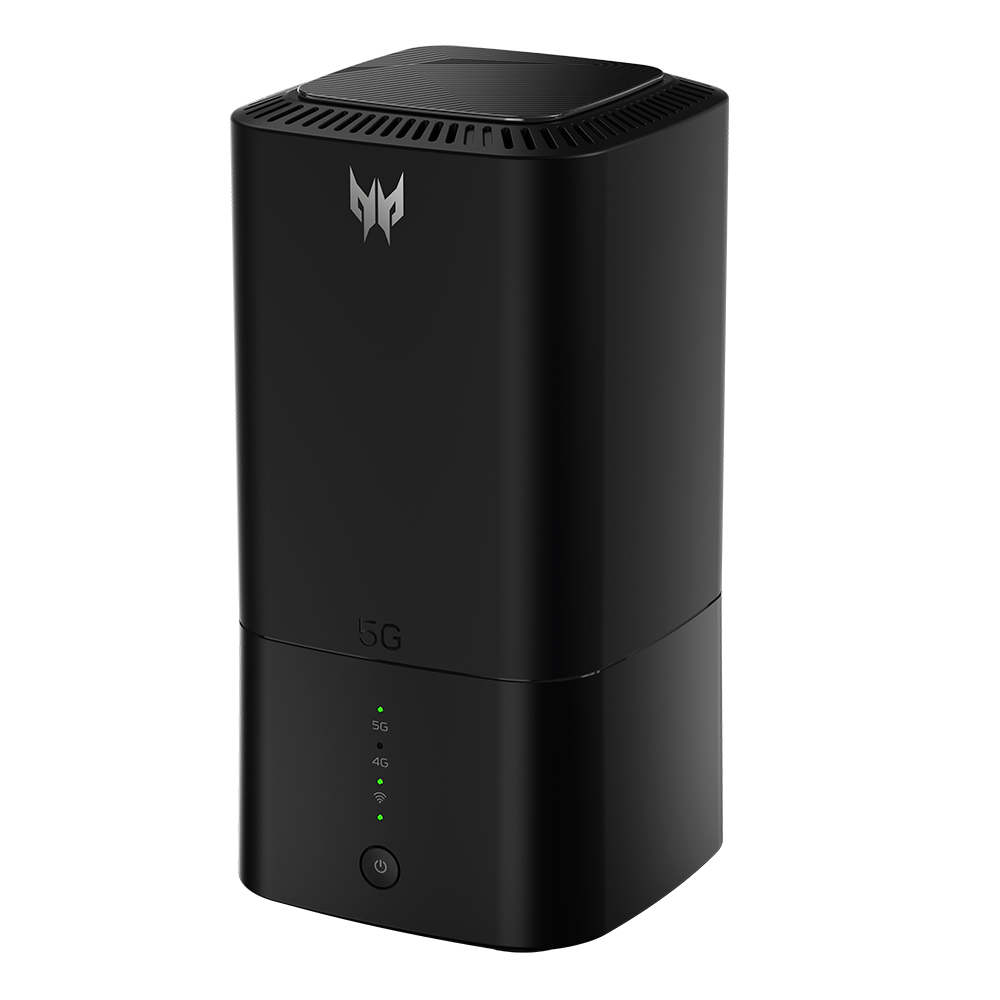
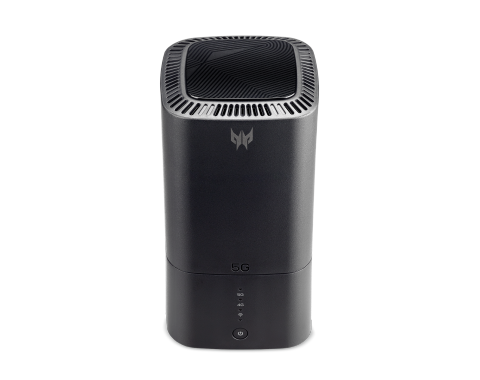
The Predator Gaming 5G Router brings the speed of a wired connection to your home wireless network, delivering up to 4.7 Gbps throughput that keeps even the most demanding games and streaming services running smoothly. Its dual‑connectivity design allows you to connect both a 5G cellular modem and a traditional WAN line simultaneously, giving you redundancy and flexibility when upgrading or switching providers. The router is built around Intel’s Killer Prioritization Engine, which prioritises gaming traffic over other data streams so lag becomes a thing of the past. Security is reinforced with TrendMicro Home Network Security, providing real‑time threat detection without compromising performance.
Technical details
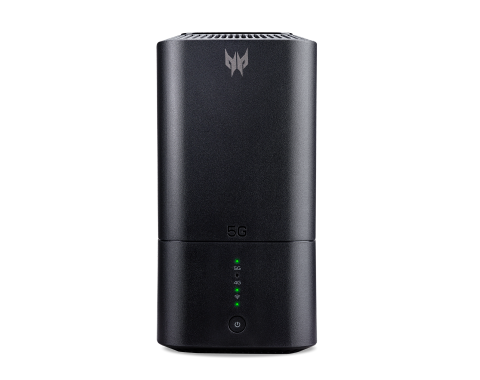
- Throughput: 4.7 Gbps
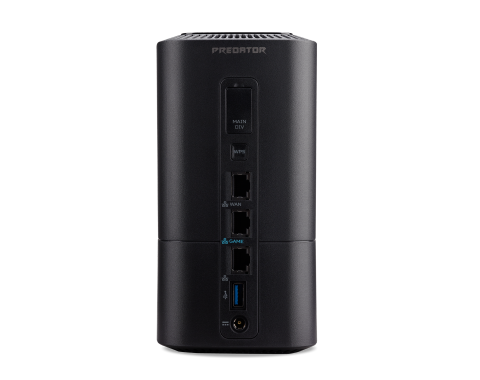
- Connectivity: 5G and WAN Dual Connectivity
- Wi‑Fi Standard: Wi‑Fi 6 (802.11ax)
- Frequency Bands: 2.4 GHz / 5 GHz 4x4
- Concurrent Devices: 256
- Security: TrendMicro Home Network Security
- Processor: Intel® Killer Prioritization Engine
Usage tips
Place the router in a central location to maximise coverage across multiple floors, and keep it away from large metal objects that can block signals. If you use the device for both gaming and regular browsing, create separate SSIDs for each to ensure prioritised traffic stays on its dedicated channel. Regularly update firmware through the web interface, new patches often include optimisations for bandwidth allocation and security fixes.
Why it’s worth it
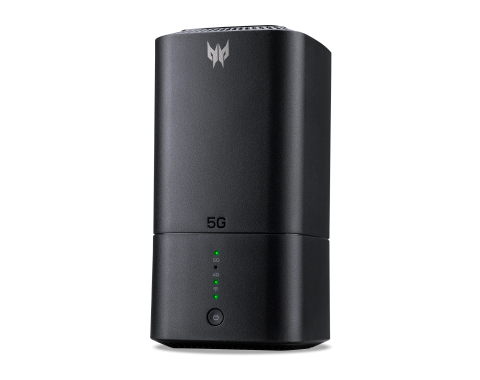
Unlike standard consumer routers that offer only 2.4 GHz or 5 GHz bands, this model combines both frequencies with a 4x4 antenna array, delivering higher data rates and lower latency. Its built‑in dual connectivity means you can switch between providers without downtime – ideal for households that rely on mobile broadband during peak hours. The Killer Engine is specifically designed for gamers, it recognises packet types associated with gaming protocols and assigns them higher priority than video or file‑transfer traffic.
Practical tips
When setting up the router, enable the “Smart Connect” feature to let the device automatically choose the best band for each device. Use the mobile app to monitor real‑time bandwidth usage, this helps identify which devices are consuming the most data and allows you to re‑prioritise if necessary. Make sure your firmware is up to date – manufacturers often release updates that improve compatibility with new game releases or streaming services.
Pros
- Extremely fast 5G connectivity paired with traditional WAN support
- Advanced traffic prioritisation for gaming
- Robust security via TrendMicro
- Supports a large number of devices simultaneously
Cons
- Requires a compatible 5G modem or network card
- Higher price point compared to basic routers