

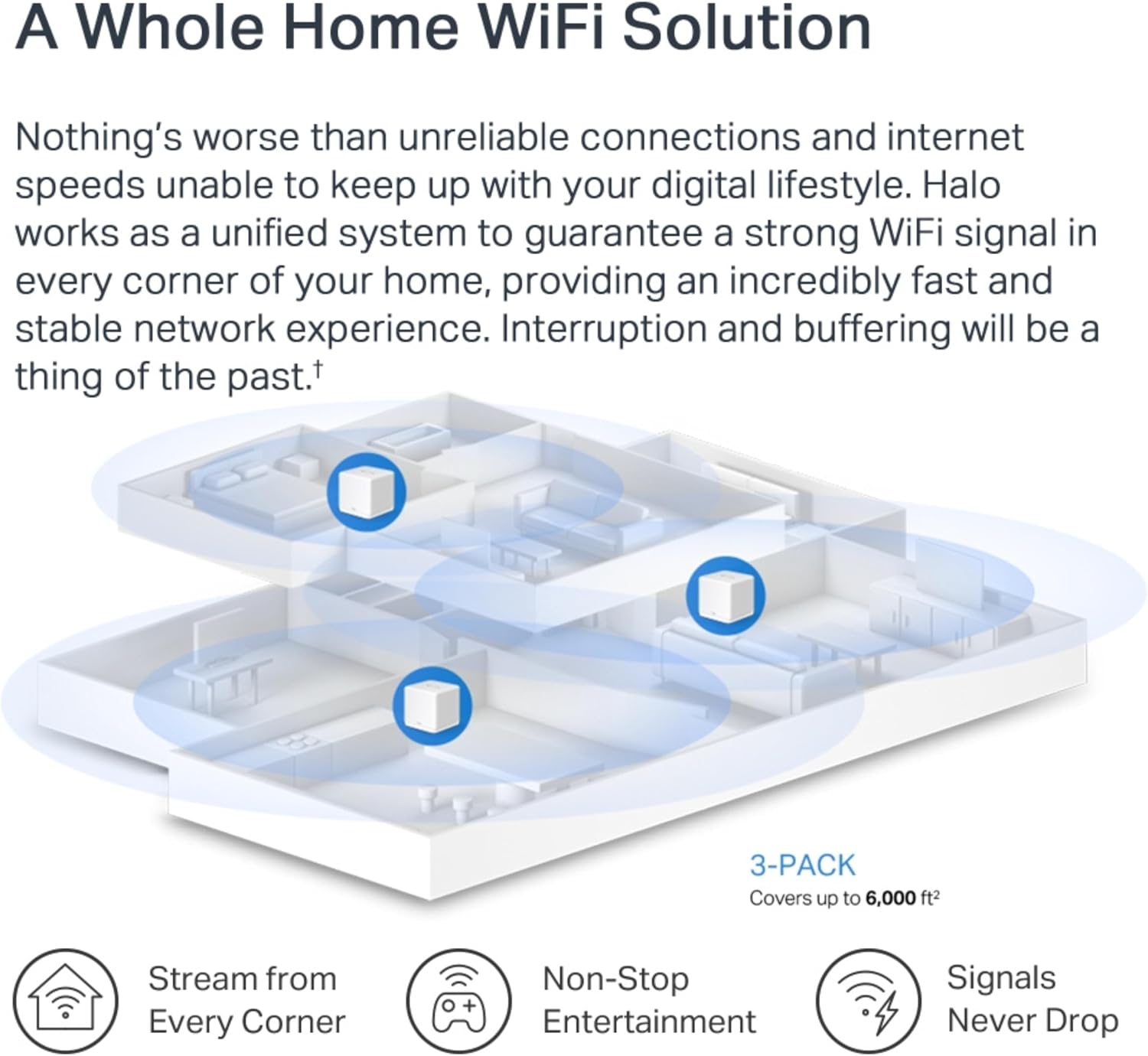
MERCUSYS Halo H60X AX1500 mesh Wi‑Fi system 3-pack
Reviews
Price
Product description
This mesh WiFi system brings Wi‑Fi 6 performance across a home, improving capacity and reducing dead zones so multiple users can stream and game more smoothly. As a MERCUSYS AX1500 solution it targets households that need coverage across large flats or two‑storey homes while keeping setup simple with app control.
Key Points
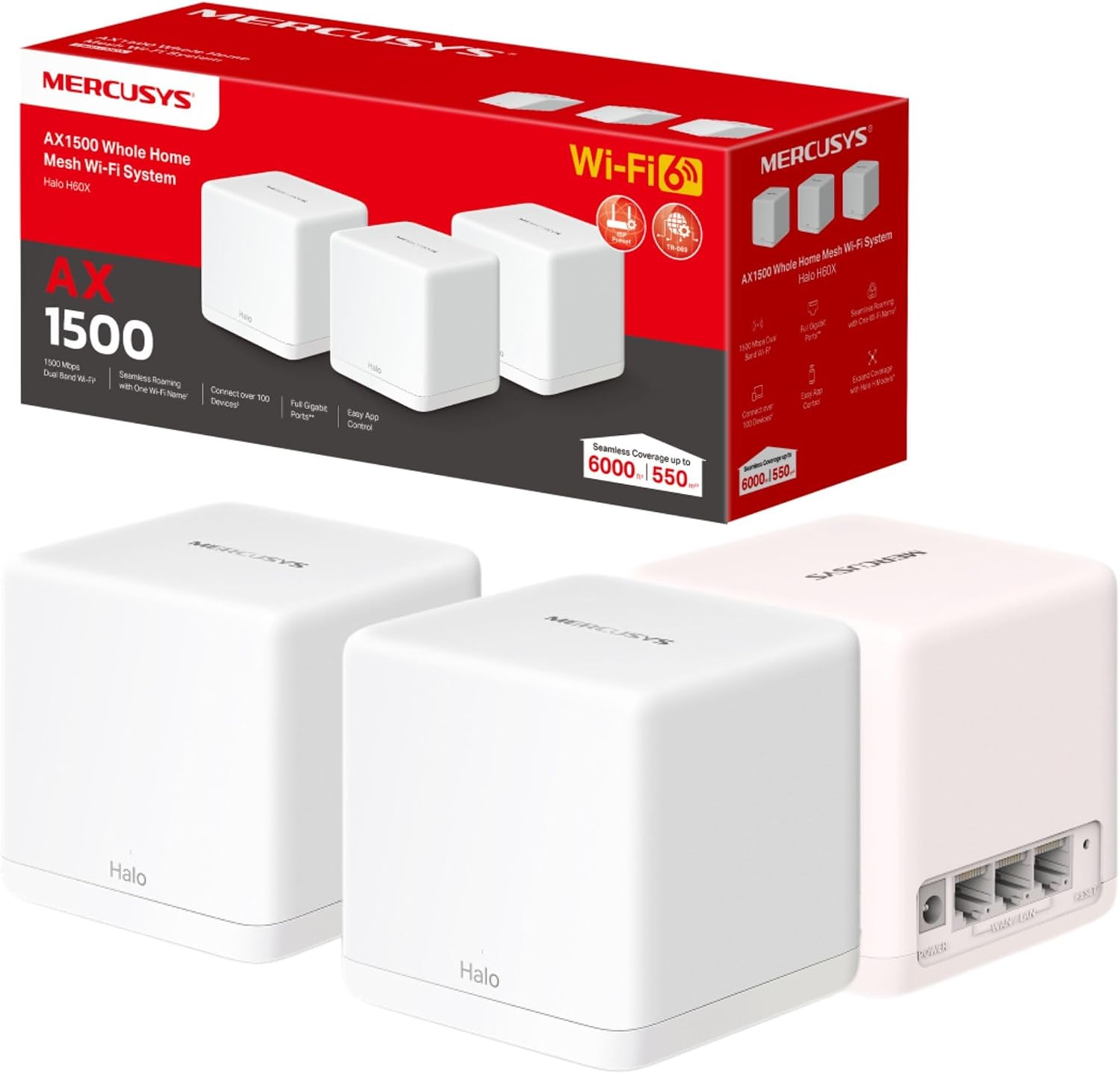
The package includes three units that work together to cover up to 6,000 ft² (550 m²). This setup allows many devices to stay connected without swapping networks when moving between rooms. The dual band design balances speed and range, and the mesh arrangement helps eliminate isolated weak spots. 📶
App control is aimed at straightforward installation and routine management. The mobile application lets you place nodes, check device lists and apply basic controls without navigating complex menus. This makes it accessible for those who prefer a quick, guided setup rather than advanced configuration. ⚙️
Consider that actual coverage depends on building layout and materials. Very thick walls, multiple floors with metal reinforcement or dense urban interference may reduce effective range, so performance can vary from the quoted 550 m² according to the manufacturer.
Technical Specifications
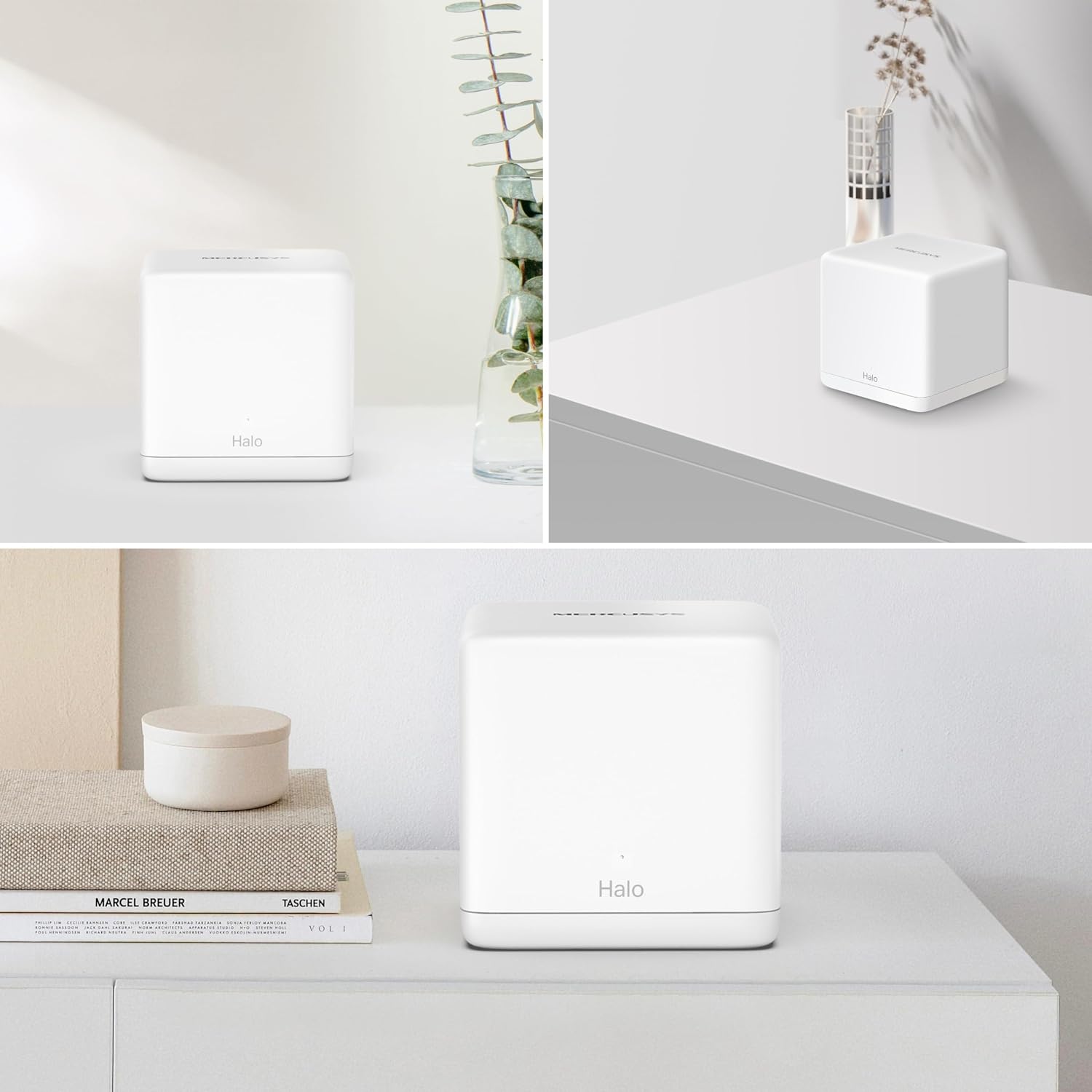
- Name: MERCUSYS Halo H60X (3-pack)
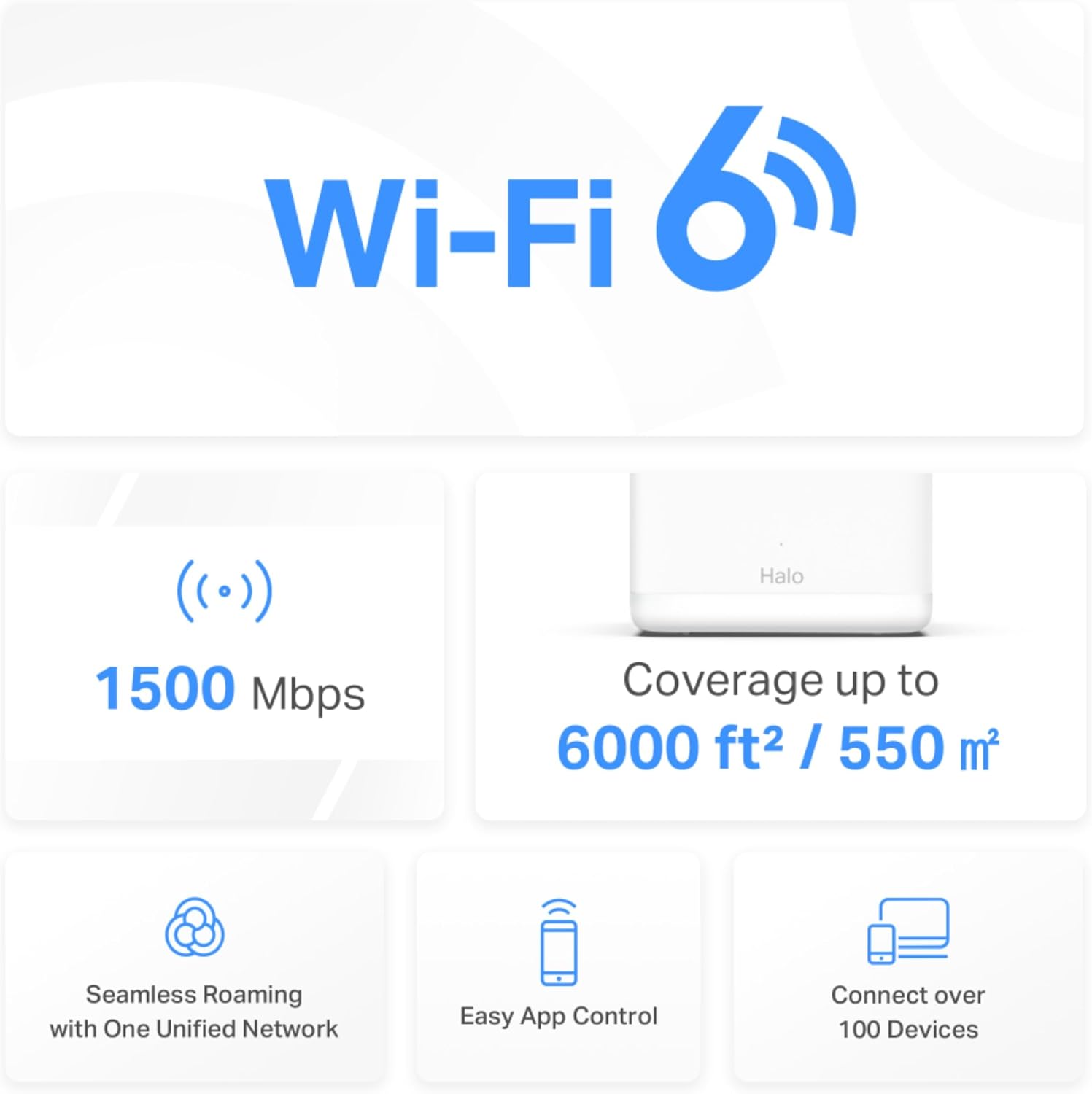
- Coverage: 6,000 ft² (550 m²)
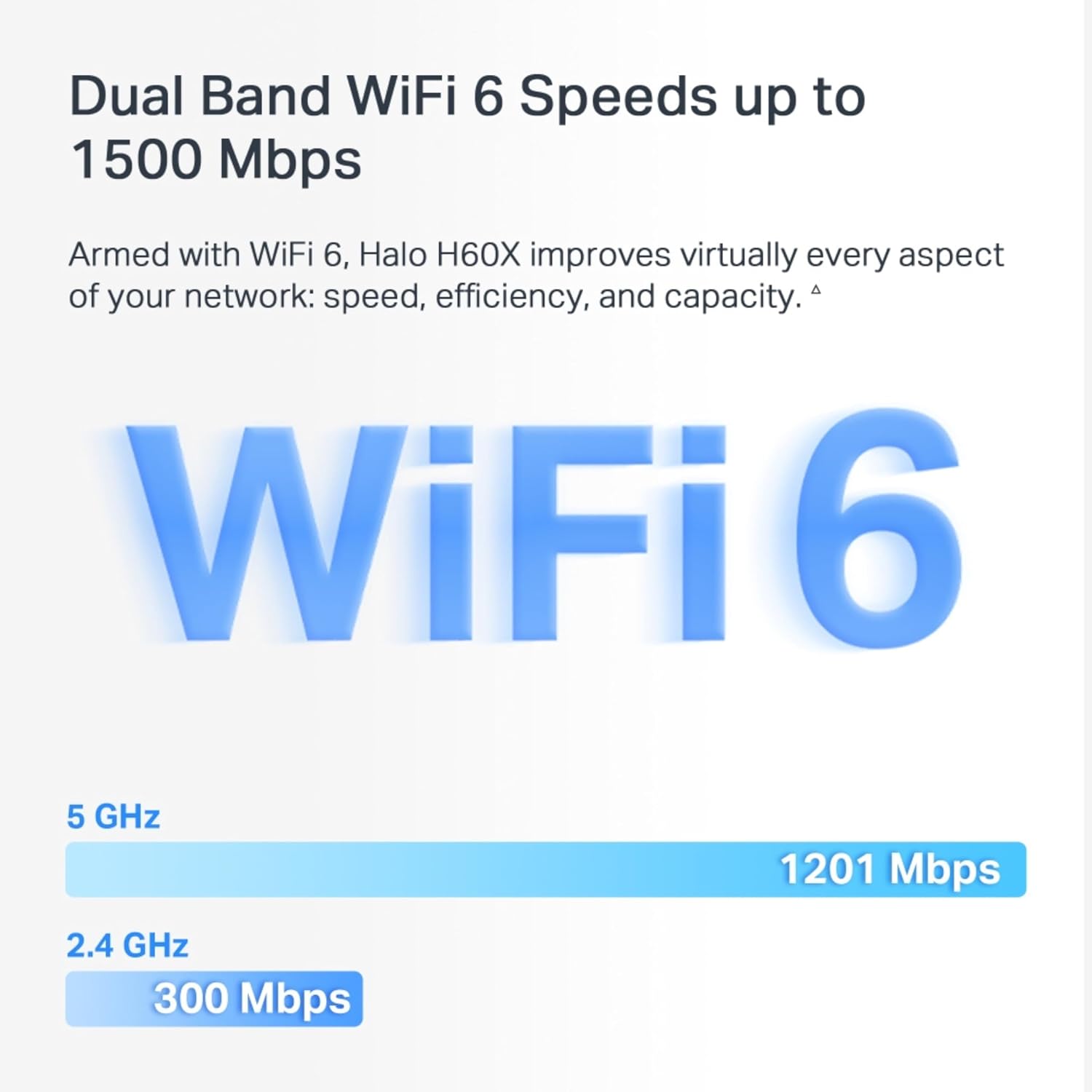
- Wi‑Fi standard: AX1500, Dual Band Wi‑Fi
- Maximum devices: Connect up to 100 devices
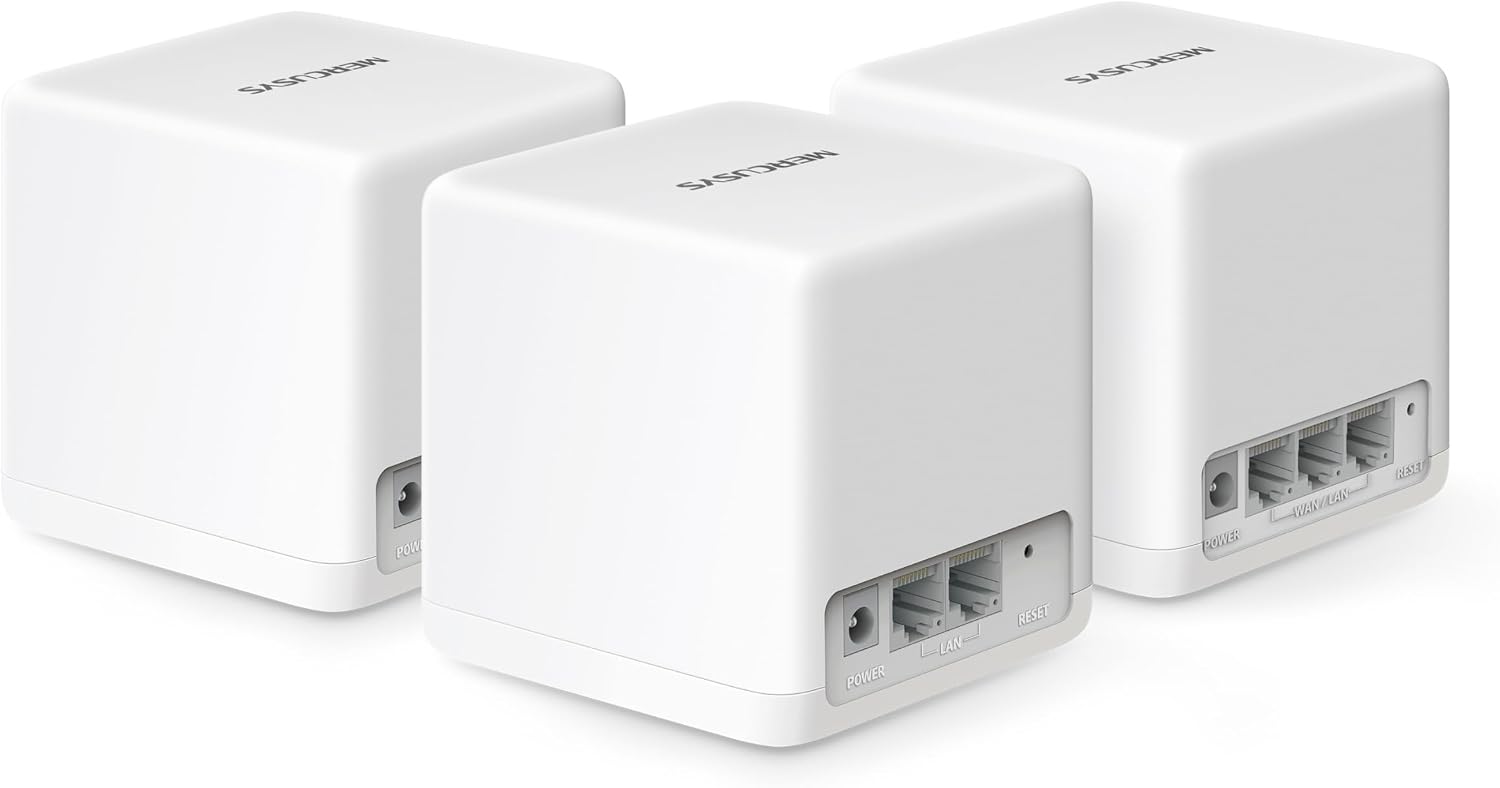
- Ports: Full Gigabit Ports
Usage Recommendations
Place one node centrally on each floor where you spend the most time online, keeping units clear of large metal objects and thick cabinetry for best signal distribution. For gaming and 4K streaming, place the primary unit near your main entertainment hub and use the app to prioritise that connection. For small home offices located at the edge of coverage, try repositioning the nearest satellite a little closer to achieve a steadier link.
If you run many simultaneous high‑bandwidth tasks, the mesh system will help distribute the load, but consider combining it with wired backhaul for the highest stability in demanding setups. For example, connecting two nodes via Ethernet can free wireless capacity for client devices and reduce latency during intensive use. 🛠️
Advantages
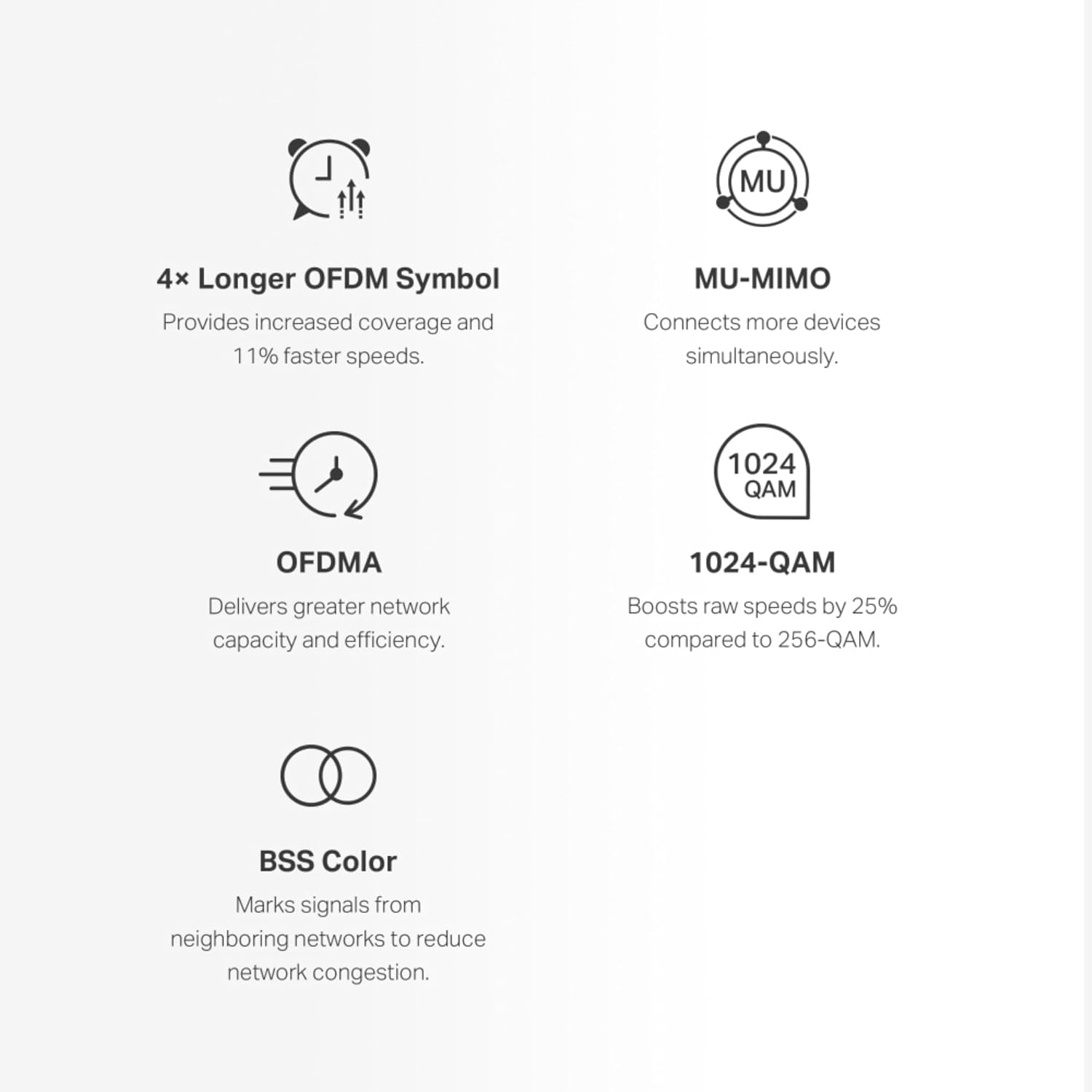
The system focuses on improved device capacity and easier network management compared with older single‑router setups. Its support for 1024‑QAM helps extract higher throughput on compatible clients, and the inclusion of full gigabit LAN ports supports wired devices that require stable, high bandwidth. The app led approach reduces configuration time and helps keep the network simple to maintain.