


Tenda AC8 AC1200 dual-band Wi‑Fi router with Beamforming, MU‑MIMO and app control
Reviews
Price
Product description
What it is and what you’re likely using it for
The Tenda AC8 AC1200 is a dual-band wireless router built around everyday home networking: stable Wi‑Fi across rooms, smoother streaming, and a more dependable gaming experience than you’d typically get from a basic ISP router. It runs both 2.4GHz and 5GHz under a single Wi‑Fi name, with the 5GHz band set as the priority, and it can also work in repeater/access point mode if you need to extend coverage.
On paper, the mix of features is aimed at practical performance rather than “lab testing” claims: gigabit-capable LAN/WAN ports, four external 6dBi antennas, and technologies such as beamforming and MU‑MIMO. That combination tends to matter most in the real world when you’re trying to keep video calls and streaming responsive while multiple devices are online.
That said, the AC1200 class means it’s positioned more for mainstream households than for those who need top-end throughput at long range in dense Wi‑Fi environments.
Where it stands out (and why it matters)
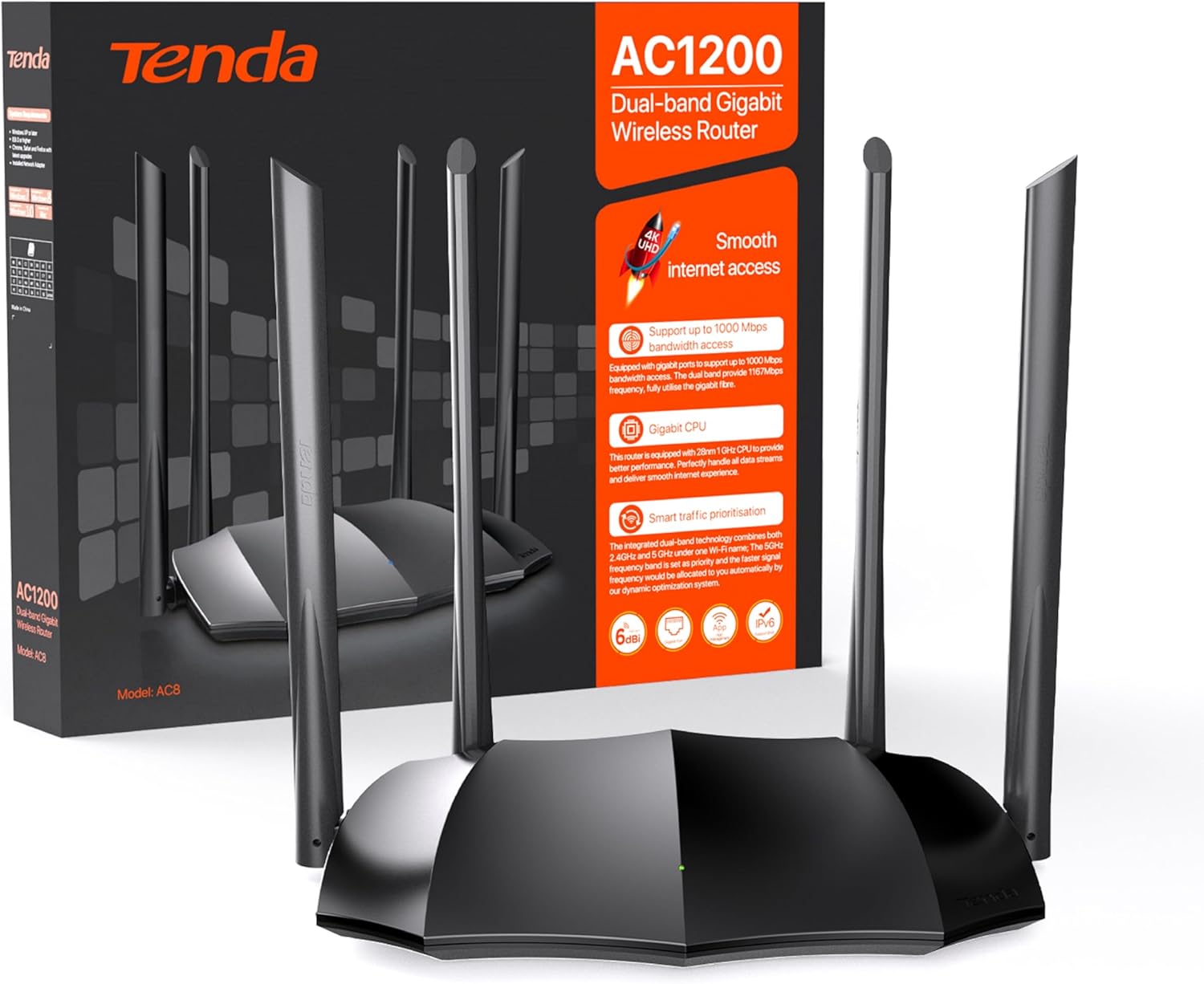
The AC8 leans into a few areas that are genuinely useful:
- Dual-band with dynamic optimisation: the router automatically looks at the surrounding internet/Wi‑Fi environment and optimises channel and bandwidth to reduce interference. If your area is crowded with networks, this kind of automatic tuning can save you from manual fiddling.
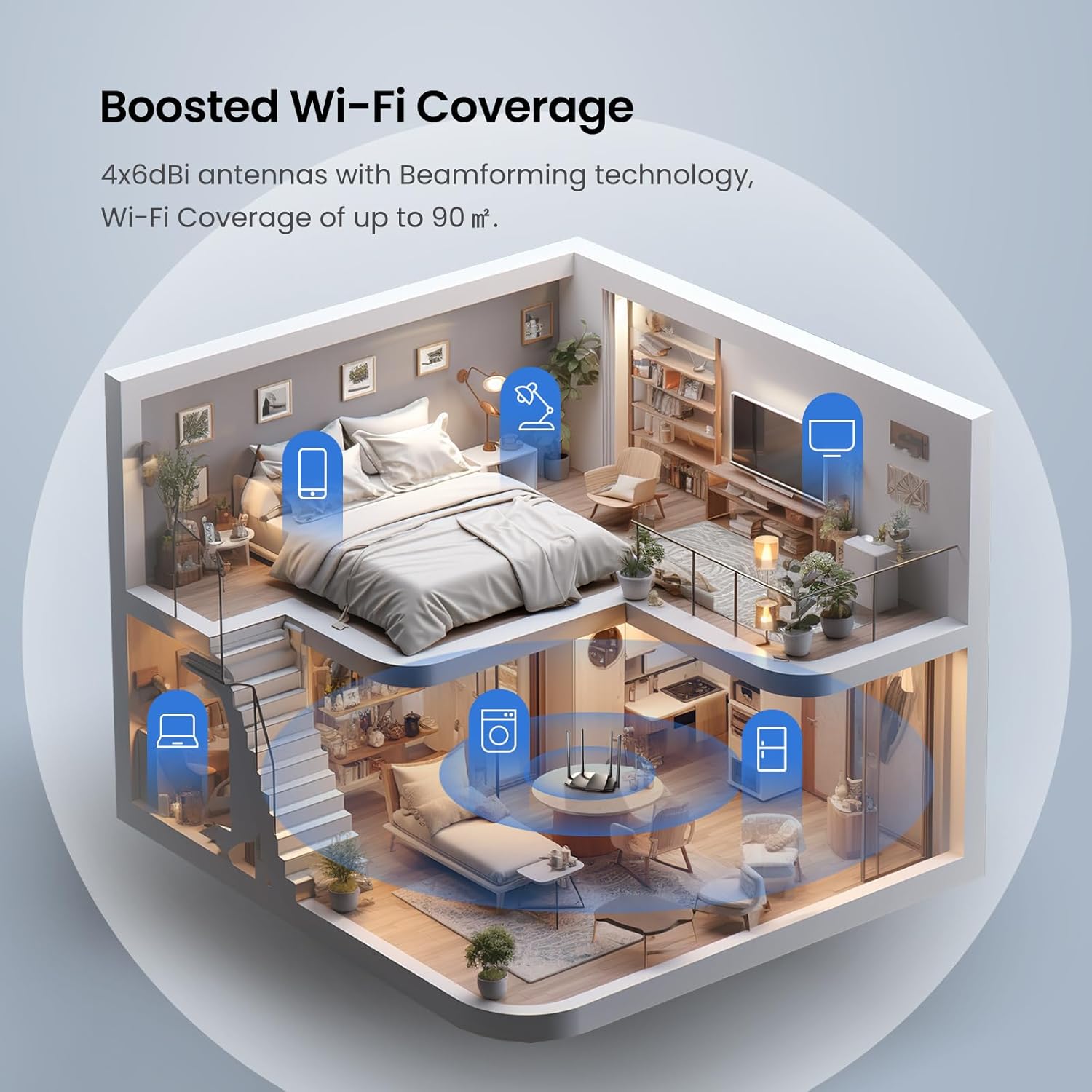
- MU‑MIMO and beamforming support: MU‑MIMO is designed to help multiple connected devices share the network more efficiently, while beamforming focuses the signal directionally. In day-to-day use, this usually translates to fewer “works one minute, drops the next” moments when many devices are active.
- Gigabit ports for wired speed: you get gigabit Ethernet ports (it’s described as complete gigabit ports). If you have a PC, games console, NAS, or a TV that benefits from wired connections, you avoid bottlenecks on the Ethernet side.
- 4x 6dBi antennas: this is a tangible spec, and in practice it gives the router more flexibility in how it radiates Wi‑Fi throughout a typical home.
- App control and WPS: app control makes setup and basic management more approachable, while WPS can be handy for quick pairing of compatible devices.
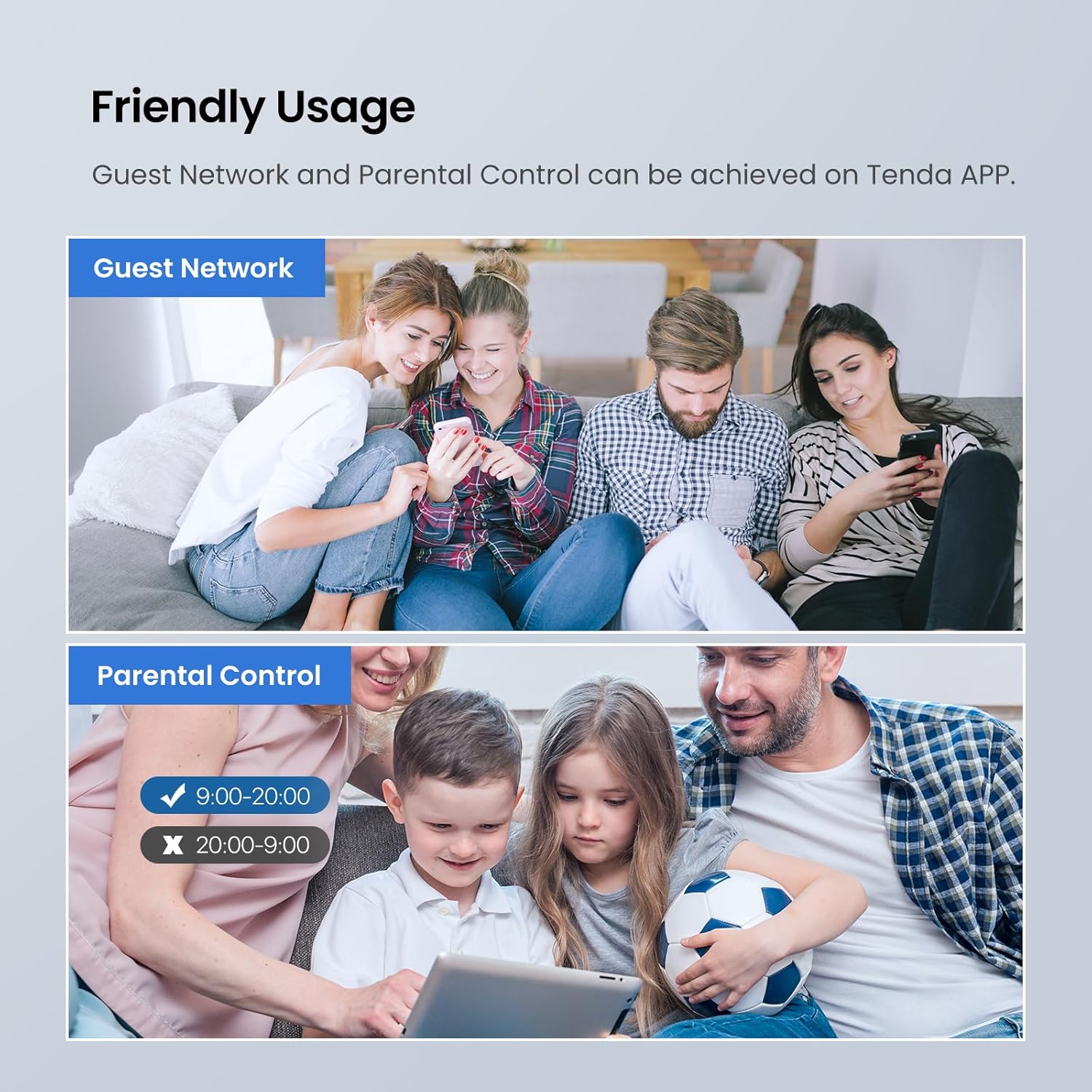
There’s also support for IPv6 and guest/traffic-related controls (the description mentions guest network support and Wi‑Fi scheduling/programming). None of that is flashy, but it’s the sort of “small admin” convenience that people actually appreciate after the first week.
Tech specs you should care about
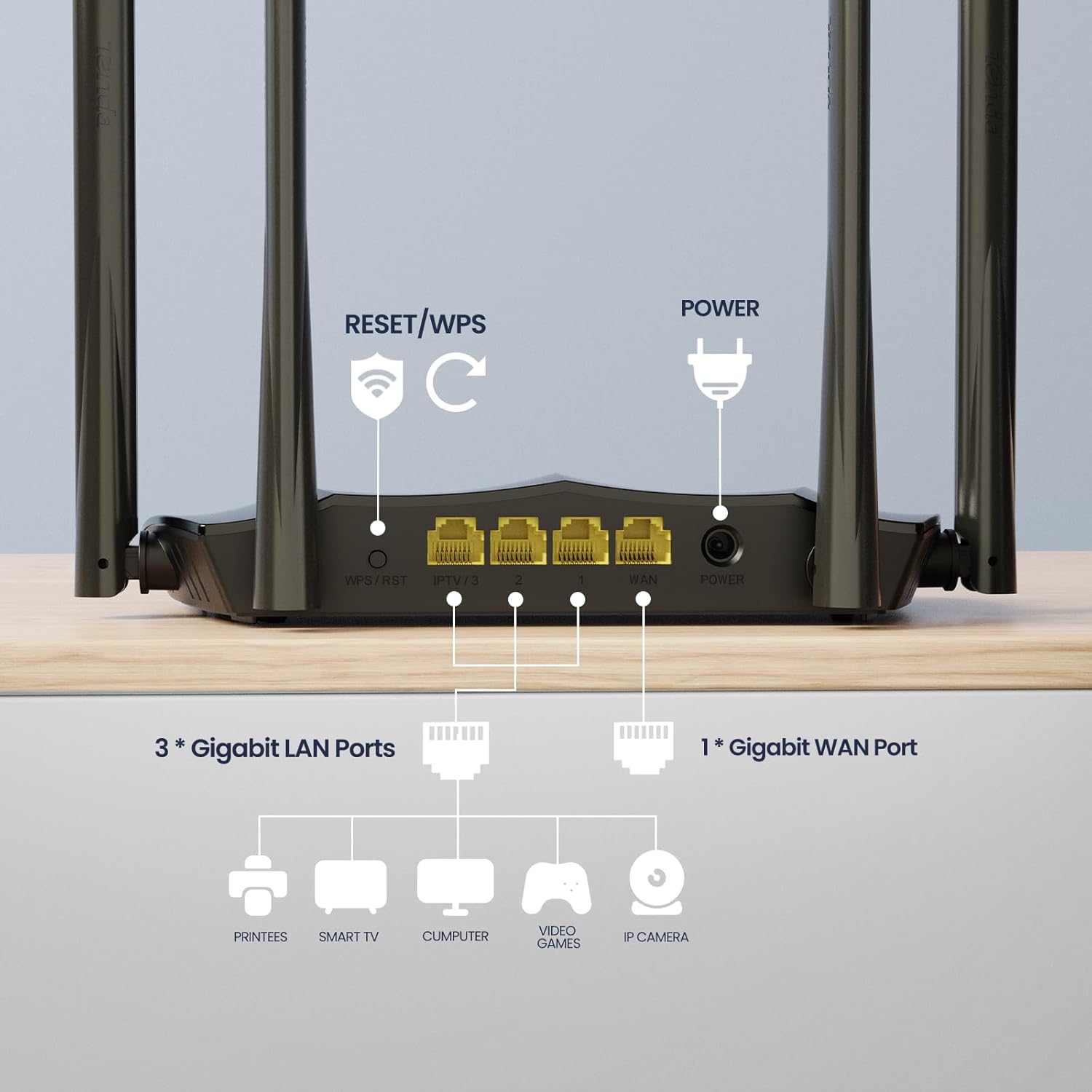
The AC8 is described as a dual-band AC1200 wireless router. The key Wi‑Fi positioning is that it can provide up to 1167 mbps across the two bands (as stated in the description), with 5GHz prioritised. It supports repeater access point mode, and it includes beamforming and MU‑MIMO features.
For networking and security-related mentions, the description states that the system makes IP address assignment random (as assigned by the operator) and that it’s “difficult to be attacked by virus”, alongside protection for online transactions. It also notes it’s compatible with typical desktop OS environments (Windows 10/8.1/8/7 and others), provided you have an internet connection via a cable or DSL modem and a service provider subscription for internet access.
One practical limitation to keep in mind: the description does not specify router range, wall-through performance, or exact real-world speeds. With Wi‑Fi, those depend a lot on your home layout and the devices you’re connecting.
Everyday use: what setup and performance may feel like
A common scenario is moving from an older Wi‑Fi router or ISP hub: you want a stronger signal and fewer dead spots. The AC8’s dual-band approach (with 5GHz prioritised) is designed for exactly that—phones, laptops, and streaming devices can sit on the faster band when available, while 2.4GHz still provides coverage.
If you live in a slightly tricky layout (e.g., router in a front room and bedrooms at the back), the repeater/access point mode can be useful. You could place the AC8 so it acts as an AP for better coverage in the room you care about most, rather than relying entirely on your main router’s reach.
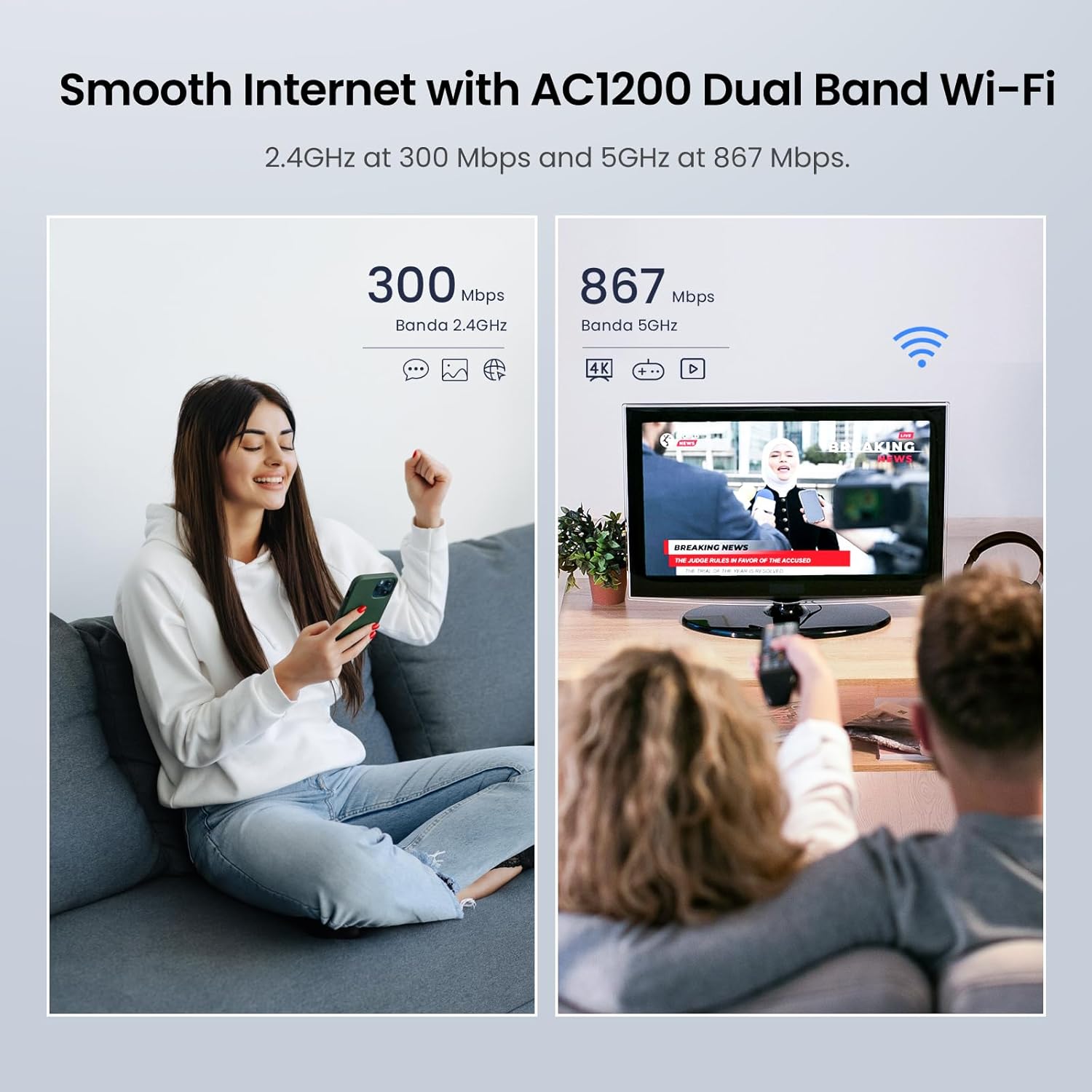
And if your household is “multi-device by default” (smart TV, tablets, phones), MU‑MIMO and the routing focus on data flows are there to help keep things smoother when there’s more going on at once. It’s not guaranteed magic—Wi‑Fi congestion and interference still exist—but the feature set is in the right direction.
Who it suits (and who should pause)
It’s a solid match if you want:
- A dual-band router that keeps 5GHz as the priority for devices that can use it
- Gigabit Ethernet ports for at least some wired use
- App control and WPS for a straightforward setup process
- Room-to-room coverage help via repeater/access point mode
- Basic network management features, including guest network support and Wi‑Fi scheduling/programming
It may not be the best choice if you:
- Need extreme long-range coverage through multiple thick walls (the spec doesn’t confirm range performance)
- Are expecting the “highest possible” wireless speeds in a very dense area, the AC1200 class can feel more middle-of-the-road than top-tier if you’re chasing every last Mbps
- Want deep configuration for advanced users—because the description focuses more on guided features (optimisation, app control) than on specialist networking tools
Careful checklist before you buy
Before committing, it’s worth checking a few basics:
- Your internet setup: the description assumes you have a cable or DSL modem and a service provider subscription for internet access.
- Wired needs: confirm whether you’ll use gigabit Ethernet for key devices, since that’s where the “gigabit ports” matter most.
- Coverage reality: if your home is split across floors or has heavy walls, consider how repeater/access point mode might fit your layout.
- Device compatibility: WPS and app control are convenient, but you’ll still want to ensure your main devices support the Wi‑Fi bands you plan to use.
Is it worth it?
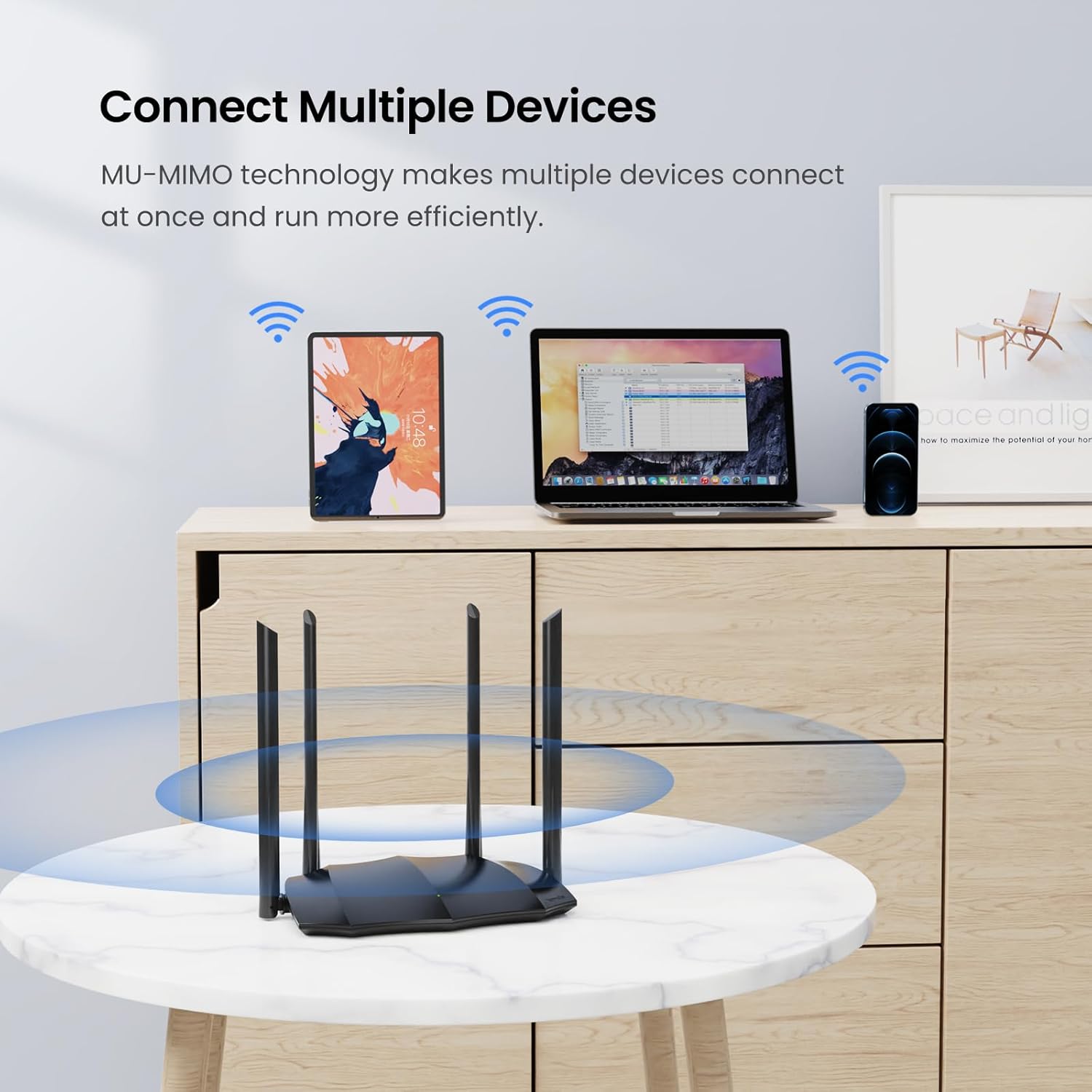
The Tenda AC8 AC1200 is worth considering if you want an easy-to-live-with dual-band router for a typical UK home: prioritised 5GHz, automatic channel/bandwidth optimisation, beamforming and MU‑MIMO support, plus gigabit Ethernet ports and four external antennas. It’s the sort of router that can make a noticeable difference in day-to-day streaming, video calls, and general browsing when you’re currently on weaker Wi‑Fi.
You might want to skip it if your priority is guaranteed, high-throughput wireless performance across hard-to-reach rooms, because the description doesn’t provide real-world range/speed assurances. It also sits in the AC1200 bracket, so if you’re chasing the very top end of what Wi‑Fi can deliver, it may feel more like a sensible middle than a flagship.
Mini FAQ
Is the Wi‑Fi name the same for both bands?
Yes. The description says 2.4GHz and 5GHz are combined under a single Wi‑Fi name, with 5GHz prioritised.
Can the AC8 extend coverage?
It supports repeater access point mode, which is typically used to extend Wi‑Fi coverage or act as an access point depending on your setup.
Does it support IPv6?
Yes, IPv6 support is mentioned.
Are the ports gigabit?
The description states it uses gigabit-capable ports and describes “complete gigabit ports”.
Can I manage it using an app?
App control is included, alongside WPS for easier pairing on compatible devices.