

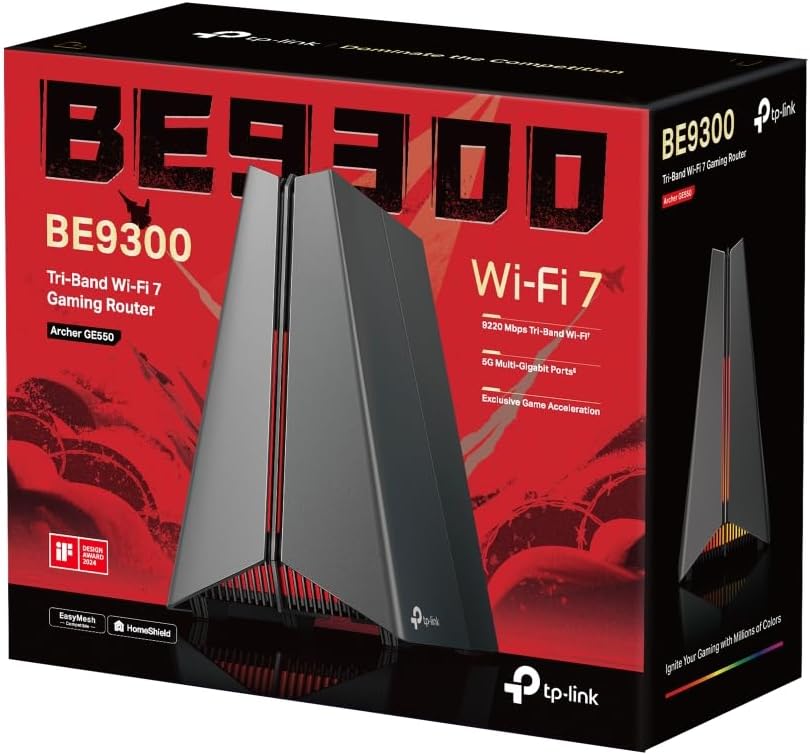
TP-Link Archer GE550 WiFi 7 Gaming Router (Archer GE550, BE9300, tri-band up to 9220 Mbps)
Product description
What you’re buying and why it matters
The TP-Link Archer GE550 is a tri-band WiFi 7 gaming router aimed at people who care about low-latency connections, smoother streaming, and fast wired performance for consoles and gaming PCs. On paper, it’s built around a “gaming band” approach and multi-link operation, so your games and streams have less to fight over when your household is busy.
If your current router can feel a bit temperamental during evenings—when Netflix, smart devices and a couple of phones are all pulling at the same time—this is the kind of upgrade that tries to keep the experience stable rather than just fast.
A quick note: the spec claims here are speed-focused, but real-world performance will always depend on your home layout, device capability and how congested the area is. It’s still a solid direction, just don’t expect miracles in every situation.
At a glance: where it stands out
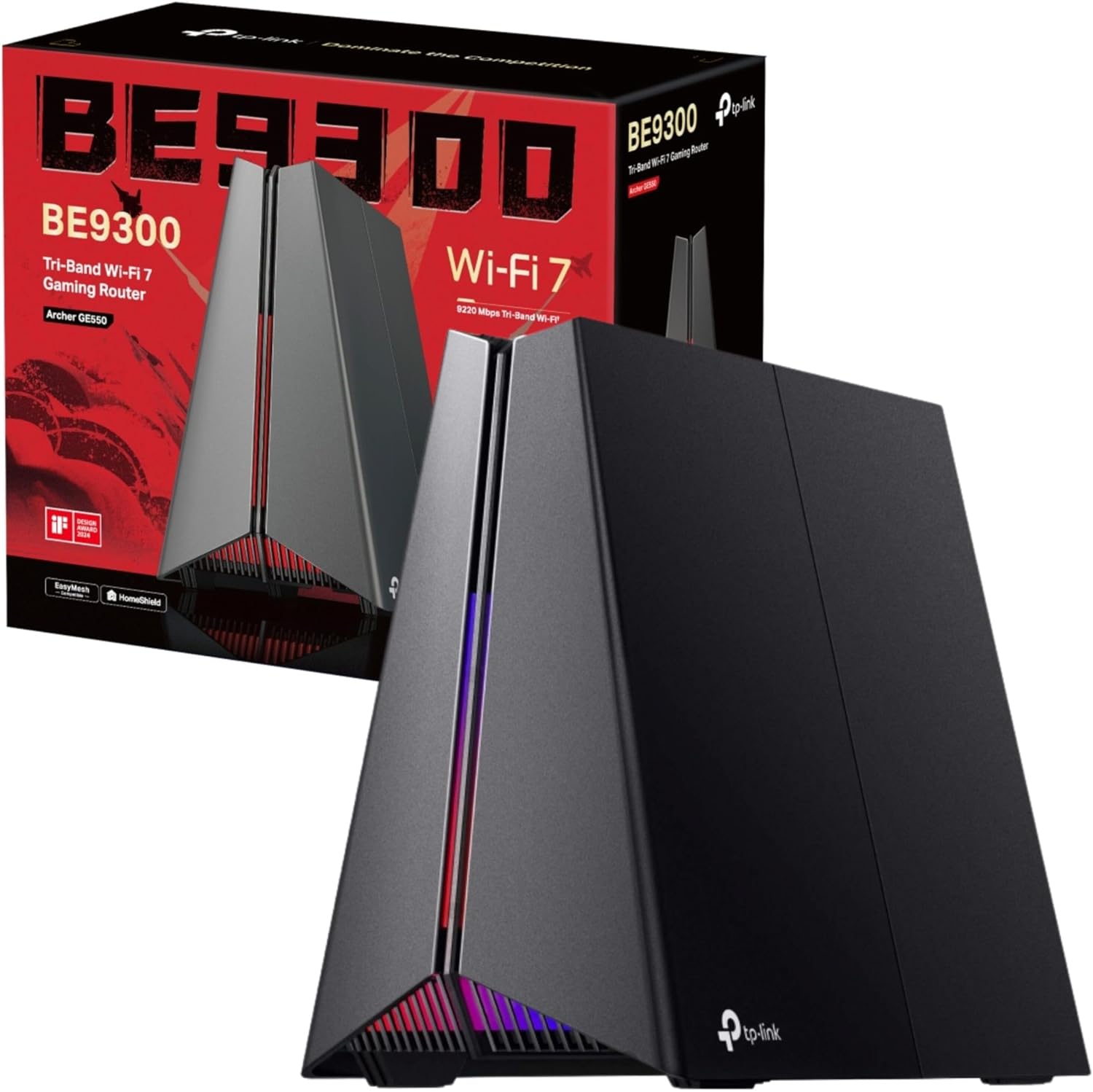
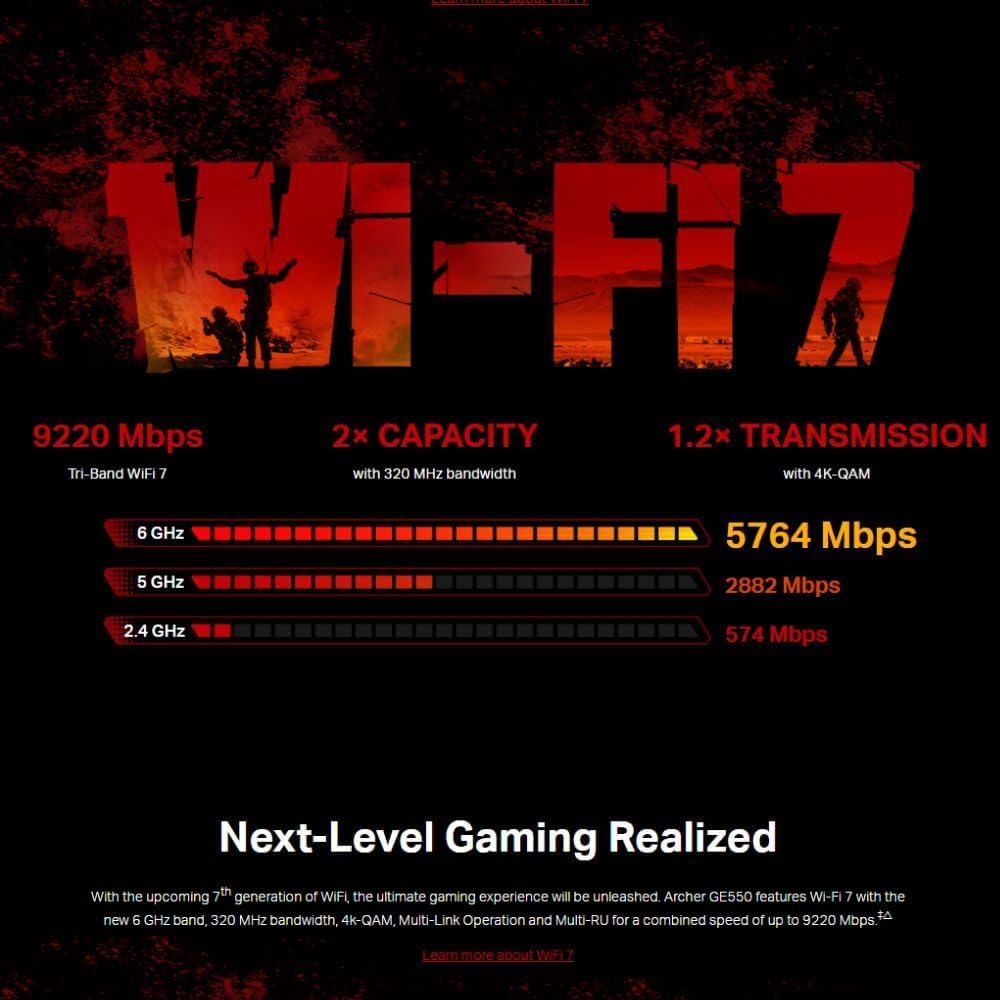
One of the clearest differentiators is the emphasis on dedicated performance paths for gaming and streaming. The router is described as providing speeds “up to 9220 Mbps”, split across bands (6 GHz, 5 GHz and 2.4 GHz). It also includes a dedicated 5 GHz gaming band intended to reduce interference from streaming and other everyday traffic.
It also leans into “whole-home” continuity with smart roaming and EasyMesh. The idea is that as you move around the house, your devices can stick to the strongest available signal more automatically, so you’re less likely to experience the annoying drop in stability that happens when you leave one room.
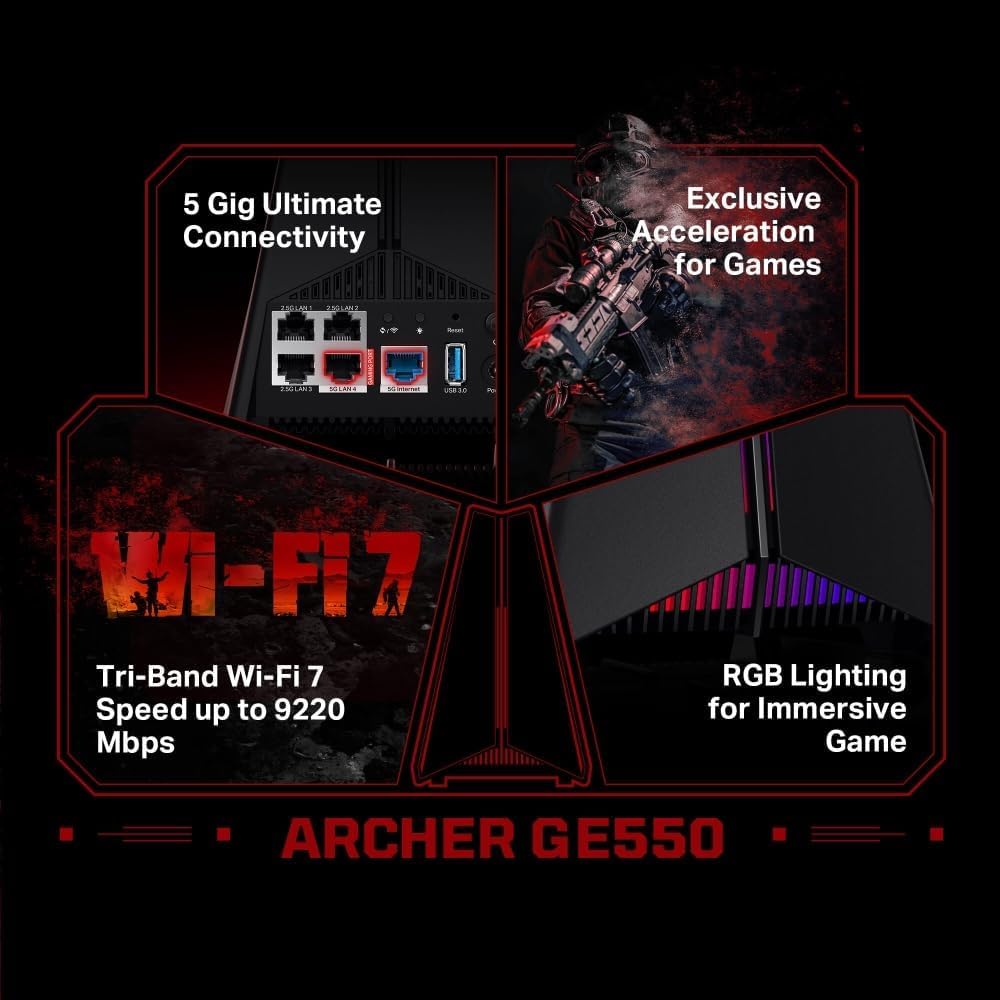
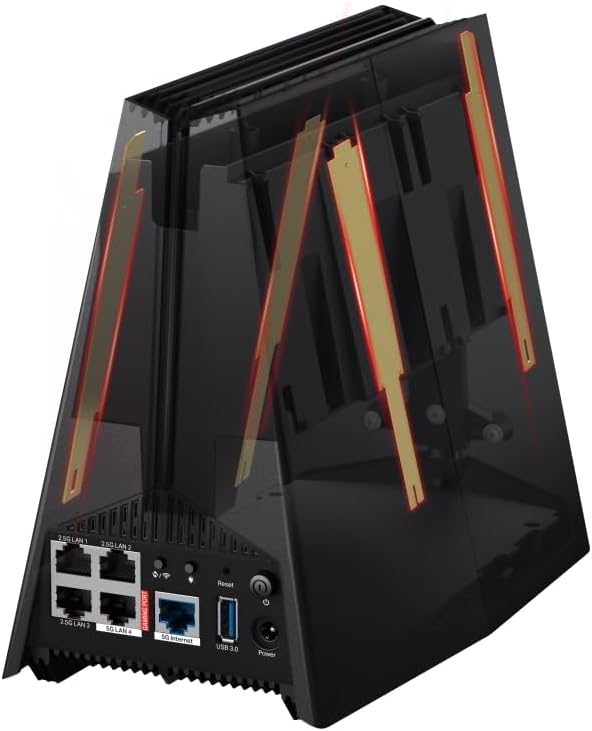
And then there are the wired connections: the Archer GE550 includes a 5G WAN port and 5G LAN port plus three 2.5G LAN ports. If you game on a desktop/console that’s wired, or you stream in the same room as your network hub, this is where the benefits become very tangible.
What you’ll notice in everyday use
For gaming, the manufacturer points to multi-link operation (MLO) using both 6 GHz and 5 GHz bands simultaneously. In practical terms, that’s meant to support ultra-low latency and a more stable connection for “all your gaming devices”. If you’re someone who can tell when ping spikes show up during competitive matches, the emphasis on lag-free performance is clearly the target.
There’s also a Game Acceleration feature set aimed at optimising gaming applications, devices and servers. Combined with the “real-time game panel”, it’s designed to make network conditions easier to understand while you play.
On the roaming side, EasyMesh and smart roaming are the kind of features you buy when you already know your home has dead spots. The promise here is more seamless connection as you move around, and the ability to expand using an EasyMesh TP-Link router or range extender, creating a flexible multi-gigabit whole-home WiFi network.
Key features that matter (and where they can fall short)
The Archer GE550 is clearly a performance-led router. It also includes TP-Link HomeShield security with antivirus protection for your devices and personal data.
Still, it’s worth being realistic about fit: - If you don’t have WiFi 7-capable devices, you may not fully benefit from the top-end speed claims. You’ll still get a better experience than older routers, but the “WiFi 7 ceiling” may not be reached. - If most of your gaming and streaming is already stable on your current setup, the upgrade could feel more incremental than dramatic.
Another limitation to keep in mind: high-speed WiFi, especially with 6 GHz, depends quite a lot on placement and your walls. If you often game from far corners of the house, roaming and mesh expansion may matter more than the raw spec.

Tech specs
- Name: TP-Link Archer GE550 WiFi 7 Gaming Router
- Type: WiFi router (tri-band)
- Format: Tri-band WiFi 7
- Capacity: WiFi speed up to 9220 Mbps
- Dimensions: Volcano-inspired design (design details not specified in the provided info)
- Colour: Volcano-inspired / fiery design with RGB-style lighting (exact colour details not specified in the provided info)
- Display: Dedicated real-time game panel (details not specified in the provided info)
- Refresh rate: Not specified
- Processor: Not specified
- Memory: Not specified
- Connections (as stated): 1× 5G WAN, 1× 5G LAN, 3× 2.5G LAN ports
Who it suits best (and who should think twice)
It makes sense if you: - Want a gaming-focused router that’s built around low-latency and smoother connections. - Plan to use multiple wired devices (gaming PC, console, streaming gear) and want to avoid wired bottlenecks. - Have a home where WiFi strength changes room to room, and you want smoother smart roaming via EasyMesh.

It may not be the best choice if you: - Only rely on basic WiFi for browsing and streaming on a small number of older devices. - Don’t intend to use mesh expansion and your router placement is likely to leave you with weak coverage in key rooms. - Prefer a simpler, cheaper router where you’re not actively trying to reduce ping jitter and congestion.
Mini FAQ
How does the Archer GE550 aim to reduce gaming lag?
The router is positioned around low-latency performance with multi-link operation (MLO) and built-in game acceleration features. It also points to optimising gaming applications and reducing jitter and lag as part of that goal.
Is the 5 GHz gaming band separate from streaming devices?
On paper, yes. The provided description specifically mentions a dedicated 5 GHz gaming band intended to keep gameplay uninterrupted without interference from streaming devices.
Can I extend it for better coverage?
Yes, it supports smart roaming with EasyMesh and the description says you can add an EasyMesh TP-Link router or range extender to create a whole-home multi-gigabit setup.
Does it include security features?
It includes TP-Link HomeShield security with antivirus protection intended to help protect devices and personal data from cyber threats.
Final verdict
When it makes sense
Buy the TP-Link Archer GE550 if you’re upgrading for gaming stability and you’ll make use of both wired multi-gigabit ports and the WiFi 7 tri-band setup. It’s especially worth considering if your home has roaming “pain points” and you want smart roaming plus an easy path to mesh expansion.
You may want to skip it if you’re not using WiFi 7 devices, you don’t have wired gaming/streaming gear to take advantage of the 5G and 2.5G ports, or your current connection already feels consistently solid across the rooms you care about.