

CENMATE Dual Bay Aluminium Hard Drive Enclosure with USB 3.0, Cooling Fan & Hot-Swap (2.5/3.5 SATA)
Product description
The essentials
If you’re looking for a dual-bay external storage enclosure that keeps your HDD/SSD setup tidy and accessible, the CENMATE aluminium model is built around one straightforward idea: turn two SATA drives into external storage via USB 3.0, with practical add-ons like a cooling fan, hot-swapping and tool-free trays. It’s aimed at people who want flexibility (swap drives without powering everything down) and a bit more headroom than a single-bay enclosure.
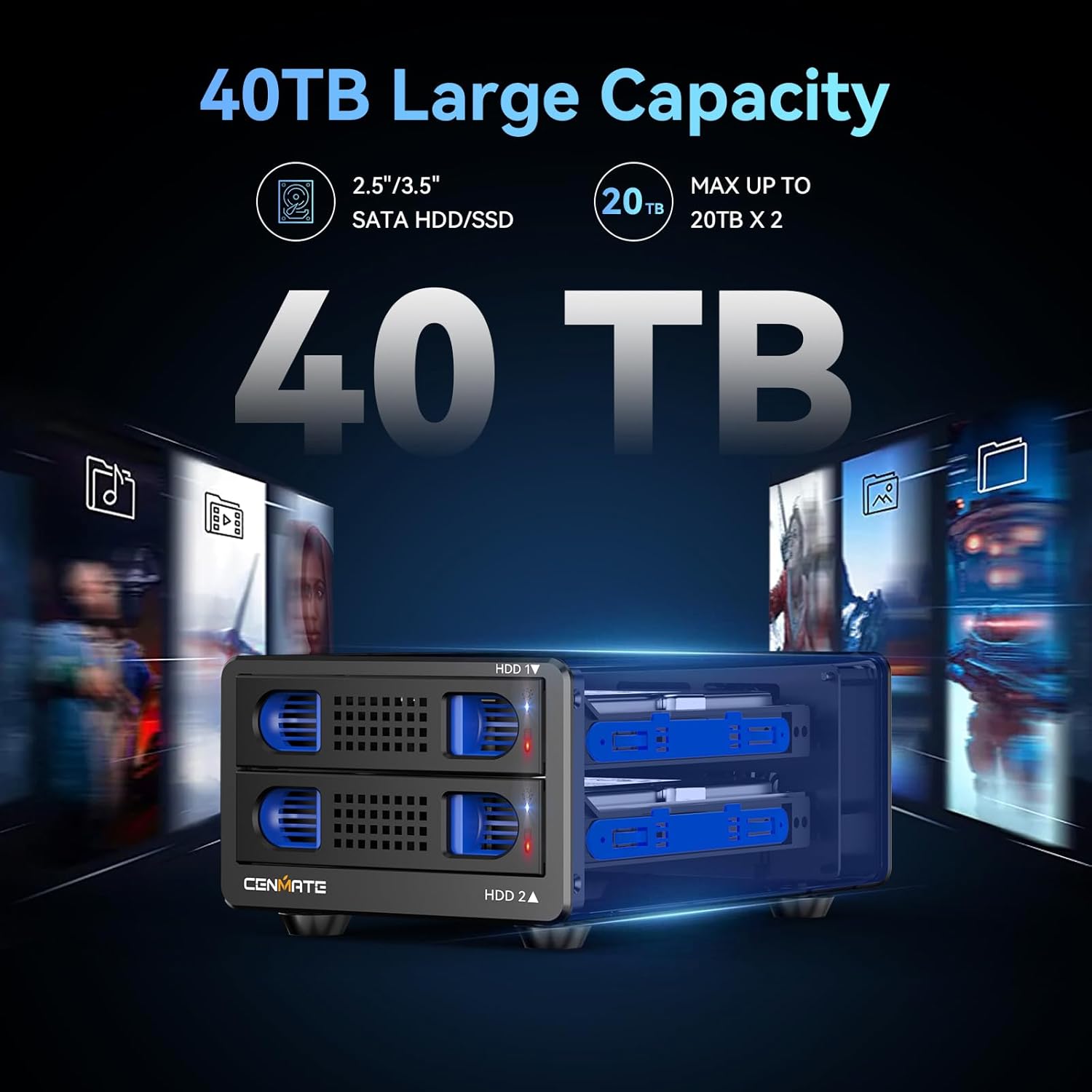
That “dual bay” design matters because it gives you two slots for 2.5/3.5 SATA HDDs/SSDs, so you can run different drives for different jobs, or gradually increase storage as your needs grow. On paper, it also supports a fairly high capacity per drive (up to 20TB per drive is stated), although real-world performance and total usable capacity will still depend on how your drives are configured.
What it’s for (and when it feels right)
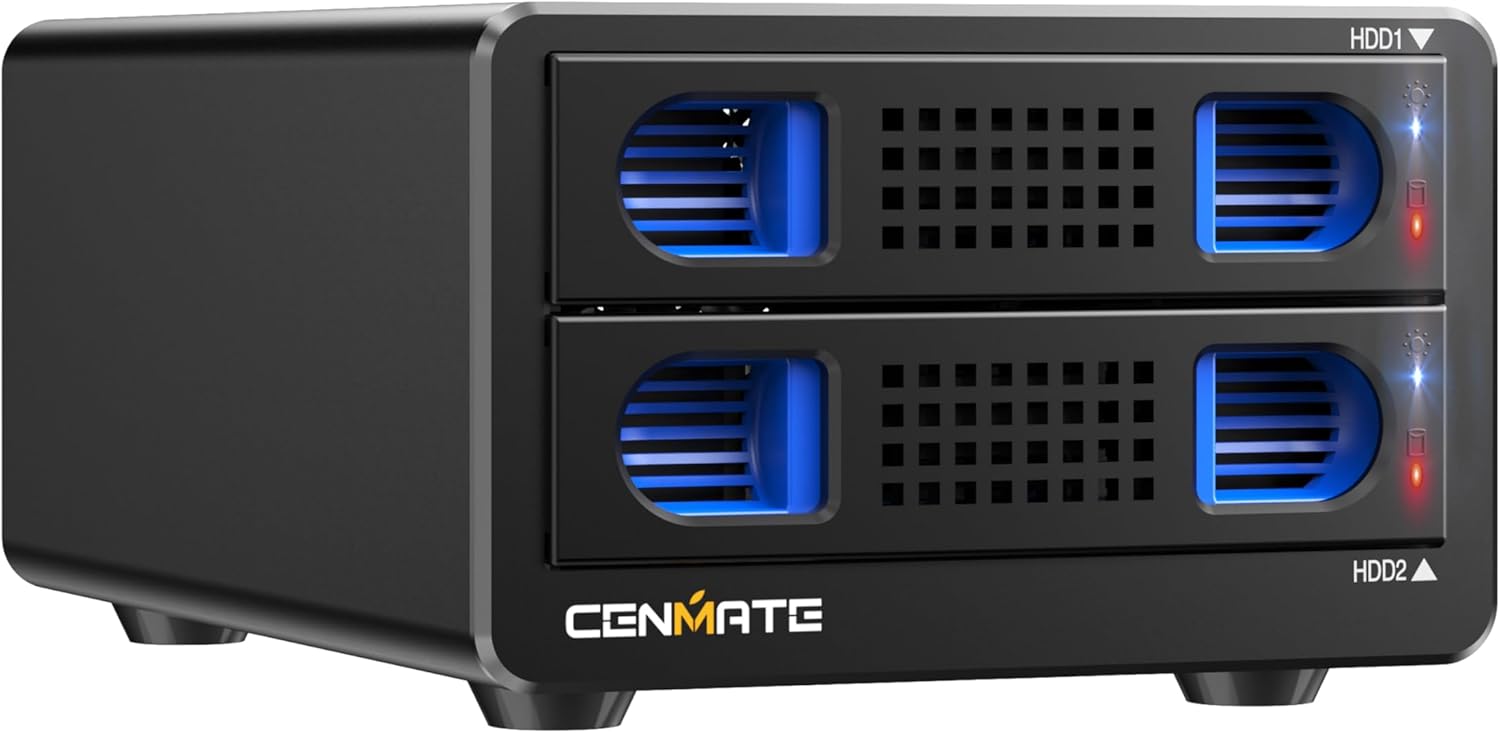
This enclosure is the sort of purchase you make when you don’t want internal drives loose in a drawer, but you also don’t want a complicated NAS setup. The listing specifically positions it as a DAS solution (no RAID/NAS features), so the focus is on external connectivity rather than advanced redundancy.
A sensible use case looks like this: you keep one drive for backups and another for active files, then swap one out when it’s time to rotate work. With hot swappable support and a tool-free tray design, the routine becomes less fiddly than many older enclosures.
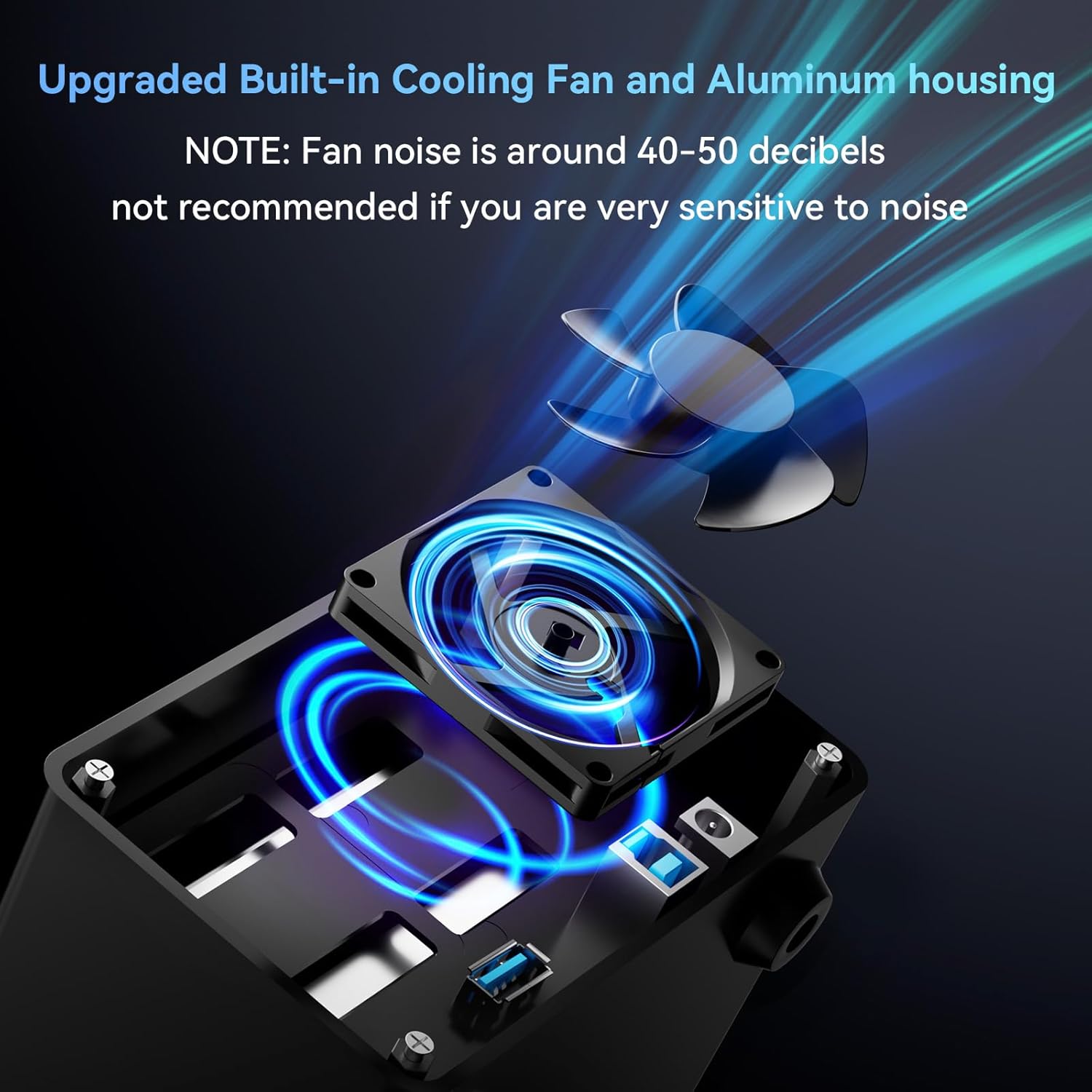
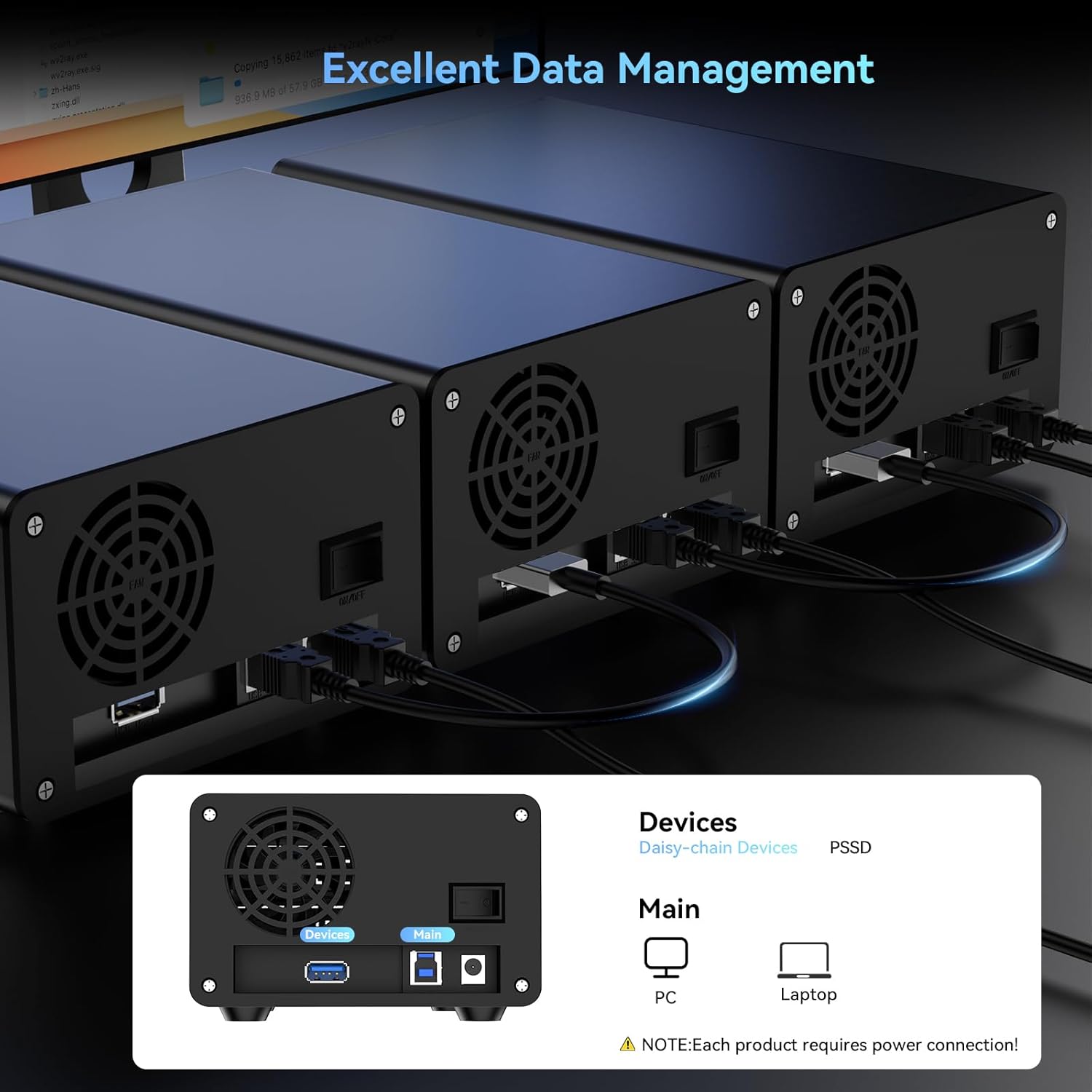
Worth noting: the fan only works once you connect the required USB cable, so you shouldn’t expect the cooling to run “magically” if the enclosure isn’t fully powered through the USB connection.
Key features that actually affect day-to-day use
The big day-to-day wins here are cooling, hot swapping and installation.
Cooling is handled by a pair of silent fans built into the aluminium body, and the listing gives a practical note on noise: fan noise is around 40–50 decibels. That’s fine for a typical desk or office, but it’s not ideal if you’re particularly noise-sensitive (for example, if you need near-silent operation in a quiet room).
Hot swappability is another convenience feature. In simple terms, it’s there to reduce downtime when you want to replace drives without powering off the whole enclosure.
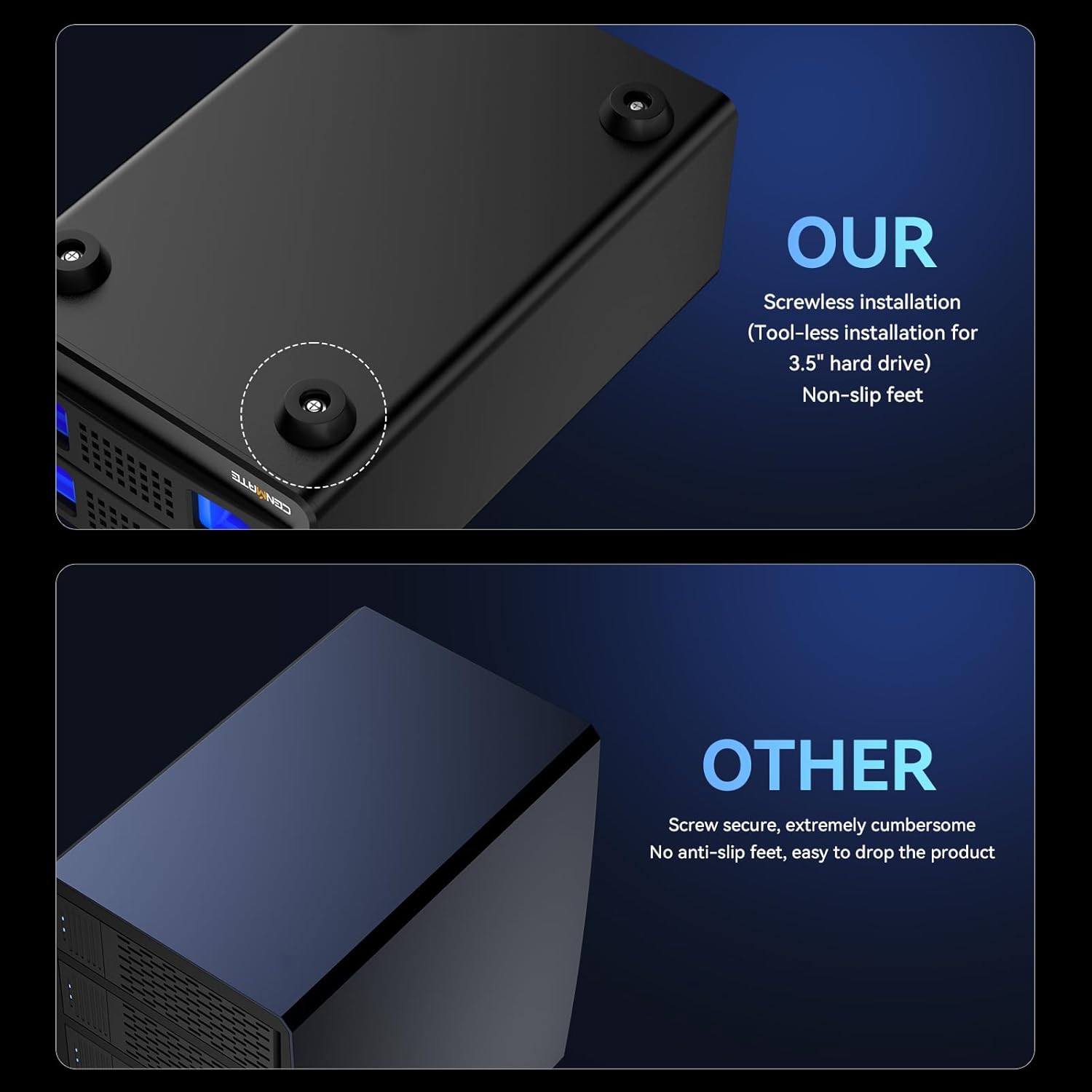
The tool-free tray design is also meaningful. If you’ve ever had to use a screwdriver just to move a drive in and out, you’ll probably appreciate what “tool-free” is trying to solve.

Speeds and limits to keep in mind
The enclosure is described as supporting up to 5Gbps via USB 3.0, with a claim that 1G transfers may take around 3–5 seconds. It’s best to treat those numbers as marketing-style expectations: actual speeds can vary based on the drive type (HDD vs SSD), the file mix, and how your system handles USB transfers.
There’s also a practical limitation implied by the product positioning: it’s designed for external storage over USB, not as a RAID-capable or NAS-style box. If your goal is redundancy (RAID) or network-attached management, this one likely won’t match that expectation.
Compatibility and expansion
Compatibility is listed as Windows 7 and above, Mac 9.1 and above, and Linux. It’s also described as plug and play, with a USB A/C 3.0 cable included (the listing mentions USB A/C 3.0 cable).
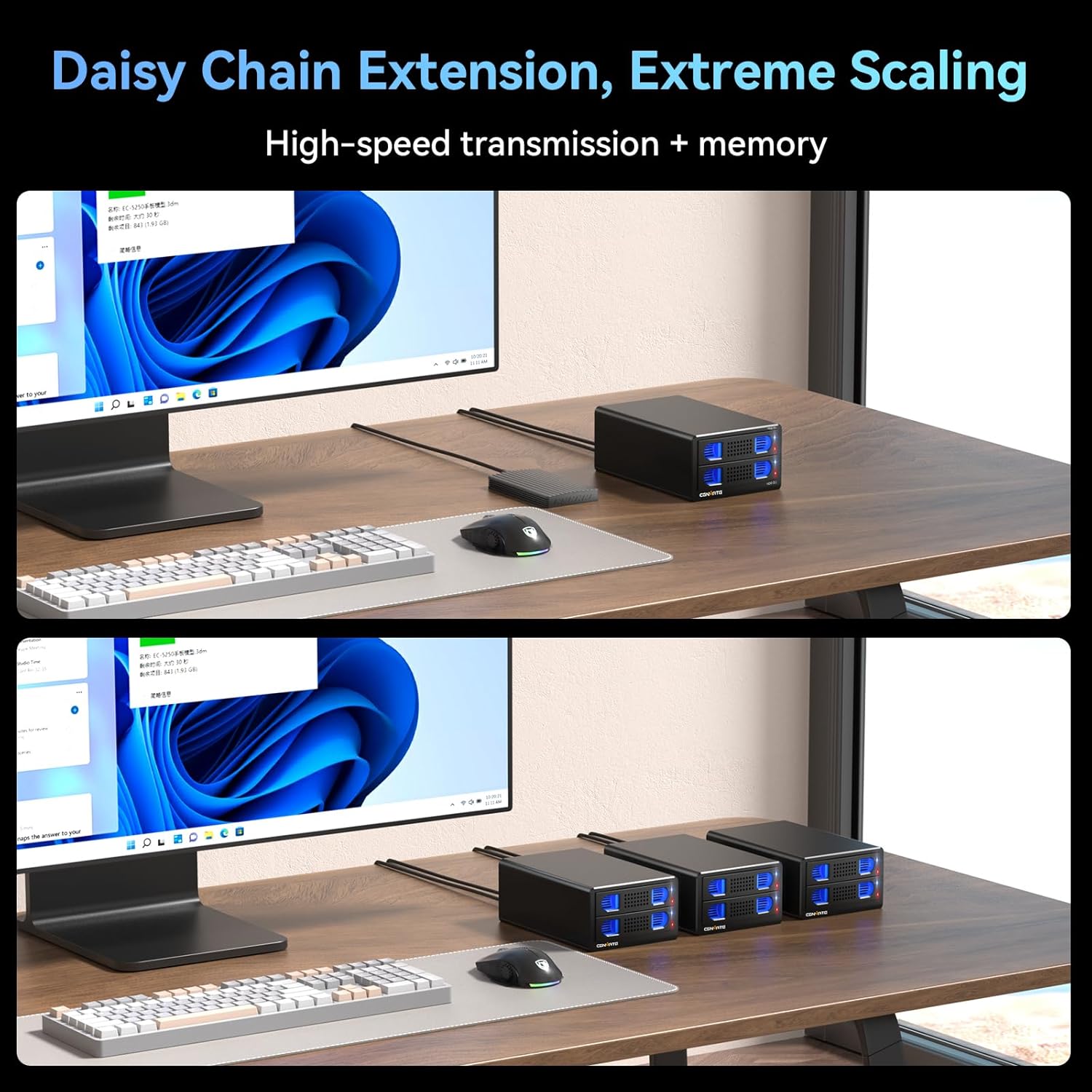
For expansion, it includes a USB HOST port for daisy chaining, with an asserted expansion up to 120TB through daisy chain up to 3 devices. That’s useful if you’re trying to grow capacity without moving to a more complex multi-drive network setup.
Care, noise and buying trade-offs
This enclosure uses an aluminium-alloy build, which should help with the “keep it cool and sturdy” goal. Still, the fan noise note (40–50 dB) is the kind of detail people only notice after purchase—so it’s worth planning around your environment.
It may also be a bit of a mismatch if you’re expecting a quiet, set-and-forget external storage device with no moving parts. The fan is there for a reason, and that reason is workload and temperature.
Mini FAQ
Does this enclosure support RAID or NAS features?
The listing states DAS (no RAID/NAS), so you should not expect RAID-style redundancy or NAS-oriented features.
Will the cooling fan run all the time?
The fan requires a USB cable connection before it will work, so cooling depends on the enclosure being powered via USB.
Is hot swapping really supported?
Hot swappable support is stated, meaning you can replace drives without powering off the device.
What drives can I use?
It’s designed for 2.5 and 3.5 SATA HDD and SSD sizes (as described in the product details).
Is it worth it?
A solid pick if you want a dual-bay external SATA enclosure for organising and expanding storage via USB 3.0, and you value practical touches like tool-free trays, hot swapping, and an onboard cooling fan. It’s also a reasonable choice if you’re comfortable with the DAS approach (external storage rather than RAID/NAS).
It might not be a great match if you’re very sensitive to noise (the listing puts fan noise around 40–50 decibels) or if you specifically need RAID redundancy or NAS functionality. In that case, you’ll likely be happier looking for an enclosure type designed around those priorities instead of USB DAS-style usage.