


ElecMoga Wifi Dongle 1300Mbps dual‑band USB adapter
Product description
This compact USB wireless adapter brings faster home and office Wi-Fi to PCs and laptops with an external antenna configuration that improves signal reach. As a 1300Mbps wifi adapter, it pairs dual-band 5GHz and 2.4GHz connectivity with a USB 3.0 interface to help reduce lag and support smoother streaming and online work.
Key Points
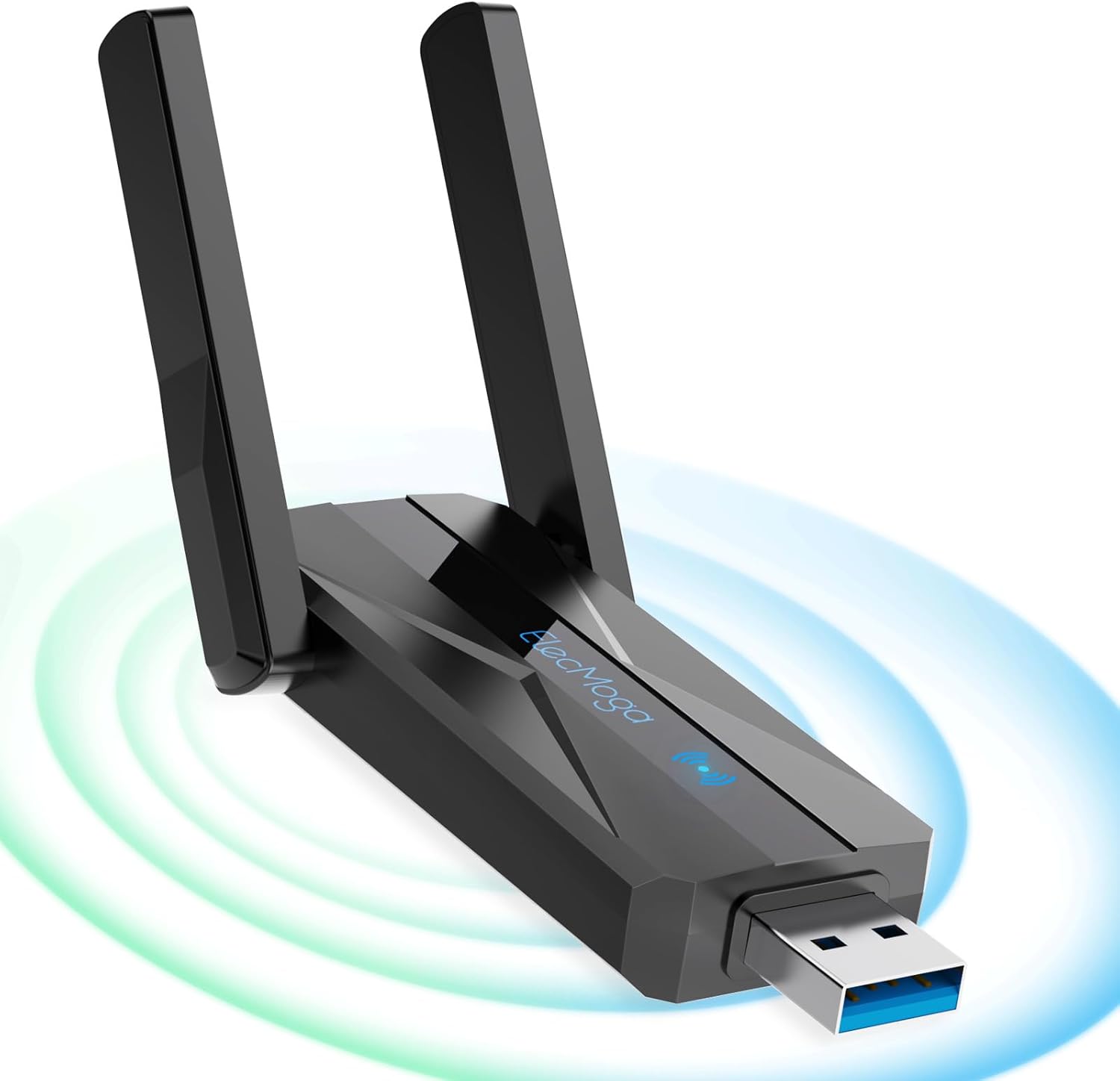
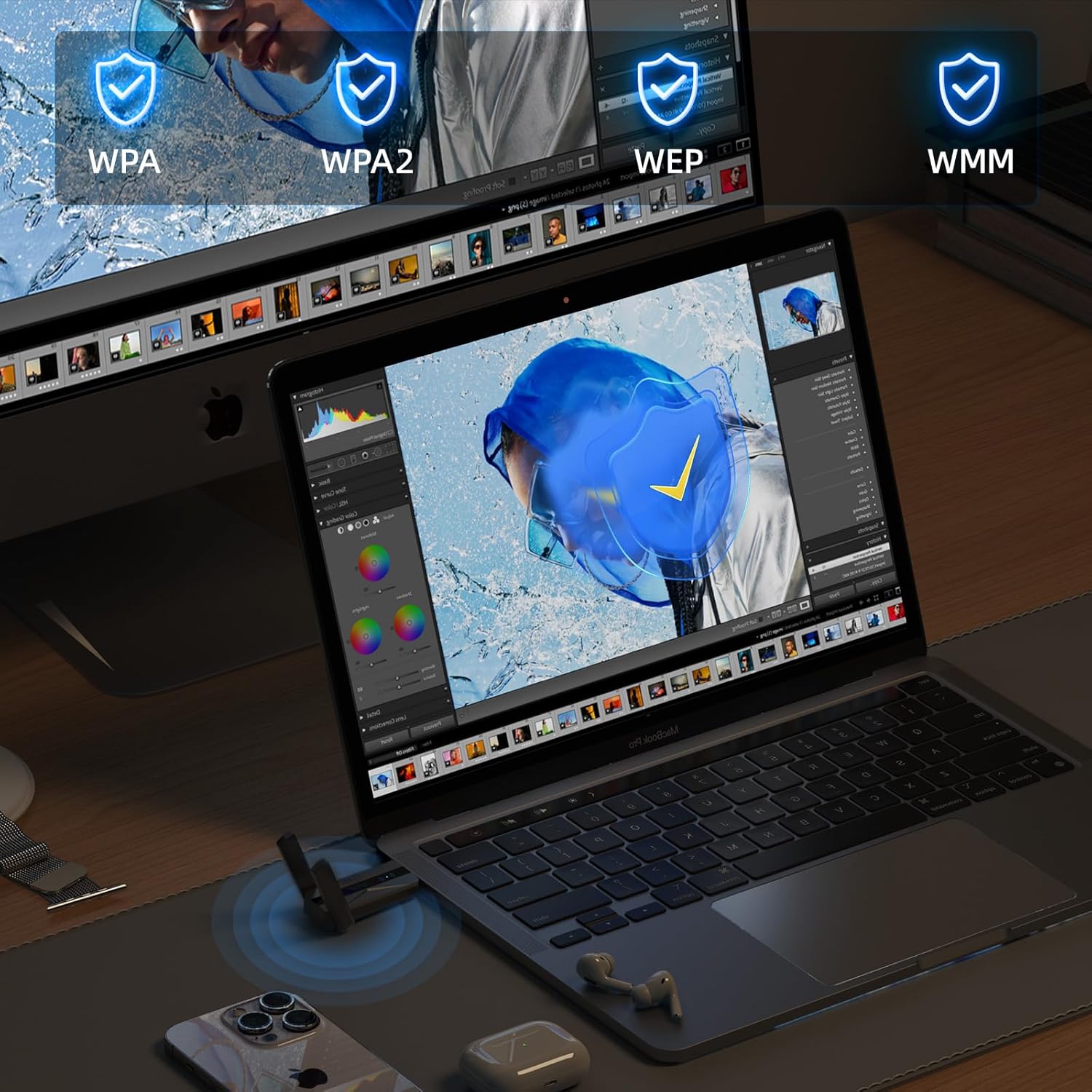
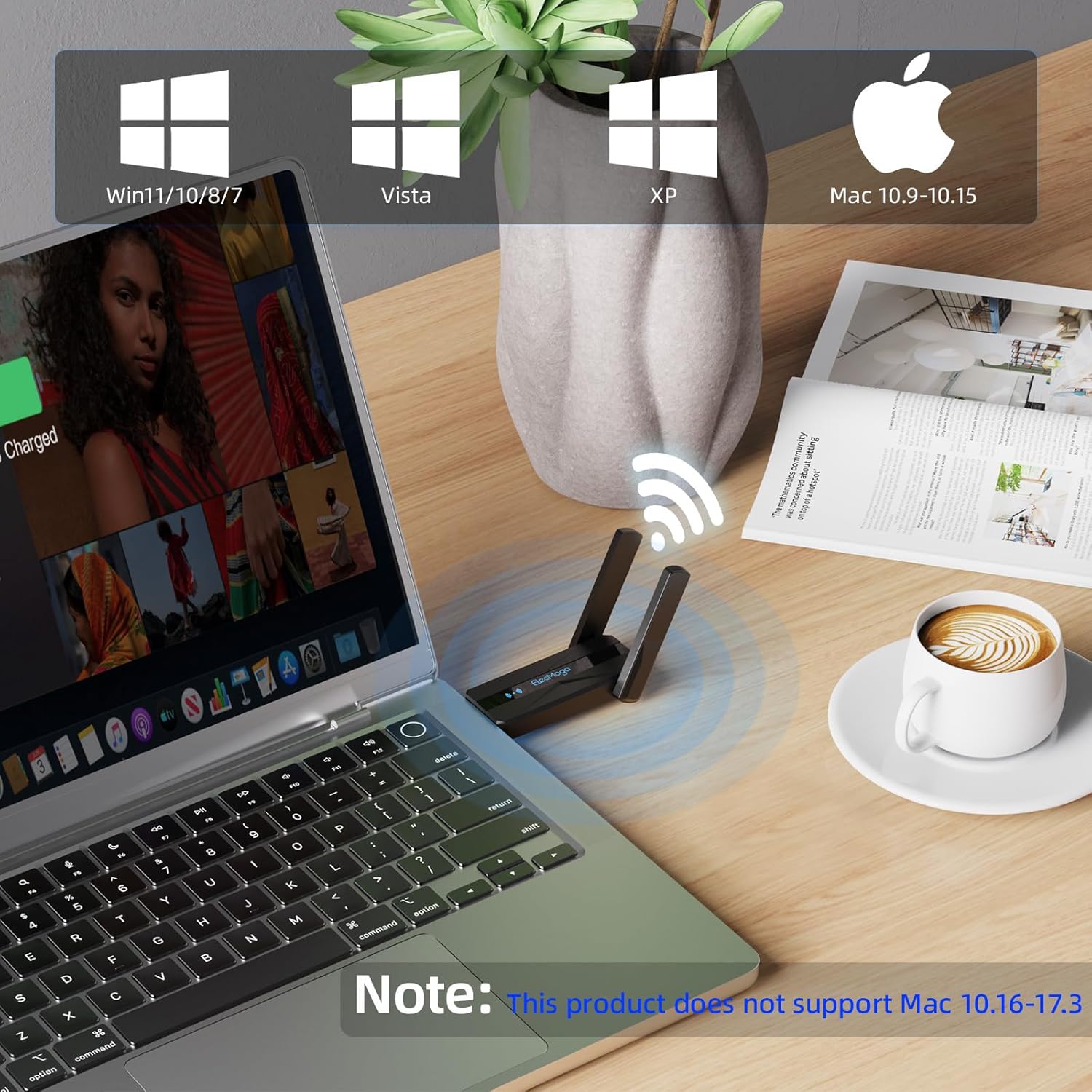
The adapter supports 802.11ac and splits speeds across bands, offering up to 867Mbps on 5GHz and 400Mbps on 2.4GHz according to the manufacturer. It connects via USB 3.0 for higher throughput compared with USB 2.0 and includes a pair of rotatable external antennas to extend reception into rooms where the router signal is weaker. Setup can be plug and play on recent Windows systems, while driver installation may be required for some versions of macOS. For users who need to share a connection, the device includes an AP function to create a wireless LAN and supports common WPA/WPA2 security modes. 📶
Technical Specifications
- Name: ElecMoga Wifi Dongle
- Wireless standard: 802.11ac, dual band 2.4GHz and 5GHz
- Maximum rate: 1300Mbps (867Mbps on 5GHz, 400Mbps on 2.4GHz)
- Interface: USB 3.0
- Antenna: Dual 5dBi rotatable antennas
Benefits
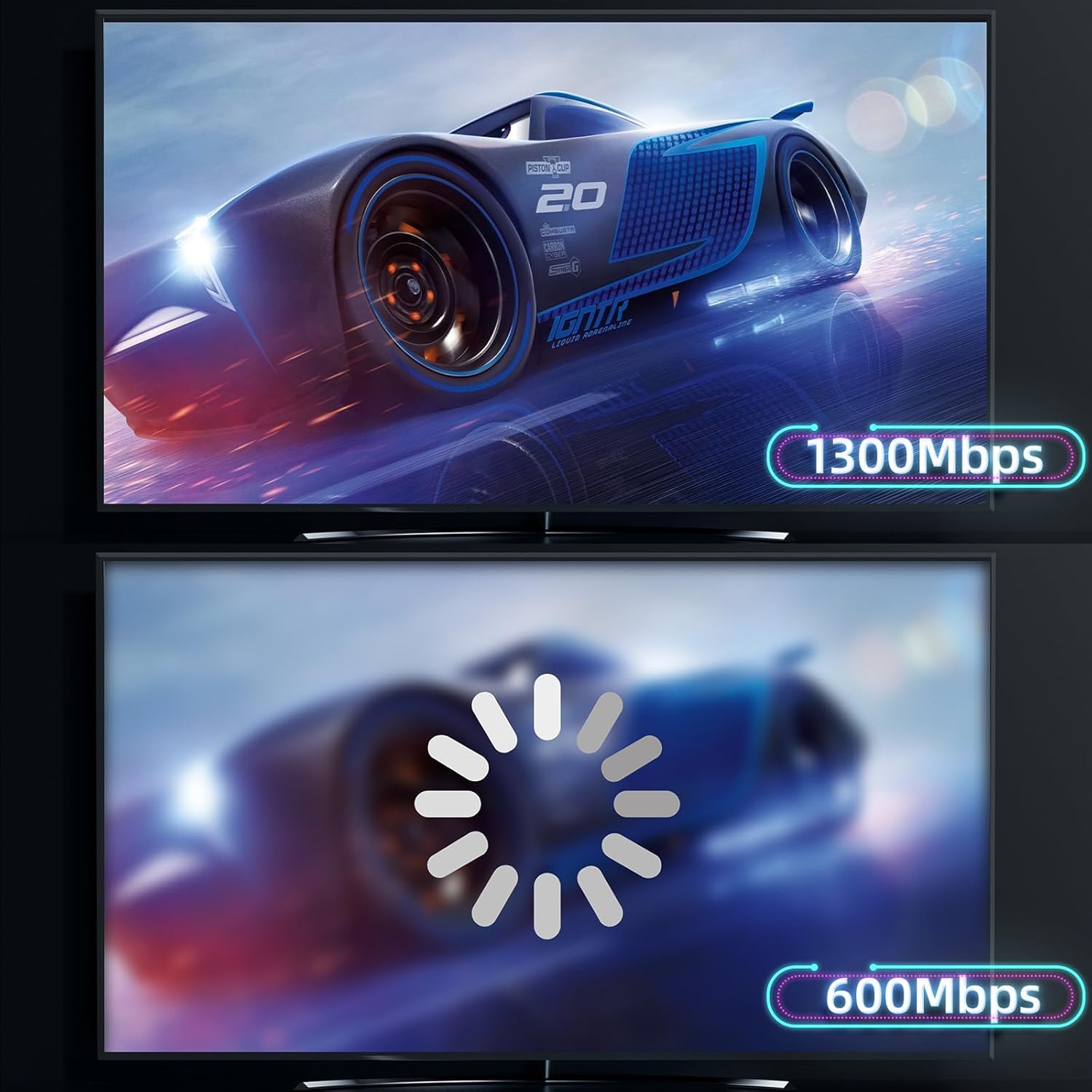
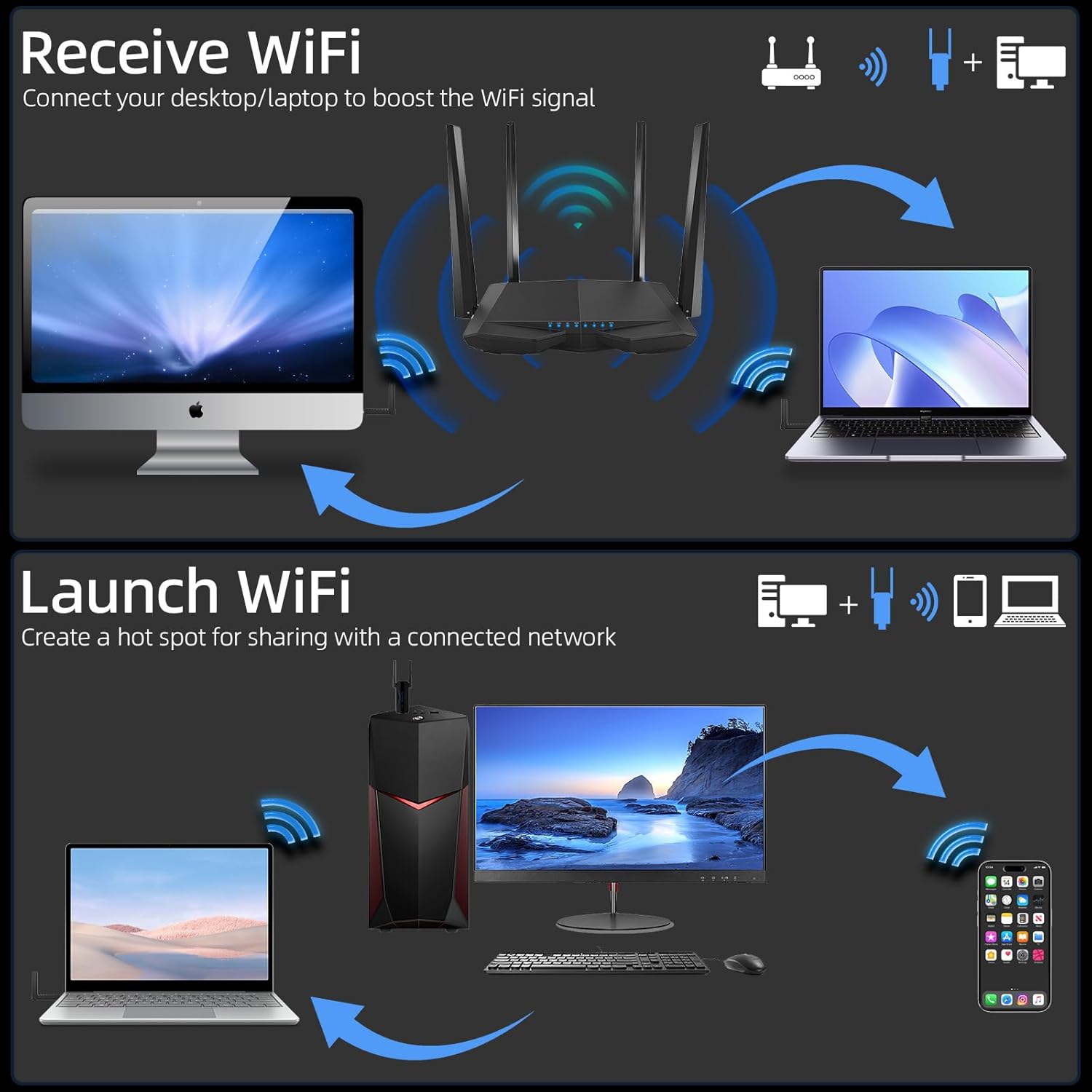
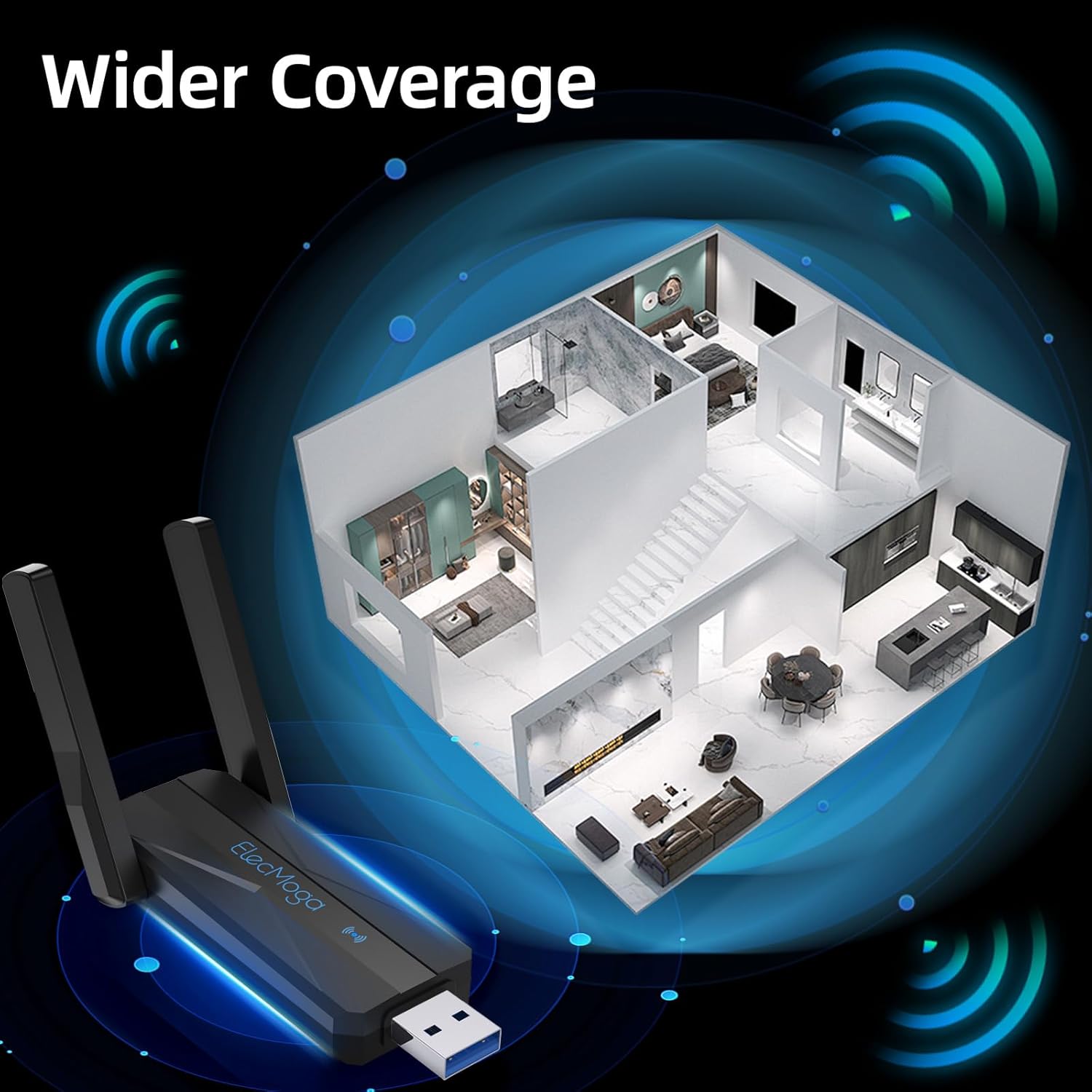
Having external 5dBi antennas improves line-of-sight reception and helps with throughput in spaces where internal adapters struggle. The faster 5GHz band is useful for HD streaming and low-latency gaming, while the 2.4GHz band keeps legacy devices connected and provides better range for simple web browsing. The adapter’s AP routing capability means it can act as a hotspot when you need to share a wired or wireless connection with other devices, which can be handy when travelling or during short-term setups. 🔁
Usage Recommendations
For best performance, plug the adapter into a rear USB 3.0 port on a desktop to avoid interference from other front-panel devices. Position the antennas vertically and orient them toward the router to increase signal stability. If using older operating systems such as Windows 7 or Mac OS versions listed by the manufacturer, download and install the drivers from the product documentation to ensure full functionality. Consider that peak speeds depend on router capability and local network conditions, and real-world throughput may be lower than the theoretical maximum. 🎯.