

UGREEN Video Capture Card 1080P 60FPS
Reviews
Price
Product description
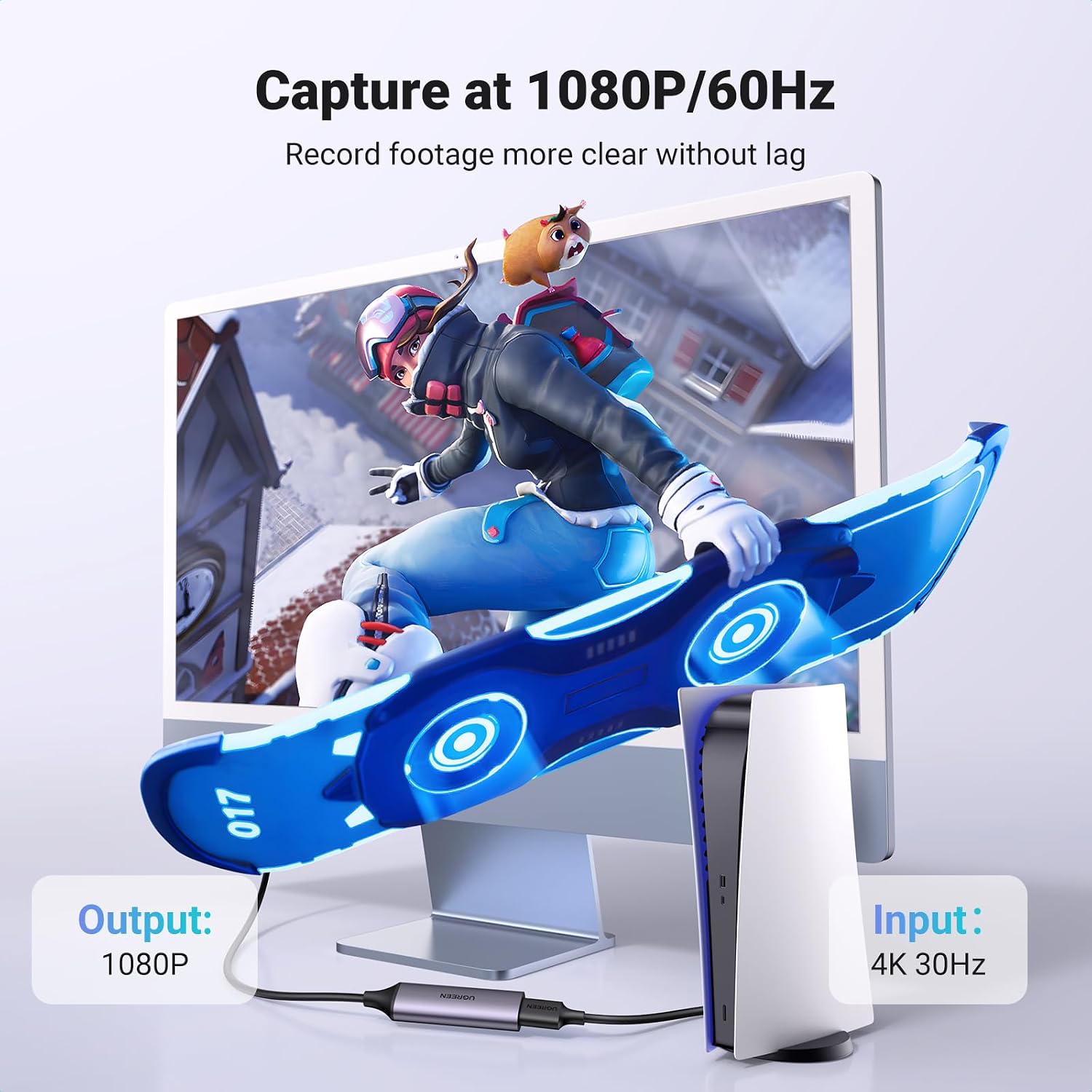
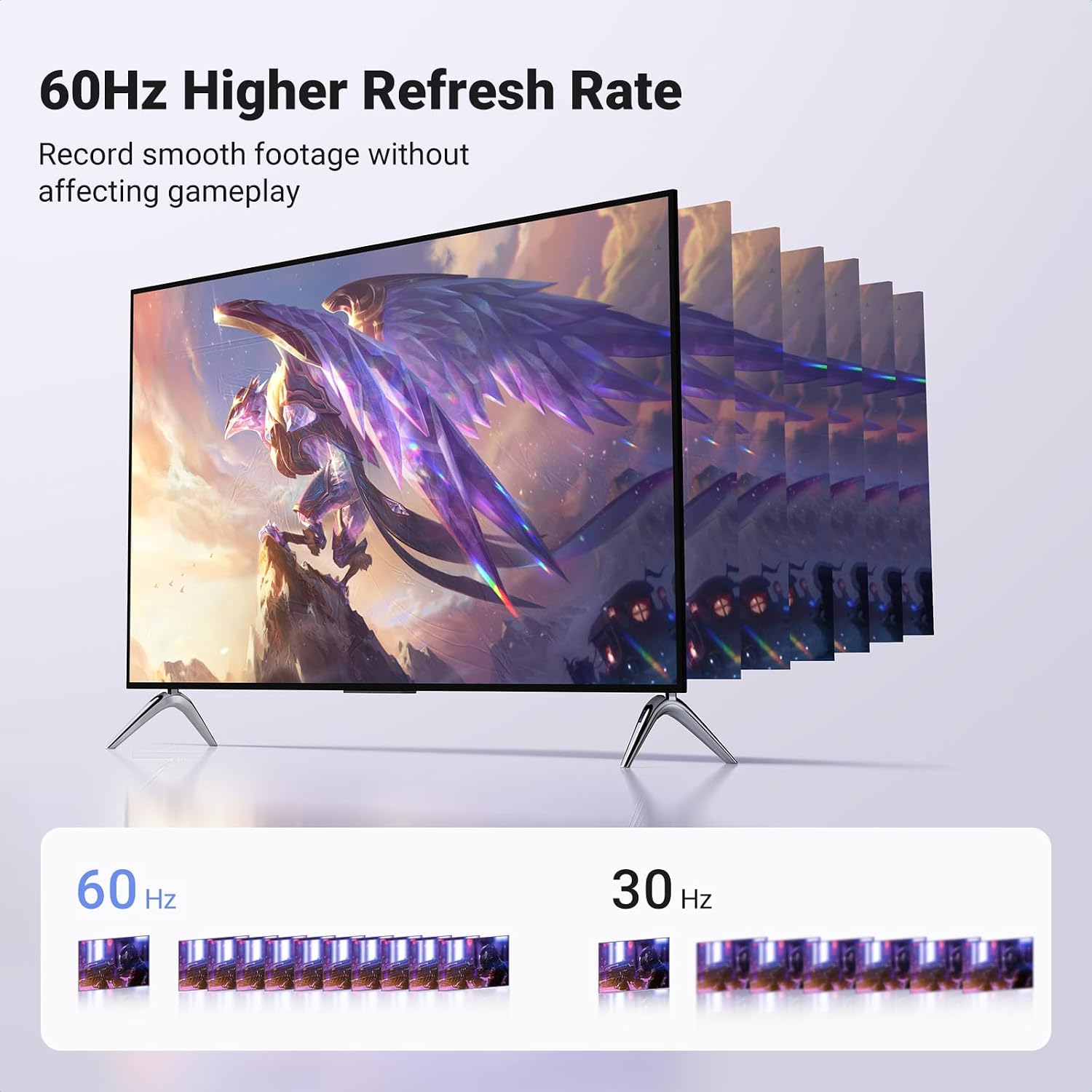
This compact HDMI to USB-C capture device lets you record and stream gameplay, camera feeds and console output with low latency and straightforward plug-and-play use. It captures up to 1080P 60FPS via USB and accepts an input signal up to 4K@30Hz, making it a practical choice for streamers and content creators who need simple, reliable capture for live broadcasts and recordings.
Key Points
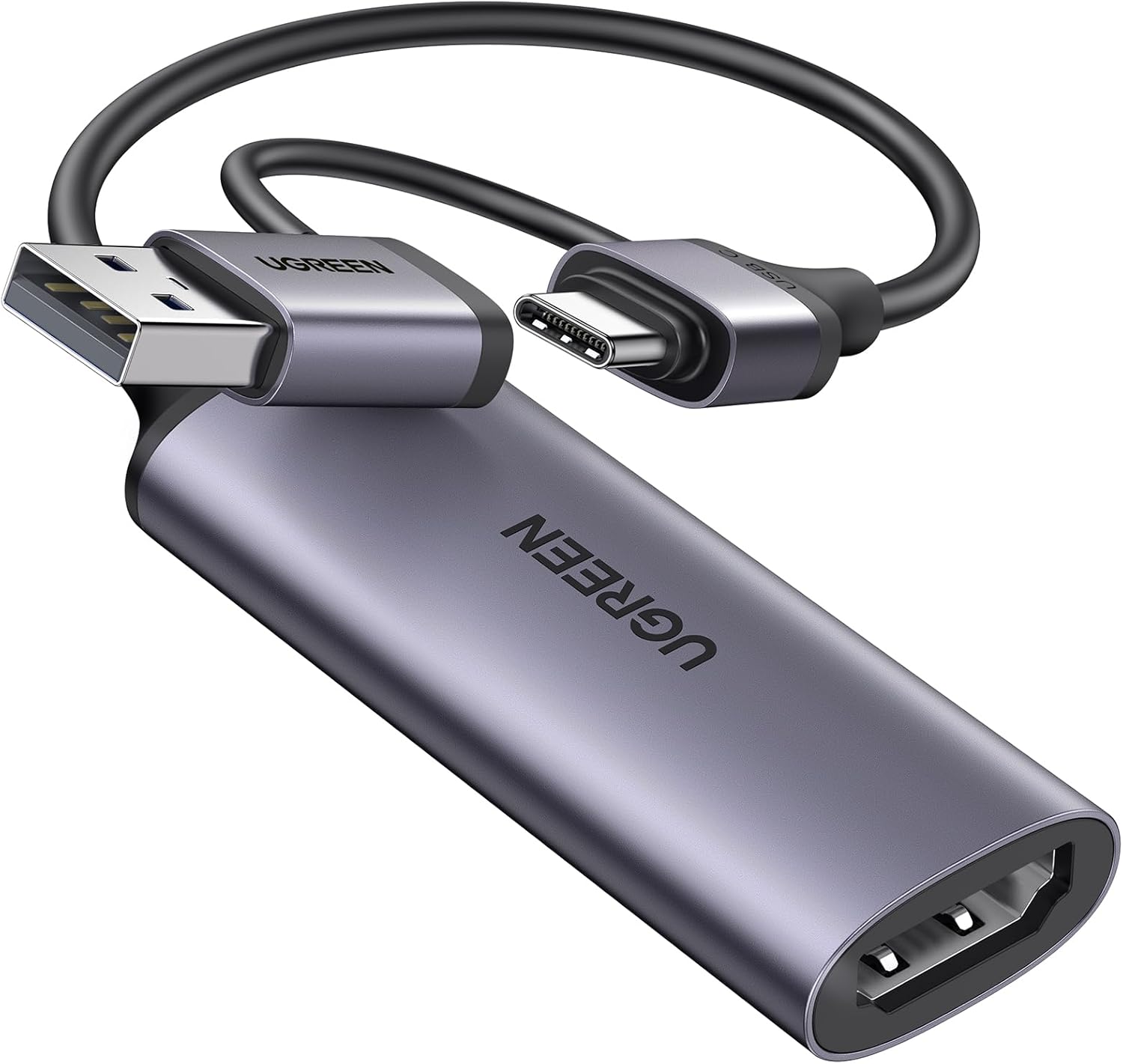
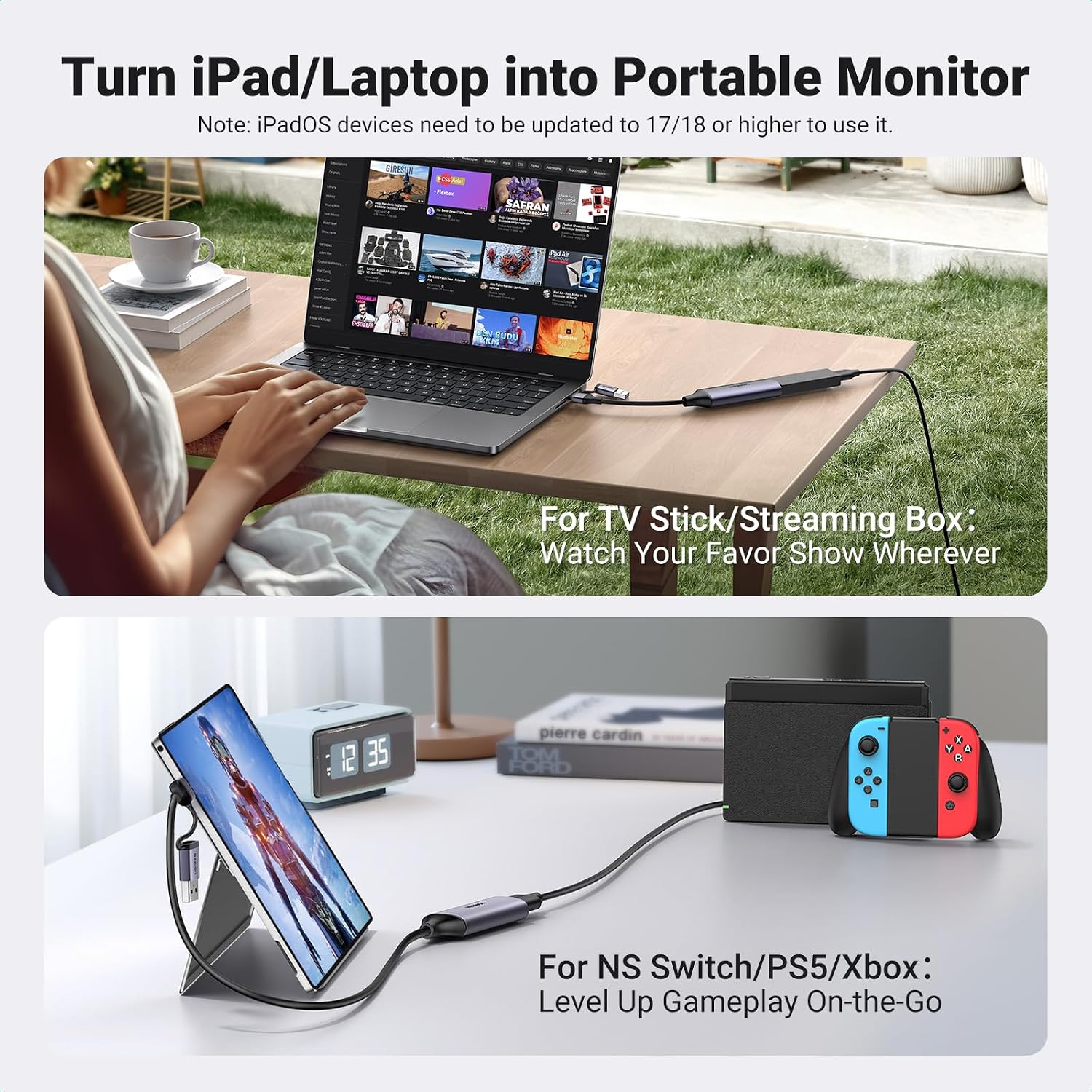
The device connects an HDMI source such as a PS5, Xbox, Switch or DSLR to a computer or compatible tablet via USB-C or USB-A. Setup is driver-free on most systems, which reduces configuration time and avoids complex installations. 🎮
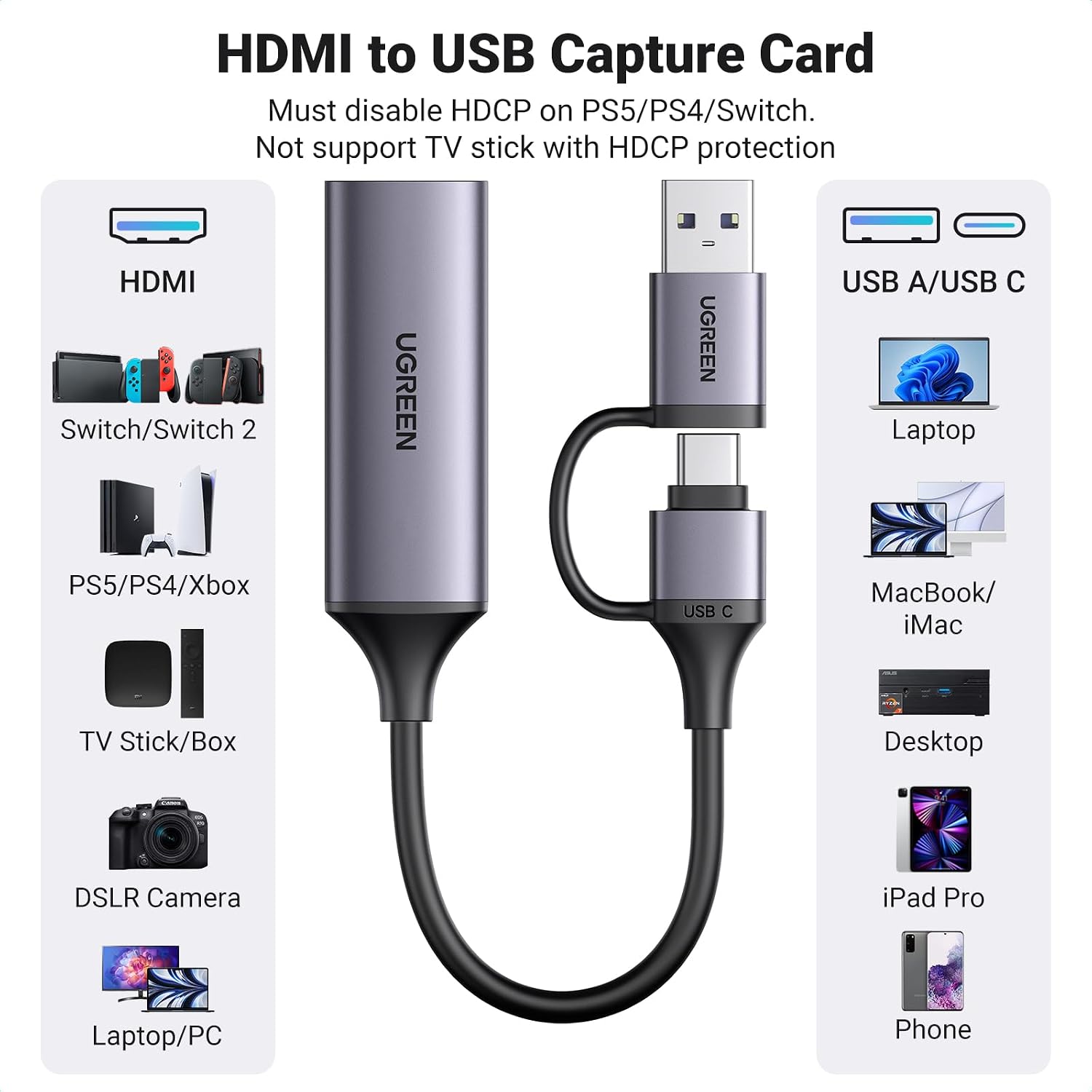
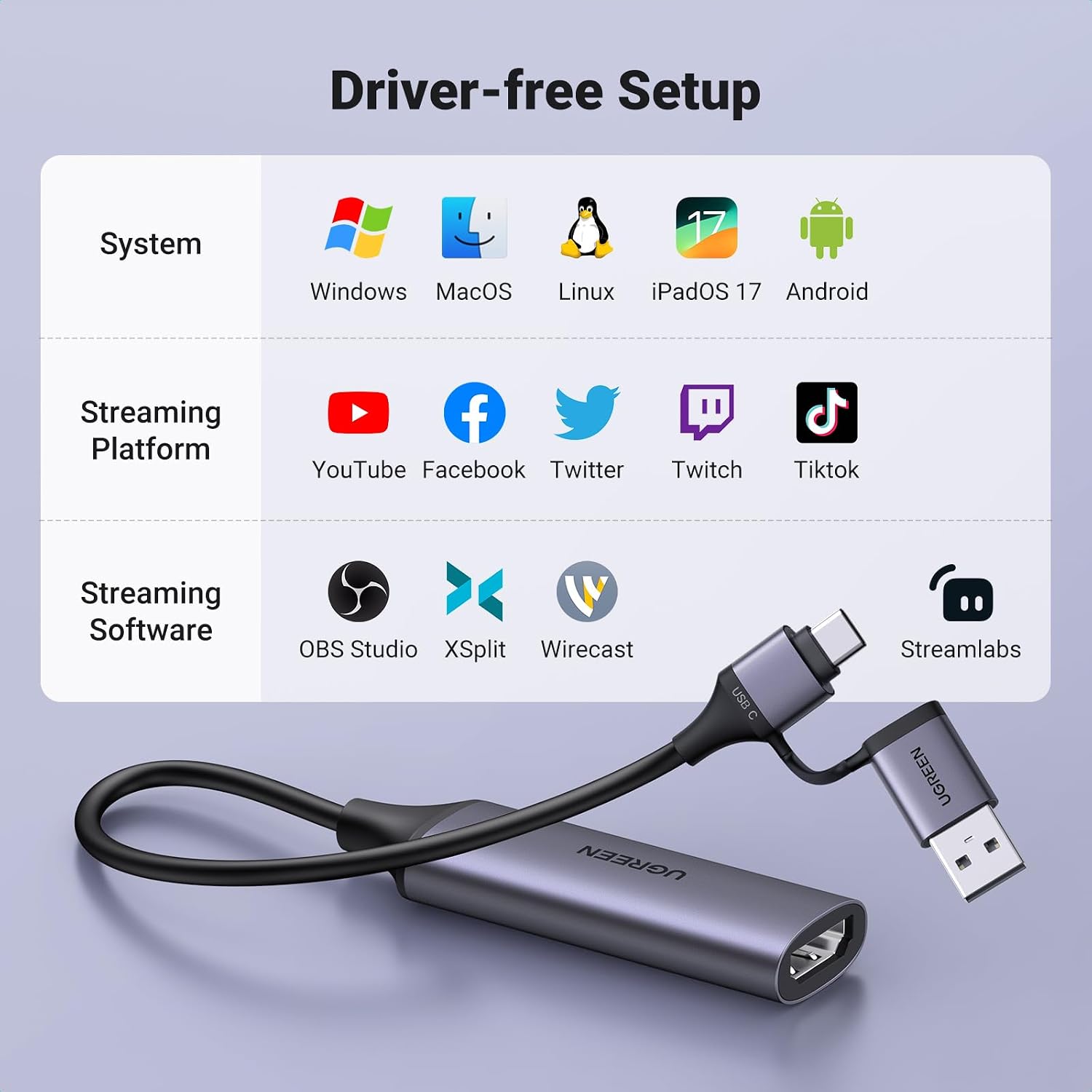
It supports streaming software like OBS, XSplit and platforms including YouTube and TikTok, allowing direct recording to a laptop or desktop while you play or present. Note that the HDMI input uses version 1.4, so if the incoming signal exceeds the supported limits the capture will not work. Also remember HDCP-protected content cannot be captured, according to the manufacturer. 📹
Technical Specifications
- Name: UGREEN Video Capture Card HDMI to USB C Streaming Device
- Input resolution: 4K@30Hz (maximum)
- Capture output: 1080P 60FPS via USB-C or USB-A
- Ports: HDMI input (version 1.4), USB-C and USB-A output
- Compatibility: Windows 8.1/10/11, macOS, Linux, iPadOS 17, Android 5.0 or above
Usage Recommendations
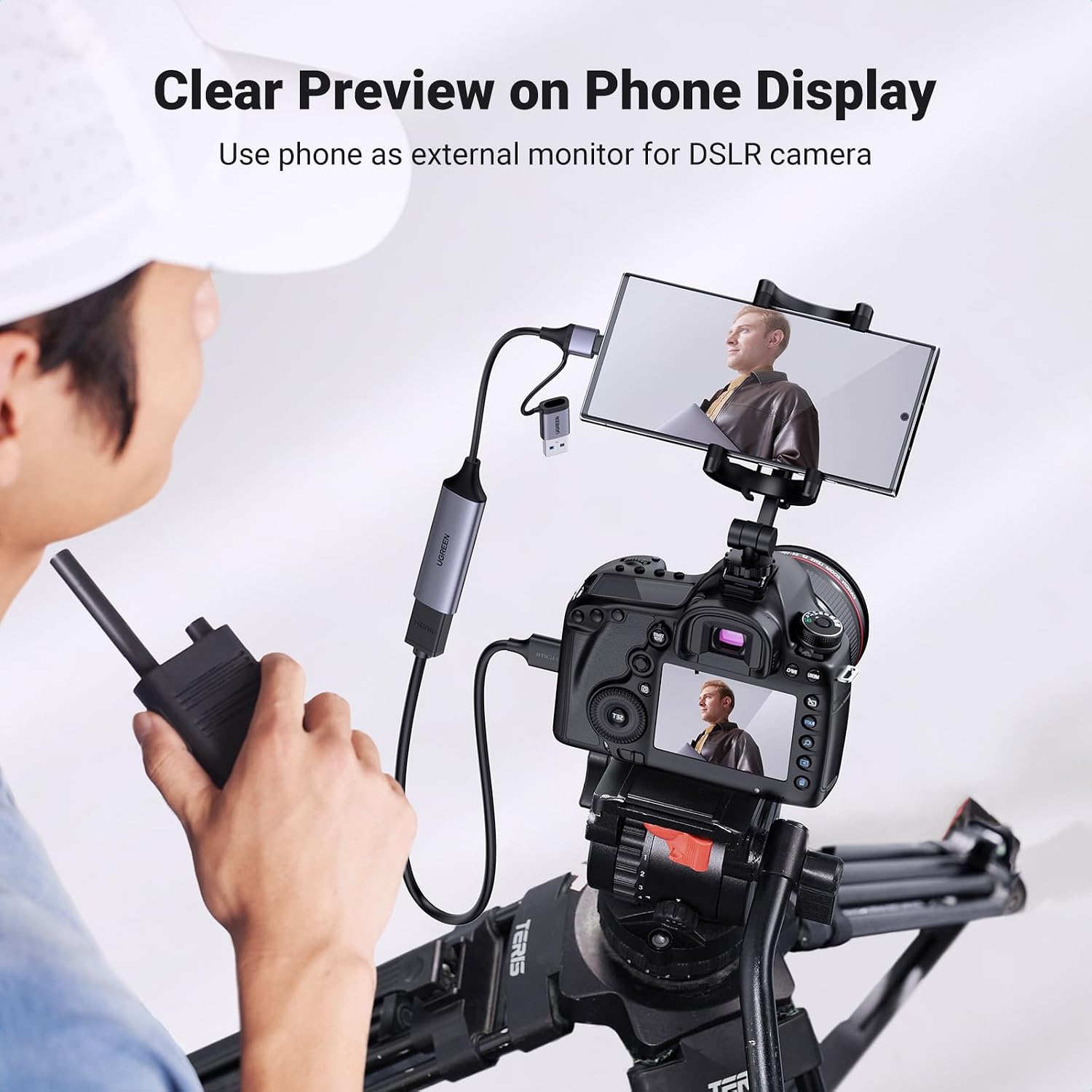
For mobile phones that will act as the HDMI input, an additional USB-C to HDMI adapter is required and the phone must support video output over its USB-C port. The iPhone 15 is not currently compatible as a capture source for this device. When using compact consoles or cameras, check the source device settings to disable HDCP where possible, otherwise the capture will be blocked by copy protection.
Position the capture card so that all connectors are secure and free from dust, and enable camera permissions in your computer settings before first use. For streaming, choose 1080P 60FPS in your broadcast software to match the card’s capture rate and avoid unnecessary scaling. Consider that very high-resolution or variable frame rate signals may be constrained by the HDMI 1.4 input and therefore may not pass through correctly.
The Essentials
This unit is lightweight and portable, so it can be taken between setups and used with laptops, tablets and many smartphones when those devices support video input or output. It serves well for live game streams, recording lessons or capturing camera footage for quick edits, provided the technical limits such as HDCP and input resolution are observed.