

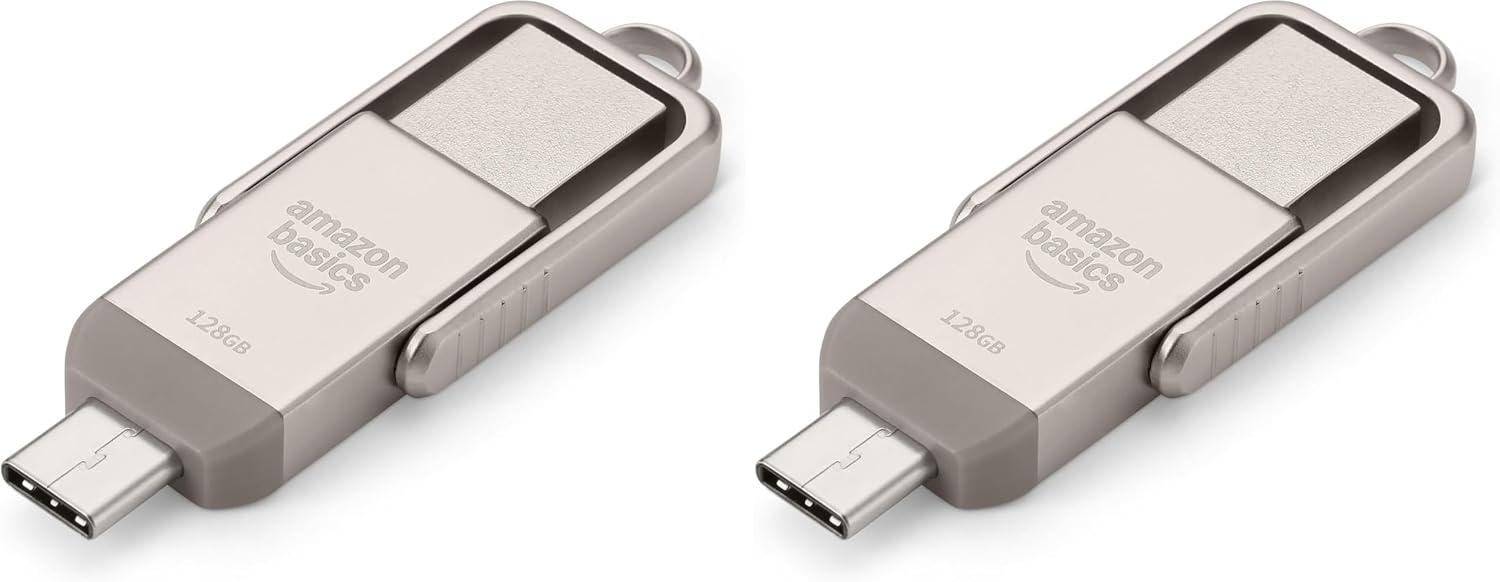
Amazon Basics USB Flash Drive with USB C and USB A Dual Ports, 128GB
Reviews
Price
Product description
What it is and what it solves
The Amazon Basics USB Flash Drive is a 128GB memory stick designed to simplify data transfers between devices that use USB‑C and USB‑A ports. It offers a practical solution for moving photos, documents and small files between phones, tablets and computers without needing a cloud service or wireless connection. On paper, it helps reduce clutter and keeps important files close at hand, especially if you regularly swap between devices with different ports.
How it performs on paper
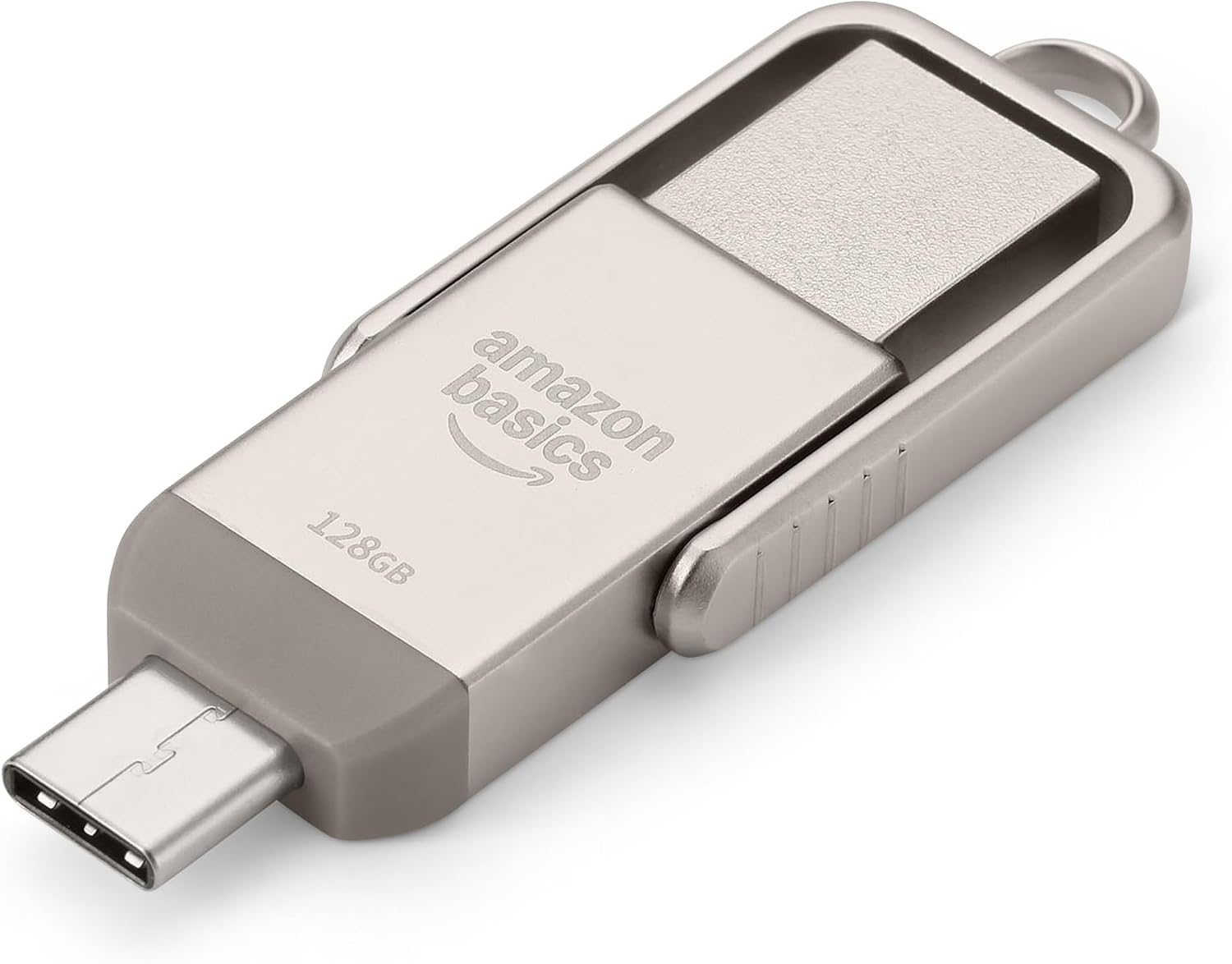
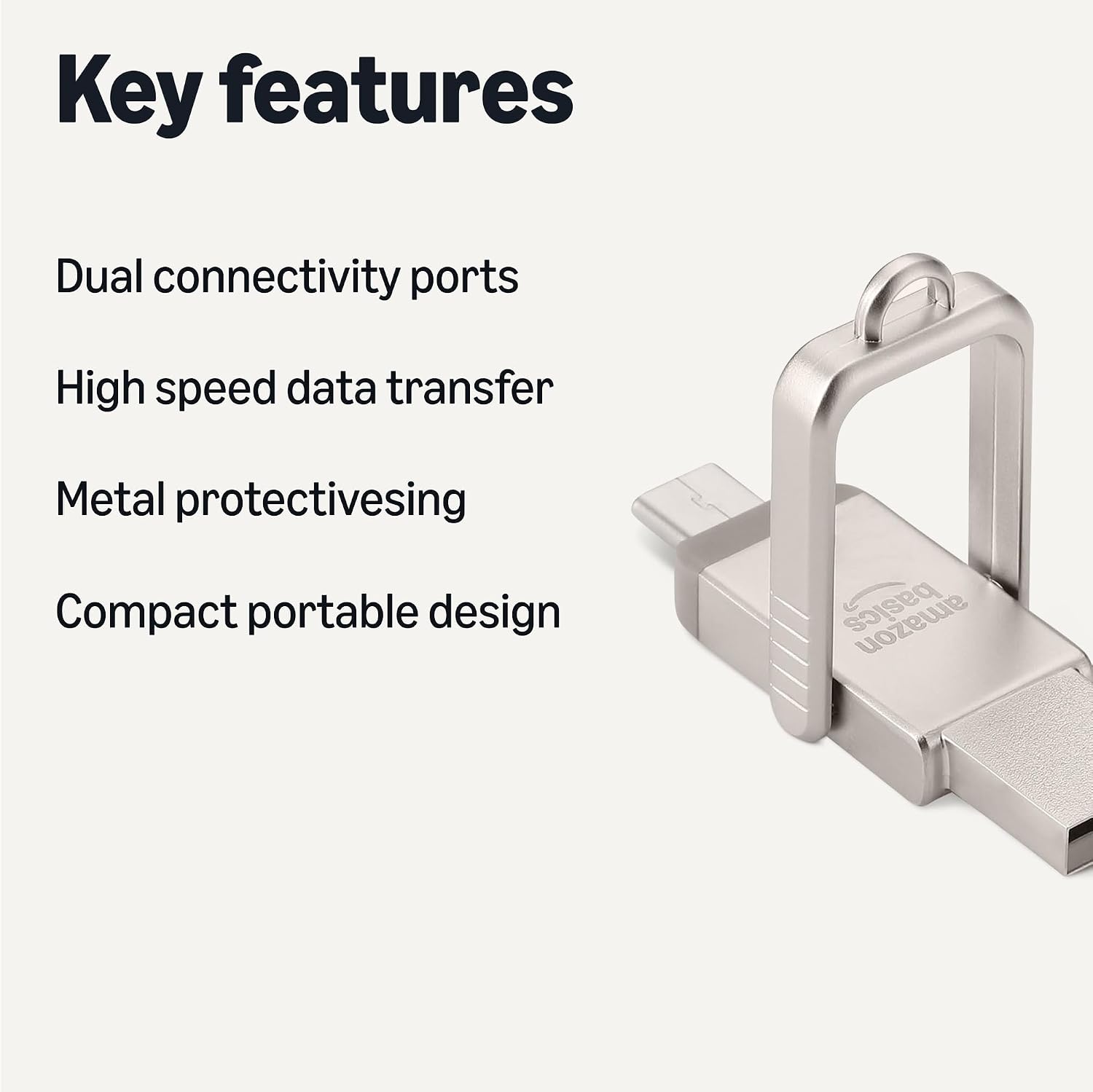
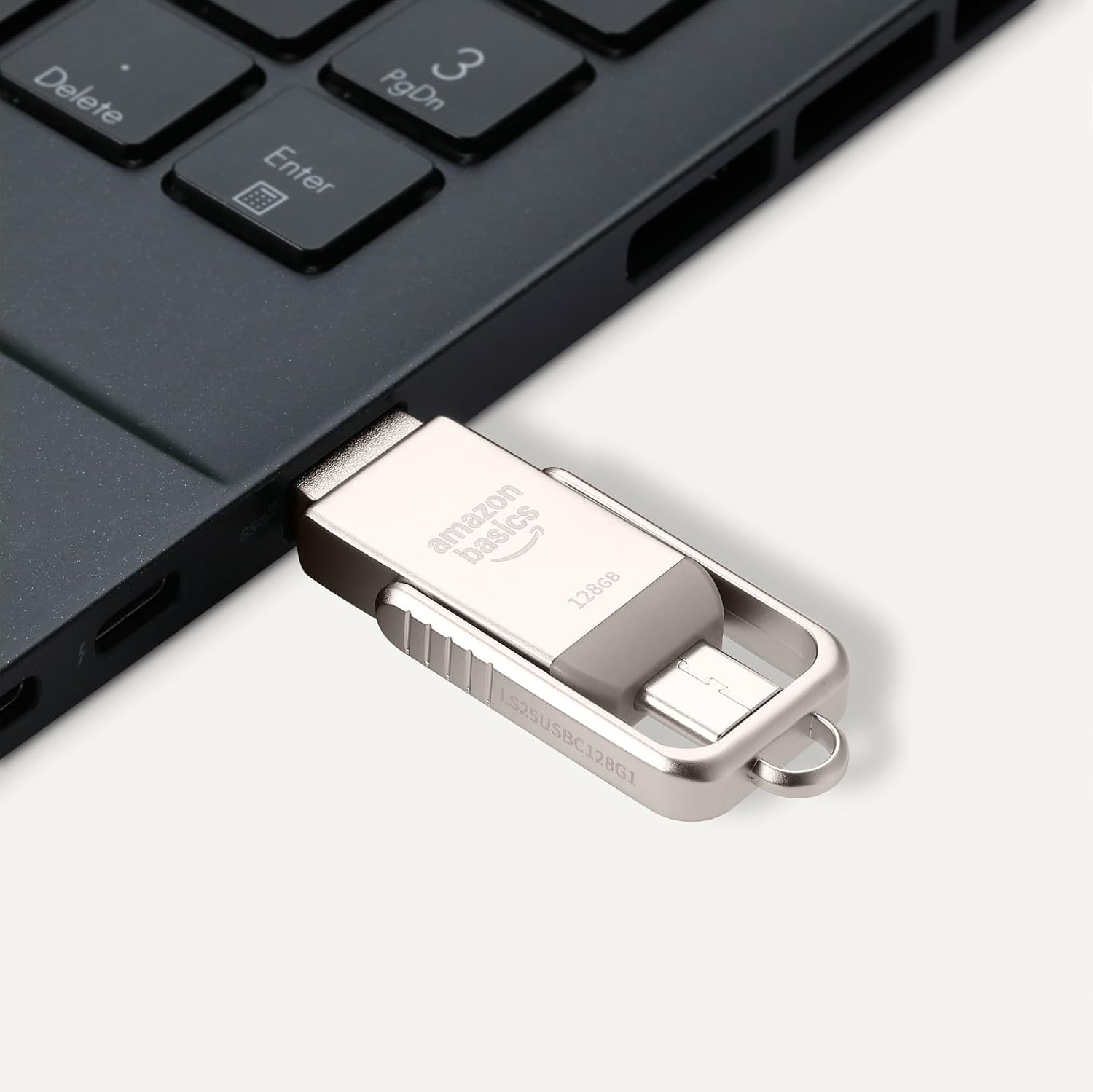
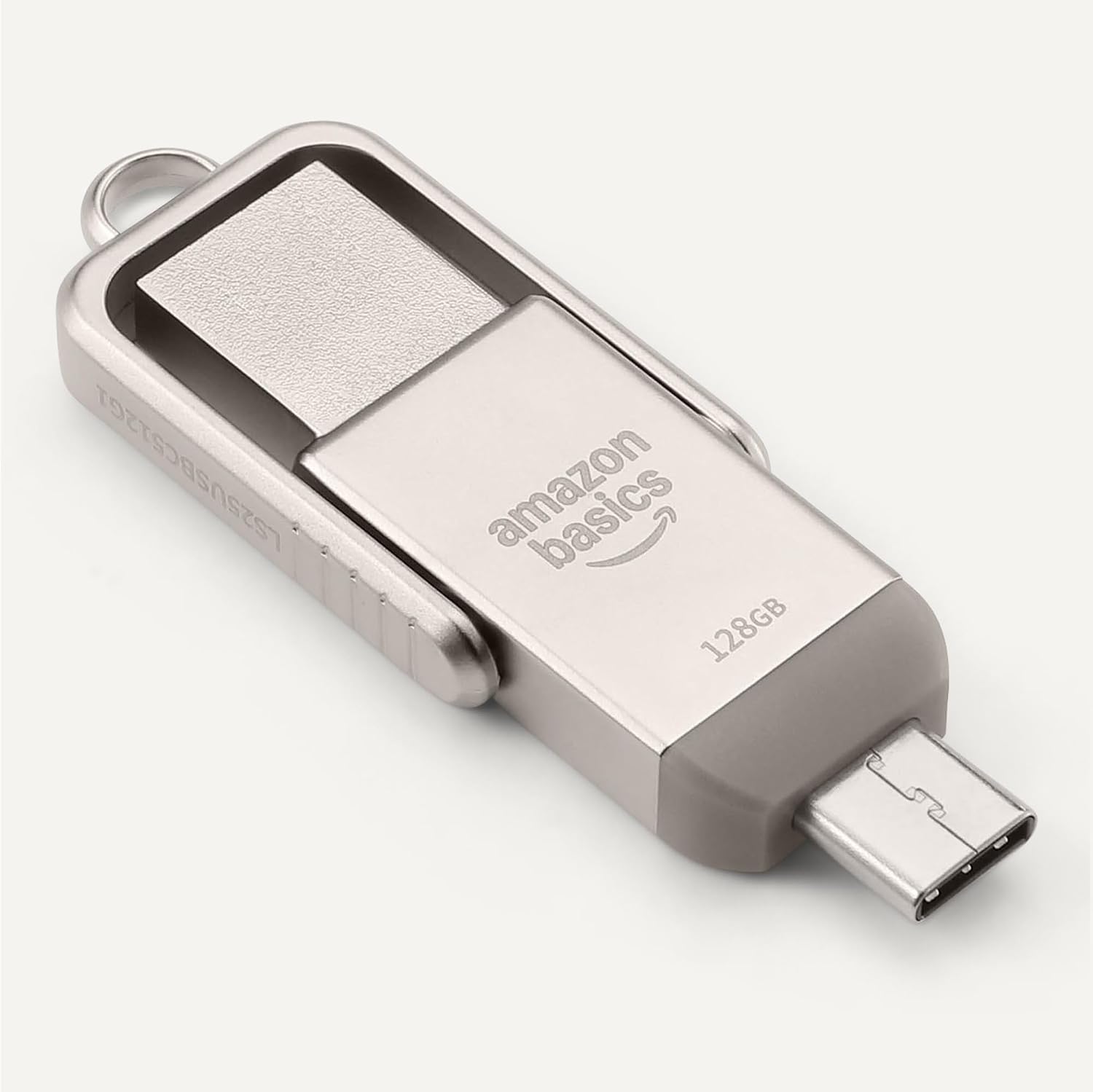
This thumb drive comes with a dual port design and a metal exterior. The default formatting is exFAT, which is friendly for cross‑platform use across Windows and macOS devices and supports larger files. The claim suggests lower power consumption and broad compatibility, though it notes that not all devices (for example, those with lighting ports) will be compatible. Read/write speeds are described as variable in real use, since actual performance depends on device, file sizes and transfer conditions. It’s sensible to view this as a practical option for quick, incidental transfers rather than a high‑speed bottleneck solution.
The good, the limits and who it’s for
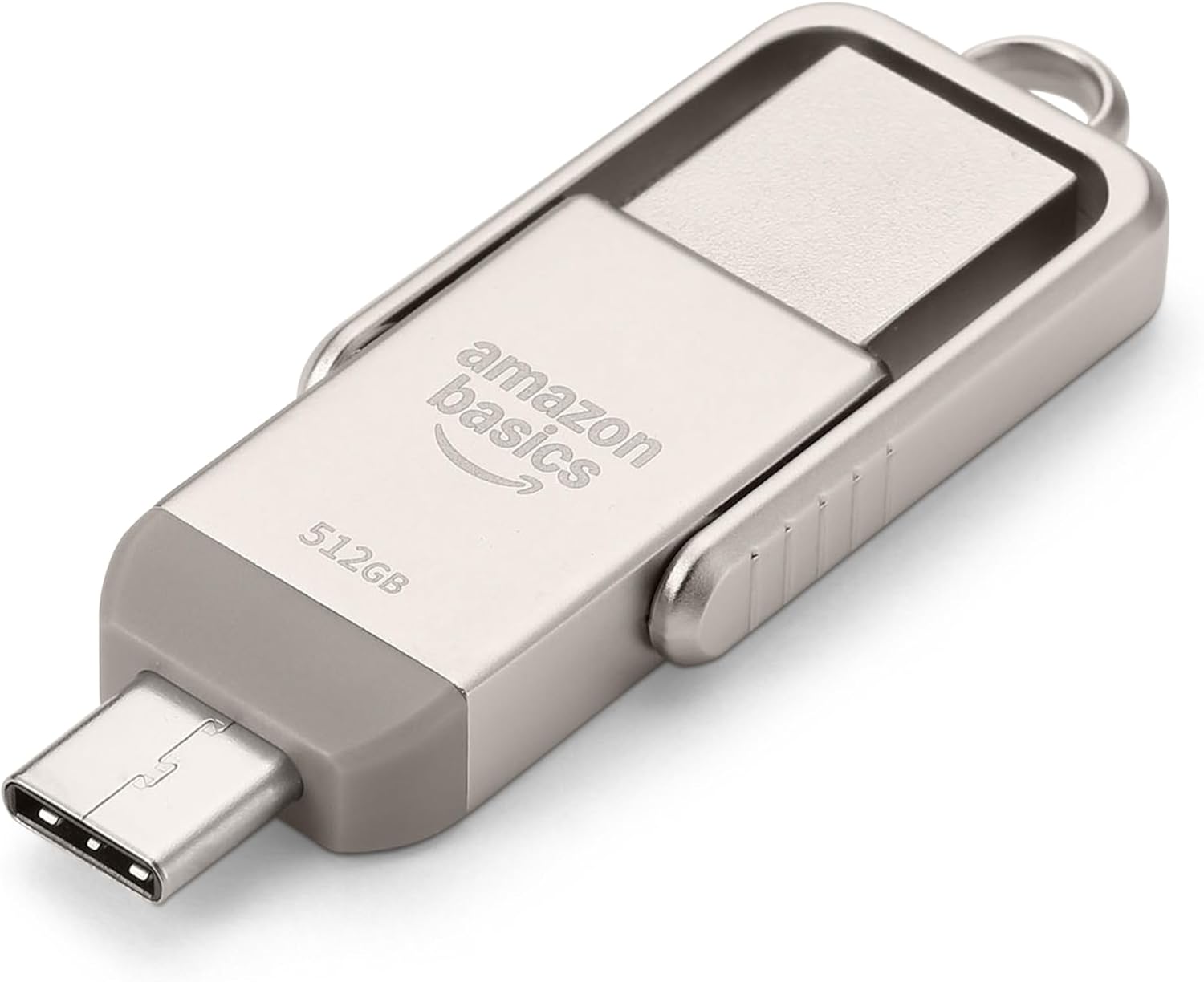
What stands out is the physical design: a premium metal case with a rotating cap and a convenient hanging hole, which makes it less likely to get scratched in a bag and easier to keep track of. For casual users who want a straightforward way to copy files between USB‑C and USB‑A devices, it offers a simple, no‑fuss option. However, if you prioritise raw transfer speed or plan to move very large files regularly, you may find that speeds vary and aren’t guaranteed across devices. In that case, a dedicated high‑performance USB drive or an alternative transfer method might be more appropriate.
What to watch out for
- Actual storage reported by your device may be under the labelled 128GB due to formatting and OS reporting differences. Expect a usable total a bit below the stated capacity.
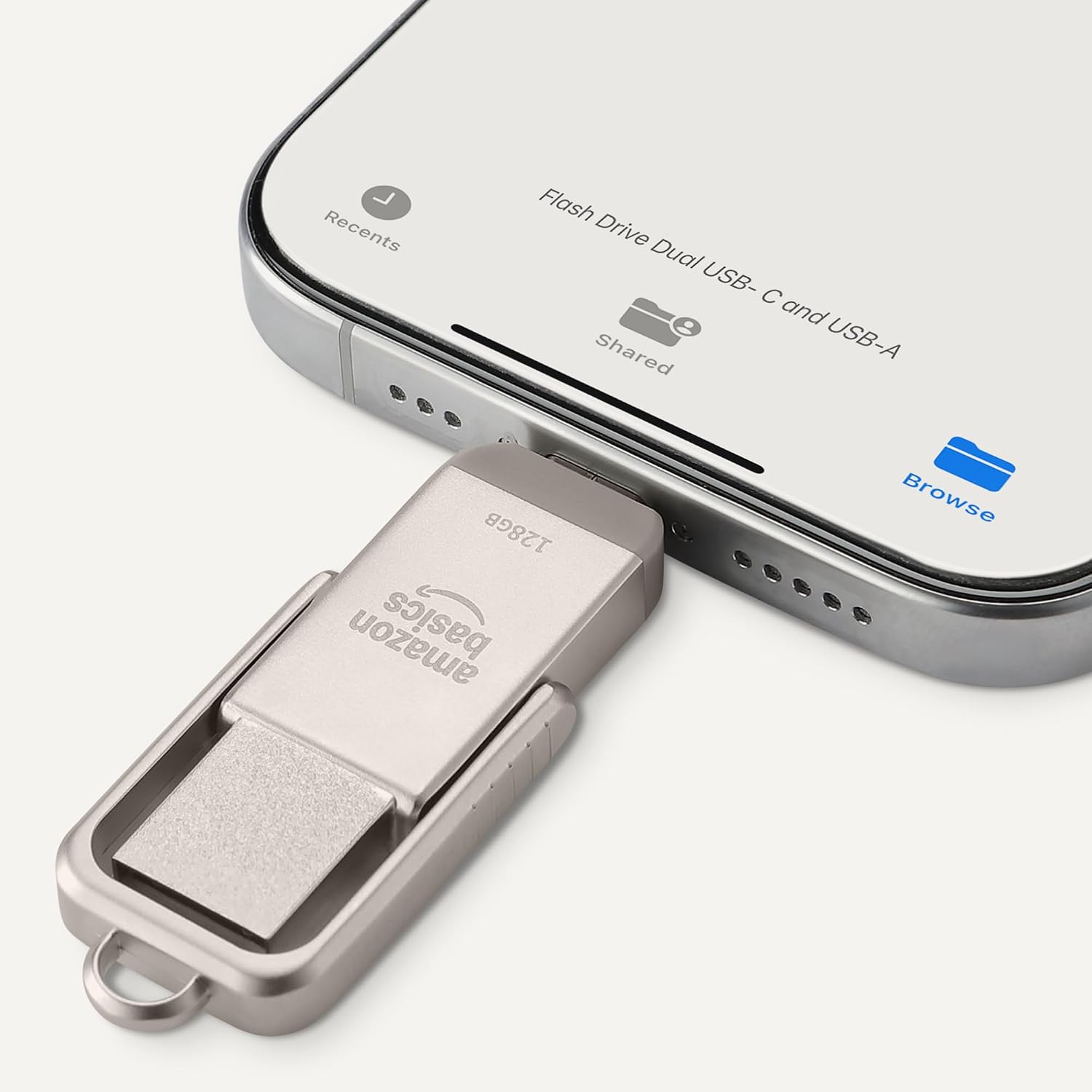
- It’s not compatible with lighting ports, so check your device before buying if you rely on that connector type.
- Read/write speeds are not fixed, results depend on the host device and file types. For larger batches of data or continuous copying, the drive may perform differently than the advertised baseline.
How it fits into daily life and use cases
If your day involves moving documents between a work laptop, a home computer and a tablet with USB‑C, this dual‑port drive is handy for quick transfers, backups of small photo sets, or carrying important files on the go without relying on the cloud. It’s a practical middle‑ground option for everyday use rather than a specialised, high‑throughput device.
Comparison and buying considerations
In practice, there are various approaches to data transfer: cloud storage, wireless transfer apps, or USB drives with single‑port designs. This model’s appeal lies in its physical ubiquity (works with USB‑C and USB‑A devices) and modest form factor, making it a sensible choice if you want a tangible backup or a quick‑move option without investing in more expensive hardware. If you prioritise speed and capacity for regular large transfers, consider whether another solution could better match those needs. Also, check whether your devices support exFAT formatting without additional drivers.
The decision, in a nutshell
Is it worth it?
Worth considering if you need portable, cross‑port data transfers between USB‑C and USB‑A devices and a compact, durable enclosure matters to you. It may not be the best choice if you require consistent peak speeds or plan to push large, frequent backups.
Practical FAQ
- Do I need special software to use this drive? Not typically, exFAT is broadly supported on modern Windows and macOS systems.
- Can I store large files over 4GB? Yes, the exFAT format supports large files, subject to the device’s reported capacity.
- Will it work with all tablets and smartphones? It will work with devices having USB‑C or USB‑A ports, compatibility with lighting ports is not indicated.